As AI-assisted development tools continue to transform the software engineering landscape, developers are increasingly relying on platforms like Codex to rapidly prototype, build, and structure modern web applications. However, moving a project from a local development environment into a live, production-ready environment requires careful navigation. A recent release of technical guidance outlines a comprehensive workflow for reviewing, testing, and deploying Codex-generated websites—specifically focusing on integration with hosting providers like Hostinger.

The deployment process fundamentally depends on the architectural choices made during the application’s creation. While a minimalist, static portfolio page might only require a simple collection of compiled HTML, CSS, and JavaScript assets to be published, more complex web applications featuring dynamic user authentication, backend routing, or database interactions require hosting environments capable of executing server-side runtimes like Node.js.

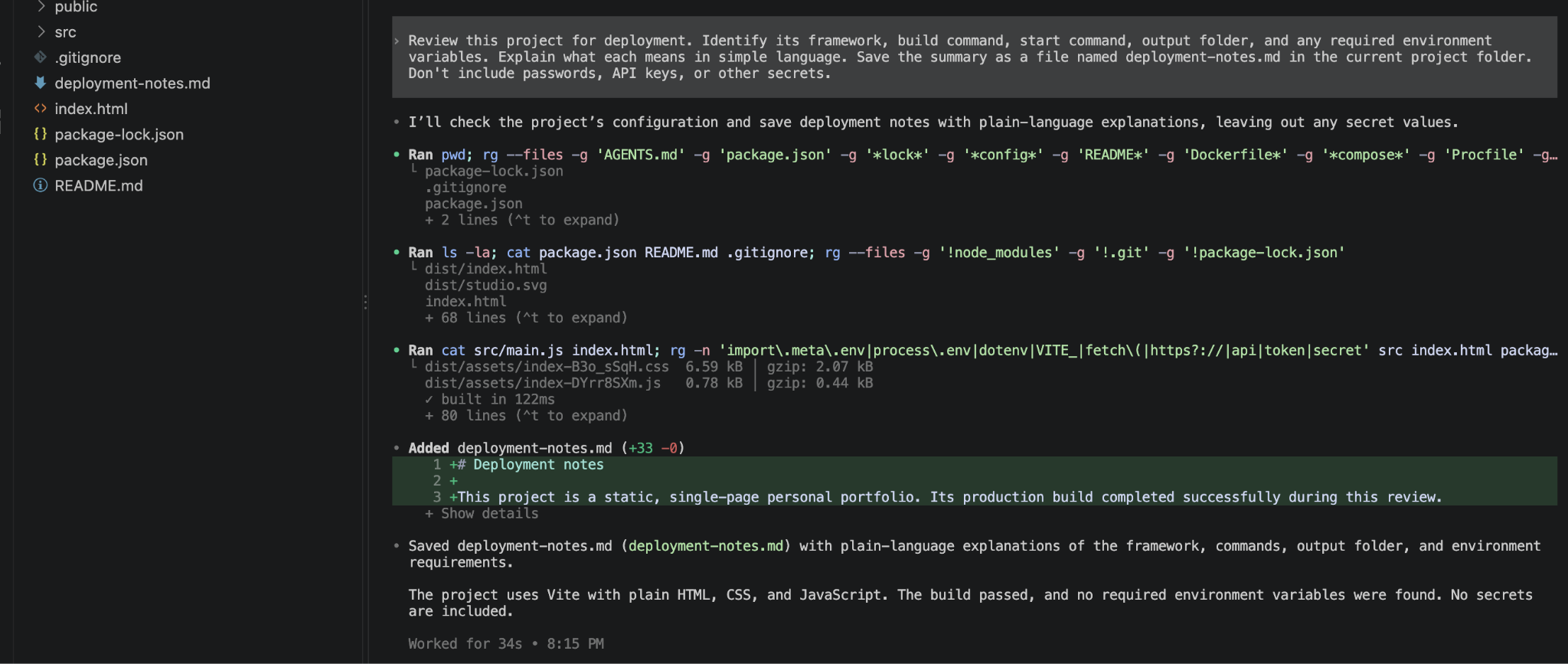
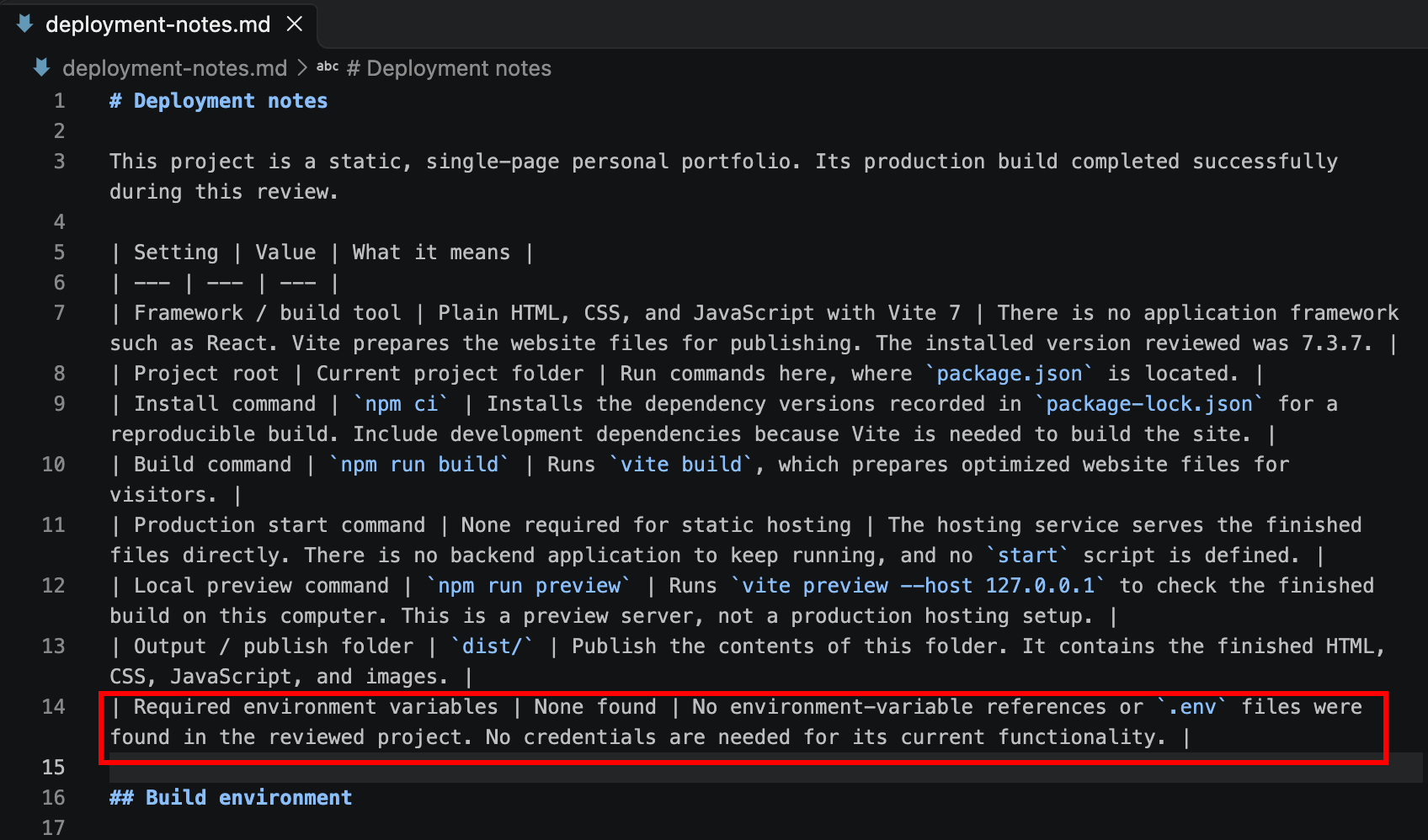
Before initiating any deployment sequence, developers must properly audit their project directories and verify the underlying build tools. Industry best practices recommend opening the workspace within a code editor such as Visual Studio Code, utilizing integrated terminal environments, and prompting the AI assistant to perform a comprehensive review of the project configuration. This initial audit typically identifies the core framework, necessary build commands, designated output directories, and any required environment variables that dictate how the application will behave outside of a local machine.

Crucially, verifying the application locally before pushing code to a live server helps isolate syntax errors, broken asset links, or missing dependencies. Whether a project relies on modern build frameworks like Vite or standard web languages, running a local test build ensures that the final output files are correctly generated in designated folders, such as a production-ready distribution directory.
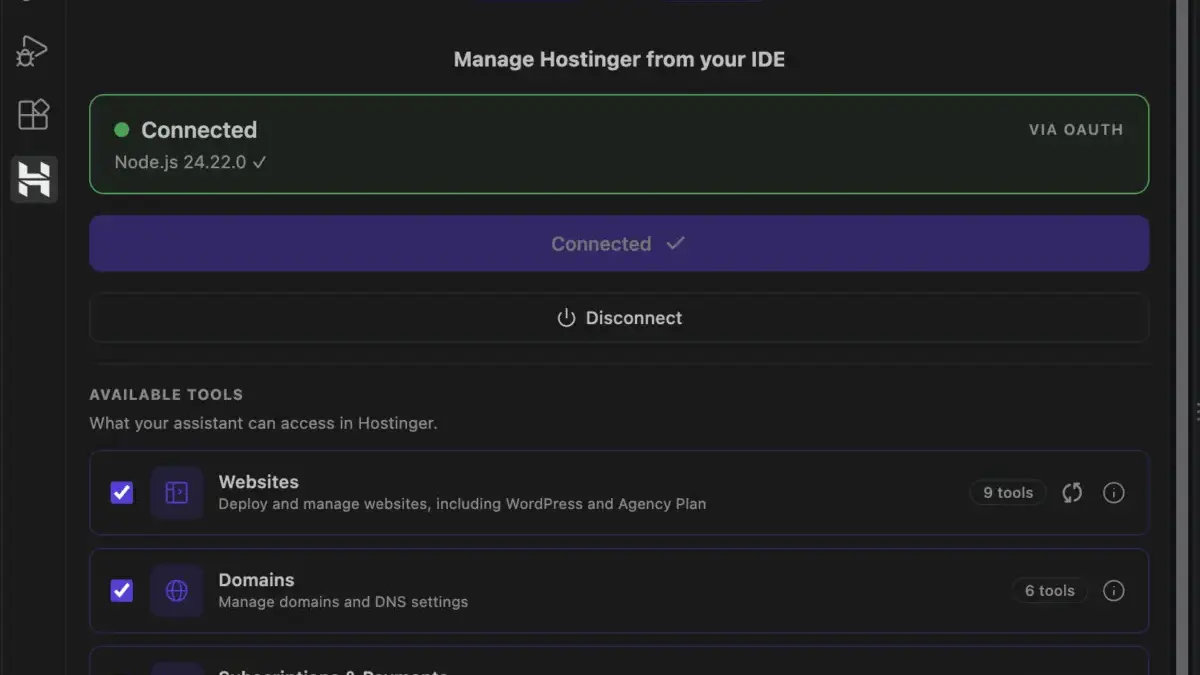
When it comes to publishing these applications, developers can choose among several deployment methodologies tailored to their specific workflow preferences. Direct integrations, such as the Hostinger Connector extension for code editors, allow developers to push code straight from their local workspace without navigating away from their coding environment. Alternatively, continuous deployment models leveraging version control platforms like GitHub offer automated updates whenever new code changes are committed to a repository. For teams or developers preferring manual oversight, uploading compressed archive files directly through a hosting dashboard remains a viable alternative.
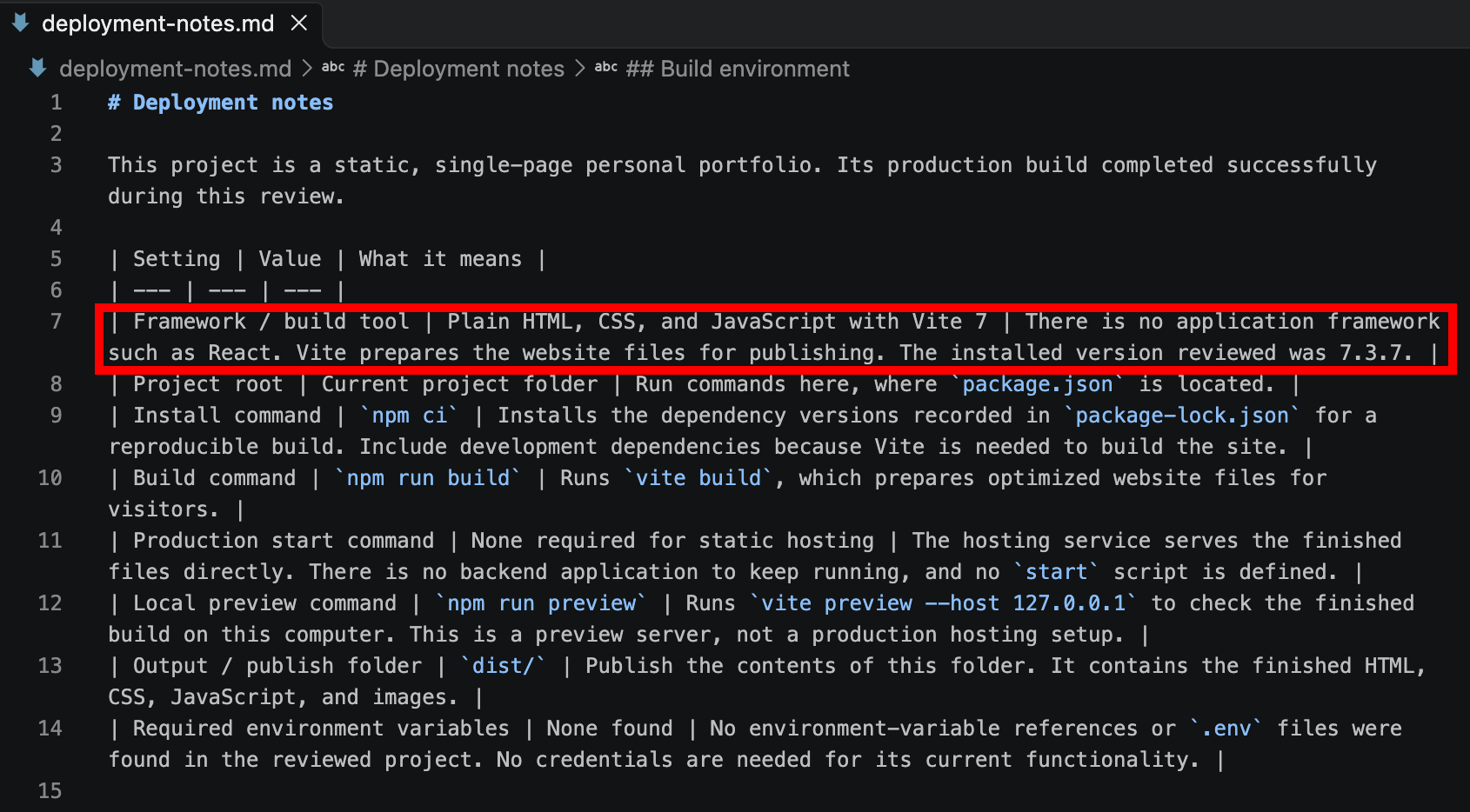
Managing environment variables securely is another critical phase in preparing a Codex-built application for production. Sensitive configuration data—including database connection strings, third-party application programming interface keys, and secret authentication tokens—must be isolated from the source code. Proper mapping of these variables within the hosting provider’s dashboard ensures that core application features, such as user logins and backend communications, function reliably once the site goes live.

Throughout the deployment lifecycle, developers frequently encounter common hurdles, ranging from misconfigured build directories and mismatched Node.js versions to missing configuration files. Systematically reviewing build logs provided by the hosting dashboard enables engineers to pinpoint exact failure points, share error diagnostics with their development tools, and apply targeted fixes before reattempting deployment.
Once a site is successfully published to a temporary domain or a production URL, post-deployment verification becomes essential. Engineers must rigorously check responsive layouts, interactive elements, navigational menus, and console logs to ensure no latent bugs surfaced during the transition from local testing to the live web. Connecting a custom domain and ensuring that auto-renewal configurations are active for both the hosting plan and domain registration help safeguard the long-term availability and stability of the web property.