The ongoing debate between Cursor and Visual Studio Code has reached a pivotal juncture as the developer ecosystem shifts deeper into AI-native workflows. Choosing between the two popular platforms ultimately comes down to whether a developer wants an editor built around autonomous AI agents from the ground up, or a free, highly extensible open-source environment where they can handpick and configure their own AI tooling.
Both platforms run highly capable AI agents and support many of the same leading language models. However, Cursor bundles the core editor, its proprietary agents, and specialized models into a single commercial subscription starting at twenty dollars per month. In contrast, Visual Studio Code remains free, relying on external AI integrations such as GitHub Copilot, Claude Code, or any third-party provider the user chooses to connect.
Despite their distinct pricing models and ownership structures, the two tools share a common lineage. Cursor was originally built as a fork of VS Code, copying its open-source codebase to establish a separate commercial product. This shared foundation explains why the two editors feel remarkably familiar when evaluated side by side, utilizing similar keyboard layouts and supporting seamless settings imports. Yet, nine core differences ultimately drive the decision between them, encompassing AI agent capabilities, codebase context management, multi-file editing workflows, autocomplete features, extension compatibility, deep customization options, pricing models, privacy safeguards, and collaborative team deployments.
The primary structural divergence lies in product packaging. Cursor operates as a unified product covering the editor interface, autonomous agents, and first-party models under one roof, whereas VS Code functions as a free, extensible editor paired with an independent AI layer that developers must configure themselves. Most developers evaluating AI code assistants focus heavily on agent performance and subscription costs, but the underlying engineering differences run much deeper than a simple cost-benefit comparison.
The relationship between the two platforms is rooted in licensing and development history. Cursor is a commercial fork of the open-source VS Code codebase, published by Microsoft under the permissive MIT license. While Cursor mirrors the visual appearance and core mechanics of VS Code, it operates an entirely independent AI system, extension marketplace, and pricing framework. Because it inherits the foundational architecture of VS Code, keyboard shortcuts remain identical, and new users can import their existing preferences and extensions during their initial launch.
Neither product is slated to replace the other. Both editors are actively maintained, with Cursor regularly integrating upstream editor updates from the main VS Code repository. Major shifts in corporate alignment have also shaped Cursor’s trajectory; its parent company, Anysphere, became part of SpaceX, integrating the company’s AI division to bring Grok models directly into Cursor’s model picker alongside industry alternatives like Claude and GPT.
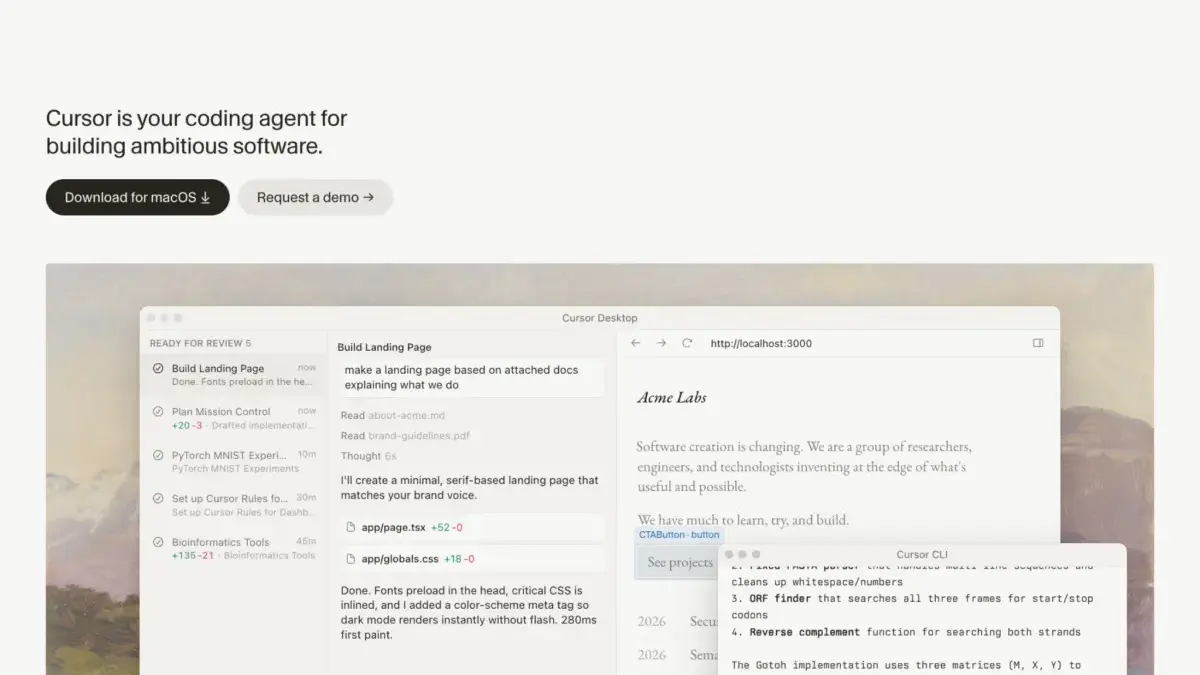
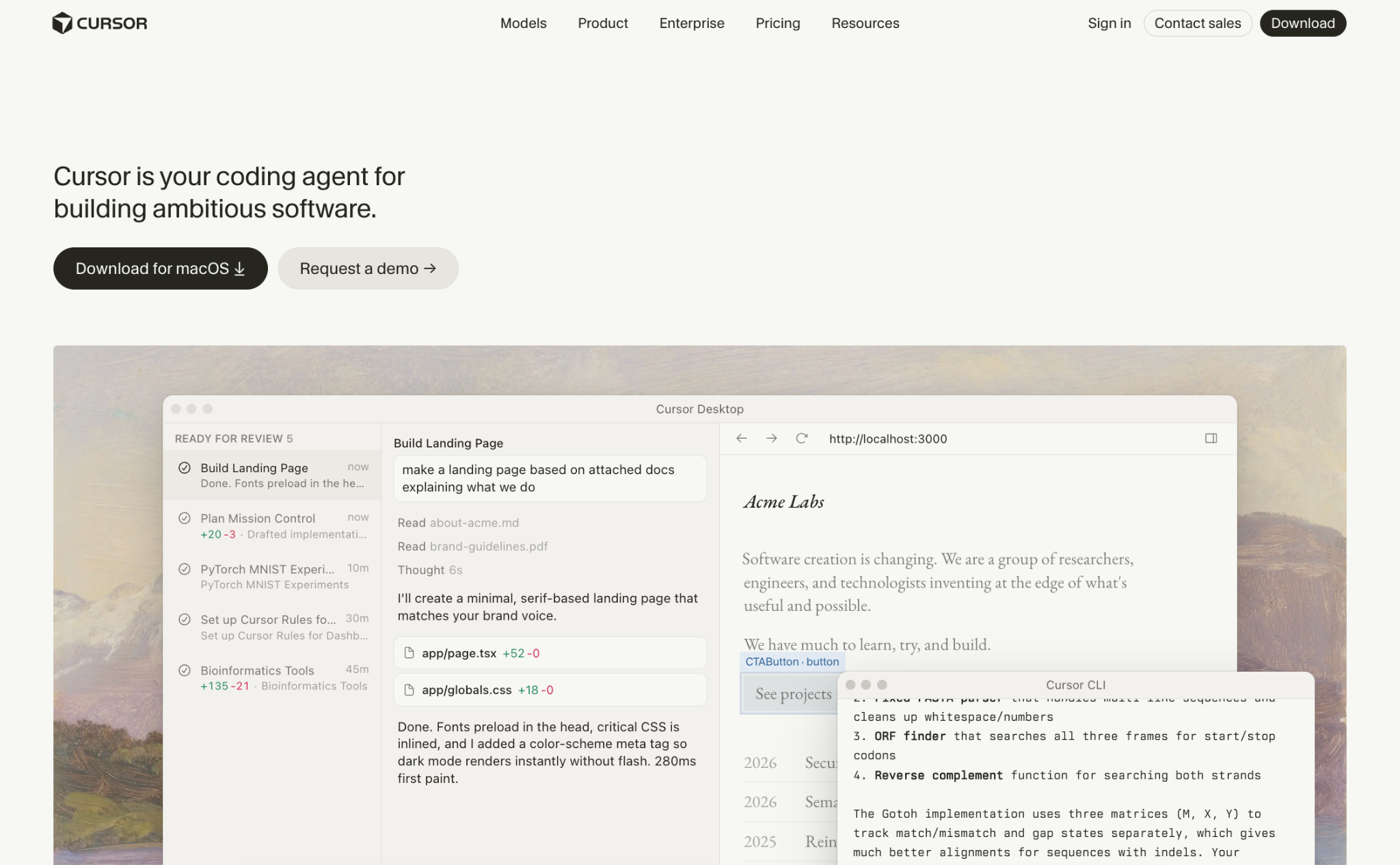
Cursor is defined by its integrated AI agent system, engineered to handle multi-step development tasks autonomously. When given a prompt, the Cursor agent analyzes the project codebase, outlines a structural plan, modifies multiple files, executes automated terminal commands, and iterates until internal test suites pass successfully. Cloud agents expand this functionality by running on isolated cloud infrastructure, allowing multiple independent tasks to compile and test simultaneously without tying up local machine resources.
Additional features within Cursor include Automations triggered by recurring schedules, GitHub events like pull requests, or Slack messages, alongside Bugbot, which provides automated code reviews and fixes. Support for the Model Context Protocol allows developers to connect external tools, plugins, and custom coding instructions seamlessly.
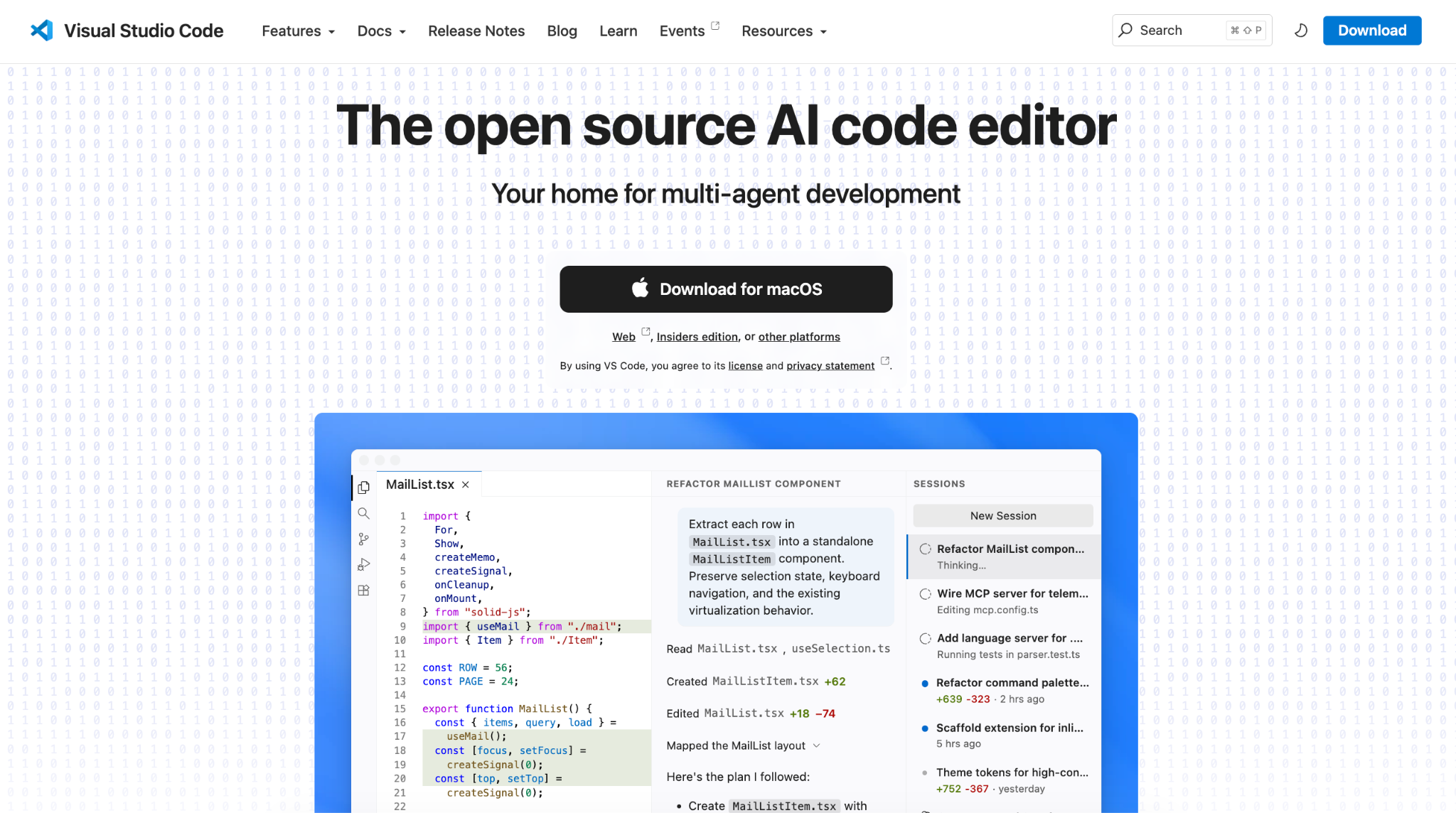
Conversely, Visual Studio Code, developed by Microsoft, has evolved into a versatile platform capable of running GitHub Copilot, Claude, and Codex agents simultaneously. Recent software updates have integrated these competing agent frameworks directly into a unified Agent Sessions view, allowing developers to switch between different AI models and operational harnesses mid-session without losing contextual awareness. VS Code supports both traditional manual coding and heavy AI-assisted workflows within a single interface, giving developers total control over how much automation they incorporate into their daily routine.
When comparing AI agent performance, Cursor excels at autonomous, end-to-end task execution within a sandbox environment that isolates terminal operations for security. It can split complex software requirements across parallel agents using different models, generating detailed logs and previews. VS Code shines when developers prefer running multiple distinct agent harnesses side by side within a single control panel, permitting direct comparison of outputs from Anthropic, OpenAI, and GitHub within the same workspace.
Codebase comprehension represents another critical differentiator. Cursor builds a comprehensive semantic index of an entire project immediately upon opening, establishing a searchable map of files and inter-file relationships that remains persistently available to the agent. This indexing eliminates the need for manual file specification, proving particularly useful in massive enterprise monorepos. While GitHub Copilot in VS Code automatically searches open projects and alternative tools like Claude Code search files dynamically as needed, Cursor’s dedicated semantic mapping provides a distinct advantage for large-scale codebases.
Multi-file editing is handled through contrasting paradigms. Cursor relies on a structured planning phase that addresses ambiguities and presents clear before-and-after diff comparisons across all impacted files, backed by historical checkpoints that allow instant rollbacks. VS Code agents apply edits progressively while letting developers approve individual actions, such as terminal commands, accompanied by a comprehensive session audit log.
Autocomplete mechanics also influence user preference. Cursor Tab focuses on predicting structural edits across multiple files following a function name change or parameter update, rather than simply finishing the current line of code. GitHub Copilot emphasizes raw volume, providing unlimited inline suggestions across all paid tiers without depleting separate AI request credits.
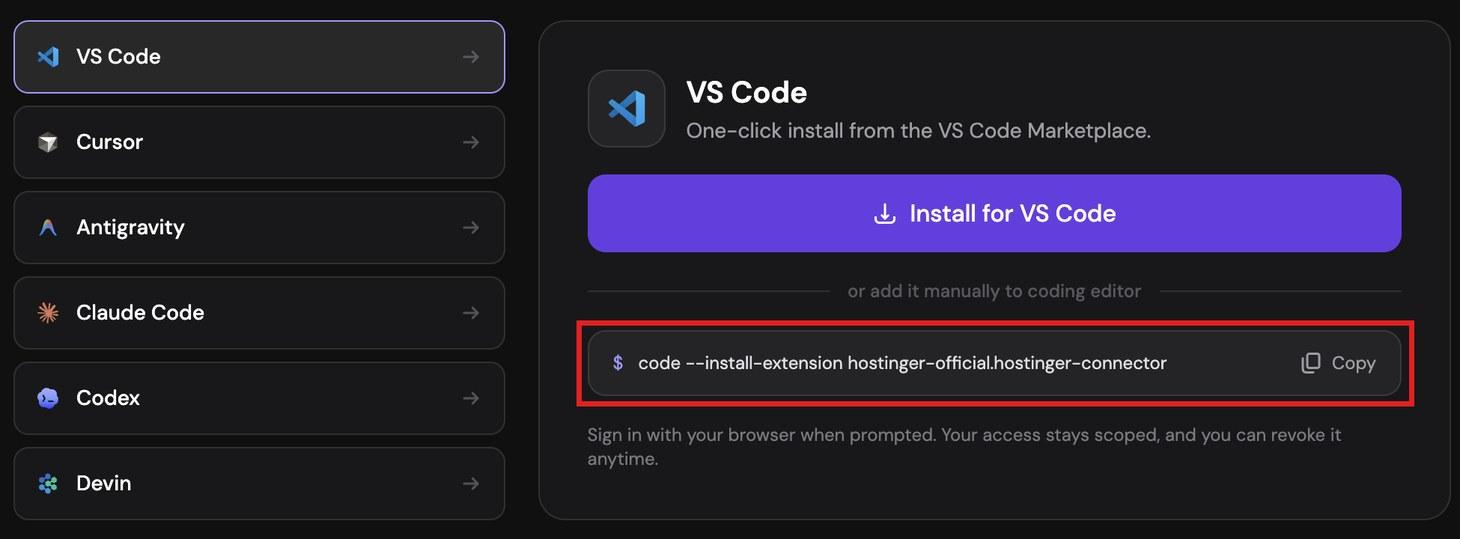
Extension ecosystems reflect another divergence. VS Code relies on Microsoft’s official marketplace containing over 80,000 extensions, while Cursor utilizes Open VSX, an open-source alternative managed by the Eclipse Foundation. While most mainstream extensions are available on both registries, certain proprietary Microsoft tools remain restricted to official Microsoft products, requiring developers to verify their critical toolchain compatibility before transitioning.
Customization options skew heavily toward flexibility in VS Code, which allows developers to build custom language support, debuggers, and panels from scratch, alongside enterprise profile management and policy enforcement via mobile device management tools. Cursor retains these traditional editor configurations while layering an AI-centric customization system on top, featuring team rules, hooks, and MCP server management.
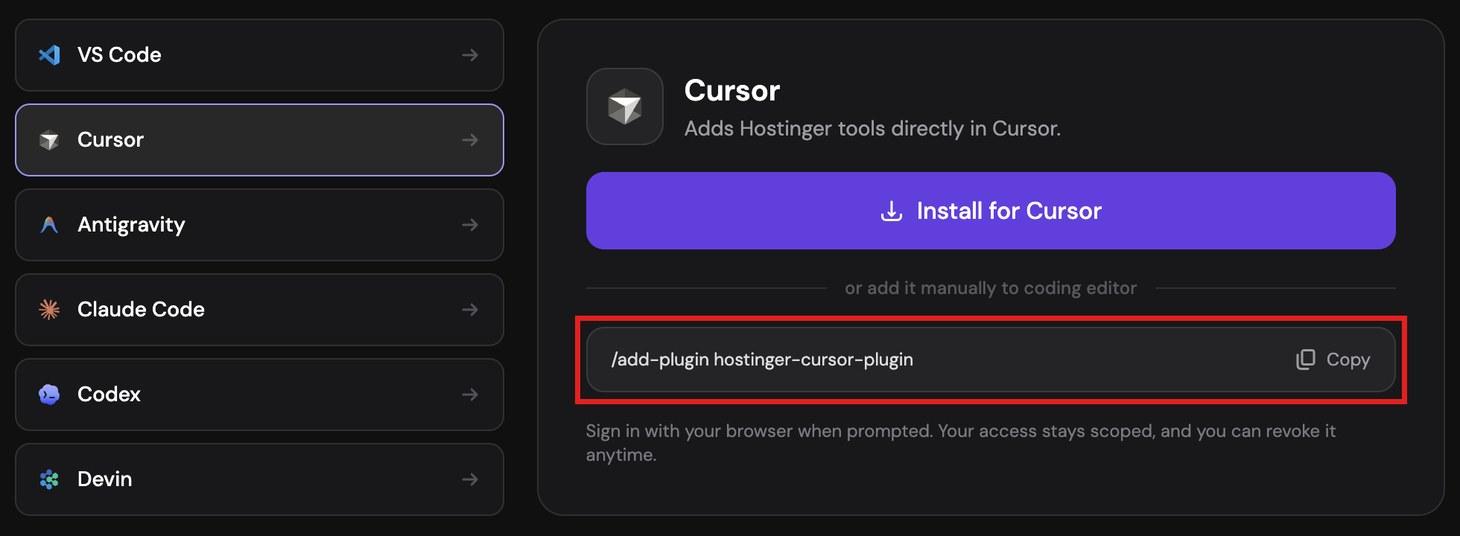
Financial considerations often dictate the final choice. Cursor starts at twenty dollars per month for individual paid plans, bundling editor features and agent usage together. VS Code remains free of charge, with optional AI add-ons like GitHub Copilot starting at ten dollars per month. Both platforms have adopted consumption-based AI billing structures, offering distinct usage pools depending on whether developers rely on default proprietary models or external third-party providers.
Privacy policies vary across subscription tiers. Cursor’s Privacy Mode ensures that source code is never utilized for model training by the platform or its underlying providers, backed by rigorous security certifications including SOC 2 Type 2 and ISO standards. GitHub Copilot enforces data exclusion primarily on Business and Enterprise tiers, requiring individual users on standard plans to manually opt out of data collection settings. For maximum isolation, developers can run VS Code entirely offline or pair it with locally hosted open-source models via tools like Ollama.
Team deployments highlight contrasting philosophies. Cursor Teams introduces shared agent workflows, automated code review bots, and unified rule management at a higher per-user price point, while VS Code combined with Copilot Business offers a cost-effective alternative for organizations already standardized around GitHub’s developer platform. Both editors continue to evolve rapidly, ensuring that the decision ultimately hinges on whether an organization prioritizes an integrated, agent-first development environment or a flexible, modular workspace built on open-source foundations.