When choosing between Ollama and llama.cpp for running local artificial intelligence models, the decision ultimately hinges on whether your priority is streamlined convenience or granular hardware control. Both open-source tools support a vast library of identical models and ensure that sensitive user prompts remain entirely private on local devices or private servers, bypassing online cloud services. Yet, they serve different developer philosophies and operational scales, ranging from personal laptop assistants to high-traffic multi-user deployments.
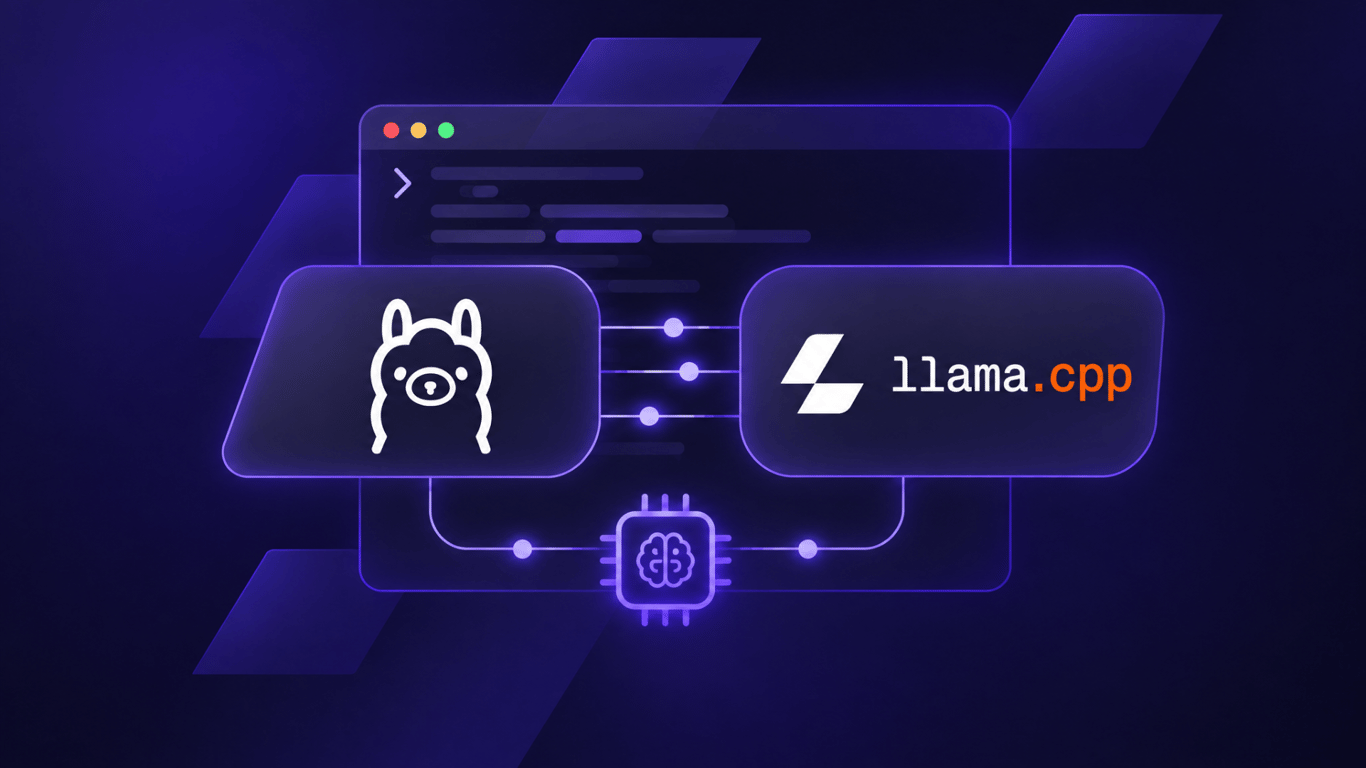
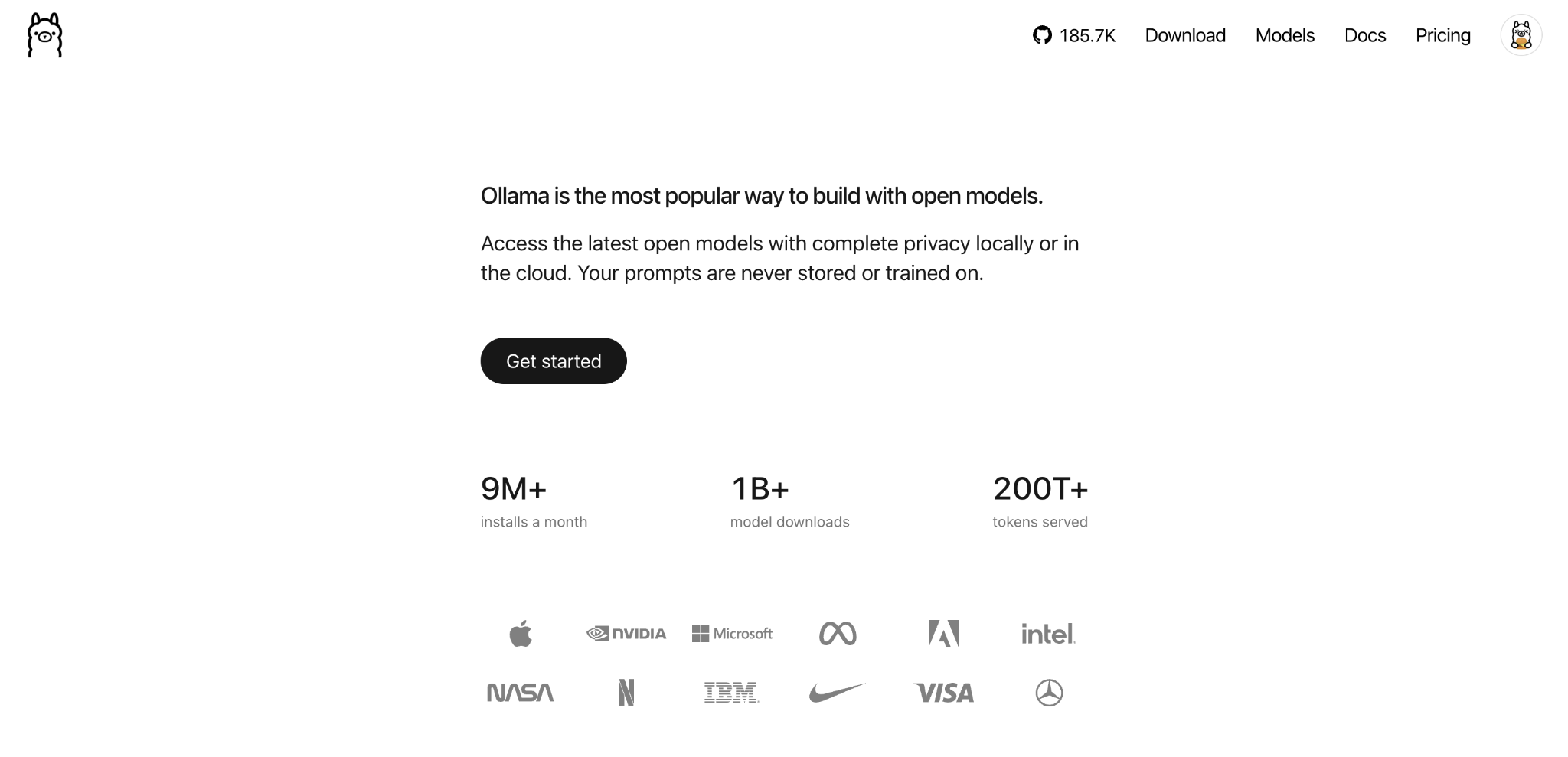
Ollama is designed primarily for users seeking an effortless way to download, execute, and switch between local AI models. It acts as an orchestrator that simplifies model management, allowing users to initiate a chat or integrate models into applications via a simple command-line installation or desktop application. Interestingly, Ollama actually relies on llama.cpp beneath the hood when processing models in the widely adopted GGUF format, managing the technical engine automatically so users never have to configure parameters manually.
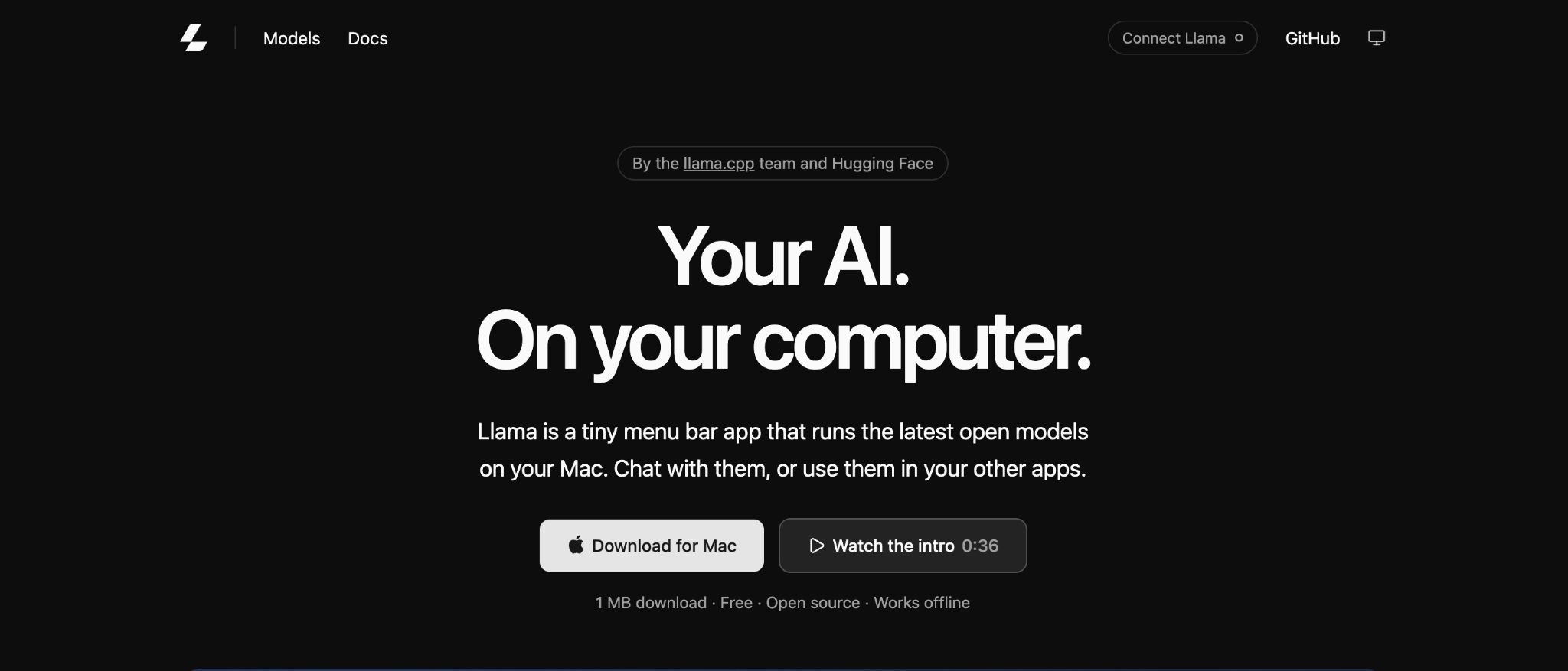
Conversely, llama.cpp provides direct access to model files and low-level settings. It grants administrators deep control over how models interact with central processing units, graphics processing units, and system memory. This level of oversight is particularly useful for tuning performance, managing custom server deployments, or handling environments with constrained hardware resources where manual allocation of CPU threads and GPU layers is critical.
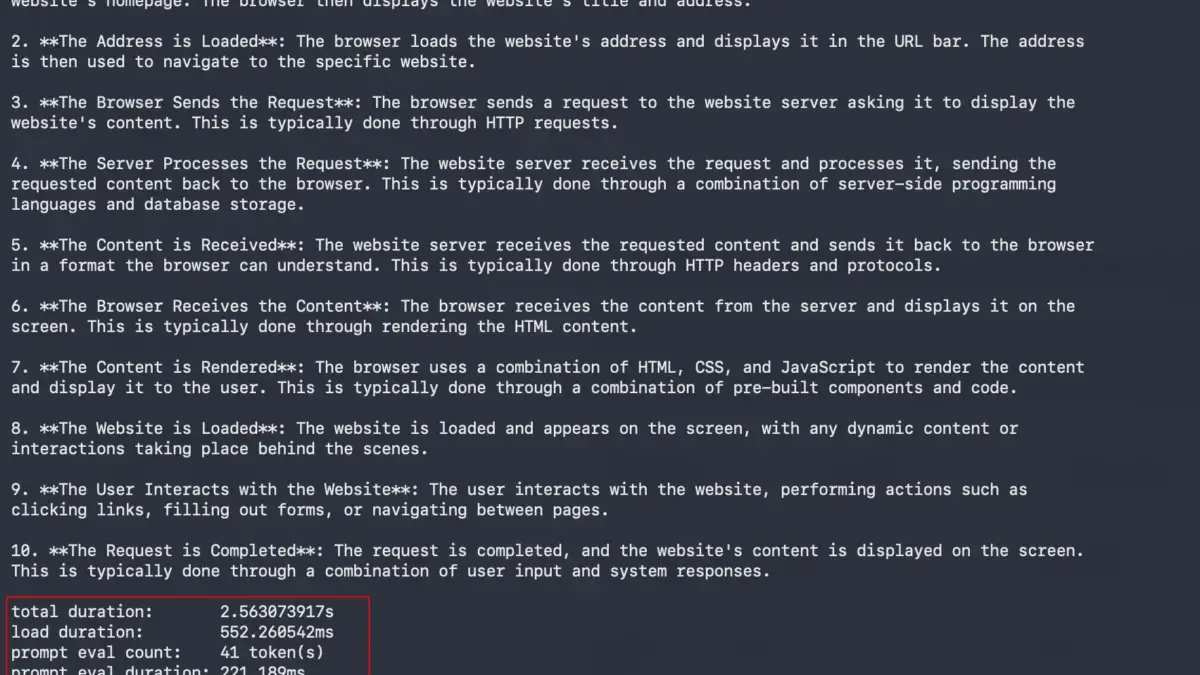
Performance benchmarks reveal nuanced distinctions between the two tools depending on the specific workload. Independent tests conducted across various hardware setups show that llama.cpp often achieves higher token generation speeds in heavy multi-user environments or specific multi-request scenarios. For instance, in benchmark evaluations processing simultaneous requests, llama.cpp demonstrated a significant advantage in throughput and response latency because Ollama queued identical queries sequentially due to specific model restrictions in the tested version. However, in single-query tests with standard configurations, both engines performed similarly, with differences often narrowing to fractions of a second depending on optimizations like speculative decoding and hardware architecture.

Hardware requirements remain largely comparable for both options, as neither demands a dedicated graphics card to function, though performance scales dramatically with appropriate GPU support. Both frameworks support CPU execution alongside NVIDIA, AMD, Intel, and Apple Silicon graphics architectures via underlying interfaces such as CUDA, Metal, Vulkan, and ROCm. Memory consumption is dictated primarily by model size and quantization levels rather than the choice of execution framework. Running an eight-billion-parameter model with standard compression typically requires approximately six to seven gigabytes of video memory for smooth execution, while larger variants demand proportionally higher capacities. When local video memory is insufficient, both engines can offload processing to system RAM, though this inevitably reduces generation speed.
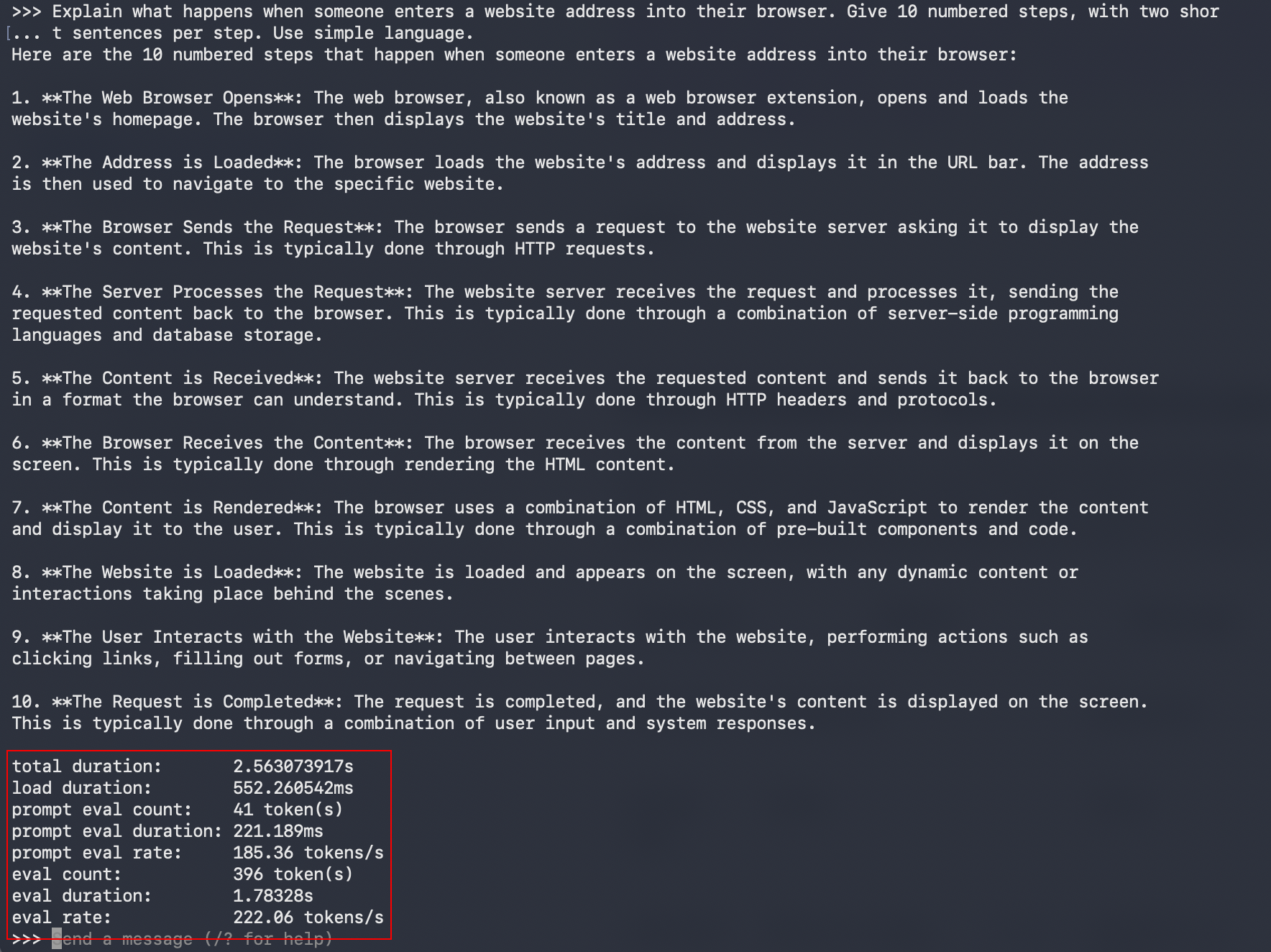
Usability and integration capabilities further differentiate the two ecosystems. Both tools offer local application programming interfaces compatible with OpenAI standards, enabling third-party applications to route requests directly to locally hosted models. Ollama simplifies this through an integrated local service that manages model downloads directly through its API endpoints, whereas llama.cpp provides a configurable server utility with fine-grained controls over network ports, active requests, and concurrency parameters. For advanced customization, Ollama utilizes text-based configuration files to establish system prompts and context lengths, while llama.cpp relies on command-line flags to adjust layer offloading and thread counts manually.
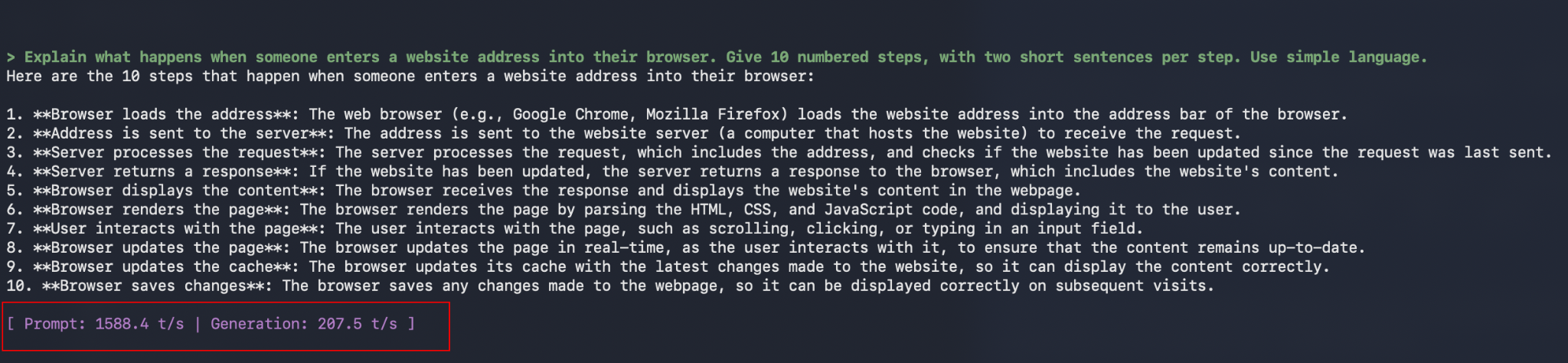
Ultimately, determining the optimal tool depends heavily on the intended application. Developers and hobbyists prioritizing straightforward installation, effortless model switching, and quick deployment for personal assistants will find Ollama to be the most frictionless entry point into local AI. On the other hand, system administrators, hardware enthusiasts, and developers requiring precise management of GPU memory splitting, custom server architectures, or direct GGUF file handling will benefit from the robust control offered by llama.cpp. Testing both options with identical models provides a clear perspective on how each framework integrates into an existing technical environment.