The debate over how best to deploy and run artificial intelligence locally has increasingly centered on two prominent open-source platforms: Ollama and llama.cpp. While both engines leverage the same underlying model formats and allow developers and enthusiasts to execute large language models directly on personal computers or dedicated servers, their design philosophies and optimal use cases diverge significantly. Choosing between them ultimately depends on whether a user prioritizes out-of-the-box simplicity or granular hardware control.
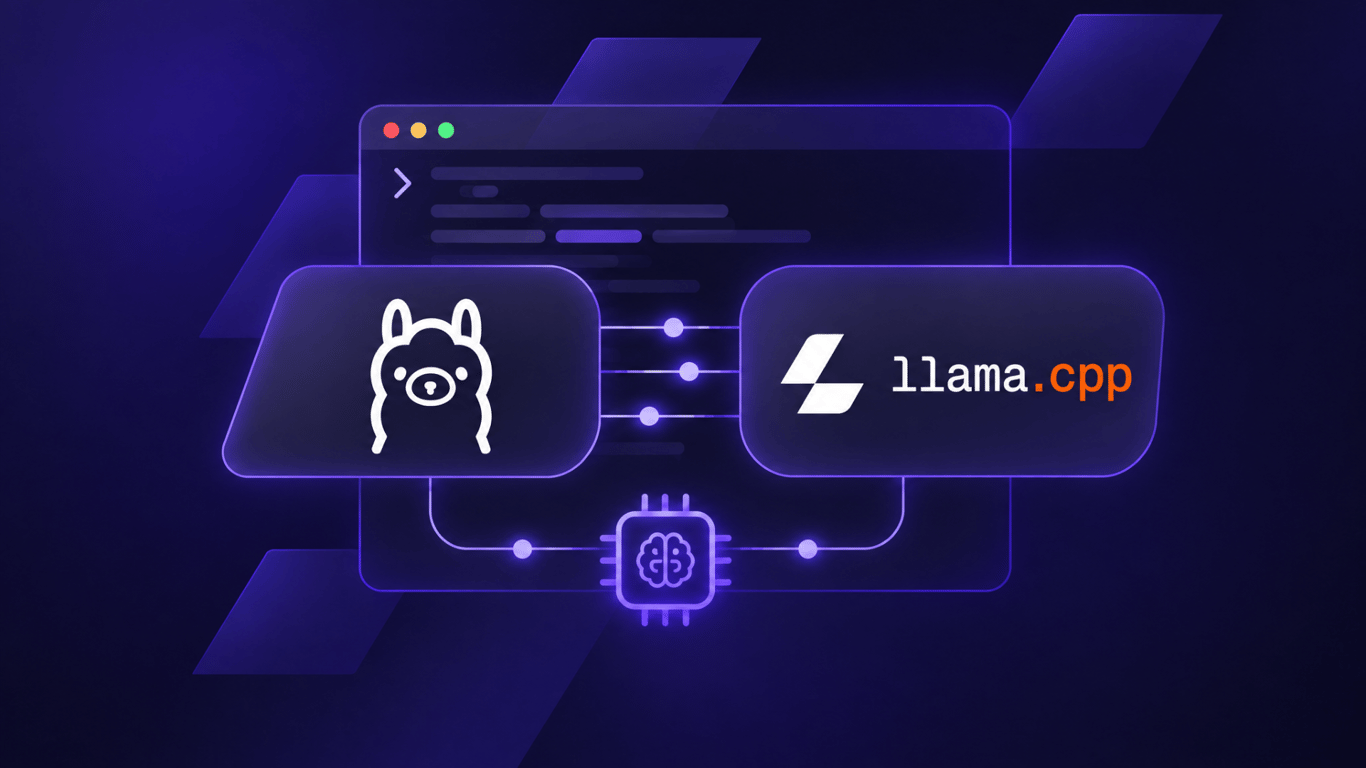
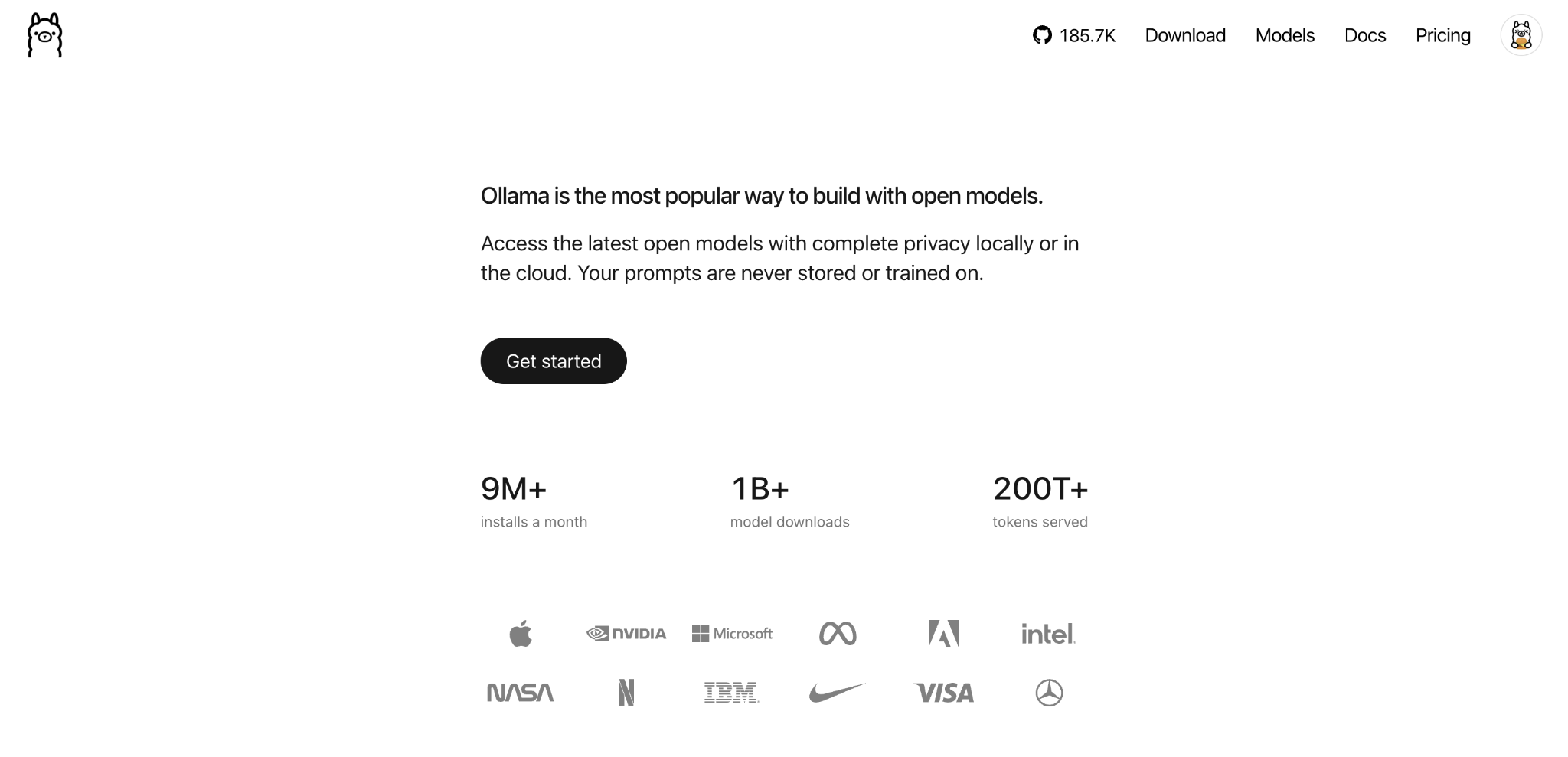
Both tools enable users to run large language models locally rather than relying on cloud-based AI services, ensuring that all prompts and data remain strictly private and localized to the device. However, they approach this capability from different angles. Ollama functions as an abstraction layer designed to streamline the download, execution, and management of local models. Behind the scenes, Ollama utilizes llama.cpp to process queries and generate text when running models in the widely adopted GGUF format, or utilizes Apple’s MLX framework on compatible Silicon hardware. This integration means users can interact with models using simple commands or desktop applications without needing to manually configure the underlying engine.
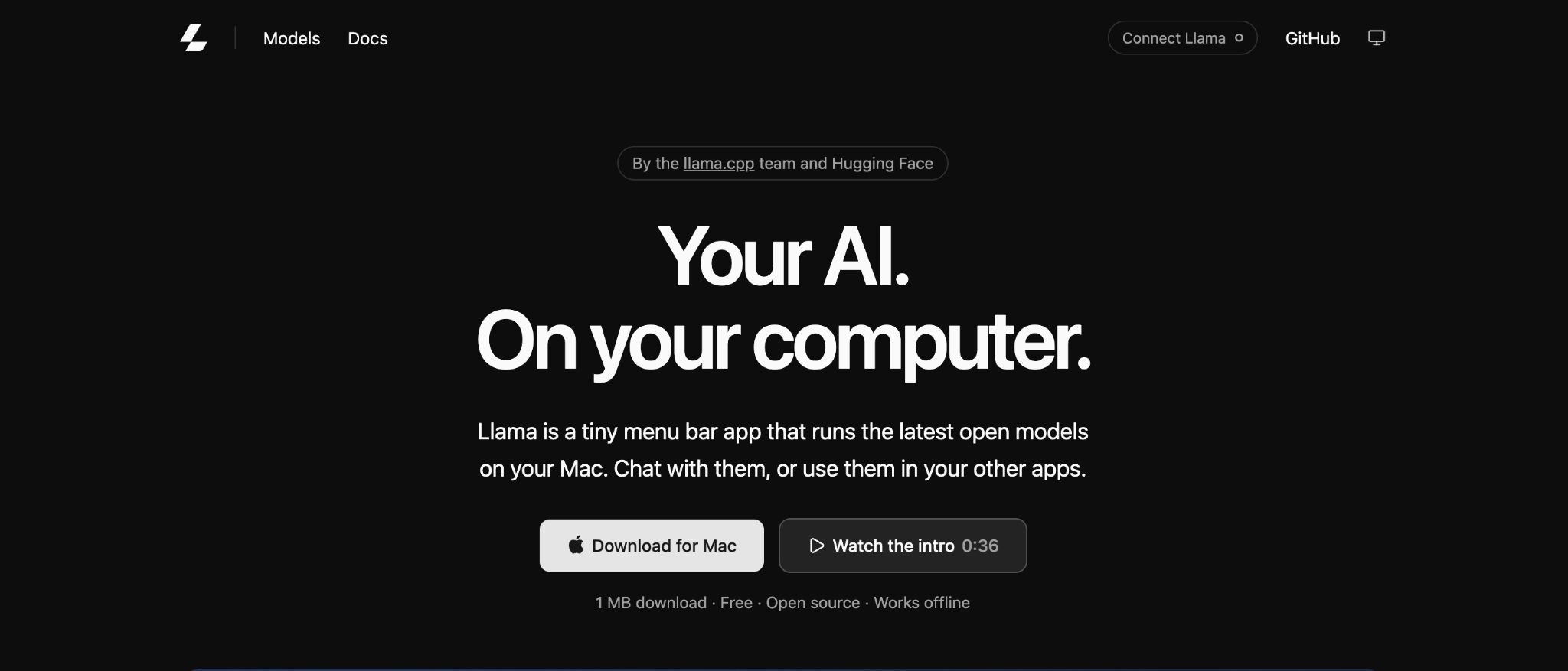
Conversely, llama.cpp offers direct execution of AI models, granting users extensive control over how system resources are utilized. By managing model files directly, administrators can fine-tune performance parameters, adjust CPU thread allocation, and precisely dictate how model layers are distributed across central processing units and graphics processing units. This level of customization makes llama.cpp particularly attractive for complex server deployments, specialized hardware environments, and users who require direct access to GGUF files.
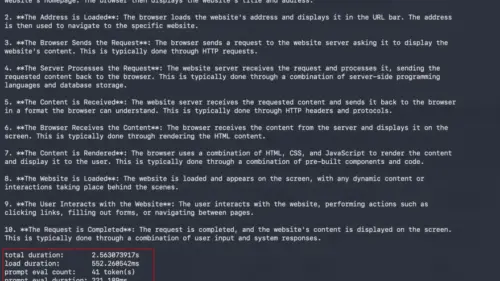
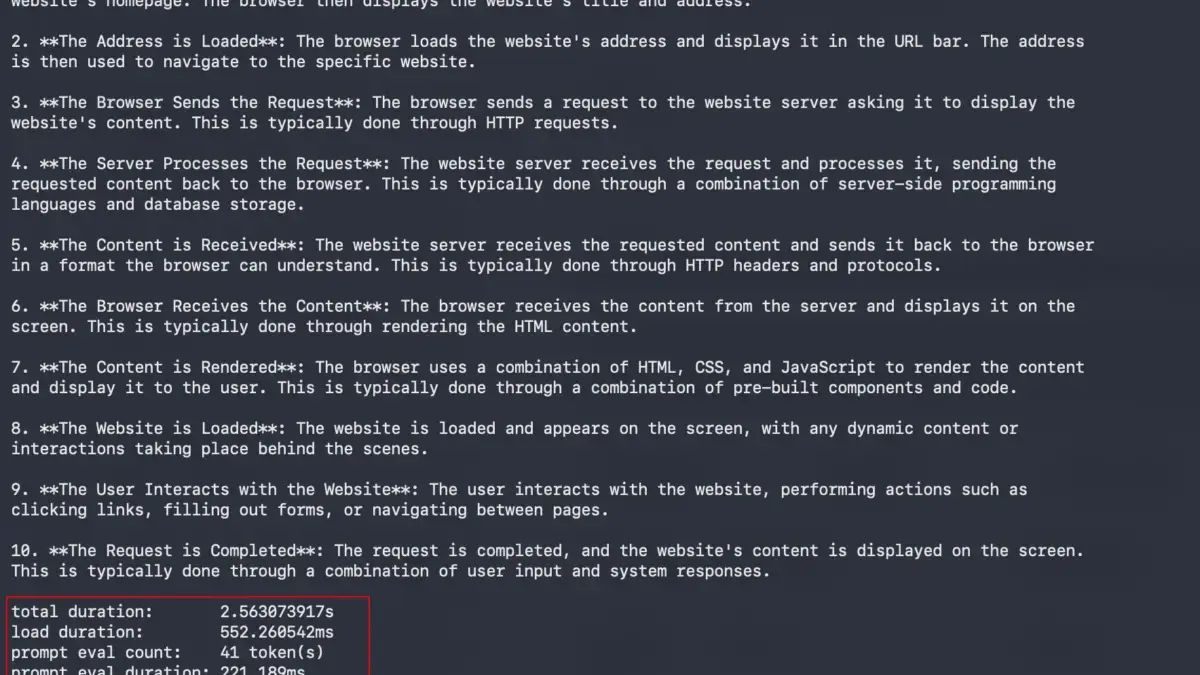
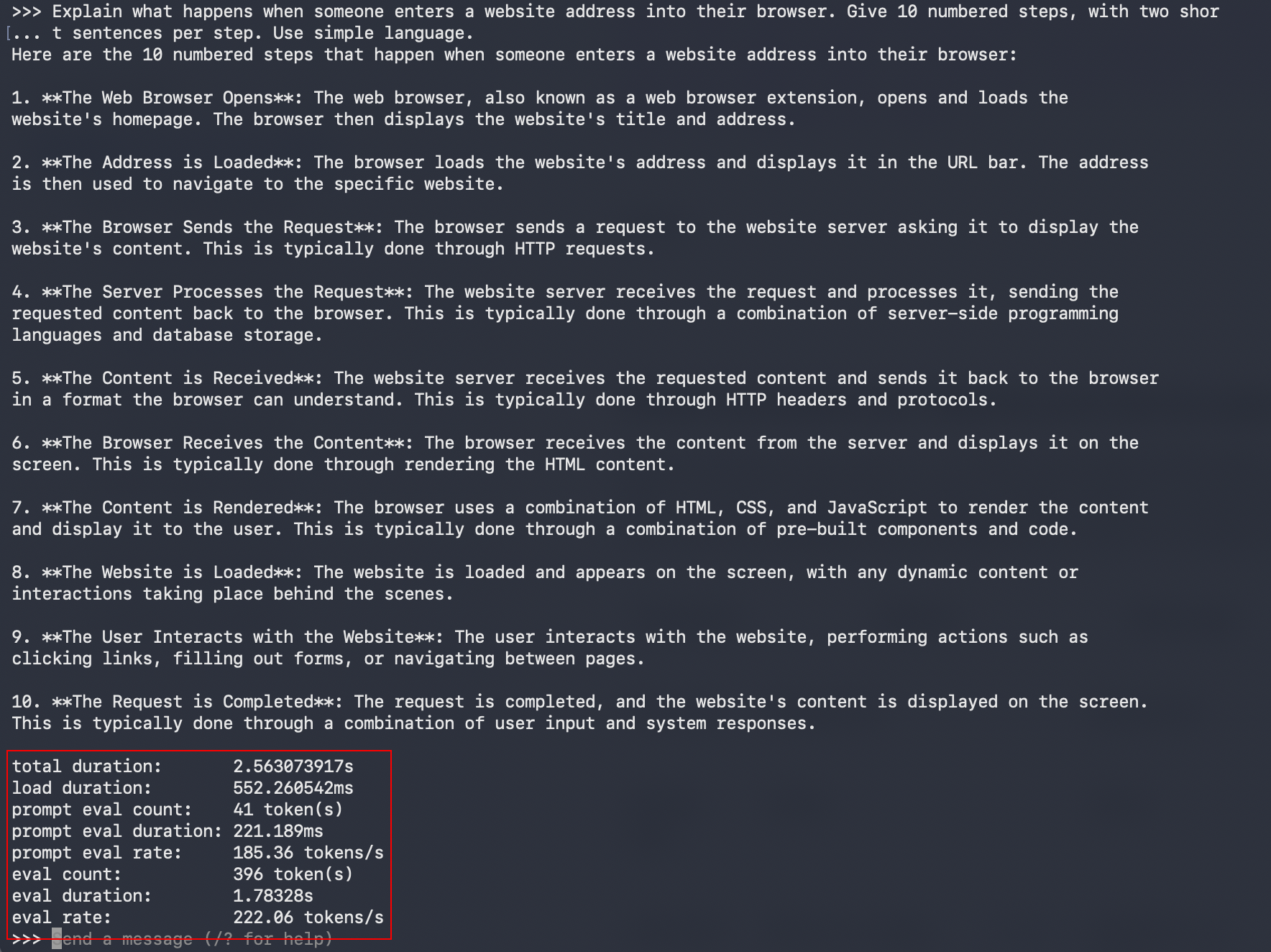
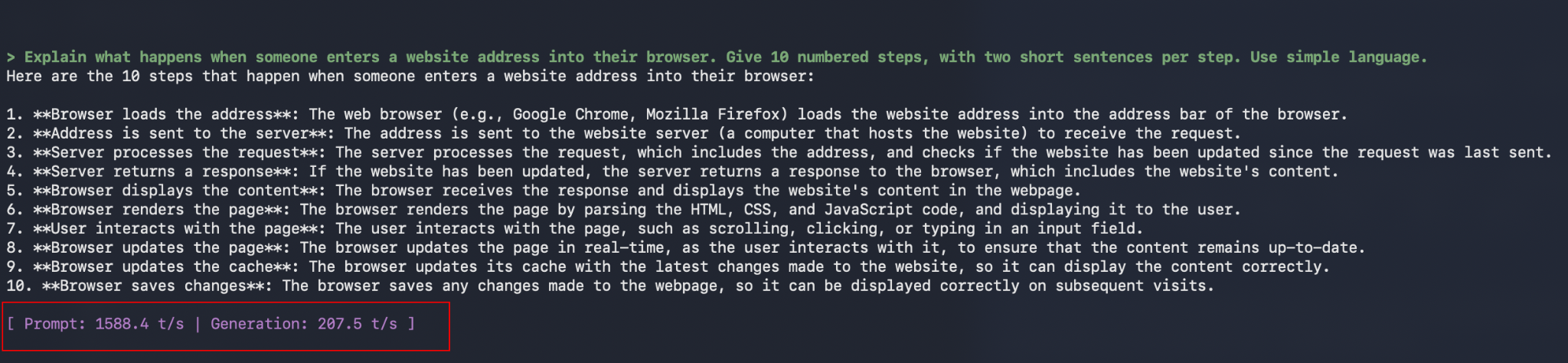
Performance benchmarks illustrate that neither tool holds an absolute speed advantage across every scenario. Speed is typically measured in tokens per second—reflecting how much text an engine can generate in a given timeframe—and outcomes vary based on hardware configurations, concurrent workloads, and specific model optimizations. In mid-2026 testing across consumer-grade NVIDIA graphics cards and Apple Silicon processors, llama.cpp demonstrated marginally faster token generation rates in certain configurations. Later testing on high-end hardware further revealed that while both tools performed comparably when processing a single query with specific optimizations disabled, divergence occurred under heavier loads. When subjected to multiple simultaneous requests, llama.cpp processed concurrent queries more efficiently, whereas certain tested versions of Ollama queued incoming prompts.

At the same time, practical, real-world evaluations utilizing smaller models on modern consumer hardware have shown that performance differences in casual, single-user scenarios are often negligible. For routine personal assistance tasks, marginal speed variances translate to fractions of a second over typical response lengths, indicating that user experience and workflow integration frequently outweigh benchmark victories.
Hardware requirements for both platforms are largely determined by available memory rather than the necessity of specialized graphics hardware. Both tools operate on standard CPUs while offering robust acceleration support across NVIDIA CUDA, AMD ROCm and Vulkan, Intel SYCL, and Apple Metal. Because a model’s operational footprint is dictated by its parameter count and quantization level—which compresses numerical values to conserve memory—system resources dictate what scale of model can be executed locally. Standard configurations require significant memory allocations, particularly when accommodating extended context windows that allow models to process thousands of tokens of input data simultaneously.
When hardware limitations arise, both tools are capable of offloading processing tasks to system RAM if dedicated GPU memory is insufficient. While this fallback mechanism permits the execution of larger models on resource-constrained machines, it generally results in reduced processing speeds. Ollama automates much of this hardware allocation, managing resource distribution transparently, whereas llama.cpp permits manual configuration of CPU and GPU splits, enabling users to tailor performance profiles to their exact hardware specifications.

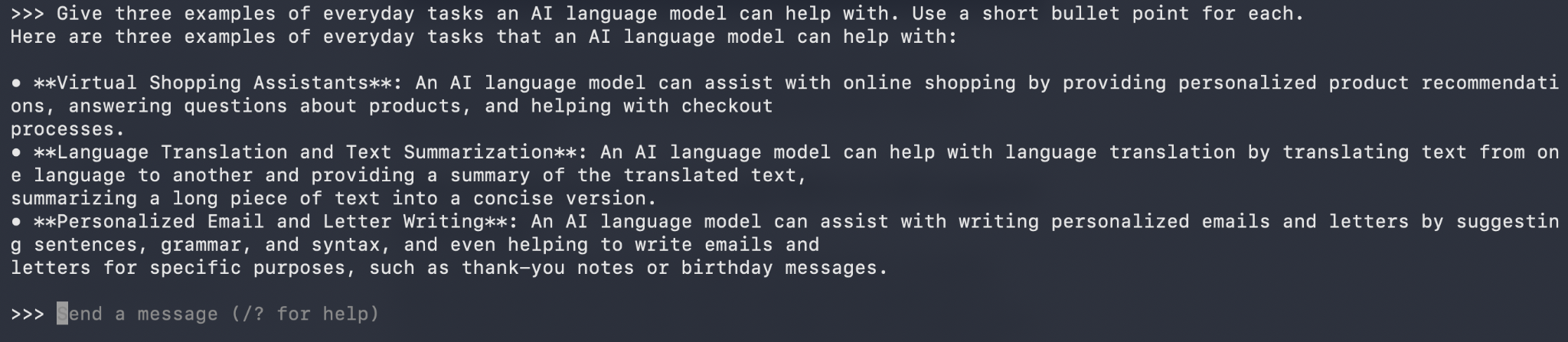
Usability remains a primary differentiator between the two ecosystems. Ollama is engineered to minimize friction, offering straightforward installation procedures and a structured model library that simplifies switching between different AI architectures. Users can download, inspect, and execute models using concise command-line interfaces or dedicated desktop applications. Llama.cpp provides similar accessibility through compiled binaries and dedicated application packages, but its core architecture inherently invites deeper technical engagement. It accommodates direct interaction with raw GGUF files and provides extensive command-line parameters for adjusting runtime environments.
API integration further highlights these distinct design goals. Both platforms provide local application programming interfaces that allow external software to communicate with hosted models using OpenAI-compatible endpoints. Ollama integrates API management directly into its background service, allowing users to handle model operations programmatically. Llama.cpp achieves similar functionality through configurable server modules that offer detailed monitoring of active requests, server settings, and parallel processing parameters.
Ultimately, the choice between Ollama and llama.cpp is defined by project requirements. Beginners, developers building personal AI assistants, and those seeking rapid experimentation typically benefit from Ollama’s streamlined model management and automated hardware handling. Conversely, developers configuring custom production servers, working within strict hardware constraints, or requiring precise control over GPU memory allocation and model layers will find llama.cpp to be the more adaptable instrument. Because both ecosystems share foundational compatibility with standard model formats, users frequently begin with Ollama for its ease of deployment before transitioning to llama.cpp as their technical requirements demand deeper optimization and control.