Deploying a website generated or edited by Claude Code requires a careful sequence of verification, preparation, and hosting integration. Because AI-assisted tools often generate code based on conversational prompts—a process frequently referred to as vibe coding—developers may not review every line of code manually. Consequently, the transition from a local machine to a live server demands rigorous pre-deployment checks to ensure that websites function correctly under real-world conditions.

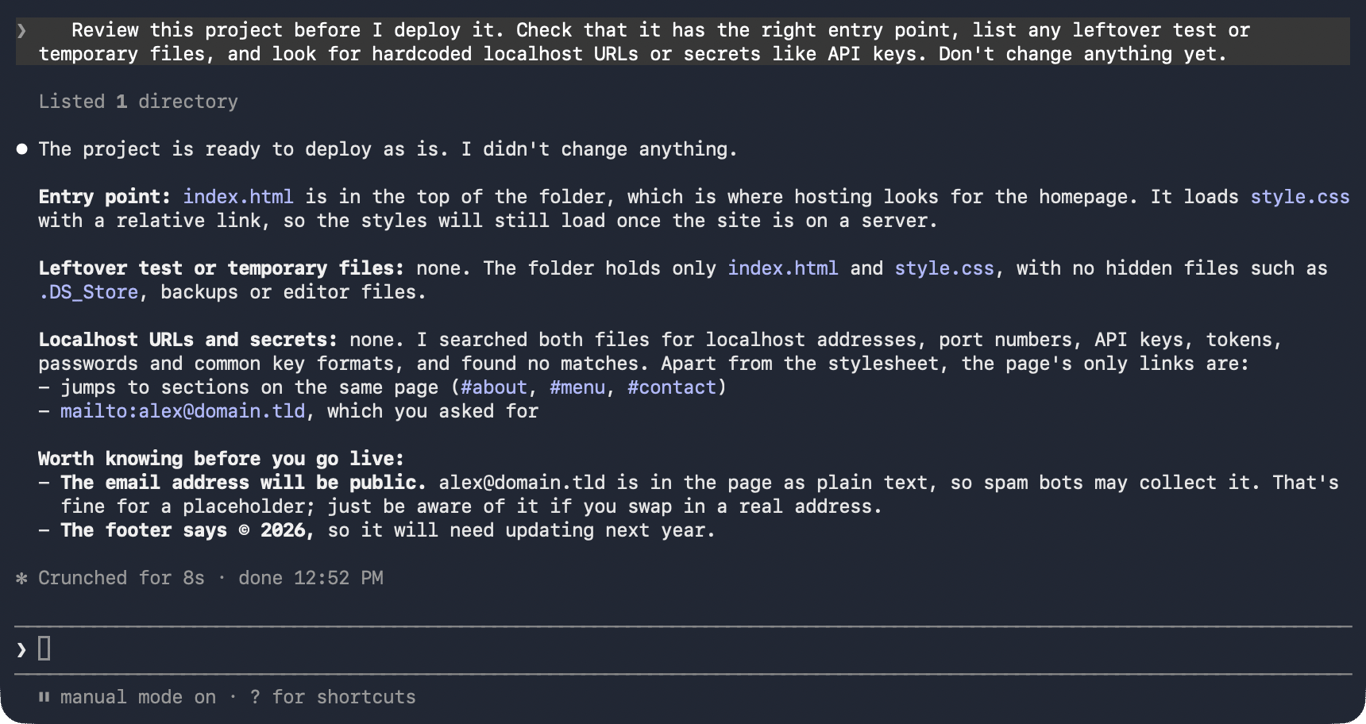
Before initiating any deployment, developers must have access to Claude Code through an eligible paid Claude plan or an Anthropic Console account, alongside a compatible hosting service. The deployment workflow generally begins with a thorough project review. Claude Code can examine the directory to verify that the primary entry point, such as an index.html file or a framework configuration file, is properly positioned at the root of the project. This review phase also serves to identify leftover test files, unused drafts, and local addresses like localhost bindings that will fail once moved to a public server. Furthermore, the analysis scans for sensitive credentials, including API keys and database passwords, ensuring they are excluded from public repositories.
Once the project files are reviewed and validated, developers must test the application locally. Plain static HTML files can often be previewed directly in a browser, while modern framework projects built with tools like Vite, React, or Vue typically require a local development server. Running standard package installation and development scripts allows creators to verify that layouts, links, and interactive elements operate as intended before the site goes online.
Framework requirements dictate the next phase of the process. Static sites require ready-made assets, whereas dynamic server applications rely on ongoing backend processes. Developers must identify whether their project requires a specific build step that compiles source code into production-ready files. Additionally, aligning the project’s Node.js version with the hosting provider’s environment prevents compatibility issues that can cause builds to succeed locally but fail on the server.
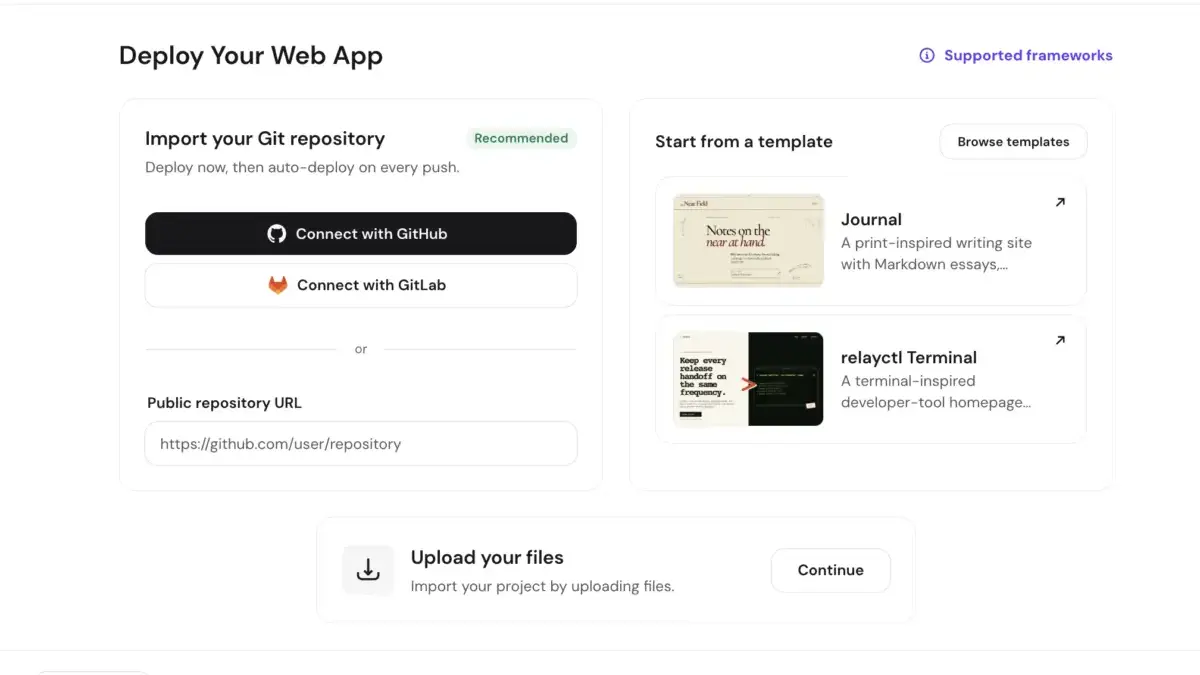
When preparing files for upload, developers can choose between establishing a version-controlled GitHub repository or packaging the project as a compressed archive for a direct upload. Claude Code can assist in configuring Git, creating exclusion files to omit unnecessary packages and environment secrets, and pushing the code to a repository. Alternatively, direct uploads bypass version control for quick, one-time launches.
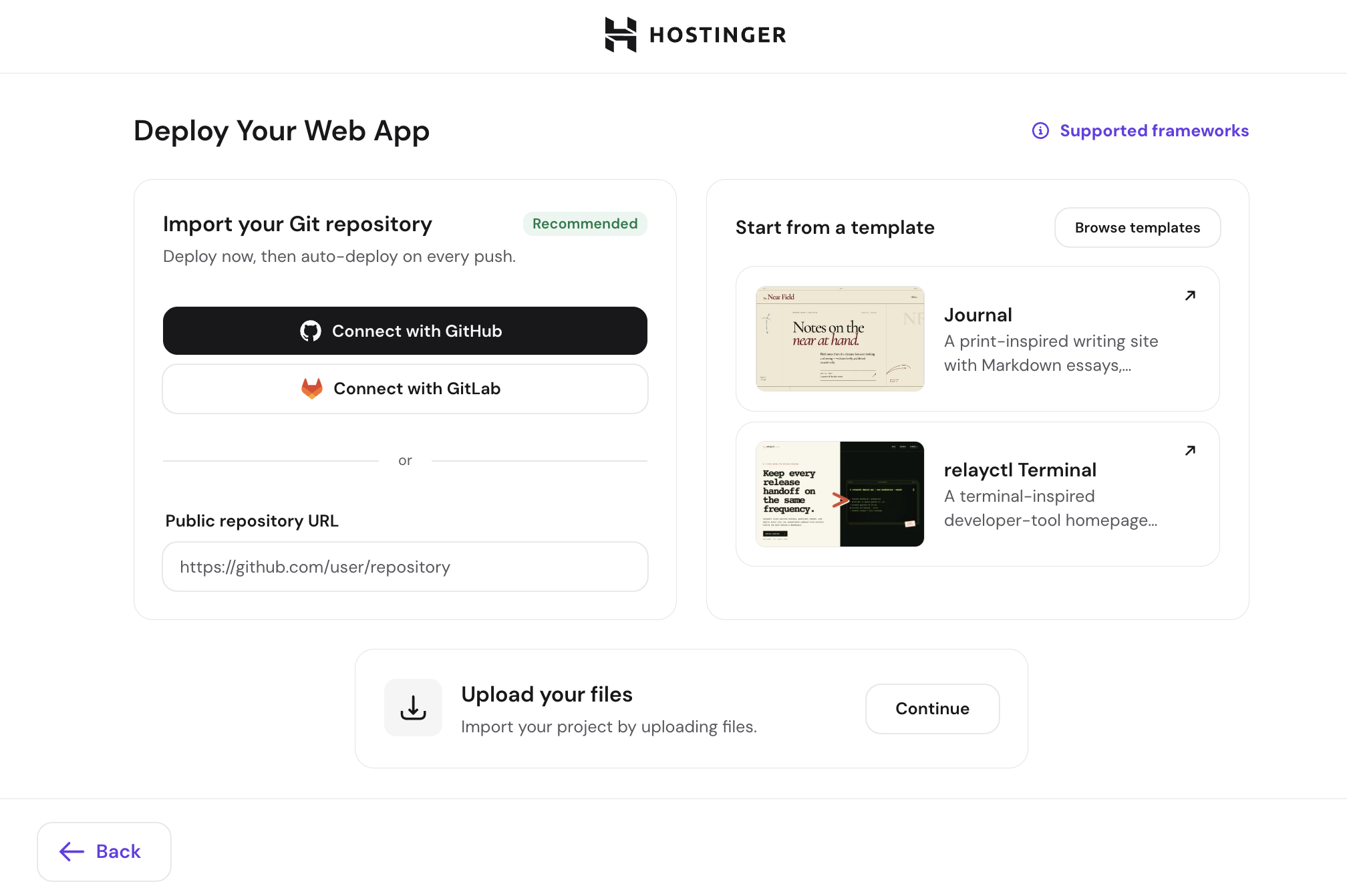
Connecting the project to a hosting provider can be accomplished through repository integrations, dashboard uploads, or specialized command-line and Model Context Protocol integrations. For instance, the Hostinger Connector allows Claude Code to interface directly with a user’s hosting account. Through this integration, the AI assistant can package project files, upload them to the server, and return a live web address in a matter of minutes. When utilizing such connectors, applications are categorized appropriately based on their architecture, with dynamic web applications and static sites routed to their respective hosting environments.
Configuring environment variables represents a critical security measure during deployment. Sensitive configuration data, such as database credentials and private API keys, must be stored securely within the hosting provider’s encrypted environment settings rather than hardcoded into public-facing script files. Providers typically supply dedicated interfaces where developers can input these variables or import configuration files securely.

Once configuration parameters are verified, the actual publication of the website takes place. Whether triggered via a hosting dashboard button, a GitHub push, or a direct command issued to Claude Code, the hosting provider processes the deployment by installing dependencies, executing build scripts where necessary, and assigning a temporary or custom domain.
Following deployment, verifying the live site ensures that all assets load correctly, HTTPS protocols function as expected, and mobile layouts render properly. Developers who encounter errors can share build logs directly with Claude Code to diagnose issues such as missing packages, incorrect routing configurations, or version mismatches. Through these integrated workflows, AI-assisted web development continues to bridge the gap between initial concept creation and final public release.