The debate between Cursor and Visual Studio Code has intensified as developers weigh the benefits of a purpose-built AI environment against a flexible, open-source editor. At its core, the choice between the two editors boils down to a fundamental architectural philosophy: Cursor is built from the ground up around autonomous AI agents, whereas VS Code offers a free, highly adaptable platform where developers can handpick their own external AI tools and workflows.
Both editors are capable of running powerful AI agents and support many of the same industry-leading models, yet their packaging and user experiences diverge sharply. Cursor bundles its editing interface, proprietary agents, and first-party models into a single subscription model. VS Code, by contrast, remains free of charge, with its AI capabilities delivered through integrated third-party providers like GitHub Copilot, Claude Code, or any other system the user chooses to connect.
Because Cursor is built as a commercial fork of VS Code—meaning it copied the open-source code to establish a separate product—the two environments feel remarkably similar when placed side by side. They share the same underlying editing engine, support identical keyboard shortcuts, and allow users to effortlessly import their existing settings. Nevertheless, critical distinctions across nine primary areas continue to drive the decision-making process for engineering teams and individual developers alike: AI agents, codebase context, multi-file editing, autocomplete functionality, extension ecosystems, deep customization, pricing structures, privacy controls, and collaborative enterprise use.
Cursor vs. VS Code at a Glance
The primary divergence between the two tools lies in product integration. Cursor operates as a unified platform covering the editor interface, specialized agents, and underlying models under one billing umbrella. VS Code functions as an extensible, free editor paired with an open AI layer that remains entirely modular and customizable by the end user.
While developers evaluating AI code assistants often focus strictly on agent performance and subscription costs, the underlying differences run significantly deeper than surface-level comparisons indicate. Both applications trace their lineage to the same foundational source code, yet their trajectories have diverged to serve different segments of the modern software engineering landscape.
Understanding the Origins of Cursor
Cursor is a commercial fork of the open-source codebase published by Microsoft under the permissive MIT license. While it mirrors the look, feel, and performance of VS Code on the surface, it operates with an entirely independent AI architecture, extension registry, and pricing model.
The development team behind Cursor took the core source code of VS Code and constructed a specialized AI layer and extension marketplace directly on top of the shared editing engine. Because of this common heritage, the transition from VS Code to Cursor is virtually seamless. Keyboard shortcuts remain identical, and Cursor prompts users to import existing preferences, extensions, and configurations upon its initial launch.
Crucially, Cursor does not seek to replace VS Code. Both platforms are actively maintained, and Cursor routinely integrates upstream updates released by the VS Code project. Following corporate developments that integrated Anysphere—Cursor’s parent company—into SpaceX, the platform’s model selector expanded to incorporate Grok models developed by SpaceX’s AI division, placing them alongside established offerings from Anthropic, OpenAI, and Google.
What Is Cursor?
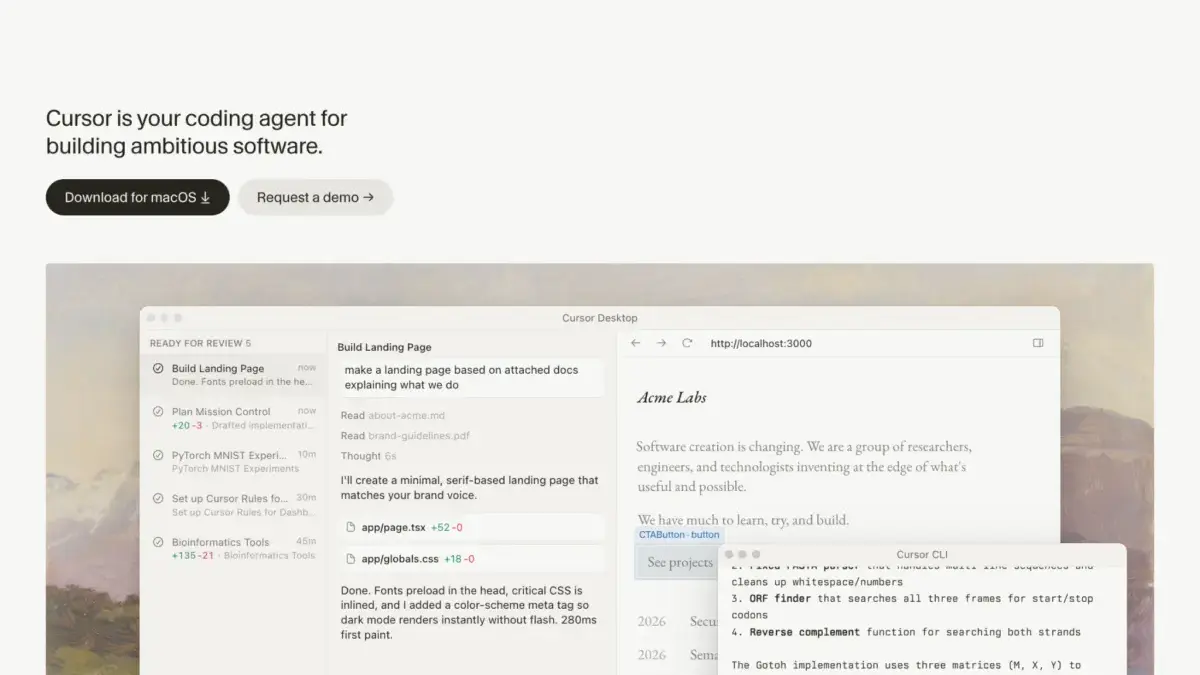
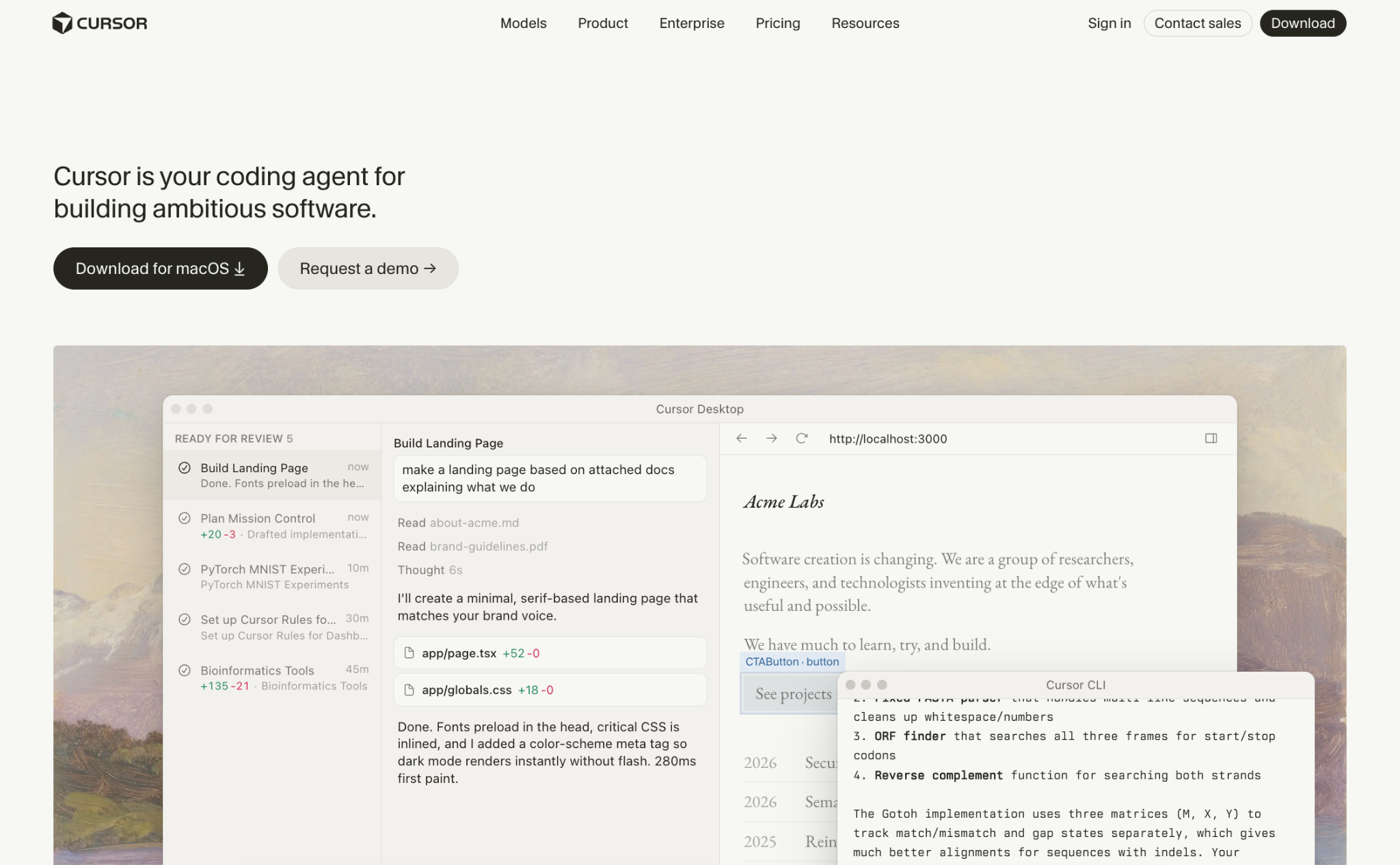
Developed by Anysphere, Cursor is a specialized code editor designed to integrate an autonomous AI agent system directly into the traditional software development lifecycle. Its defining characteristic is the agentic workflow: developers can describe a desired feature or fix in natural language, and the agent independently reads the project codebase, constructs an execution plan, modifies multiple files, executes terminal commands, and iterates until automated tests pass successfully.
Advanced capabilities include cloud-based agents that operate within isolated cloud environments, allowing multiple tasks to execute simultaneously without tying up local machine resources. Additional platform features encompass automated background routines, continuous automated code reviews on pull requests, Model Context Protocol support for external tool integration, and a flexible plugin ecosystem for sharing project-specific coding rules. Beyond the desktop application, Cursor’s agent features extend into command-line interfaces, mobile environments, JetBrains IDEs, and communication platforms like Slack and GitHub.
What Is Visual Studio Code?
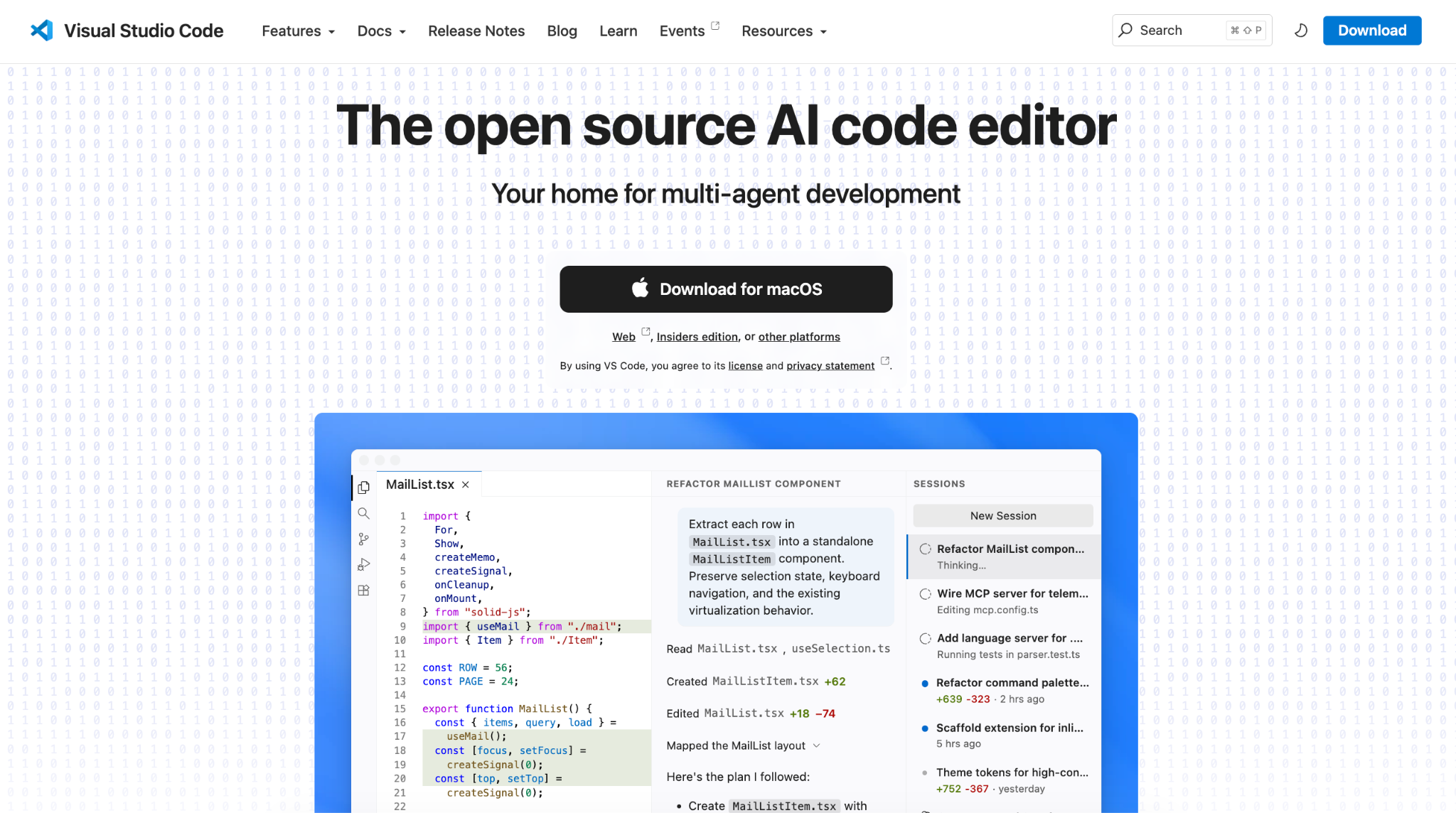
Visual Studio Code is a widely adopted, free, and open-source code editor developed by Microsoft. Recent platform updates have transformed it into a comprehensive hub capable of running GitHub Copilot, Claude, and Codex agents side by side within a unified interface.
Recent updates to VS Code have introduced integrated agent views that allow developers to manage multiple AI tools from a single panel, executing tasks either locally or in the cloud. Users can switch between different agents mid-session without losing contextual awareness. This flexibility allows engineers to seamlessly toggle between AI-assisted workflows and traditional manual coding within the exact same workspace.
In VS Code, developers choose their AI harness—the software logic that governs how an agent interacts with local files and executes commands—independently from the underlying AI model. Whether utilizing GitHub Copilot, Claude Code, or Codex as a harness, engineers retain the freedom to select models from various providers or run open-weight models locally via tools like Ollama to avoid per-request charges.
Evaluating Key Differences
The divergence between Cursor and VS Code manifests across nine distinct operational areas that impact daily software engineering workflows.
When examining AI agents, Cursor excels in autonomous, end-to-end task execution, whereas VS Code shines in multi-agent orchestration. Cursor’s dedicated agent environment runs terminal commands inside a secure sandbox and divides complex operations among parallel agents. In contrast, VS Code unifies Copilot, Claude, and Codex within a single control panel, enabling side-by-side comparisons of different AI behaviors on the same task.
Codebase comprehension also highlights a notable architectural difference. Cursor automatically generates a comprehensive semantic index of the entire project immediately upon opening a repository. This searchable map remains constantly available to the AI, removing the need for manual file selection. VS Code’s indexing behavior depends heavily on the specific agent in use; while GitHub Copilot automatically searches open projects, other tools like Claude Code inspect files dynamically as required. This distinction becomes particularly pronounced in massive monorepos containing numerous distinct sub-projects.
Multi-file editing is handled through different paradigms in each editor. Cursor employs a structured planning phase that prompts clarifying questions and displays comprehensive before-and-after diff comparisons across all impacted files, backed by a persistent checkpoint history. VS Code agents apply modifications dynamically while granting developers granular control over which specific actions require explicit approval, maintaining a comprehensive log of every step taken during the session.
Autocomplete functionality highlights another strategic trade-off. Cursor Tab is engineered to predict subsequent edits across multiple files based on recent changes, such as automatically updating function calls across a codebase when a method signature changes. GitHub Copilot emphasizes sheer volume, providing unlimited inline code completions and next-edit suggestions across all paid tiers without depleting separate AI credit allocations.
Extension support is largely overlapping but subject to important ecosystem boundaries. While VS Code utilizes Microsoft’s official marketplace containing tens of thousands of extensions, Cursor relies on Open VSX, an open-source alternative managed by the Eclipse Foundation. Most popular extensions are published to both registries, though certain proprietary Microsoft extensions remain exclusive to VS Code.
Customization philosophies further separate the two platforms. VS Code remains exceptionally customizable for general development, supporting custom extensions, language servers, debuggers, and portable user profiles. Cursor preserves these foundational settings while layering an AI-centric configuration framework on top, including team-wide coding rules, hook scripts, and specialized MCP integrations.
Pricing models reflect their respective packaging strategies. Cursor bundles its editor and proprietary AI features into unified subscription tiers, with third-party models billed separately at API list rates. VS Code remains fundamentally free, with total software costs determined entirely by whichever optional AI subscriptions or extensions an engineer chooses to integrate into their environment.
Privacy implementations vary depending on the chosen plan and configuration. Cursor’s Privacy Mode ensures that user code is never utilized for model training by the platform or its underlying providers, backed by enterprise-grade security certifications. GitHub Copilot similarly safeguards business and enterprise data, though individual plans require manual opt-out adjustments to prevent code snippets from being used in model training. For absolute data isolation, VS Code can be operated entirely offline with local models.
Team collaboration features also cater to different organizational needs. Cursor Teams provides unified agent context, automated code reviews, and shared plugin standards tailored for agent-first workflows. Conversely, VS Code paired with GitHub Copilot Business offers a cost-effective solution for organizations already deeply integrated into the GitHub ecosystem.
Deploying Applications from the Editor
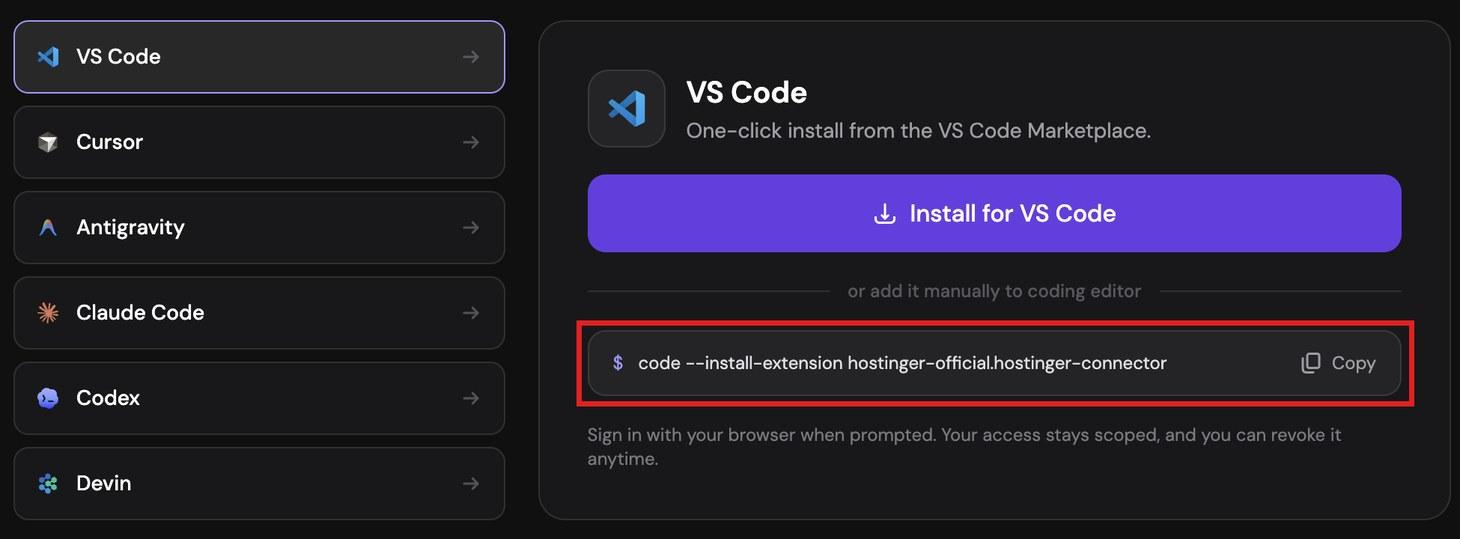
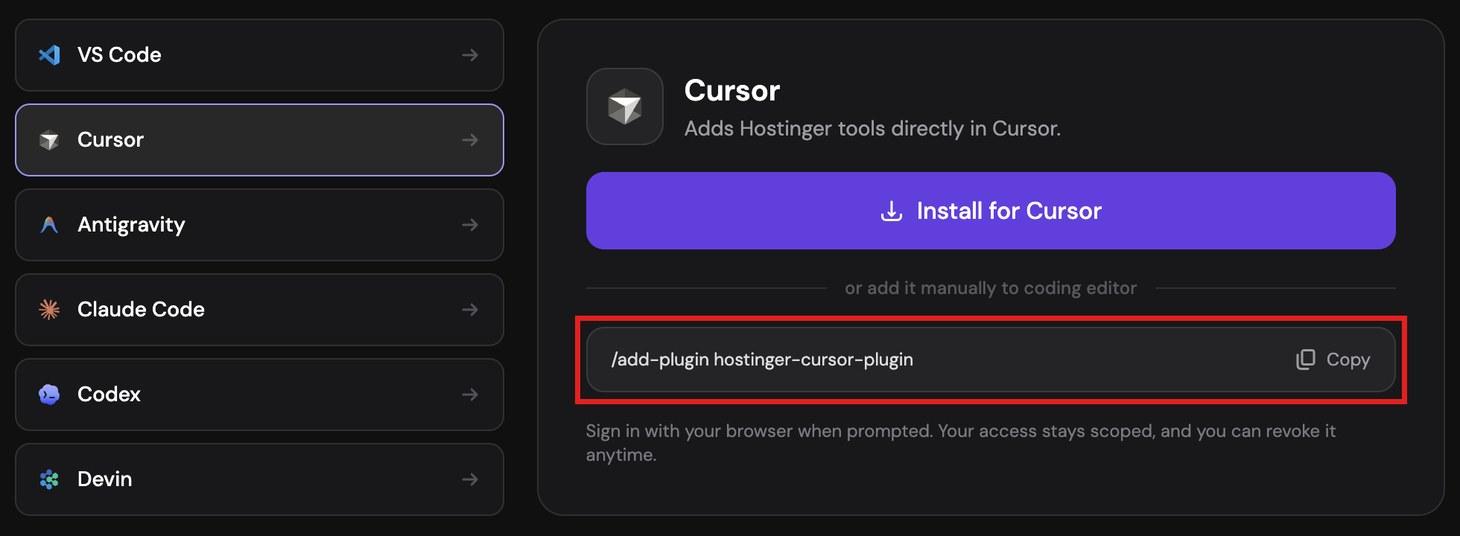
Both editors support direct deployment workflows through extensions like the Hostinger Connector, which leverages the Model Context Protocol to bridge the development environment with external hosting infrastructure. By installing the connector, developers can instruct their AI assistant to publish static sites, PHP applications, Node.js projects, or WordPress installations directly from the active chat interface, handling domain configuration and SSL provisioning without requiring access to a separate web hosting dashboard.
Ultimately, the choice between Cursor and VS Code depends on an engineer’s reliance on integrated AI agents versus modular tooling. Developers who view AI as the central engine of their development process often gravitate toward Cursor’s unified, agent-first environment. Those who prefer a neutral, highly extensible editor where AI capabilities can be mixed, matched, and scaled independently continue to find VS Code an indispensable staple of modern software engineering.