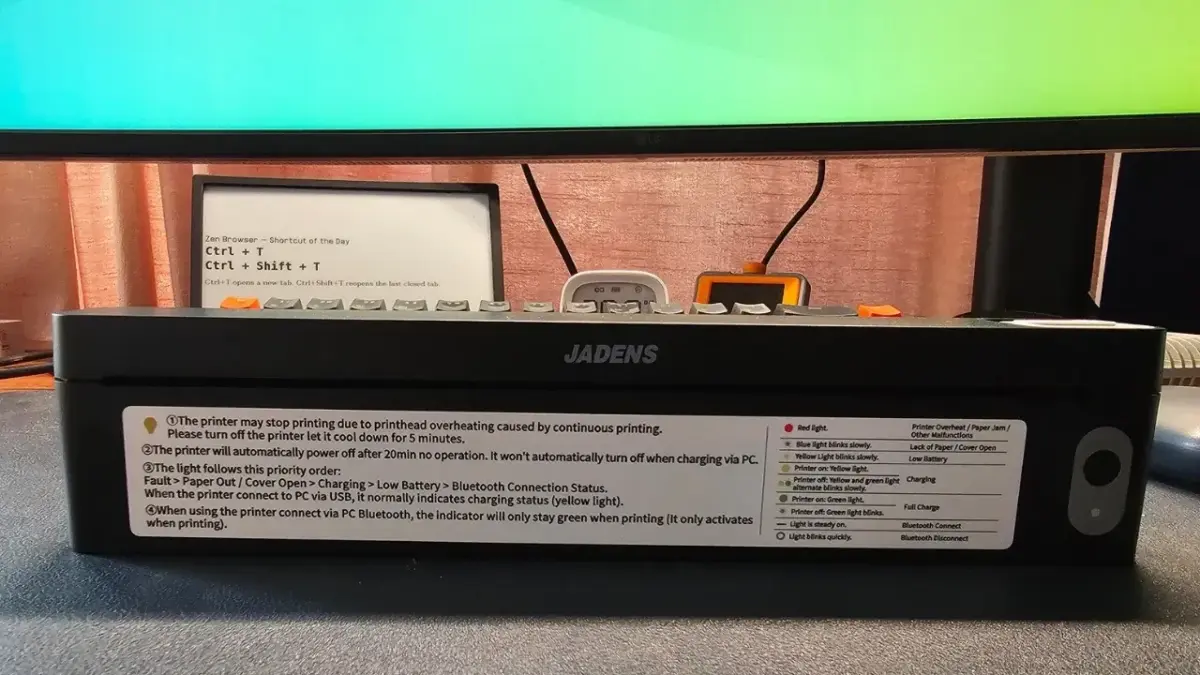
For anyone who has spent years navigating the quirks of desktop operating systems, network protocols, and hardware compatibility layers, printers have long held a reputation for inducing quiet dread. While the open-source community has made monumental strides in recent years—meaning that the vast majority of mainstream office hardware, laser printers, and multi-function beasts now work out of the box on modern Linux distributions—niche hardware continues to present unique hurdles. Mobile and portable peripherals, in particular, often prioritize proprietary mobile ecosystems over desktop compatibility.
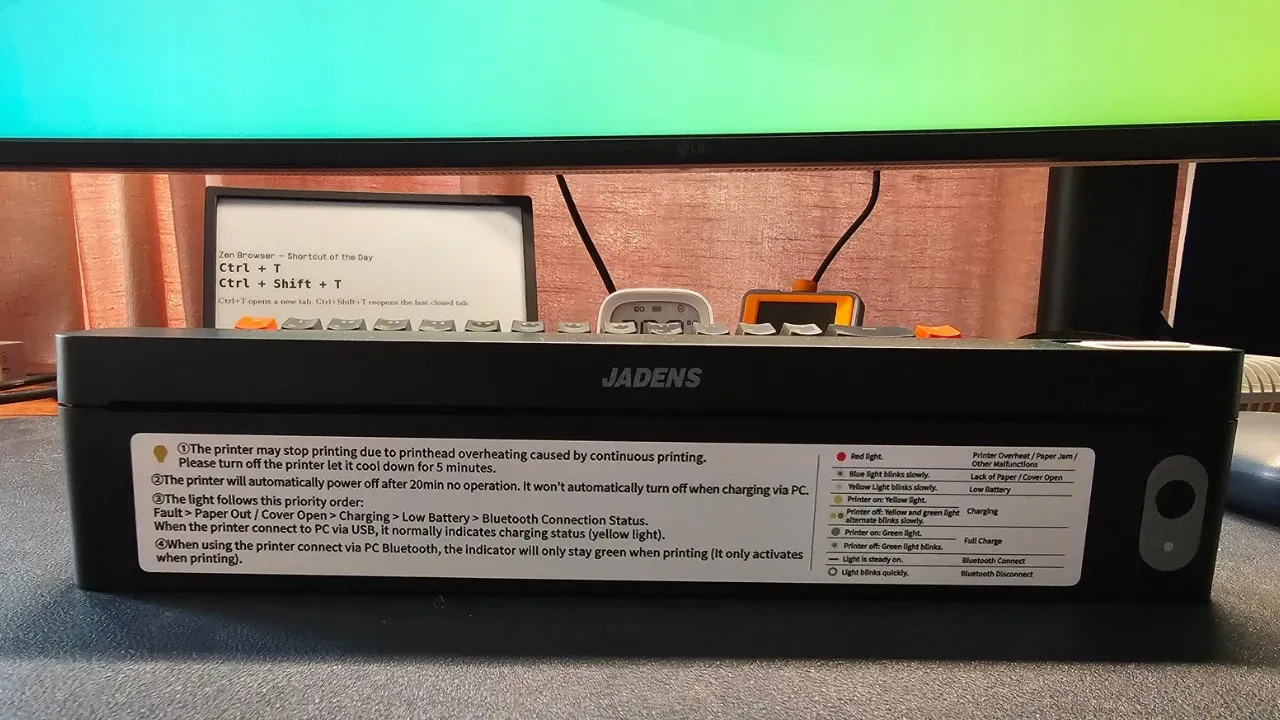
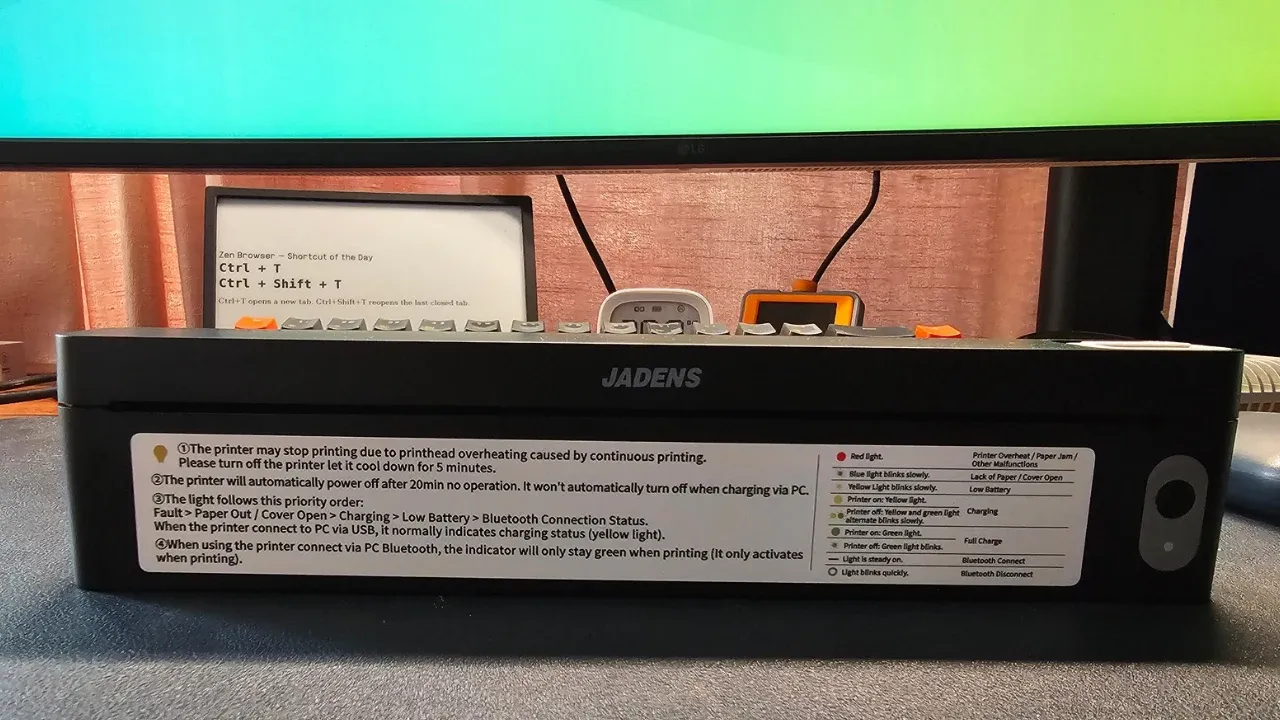
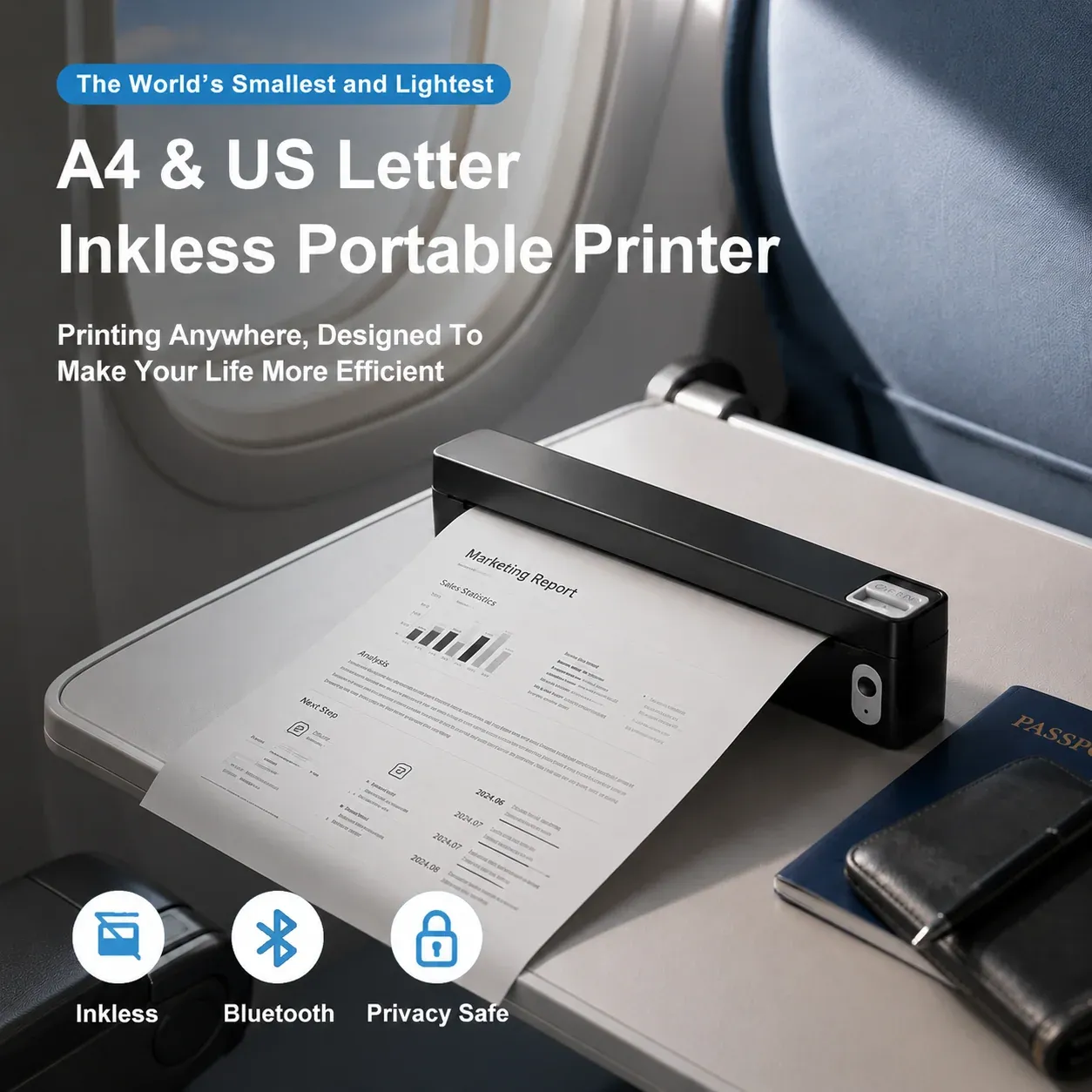
This hardware reality provides the context for evaluating the Jadens JD-166, a device that arrived for testing last week and immediately disrupted conventional assumptions about what a portable printer should look like. Measuring roughly a foot wide and standing a mere inch tall, the JD-166 is radically different from traditional desktop inkjet or laser systems. Despite its diminutive frame, which weighs roughly 445 grams and spans 250 by 32 by 55 millimeters, it manages to feed and output full-sized A4 paper. More importantly, it operates entirely without ink or toner cartridges, functioning instead as a portable thermal printer designed specifically for users on the move.
The core premise addresses a very specific logistical friction point. Consider the frequent traveler, remote professional, or field worker who suddenly requires a physical signature on a contract, an official agreement, or an administrative form while miles away from a traditional office. Historically, this meant a desperate hunt for a local print shop, business center, or shipping store. The JD-166 is engineered to eliminate that friction altogether, offering a battery-powered form factor small enough to slide into a backpack alongside a laptop, ready to deploy at a moment’s notice. Yet, bringing such specialized hardware into a Linux environment reveals a distinct set of trade-offs, configuration requirements, and hardware limitations that prospective buyers should understand before making a purchase.
Understanding Thermal Printing Technology
To grasp the appeal and the inherent limitations of the Jadens JD-166, one must first understand how thermal printing functions. Unlike standard desktop printers that spray liquid ink or fuse plastic toner powder onto a page, a thermal printer utilizes a specialized printhead containing tiny heating elements. These elements selectively heat chemically treated paper, causing the coating to darken precisely where the thermal head makes contact. This mechanism is what allows the JD-166 to remain exceptionally compact, eliminating the mechanical complexity, weight, and mess associated with ink reservoirs and moving print carriages.
However, this technology introduces several distinct constraints. First and foremost, thermal printing is strictly monochromatic. The JD-166 prints exclusively in black and white. Complex photographic images are automatically dithered down to high-contrast black-and-white approximations, meaning output quality is entirely unsuited for photo printing. The device is purpose-built for document handling, a limitation reflected in the official file format support, which centers squarely on standard office documents such as Word, Excel, PDF, and plain text files.
Furthermore, while users eliminate the recurring expense of purchasing expensive ink cartridges, that cost is effectively shifted entirely to the paper itself. Thermal printers require specialized paper stock. In the case of the JD-166, Jadens recommends its proprietary thermal paper, which features precise mechanical cuts at the top and a distinct black alignment mark printed on the reverse side. Because the chemical coating reacts directly to heat on only one side, double-sided or duplex printing is physically impossible; each sheet yields a single printed page. Market pricing for this specialized A4 thermal paper hovers around twenty dollars for a pack of two hundred sheets, bringing the per-page operational cost to roughly ten cents. This puts the running costs roughly on par with conventional inkjet printing, meaning the primary economic justification for the device lies not in consumables savings, but entirely in its unmatched portability.

Portability Versus Traditional Desktop Hardware
For standard home or office environments, a conventional laser or inkjet printer remains the superior choice. Desktop hardware accommodates full-color graphics, utilizes standard multi-use copy paper, supports double-sided printing automatically, and avoids the specialized media requirements of thermal printing. For everyday stationary document needs, a portable thermal printer would represent an unnecessary compromise.
The true value proposition of the JD-166 emerges when mobility is the primary requirement. For professionals who travel frequently and find themselves needing to generate physical paperwork on demand—whether drafting an agreement in a hotel room, processing a form in a vehicle, or handling administrative tasks on a remote job site—the ability to bypass commercial print shops carries significant weight. Equipped with an internal 1800mAh battery that charges via a standard USB-C port, the printer does not even require a continuous tether to a wall outlet during operation. If a user’s workflow requires only a modest handful of printed pages per month while away from a fixed workspace, the time and convenience saved can easily justify the hardware investment, which starts at approximately sixty dollars and includes an initial ten-sheet sample pack of A4 thermal paper.
Setting Up and Configuring the Hardware on Ubuntu
Integrating specialized peripherals into a modern Linux distribution often serves as a test of system flexibility, and the JD-166 proved no exception during testing on Ubuntu. When the printer was connected via a standard USB cable and powered on, the Common Unix Printing System recognized the hardware immediately. The device appeared automatically within the system settings panel, creating an initial impression of seamless plug-and-play compatibility.
That initial impression, however, proved misleading. CUPS had automatically assigned the HP Designjet T920 PostScript driver to the unfamiliar device—a driver intended for a massive wide-format engineering plotter rather than a compact mobile thermal printer. Consequently, test documents sent to the print queue entered a perpetual processing state, showing activity in the logs via filter messages without ever transmitting usable data to the physical printhead. Bypassing the automatic driver assignment by creating a raw print queue and transmitting test files encoded in standard printer control languages like ESC/POS, TSPL, and ZPL resulted in jobs marking themselves as completed within the system logs, yet the physical device remained entirely idle, indicating that the data stream was not being interpreted correctly by the thermal firmware.
Fortunately, manufacturer support bridges this gap, though with a distinct limitation. Jadens provides dedicated Linux driver packages, though distribution support is currently focused on Debian-based systems via a downloadable Debian package file. Once this proprietary driver package was installed, the system was rebooted, and the hardware was reconnected, the device was correctly identified by its proper model designation. Subsequent print jobs executed smoothly without further administrative hurdles.
Once properly recognized, the driver exposes a robust selection of configuration parameters directly through the CUPS architecture. Users can query and modify hardware options via command-line utilities, adjusting parameters such as page dimensions, thermal darkness levels ranging from zero to four, color models, and advanced image processing thresholds like contrast and dithering. Default configurations can be written directly to the print queue administration system, sparing the user from manually redefining preferences within individual application dialogs every time a document needs to be generated.
Practical Performance and Workflow Integration
In practice, day-to-day document generation yields varied results depending on the chosen office suite. During testing, certain office applications insisted on rendering documents in a landscape orientation regardless of user-defined layout overrides, while alternative office packages handled portrait formatting reliably. Once proper orientation and margins were established, single-sheet print jobs executed at a steady, reliable pace, demonstrating that the compact mechanical feed system is fully capable of handling field-printing tasks efficiently.
Beyond wired connections to a desktop or laptop running Linux, the JD-166 also incorporates Bluetooth Low Energy connectivity, allowing users to pair the printer with mobile devices. Utilizing the official Jadens smartphone application on a mobile handset allows documents to be transmitted and printed wirelessly, providing an alternative workflow for users who prefer managing paperwork directly from a phone or tablet while traveling.
Ultimately, the Jadens JD-166 occupies a very specific niche in the hardware market. It is not designed to replace a primary desktop printer, nor will it satisfy users demanding color output, duplex capabilities, or pennies-per-page economy for heavy, everyday printing tasks. However, for Linux users, mobile professionals, and frequent travelers who require a truly portable, battery-operated solution for generating emergency paperwork on the go, the device delivers on its core promise. Once the necessary driver configuration is settled on a Debian or Ubuntu system, the printer provides a reliable, self-contained printing station that fits comfortably into a travel bag and frees the user from the hunt for a commercial print shop.