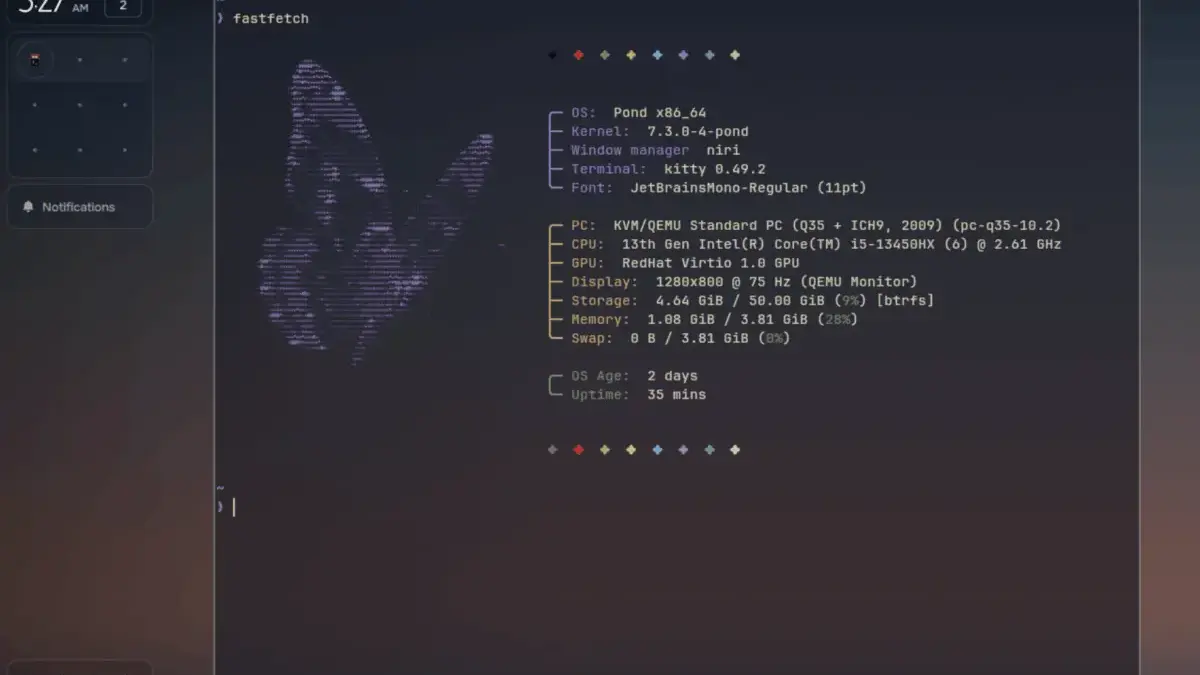
The Linux ecosystem continues to expand with novel approaches to desktop computing, as a new distribution called Pond enters the scene with an Arch Linux foundation and a distinct vision for interface design. Developed by Butterfly Interaction Inc., Pond presents an alternative paradigm for how a desktop environment can look, feel, and behave, combining contemporary Wayland architecture with a heavy emphasis on spatial window management and keyboard-driven workflows.
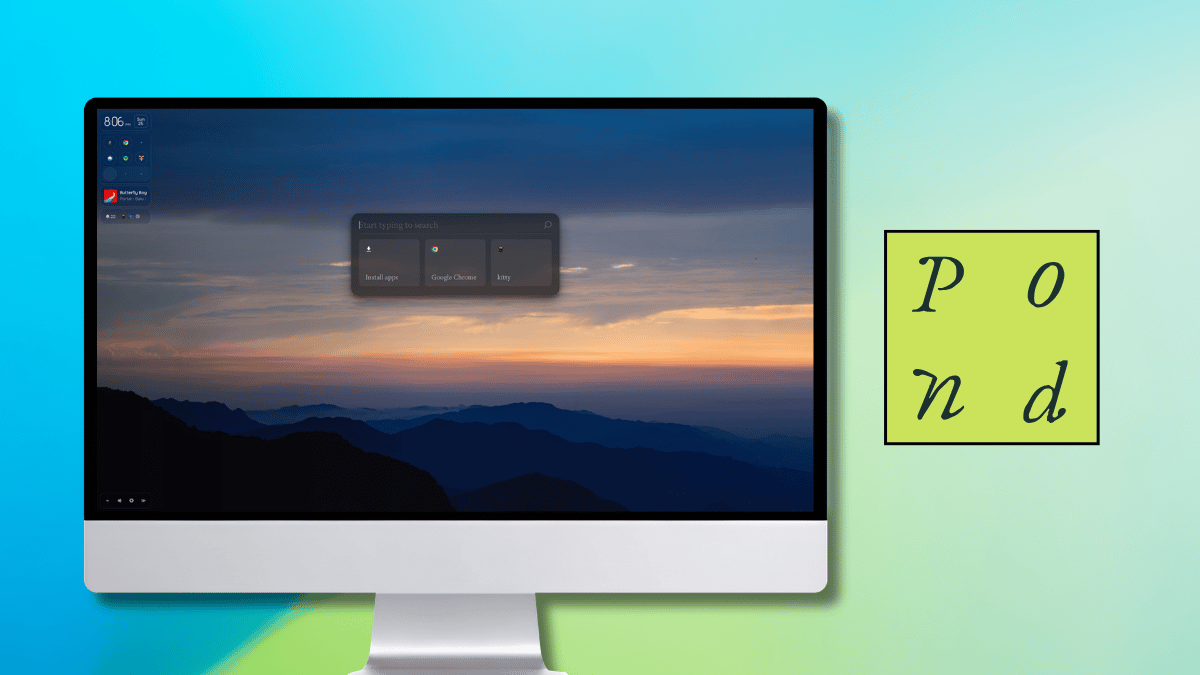
Currently labeled as an early preview, Pond is built around the increasingly popular Niri window manager, a Wayland compositor renowned for its scrollable tiling system. In Niri, application windows reside in columns along an endless, horizontal strip that gracefully expands as new items are introduced. Butterfly Interaction Inc. has designed Pond to bridge innovative interface ideas with familiar desktop habits, striving to create a computing environment that feels more natural and intuitive for everyday users.

The distro’s design philosophy centers on four fundamental pillars. Windows are arranged spatially and can be dynamically reorganized; interface components adapt in size to fit available space seamlessly; critical, useful information remains anchored in a uniform location; and content is displayed strictly when it is contextually relevant. Furthermore, the creators emphasize that every component has been meticulously planned with the entire desktop in mind, extending from proportional scaling to precise placement and behavioral responsiveness.
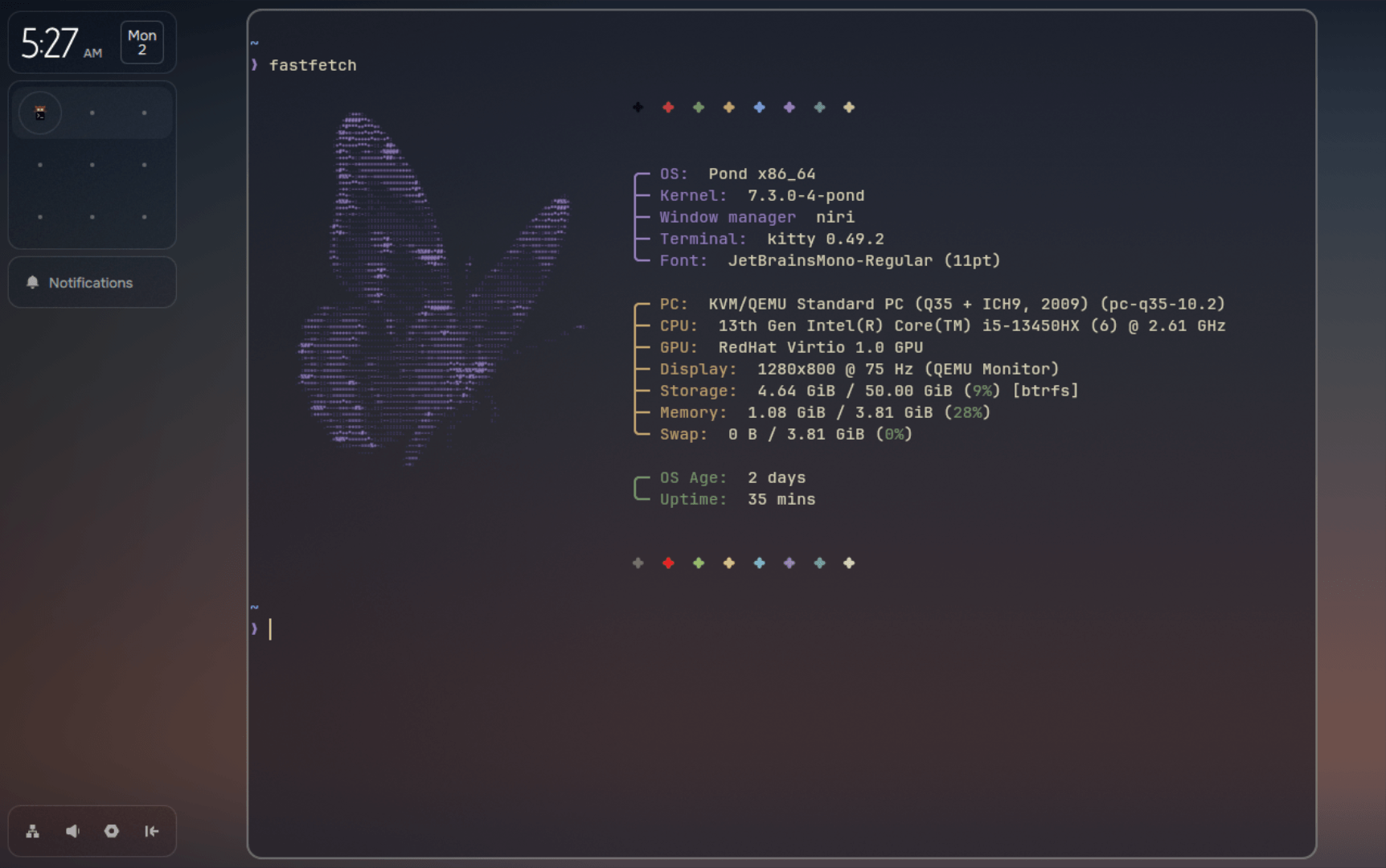
Underneath its custom interface, Pond operates as a rolling-release distribution powered by Arch Linux. Package management duties are handled by a sophisticated manager engineered to select a default source for each application across Pacman, Nix, and Flatpak repositories.
Getting It to Run: Installation and First Impressions
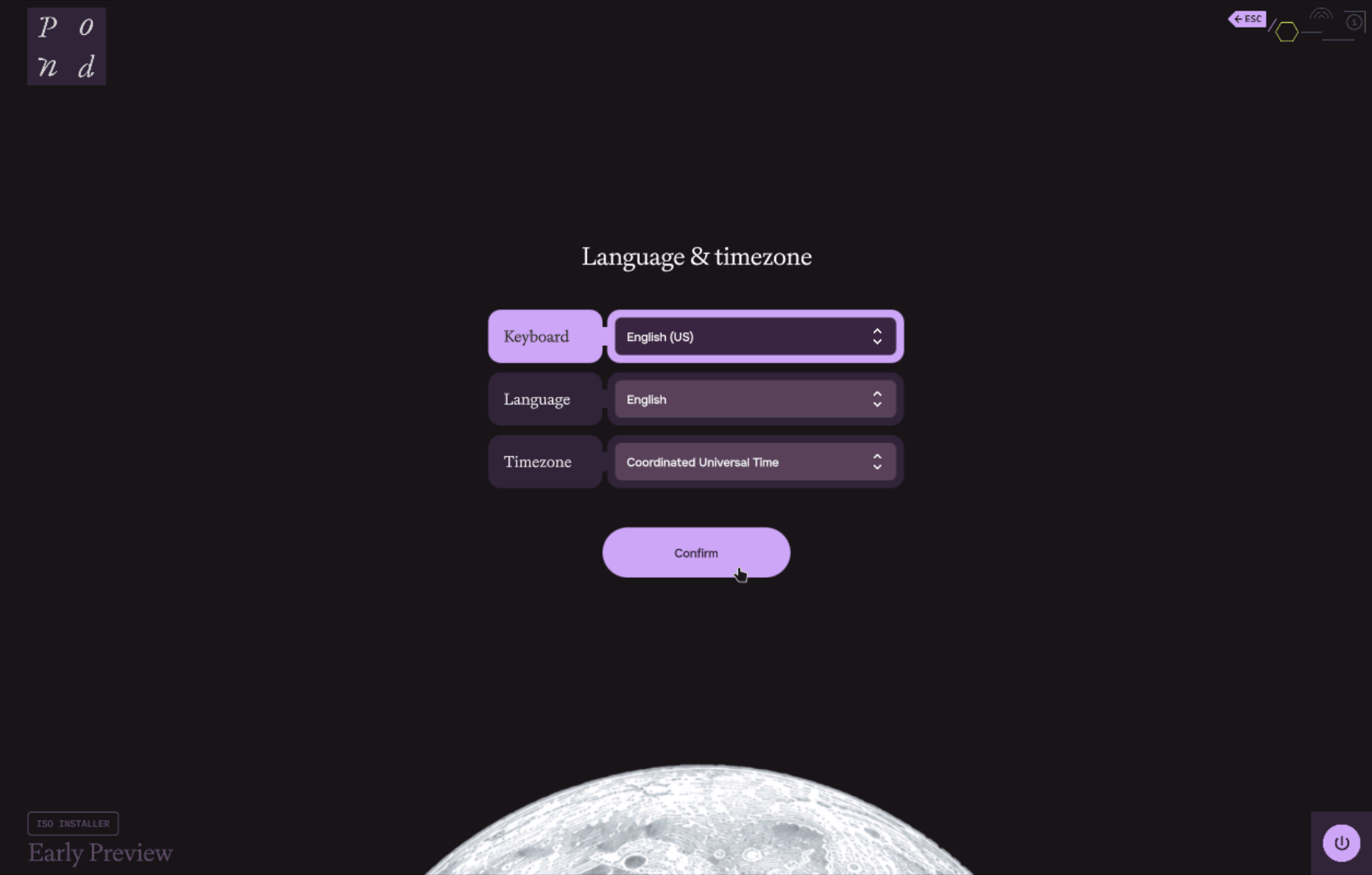
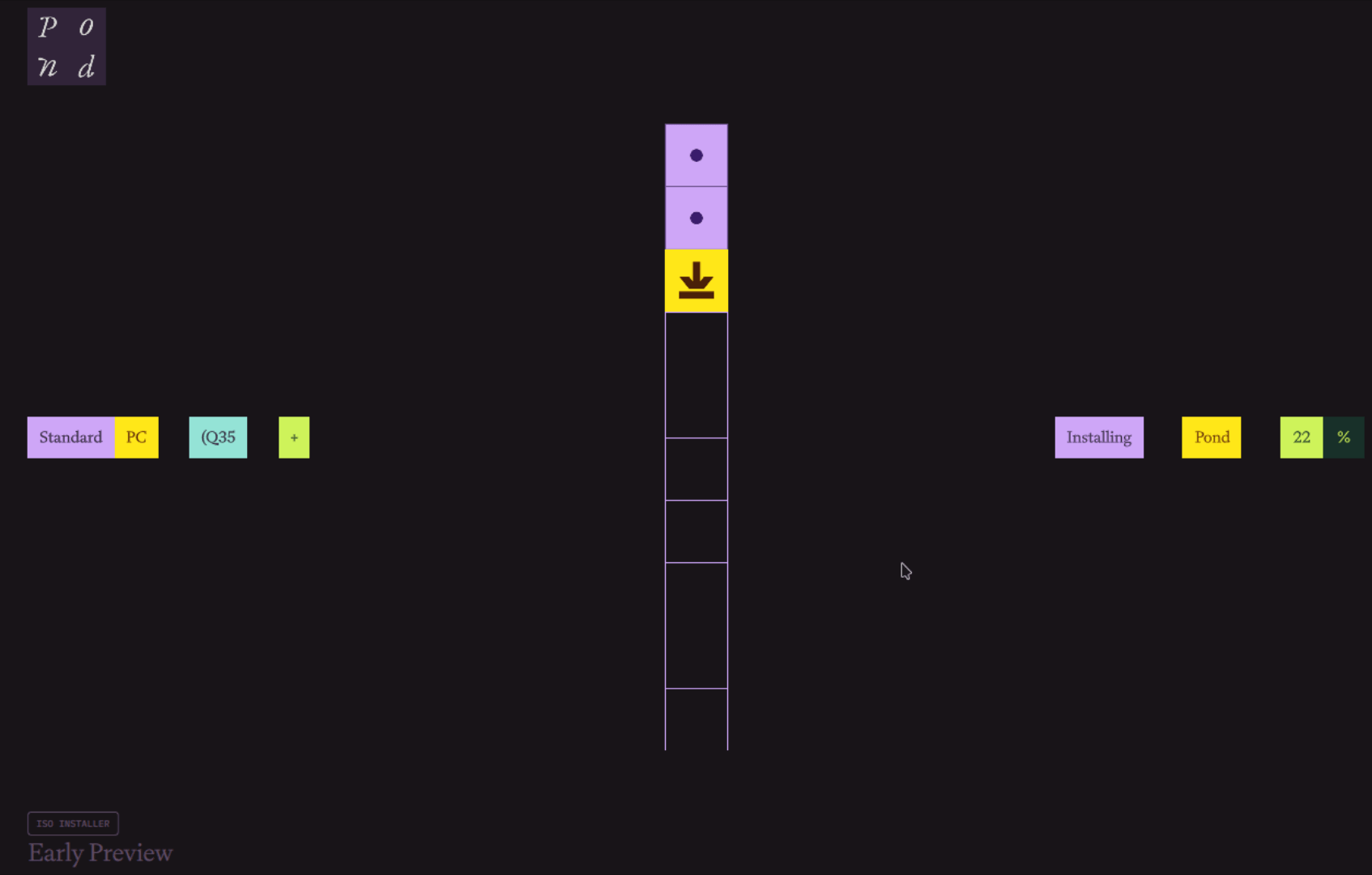
Initial evaluations of Pond in virtualized environments reveal an installer that diverges significantly from traditional Linux distribution setup routines. Rather than following the conventional multi-page partitioning and configuration wizards common in the Linux space, Pond employs a streamlined, simplified installation sequence designed to transition users to the desktop environment rapidly.
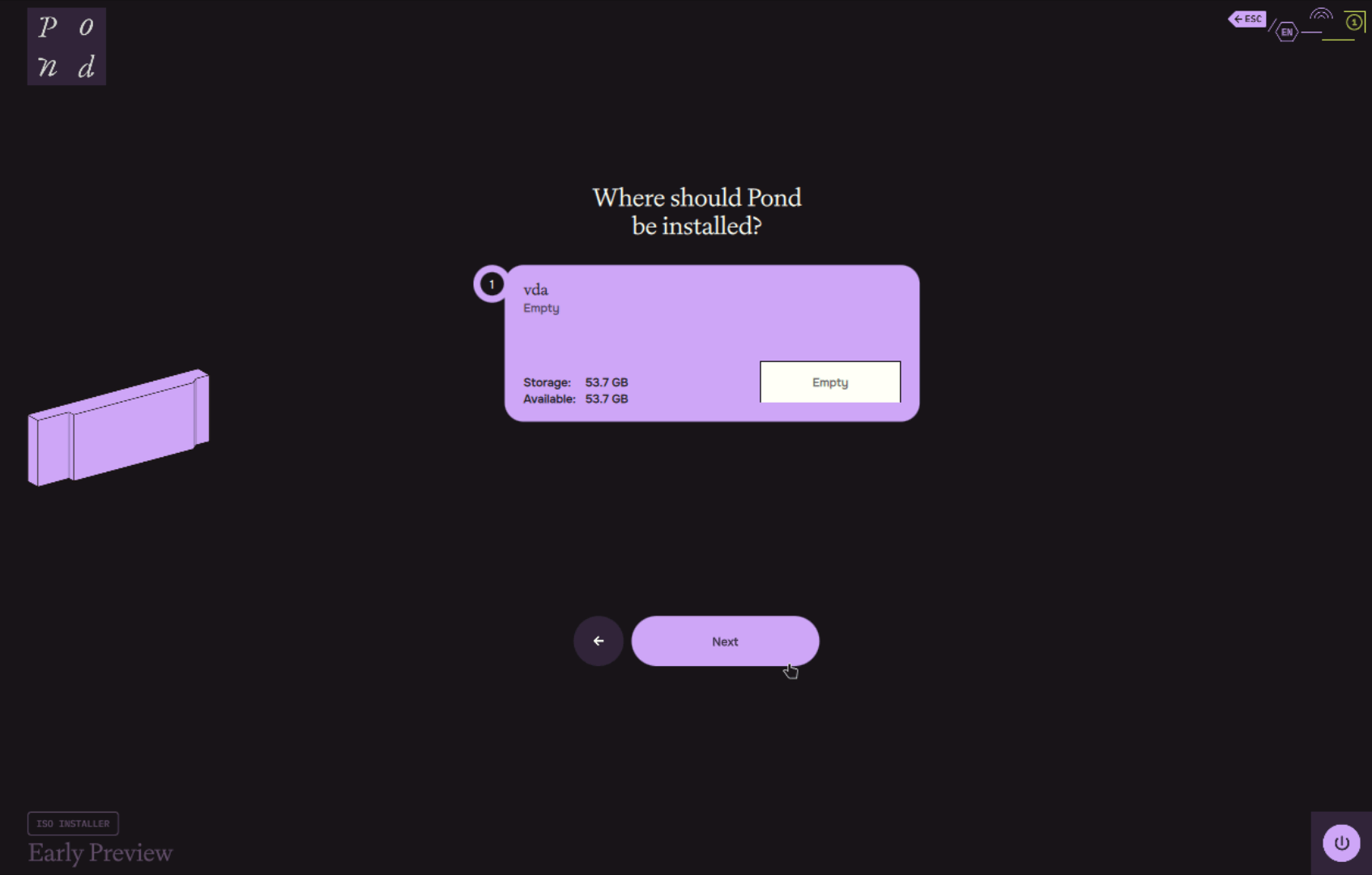
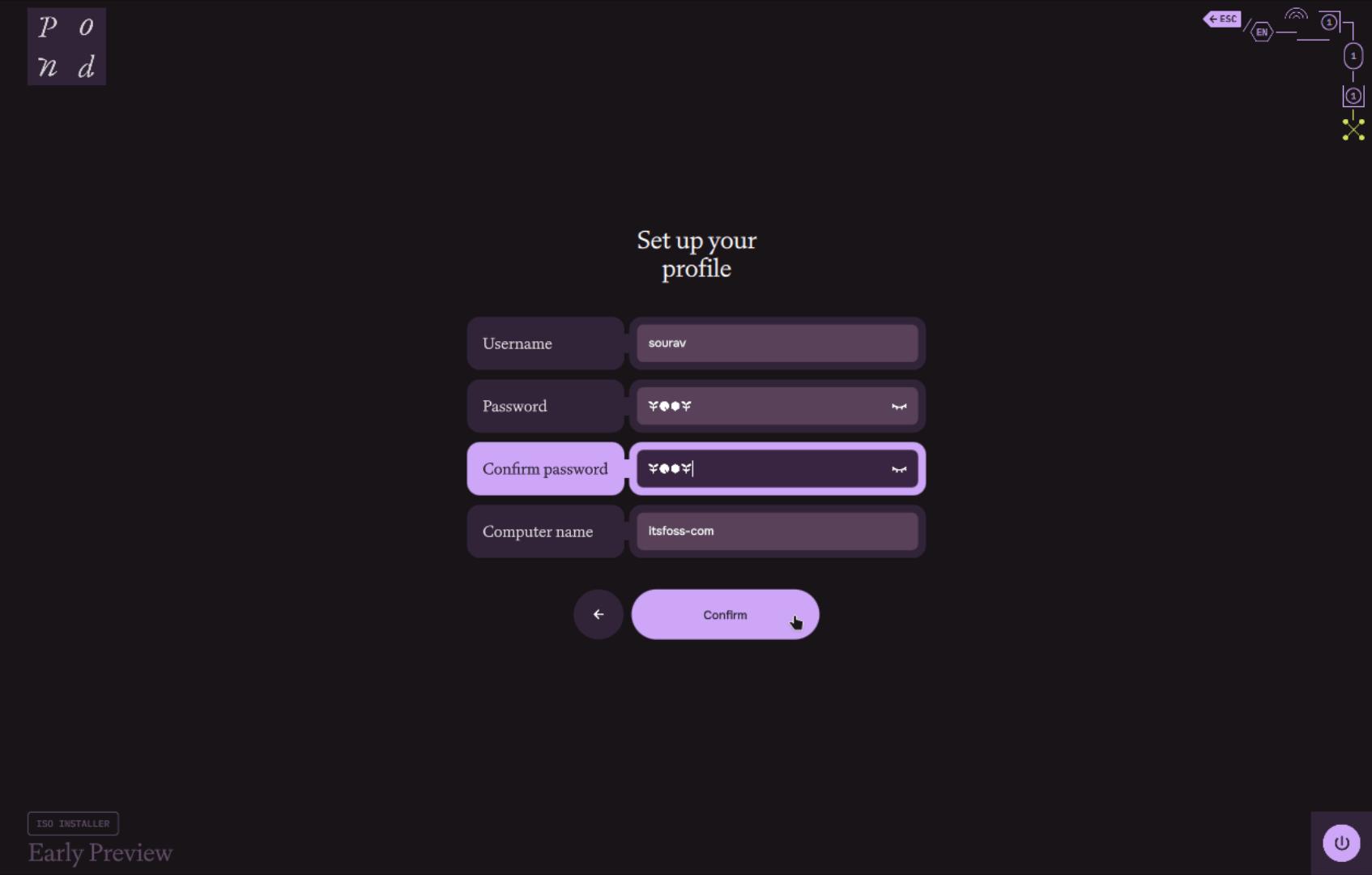
The installation procedure begins by prompting for basic regional preferences, including keyboard layout, system language, and timezone, before advancing directly to disk selection, username creation, password setup, and computer naming. A notable aesthetic touch during this process occurs when entering passwords into text fields, where Pond replaces standard dots or asterisks with custom, themed icons.
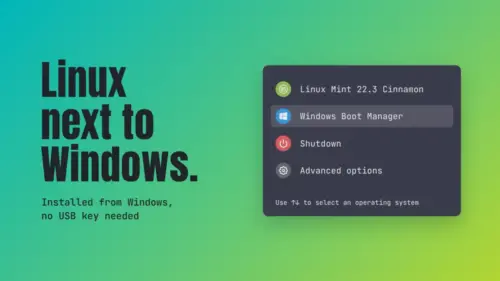
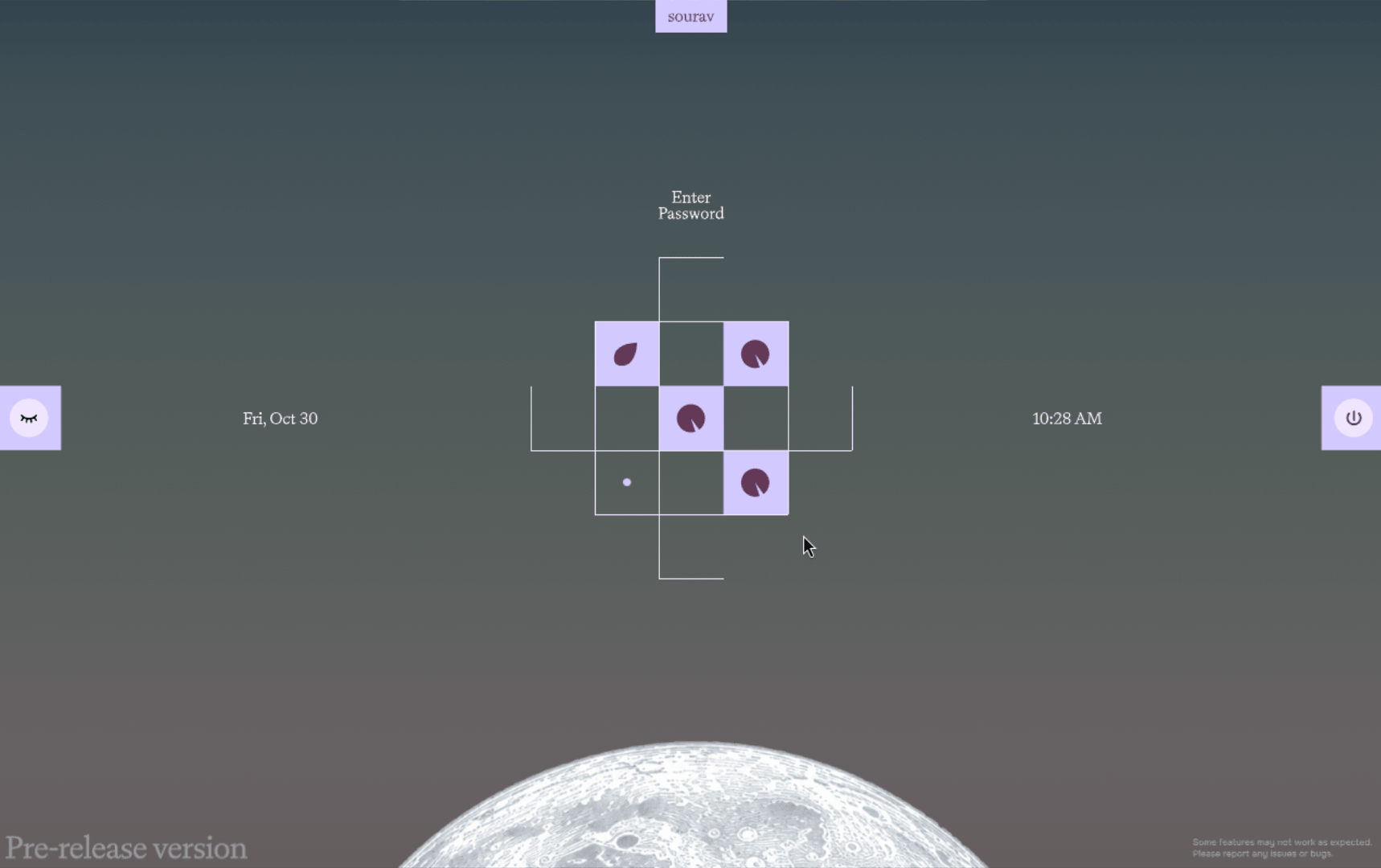
The login screen adopts a similarly distinctive visual approach, featuring a geometric password entry box composed of squares and lines that visually fill up as characters are typed. For users testing the distribution, the operating system is made available through two primary routes. The first involves downloading an ISO image of approximately 1.5 gigabytes, which can be flashed onto a USB drive for bare-metal deployment or booted within virtual machine software like GNOME Boxes or Virtual Machine Manager. The second route offers an installer designed to run directly from Windows, enabling users to allocate drive space and configure a dual-boot environment while automatically addressing common dual-boot complications, such as clock mismatches and restrictive NTFS partitions.
The Desktop Environment and Keyboard Navigation
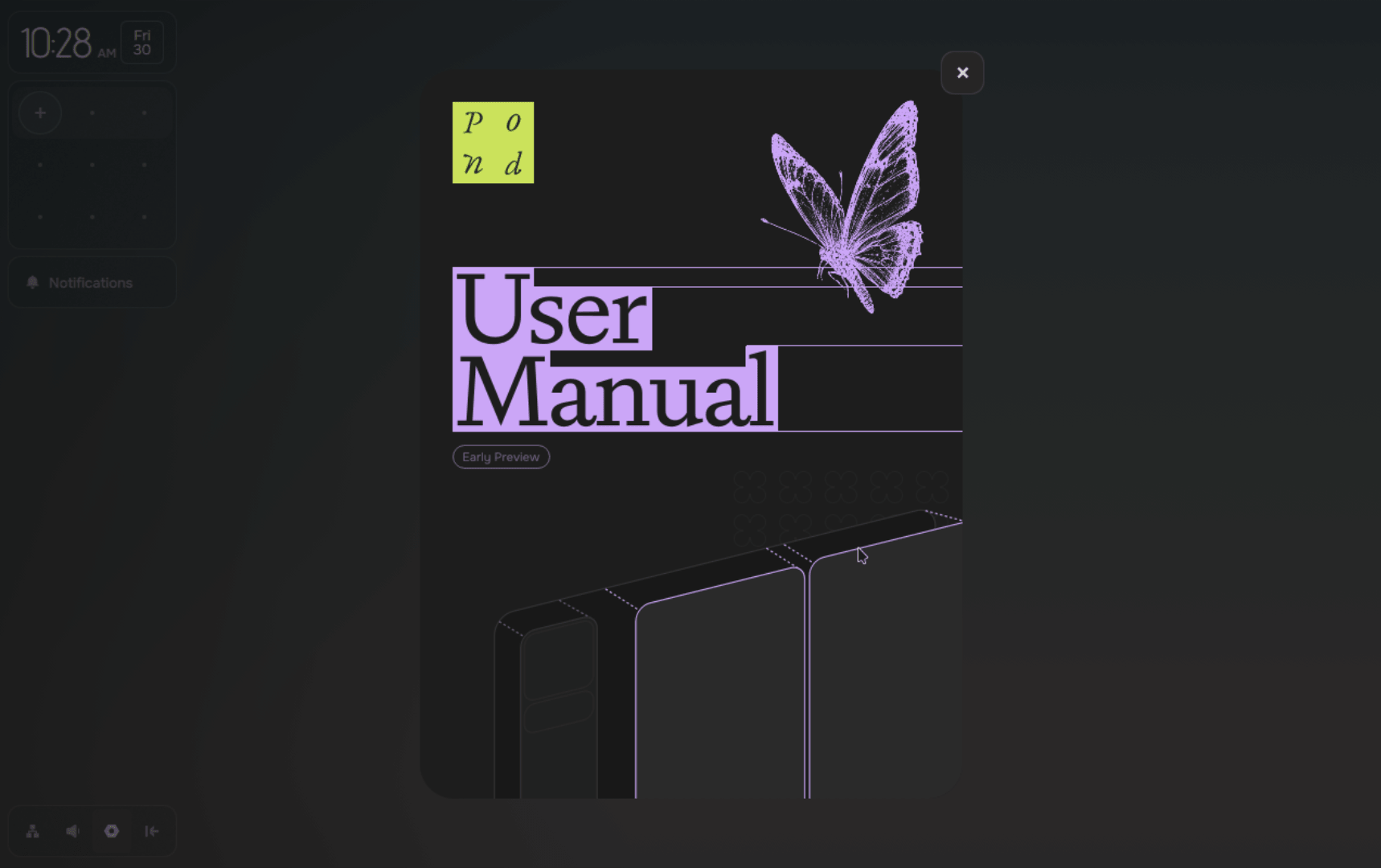
Upon logging into the desktop, users are immediately introduced to Pond’s heavy reliance on keyboard-driven navigation. An initial onboarding flow guides newcomers through essential keybindings required for traversing the interface and managing installed applications effectively.
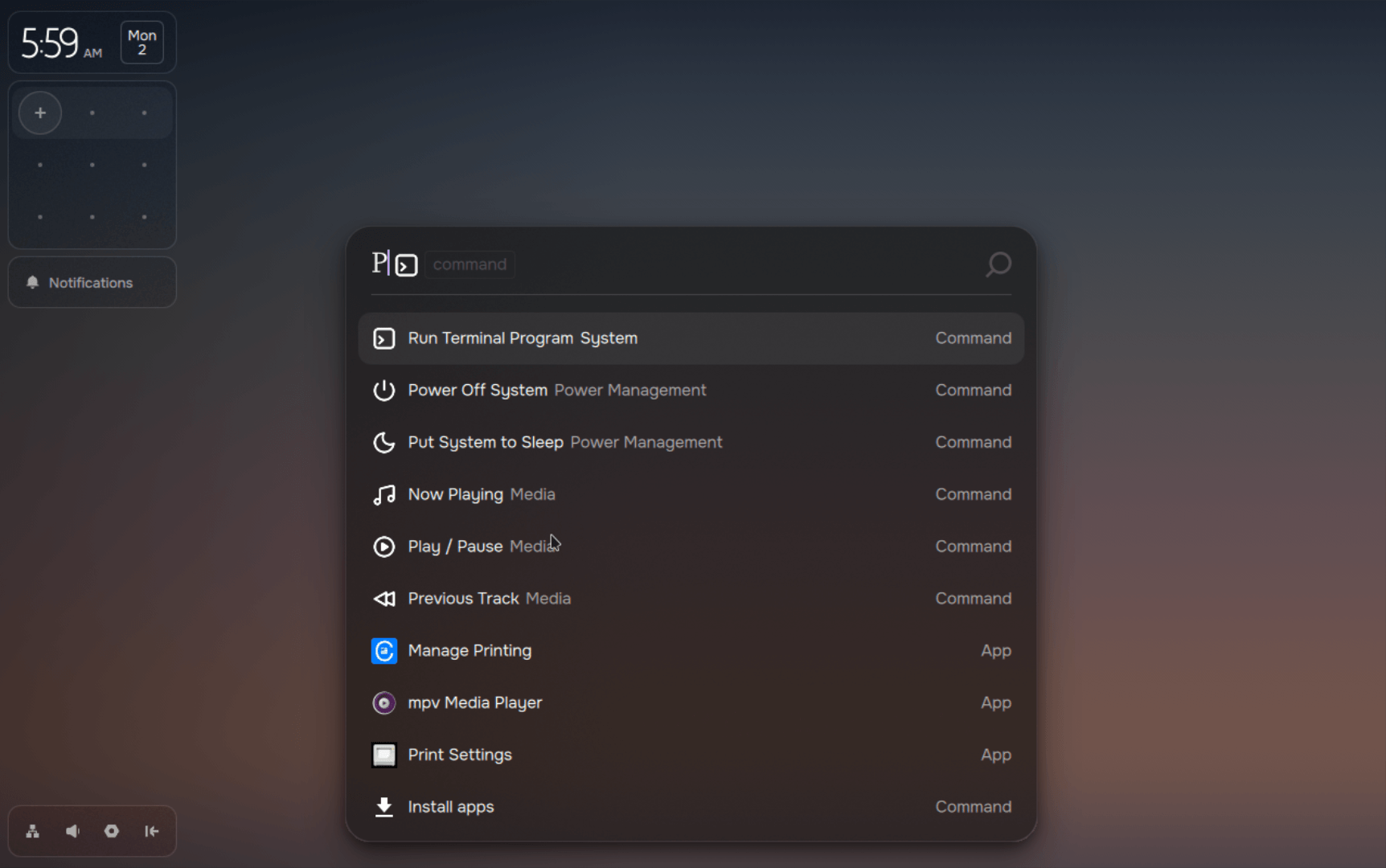
The layout of the desktop itself relies on a prominent sidebar housing a clock, a calendar, system notifications, and a minimap—a squarish container displaying active applications running across the system. Situated beneath this sidebar is a compact, dock-style menu providing quick toggles for network connectivity, volume controls, system settings, and an option to hide the sidebar entirely. For application launching, Pond utilizes a Vicinae-based launcher that will feel instantly recognizable to users familiar with modern Wayland environments running on distros utilizing similar launchers like CachyOS and Omarchy.
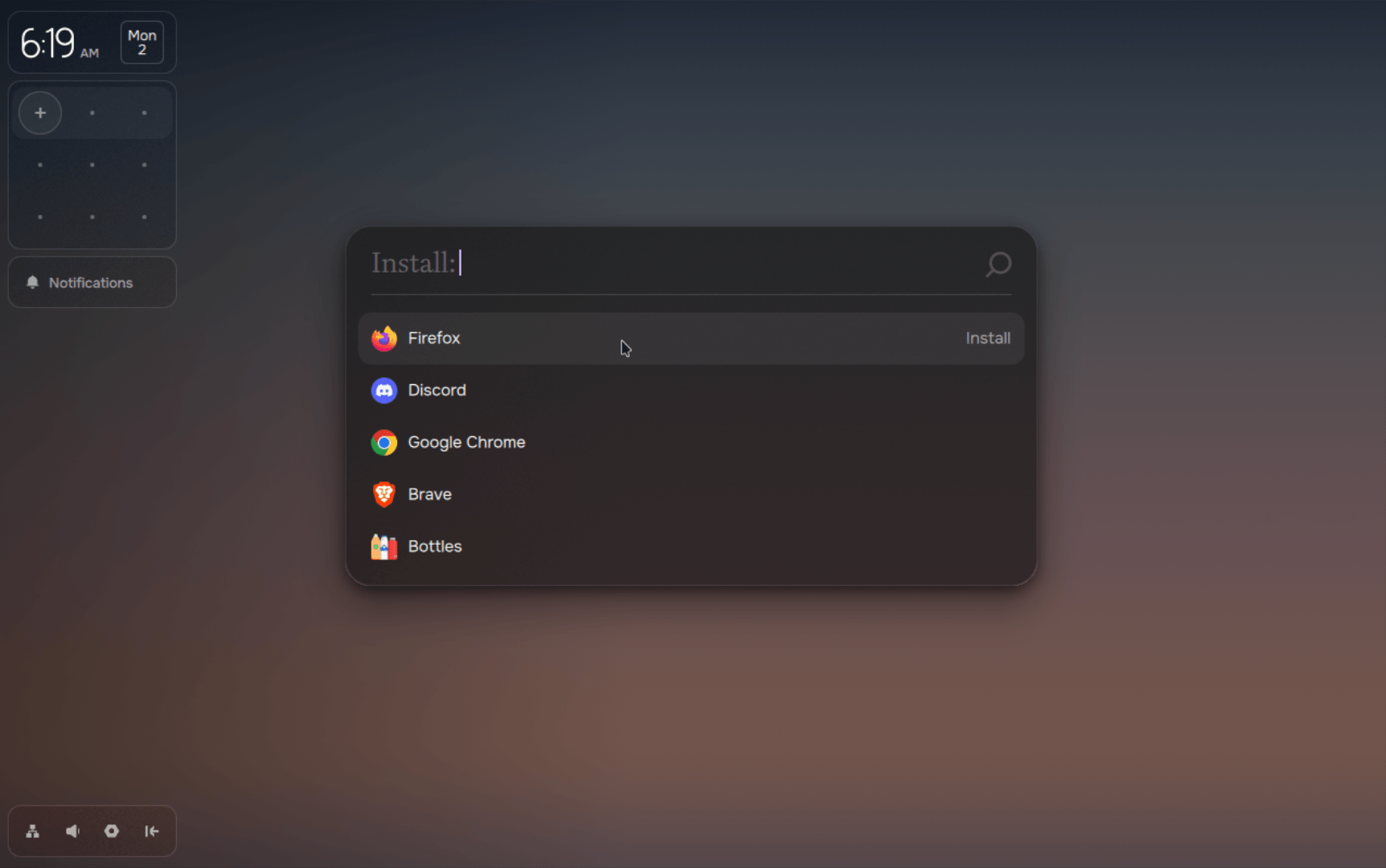
Managing and discovering software within Pond is integrated directly into the launcher interface. By invoking the launcher and navigating to the application installation section, users gain access to a curated catalog of software compatible with the distribution. Selecting an application and authenticating the request with an account password initiates the installation process, while a progress banner appears in the sidebar under the notification section to track the status.
Behind the scenes, Pond’s custom package manager orchestrates software deployment, drawing primarily from Flatpak for the bulk of its catalog, while sourcing additional packages from Pacman and the Arch User Repository via paru. While Nix is present within the ecosystem, its role is primarily focused on facilitating specialized GPU support, though users retain the flexibility to incorporate alternative package managers like yay or npm if desired.
Window Tiling and Spatial Workflow
The defining characteristic of the Pond desktop experience is its window tiling and spatial organization. Utilizing intuitive key combinations, users can maneuver application windows across the workspace canvas, transition between multiple workspaces, and dynamically adjust window dimensions.
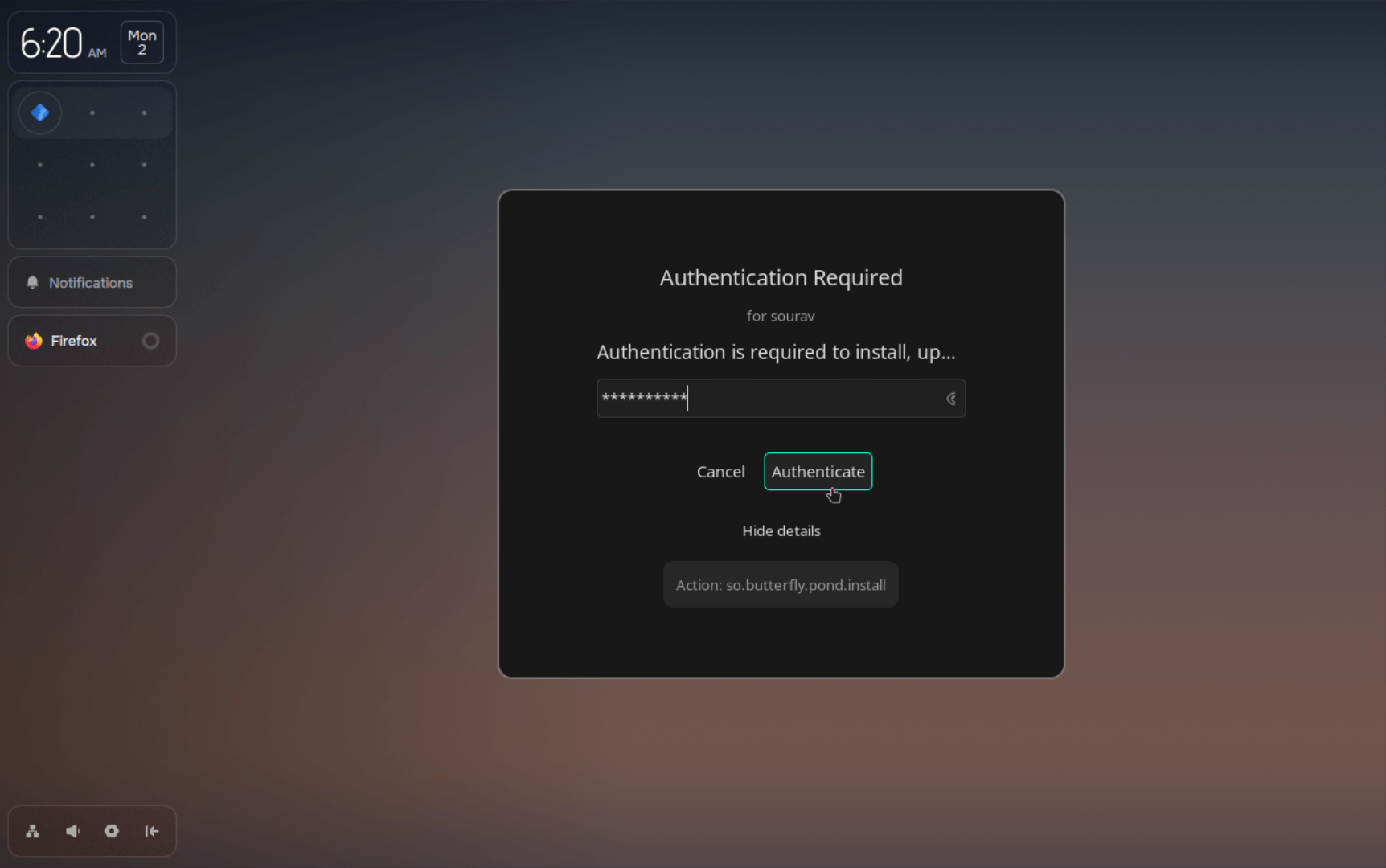
The minimap situated beneath the calendar interface visually represents each workspace as an individual row populated by application icons, allowing users to drag and drop windows directly within the minimap to reorganize their workspace layout efficiently. This spatial approach reflects Butterfly Interaction Inc.’s broader design language, which relies on distinct geometric shapes and color palettes while maintaining the robust, reliable foundation provided by Arch Linux.

While Pond remains in its early stages of development, its distinct approach to desktop interaction and interface design positions it as an intriguing newcomer in the Linux landscape. As development progresses and community adoption evolves, the distribution offers a glimpse into alternative pathways for desktop computing outside the traditional desktop paradigm. Source code and further technical documentation for Pond’s various components remain publicly accessible via GitHub for developers and enthusiasts interested in examining its underlying architecture.