
The Linux desktop landscape is witnessing a fascinating intersection of artificial intelligence and open-source development. CutefishOS, a distribution that initially made waves in the Linux community a few years ago as a promising beta built around a macOS-inspired aesthetic, is staging an unexpected comeback. Even more remarkably, its entire new desktop environment has been written from scratch using cutting-edge artificial intelligence models.
Reion Wong, the original creator and developer of CutefishOS who continues to manage the project’s official social media presence, recently announced the new desktop environment. To showcase the revival, Wong shared a detailed demo video and a series of screenshots highlighting the project’s dramatic transformation. According to the developer, his modern workflow relies heavily on prompting an AI agent and evaluating what the system produces, marking a radical shift in how custom Linux desktop environments can be conceptualized and built.
Is It Really Built From Scratch?
The announcement immediately sparked curiosity and skepticism within the open-source community regarding the origins of the code. In a statement posted to social media, Wong emphasized that the new Cutefish desktop has been rebuilt from scratch and stands as a fully independent project. Every single line of code was allegedly rewritten with the assistance of advanced AI systems, specifically Anthropic’s Fable 5.1 and Opus 5.5 models.
Furthermore, the project claims to feature its very own custom Wayland compositor and an independent graphics library, alongside an entirely new suite of system applications. The demonstration video highlights exceptionally fast application launch times, challenging traditional assumptions about the overhead associated with completely custom desktop stacks. When members of the community inquired whether the desktop was built on top of GTK or Qt frameworks, Wong clarified that the project does not base itself on either of those foundational libraries.

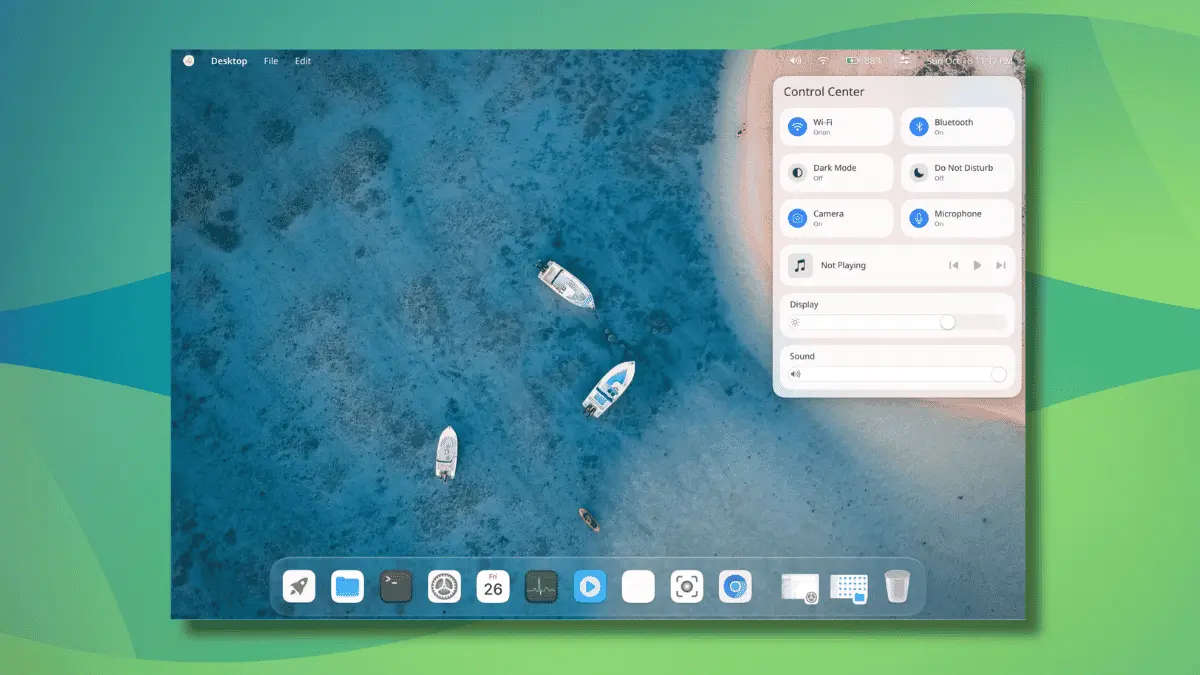
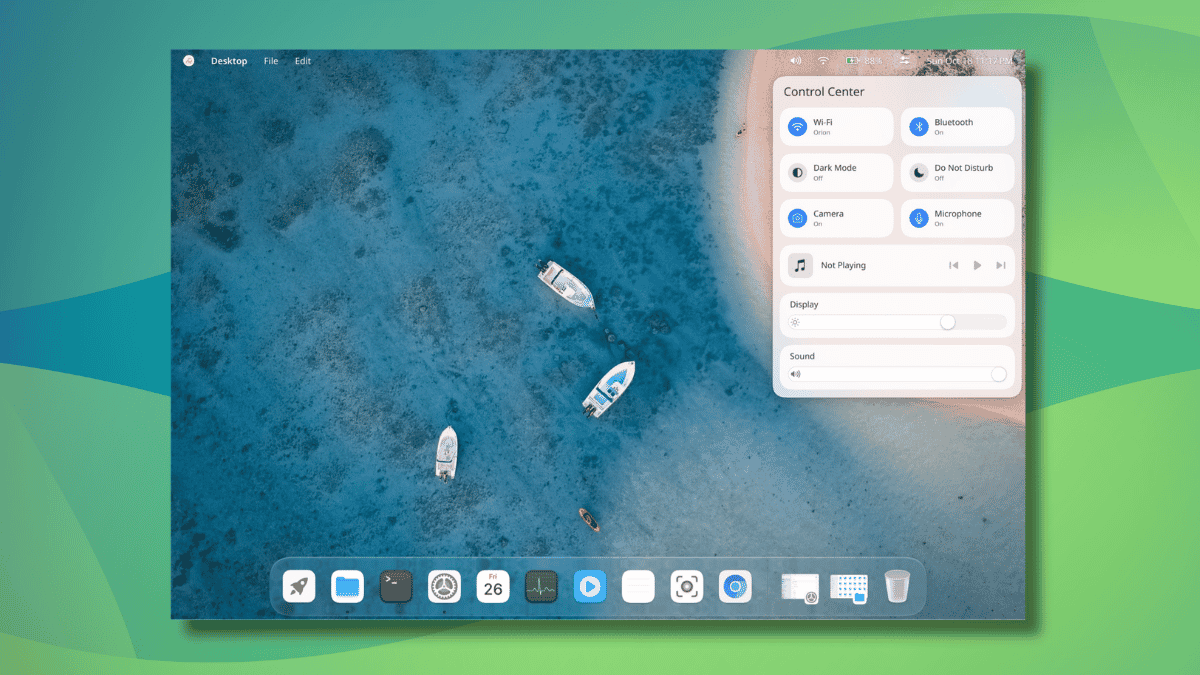
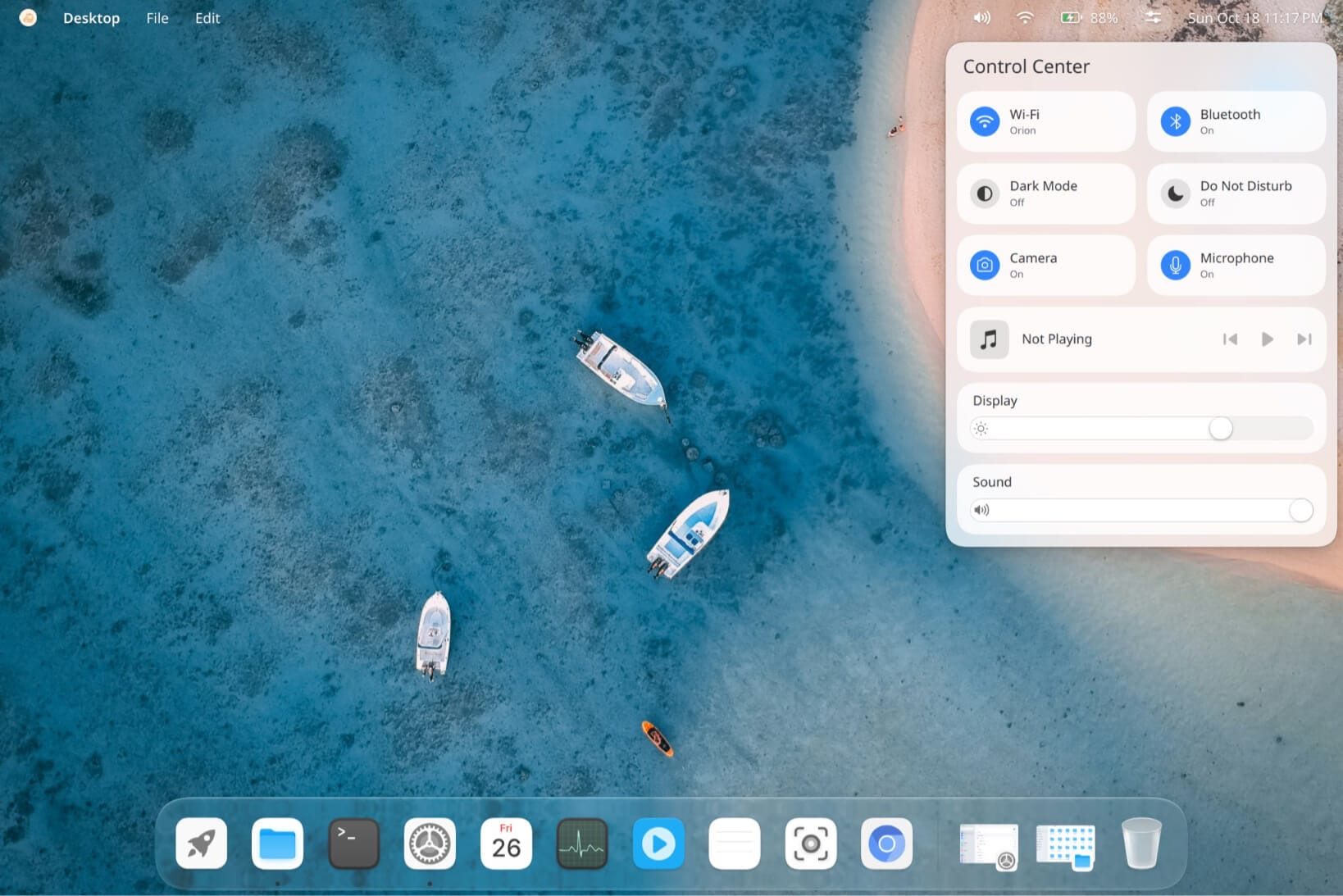
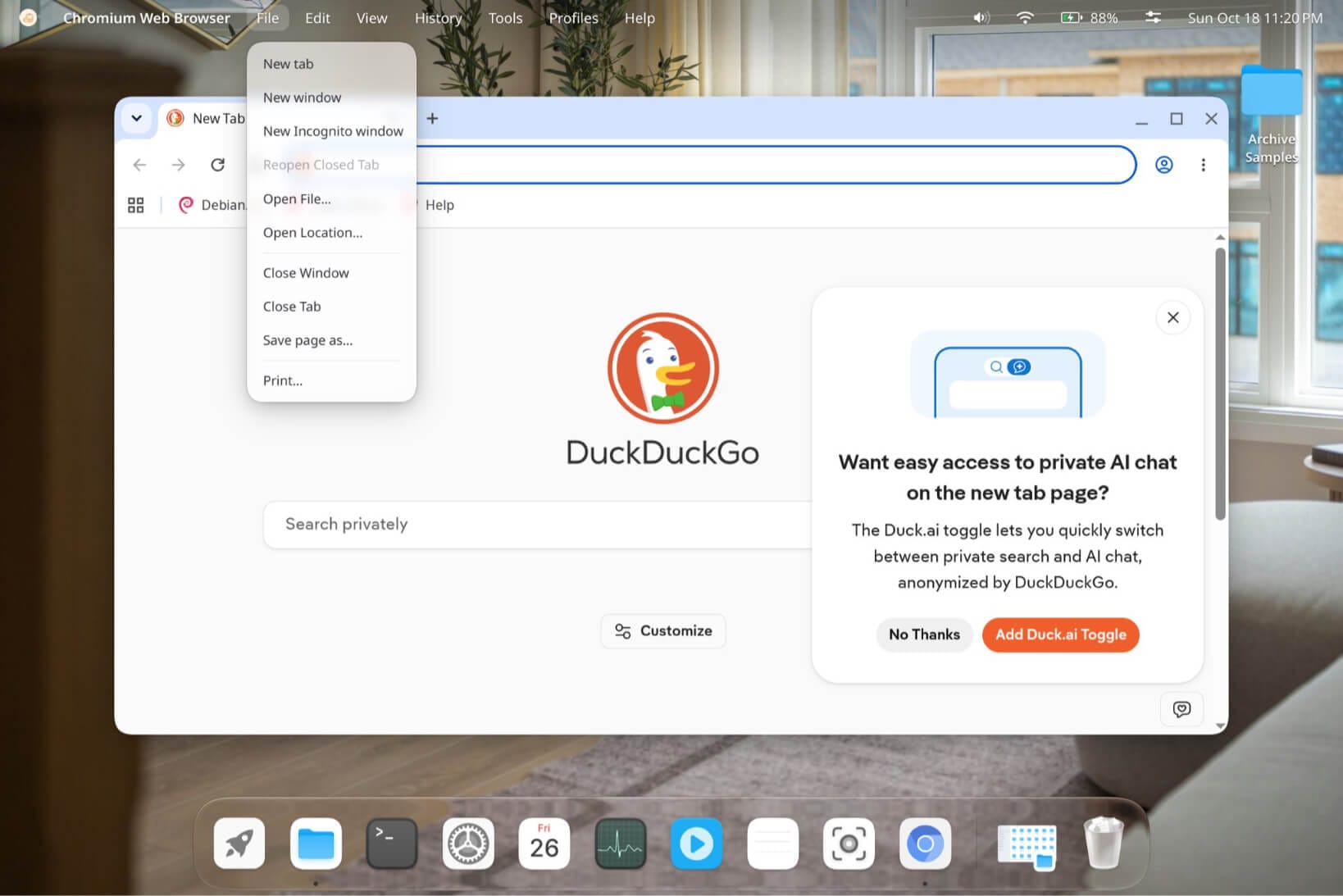
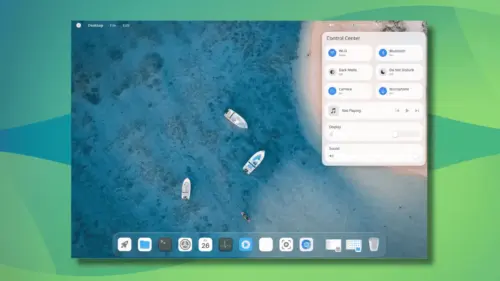
A close examination of the interface reveals a polished user experience that strongly mirrors the aesthetic and functional design of macOS. The top bar houses a comprehensive Control Center panel, a Notification Center, and standard status widgets designed for everyday usability. The Control Center packs convenient toggles for Wi-Fi, Bluetooth, dark mode, Do Not Disturb, camera inputs, and microphone mute functions, alongside integrated media controls and smooth sliders for adjusting display brightness and audio volume.
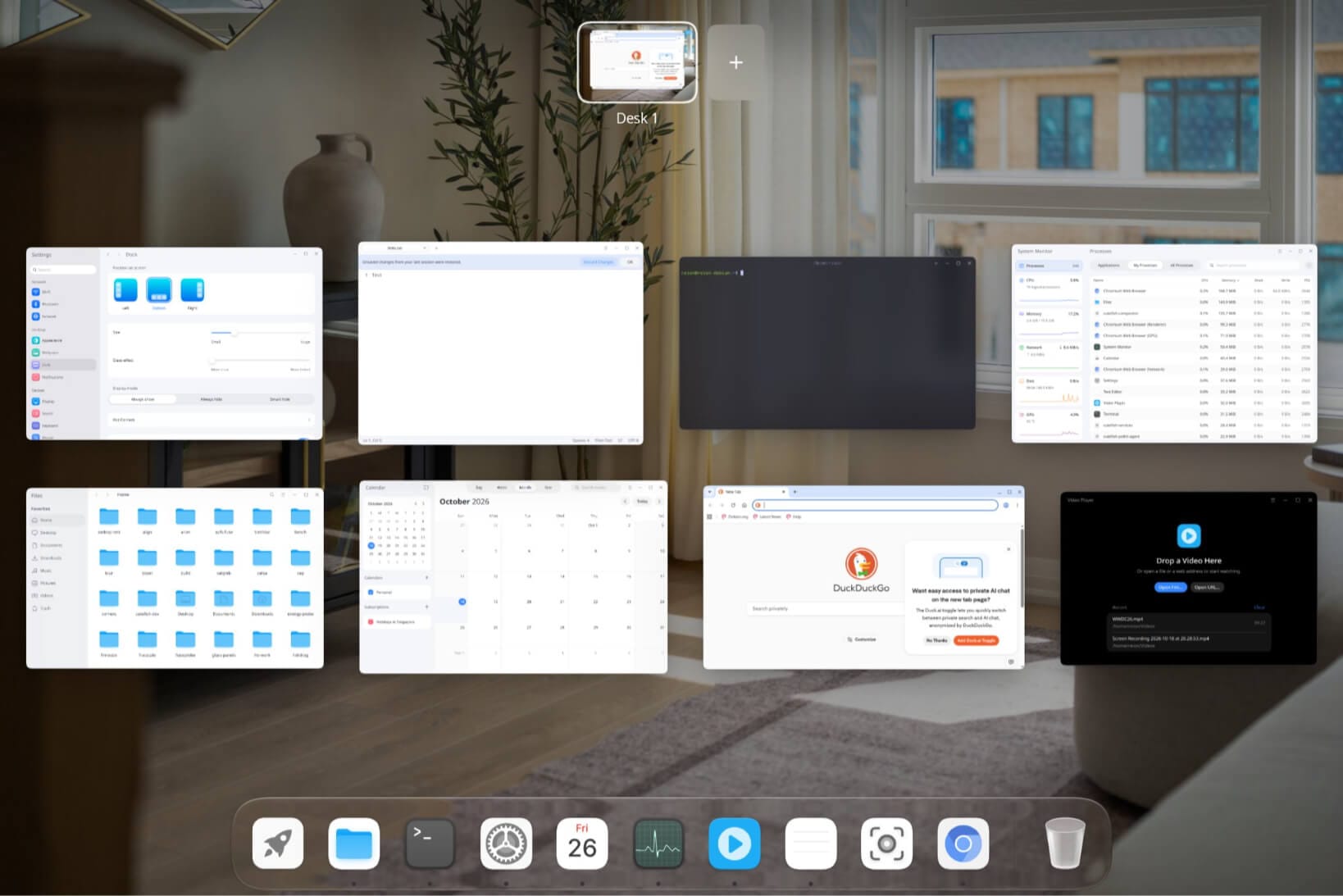
Navigation is further enhanced by a configurable Dock that users can position at the bottom, left, or right edges of the screen. The Dock includes customization sliders for sizing and glass-effect transparency, as well as multiple visibility modes including always show, always hide, and smart hide options. Additionally, much like the GNOME desktop environment, Cutefish Desktop incorporates an Overview mode that spreads open workspaces across a grid layout. Users can effortlessly add new workspaces—referred to by the project as "Desks"—using a dedicated button positioned conveniently at the top of the screen.
The ecosystem of bundled applications is designed to provide a cohesive out-of-the-box experience. The lineup includes a purpose-built file manager, terminal emulator, calendar, system monitor, text editor, video player, screenshot utility, and image viewer. Beyond these native applications, the app launcher showcases compatibility with standard third-party software such as Chromium, Firefox, KeePassXC, Ghostty, and LibreOffice running seamlessly on the new desktop.
A Look Back at CutefishOS and the Road Ahead
The resurgence of CutefishOS brings full circle a project that has experienced a turbulent history over the past several years. The distribution first emerged in 2021 as a promising beta based on Debian 11, centered around the macOS-inspired CutefishDE desktop environment. At the time, it won over admirers with its global app menu integrated into the status bar and its clean, minimalist aesthetic.
However, momentum stalled dramatically in 2022 when the project’s official website went offline and repository activity ground to a halt. The sudden silence prompted community members to take matters into their own hands, with one Redditor initiating plans to organize a community fork. Ultimately, those fork plans were abandoned after activity resumed on the project’s official GitHub repository, accompanied by promises of a modernized web presence.
Despite the excitement surrounding the latest demonstration, enthusiasts eager to test the software will have to exercise patience. The project has not yet provided a definitive release date for the new desktop environment. When one enthusiastic user remarked on social media that they could not wait to try the demo, the project responded by noting that it would still take some time before the software was ready for public testing.
A thorough exploration of the project’s GitHub organization reveals that a dedicated repository for the new AI-generated desktop has not yet been publicly listed. However, given that Reion Wong has historically managed the development of CutefishOS through those repositories, observers and developers alike are keeping a close watch on the platform for the eventual publication of the source code.
This development also highlights a growing, albeit experimental, trend within the open-source community where developers experiment with artificial intelligence to generate functional window managers and desktop interfaces. CutefishOS joins a small but notable wave of recent experiments in this space, pointing toward an uncertain yet intriguing future where AI assistance could fundamentally alter how desktop environments are prototyped and constructed in the Linux ecosystem.

Leave a Reply