As social media platforms continue to evolve their commercial infrastructure, Instagram has cemented its role as a vital gateway for online retail. Recent data underscores this shift: in the third quarter of 2026, at least 17.3% of Hostinger Ecommerce carts containing products were opened directly through Instagram’s in-app browser. While Meta—the company behind Instagram—charges nothing to list products or host accounts, the broader ecosystem of social selling has undergone significant structural transformations, moving away from native app-based checkouts to a model centered entirely on merchant websites.
For brands and online creators looking to capitalize on this traffic, the process requires navigating a balance between official Instagram shopping features and direct link-driven strategies. Whether operating an established storefront or launching a new brand, understanding the mechanics of professional accounts, product catalogs, and payment processing is essential for converting casual scrollers into paying customers.
Transitioning to a Professional Infrastructure
The foundation of selling on Instagram begins with account configuration. Users must switch from a personal profile to a professional account—a free designation tailored for businesses and creators. Operating on a personal profile locks vital ad tools and prevents Meta from reviewing the account for native shopping features.
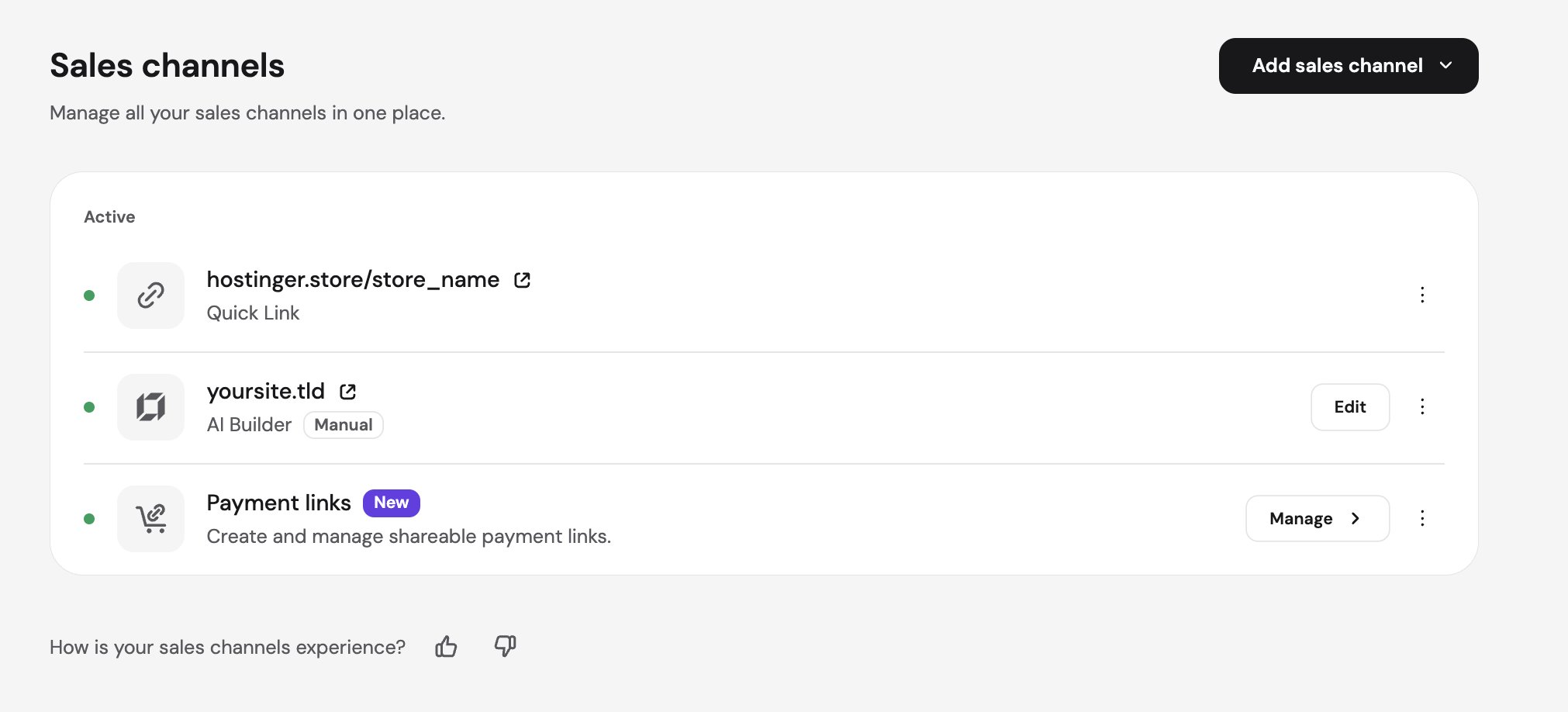
When making this transition, profiles automatically become public, allowing content to surface in search engines. Businesses must ensure that unneeded or sensitive personal content is archived or deleted beforehand. During the seven-screen setup process, platform guides recommend selecting "Business" rather than "Creator" if the objective is to sell proprietary physical goods, as Meta’s shop integration specifically evaluates business entities. While connecting a Facebook Page was once mandatory, Instagram-only sellers can now bypass this step, though checking specific ecommerce platform integrations remains vital, as some third-party tools still require a connected page.
Once configured, merchants establish a presence in Meta Commerce Manager, the centralized hub for managing products across Facebook and Instagram. However, approval is contingent upon strict commerce eligibility requirements. Meta mandates that businesses connect their own custom domains rather than relying on addresses shared with generic store builders, ensuring brand authenticity before an Instagram shop can be published.
The Evolution of Product Catalogs and Website Checkouts
A critical development in the social commerce landscape is Meta’s transition toward website-based checkouts. As of September 2025, every shop on Facebook and Instagram utilizes external website checkouts, meaning the checkout URL seamlessly guides buyers from the social platform to the merchant’s external site to complete every transaction. Meta no longer processes payments, manages orders, handles returns, or resolves customer disputes for shops, placing the administrative and operational weight back onto the seller’s independent store.
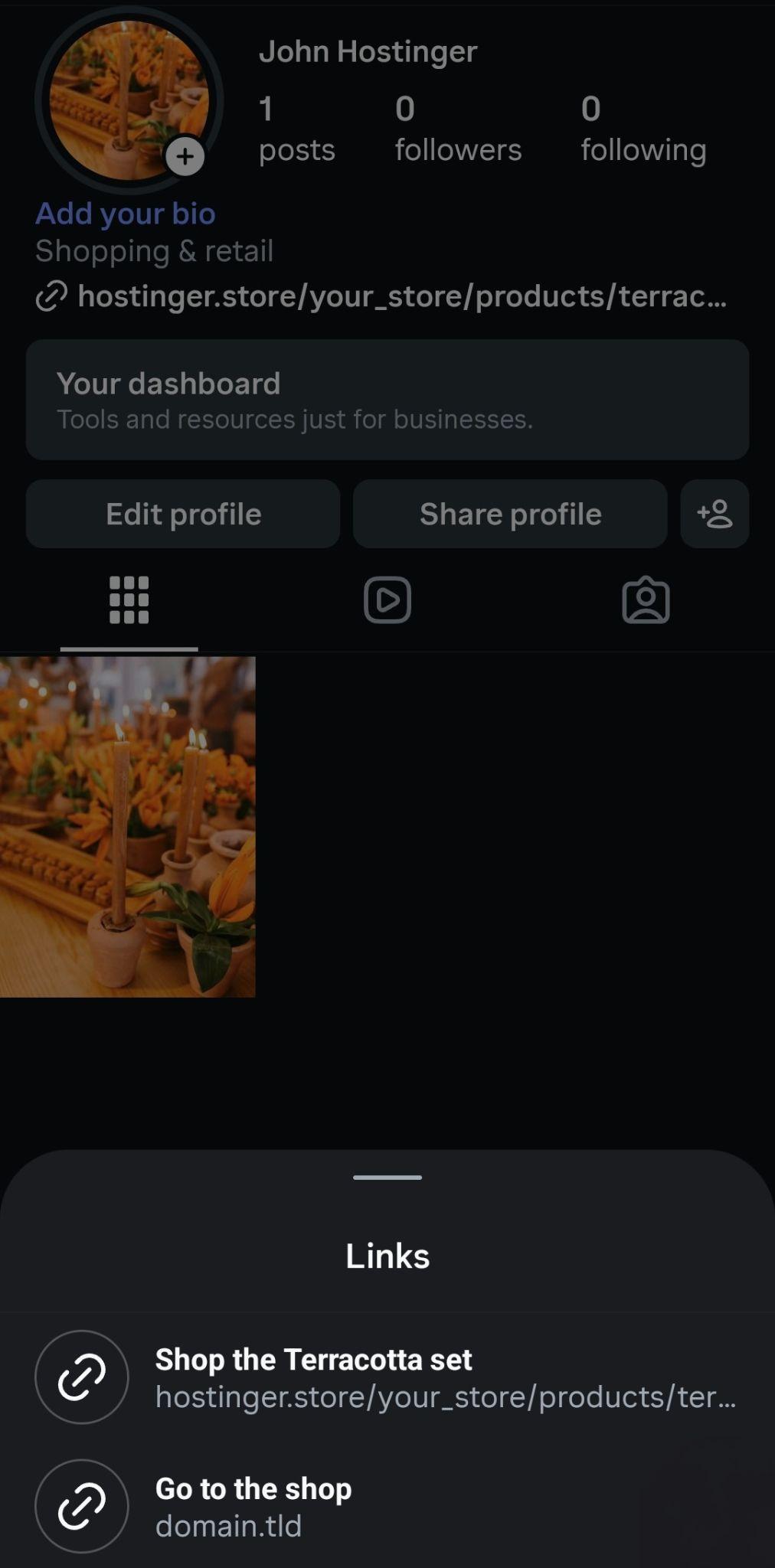
To facilitate product tagging in posts and Reels, merchants must build a product catalog within Commerce Manager. This can be accomplished through manual entry for small catalogs, data feed uploads for dozens or hundreds of items, or automated platform synchronization for stores connected directly via compatible ecommerce software.
A standard catalog requires nine core data fields: a unique product code, title, description, availability, condition, price, product page link, image link, and brand, with additional specifications required for apparel and specialized categories. Because Meta’s commerce policies strictly prohibit digital products and subscriptions from being listed directly in shops, digital creators rely instead on direct links embedded in bios, Stories, and direct messages.
Maintaining inventory accuracy remains a central challenge for sellers whose platforms lack direct Meta synchronization. Because the ecommerce store acts as the single source of truth for stock counts and pricing, manual updates in Commerce Manager must occur simultaneously with updates on the merchant’s website. Failing to update stock levels risks exposing outdated pricing or directing eager buyers to sold-out product pages.
Leveraging Content, Stories, and Direct Messaging
Beyond official product tagging—which becomes available only after Meta reviews and approves a shop—merchants utilize a variety of organic content formats to drive traffic. Reels serve as a primary engine for discovering new audiences, as Instagram distributes short-form video content to users who do not yet follow the brand. By highlighting products within the opening seconds of a video, creators can capture fleeting attention spans before viewers swipe away.
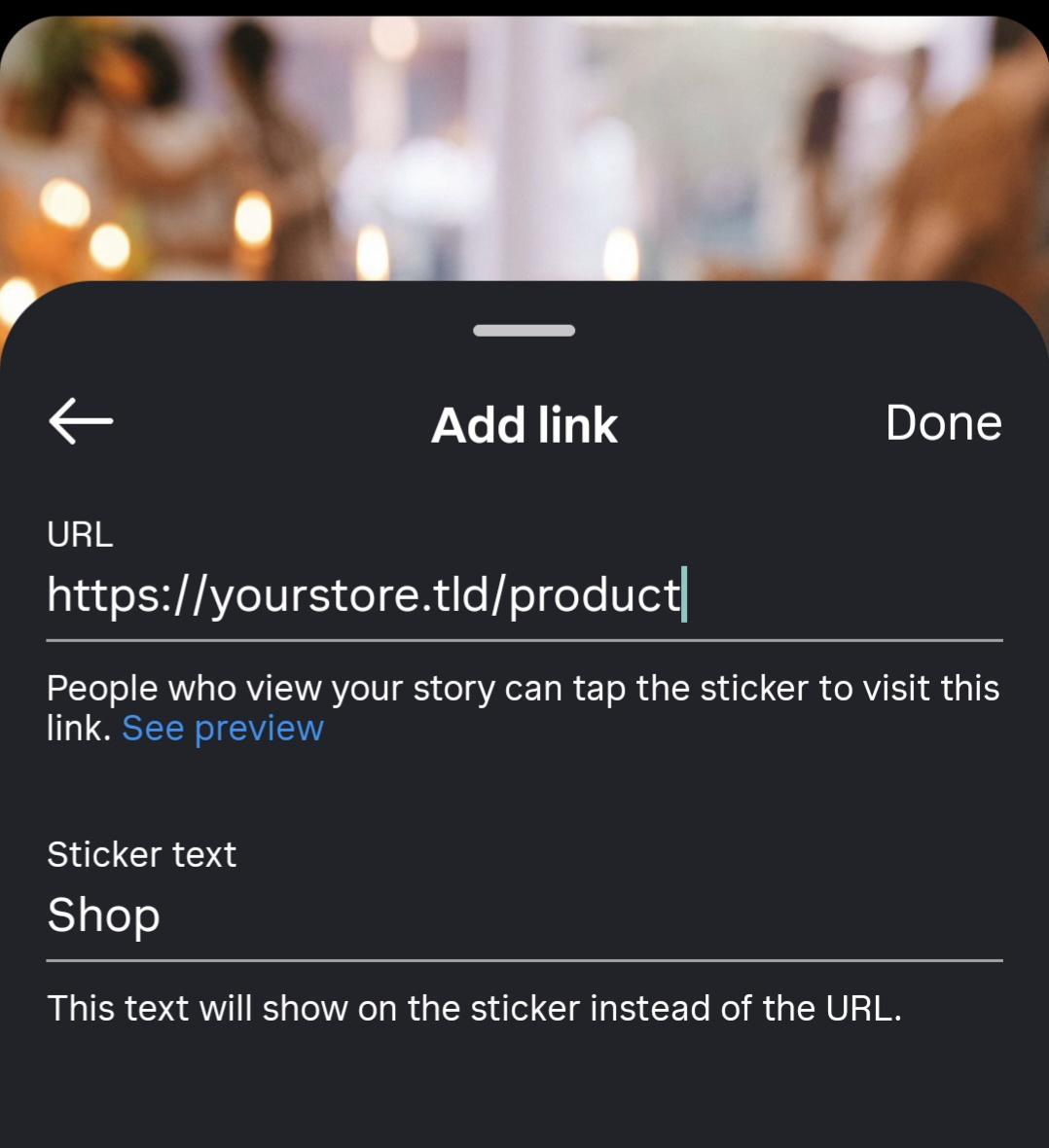
Carousels and single photos provide detailed views of product scale, materials, and real-world applications, while Stories offer a 24-hour window to announce restocks, share behind-the-scenes moments, and utilize interactive stickers. The platform’s LINK sticker allows any account to direct viewers straight to a specific product page within Instagram’s in-app browser, functioning as a reliable alternative for accounts awaiting formal shopping approval.
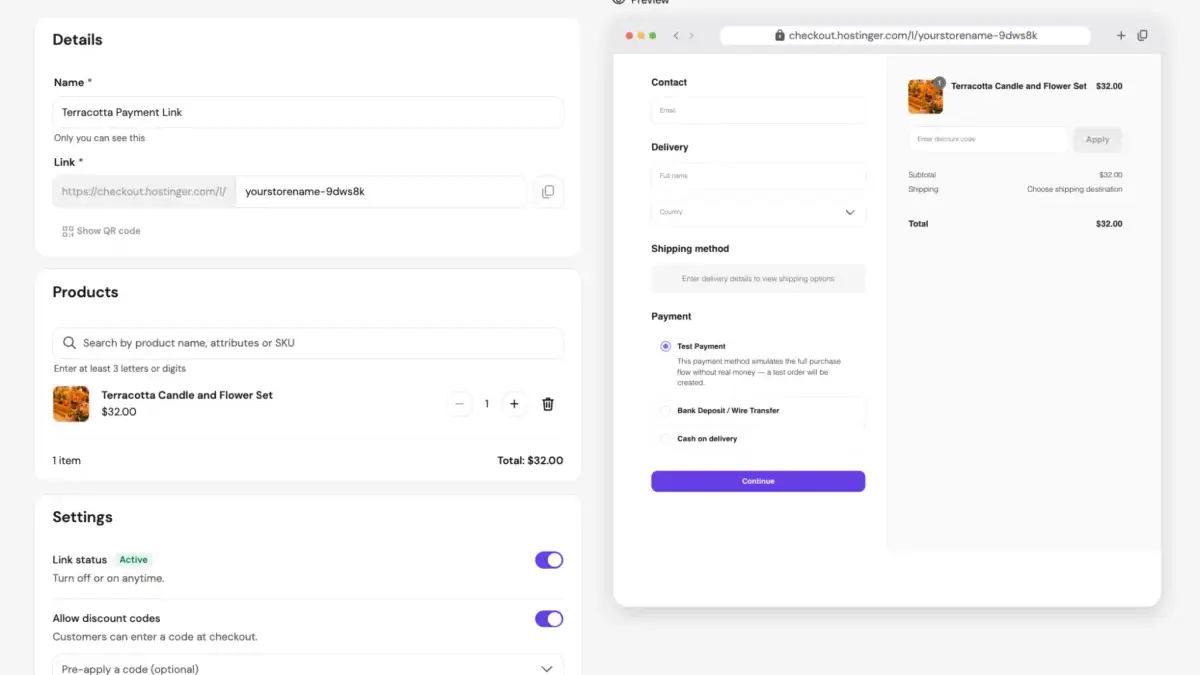
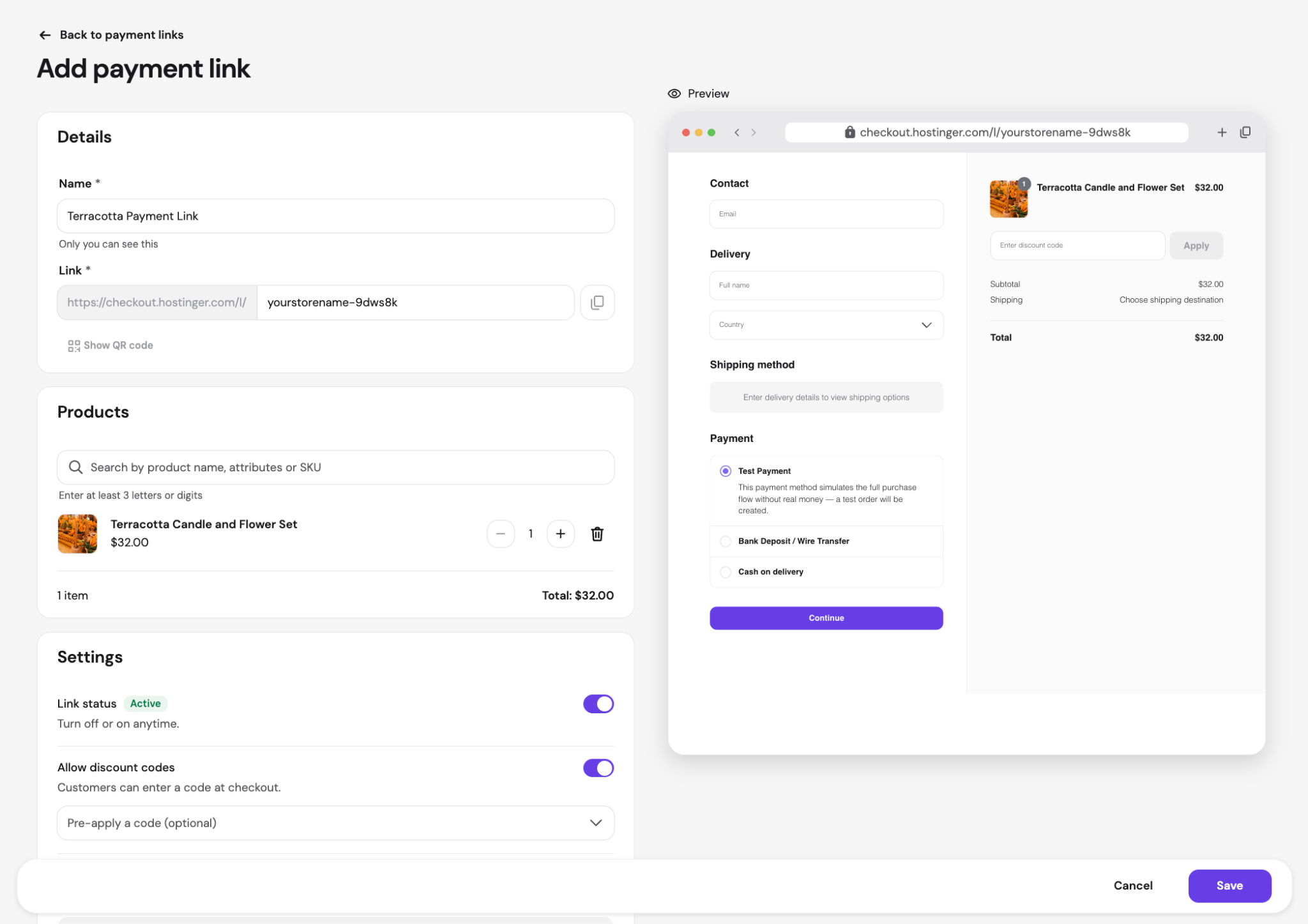
Direct messaging has similarly emerged as a vital conversion channel. Many customer interactions begin in DMs before a buyer ever visits an external website. To streamline these interactions, merchants deploy saved replies, automated greetings, and away messages to address common inquiries regarding sizing, shipping times, and return policies instantly. When a customer expresses immediate intent to purchase, sending a direct payment link—generated through platforms like Stripe, PayPal, or dedicated ecommerce dashboards—allows the buyer to bypass the traditional product page entirely and complete transactions seamlessly.
Financial Realities and Performance Tracking
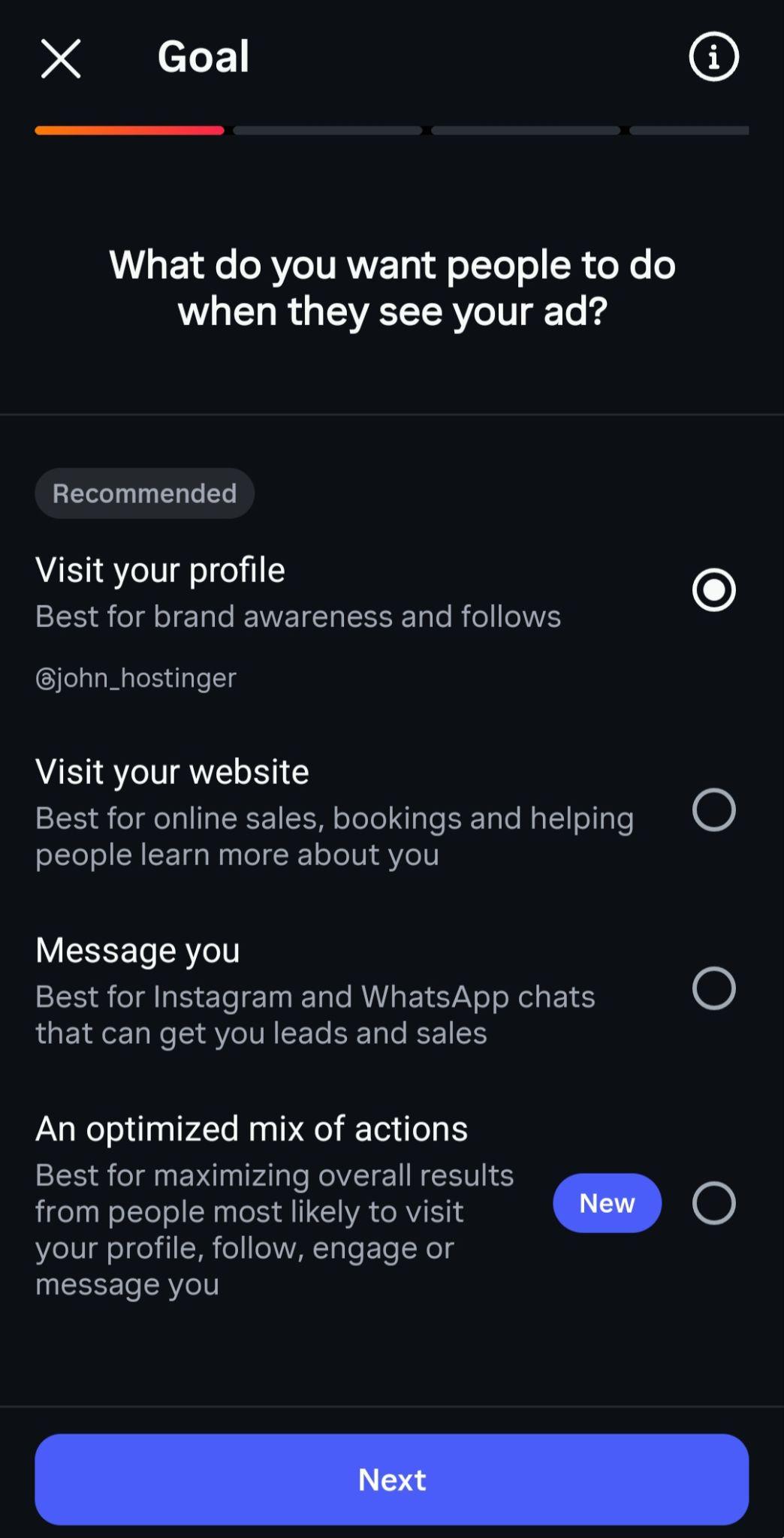
While Instagram provides its professional account tools and bio linking capabilities free of charge, running a sustainable social commerce operation involves predictable overhead. Expenses typically include underlying ecommerce store subscription plans, domain registration fees, payment processing charges, and optional advertising budgets through boosted posts.
Payment processors levy standard transaction fees that impact profit margins, particularly on lower-priced items. For instance, domestic credit card processing through providers like Stripe generally incurs a percentage fee plus a fixed per-transaction cost, while alternative payment methods may carry slightly higher rates. Because the fixed portion of these fees consumes a larger share of smaller orders, merchants frequently utilize product bundling or establish minimum order thresholds to optimize their profit margins.
To evaluate the return on investment from social media efforts, merchants track core metrics spanning link clicks, store visits, orders, and total revenue. Instagram provides native interaction data through its insights dashboard, while external web analytics tools utilize custom UTM parameters appended to URLs to accurately trace which specific bio link, Story sticker, or direct message brought each visitor to the store.
By closely monitoring these metrics, businesses can refine their content strategies, adjust their advertising budgets away from underperforming posts, and ensure their online infrastructure remains capable of converting Instagram’s substantial mobile traffic into long-term commercial success.