
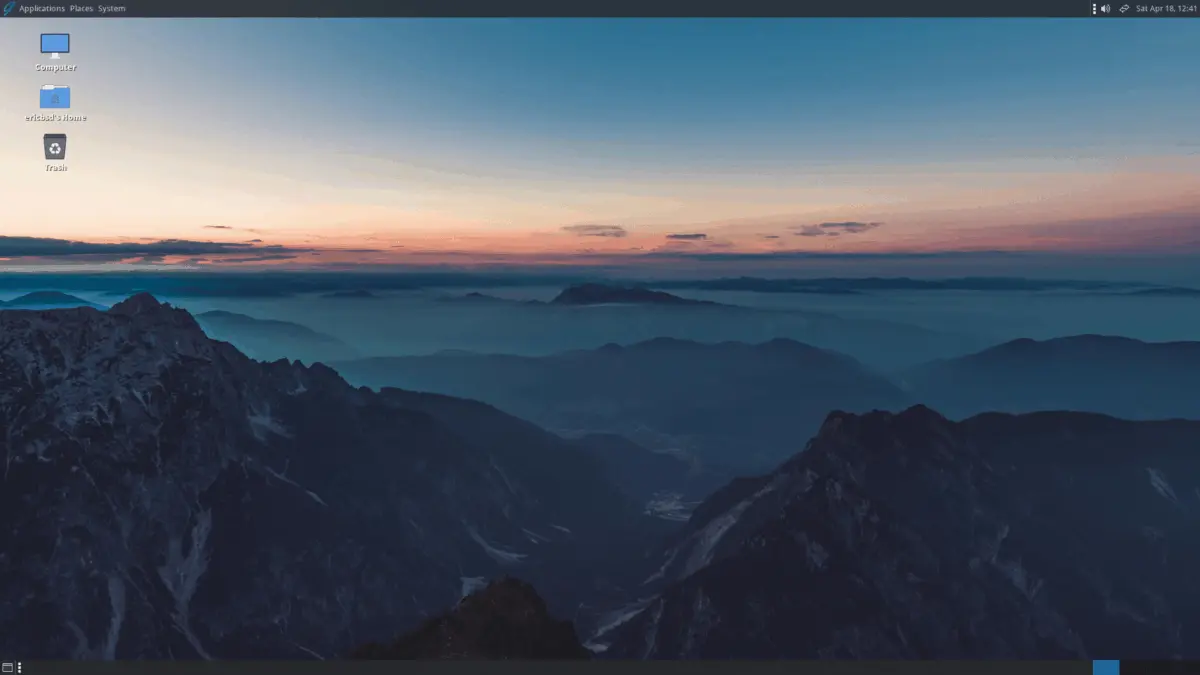
For decades, the standard advice given to computer enthusiasts looking for an alternative to mainstream proprietary operating systems has been to explore the vast and diverse world of Linux distributions. While this guidance remains exceptionally sound for millions of users, it routinely overlooks a specific demographic: those who want a break from Linux itself.
The broader open-source ecosystem extends far beyond the Linux kernel and the massive software infrastructure built around it. A variety of alternative open-source operating systems offer completely different architectural philosophies, security models, and historical lineages. Each of these systems provides its own bootable ISO image or installer, and many possess varying degrees of compatibility with standard Linux applications. Think of them as operating systems that are friendly with Tux the penguin, but not quite friendly enough to invite him inside for a cup of tea.
This overview encompasses a diverse selection of non-Linux open-source systems, moving from traditional Berkeley Software Distribution derivatives to desktop-first environments and culminating in cutting-edge experimental kernels built on modern programming languages.
Vinix
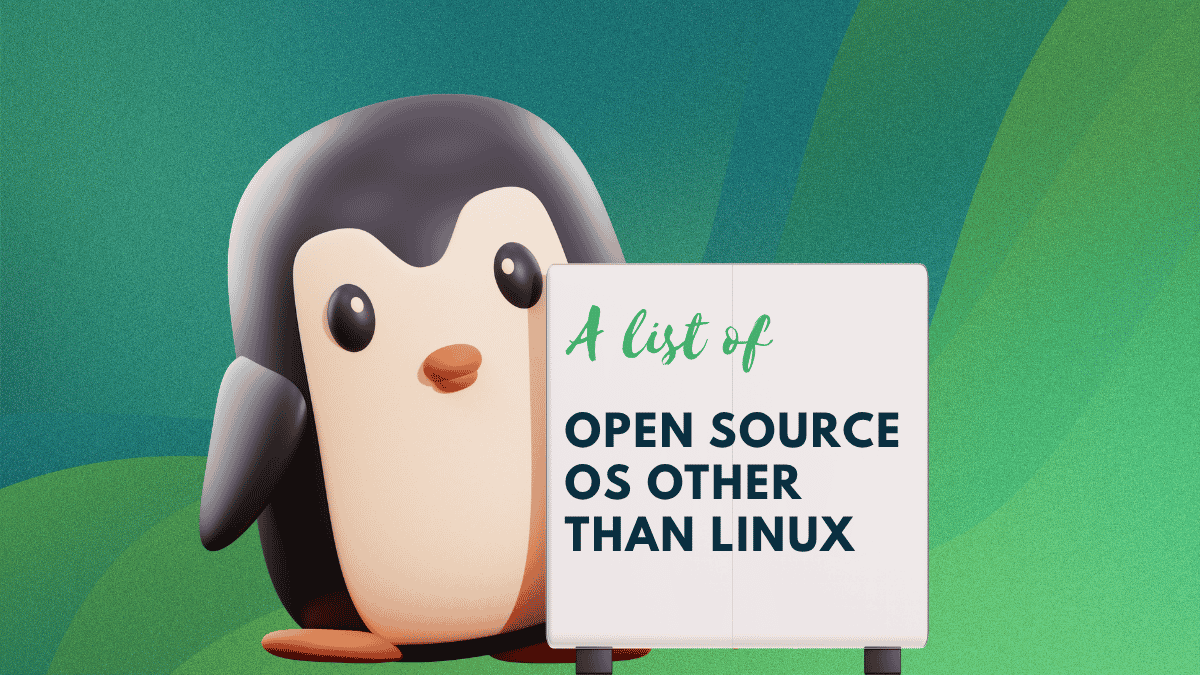
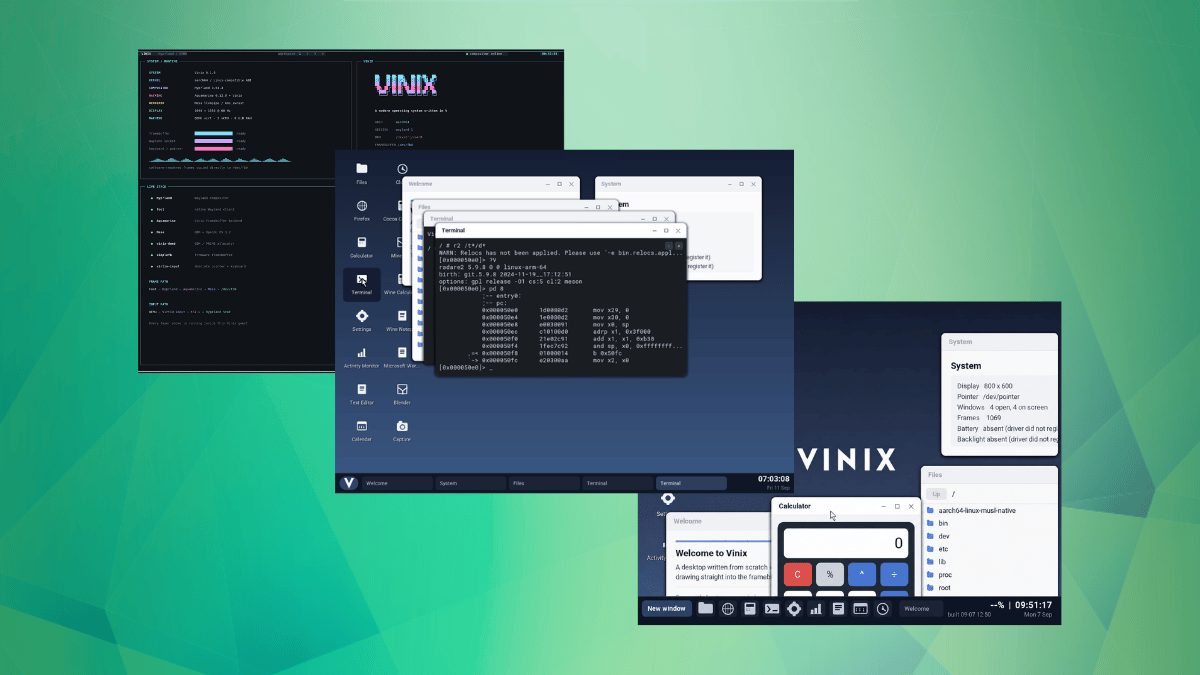
For owners of early Apple Silicon MacBooks who are seeking an operating system that is neither proprietary macOS nor a traditional Linux distribution, Vinix presents a compelling alternative. Maintained primarily by Alexander Medvednikov, the author of the V programming language, the project is currently targeted at original M1 hardware.
The architecture of Vinix centers around a monolithic kernel written predominantly in V, alongside portions written in C and assembly. To achieve maximum performance and predictability, memory is managed entirely by hand. This design ensures that no garbage collector can interrupt a critical system call, while the underlying security model borrows specific defensive concepts from OpenBSD.
On ARM64 architecture, the system is capable of running Alpine Linux binaries natively. Furthermore, the native pkg utility can install packages directly from Alpine’s aarch64 software repositories. For developers and enthusiasts who wish to test the environment without dedicated hardware, installation ISO images for both x86-64 and ARM64 architectures are readily available for virtual machine deployment. Vinix serves as a notable option for anyone interested in poking at experimental kernels and alternative system designs.

Asterinas NixOS
Exploring Asterinas NixOS introduces users to an unconventional combination: a standard NixOS configuration environment paired with an innovative Rust-based kernel in place of Linux. Asterinas itself is designed to implement the Linux system call interface, allowing traditional applications built for the Linux platform to execute seamlessly on top of its unique foundation.
The distribution is configured using the familiar declarative Nix language just like a regular NixOS installation. Under the hood, however, safety is prioritized through modern programming paradigms. Unsafe Rust code is strictly restricted to a small framework known as OSTD, while the remainder of the kernel and its accompanying device drivers are implemented entirely in safe Rust.
Currently, x86_64 hardware platforms enjoy full support, while ARM64 and RISC-V architectures sit one tier below. Project maintainers emphasize that the distribution is not yet ready for production deployment, positioning the installer ISOs available on GitHub primarily for early adopters and Rust enthusiasts who want to follow the implementation of memory-safe systems programming in operating system design.
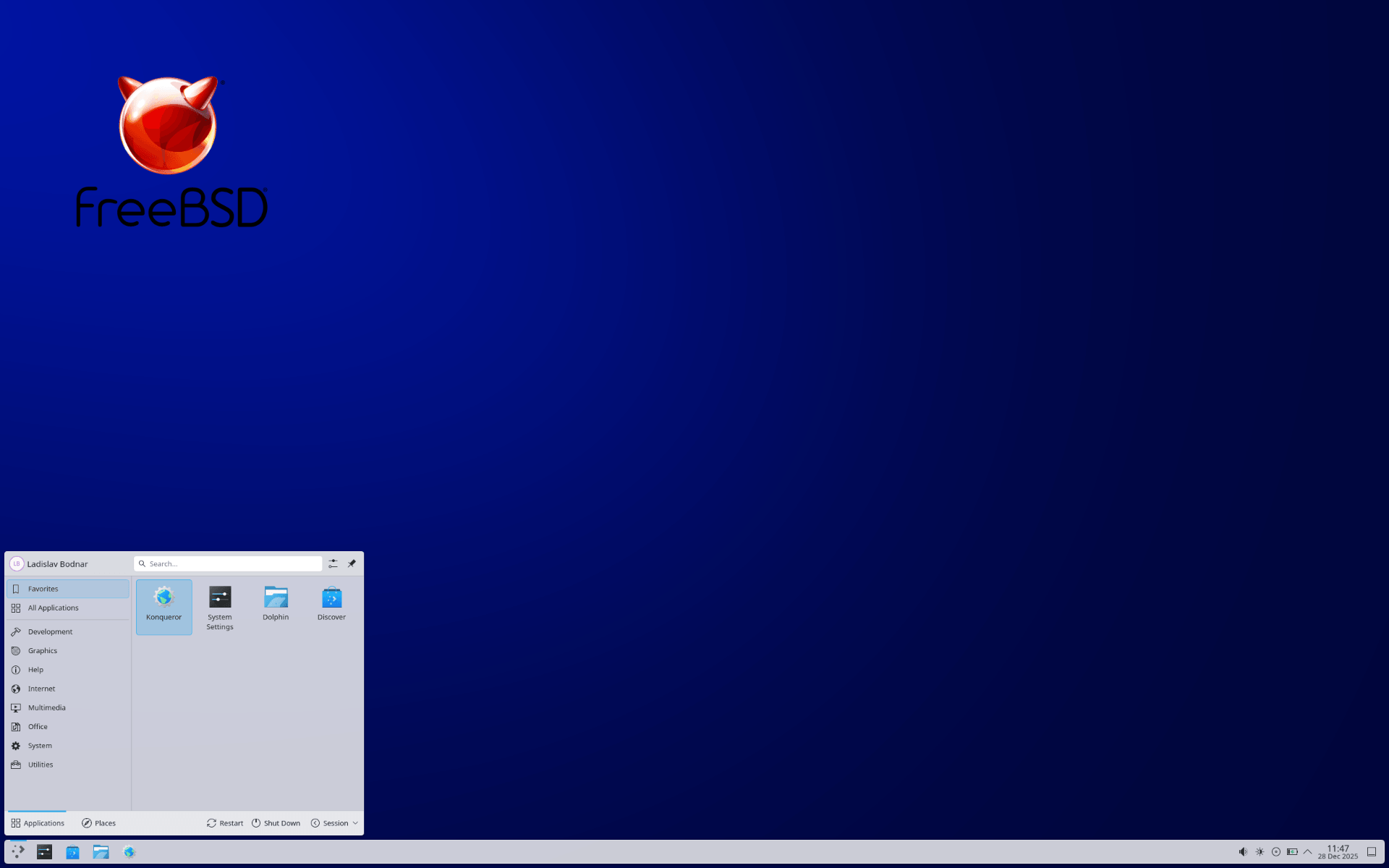
FreeBSD
FreeBSD stands as a complete, robust operating system directly derived from BSD, the historical Unix version originally developed at the University of California, Berkeley. Sustained by a large and active global community, FreeBSD utilizes a permissive license that allows commercial entities and individual developers to maintain and utilize their own private modifications.
At the core of the FreeBSD offering are advanced enterprise features such as OpenZFS, jails, and a native hypervisor. OpenZFS is deeply integrated into the base system, providing features like boot environments that allow administrators to effortlessly roll back a faulty system update by taking a snapshot before applying changes.
The platform enjoys widespread hardware support, running reliably on AMD64, AArch64, Armv7, PowerPC, and RISC-V architectures. Given its stability and performance characteristics, FreeBSD remains a preferred choice for production servers, enterprise storage arrays, and complex networking hardware.

GhostBSD
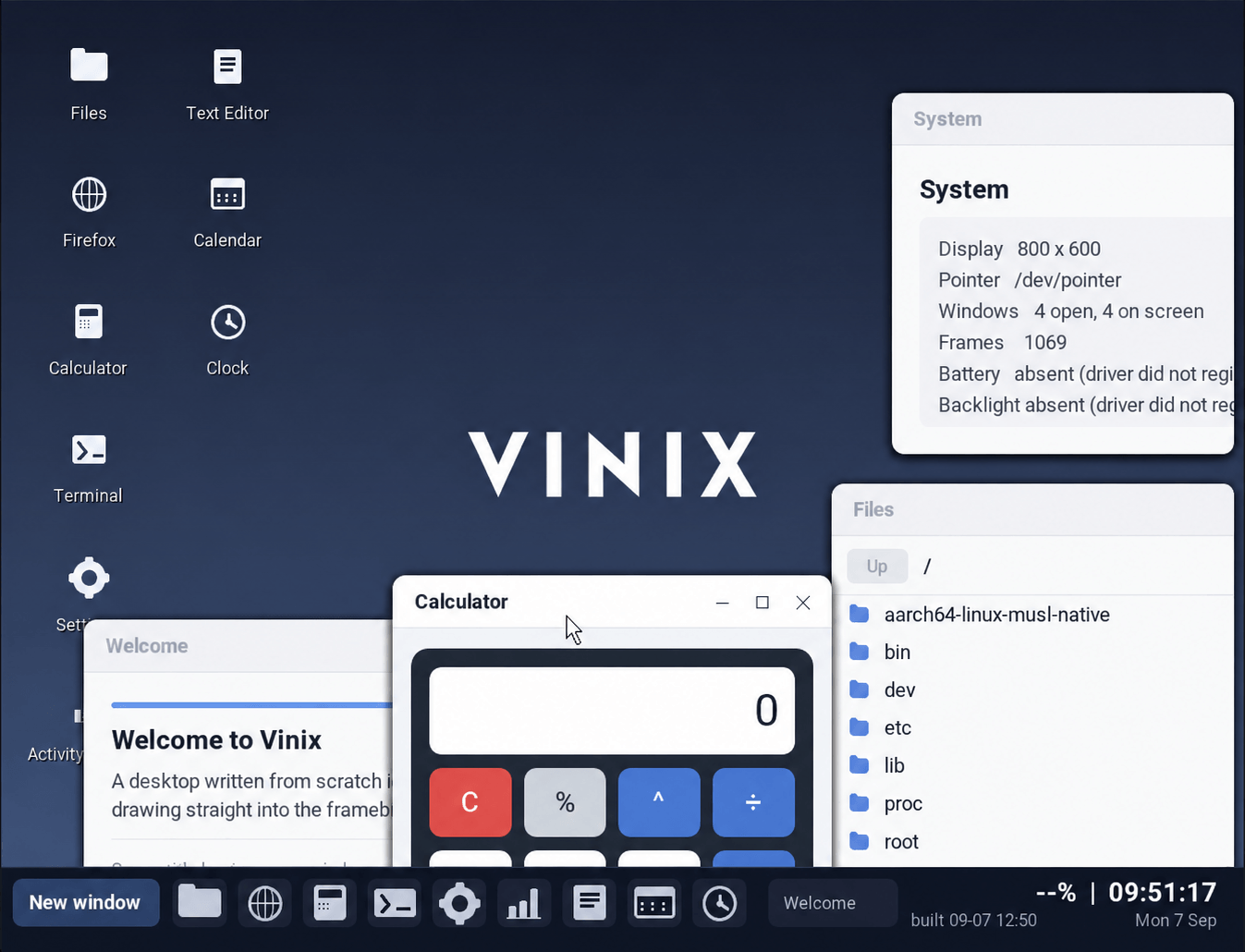
For users who appreciate the architectural strengths of FreeBSD but require a ready-to-use desktop environment without manual configuration, GhostBSD bridges the gap. The project successfully pairs a stable FreeBSD foundation with the MATE desktop environment, delivering a familiar and accessible set of pre-configured applications.
The project’s historical name originated as an acronym for GNOME hosted by FreeBSD. Although the desktop environment has since transitioned to MATE—a direct continuation of the classic GNOME 2 interface—the spirit of the project remains unchanged. GhostBSD follows a slow-rolling release schedule, prioritizing system stability over rapidly chasing the newest software packages often favored by fast-moving Linux distributions.
Crucially for everyday users, Linux binary compatibility comes preconfigured out of the box, and a user-friendly installer built on OpenZFS makes the initial setup approachable for newcomers who want to experience FreeBSD as a daily desktop operating system.
Haiku
Haiku is an open-source operating system explicitly designed for personal computing, drawing heavy architectural and philosophical inspiration from the legendary BeOS. The project is distinguished by a cohesive development approach in which the same core team writes both the operating system kernel and the desktop applications, resulting in a remarkably consistent and unified interface.
Beneath that polished user interface lies a kernel engineered specifically for high responsiveness and multithreading throughout the entire system stack. GhostBSD and other modern systems pale compared to Haiku’s specialized file system, BFS, which utilizes indexed metadata to allow Tracker, the native file manager, to execute rapid database-style queries across an entire storage drive.
Software management is handled through an efficient package system that mounts applications directly into the system hierarchy, maintaining historical states to allow users to easily roll back botched updates. It remains an ideal option for anyone seeking a uniform, responsive desktop experience outside the mainstream ecosystem.
ReactOS
ReactOS occupies a unique and ambitious space in the open-source landscape, accompanied by a clear warning label. Because the operating system is still classified as alpha-level software, its official distribution channels provide no guarantees regarding long-term system stability, the safety of user files, or compatibility with specific hardware configurations.
Behind these cautionary notes lies a full operating system featuring a Windows-style desktop environment that the project states was written completely from scratch. Meanwhile, the underlying user-mode code heavily leverages Wine, the well-known compatibility layer. By default, ReactOS is designed to install onto a FAT16 or FAT32 partition, while support for more modern file systems like Btrfs remains experimental. It serves as a fascinating project for those curious to see how far an open-source Windows reimplementation can progress.
Evaluation and Deployment Considerations
Before committing any of these non-standard operating systems to bare-metal hardware, testing them within a virtual machine environment represents a prudent practice. This approach allows users to thoroughly evaluate whether a given system aligns with their specific workflows and daily computing habits.
Once a suitable alternative is selected and deployed, maintaining regular system updates ensures that critical security patches are never missed, though air-gapped setups remain an option for highly specialized isolation requirements.
Leave a Reply