More than seven and a half years after the block editor first arrived in WordPress Core, developers have been given a long-awaited alternative to modern JavaScript tooling. WordPress 7.0 introduces a radically simplified block-building experience that allows developers to register custom blocks using only PHP, entirely bypassing React, complex build pipelines, and NPM package management. While the update offers a seamless path for transitioning legacy codebases, the architectural constraints of the new feature have sparked a broader discussion across the community about its ideal use cases and inherent limitations.
Since the debut of the Gutenberg editor, traditional WordPress block development has required a dual-registration process. Developers had to declare blocks once in PHP and once in JavaScript, necessitating a heavy ecosystem of build tools, Webpack configurations, and JavaScript frameworks. For many classic theme authors and backend-focused PHP developers, this requirement created a steep learning curve that delayed the adoption of modern block themes.
The new PHP-only approach changes this workflow by introducing a specialized flag during registration. By incorporating an autoRegister parameter within the block settings, WordPress automatically generates the necessary client-side registration and editor preview code behind the scenes. Developers can build fully functional blocks using simple callback functions and render the desired markup directly on the server, returning a streamlined experience that integrates smoothly with the rest of the block editor.
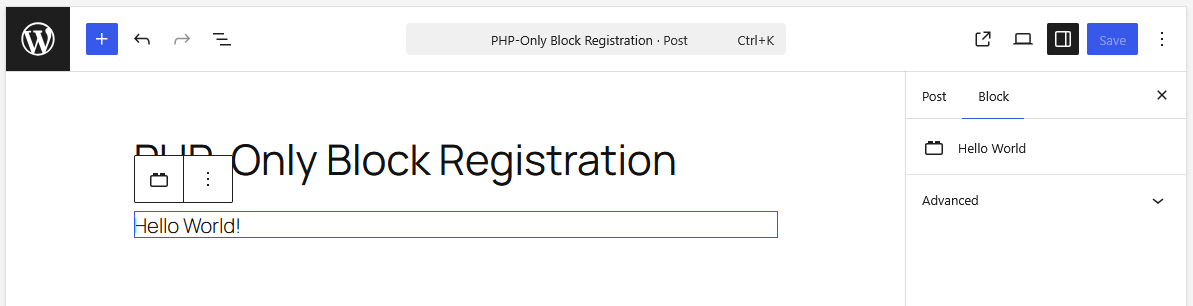
Despite the initial appeal of returning to a simpler programming model, the PHP-only approach comes with significant architectural limitations that prevent it from replacing JavaScript-powered development entirely. Because the editor displays HTML returned by the block’s PHP render callback and relies on REST API endpoints to fetch updates during interactions, these blocks operate outside the single-page JavaScript application powering the rest of the editor.
One of the primary constraints involves content interaction. Editors cannot implement rich text editing in place, image uploads, or multiline text inputs directly within the block preview area. Instead, they are restricted to auto-generated controls housed in the settings sidebar, and even those options are constrained by a lack of support for complex data types. Furthermore, attaching dynamic JavaScript libraries to the block preview markup proves unreliable. Because the editor markup is fetched asynchronously and replaced on every re-render, any DOM manipulation or event listeners attached to the preview are quickly disconnected.
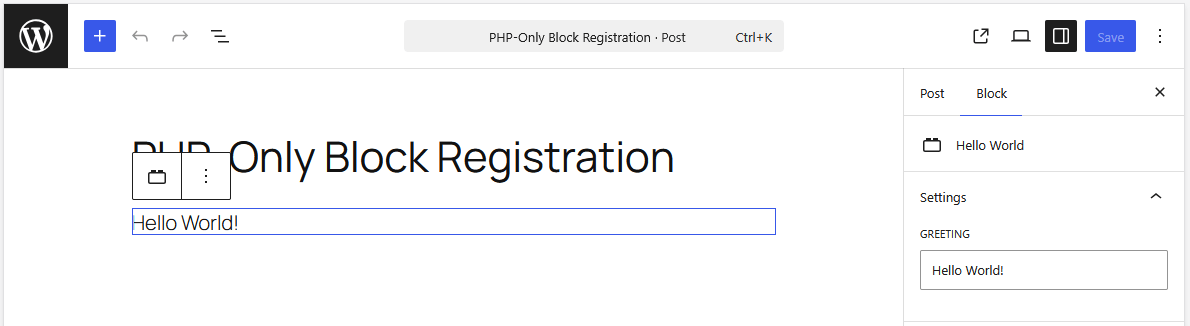
Additional challenges emerge regarding data freshness and global context. PHP-only blocks bypass the client-side data store that tracks live edits within the editor, querying the database directly instead. As a result, blocks displaying fields like post titles, excerpts, or featured images will display stale database data until the post is explicitly saved and the editor is reloaded. Furthermore, because REST API endpoints are stateless, PHP-render callbacks lack access to the global post context traditionally available within The Loop. While workarounds exist, such as extracting post IDs from URL parameters during initialization, these solutions highlight the structural boundaries of the feature.
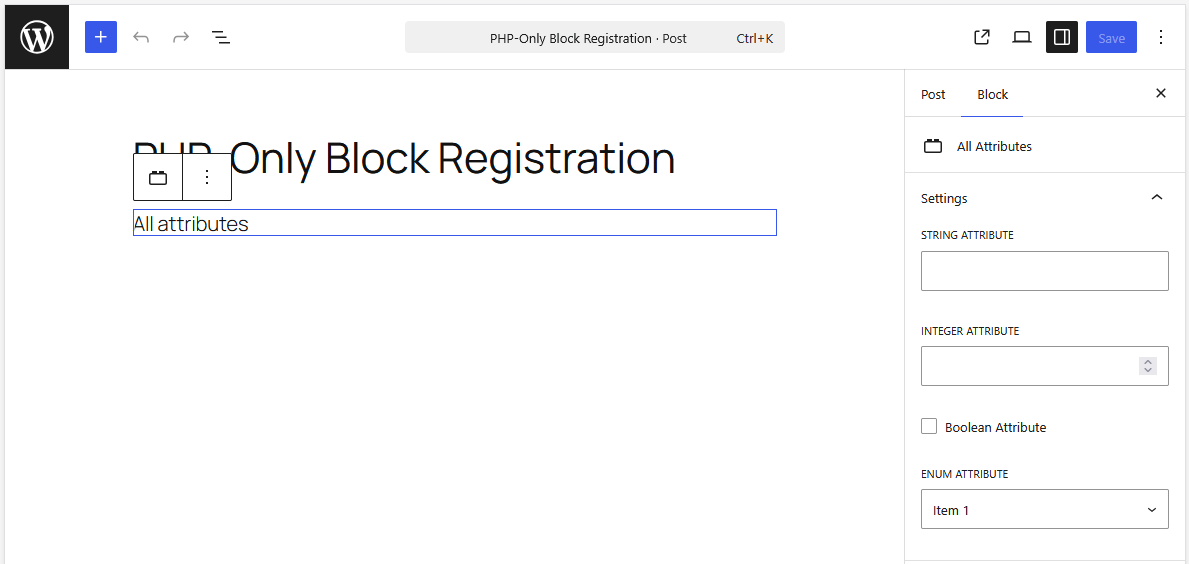
Attribute types and editing interfaces are similarly restricted in WordPress 7.0. The system currently supports only strings, numbers, and booleans, mapping directly to basic UI controls like text inputs, number inputs, checkboxes, and simple dropdowns. Advanced features such as keyed arrays are absent, making it impossible to display human-readable labels while storing corresponding database identifiers, such as showing category names while saving category slugs. Essential tools like native image uploaders, date pickers, and rich text editors are entirely omitted from the PHP-only interface.
Yet, despite these limitations, the feature introduces a transformative use case for developers struggling with theme migrations. The primary barrier keeping many legacy websites anchored to classic themes has been the immense time and technical overhead required to rebuild existing PHP-based template parts, custom widgets, and shortcodes into JavaScript blocks.
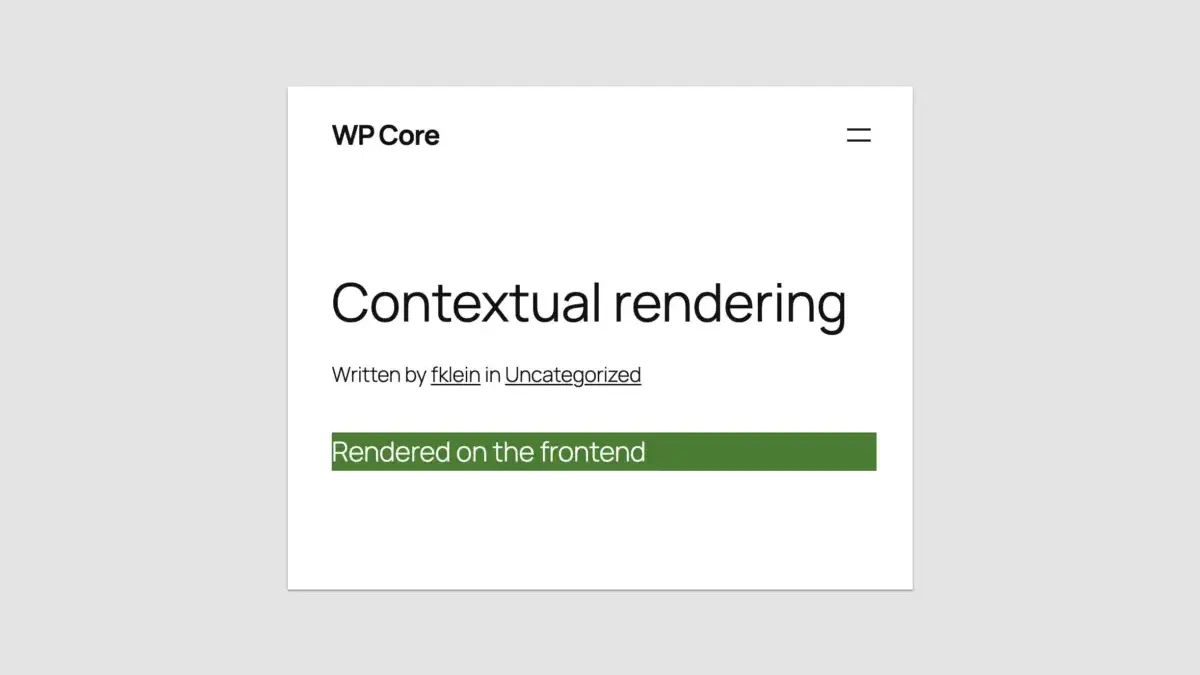
By utilizing PHP-only block registration, developers can wrap existing legacy code into server-side rendered blocks and port them directly into block themes within hours rather than days. While these migrated blocks may lack advanced interactive editing features inside the backend preview, they render flawlessly on the front end. This capability effectively removes the technical wall that has stalled block theme adoption for many agencies and enterprise sites relying on extensive backend PHP implementations.
Advanced practitioners have already identified practical techniques to navigate the system’s boundaries, such as utilizing REST endpoint detection functions to differentiate between admin previews and front-end displays, and leveraging the Block Supports API to manage alignments, inserter visibility, and single-instance restrictions. Furthermore, ensuring that sites utilize Block API Version 3 prepares themes for upcoming core updates that enforce iframed editors universally, helping harmonize styling between the backend and frontend environments.
Ultimately, the long-awaited introduction of PHP-only block registration in WordPress 7.0 is not intended to displace JavaScript-based block development. For building modern, highly interactive, and native-feeling editing experiences, JavaScript remains essential. However, by providing a straightforward bridge to convert legacy codebases without forcing developers to manage complex build pipelines, WordPress Core has addressed a major adoption barrier, signaling a renewed commitment to developer experience across the ecosystem.