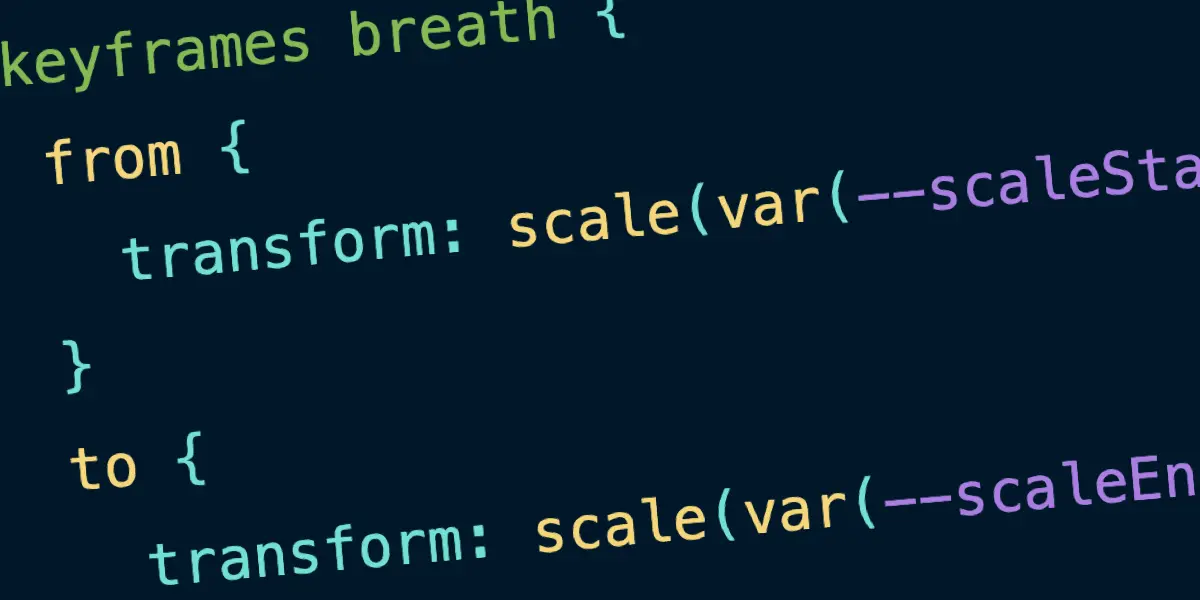
The popular web development publication CSS-Tricks has officially overhauled its code block styling, moving away from traditional dependency-heavy libraries in favor of a modern, CSS-driven approach called MicroLighter. Courtesy of developer Dave Rupert, affectionately known in the community as Uncle Dave, the transition marks a significant shift in how the platform handles syntax highlighting by leveraging native browser capabilities rather than relying heavily on bloated JavaScript frameworks.
For years, web developers have relied on robust client-side scripts to make code snippets readable on the web. While these tools have served the industry well, they often introduce complex markup, unnecessary spans, cascading classes, and substantial JavaScript overhead. MicroLighter changes the equation by leaning almost entirely on modern CSS, specifically utilizing the CSS Custom Highlight API via the ::highlight() pseudo-element. This pivotal feature reached Baseline status, meaning it enjoys widespread, interoperable support across modern web browsers, opening the door for developers to rethink standard styling practices.
The motivation behind adopting MicroLighter at CSS-Tricks stems from a desire to achieve every core requirement of a modern publishing platform—such as flexible themes, accurate line numbers, support for multiple programming languages, and semantic markup—without carrying the historical weight of added dependencies. Previously, the site utilized a custom WordPress block built by co-founder Chris Coyier that integrated Prism.js. While Prism remains a respected, battle-tested library that supports a vast array of languages and maintains a relatively lightweight footprint, the arrival of native browser highlighting tools has made leaner alternatives viable.
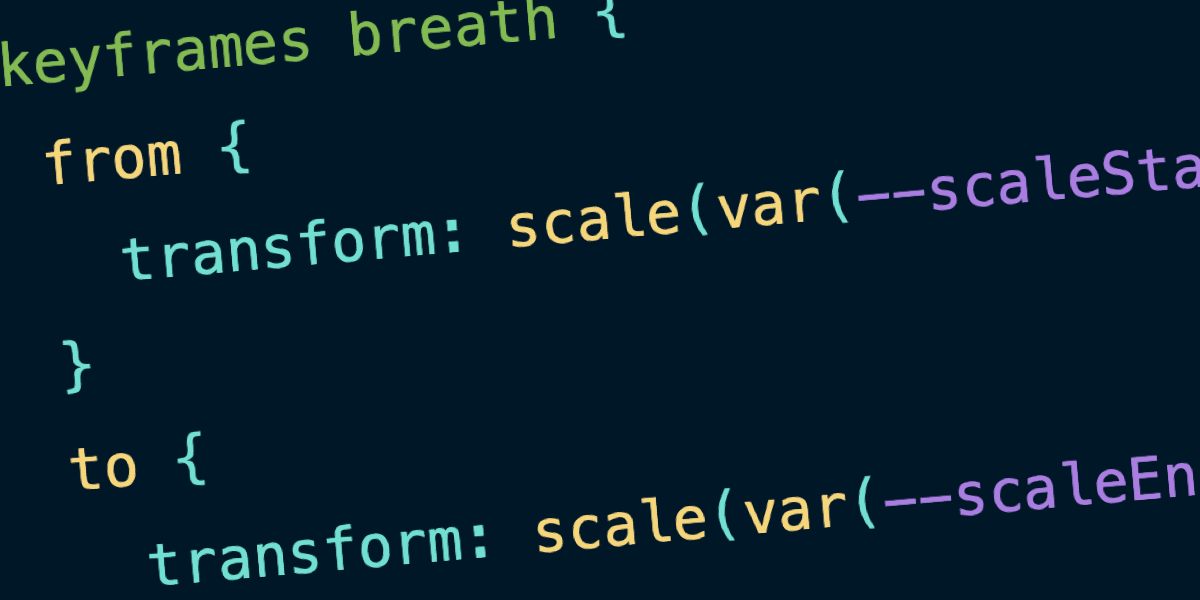
Crucially, the shift to MicroLighter does not mean JavaScript has been entirely eliminated from the process. Rather, it significantly reduces the volume of script required to achieve the same visual outcome. By leaning heavily into modern CSS features, the tool integrates native capabilities like the light-dark() function and custom properties. This architectural choice makes crafting custom themes or adapting to user system preferences entirely straightforward without writing extensive configuration scripts. Developers can configure color schemes natively, mapping syntax elements such as keywords, operators, strings, functions, variables, and properties directly to standard design tokens that automatically respond to dark and light modes.
Beyond its reliance on native styling mechanisms, MicroLighter is engineered to be modular. Developers are not forced to download an all-encompassing bundle; instead, they can pull the exact components they require on an à la carte basis. Whether a project needs specific color themes, support for a tightly curated selection of programming languages, integrated line numbers, or a packaged web component, the architecture accommodates modular integration. Through a simple script import, developers can deploy custom elements that automatically handle language parsing and UI controls like copy buttons while keeping the underlying document tree clean.
The approach invites comparison to other novel web experiments aimed at simplifying developer workflows, such as specialized web fonts engineered with built-in syntax highlighting capabilities. These alternative methods highlight a broader industry trend toward offloading repetitive styling tasks from heavy runtime scripts to the browser rendering engine itself, reducing execution time and simplifying maintenance for long-running content sites.
Following the initial rollout and integration testing, the practical benefits of the migration became clear when analyzing asset sizes. Replacing Prism.js with MicroLighter on the production site yielded a noticeable reduction in payload. While the original Prism integration accounted for approximately 35 kilobytes raw, which compressed to around 9.3 kilobytes gzipped, the new MicroLighter setup came in at 13.9 kilobytes raw and just 5.2 kilobytes gzipped. These figures represent a substantial savings in transferred data, particularly when accounting for the custom WordPress-specific adaptations that had to be baked into the implementation to maintain seamless publishing workflows.