
Chief among these system-level modernizations is a milestone that takes Ubuntu even further down its path of “oxidation”: the complete migration of core utilities to Rust. Until now, fundamental command-line utilities such as cp, mv, and rm had remained tied to their traditional GNU versions due to lingering compatibility considerations. With the arrival of Ubuntu 26.10, these foundational tools have officially transitioned to the Rust-based uutils implementation. This transition represents a major architectural shift for the distribution, enhancing memory safety and performance where it matters most at the operating system level.
The oxidation process is not limited to core utilities alone. Ubuntu 26.10 also extends this modern approach to OpenPGP handling. Sequoia PGP, a robust, memory-safe implementation built from the ground up in Rust by former GnuPG developers, has landed directly in the main software archive. Users and system administrators will find its native sq and sqv tools sitting comfortably alongside traditional GnuPG utilities like gpg and gpgv, offering a modern, secure alternative for cryptographic tasks.
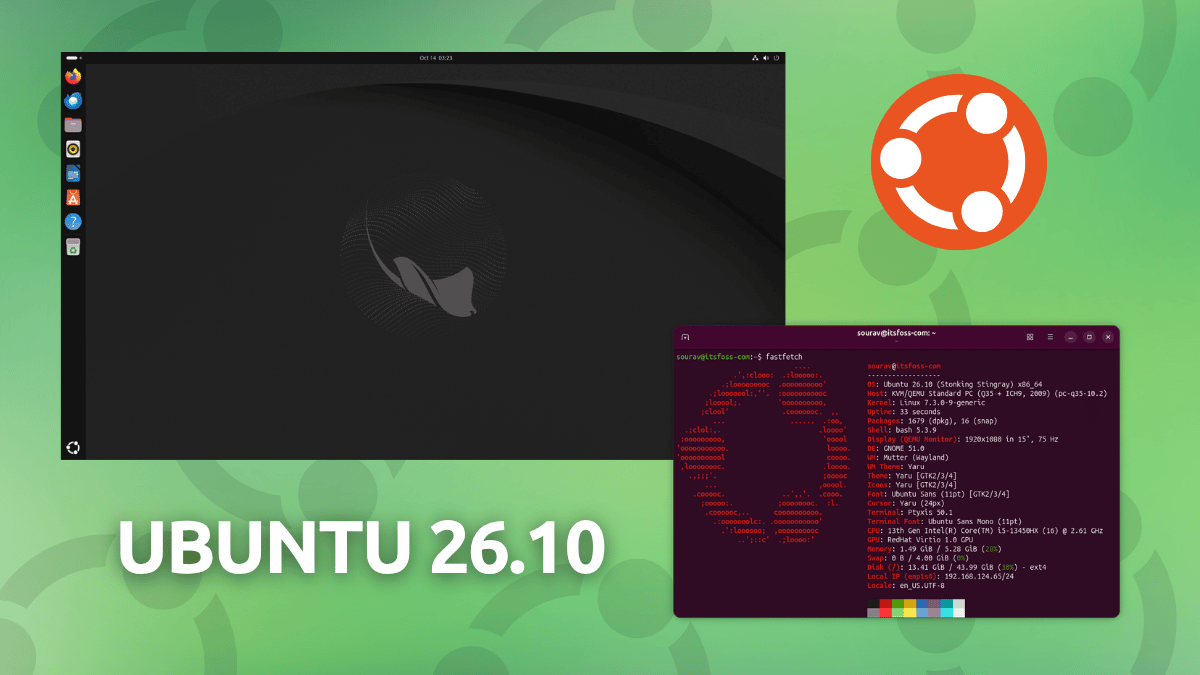
Underneath the user-facing interface, Ubuntu 26.10 is powered by the Linux 7.3 kernel, which is rapidly shaping up to be one of the most performance-focused kernel releases in recent memory. This new kernel introduces native, out-of-the-box support for recent Snapdragon X2 Elite laptops, alongside continued support for a variety of older Snapdragon X Elite and X Plus mobile machines manufactured by industry heavyweights such as Lenovo, HP, and Acer. This expansion broadens Ubuntu’s hardware reach, making it a increasingly viable alternative for modern ARM-based Windows-on-ARM hardware and next-generation mobile computing platforms.

Gamers and hardware enthusiasts also have plenty to celebrate in the Linux 7.3 kernel. This release incorporates the first major milestone of VRAM overcommit work spearheaded by Valve engineer Natalie Vock. For users running games or demanding graphical applications on graphics cards with constrained video memory, this addition allows excess data to be dynamically offloaded to regular system RAM. The result is significantly smoother performance and improved stability on budget or older graphics hardware that would otherwise bottleneck under heavy modern workloads.
In addition to kernel-level graphics improvements, Ubuntu 26.10 shifts its default proprietary graphics posture by adopting the NVIDIA 615 driver series. Replacing the older 595 and 610 iterations, this new driver series ships exclusively with open kernel modules, providing streamlined and modern support for Turing-generation graphics cards and all subsequent NVIDIA hardware architectures.
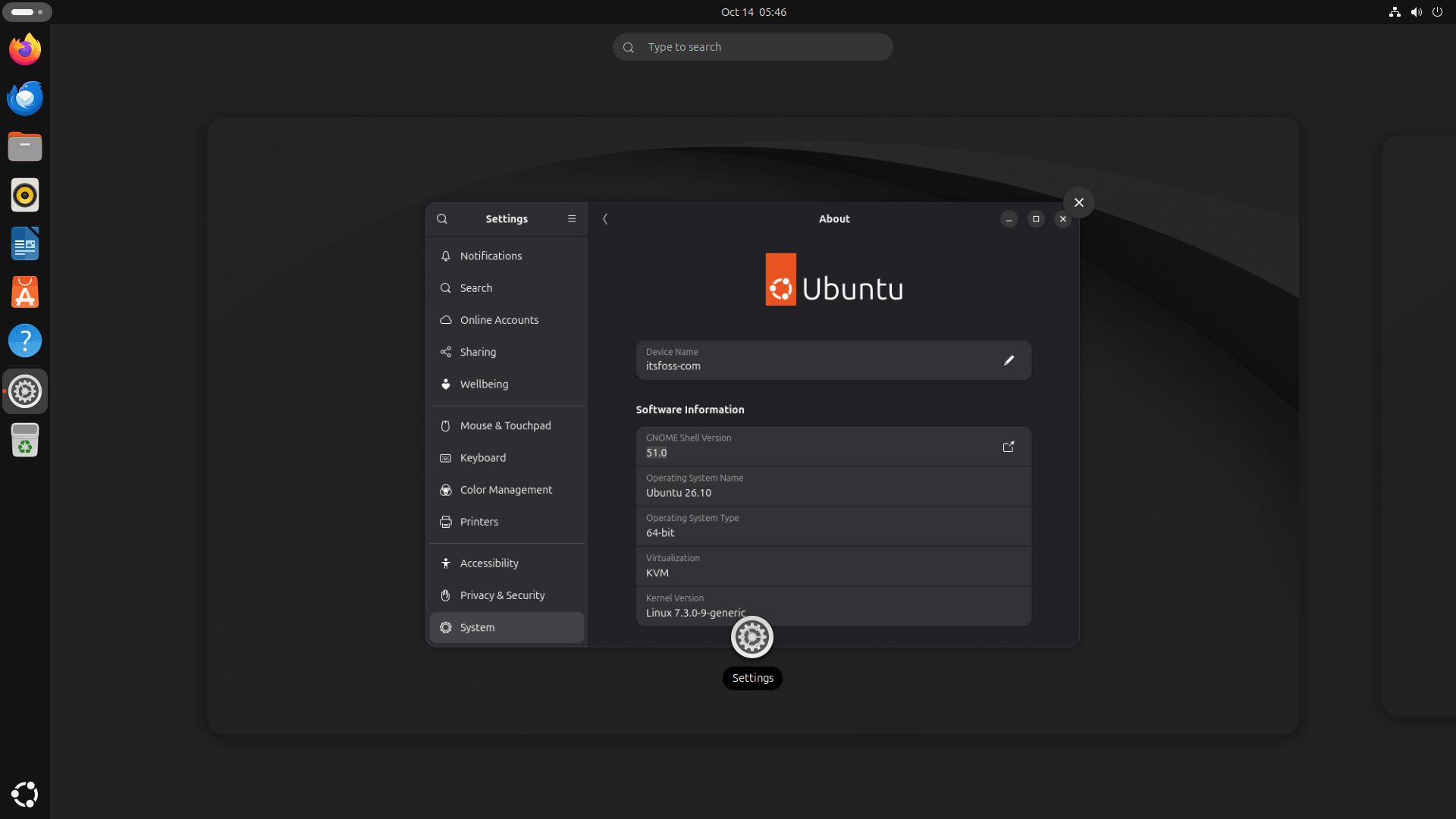
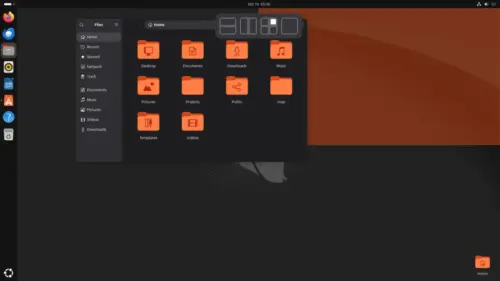
On the desktop front, Ubuntu 26.10 features the latest GNOME 51 desktop environment, which introduces a refined user experience and several practical quality-of-life enhancements. Users will notice a dedicated fingerprint manager integrated directly into the Users panel for biometric authentication management, as well as the addition of DNS search domains within the Network settings interface. The native Files application has also received minor tweaks, including a helpful count badge that appears when dragging multiple items simultaneously to provide clearer visual feedback during file management operations.
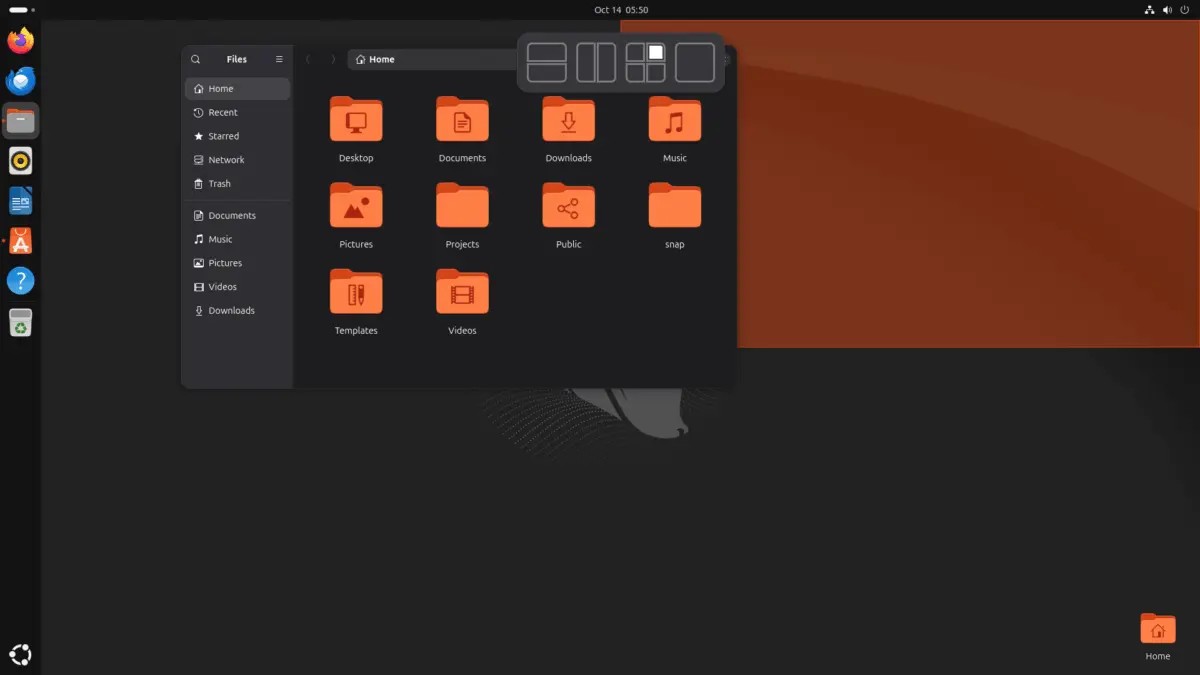
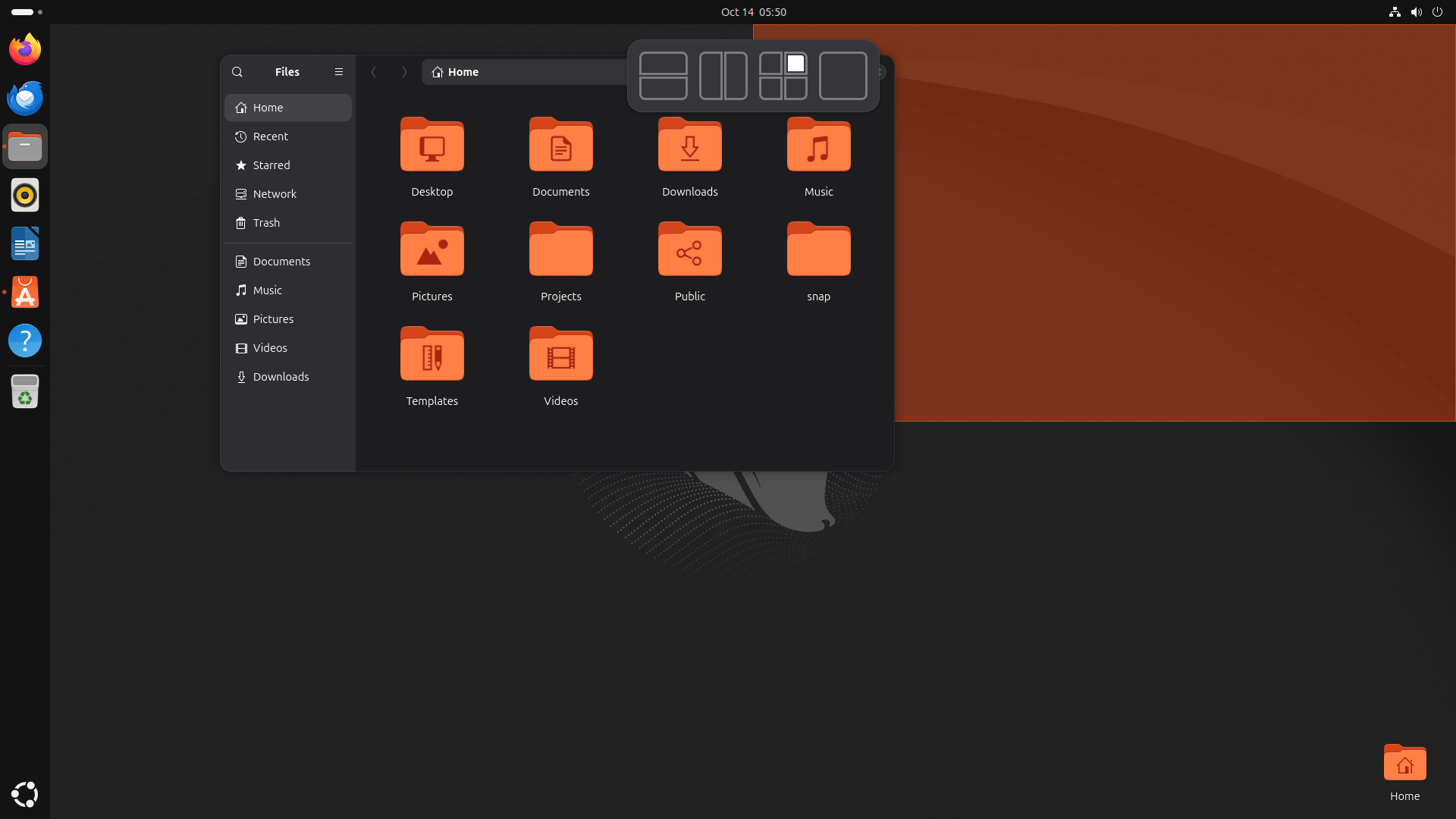
Complementing the desktop experience is the inclusion of the Ubuntu Tiling Assistant. This tool brings a streamlined, Windows-11-like interface to the operating system’s built-in snappable window layouts, making it easier than ever for users to organize multi-window workflows on high-resolution displays. Meanwhile, users looking forward to broader system-level overhauls, such as a completely redesigned installer and a modernized first-boot onboarding flow, will have to wait, as those interface refreshes are currently targeted for inclusion in the upcoming Ubuntu 28.04 LTS release.
For users wishing to test or deploy the new operating system, installation images for Ubuntu 26.10 are widely available. Official ISOs supporting AMD64, ARM64, and RISC-V architectures can be acquired directly from the main project website, with standard desktop variants intended for general users. Specialized images, including Server, Netboot, and Windows Subsystem for Linux (WSL) configurations, remain accessible through the dedicated Ubuntu releases portal.

Leave a Reply