
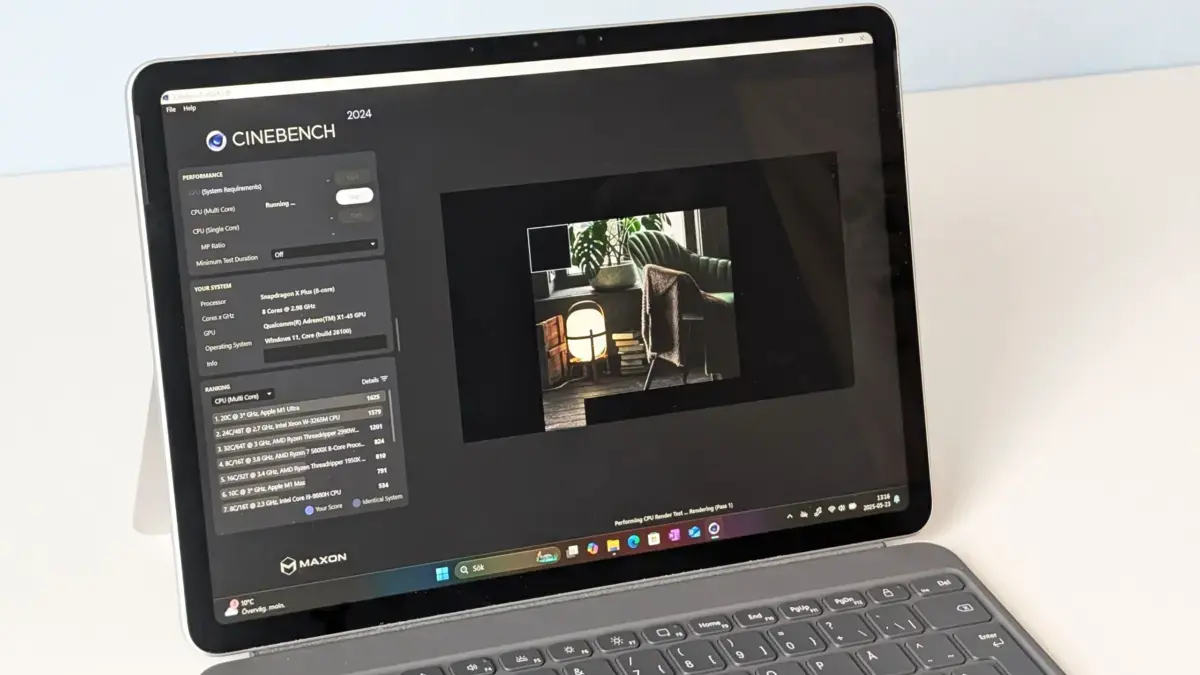
Every laptop featured in the latest testing roundup has been evaluated by reviewers using a combination of real-world usage and standardized performance benchmarks. The core focus remains on how a machine performs in ways that genuinely matter to daily users, helping buyers spend less time puzzling over spec sheets and more time finding hardware that suits their lifestyle. The updated testing data reflects the latest market pricing and retail availability, offering a comprehensive look at the standout performers across multiple categories.
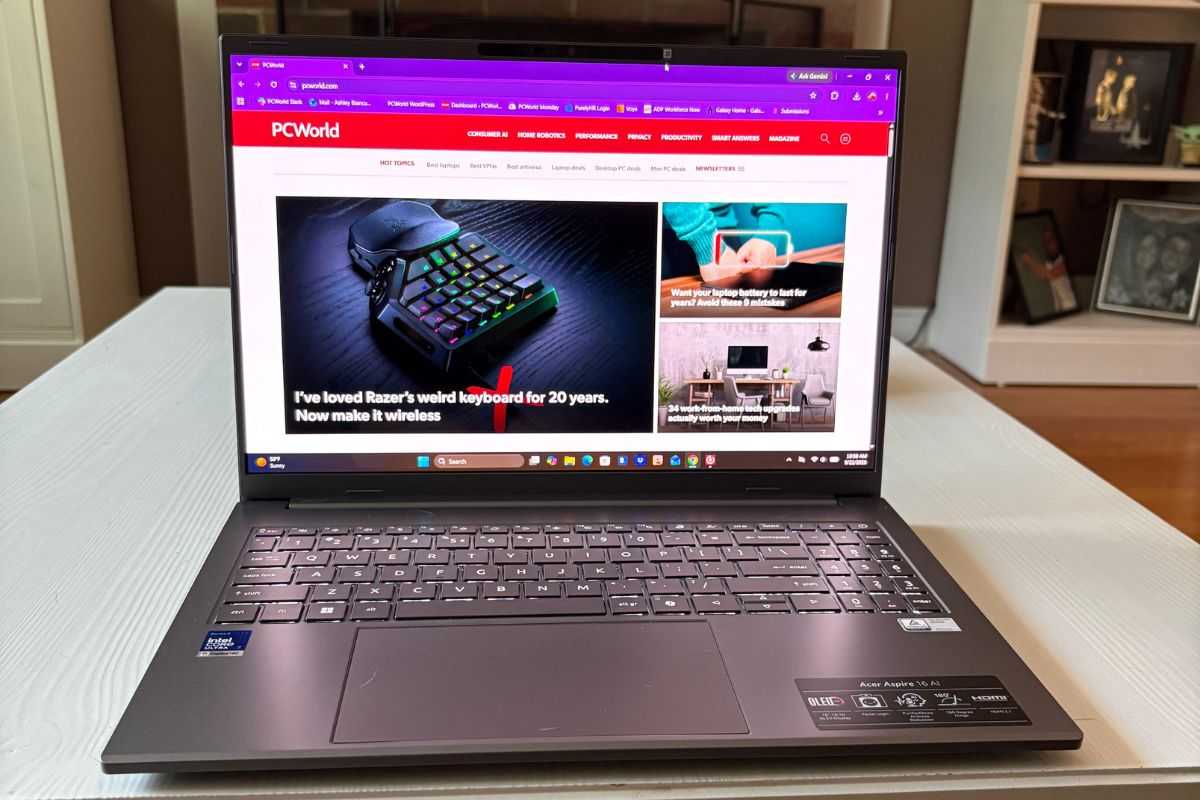
Acer Aspire 16 AI: Best Laptop Overall
For users who want a large, vibrant OLED display without the heavy heft that typically accompanies a 16-inch form factor, the Acer Aspire 16 AI stands out as a premier choice. Powered by an Intel Core Ultra 7 processor, 16GB of LPDDR5X RAM, and a 512GB NVMe SSD, the machine strikes a balance between performance and portability. The star of the show is undeniably the 16-inch OLED panel, which features a 1920-by-1200 resolution and a 16-to-10 aspect ratio, providing ample vertical space for scrolling through documents and web pages. Rich, vibrant colors and deep blacks make media consumption immersive. Furthermore, despite its screen size, the chassis weighs just over three pounds and maintains an impressive battery life that comfortably clears the eleven-hour mark, ensuring users can get through a standard workday without hunting for an outlet.
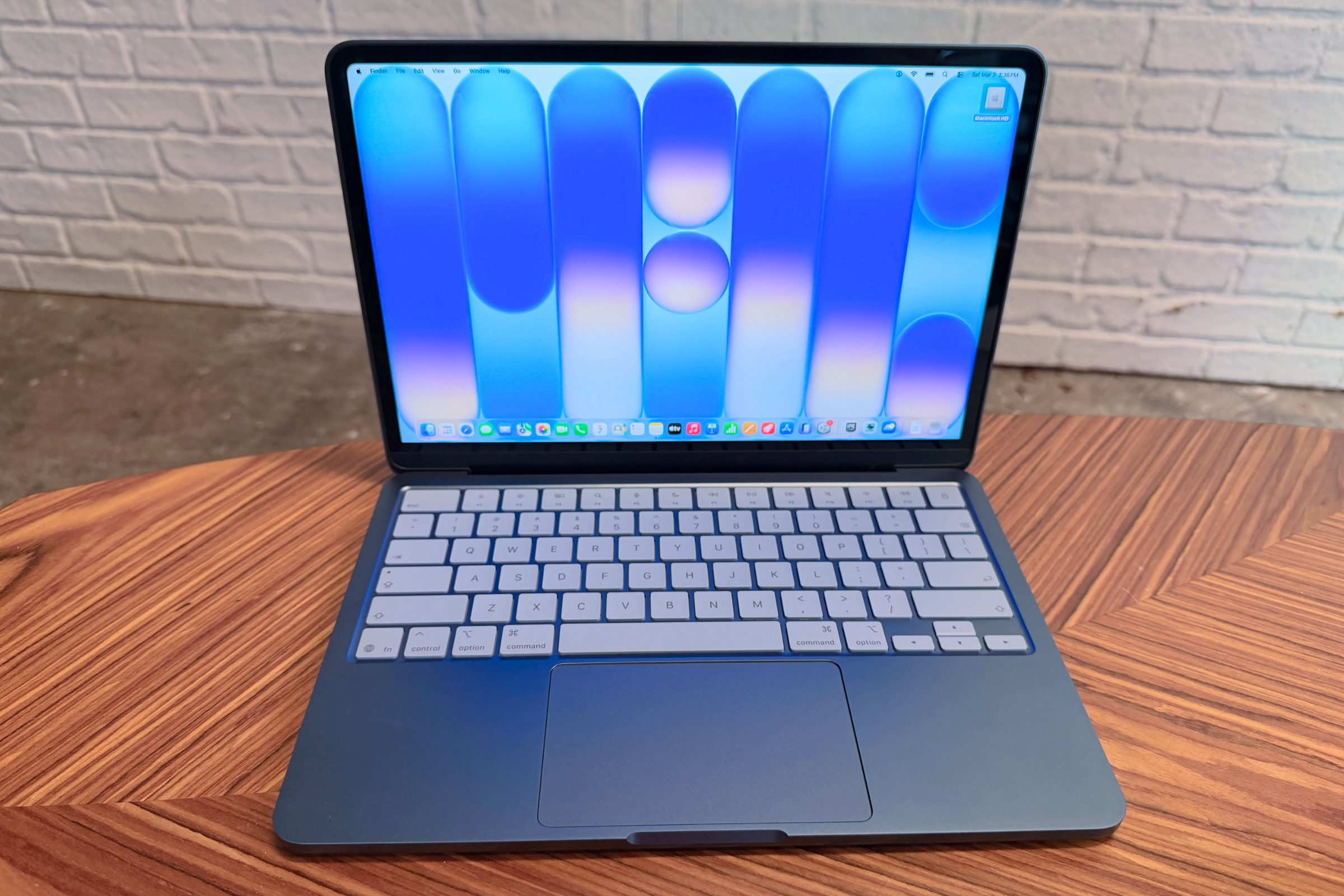
Apple MacBook Neo: Best Budget Laptop
Apple has long maintained a reputation for premium pricing, but the introduction of the MacBook Neo changes the entry-level equation. Built around the A18 Pro chip with 8GB of memory and a 256GB SSD, the 13-inch machine delivers capable performance for everyday productivity tasks such as web browsing, email management, and document editing. The Liquid Retina display offers sharp resolution and high brightness housed within a durable aluminum chassis. While certain compromises were made to hit a lower price point—such as limited color space support and slower secondary ports—the overall package provides smooth macOS navigation and all-day battery life for budget-conscious buyers.
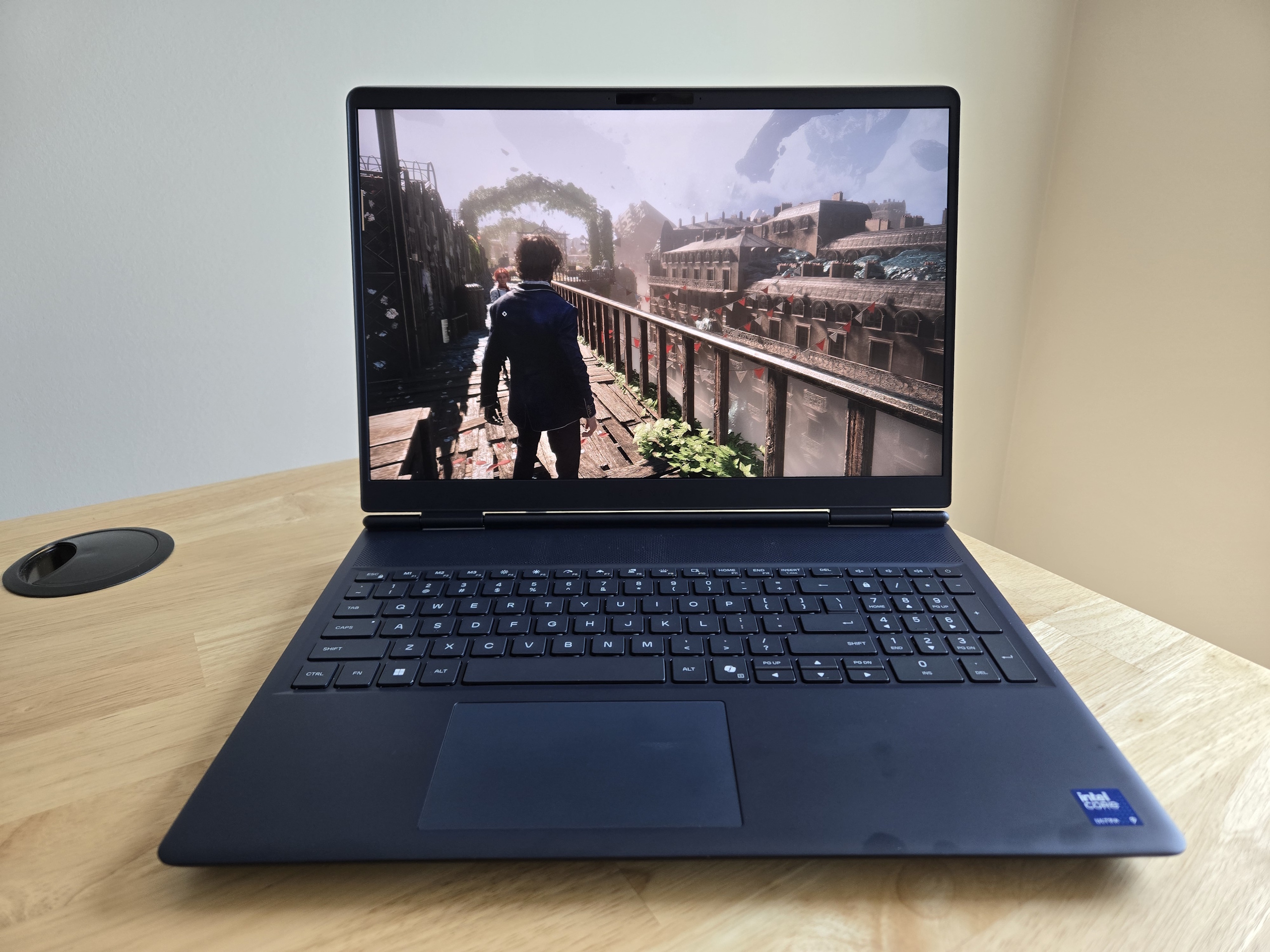
Alienware 16X Aurora: Best Gaming Laptop
Gamers seeking uncompromised frame rates and high-end processing power will find a formidable contender in the Alienware 16X Aurora. Equipped with an Intel Core Ultra 9 processor and an Nvidia GeForce RTX graphics card paired with 32GB of DDR5 RAM, this machine handles demanding modern titles with ease. The 16-inch display utilizes a high refresh rate to keep fast-paced action buttery smooth, while subtle aesthetic touches and a full-size keyboard with a dedicated number pad make it versatile enough for productivity tasks in dorm rooms or professional offices alike.
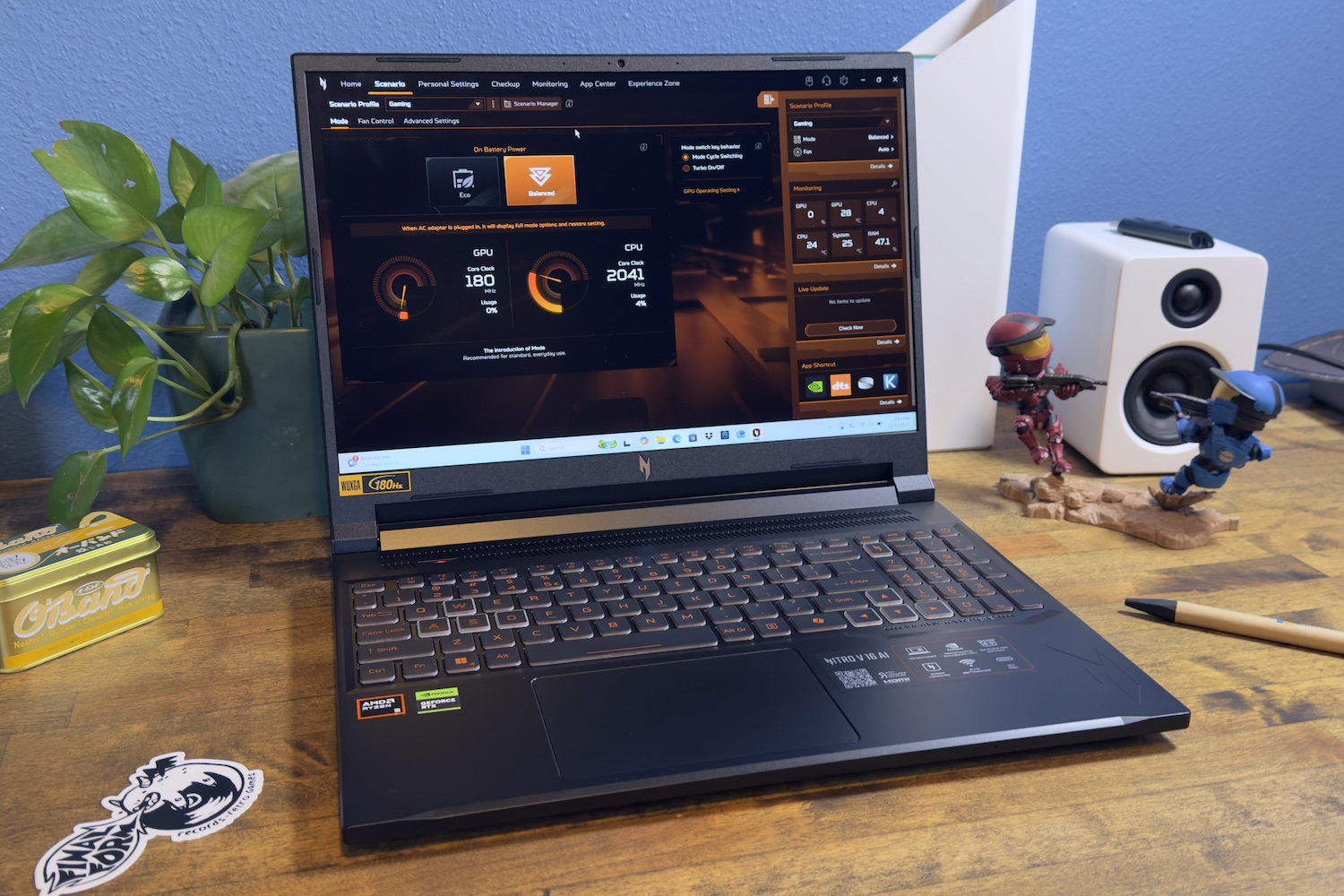
Acer Nitro V 16 AI: Best Budget Gaming Laptop
For enthusiasts who want high-performance gaming without a steep price tag, the Acer Nitro V 16 AI offers a compelling alternative. Featuring an AMD Ryzen processor and an entry-level Nvidia RTX graphics tier, it handles modern 1080p gaming smoothly while maintaining surprising efficiency during light daily tasks. The 16-inch display provides an expansive viewing area with a fast refresh rate, ensuring responsive motion handling during competitive gaming sessions.
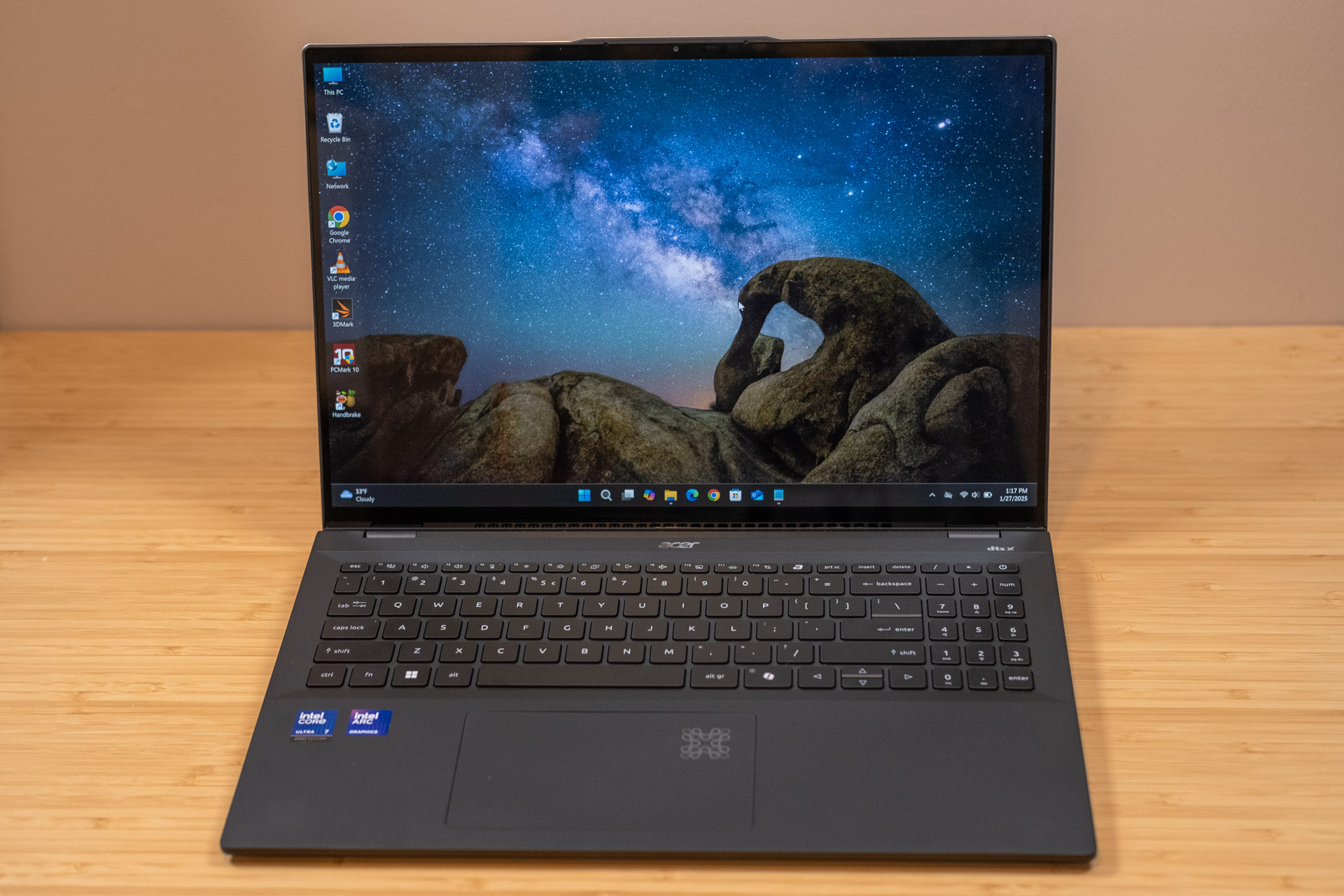
Acer Swift 16 AI: Best College Laptop
Students looking for a portable, long-lasting companion for campus life will find the Acer Swift 16 AI to be a reliable choice. Powered by an Intel Core Ultra processor with integrated Intel Arc graphics, 16GB of RAM, and a spacious solid-state drive, it handles academic workloads and multitasking effortlessly. The high-resolution OLED screen offers exceptional visual clarity, while an impressive battery runtime ensures the laptop can endure a full schedule of classes and study sessions without needing a recharge.
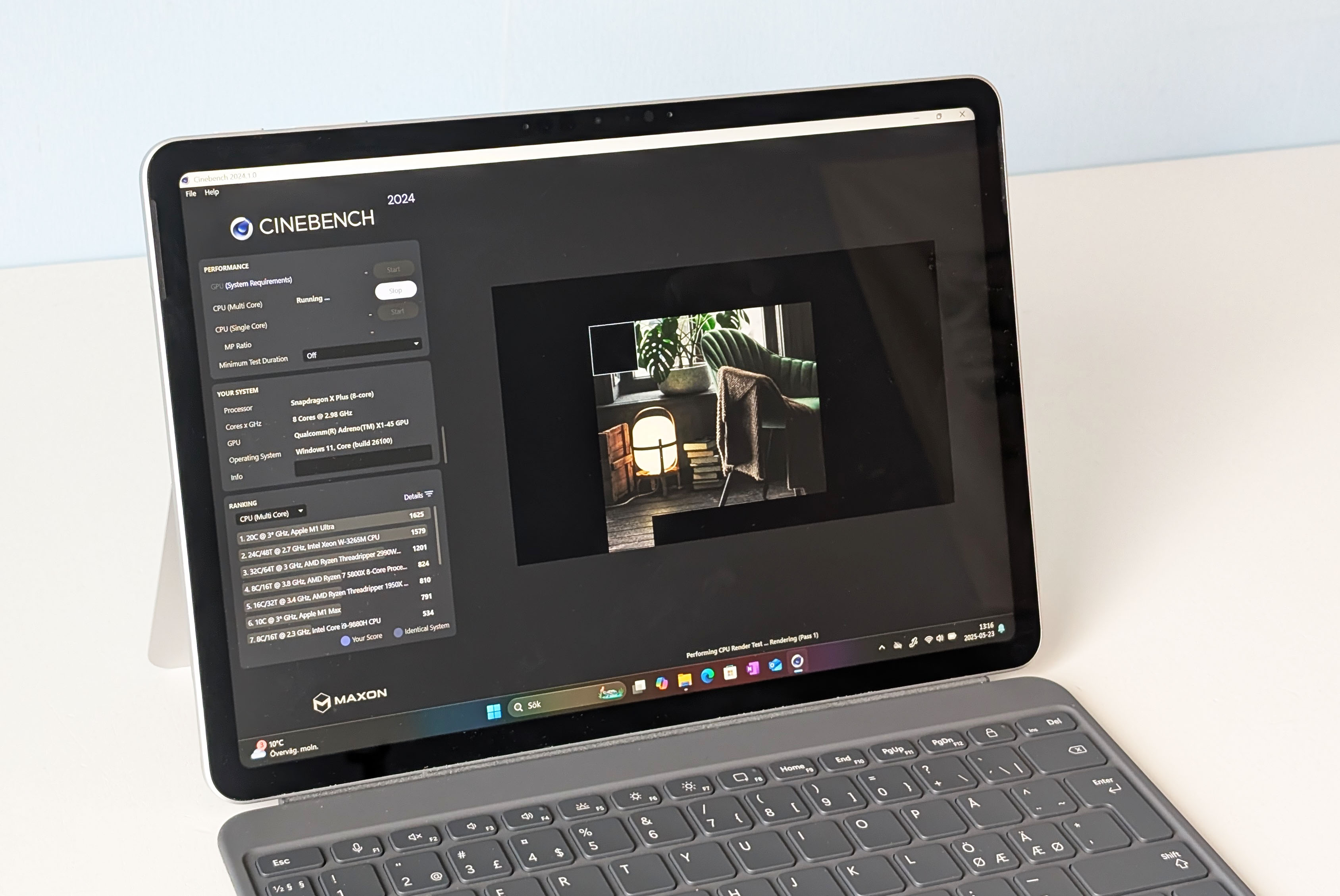
Microsoft Surface Pro: Best Lightweight Laptop
For mobile professionals who frequently transition between remote workspaces, coffee shops, and travel, the Microsoft Surface Pro delivers ultraportable versatility. Driven by a Qualcomm Snapdragon processor, this hybrid device functions as a lightweight laptop or a tablet depending on user needs. Its featherlight construction minimizes travel fatigue, while the integrated hardware architecture provides sufficient performance for cloud-based workflows, communication apps, and daily administrative tasks.
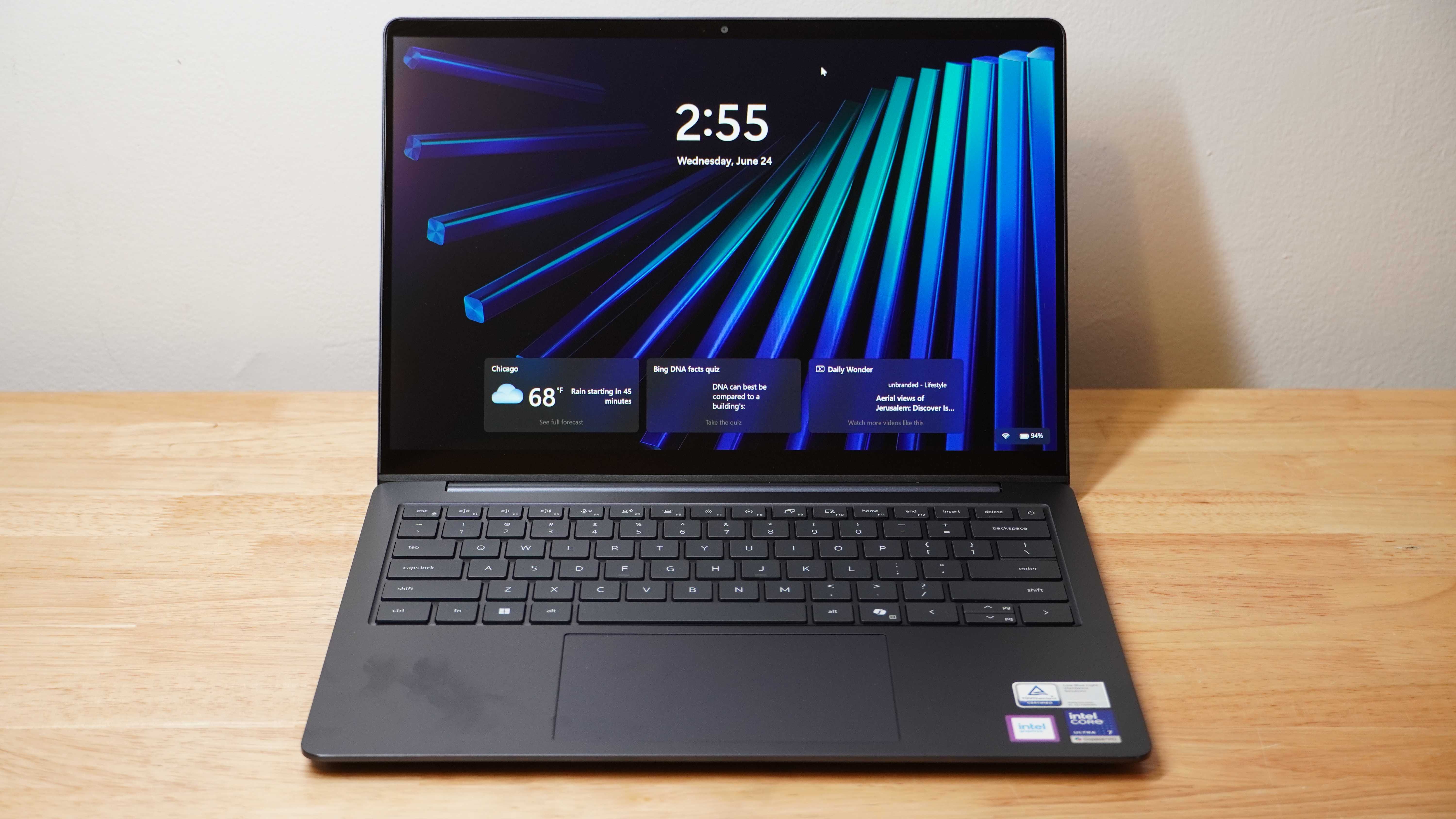
Dell 14S: Best Laptop for Battery Life
Users who prioritize endurance above all else will find the Dell 14S difficult to surpass. In standardized offline video playback evaluations, the system recorded exceptional runtime figures, outlasting nearly every competitor in its class. Alongside its class-leading battery efficiency, the machine features an Intel Core Ultra processor and a vibrant OLED touchscreen, ensuring that prolonged independence from wall outlets does not come at the expense of everyday responsiveness or visual fidelity.
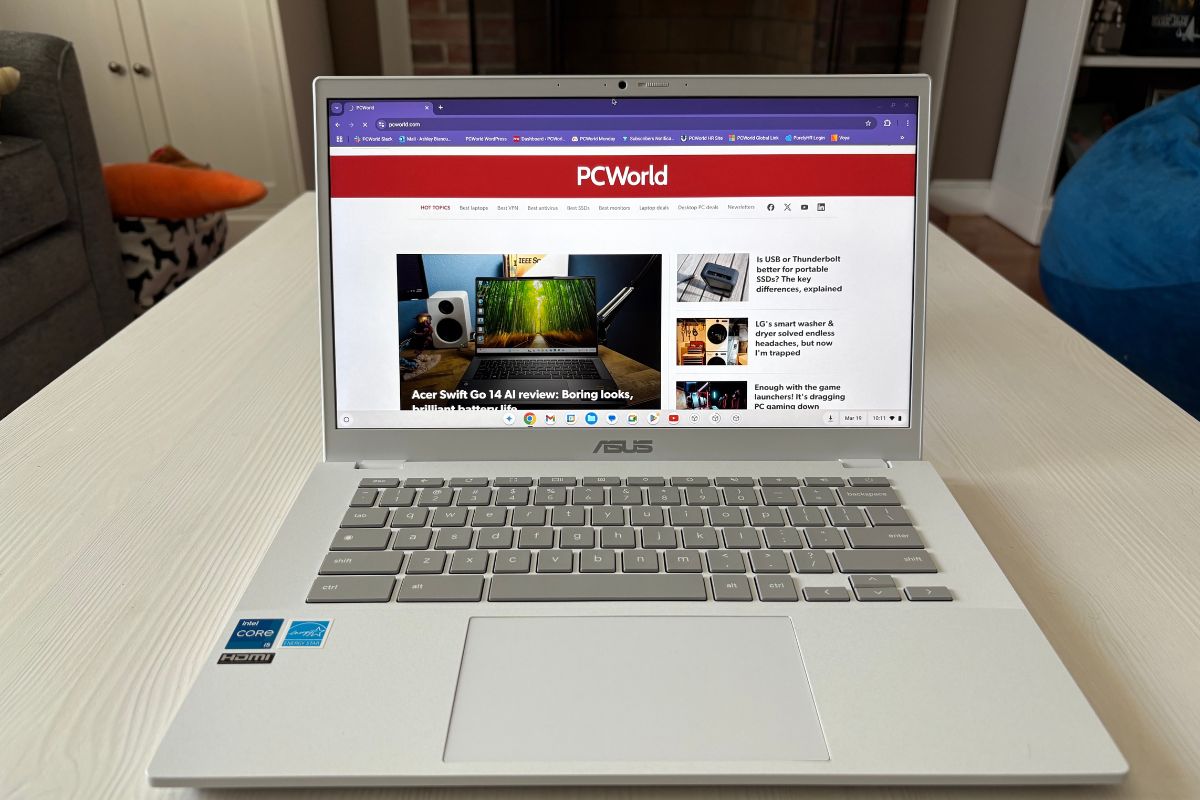
Asus Chromebook Plus CX34: Best Chromebook
Individuals who prefer a streamlined, web-centric operating system will find the Asus Chromebook Plus CX34 to be a dependable daily driver. Driven by an Intel Core processor and 8GB of memory, ChromeOS runs swiftly and securely. The 14-inch touchscreen display provides clear text rendering, and the integrated high-definition webcam handles video conferencing needs effectively, making it a strong option for educational and cloud-focused environments.
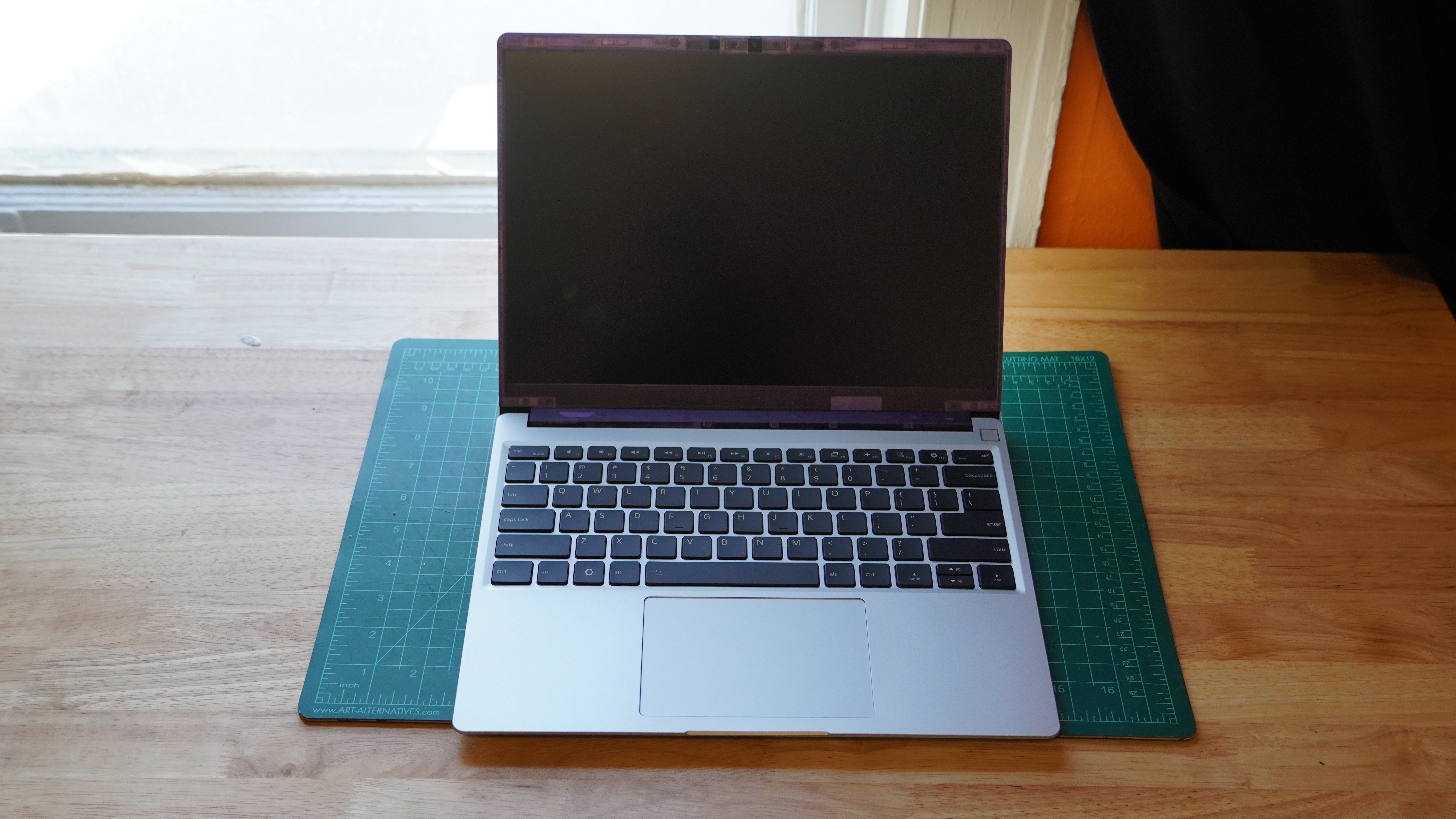
Framework Laptop 13: Best Laptop for Upgrading
Sustainability and repairability take center stage in the Framework Laptop 13, which is engineered to combat planned obsolescence. Powered by modern AMD Ryzen processors, the device allows users to physically swap and upgrade individual components—including memory, storage, and even the main system board—ensuring a long lifecycle. Beyond its modular design, the machine offers a high-resolution display and solid everyday performance for users who value longevity and customization.

How the Testing Process Works
The evaluation methodology employed by the review team involves subjecting every Windows laptop to a comprehensive suite of benchmarks designed to test central processing unit capacity, graphics rendering limits, and battery endurance under controlled conditions. These stress tests push hardware to its absolute limits, allowing for direct performance comparisons across different manufacturers and price tiers. Chromebooks undergo a separate series of evaluations focused heavily on web application responsiveness and cloud-based performance metrics.

Choosing the right laptop ultimately depends on matching hardware specifications to individual workflows. While basic tasks require modest processing power and standard memory configurations, demanding applications such as video editing, software development, and modern gaming necessitate discrete graphics processors, expanded RAM, and high-end multi-core processors. Display size, port selection, and battery longevity further dictate daily usability, ensuring that buyers can find a machine tailored specifically to their professional and personal requirements.


Leave a Reply