
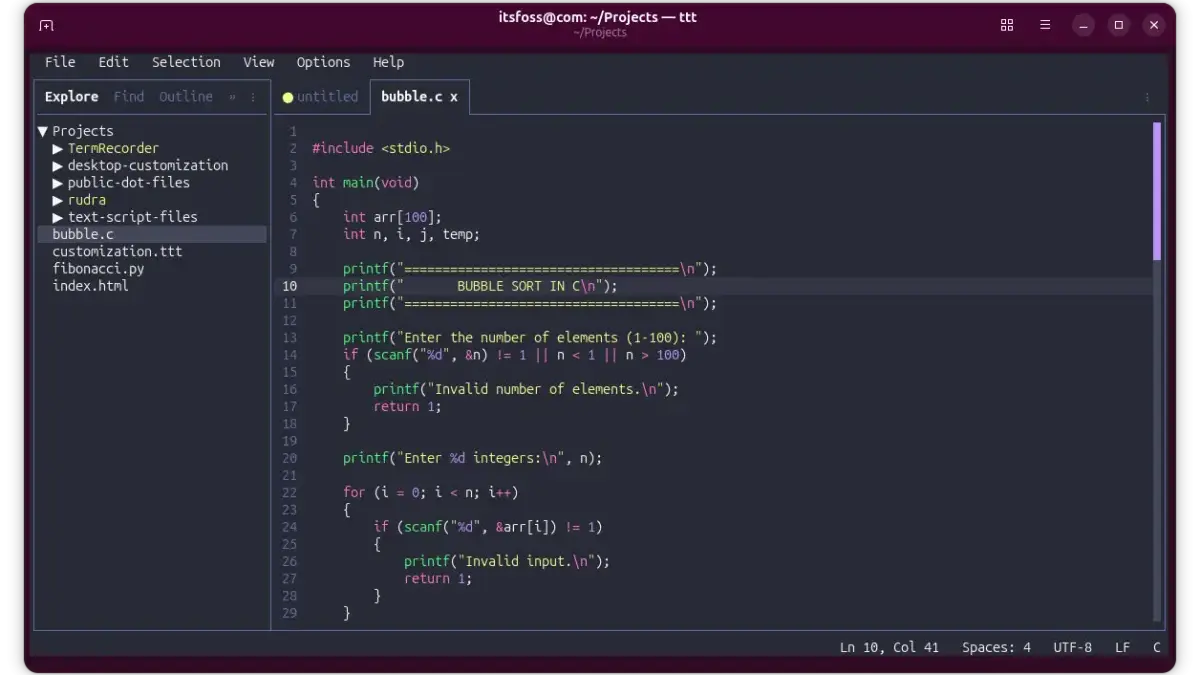
For many developers, system administrators, and Linux enthusiasts, the terminal is home. Whether it involves writing automated scripts, editing delicate configuration files, or managing remote servers over SSH, the command-line interface remains the central hub where the vast majority of software development tasks are initiated and completed. Yet, when projects grow in complexity, developers frequently pivot away from text-based environments, seeking the comfort, visual feedback, and ergonomic features of graphical code editors like Zed, Sublime Text, or Visual Studio Code.
For those who have resisted the steep learning curve of traditional modal text editors like Vim and Neovim, the compromise has always meant leaving the terminal behind. Spending countless hours memorizing obscure keybindings, manually configuring plugins, and building a complex development workflow entirely from scratch often feels like an unproductive investment for programmers whose daily editing needs are relatively straightforward.
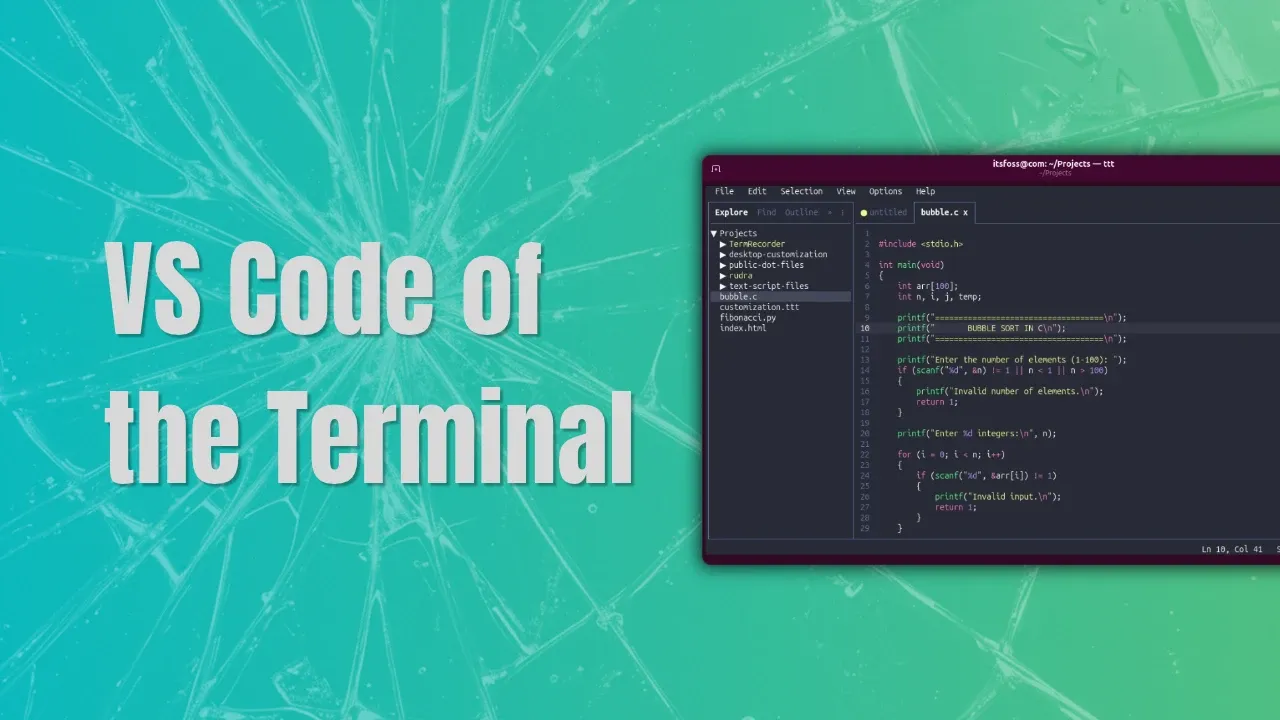
Enter TTT, an emerging open-source project designed to challenge that dichotomy. Described by its creators as a true alternative to mainstream graphical editors, TTT runs entirely inside the terminal while aiming to deliver a modern, graphical user interface experience without demanding extensive setup or configuration. Developed with the assistance of modern AI coding assistants—a hallmark of contemporary open-source software engineering—TTT has quickly captured the attention of developers looking for a middle ground between lightweight terminal tools and heavy desktop applications.
Installing TTT
Acquiring and setting up TTT on Linux systems reflects current distribution trends within the open-source ecosystem. Rather than relying exclusively on traditional package managers or building from source, users can install the application using an official shell script executed directly via a curl command piped into a shell interpreter. This installation method places the compiled binary directly into the user’s local bin directory, making it accessible system-wide.
For users seeking alternative deployment methods or portability, prebuilt binaries are also made available, allowing developers to place the executable in a custom directory of their choice for portable use across different machines or environments.
Core Features and Modern Capabilities
Rather than attempting to emulate the rigid paradigms of vintage terminal editors, TTT focuses on providing a modern, smooth editing experience directly inside terminal emulators. Crucially, it accomplishes this with virtually zero initial configuration required by the end user.

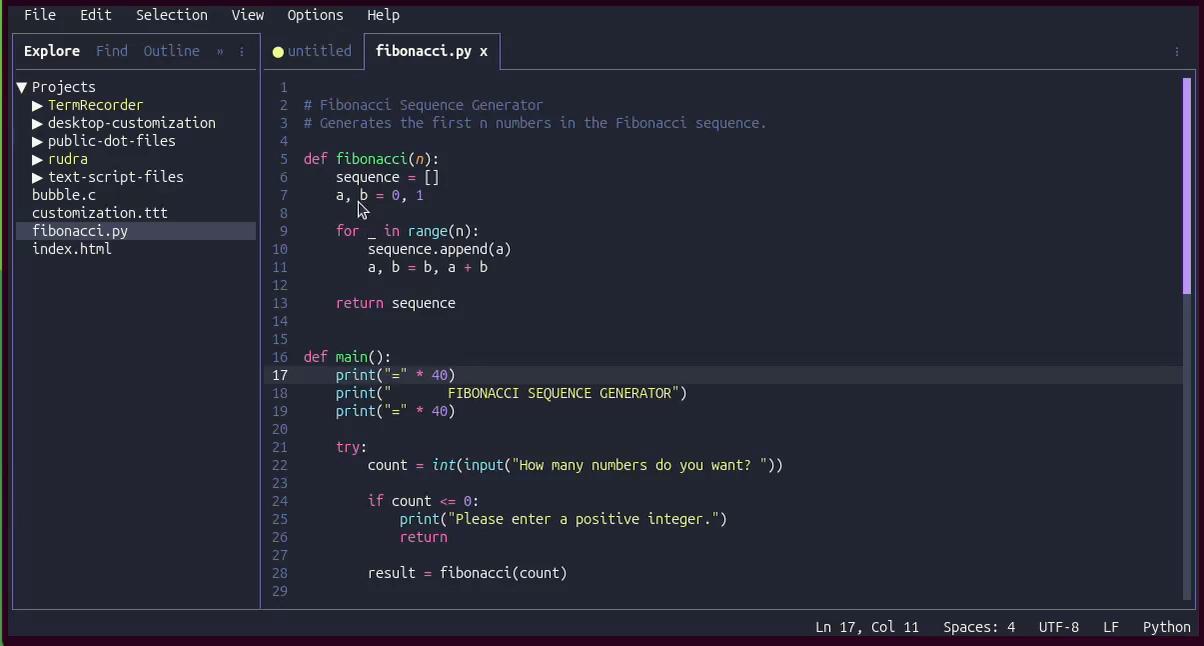
For syntax highlighting, TTT leverages a Go-based implementation of Microsoft’s TextMate engine, known as textmate-go. This engine powers syntax highlighting across more than 120 programming languages out of the box, giving the terminal application a surprisingly mature and polished feel that rivals traditional desktop IDEs.
Multi-cursor editing, a feature popularized by modern text editors and heavily favored by developers accustomed to workflows in tools like Sublime Text or Helix, is included natively. Users can select subsequent occurrences of highlighted text using straightforward keyboard shortcuts or place independent cursors precisely where needed using mouse interactions, completely bypassing the need for additional plugins or complex configuration files.
Mouse support in TTT extends far beyond basic click-to-position and scrolling capabilities typically found in terminal utilities. The application allows users to click, drag to select text, and right-click to open context-sensitive menus. Depending on where the user clicks within the interface, TTT presents relevant actions and options, reinforcing the impression of interacting with a desktop GUI rather than a standard command-line text utility.
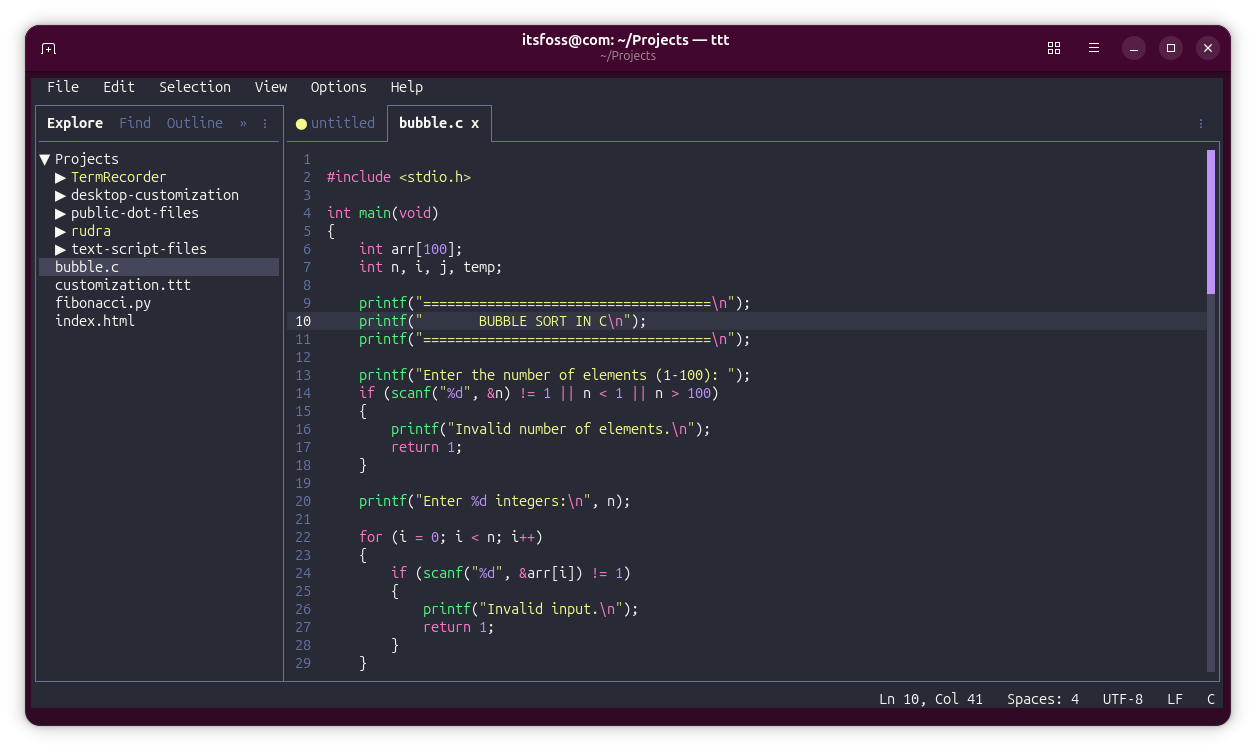
Intelligent code completion and language-aware features are supported through the Language Server Protocol. By installing the appropriate language server for a given programming language, developers gain access to robust auto-completion, diagnostics, and code intelligence without ever leaving the terminal. The project maintains detailed documentation and configuration guides for a wide array of languages to simplify the initial setup process.
For managing complex projects, TTT introduces multi-folder workspaces reminiscent of multi-root workspaces found in Visual Studio Code. Developers can group related project directories into a single unified workspace and save the configuration to a dedicated workspace file. This allows users to reopen their entire multi-folder development environment instantly using a command-line flag, restoring their exact project layout without manually opening individual directories.
Project-wide search functionality is powered by ripgrep, a high-performance search tool renowned for its speed when navigating massive codebases. Coupled with dedicated keyboard shortcuts for workspace-wide searching and replacement, TTT matches the search efficiency of heavy desktop editors while operating entirely within a text-based window.
Version control integration is handled through a dedicated changes panel that permits staging, unstaging, discarding, committing, pulling, pushing, and synchronizing Git repositories directly within the editor. A built-in diff viewer combines traditional Git diff displays with full syntax highlighting, while gutter indicators and inline blame information provide continuous context. When working within multi-folder workspaces containing multiple repositories, TTT automatically groups modifications by repository to maintain organization.
One of the more distinctive design choices in TTT is the inclusion of an integrated terminal emulator. Rather than forcing developers to split their terminal window or open a separate tab in their terminal emulator to execute shell commands, TTT provides a full-featured terminal panel complete with support for multiple tabs, true-color rendering, scrollback history, and toggleable fullscreen modes. This integration removes yet another reason for a developer to switch contexts away from their editing environment.
Extensibility is provided via a sandboxed Lua plugin system, allowing developers to introduce custom commands, interface panels, and keybindings without cluttering their systems. Plugins must explicitly request permissions for their capabilities, and users can browse and install extensions directly through an interactive panel within the terminal user interface. Furthermore, TTT includes a collection of popular built-in color themes, such as Dracula and Monokai, with live previews and extensive customization options manageable via JSON configuration files.

The Broader Landscape of Terminal Editors
The emergence of TTT highlights an ongoing philosophical debate within the Linux and open-source communities. For decades, a clear boundary has separated terminal user interfaces from graphical desktop software, with many terminal purists favoring command-line utilities precisely because they avoid mimicking desktop environments. By deliberately blurring that line, TTT challenges traditional expectations of what a terminal application should be.
Whether this convergence of GUI convenience and terminal efficiency represents a desirable direction depends entirely on individual developer workflows and personal preferences. TTT demonstrates that modern development tools can bring advanced features like robust LSP integration, multi-cursor editing, and seamless Git management into the terminal with remarkably few compromises. For developers who appreciate the speed and focus of the command line but miss the creature comforts of modern graphical editors, projects like TTT offer an intriguing alternative in an increasingly diverse ecosystem of text editing software.
Leave a Reply