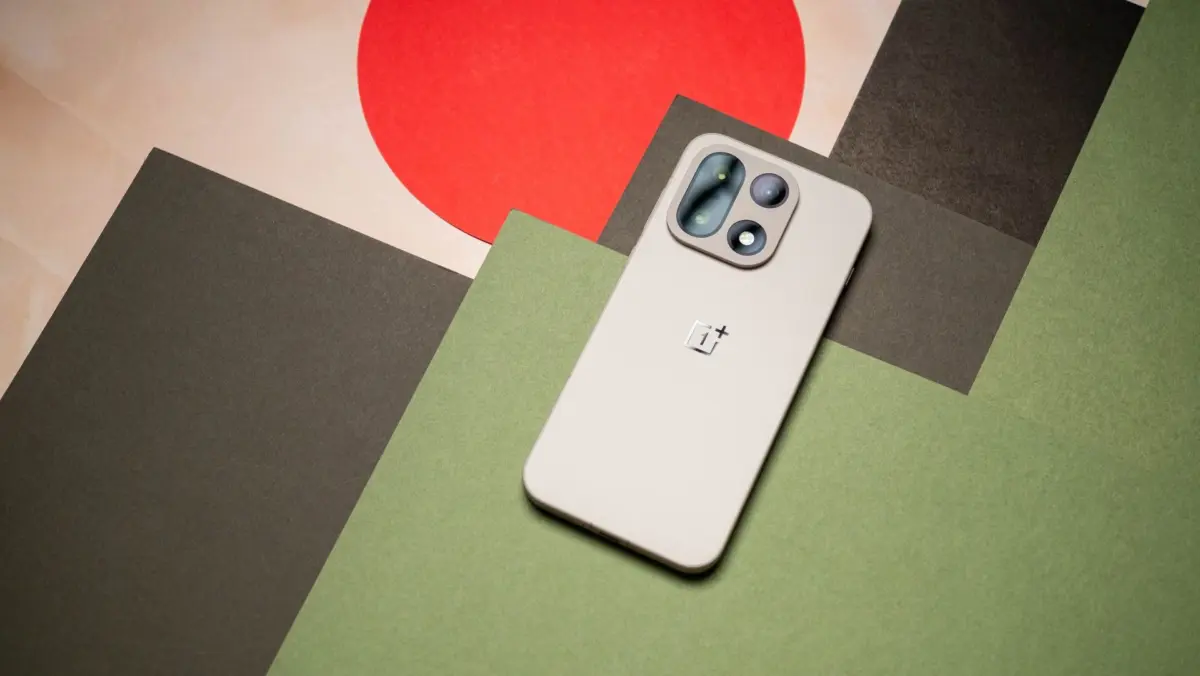
OnePlus has officially commenced the rollout of its stable ColorOS 17 update, built upon the foundation of Android 17, hitting devices ahead of its initially scheduled timeline. The fresh software package is currently making its way to the flagship OnePlus 15 smartphone, carrying firmware version CPH2745, alongside the OnePlus Pad 4.
Originally mapped out by the company for an October 29 release, the software deployment has kicked off slightly early for select users. According to official announcements shared within the OnePlus Community, the very first wave of the stable update is targeting users who previously registered for and participated in the open beta program. Meanwhile, the OnePlus Pad 4 is also included in this initial deployment phase, though the exact arrival of the notification will vary depending on regional rollout schedules and carrier configurations.
This early deployment represents yet another definitive step away from the classic OxygenOS identity that longtime brand loyalists have cherished since the company’s inception. While OxygenOS and Oppo’s ColorOS have shared deep architectural foundations and underlying codebases for several years, the formal embrace of ColorOS as the primary software platform marks a major philosophical transition for the brand.
A New Look with Practical Improvements
ColorOS 17 introduces a wide array of visual refinements and practical enhancements designed to streamline the user experience. At first glance, users will notice thoroughly redesigned system animations that offer a smoother, more fluid navigation feel across the user interface. OnePlus has also overhauled the Quick Settings panels to make toggling everyday features more intuitive, alongside introducing deeper system-wide customization options that allow users to tailor the look and feel of their devices to their personal preferences.
Under the hood, the update places a heavy emphasis on security and performance longevity. ColorOS 17 brings updated privacy controls that give users tighter command over app permissions and data access. Furthermore, OnePlus has implemented advanced background process management algorithms aimed at improving overall battery efficiency. For power users and those who push their devices through heavy daily workflows, these optimizations could translate into noticeably improved screen-on time and sustained performance throughout the day.
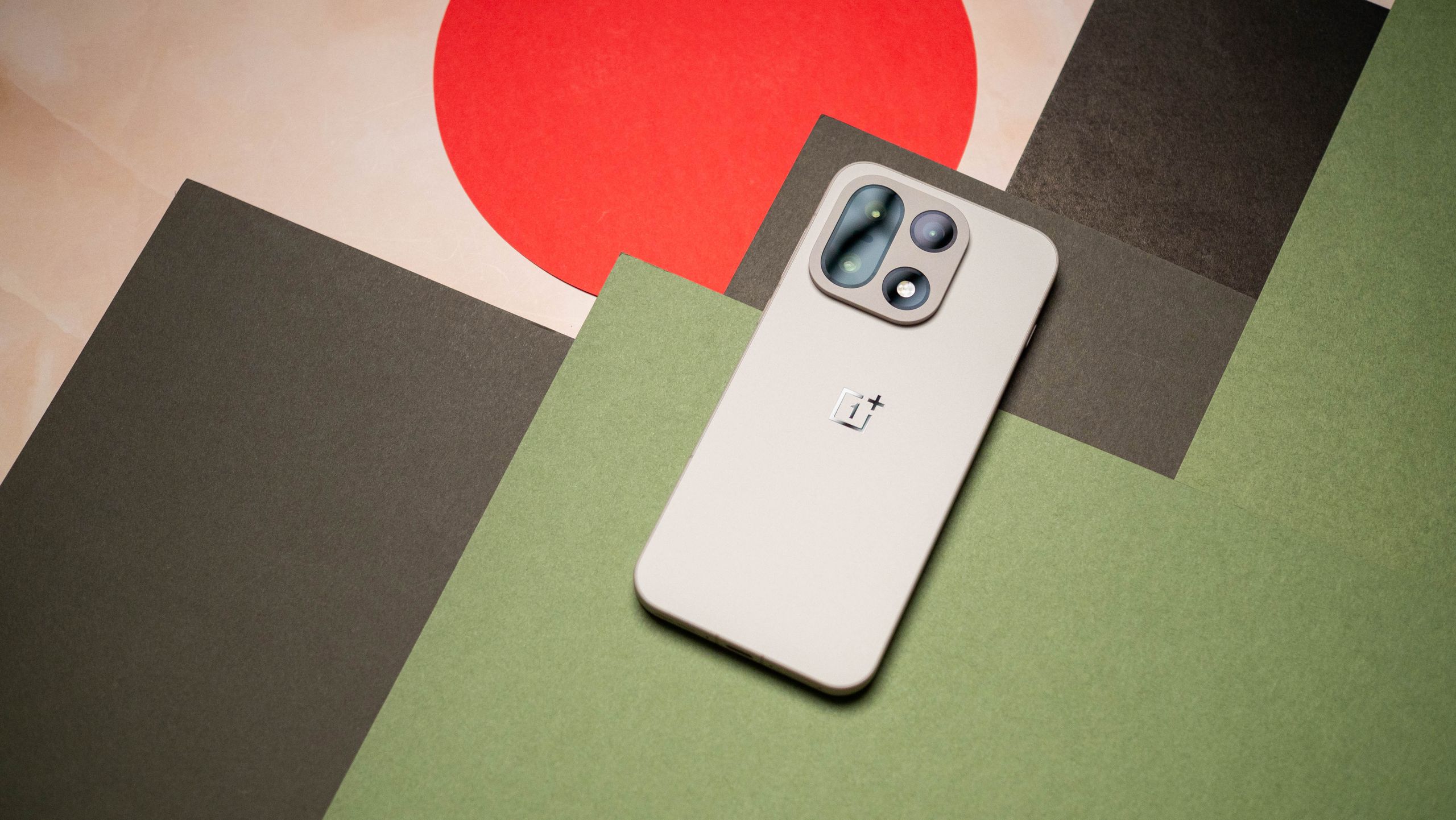
This software evolution is closely tied to a broader structural transformation within the company. Following strategic shifts that saw the brand alter its market presence in regions like North America and Europe, ColorOS has been designated as the foundational software architecture for the next chapter of OnePlus hardware. Although OxygenOS and ColorOS have long shared substantial underlying technology, this transition signifies a formal departure from the distinct software branding that initially helped cement OnePlus as a favorite among enthusiast Android communities.
For users navigating this regional shift, OnePlus has implemented a transitional safeguard. Eligible device owners are being given the choice of whether or not they want to transition to ColorOS 17. Furthermore, users who choose to make the jump to the new operating system retain the option to roll back to OxygenOS if they prefer the previous environment. However, the company has not yet clarified which specific iterations of OxygenOS will be made available for those who choose to revert their devices.
Who Gets It Next?
As the initial phased rollout continues for the OnePlus 15 and OnePlus Pad 4, anticipation is already building for the next devices on the upgrade roadmap. According to OnePlus’s deployment plans, the subsequent wave of updates will bring ColorOS 17 to the OnePlus 15R, the OnePlus 13, and the OnePlus 13s.
Because OnePlus traditionally handles major operating system updates through a staged, regional rollout to monitor stability and catch unforeseen bugs, owners of these upcoming devices are advised to exercise patience if the update notification does not appear immediately on their handsets. When the update eventually arrives, users can manually verify its availability by navigating through the system settings menu by going to Settings, selecting About device, and checking the ColorOS section.
Tech industry analysts and community moderators frequently remind consumers that installing major software releases immediately upon availability is not always mandatory. Waiting to review initial user feedback and early stability reports can often help early adopters avoid unexpected bugs or compatibility hiccups with third-party applications. As the rollout broadens in the coming weeks, the tech community will be watching closely to see how this unified software vision performs in the hands of everyday users.