
The calculus of modern software delivery has shifted dramatically. As development teams face mounting pressure to ship faster without sacrificing stability, choosing the right continuous deployment tool has become a critical architectural decision. The best continuous deployment tool is never a one-size-fits-all solution; rather, it is the one that seamlessly aligns with an organization’s specific technology stack, team size, and target deployment environment—whether code is bound for the cloud, a containerized platform, or legacy physical servers.
Picking the wrong tool often creates more operational overhead than it solves. Instead of accelerating development, engineering teams find themselves spending countless hours configuring, troubleshooting, and maintaining brittle deployment pipelines instead of building core product features. To help navigate this complex landscape, industry analysts and platform experts have evaluated 15 leading continuous deployment tools dominating the ecosystem. This group spans comprehensive CI/CD platforms that handle building, testing, and deploying code, as well as specialized deployment-focused solutions designed to handle releases only after an external system completes the initial build phase.
Understanding the fundamental terminology is essential for modern software engineering. The acronym CI/CD stands for continuous integration and continuous delivery or deployment. Continuous integration automatically builds and tests code every single time a developer pushes a change to the repository. Continuous delivery takes that rigorously tested code and prepares it for production, pausing deliberately to wait for manual approval before releasing. Continuous deployment, by contrast, removes the human approval bottleneck entirely, shipping verified updates automatically to production environments.
Some platforms handle all three phases natively, while others focus exclusively on deployment, requiring a separate continuous integration tool to handle the initial compiling and testing stages.
GitHub Actions
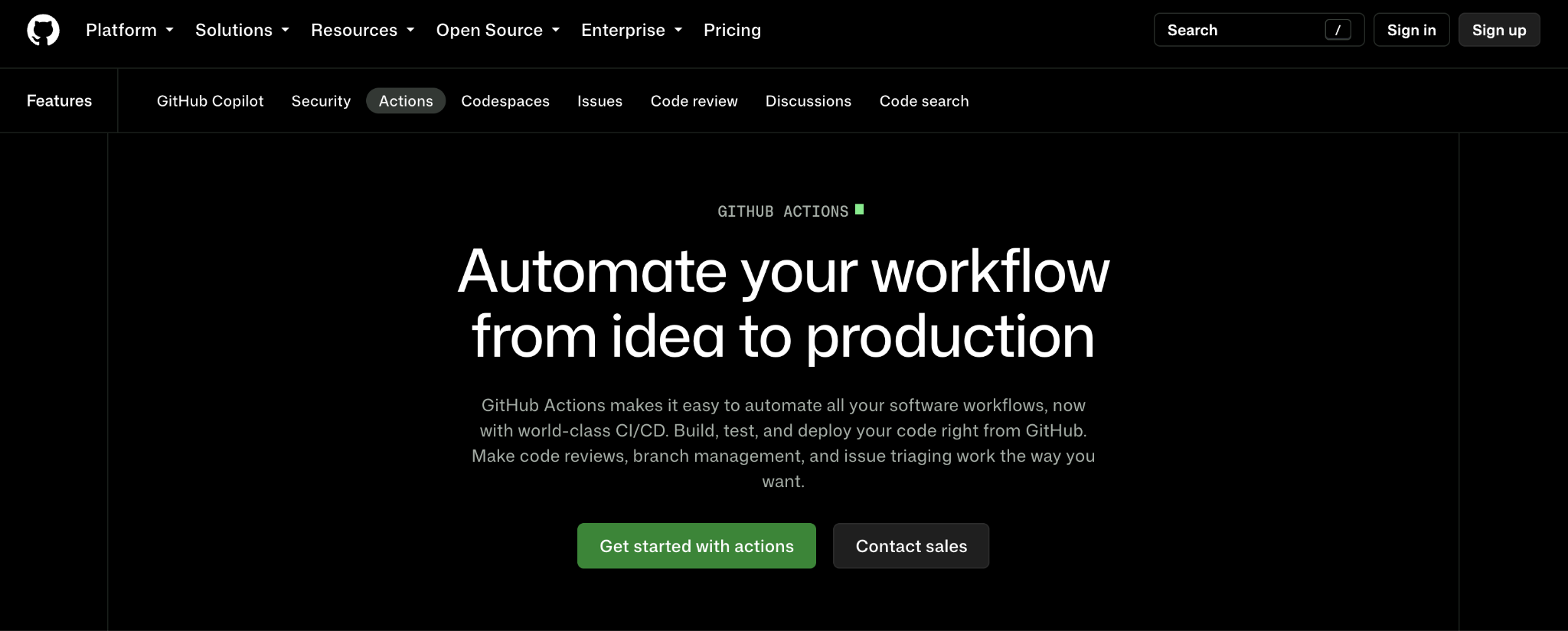
For engineering organizations whose codebases live primarily on GitHub, GitHub Actions remains a natural starting point. The platform allows teams to build, test, and deploy applications directly from the same repository where development occurs. Workflows can be configured to initiate automatically whenever code is pushed, a pull request is opened, a tag is created, or any other custom event is triggered.
In a continuous deployment architecture, this means a code change can move fluidly through an automated suite of tests and deploy straight to production without requiring third-party orchestration tools.
A vital consideration when scaling GitHub Actions is runner infrastructure. GitHub hosts standard runners managed directly by the platform, but teams can also deploy self-hosted runners on their own physical or virtual infrastructure. Self-hosted machines are particularly valuable when a deployment requires direct access to a private corporate network, specialized hardware, or proprietary software unavailable on standard cloud-hosted runners. Furthermore, GitHub Actions is not bound to a single hosting provider. Workflows can execute custom scripts, command-line utilities, or third-party actions to push code to any target reachable by the runner.
GitLab CI/CD
Organizations seeking an all-in-one workspace often gravitate toward GitLab CI/CD. This solution integrates source control, continuous integration, and automated deployment into a single cohesive interface. Pipelines are declared via a configuration file stored directly within the repository, and GitLab runners execute each discrete step of the workflow.
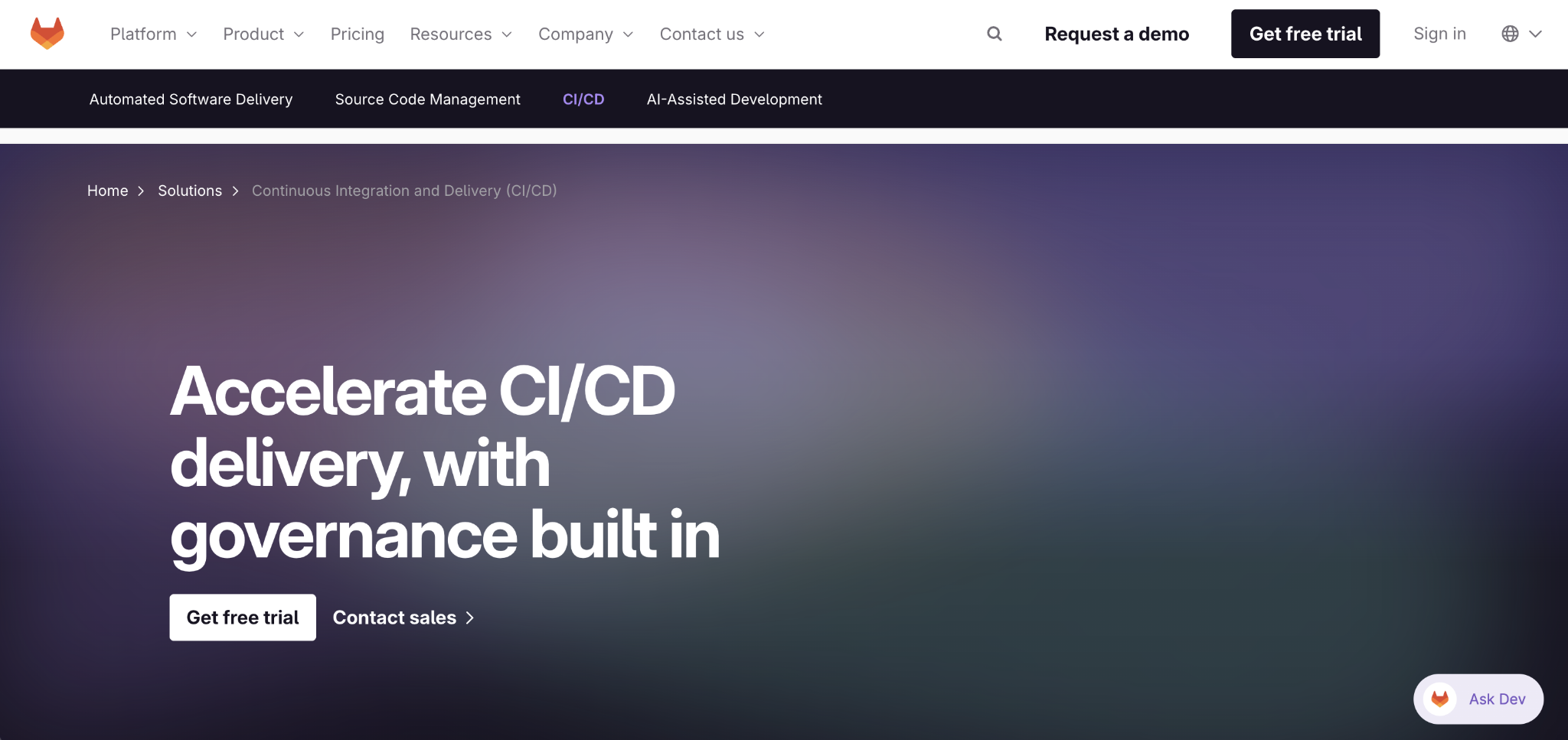
By unifying code repositories, pipeline statuses, environment tracking, and deployment history, GitLab eliminates the friction of switching between disparate systems. Much like its GitHub counterpart, GitLab offers a dual approach to execution: managed runners ready for immediate use, and self-managed runners that grant deep control over underlying hardware, network boundaries, and security configurations. This integrated methodology makes GitLab CI/CD exceptionally attractive for enterprises seeking to consolidate their developer tooling.
Argo CD
As containerization continues to dominate enterprise architectures, GitOps has emerged as a premier paradigm for Kubernetes management. Argo CD exemplifies this approach by treating Git as the single source of truth for cluster state. Instead of writing imperative scripts that push changes directly into a cluster, engineers store the desired configuration in a Git repository, and Argo CD continuously reconciles the cluster to match that exact state.
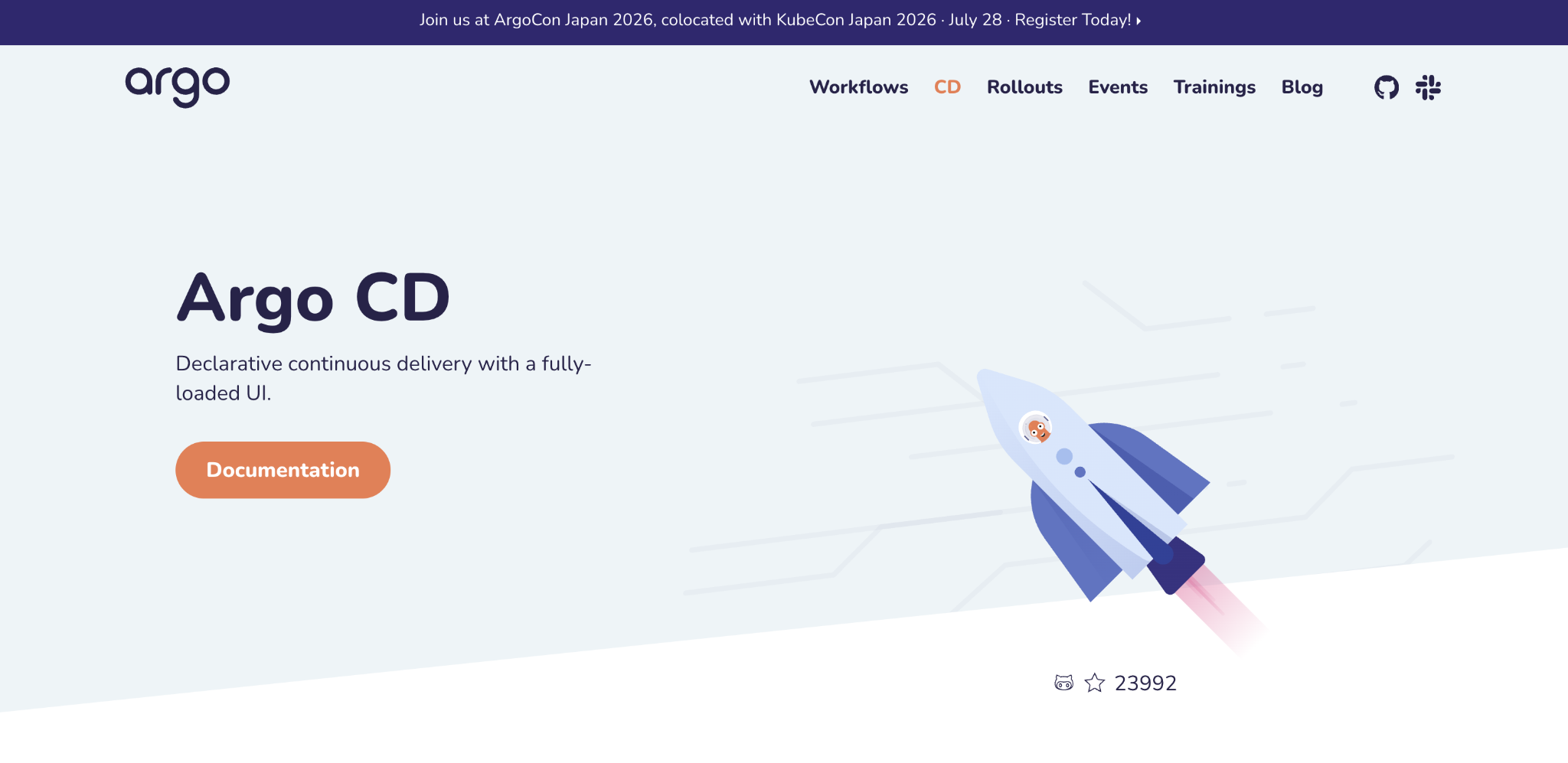
If an administrator makes a manual, out-of-band change to the cluster, Argo CD detects the discrepancy immediately. When the self-heal feature is enabled, the tool automatically reverts the cluster back to the declarative state defined in Git. Consequently, the traditional CI pipeline’s role evolves: it still compiles code and builds container images, but it no longer requires direct network access to the production cluster. Instead, it simply updates the manifest files in Git, leaving Argo CD to orchestrate the rollout.
Hostinger Web Apps Hosting
For smaller teams and individual developers looking to bypass the complexities of pipeline maintenance entirely, integrated platforms like Hostinger Web Apps Hosting offer a streamlined alternative. By connecting a GitHub repository directly to the hosting environment, the platform automatically detects the project framework, executes the build process, and deploys updates upon every code push.
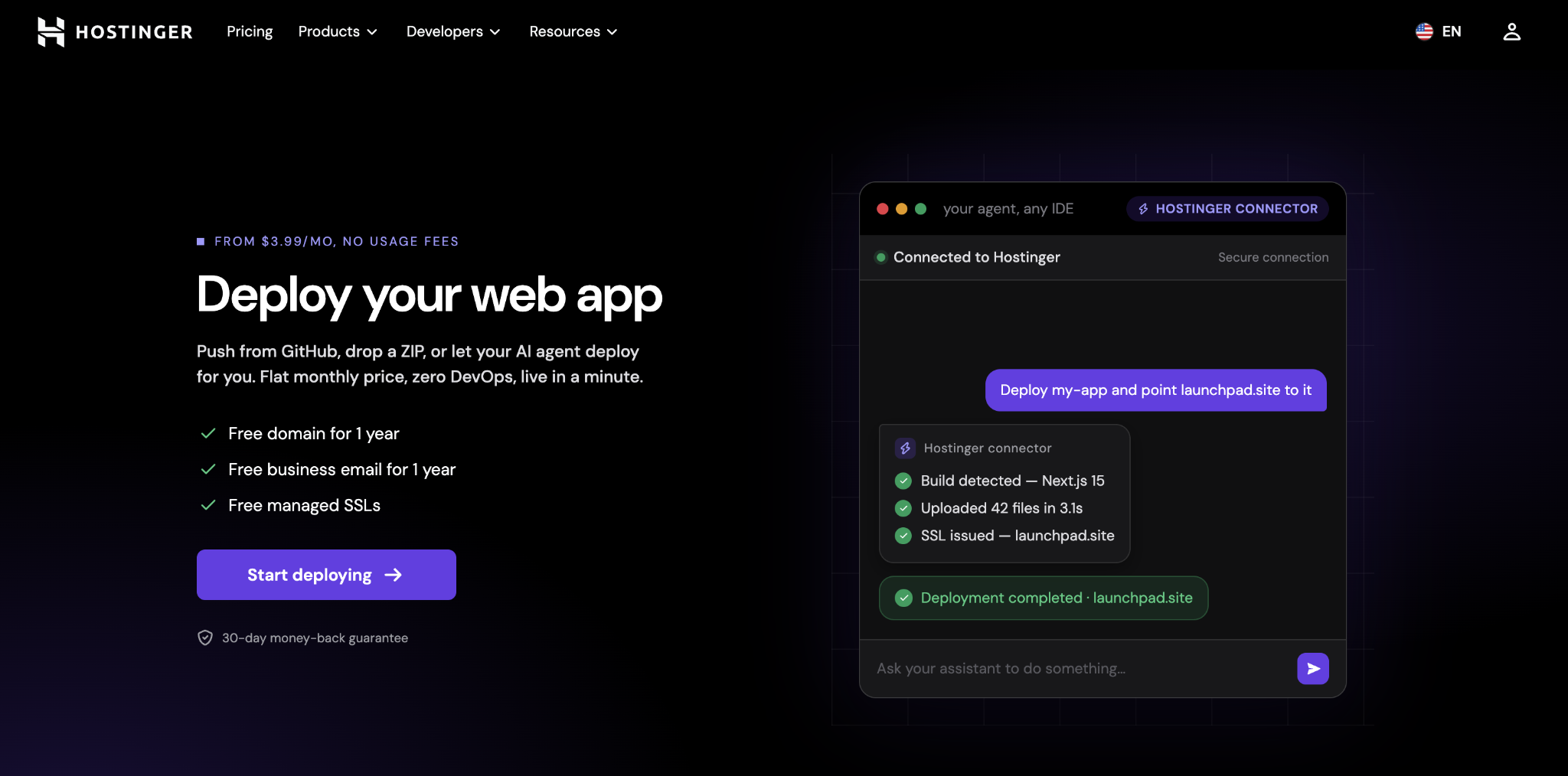
This approach eliminates the need to write complex pipeline configuration files or manage remote runner infrastructure. Furthermore, direct integrations with modern AI coding assistants enable developers to deploy projects, configure custom domains, and provision SSL certificates through simple conversational prompts. The platform natively recognizes a wide array of frontend frameworks alongside established backend runtimes, enabling teams to move code from a repository to production in a matter of minutes.
Jenkins
For organizations requiring absolute, uncompromised control over their automation infrastructure, Jenkins remains a foundational pillar. As a self-hosted automation server, Jenkins empowers teams to dictate every aspect of the pipeline lifecycle: how jobs execute, which machines run specific tasks, which plugins are installed, and how applications are deployed.
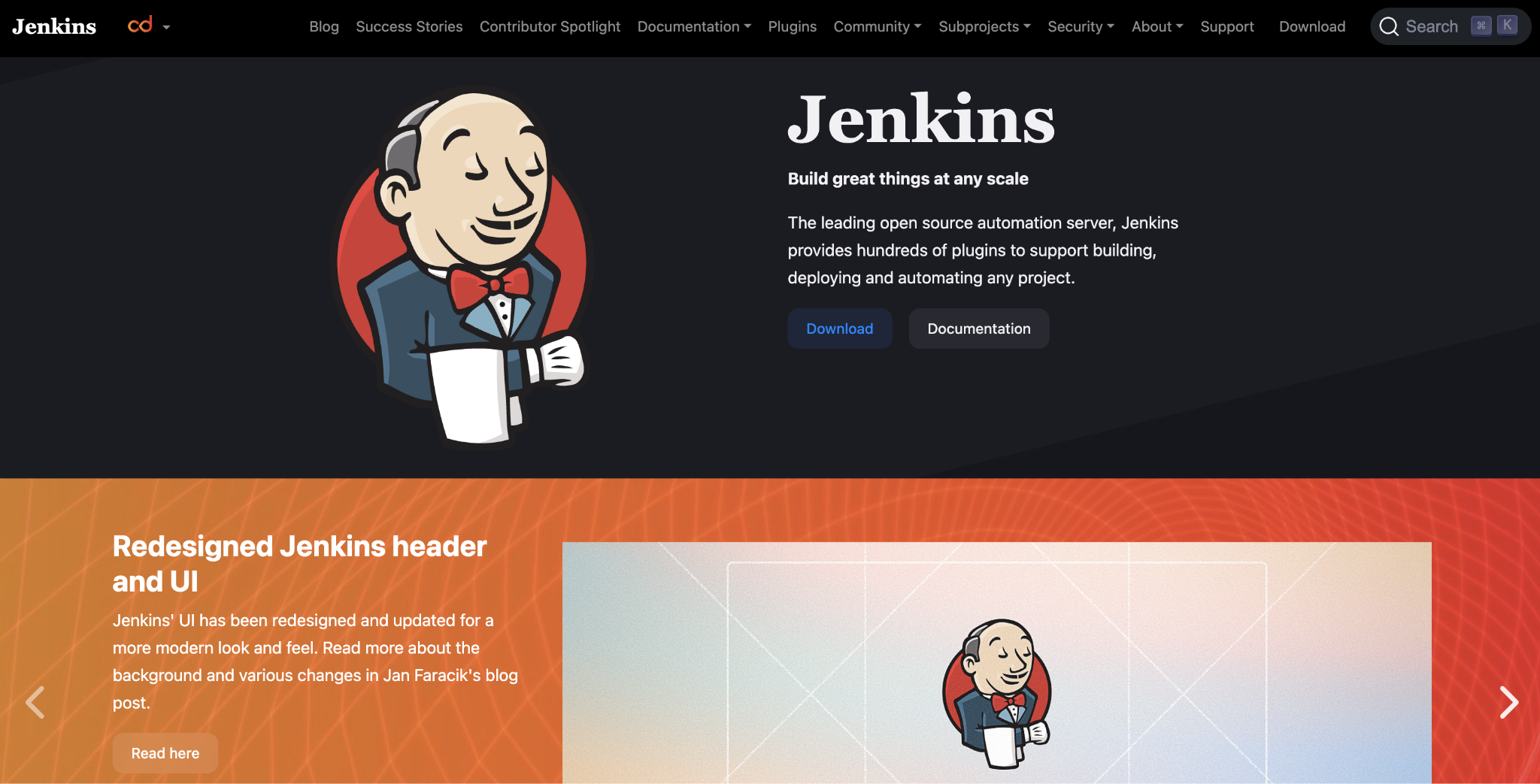
However, this ultimate flexibility comes with significant operational responsibility. The engineering organization must provision, secure, update, and troubleshoot the underlying Jenkins infrastructure. A central controller coordinates workloads across distributed agent machines, which can be safely sequestered inside private enterprise networks. While pipelines can be versioned alongside application code using configuration files, the heavy administrative burden makes Jenkins ideal primarily for teams with dedicated platform engineering resources.
Azure Pipelines
Microsoft’s Azure Pipelines provides a robust, managed CI/CD service deeply integrated within the broader Azure DevOps ecosystem. By default, pipelines execute on Microsoft-hosted infrastructure, but teams retain the flexibility to execute specific jobs via self-hosted agents. This hybrid capability is indispensable when production environments reside behind corporate firewalls or require specialized local tooling. While Azure Pipelines shines brightest within Microsoft-centric enterprises, its extensible architecture and script-driven deployment jobs allow it to target virtually any external cloud or on-premises environment.
AWS CodePipeline and Google Cloud Deploy
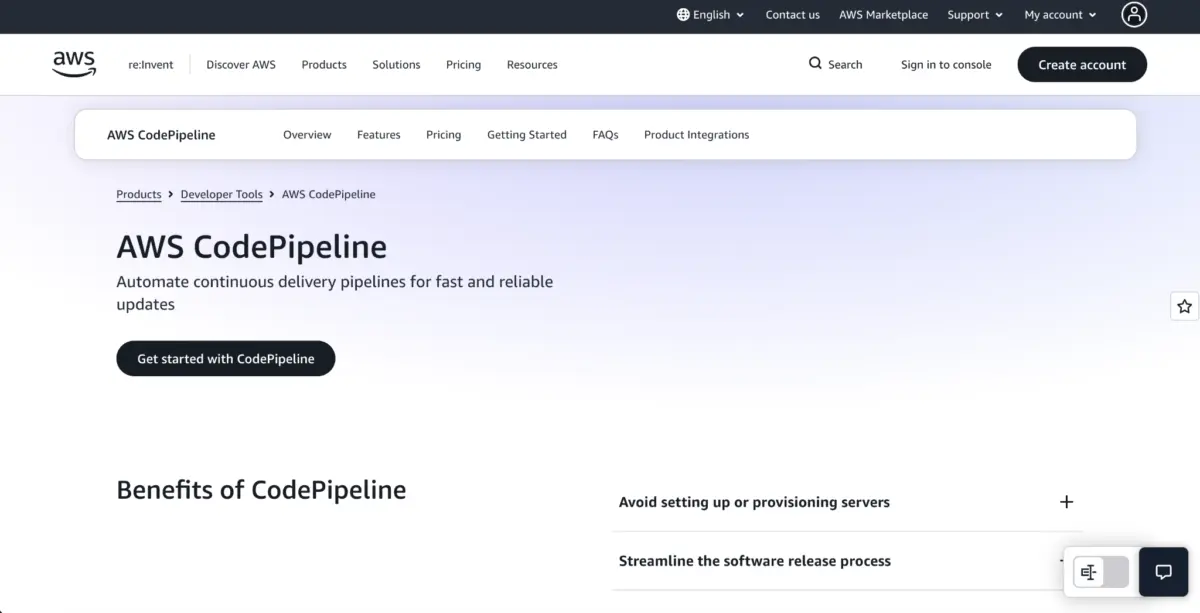
Cloud-native ecosystems often favor vendor-aligned deployment orchestrators. AWS CodePipeline coordinates release stages across Amazon’s proprietary services, seamlessly tying together CodeBuild for compilation and CodeDeploy or Elastic Container Service for production releases. This native integration leverages existing cloud security permissions and infrastructure patterns, making it highly efficient for organizations fully committed to the AWS ecosystem.
Similarly, Google Cloud Deploy focuses heavily on containerized workloads targeting Google Kubernetes Engine and Cloud Run. Rather than handling the initial build phase, Cloud Deploy manages the promotion of immutable releases across staging and production targets. By supporting automated promotion paths, teams can easily adapt the service to drive continuous deployment workflows across Google Cloud infrastructure.
Harness and Octopus Deploy
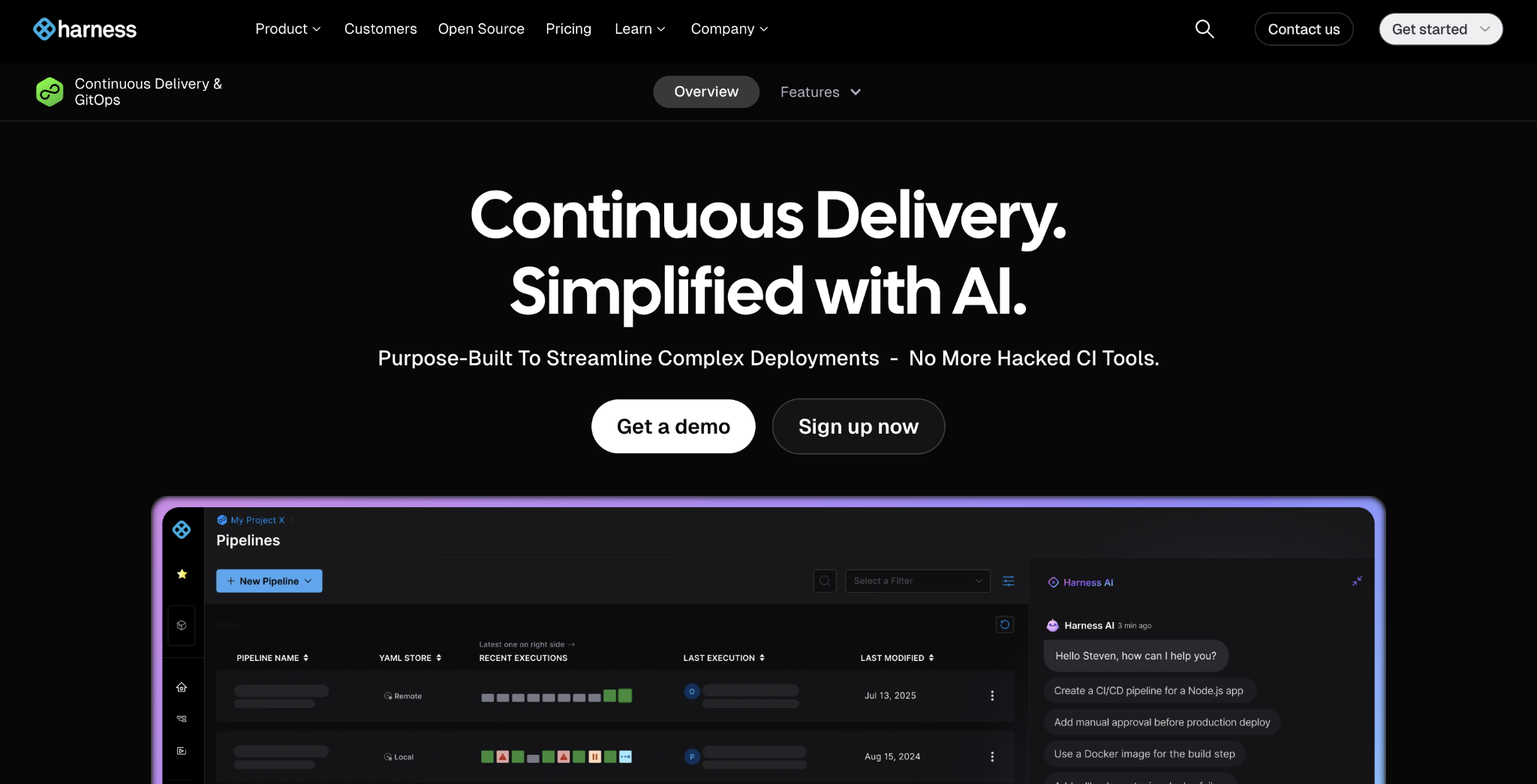
Larger enterprises managing sprawling portfolios often require advanced release controls, such as progressive rollouts, automated health monitoring, and intelligent rollbacks. Harness Continuous Delivery meets these demands by orchestrating complex deployments across diverse cloud and on-premises environments, utilizing local agents to maintain secure boundaries between public management planes and private infrastructure.
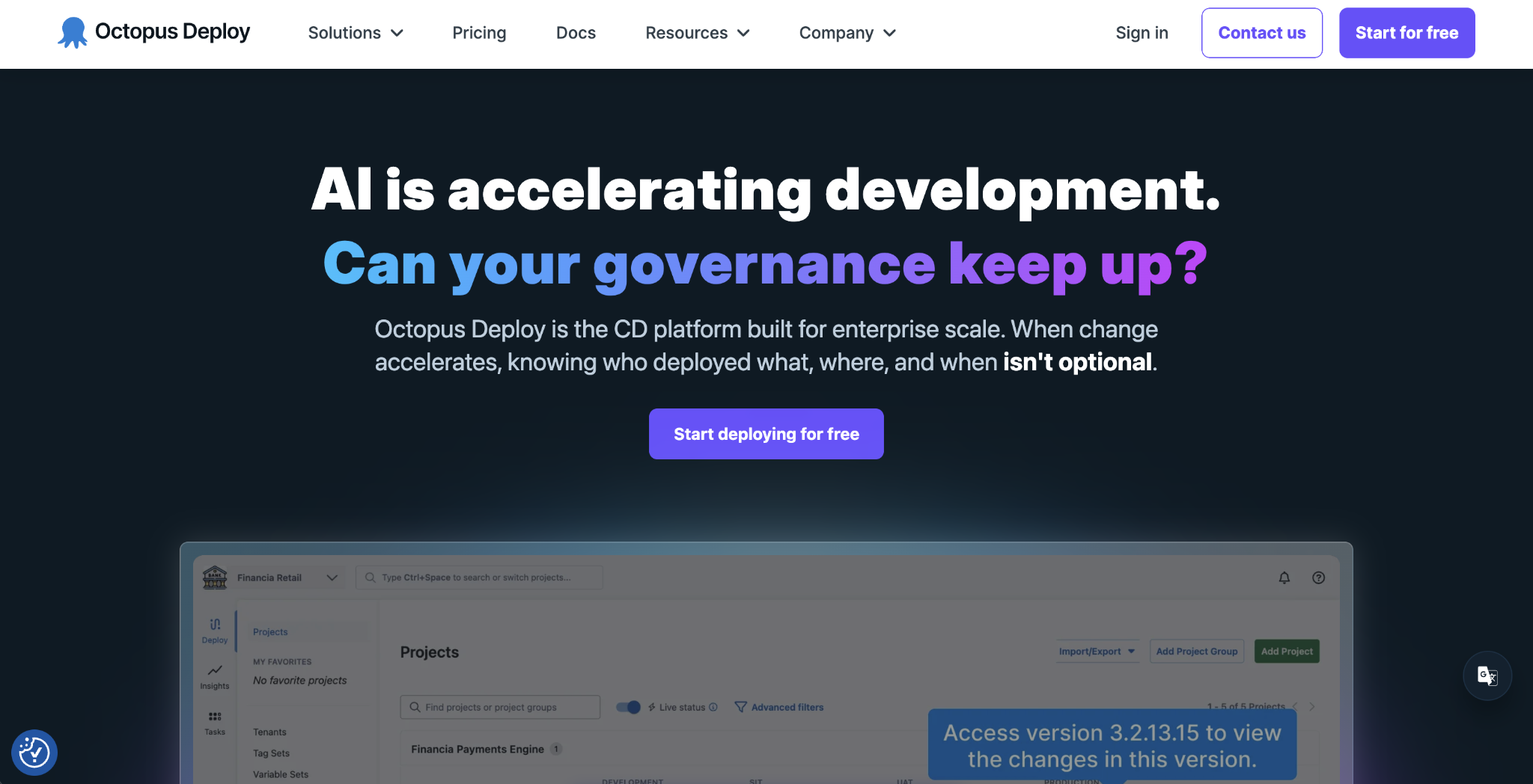
Octopus Deploy takes a slightly different architectural stance by acting strictly as a deployment engine. A separate CI tool builds and packages the application, and Octopus takes that immutable artifact, promoting it reliably through testing, staging, and production environments. Its robust support for multi-tenant deployments allows teams to push a single application build out to numerous customer-specific environments with customized configurations without duplicating pipeline definitions.
Flux CD and Spinnaker
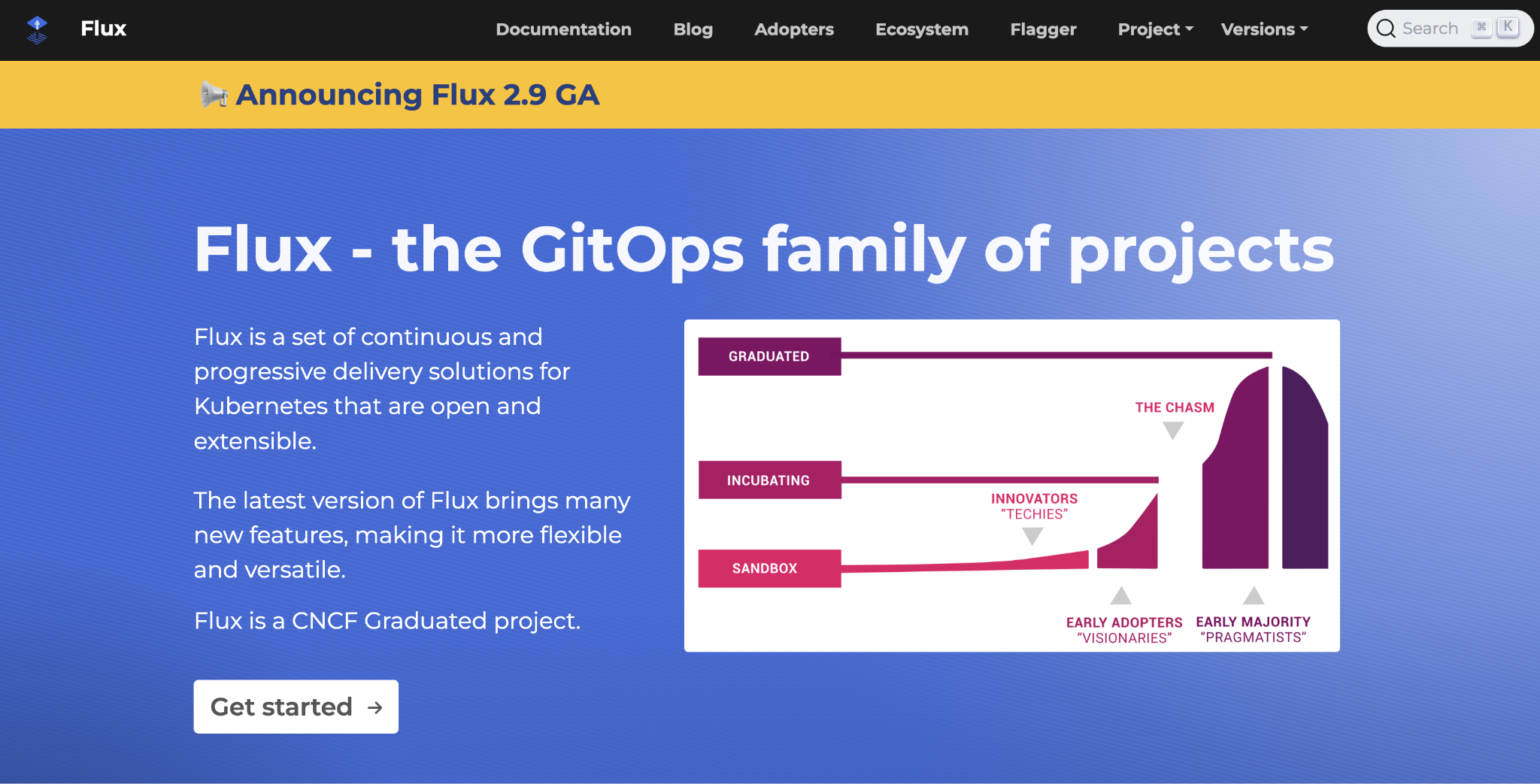
Kubernetes-heavy organizations seeking modular GitOps alternatives frequently turn to Flux CD. Operating on principles similar to Argo CD, Flux utilizes a decoupled, component-driven architecture that grants advanced platform engineers granular control over cluster synchronization.
For multi-cloud enterprises, Spinnaker provides a comprehensive open-source platform designed to unify release management across Amazon Web Services, Kubernetes, Azure, and Google Cloud. While powerful, Spinnaker requires substantial operational investment to maintain, making it best suited for dedicated platform teams rather than smaller application groups.
Vercel and Railway
Frontend specialists and full-stack developers frequently rely on managed application platforms like Vercel and Railway to unify hosting, databases, and deployment. Vercel’s preview-first workflow automatically generates a live preview URL for every pull request, transforming code review into a visual, interactive experience. Railway similarly bundles application deployment, persistent storage, and database management into a single cohesive project interface. While these platforms drastically reduce infrastructure overhead, they are purposefully designed to operate within their respective managed ecosystems rather than targeting arbitrary external servers.
Building a Safe Release Process
Regardless of the tooling selected, achieving true continuous deployment relies on three foundational practices: comprehensive testing layers, rigorous production monitoring, and thoroughly tested rollback mechanisms.
Because continuous deployment eliminates manual human approval gates, automated testing must be robust. Unit tests alone are insufficient; teams must implement integration tests that exercise the application against real databases, APIs, and external microservices, alongside automated security and dependency scans.
Once code reaches production, monitoring must extend beyond simple uptime checks to evaluate live error rates, latency metrics, and transaction success. Strategies like canary deployments route fractional traffic to newly released versions, catching anomalies early. Finally, a deployment process is incomplete without a validated rollback plan. Because code rollbacks do not automatically reverse database schema alterations, teams must ensure database migrations are strictly backward-compatible and test their recovery procedures regularly.
Ultimately, the right continuous deployment tool should simplify these safeguards, empowering development teams to ship code efficiently, safely, and with total confidence.



Leave a Reply