Windows 11 users who have long desired the ability to freely drag and move their taskbar with a mouse are out of luck. While Microsoft has finally introduced native options to relocate the taskbar to different edges of the screen, the company has officially clarified that the classic, intuitive drag-and-drop capability from Windows 10 is intentionally absent—and it has no plans to bring it back.
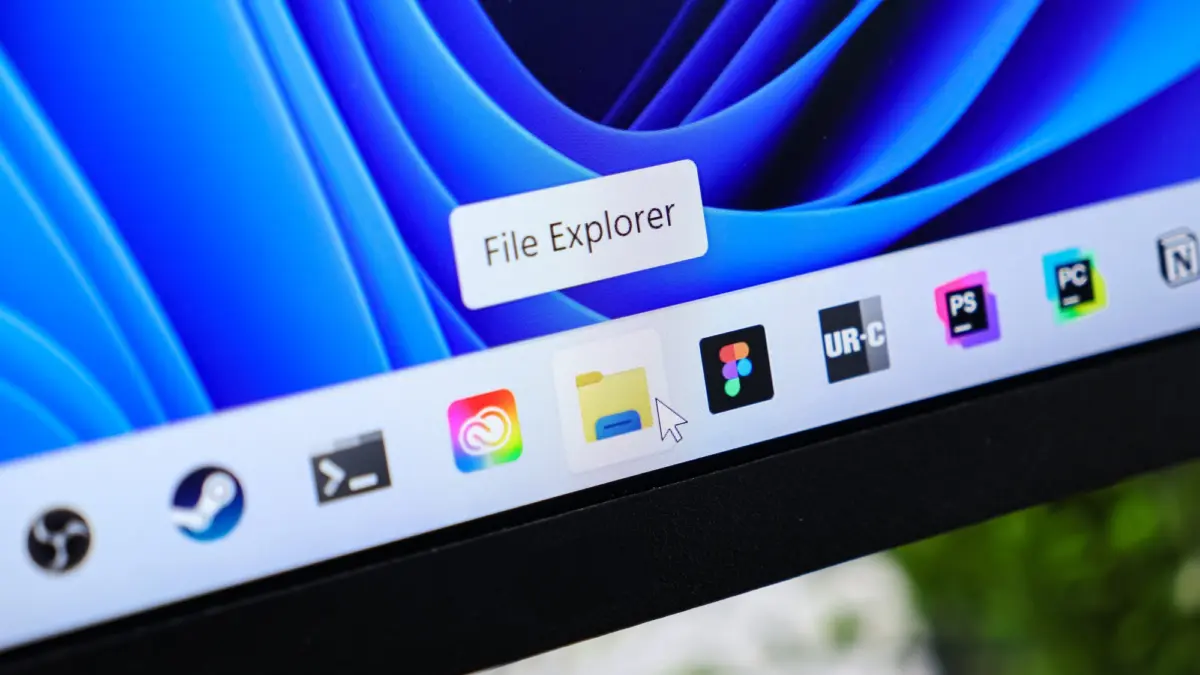
For years, the inability to move the Windows 11 taskbar from the bottom of the screen was one of the operating system’s most persistent user complaints. When Microsoft originally rebuilt the Windows shell for its newest operating system, the taskbar was tightly coupled to the bottom edge, stripping away flexibility that power users and customizers had enjoyed for decades. Pressure from the user base eventually forced the company to reevaluate its stance, leading to the gradual introduction of settings that allow the taskbar to be repositioned.
However, the implementation falls short of what many veterans of the platform expected. To change the location of the Windows 11 taskbar, users must navigate through a lengthy multi-step settings menu. Specifically, the adjustment requires opening Windows Settings, navigating to Personalization, selecting the Taskbar category, expanding Taskbar behaviors, and finally locating the Taskbar position dropdown menu. From there, users are given four fixed choices: "Left," "Top," "Right," and "Bottom."
Noticeably missing from this workflow is the familiar, convenient ability to simply click, hold, and drag the taskbar across the desktop using a mouse cursor, a feature that was a staple of Windows 10 and earlier iterations of the operating system. According to Microsoft, this omission is not an oversight or an unfinished feature waiting for a future update, but rather a deliberate and calculated UI design choice.
Diego Baca, Vice President of Design at Microsoft, addressed the user feedback directly on social media, pushing back against characterizations of the design as a missing feature or shortcoming. In his public statements, Baca defended the current implementation and explained the extensive UX research that guided the engineering team’s decisions regarding how users interact with the desktop shell.

According to Baca, user research conducted by Microsoft indicated that allowing the taskbar to be repositioned via a free-form drag-and-drop gesture frequently led to accidental, unwanted movements. This exact usability issue was the historical justification for features like "Lock the taskbar," which was built into previous generations of Windows to prevent users from unintentionally disrupting their workspace layout. Furthermore, Microsoft’s telemetry and user research revealed that changing the physical position of the taskbar is not an action that the vast majority of consumers perform with any frequency.
Because altering the taskbar location is typically a rare, intentional customization rather than a dynamic, everyday task, Microsoft decided that a structured settings menu was superior to a floating drag action. The design team felt that providing a discoverable configuration setting, accessible through standard system menus, offered a much more intentional, predictable, and stable user experience than letting the taskbar float around the desktop under the cursor.
This revelation has tempered expectations within the Windows enthusiast community. While Microsoft has proven willing to reverse its position on whether the taskbar can be moved at all, the company remains firmly committed to eliminating free-form dragging in favor of rigid, menu-driven configuration. For users who preferred the fluidity of older operating systems, the current compromise requires relying on third-party shell customization utilities if they want a more flexible desktop environment.
For now, anyone hoping for a change of heart from Redmond regarding mouse-driven taskbar dragging should temper their expectations. Microsoft’s design leadership has made it clear that the current menu-bound approach is here to stay, cementing a new paradigm for how the modern Windows desktop is managed and organized.