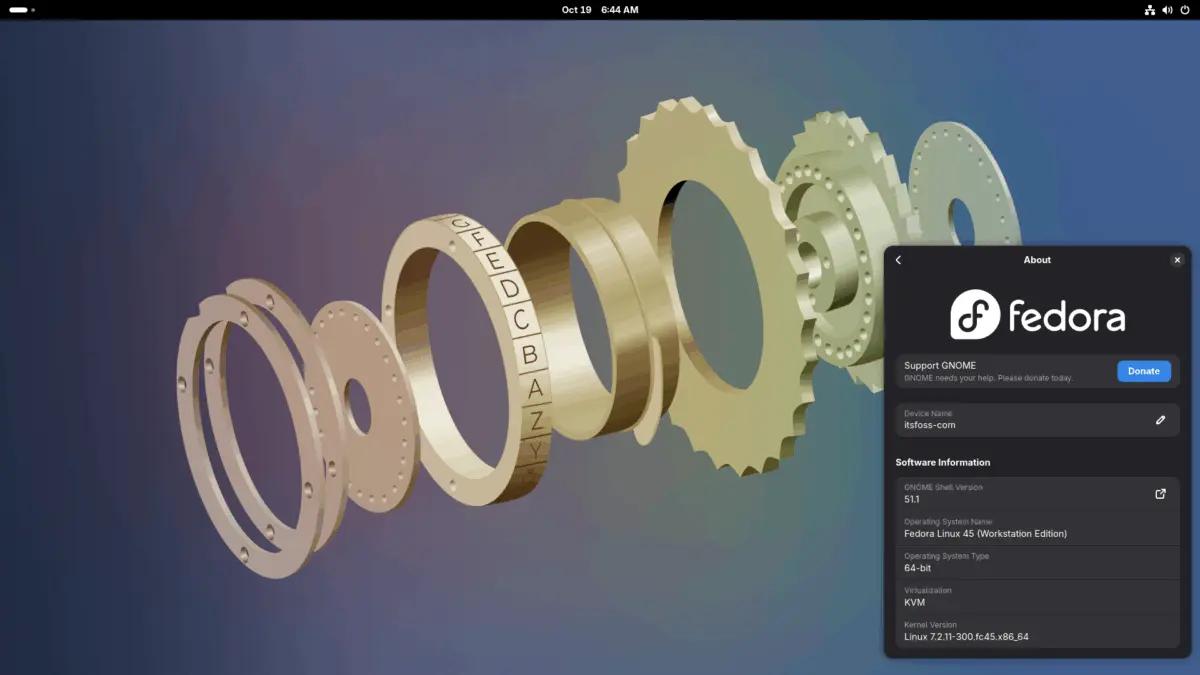
The Fedora Project has officially rolled out its latest major operating system release, Fedora 45, following a series of minor late-stage scheduling adjustments. Originally slated for a public launch on October 20, the stable release was subsequently pushed back to October 27 and then delayed once more before landing on November 3. These staggered releases are a routine consequence of Fedora’s rigorous development model, which tracks hundreds of formal change proposals on a public Change Set page. Every proposed modification requires community review and formal approval from the Fedora Engineering Steering Committee, operating individually or in batches depending on the scope of the feature.
While approval secures a slot for a planned release cycle, it does not act as an absolute guarantee that a feature will make the final cut. As demonstrated by the Fedora 45 beta rollout last month, several ambitious proposals intended for the stable release window ultimately had to be deferred to the subsequent Fedora 46 cycle to ensure platform stability. The final delays leading up to the November launch were driven by late-stage teething issues uncovered during final evaluation, prompting developers to hold back the distribution until critical system components met the project’s quality standards.

Despite the brief schedule slip, Fedora 45 arrives packed with significant architectural upgrades, refined hardware enablement, modernized container tools, and major updates to its flagship desktop environments.
Better Kernel Panic Handling and System Diagnostics
One of the most notable user-facing diagnostics improvements in Fedora 45 centers on how the operating system communicates critical hardware or software failures. Since the introduction of the DRM Panic component in Fedora 42, system crashes resulting in a kernel panic have displayed a graphical QR code on the screen. However, scanning that code previously yielded only a raw, unformatted trace log that required specialized developer knowledge to decode.

Fedora 45 fundamentally transforms this troubleshooting workflow by introducing a dedicated web frontend for DRM Panic. When a user scans the emergency QR code using a smartphone during a kernel panic, they are automatically redirected to a secure, Fedora-hosted web page that translates the raw kernel dump into human-readable guidance. The interface walks the user step-by-step through an explanation of what went wrong on the system. Furthermore, the web frontend provides an integrated pathway to initiate a Bugzilla report directly, automatically pre-filling the user’s system specifications and the exact error trace to streamline the debugging process for kernel maintainers.
Inclusion of Modern kmscon for Virtual Consoles
System administrators and advanced users who frequently interact with the Linux virtual console—accessed by pressing keyboard shortcuts like Ctrl+Alt+F3 to land on a full-screen text login—will notice a major visual and functional upgrade in Fedora 45. Historically, this virtual console was drawn directly by the kernel’s built-in fbcon subsystem. Fedora 45 replaces this legacy infrastructure with kmscon, a modern userspace program that modernizes the text-mode terminal experience.
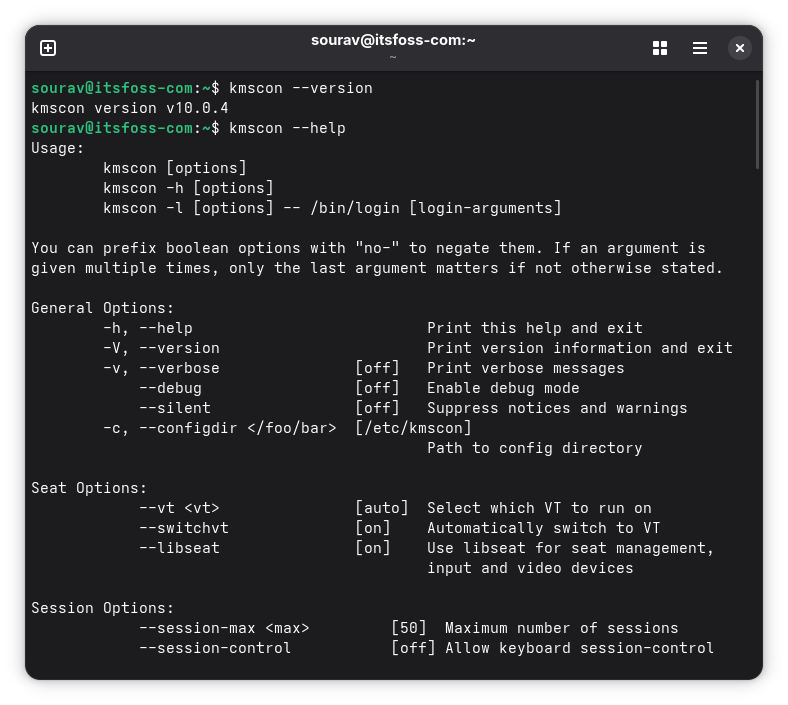
The integration of kmscon restores several features long absent from standard Linux virtual consoles, including native scrolling capabilities, basic mouse support, and robust handling that prevents terminal crashes from cascading into full kernel panics. Users also gain access to resizable fonts, vastly improved Unicode support for international characters, and the ability to seamlessly match the virtual console’s keyboard layout to the active desktop environment configuration.
To prevent any potential regressions during the transition, Fedora has built in an automated safety net. If kmscon fails to launch or encounters an initialization error, the system automatically falls back to the traditional getty and fbcon setup. Users who prefer the legacy environment also retain the manual configuration flexibility to switch back if desired.
Linux Kernel 7.2 and Expanded Hardware Enablement
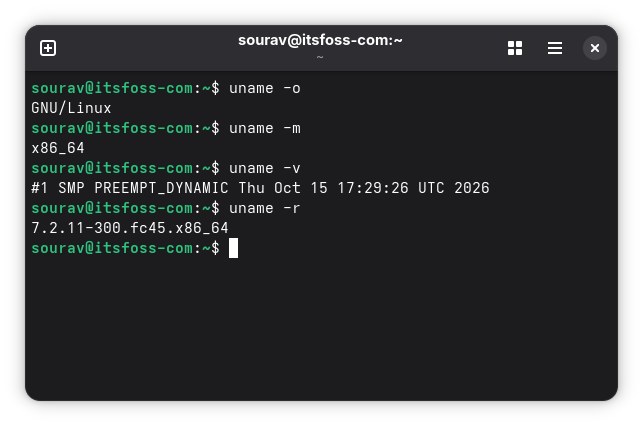
Under the hood, Fedora 45 is powered by Linux Kernel 7.2, bringing a broad array of performance enhancements, scheduling improvements, and critical hardware enablement drivers. Among the standout additions is initial HDMI 2.1 support for AMD Radeon graphics hardware, arriving years after the HDMI Forum initially blocked open-source drivers from implementing the specification. Additionally, the inclusion of the new ISP4 driver finalizes comprehensive webcam support across several modern platforms, including the HP ZBook Ultra G1a and other upcoming Ryzen-based laptops.
Laptop users across various manufacturers will find broader out-of-the-box compatibility. Fedora 45 adds robust platform support for modern gaming and productivity portables, including the ASUS ROG Strix G16, Zephyrus G14, and TUF Gaming F16. Lenovo laptop owners benefit from new native support that allows the operating system to interface with battery charging limit controls, helping preserve long-term battery health. Meanwhile, Microsoft’s 12-inch Surface Pro receives a dedicated platform driver to ensure smoother hardware integration.

While the inclusion of Linux 7.2 provides a stable and feature-rich foundation, the decision to skip Linux 7.3—which debuted in distributions like Ubuntu 26.10 even prior to its formal upstream release—has drawn attention from the broader open-source community. While project maintainers have not officially linked the kernel selection to the recent launch delays, industry observers continue to debate the timing of downstream kernel adoptions relative to the Fedora release cadence.
Desktop Environment Upgrades Across GNOME and KDE
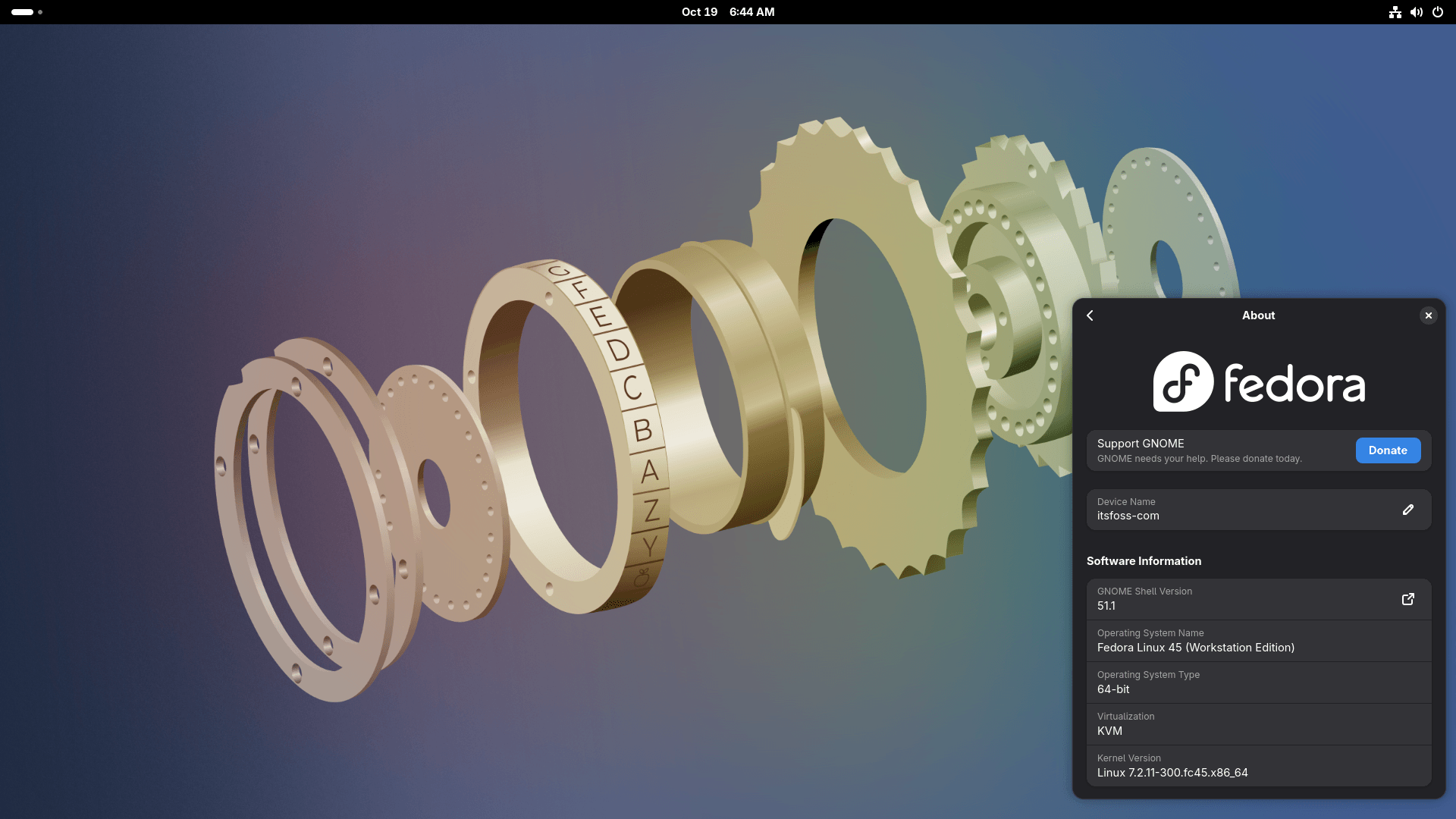
Fedora Workstation 45 ships with GNOME 51, bringing a collection of practical refinements designed to enhance everyday usability. The built-in Maps application now supports offline map downloads for navigation without an active internet connection. The system settings panel introduces a redesigned fingerprint manager within the Users section for easier biometric configuration, and the display manager now reliably saves and restores individual monitor brightness settings across user sessions. The Files application also gains convenience features, including direct rename and trash management tools within the file previewer. At the system level, the Mutter display server officially drops support for legacy NVIDIA graphics drivers.
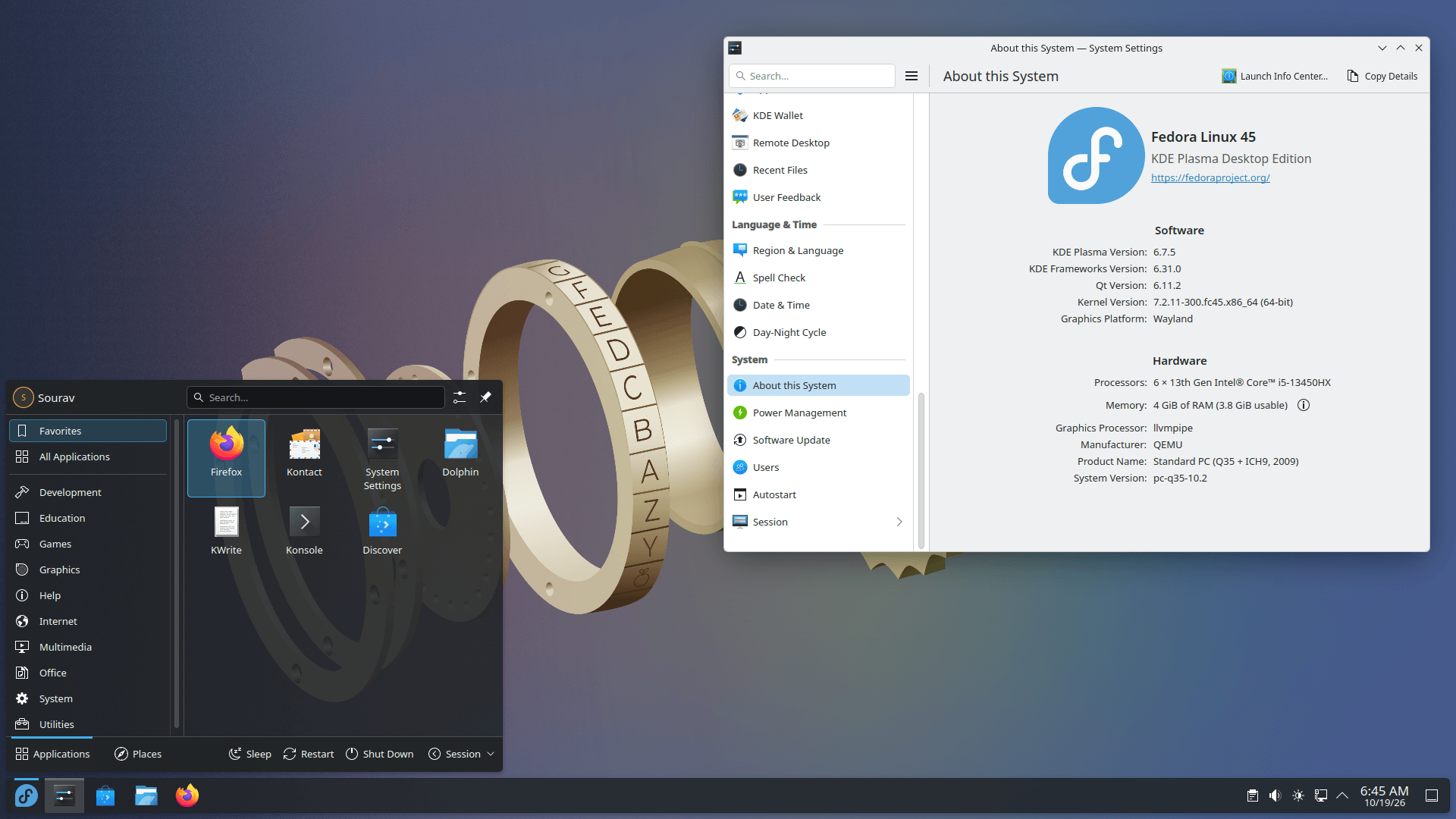
Concurrently, Fedora KDE Plasma Desktop 45 adopts Plasma 6.7, highlighted by the introduction of per-screen virtual desktops. This feature resolves a long-standing constraint in multi-monitor setups, allowing laptop displays and external monitors to operate independently with distinct sets of virtual workspaces rather than forcing a unified workspace across all displays.
Nostalgia meets modern engineering with the return of the classic Oxygen and Air visual themes from the KDE 4 era, which are now fully realized as modern Global Themes. For users who maintain distinct visual styles for day and night workflows, a new quick-settings toggle integrated into the Brightness and Color applet allows for rapid manual switching between themes.
Podman 6 Integration
Container management in Fedora 45 advances to the Podman 6.1.x series, building heavily upon the foundational architectural overhaul introduced in the major Podman 6.0 release. That foundational shift modernized container infrastructure by retiring several aging components—including slirp4netns, the Container Network Interface, cgroups v1, and iptables—in favor of Pasta, Netavark, cgroups v2, and nftables. The framework also includes automated migration pathways that transition legacy BoltDB databases to SQLite seamlessly behind the scenes.
Podman 6 introduces tighter default security parameters, notably enabling network isolation out of the box for enhanced container security. Volume management commands have also been refined; specifically, the podman volume prune command now exclusively targets unused anonymous volumes rather than impacting shared resources. Furthermore, Quadlet configuration files have been reorganized to reside within their own dedicated subdirectories.
Building on these core architectural updates, Podman 6.1 introduces targeted usability improvements. Users gain commands such as podman volume rename for modifying existing volumes, podman machine restart for streamlining virtual machine management, and advanced retry options for podman manifest push operations to ensure reliable container registry publishing.
The stable release images for Fedora 45 are now publicly available for download through the official Fedora Project website, offering users across Workstation, KDE Plasma, and alternative spins an updated platform for enterprise and personal computing.