
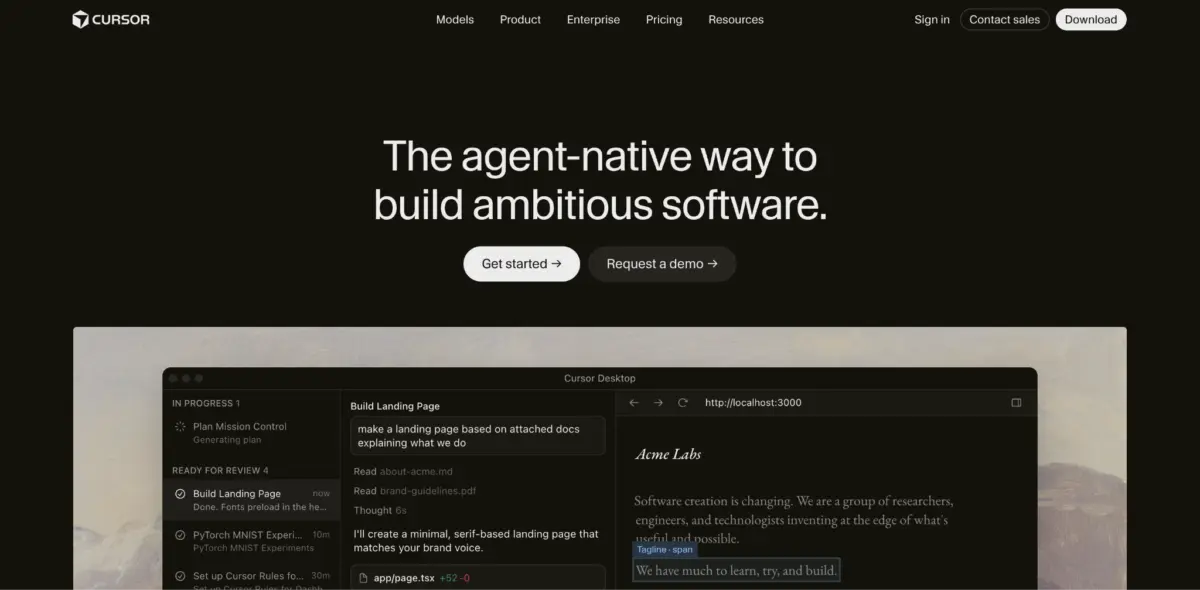
The landscape of AI-assisted software development continues to evolve rapidly, presenting engineering teams and individual developers with sophisticated choices for how they write, review, and manage code. Among the current generation of AI-driven coding environments, Devin Desktop and Cursor have emerged as leading platforms, though they approach the integration of artificial intelligence with fundamentally different organizational philosophies.
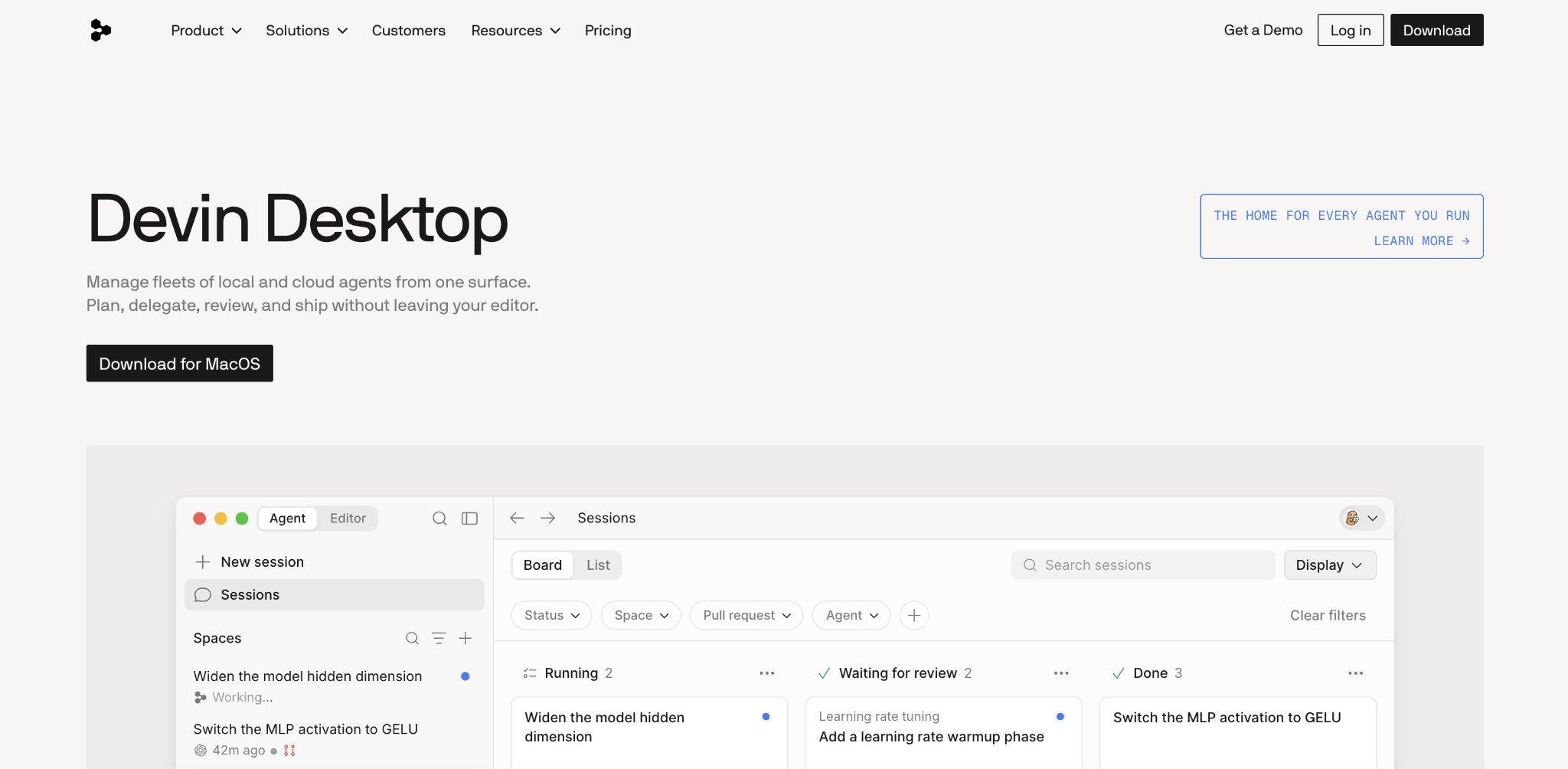
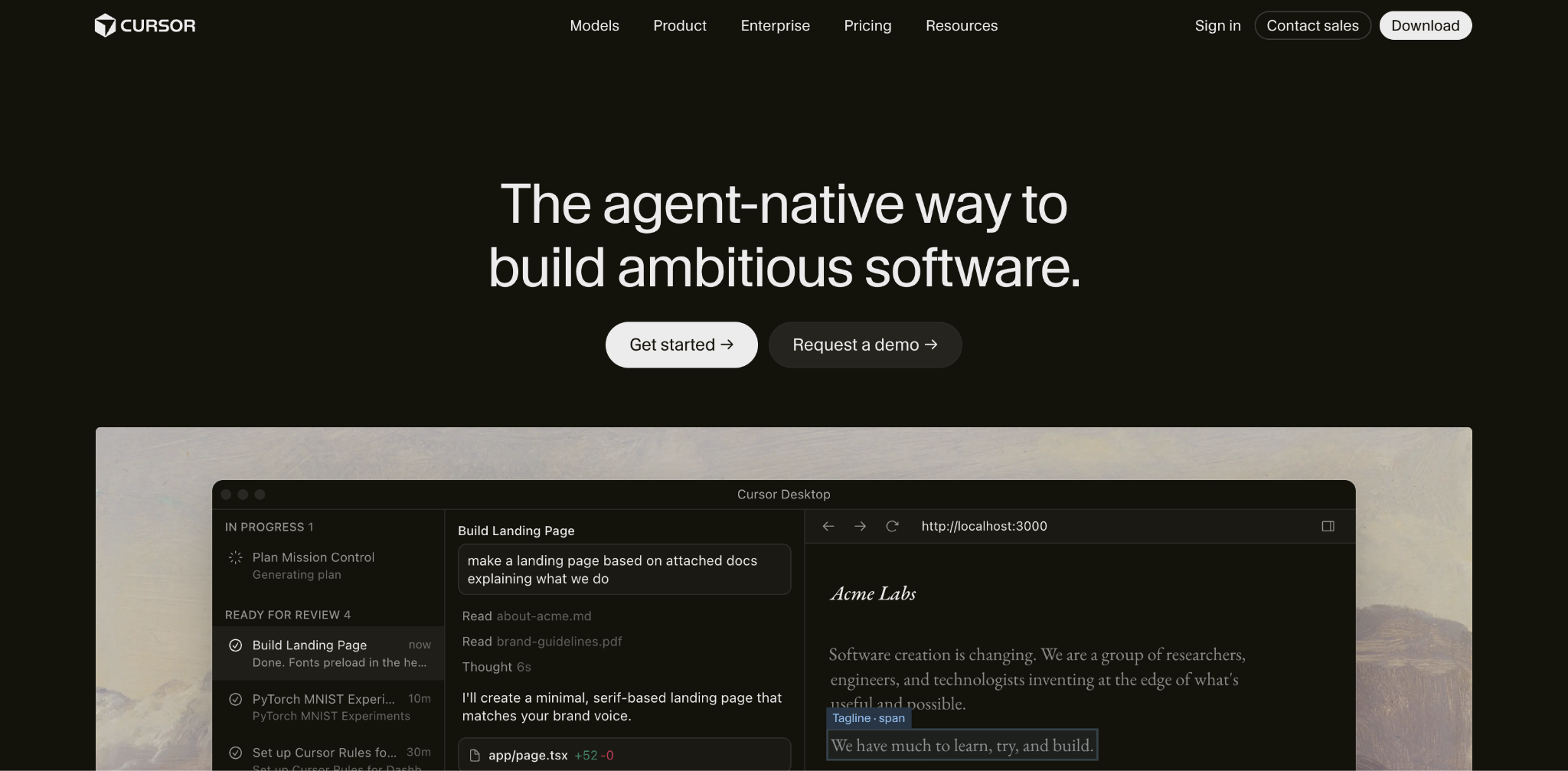
Devin Desktop, which incorporates the technology and branding following Cognition’s rebranding of Windsurf and the introduction of Devin Local as its primary local agent, centers its architecture around an Agent Command Center. This command center is specifically designed for coordinating local, cloud, and ACP-compatible agents simultaneously. In contrast, Cursor focuses its experience on an in-editor agent, Cursor Tab, and optional cloud agents, keeping coding, review, and correction tightly coupled directly within the active editor interface.
Deciding between the two platforms largely depends on workflow priorities. Development teams and individual contributors who prioritize supervising multiple agent sessions concurrently, sharing contextual data across related projects, and seamlessly handing tasks off between local and cloud execution environments will find Devin Desktop’s structure advantageous. Conversely, developers who prefer maintaining a close, hands-on connection to every change inside their primary editor—complete with explicit model choices, built-in review tools, and cloud agents available for background delegation—tend to favor Cursor.
The structural advantages of Devin Desktop stem primarily from its capacity to keep several independent agents organized within a unified interface. While many AI-assisted development tools focus on a single active agent or a solitary editor session at a time, Devin’s Agent Command Center allows engineers to supervise local, cloud, and ACP-compatible agents side by side. Cognition’s rebranding of Windsurf as Devin Desktop and the integration of Devin Local as the primary local agent have further solidified this multi-agent orchestration model.
However, these capabilities introduce distinct trade-offs. The primary disadvantages of Devin Desktop involve the extra orchestration layer required to manage multiple agents, a higher team-plan minimum pricing structure compared to competitors, and the additional governance overhead that comes with integrating external agents into a unified workflow.
Cursor addresses these dynamics differently, prioritizing a seamless, low-friction integration where AI-generated work remains closely bound to the active coding workspace. Developers using Cursor can inspect changes instantly, redirect the agent mid-task, and review final outcomes without needing to navigate away to separate dashboard interfaces.
Despite these strengths, Cursor is not without its limitations. Its main drawbacks include less centralized coordination among disparate agents, potential cloud security considerations, variable usage costs depending on model interaction, and occasional extension conflicts within the editor ecosystem.
When examining how these differences manifest in daily engineering tasks, the distinction between multi-agent coordination and editor-centric workflows becomes clear. Consider a scenario involving a complex refactoring job, such as replacing a legacy payment library across an API, a checkout service, and multiple test suites. In Devin Desktop, an engineer can maintain investigation, implementation, and pull request sessions inside a single dedicated Space while separate agents handle isolated parts of the migration. The process allows for local investigation, worktree isolation, and the offloading of heavier tasks to Devin Cloud.
In Cursor, the same migration is managed directly from the active editor. The developer plans the change, inspects each edited file sequentially, redirects the agent if it accidentally touches unrelated code, and reviews the final output locally. Cloud agents manage background tasks, while agent review features enable the inspection of commits and local modifications afterward.
This divergence is even more pronounced during higher-risk operations, such as executing a database migration. Cursor allows developers to examine individual changes line by line, catch issues like an agent inadvertently dropping an in-use column, and redirect the workflow immediately. In Devin Desktop, the migration can be isolated within a separate worktree, configured to require manual approval for specific database commands, and merged only after a formal review of the completed agent session.
Understanding large codebases represents another critical area of comparison. Devin Desktop relies heavily on Fast Context combined with reusable Spaces, whereas Cursor emphasizes repository indexing and retrieval augmented by project rules, attached context, and granular model selection. Neither paradigm guarantees superior performance across every codebase, making the practical evaluation of how reliably each tool surfaces relevant code and enforces project constraints essential for teams.
Devin’s Fast Context search mechanism scans for relevant files and lines before the primary agent begins execution. Project rules, designated skills, pull requests, and Spaces provide supplemental instructions and background data around the retrieved code. Furthermore, Spaces preserve project knowledge across sessions. If an initial session establishes that an API modification must maintain backward compatibility for mobile clients, subsequent sessions inherit that requirement automatically without manual re-entry.
Cursor approaches codebase understanding through repository indexing, retrieving code connected by functional purpose rather than strict keyword matching. Its agents aggregate context from multiple configuration files and user-defined rules. To support complex logic across extensive codebases, Cursor supports selected model context windows of up to one million tokens. This expansive capacity allows developers to include a greater number of files and extensive conversation histories in a single prompt, though larger requests naturally incur higher usage costs.
Autocomplete functionality and IDE support also reflect the distinct philosophies of both platforms. Devin Desktop combines its Supercomplete feature with a Windsurf-derived IDE foundation while continuing to offer a Windsurf integration for JetBrains. Supercomplete offers predictive additions and deletions based on nearby code, previous edits, agent chat history, and terminal activity, complemented by features like Tab to Jump and Tab to Import to streamline minor navigation tasks.
Cursor provides Cursor Tab for multiline completions and predictive cursor movement across files. Utilizing an Open VSX extension distribution layer, Cursor’s desktop marketplace accommodates a wide array of extensions, though developers must verify compatibility for extensions tied exclusively to the Microsoft Marketplace. For those who prefer JetBrains, Cursor allows its agent to operate within the environment via the Agent Client Protocol on paid plans.
Model and agent support further differentiate the two environments. Cursor offers direct control over the specific AI model handling a task, allowing developers to optimize for cost or context window size on a per-task basis. Devin Desktop emphasizes control over the agent itself, dictating how a task is planned, which tools are utilized, and whether execution occurs locally or in the cloud. Devin’s agent roster includes Devin Local, Devin Cloud, Codex, Claude Agent, and custom agents integrated through ACP.
Cost structures and team governance also play a pivotal role in platform selection. For individual developers, both Devin Desktop and Cursor offer entry-level plans priced at twenty dollars per month. Cost divergences emerge at the team level; Cursor Teams starts at forty dollars per user per month, while Devin Teams requires an eighty-month minimum commitment plus forty dollars per month for each full seat, with flex seats drawing from shared on-demand credits.
When evaluating organizational controls, Cursor provides comprehensive automated account management through SCIM integration with corporate directories, customer-managed encryption keys, and audit streaming for security monitoring. Devin Desktop addresses security through agent-level boundaries, implementing allow, ask, and deny rules that restrict file access, command execution, network activity, and tool usage alongside sandboxing controls.
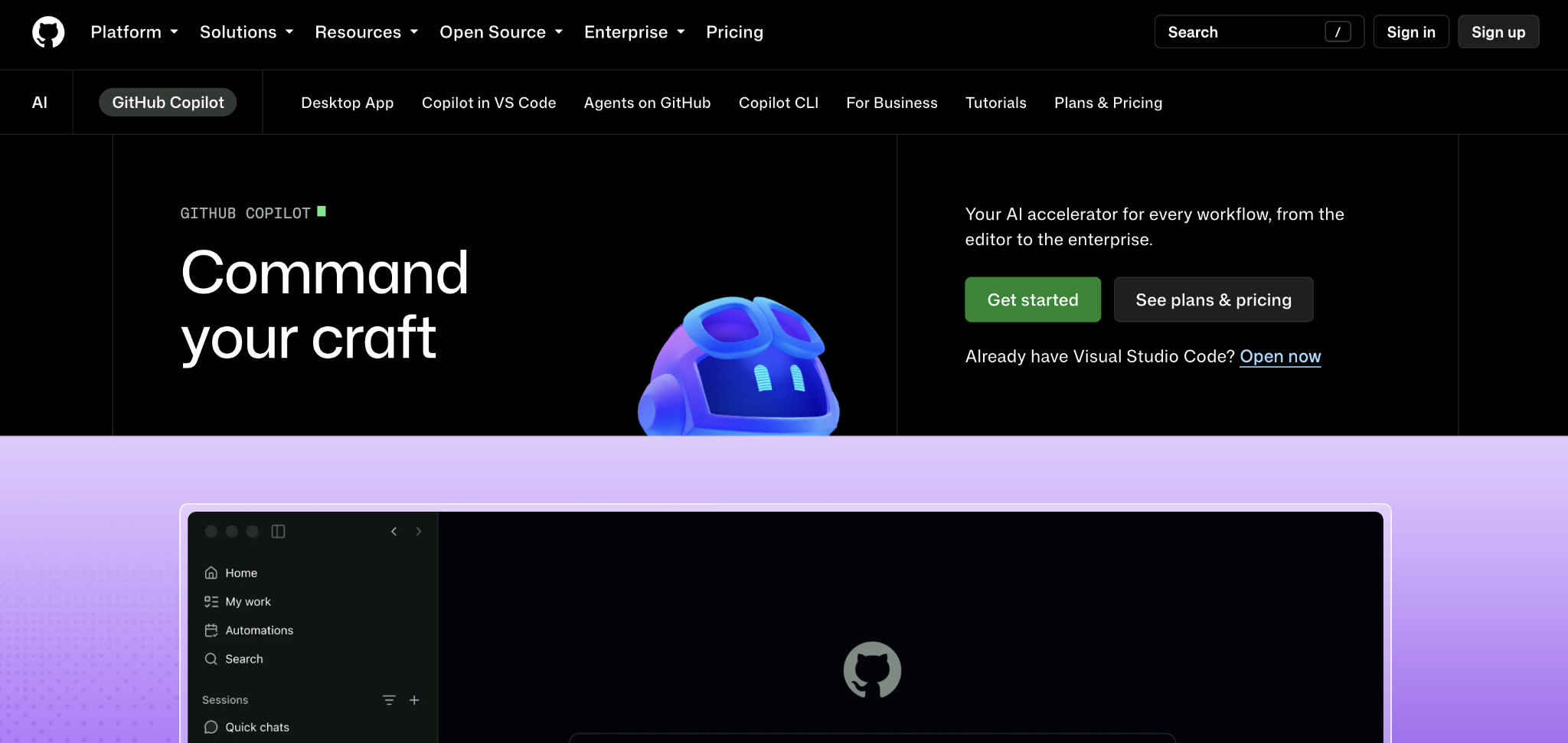
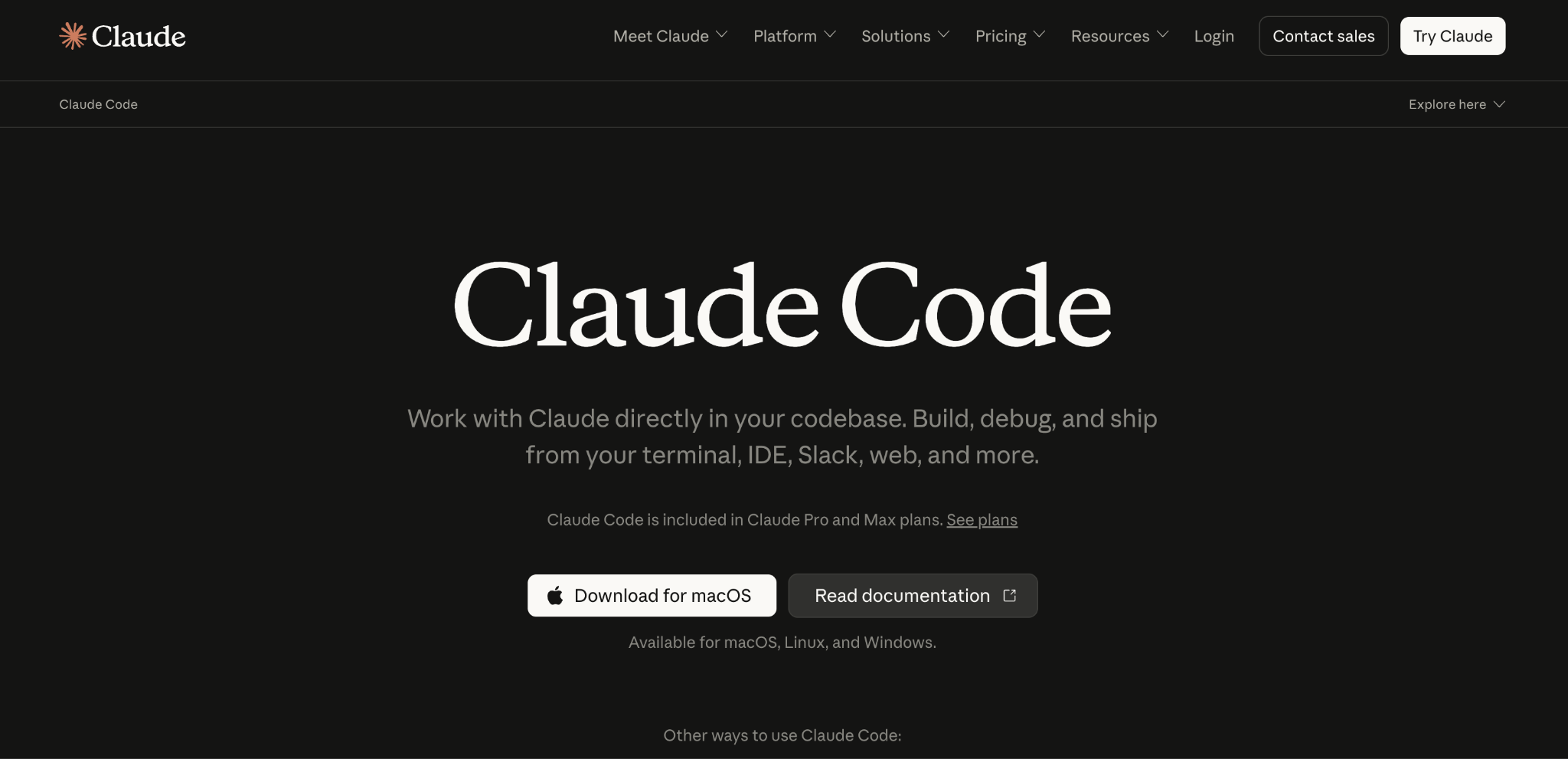
As engineering teams weigh these options alongside alternatives such as GitHub Copilot, Claude Code, and Augment Code, structured evaluation through targeted pilot projects remains the most reliable method for determining the optimal fit. By testing both environments on representative tasks—such as multi-file bug fixes, feature implementations, and repository-wide refactors—teams can determine whether the multi-agent command center of Devin Desktop or the integrated review loop of Cursor best serves their operational needs.



Leave a Reply