
The convenience of online PDF tools has long come with a hidden security trade-off. For years, users seeking to edit, merge, split, or compress documents have relied on web applications that require uploading sensitive files to third-party servers. While these platforms offer immediate utility without requiring local software installations, they expose users to significant data privacy risks. Without clear visibility into how external services handle uploaded content, individuals and organizations risk exposing confidential data to questionable privacy practices or outright malicious actors.
These concerns are not merely theoretical. Law enforcement agencies, including the Federal Bureau of Investigation (FBI), have previously issued warnings regarding fraudulent online file converters designed to harvest sensitive information, steal credentials, and distribute malware. Such tools are known to scrape uploaded documents for personal details, banking records, email addresses, and passwords, making them exceptionally hazardous when handling corporate documents or private communications that should never leave a secure environment.

To combat these vulnerabilities, developer Alam has introduced BentoPDF, an open-source, privacy-first PDF toolkit that processes files locally within the user’s browser rather than uploading them to an external server. Originating as an internal utility for splitting and merging documents, the project transitioned into a public release following positive reception within online developer communities, culminating in the publication of its source code on GitHub.
BentoPDF: For Your PDF Needs
BentoPDF leverages modern web technologies, specifically WebAssembly, to execute resource-intensive document processing tasks directly on the client machine. By running natively in the browser environment, complex features—such as optical character recognition (OCR), powered by a port of the Tesseract OCR engine known as Tesseract.js—operate entirely offline or locally, ensuring that no document data is transmitted to an external web server. Furthermore, the platform requires no user registration and incorporates no web tracking mechanisms, reinforcing its strict adherence to user privacy.
The project is distributed under a dual-license model. The core source code is made available under the GNU Affero General Public License (AGPL-3.0), permitting free use and modification for open-source purposes. For organizations requiring closed-source implementation, a separate commercial license is available as a one-time purchase. In addition to the main PDF toolkit, the developer maintains related open-source projects, including Hyper Compress, a specialized compression engine, and Kura, a utility for converting PDF files to established archival standards such as PDF/A and PDF/UA.
Testing the platform reveals a comprehensive suite of features designed to handle everyday document management tasks securely within a standard web browser environment.
Editing PDFs
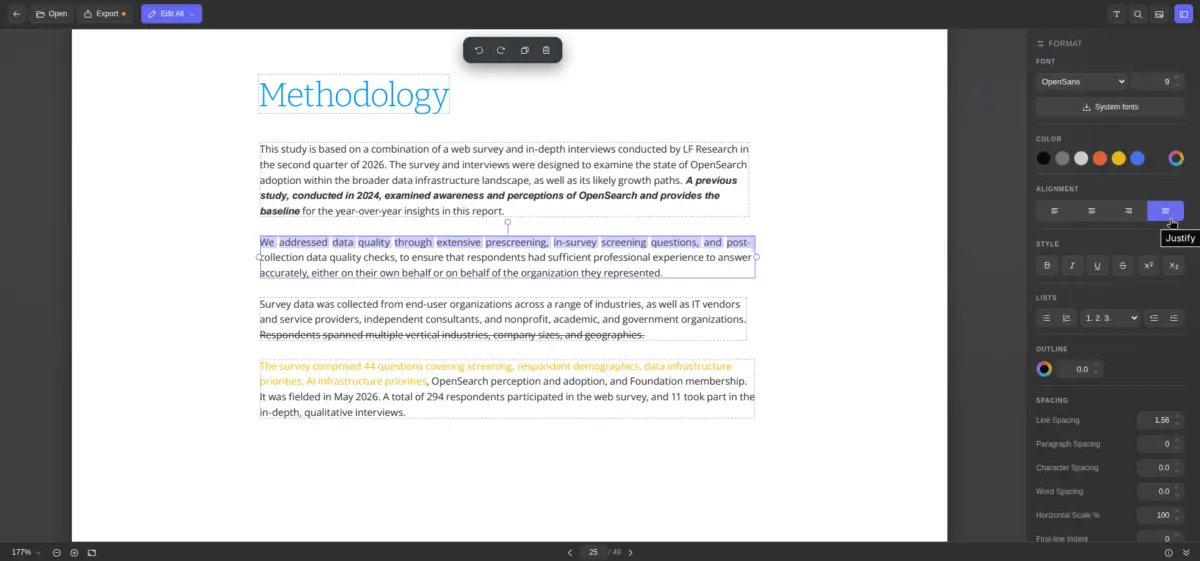
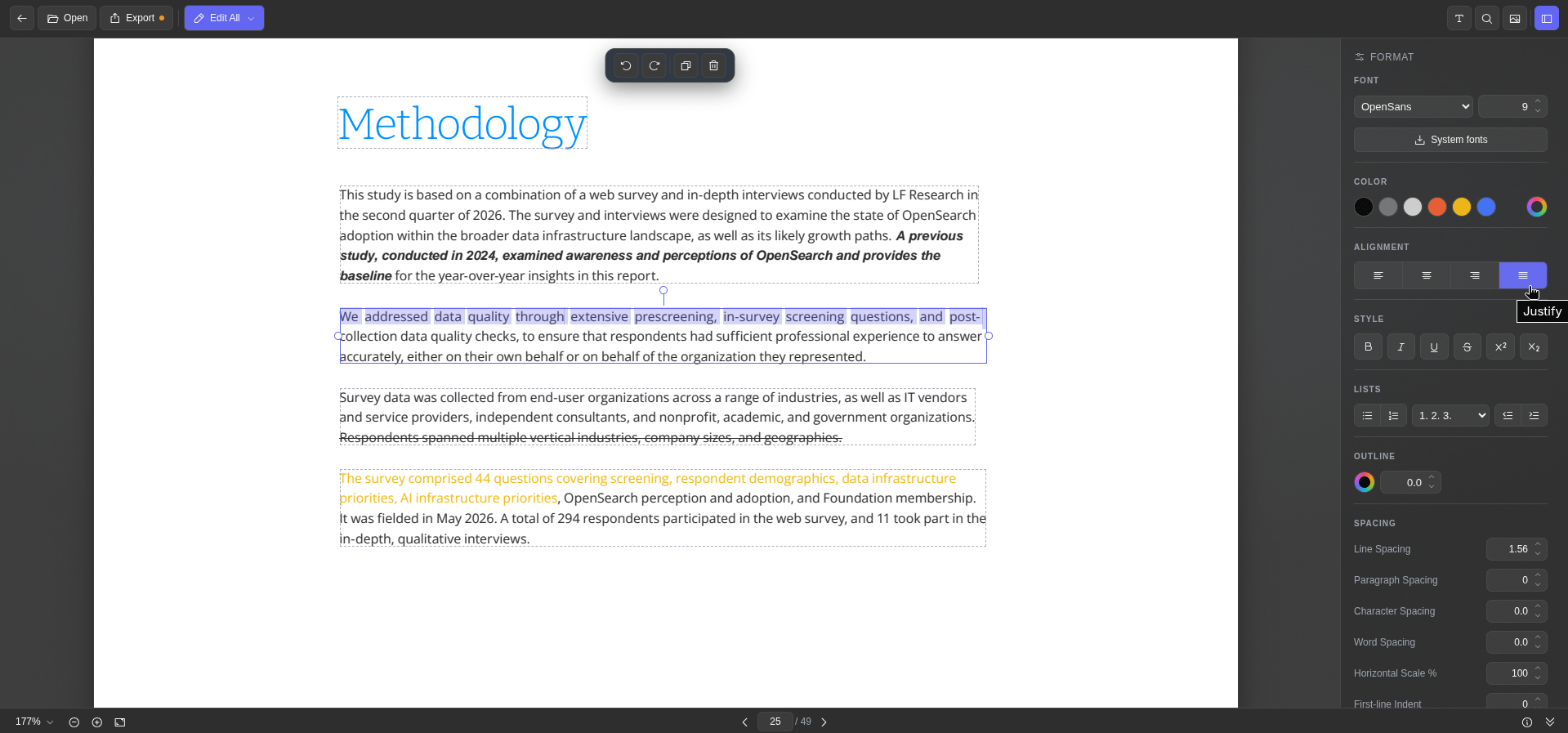
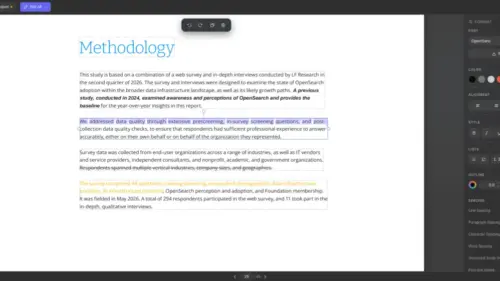
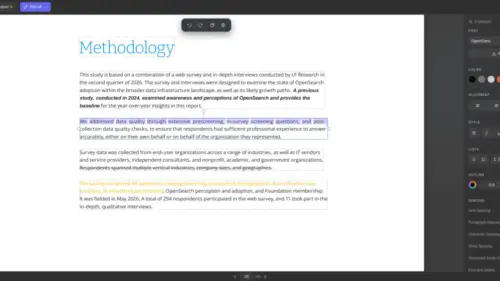
The platform’s text editing functionality presents document text in distinct blocks outlined with dashed borders. Selecting a specific block activates a formatting sidebar equipped with standard document control options. Users can modify font families, point sizes, text colors, alignment, and character spacing, alongside standard typographic styles such as bold, italic, underline, and strikethrough.
An integrated system font retrieval feature allows the application to query fonts installed on the host operating system, expanding styling capabilities. Additionally, a document information panel provides quick access to metadata attributes. Exporting the modified document is executed through a straightforward command interface.
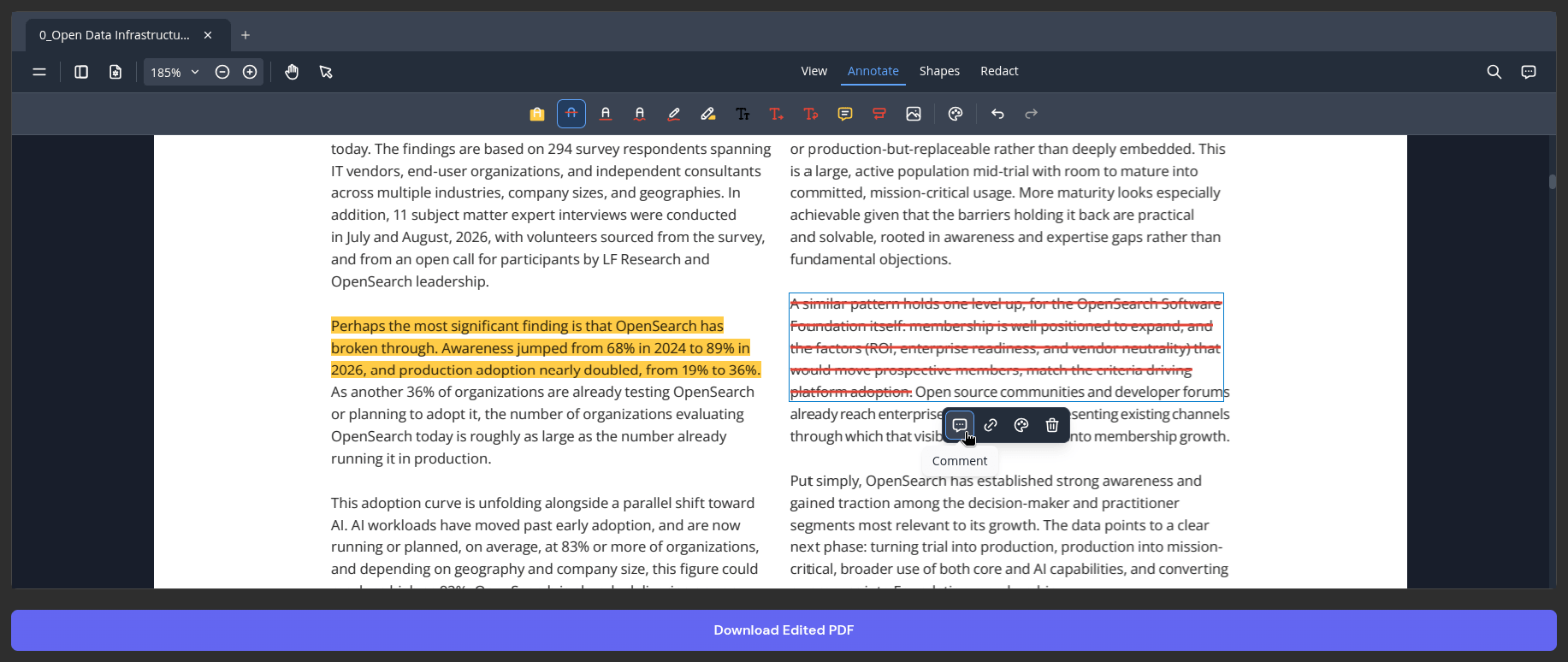
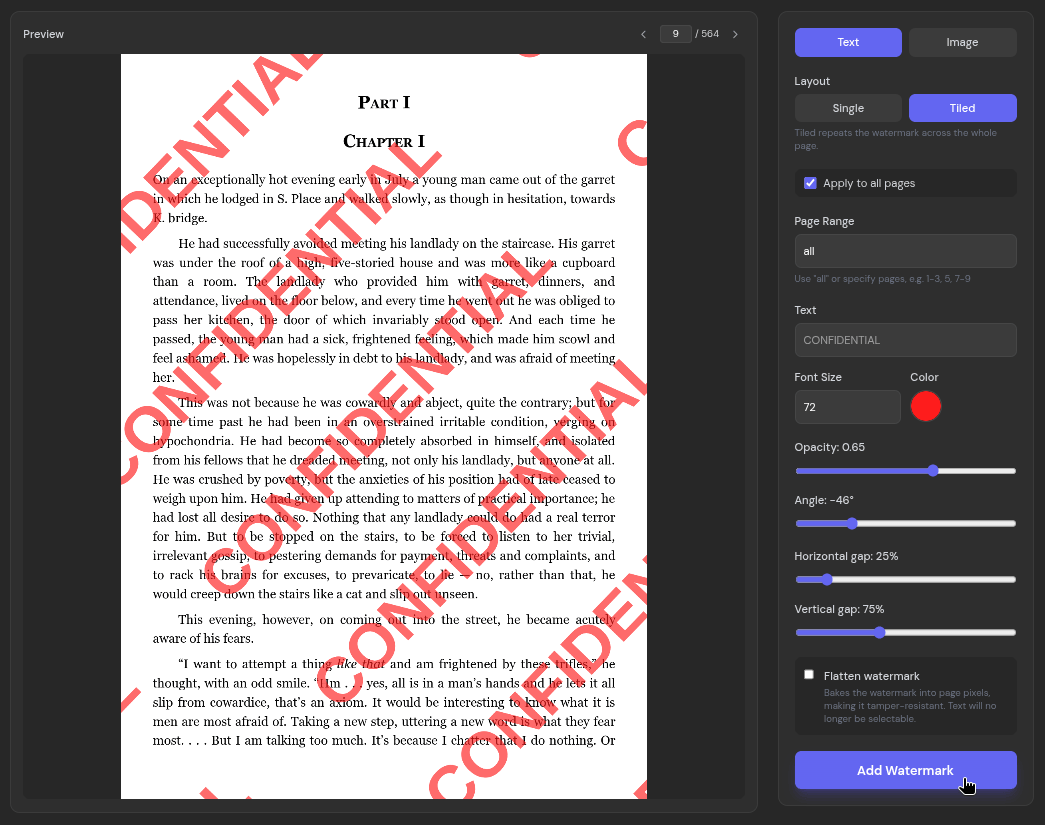
Beyond direct text modification, the dedicated PDF editor supports standard annotation workflows, incorporating tools for text highlighting, strikethrough application, freehand ink drawing, text insertion, and comment management. Watermarking capabilities allow users to apply text or image overlays in single or tiled layouts across selected pages, providing adjustable visibility controls for sensitive documents. Standard keyboard shortcuts for common editing commands are fully supported throughout the interface.
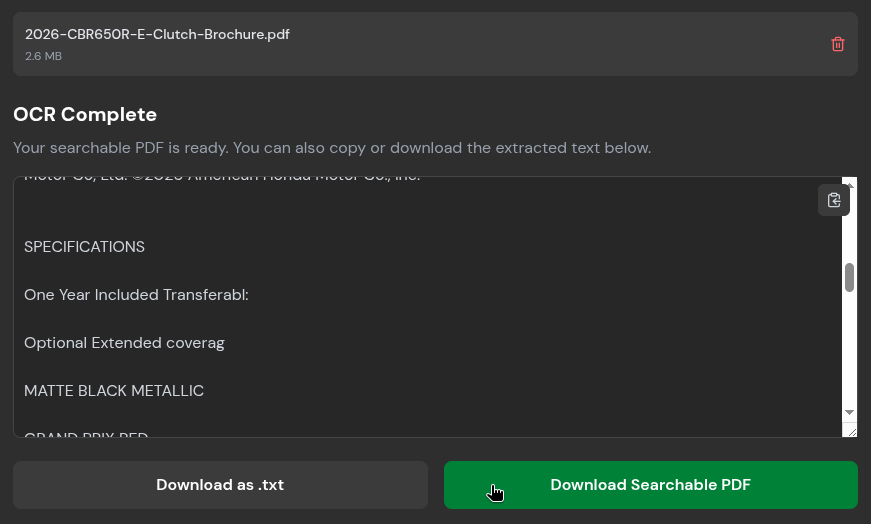
Easy OCRs
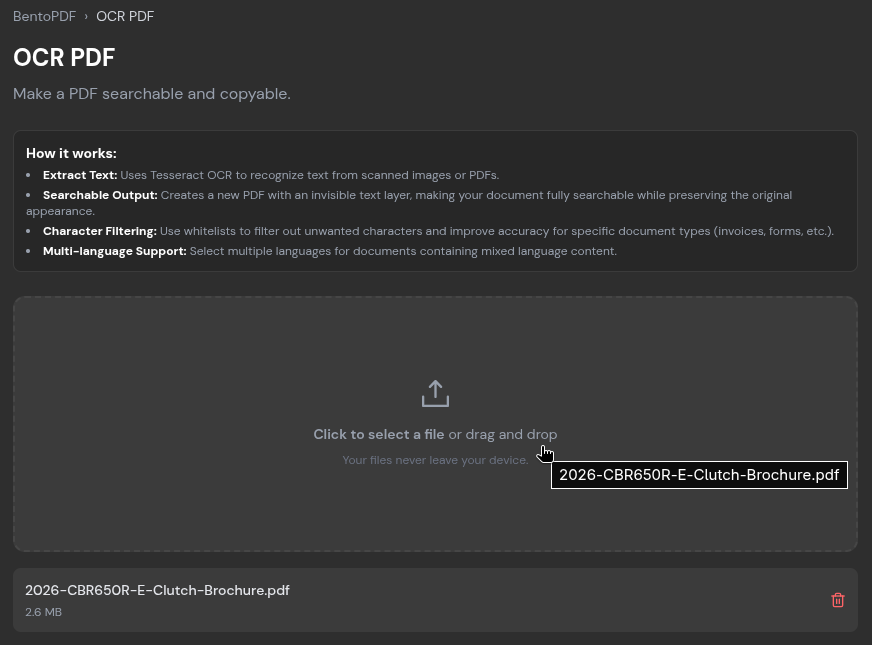
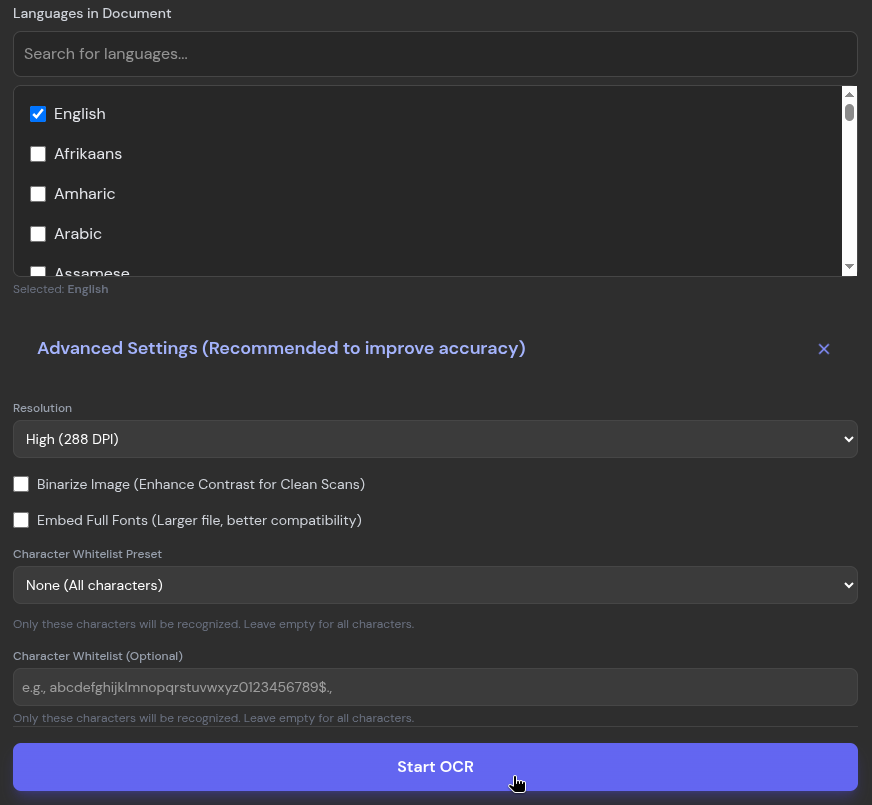
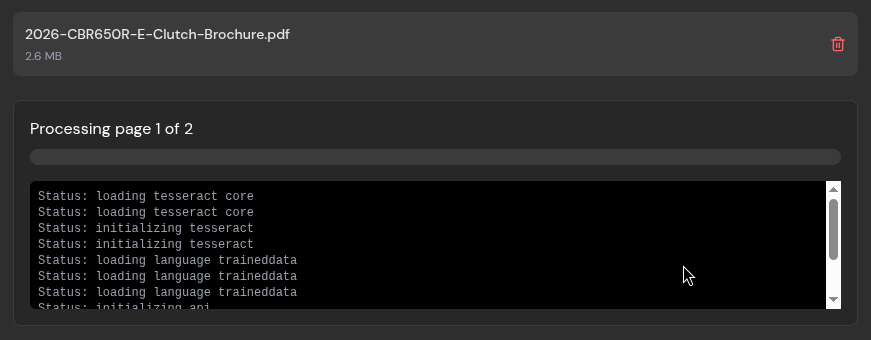
When dealing with scanned documents or image-based reports that lack selectable or searchable text, BentoPDF utilizes its integrated OCR capabilities. Users upload the relevant file and select the primary languages contained within the document before initiating the processing sequence.
While processing time varies depending on document length and complexity, the resulting text extraction delivers high accuracy, with minor limitations typically restricted to extremely small or low-resolution text fragments at page margins. Processed text can be copied directly to the clipboard, exported as a plain text file, or saved as a fully searchable PDF document.
File Conversions
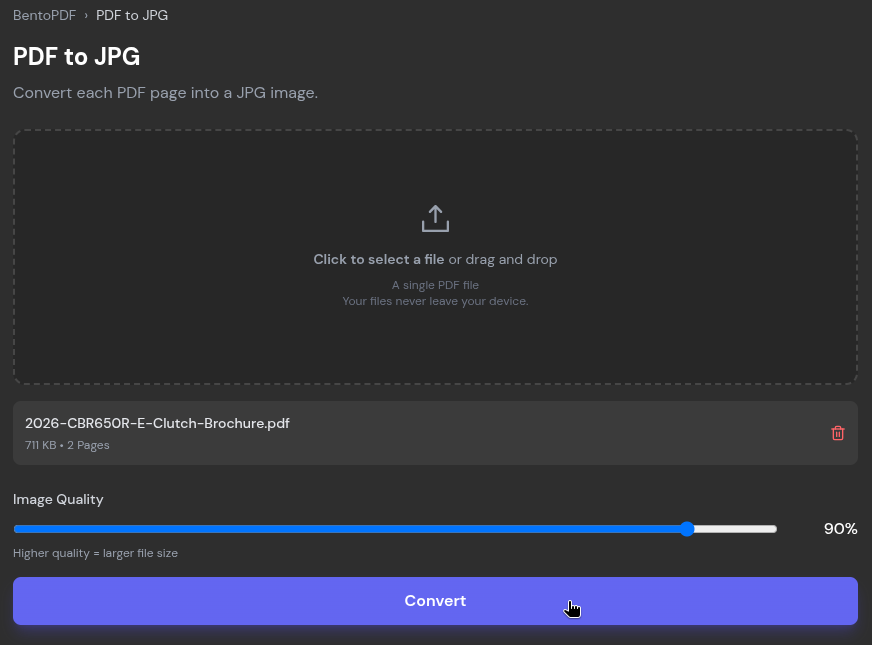
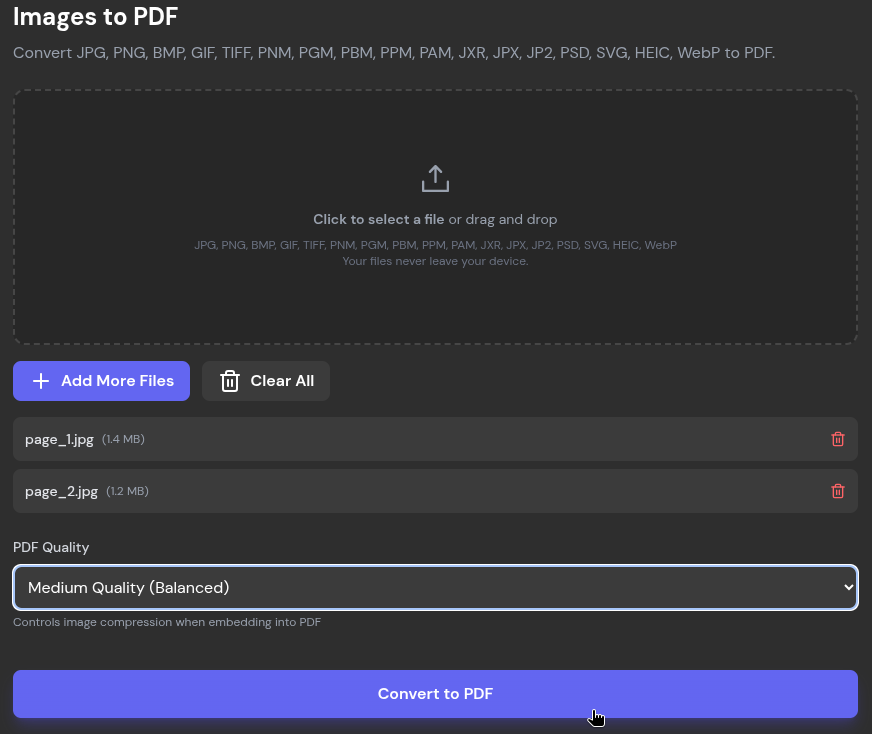
The toolkit features an extensive array of conversion utilities designed to translate documents between formats. The PDF-to-image conversion tool transforms each page of a document into a JPG file, allowing users to adjust output quality via a dedicated compression slider. Conversely, the image-to-PDF utility ingests multiple graphic formats, including PNG, BMP, HEIC, and PSD, compiling them into a unified document.
Additional conversion modules support a wide range of document and data formats, accommodating standard office and web formats such as ODP, CSV, EPUB, JSON, WebP, and Markdown.
Quick Compressions
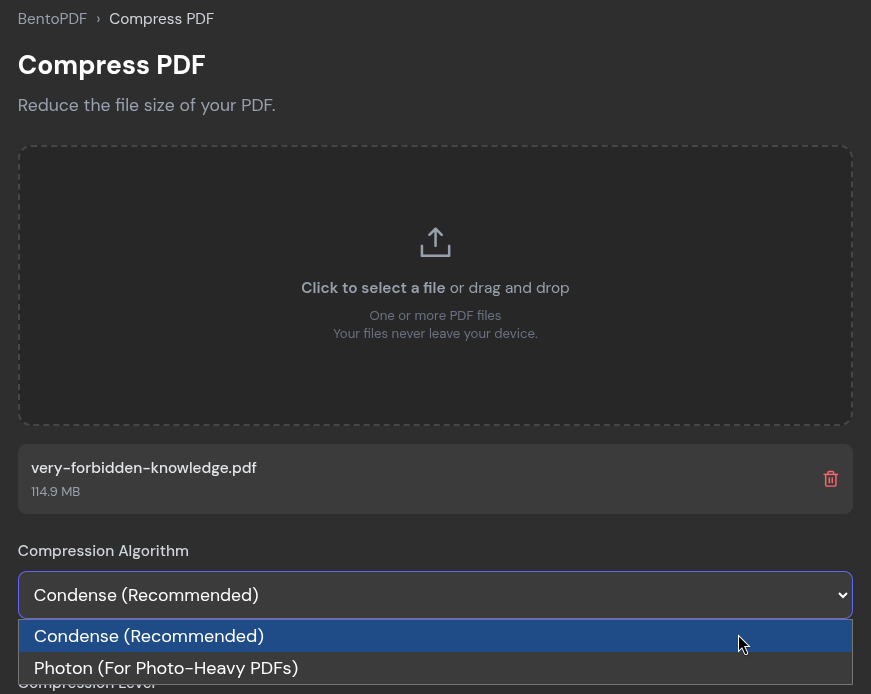
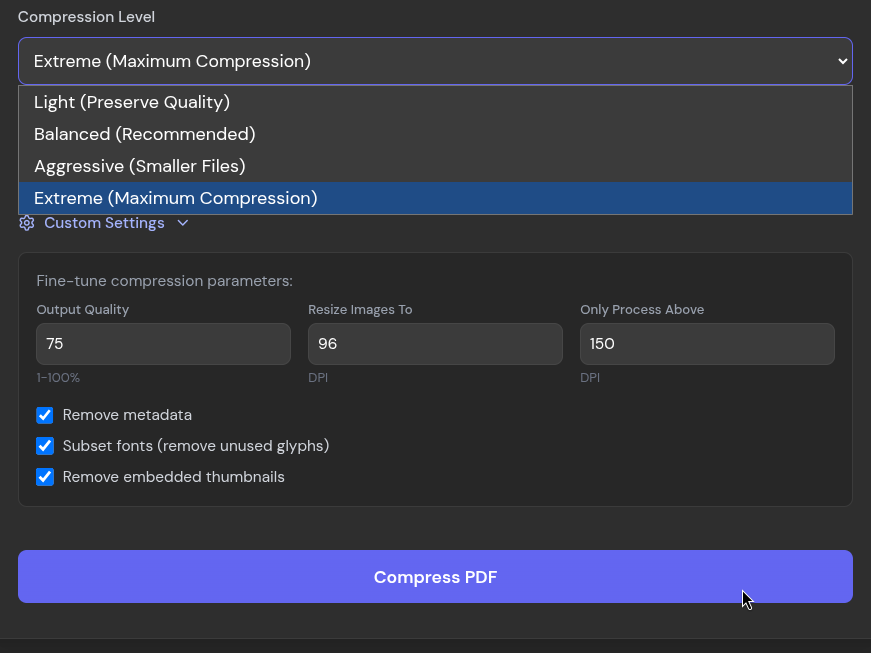
Managing file sizes for electronic transmission remains a critical requirement, particularly given strict attachment limits enforced by mainstream email providers. To address this, BentoPDF incorporates a compression engine featuring two distinct algorithmic approaches and four adjustable intensity levels ranging from light optimization to extreme reduction.
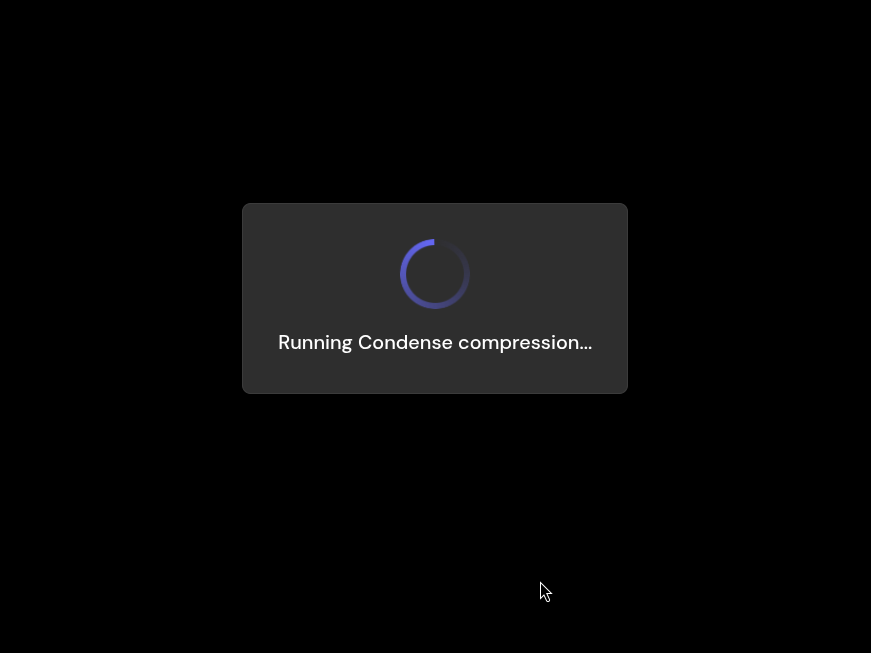
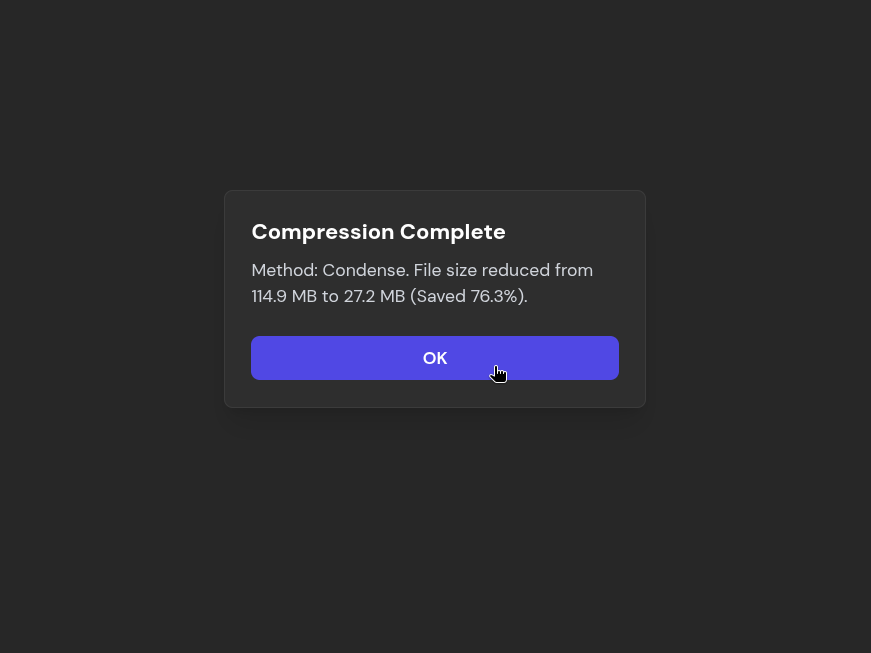
Testing with large, multi-page documents demonstrates significant file size reductions while maintaining readability for textual content and standard graphics, ensuring that compressed files meet transmission criteria without substantial fidelity loss.
Beyond these primary capabilities, the platform houses a broad catalog of additional tools accessible through its web interface, continuing to evolve as an open-source resource for secure, client-side document management.

Leave a Reply