
In an era where digital convenience often comes at the steep cost of personal and organizational data, web users frequently turn to online utilities for quick tasks like editing, converting, or compressing PDF documents. These platforms promise frictionless experiences: a user opens a browser, uploads a file, makes the necessary modifications, and downloads the finished product within seconds. However, this convenience masks a significant security blind spot.
Security experts and law enforcement agencies have repeatedly raised alarms regarding the hidden dangers of third-party web utilities. In the past, the FBI issued formal warnings cautioning the public about fraudulent online file converters designed to harvest sensitive information and distribute malware. These malicious or poorly secured platforms routinely scrape uploaded documents for private details, banking records, corporate emails, and confidential passwords. Such vulnerabilities present an unacceptable risk for organizations handling sensitive intellectual property or internal corporate communications that should never leave a secure, localized environment.

Addressing these pervasive security concerns, an independent developer from India named Alam has introduced BentoPDF, an open-source, privacy-first PDF toolkit. Unlike conventional web applications that process files on remote servers, BentoPDF leverages modern web technologies to perform all document operations directly within the user’s web browser. By keeping files localized on the user’s machine, the platform eliminates the inherent privacy risks associated with traditional cloud-based document processors.
BentoPDF: For Your PDF Needs
BentoPDF originated as a humble, internal utility designed to streamline everyday document workflows, specifically for merging and splitting PDF files. Recognizing a broader demand for secure, client-side document management, the creator decided to share the project with the wider developer community via Reddit, eventually publishing the complete source code on GitHub.
The technical foundation of BentoPDF relies heavily on WebAssembly, a powerful binary instruction format that allows resource-intensive programs to execute at near-native speeds directly inside web browsers. For advanced features such as Optical Character Recognition, the toolkit utilizes Tesseract.js, a specialized JavaScript port of the well-known Tesseract OCR engine. Because these heavy computational tasks are offloaded to the local machine’s hardware, no document data is ever transmitted to an external server. Furthermore, the platform requires no user registration, and it incorporates zero web tracking scripts.
The project is distributed under a dual-licensing model. The core source code is made freely available under the GNU Aff AGPL-3.0 license, allowing individuals to use, modify, and fork the repository without restriction. Meanwhile, a separate commercial license is available for entities requiring closed-source deployment, priced as a modest one-time purchase. Alongside the primary PDF toolkit, the developer maintains two companion open-source projects: Hyper Compress, a dedicated PDF compression engine, and Kura, a specialized tool for converting documents into long-term archival standards such as PDF/A and PDF/UA.
Editing PDFs and Managing Documents
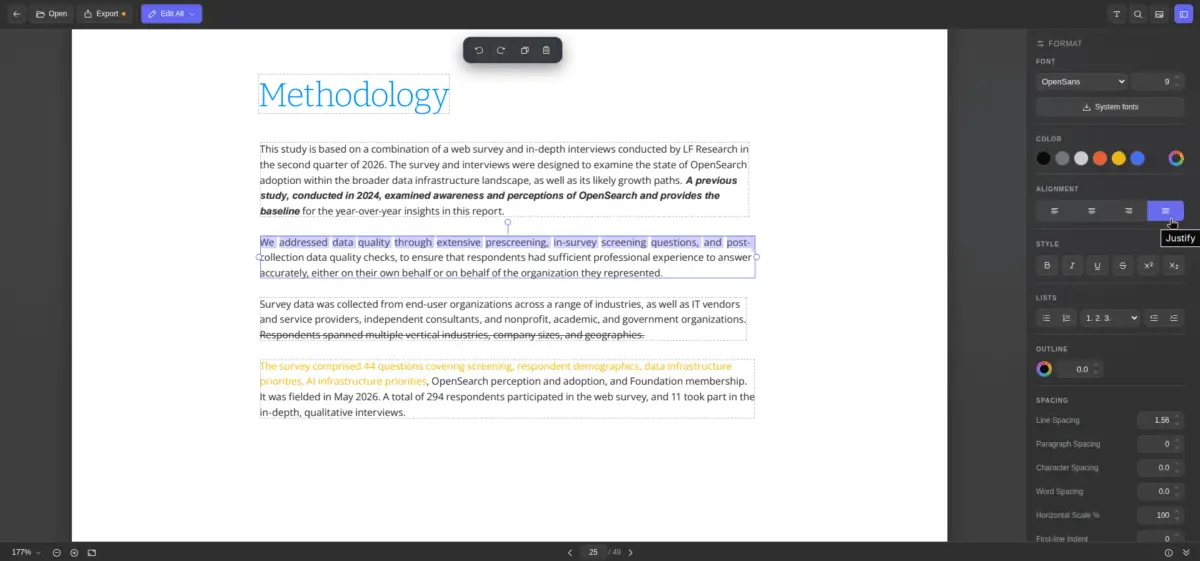
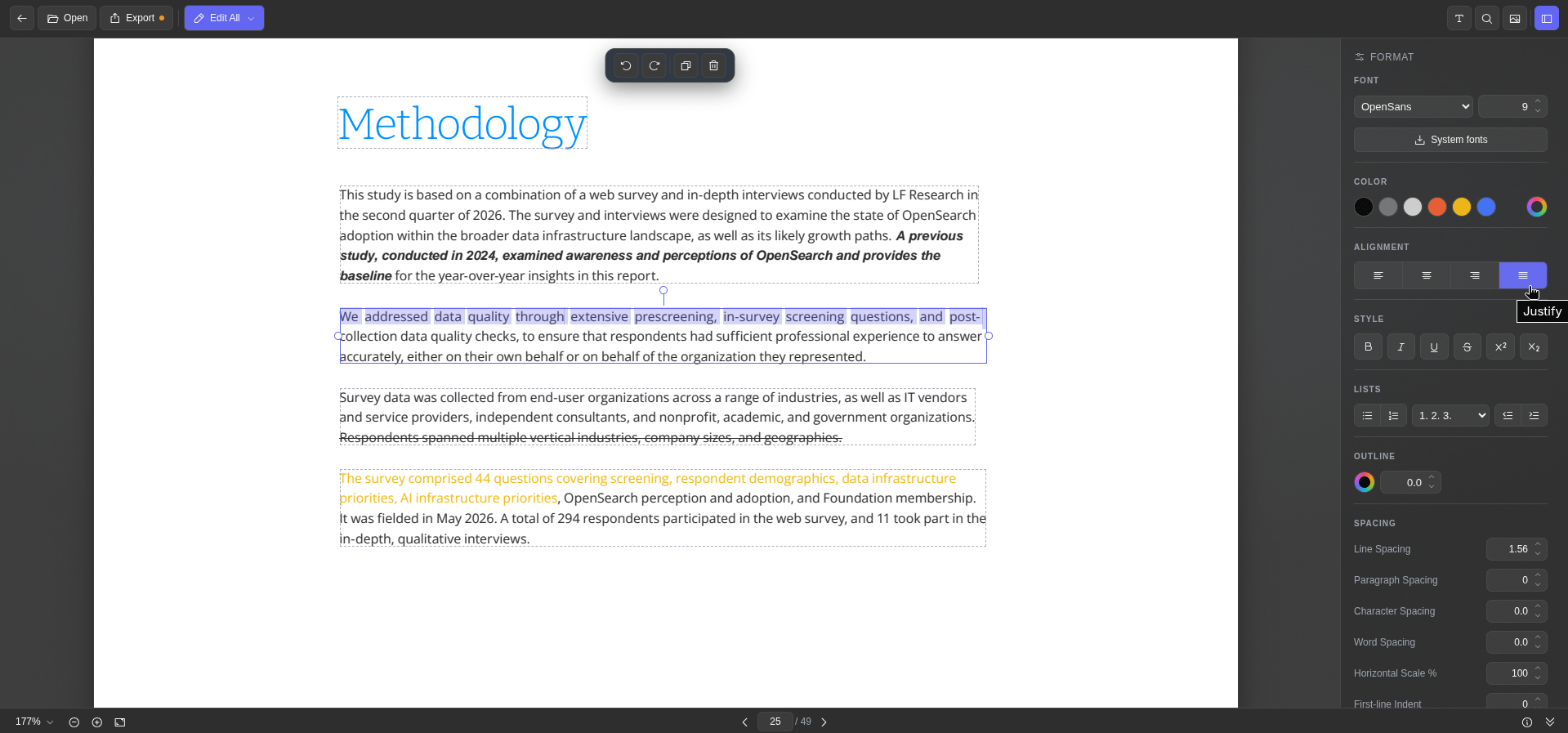
Testing the toolkit within a modern Chromium-based browser reveals a comprehensive suite of features tailored for everyday document management. The text editing utility presents each distinct block of document text with a clear, dashed outline. Selecting a block opens a dedicated formatting sidebar equipped with standard typographic controls, enabling users to adjust font families, sizes, colors, alignment, and character spacing, alongside standard styling options like bold, italic, underline, and strikethrough.
For environments running Linux, the platform includes a system fonts integration button that fetches locally installed fonts to ensure visual consistency. An integrated metadata viewer allows users to inspect document properties at a glance before exporting the finalized file with a single click.
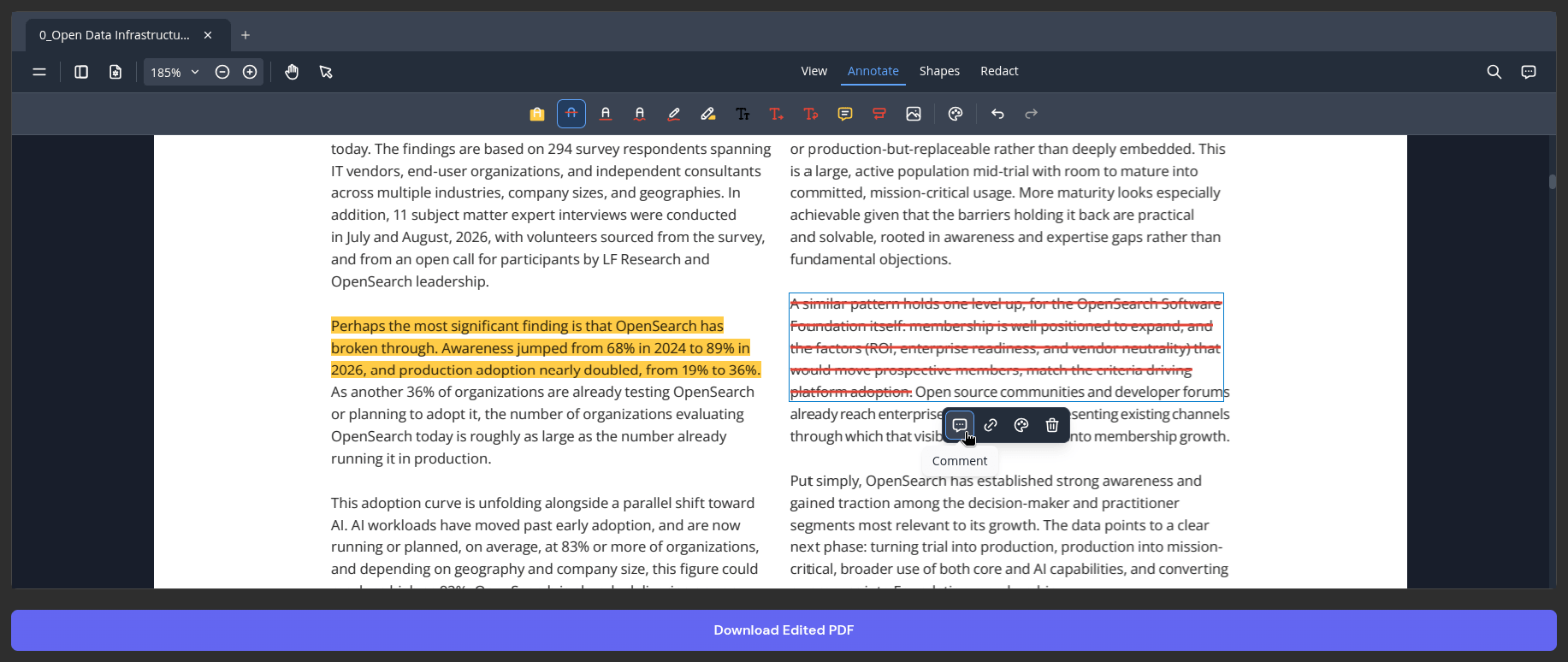
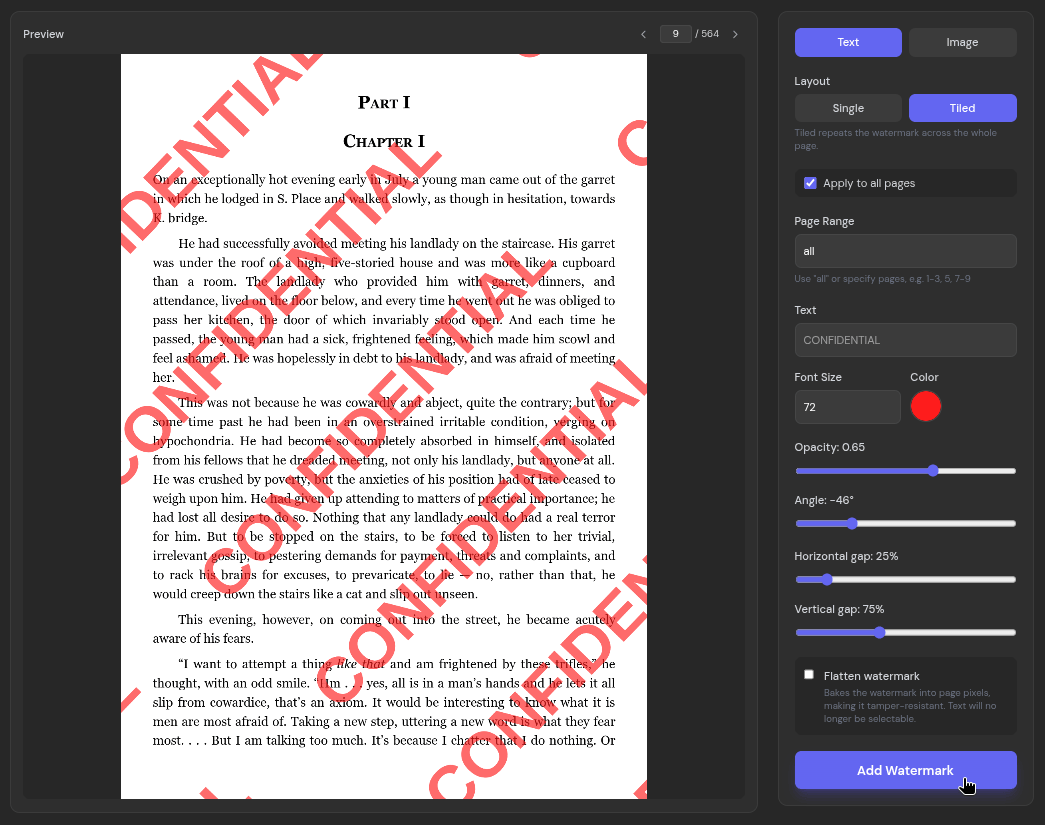
Beyond direct text modification, the core PDF editor functions effectively as an annotation workspace, offering tools for highlighting, applying strikethroughs, drawing freeform ink, inserting custom text, and leaving contextual comments. Users can also secure sensitive drafts using the watermark utility, which supports both text and image formats, single or tiled layouts, and granular controls governing page range, opacity, and positioning. Standard keyboard shortcuts, including commands for copying, pasting, undoing, and redoing actions, function seamlessly within the browser environment.
Easy OCRs and File Conversions
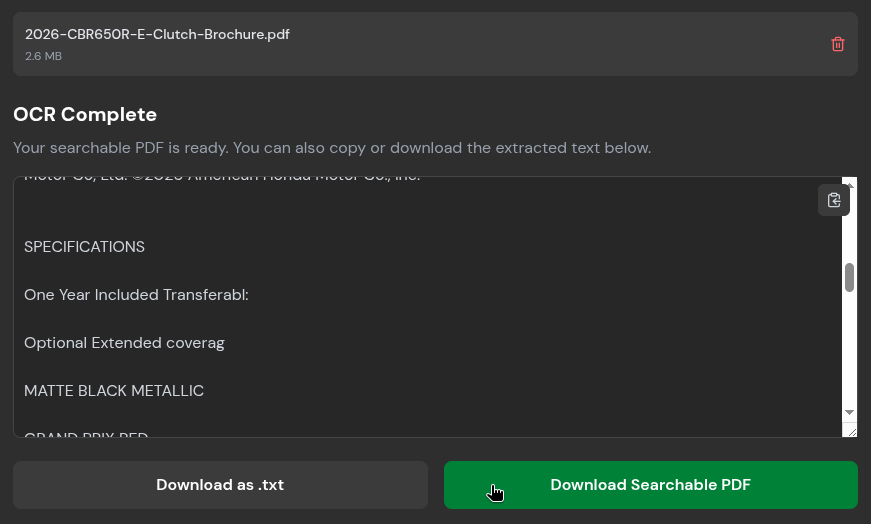
Document workflows frequently encounter static PDF files composed entirely of page images, such as scanned reports, historical archives, or documents filled with graphical charts. Because these files lack underlying text layers, standard PDF viewers cannot search their contents or permit text extraction. To overcome this limitation, BentoPDF integrates an OCR tool that transforms static page images into fully searchable, machine-readable text.
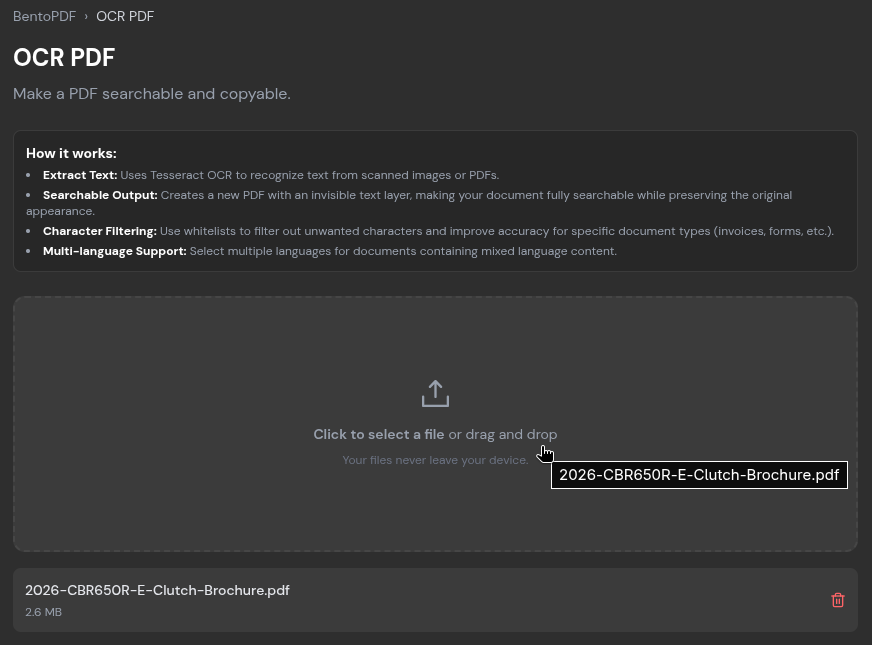
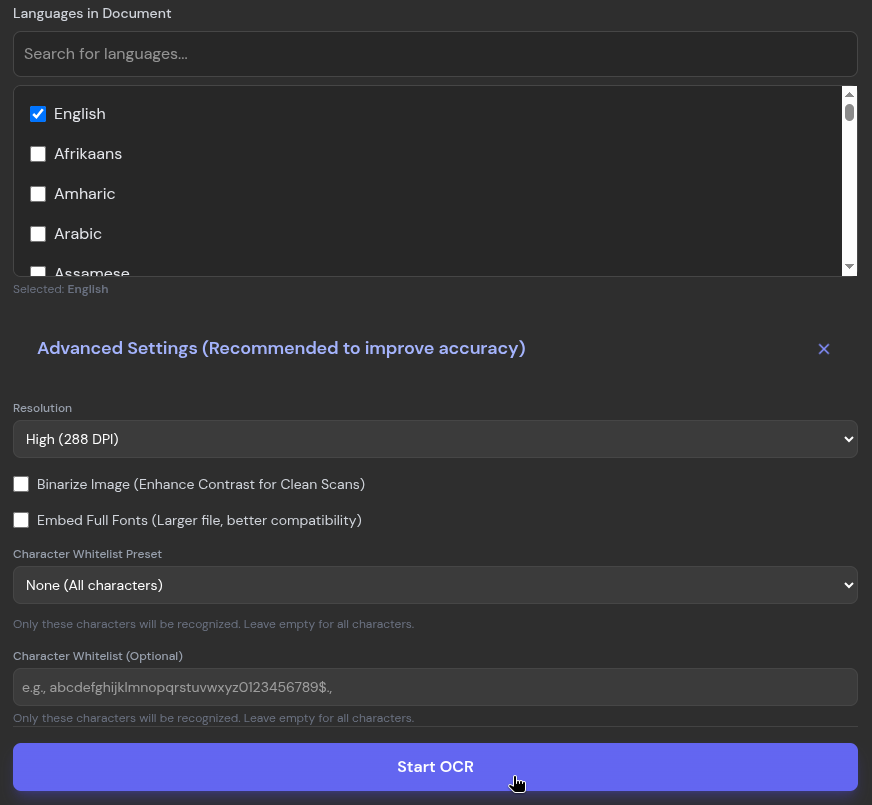
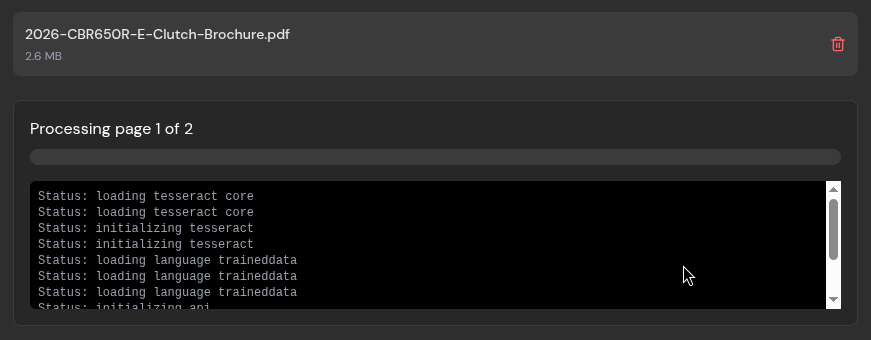
Testing the OCR feature with a multi-page illustrated brochure demonstrates its practical utility. Users simply upload the document, select the primary language present, and initiate the processing sequence. While complex layouts and extremely small or low-resolution captions can occasionally challenge the recognition engine, the resulting text output maintains a high degree of accuracy. Users can instantly copy the extracted text to their clipboard or export the results as a plain text file or a fully searchable PDF.
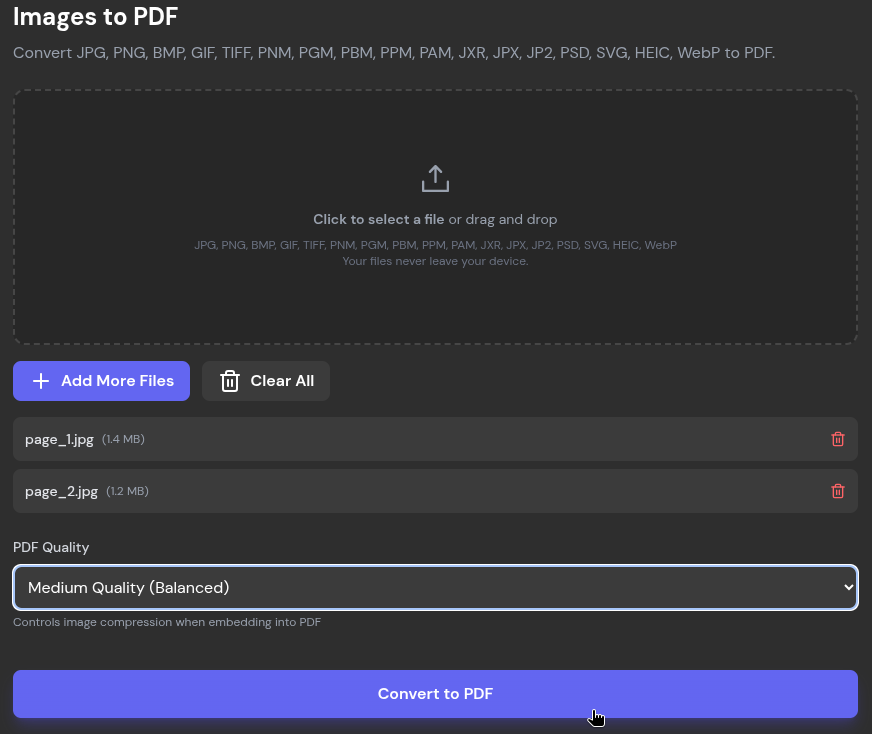
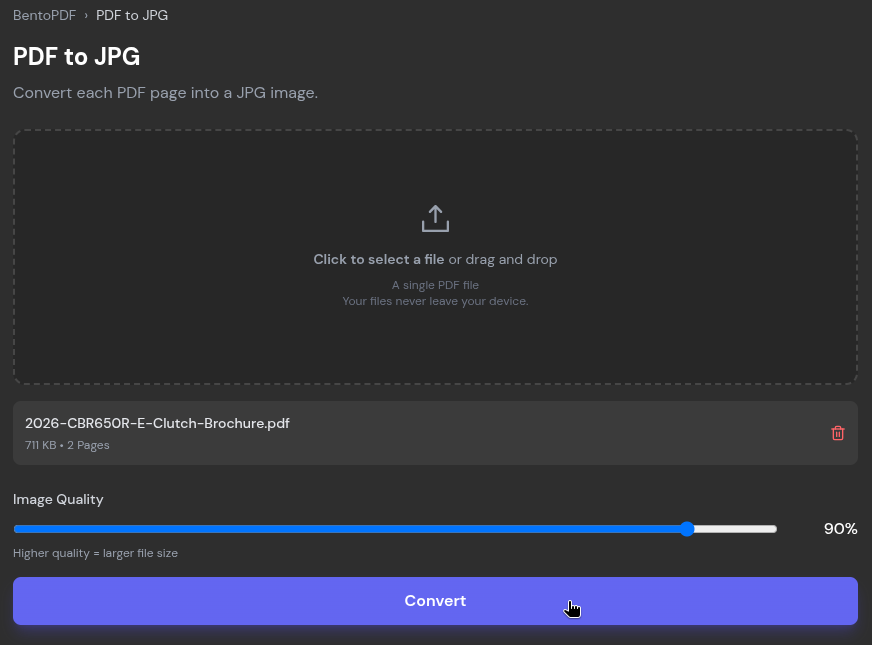
The platform also supports a vast array of file conversion utilities. The PDF-to-image converter breaks down multi-page documents into individual JPEG files, allowing users to fine-tune output quality using an adjustable compression slider. Conversely, the image-to-PDF utility aggregates various graphic formats—including PNG, BMP, HEIC, and PSD—into a single document. Additional conversion pathways accommodate diverse data formats such as ODP, CSV, EPUB, JSON, WebP, and Markdown.
Quick Compressions
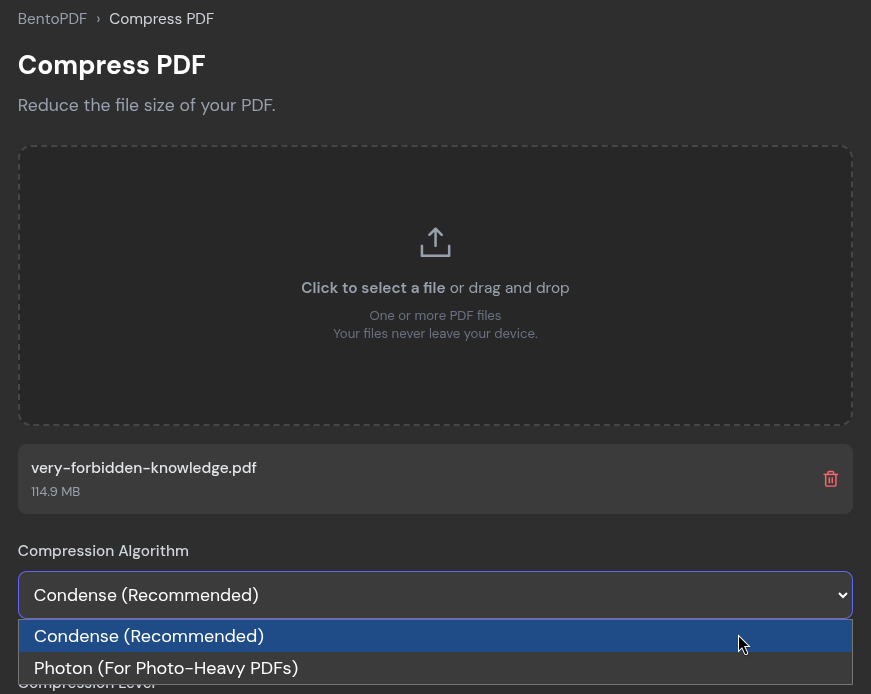
Managing file sizes remains a critical consideration when distributing documents through traditional email providers, most of which enforce strict attachment limits typically ranging between 20 and 25 megabytes. To address this challenge, BentoPDF features a compression utility offering distinct algorithmic approaches, including a recommended general-purpose condenser and a specialized profile optimized for image-heavy documents.
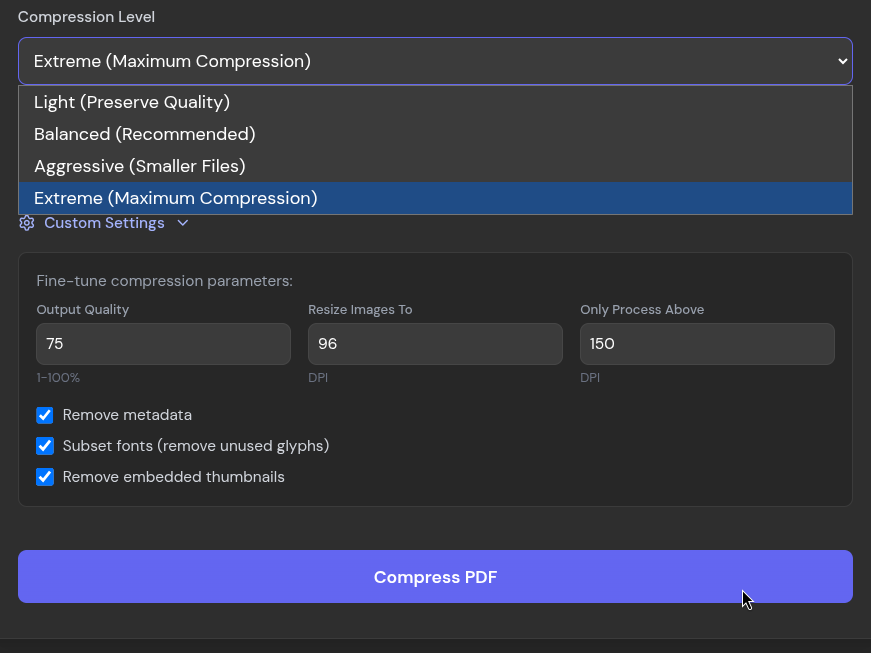
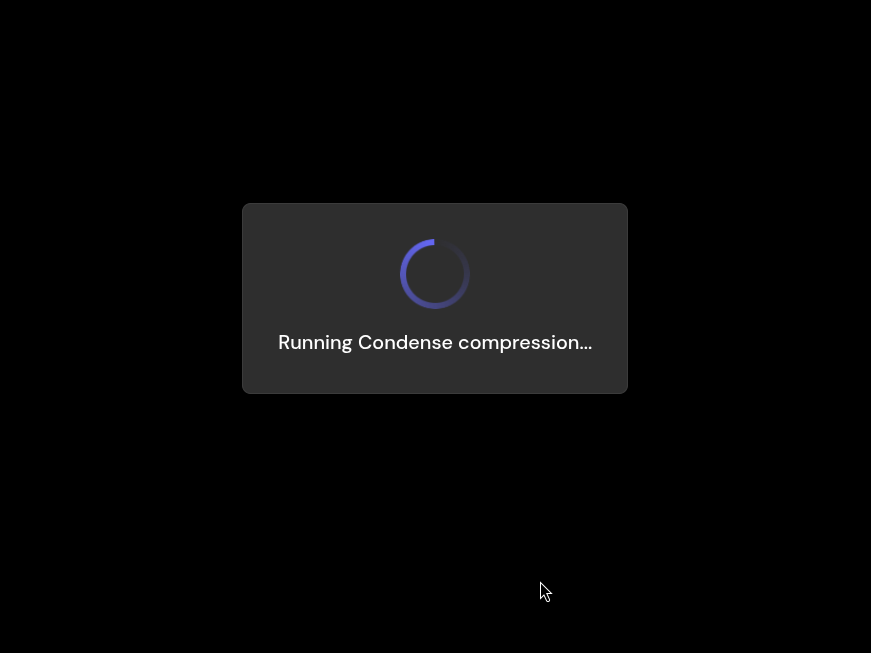
Evaluating the compression engine on an extensive, 214-page document reveals impressive efficiency. Utilizing the most aggressive compression setting, the platform successfully reduced a bulky 120.4-megabyte file down to 28.5 megabytes—representing a reduction of more than 75 percent. While processing times for massive documents can be noticeable due to the client-side execution model, the resulting text and overall document structure remain remarkably sharp, with visual degradation only becoming apparent upon extreme magnification.
With more than a hundred distinct tools housed within its interface, BentoPDF provides a robust, transparent alternative for users seeking to manage sensitive documents without sacrificing personal privacy or relying on unverified third-party servers.

Leave a Reply