Web development using artificial intelligence assistants has taken a significant leap forward as platforms adapt to handle full-lifecycle project management. Anthropic’s Claude Code, an advanced AI coding assistant capable of building and editing websites directly within local project folders, now features robust integration pathways that bridge the gap between local development and live public deployment. While the assistant has long excelled at generating functional code through natural language prompts, developers historically faced the friction of manually configuring hosting environments, managing version control, and transferring files to public servers.
Recent developments, including specialized hosting integrations like the Hostinger Connector, have fundamentally altered this workflow. By establishing a direct connection between the AI workspace and hosting infrastructure, developers can transition a project from a local directory to a live, secure URL with minimal manual intervention. The process eliminates many traditional deployment hurdles, allowing projects—ranging from static HTML portfolios to complex Node.js applications—to go live in a matter of minutes while maintaining strict security controls over sensitive data and environment configurations.

Understanding the Deployment Architecture
Claude Code operates within a developer’s local environment, constructing file structures, writing scripts, and refining styling according to user prompts. However, because these operations remain confined to the local machine, the resulting websites are initially inaccessible to the broader public. Bridging this divide requires a hosting service capable of storing site files, managing runtime environments, and resolving public domain requests.
Before initiating any deployment sequence, developers must secure access through either a paid Claude plan or a Console account, alongside a compatible hosting provider. A comprehensive pre-deployment review is critical, particularly for projects developed through conversational or "vibe coding" methods, where code is generated rapidly without a rigorous line-by-line review. Developers must audit their project directories to ensure that essential entry points—such as an index.html file or configured framework start scripts—are properly positioned. Additionally, audits must identify and eliminate leftover temporary test files, local address references such as localhost, and exposed API keys or sensitive credentials that could compromise security if published.
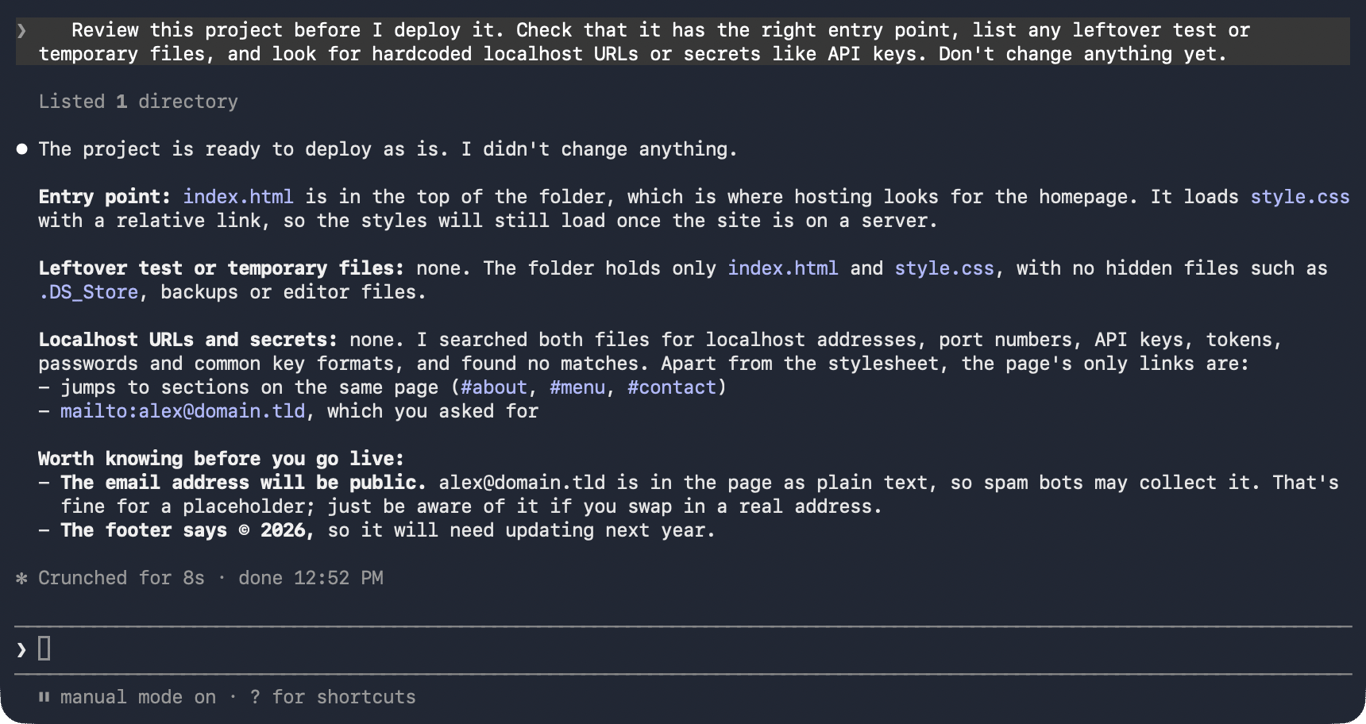
Once the initial code review is complete, local testing ensures that assets load correctly and functionality mirrors expectations. While plain HTML pages can often be previewed directly in a web browser, modern framework projects utilizing technologies like React, Vue, or Astro typically require local development servers to process JavaScript modules and relative file links. Verifying these elements locally prevents runtime errors from migrating to the production server.
Managing Framework Requirements and Version Control
Projects vary significantly in their structural requirements, dictating whether a site requires a dedicated build step or a persistent server environment. Static sites generally rely on pre-rendered HTML, CSS, and JavaScript files that can be served directly by any standard web server. Framework-based projects, conversely, frequently demand a compilation phase using tools like Vite or Webpack to transform source code into optimized production assets.
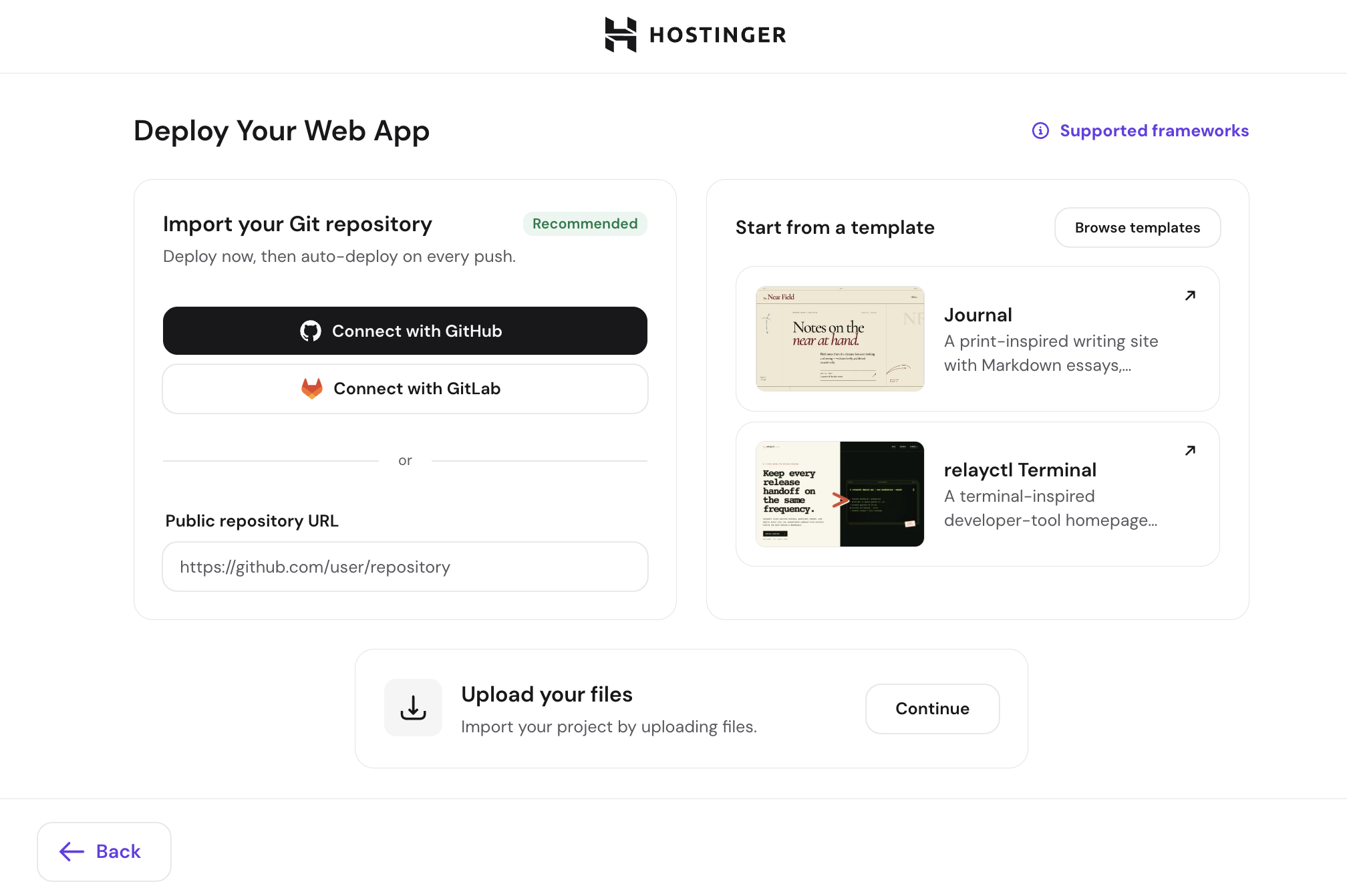
Identifying the correct build command and output directory ensures that hosting providers deploy the intended files rather than raw source code. Furthermore, maintaining compatibility between local and server-side runtime environments—such as specific Node.js version ranges—prevents unexpected dependency failures during the build process. Hostinger and similar modern hosting platforms accommodate various Node.js versions, automatically handling package installations and server-side compilation for web applications.
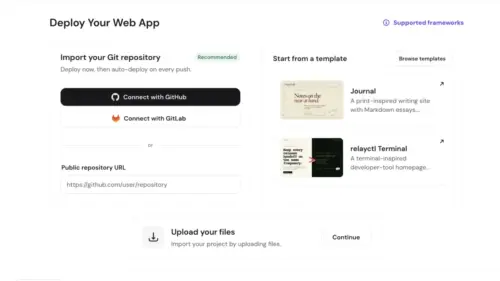
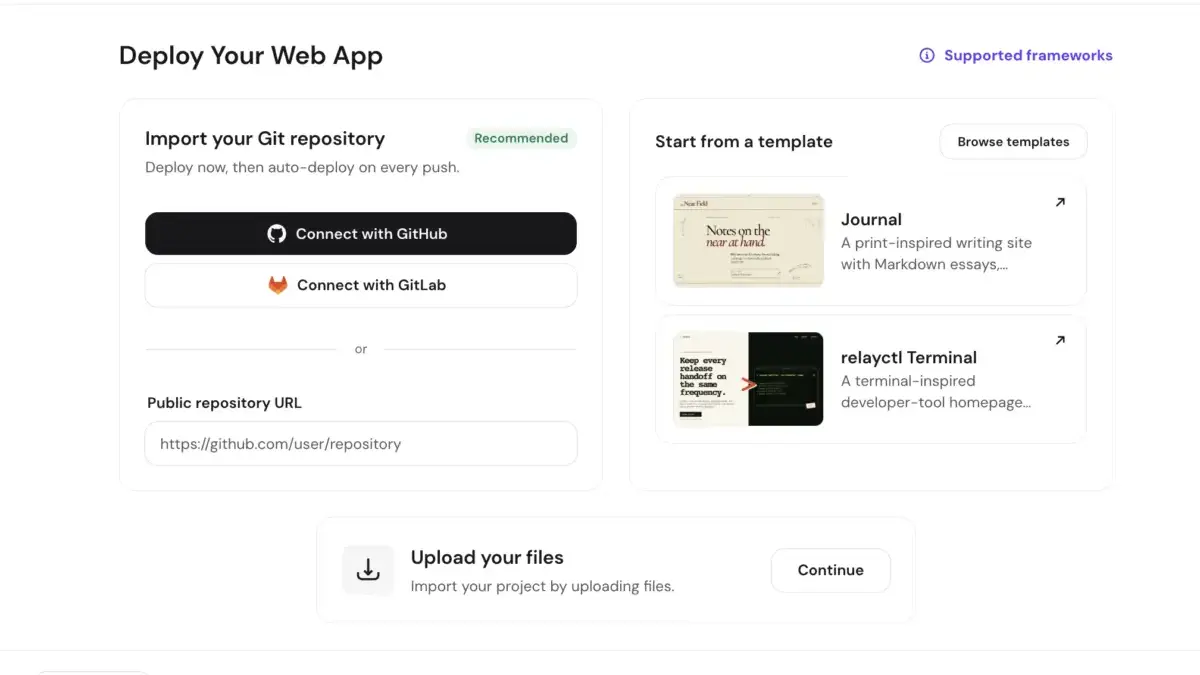
For ongoing project management, integrating version control systems like Git and hosting platforms like GitHub provides a reliable mechanism for tracking changes and automating updates. When automatic deployment is configured, pushing new commits to a connected branch triggers the host to automatically rebuild and republish the application. Alternatively, for single-launch projects or environments where Git integration is unnecessary, developers can package project directories into compressed archives for direct dashboard uploads.

Streamlining Deployments Through Direct Integrations
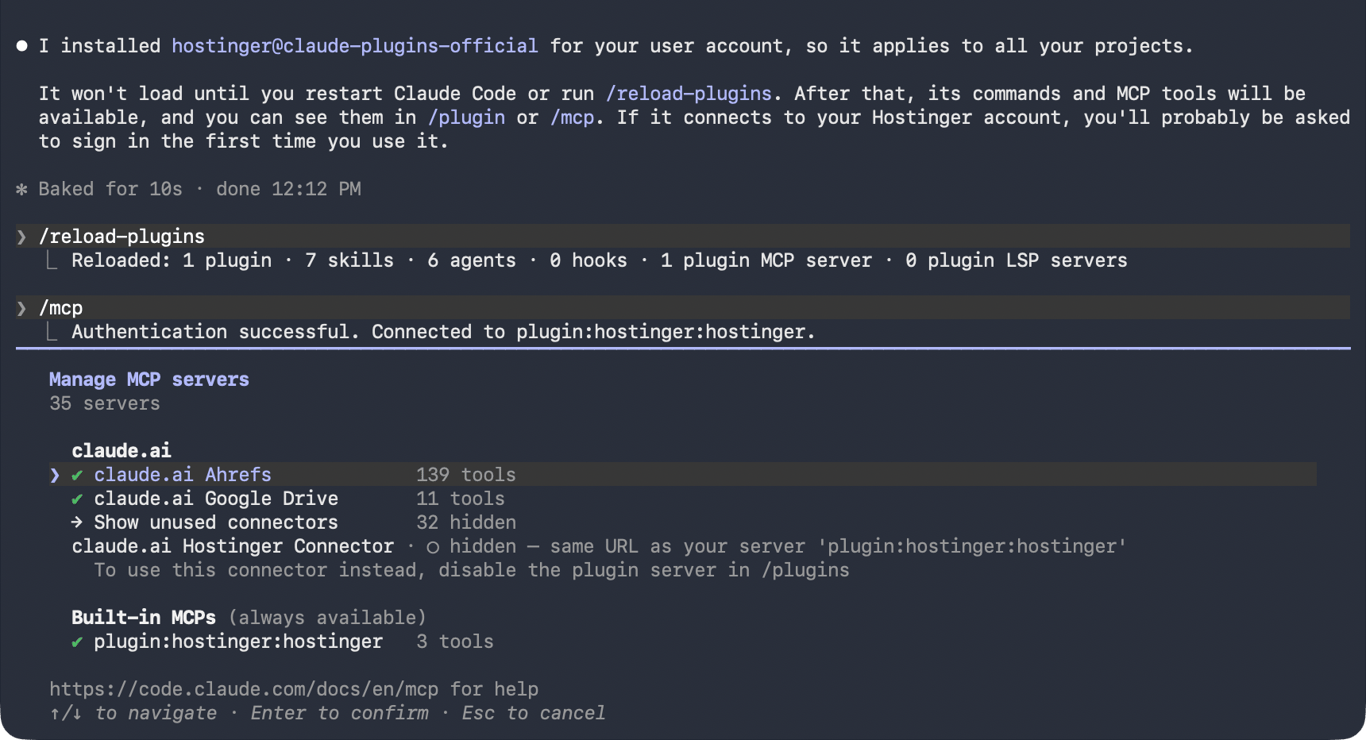
To bypass the multi-step process of manually configuring repositories, generating build files, and navigating hosting control panels, integrated solutions like the Hostinger Connector utilize the Model Context Protocol (MCP) to link Claude Code directly with hosting accounts. This integration allows developers to execute deployment commands using natural language within the assistant’s chat interface.
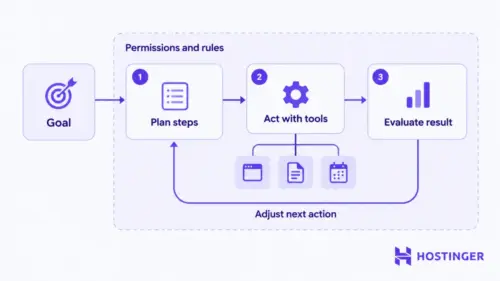
During a typical deployment using the Hostinger Connector, the AI assistant analyzes the project structure, proposes a comprehensive deployment plan, and requests user approval before executing any remote modifications. Upon authorization, the system securely transfers the project files, establishes a temporary domain ending in a designated hosting suffix complete with active HTTPS encryption, and returns the live public URL directly to the terminal. Throughout this process, developers retain granular control by operating in manual review modes, ensuring that every terminal command and file transfer is explicitly approved.
Post-deployment verification remains an essential final step, requiring developers to inspect the live URL across various devices and screen sizes to confirm that styling, links, and responsive layouts function identically to the local preview. By combining advanced AI code generation with direct, secure deployment pathways, modern development workflows continue to reduce the technical friction associated with launching web applications on the public internet.