This balanced approach has resulted in a string of substantial upgrades aimed at modernizing how people interact with the web. Features such as Firefox Containers have long given users the ability to neatly wall off work, shopping, and personal browsing sessions into isolated digital spaces. More recently, the inclusion of Split View allows individuals to examine two distinct web pages side by side within a single browser window, while Vertical Tabs successfully shifts traditional tab management into a clean, space-saving sidebar layout. Together, these thoughtful additions have positioned Firefox as a deeply competitive and compelling alternative in a browser market long dominated by a handful of corporate giants.

Not content to rest on these milestones, Mozilla is already expanding its toolkit with the introduction of a brand-new feature currently known as Mini Window. Building directly upon the architecture and success of Picture-in-Picture, the popular floating video player that detached moving images from standard tabs, Mini Window takes the core concept of floating content and applies it to entire web pages and selected portions of text or graphics.
Currently making its way through early development and testing phases—particularly on Linux environments with Firefox 160—the feature carries the unmistakable hallmarks of an early-stage beta. At present, utilizing Mini Window requires an active, standard browser window with at least one tab open, as entirely standalone mini windows are not yet supported by the underlying architecture.
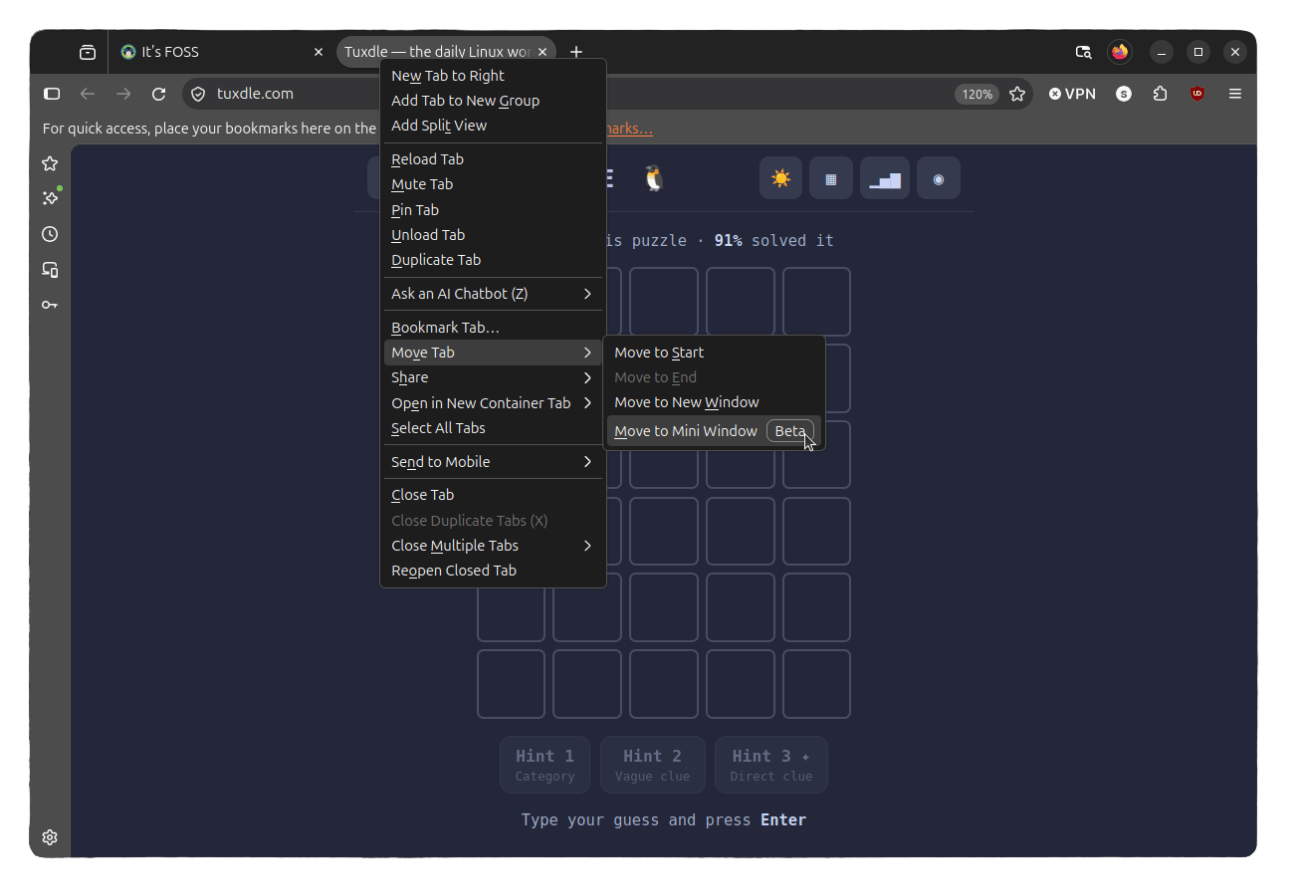
The feature operates across two distinct modes designed for different multitasking scenarios. The first option, known as "Move full tab," takes an entire web page and detaches it into a compact, floating window that hovers persistently above all other open applications on the desktop. The second option, "Move selection," provides granular control by allowing users to draw a precise boundary box around a specific section of a web page, isolating only that chosen snippet into a floating frame. In either mode, once a tab or selection is moved out, it temporarily leaves the main browser window entirely, remaining inaccessible there until the user commands the system to send it back.
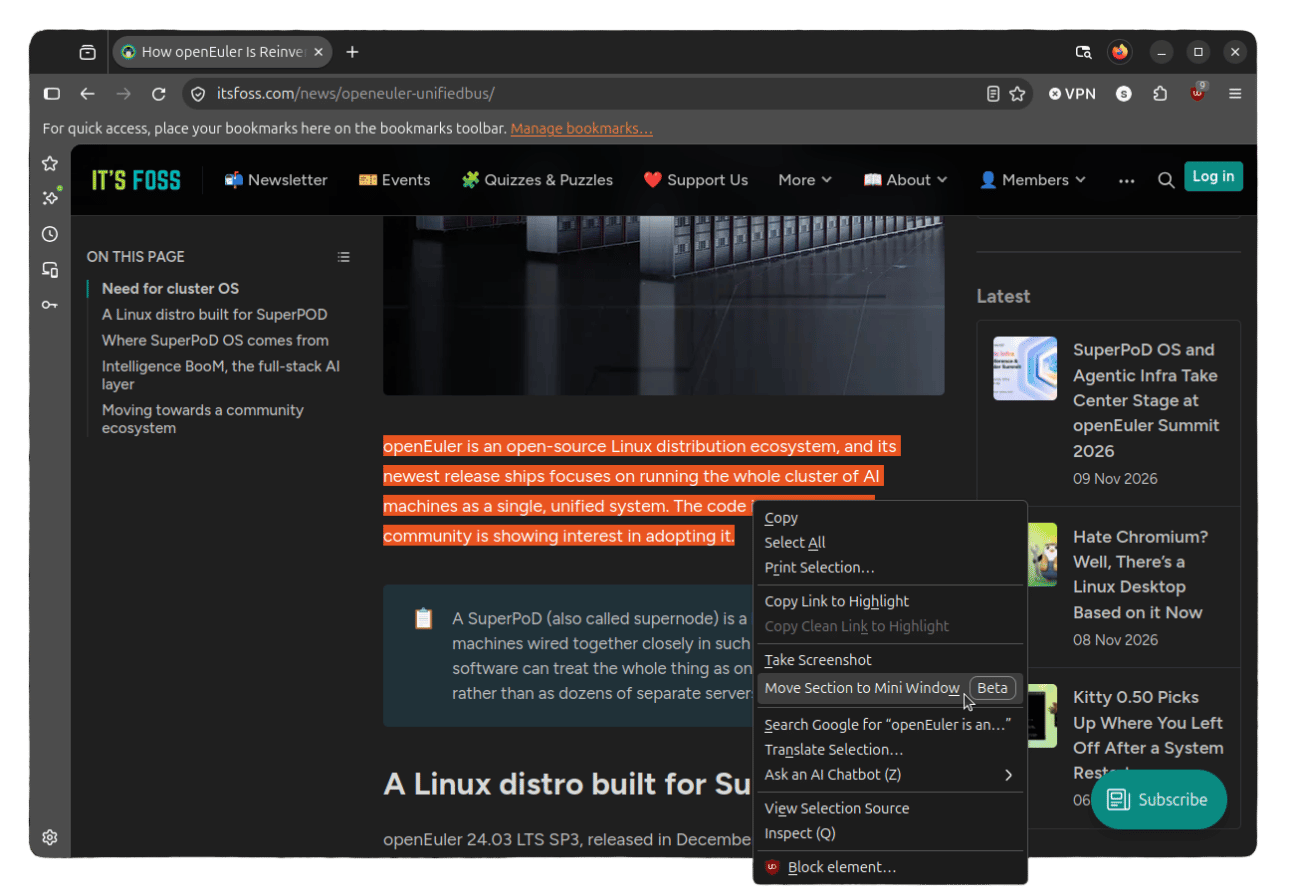
When deployed in full-tab mode, Mini Window resembles a miniaturized version of a standard browser. The top administrative bar houses the active page address alongside essential navigation controls, including reload, back, forward, send back, and close buttons. Web designers and developers will likely be pleased to note that modern web pages generally adapt gracefully to these constrained dimensions. During early testing runs across various platforms, prominent digital destinations—including Wikipedia, major news outlets like the Associated Press, and independent technical publications—successfully triggered their responsive compact layouts to fit the tighter viewing area.
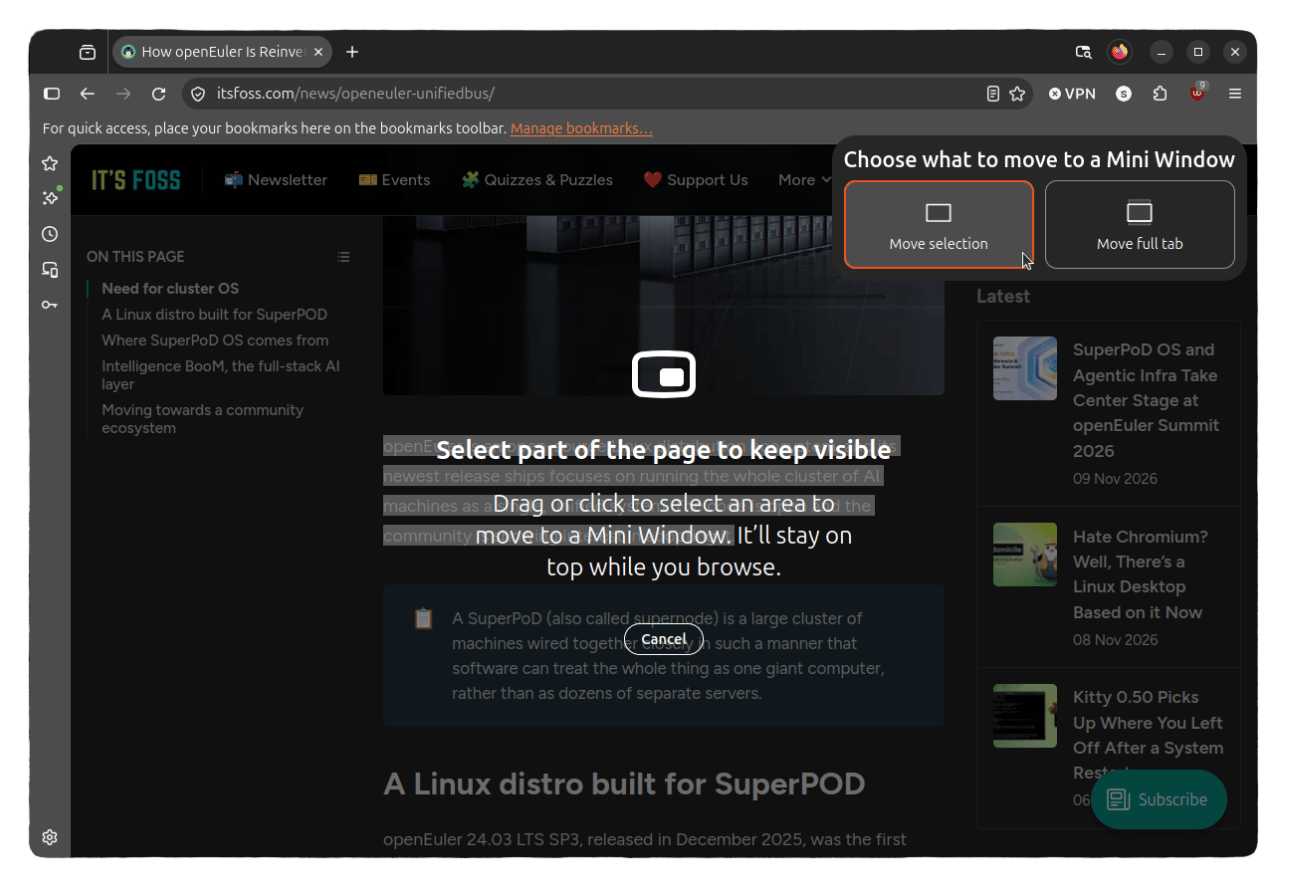
Conversely, the selection-based mini window offers an even more streamlined experience. It displays solely the targeted crop area underneath a concise address field, accompanied by a reload button as well as the standard close and send-back controls. Both iterations of the feature can be effortlessly dragged across the desktop workspace and resized on the fly, though the selection variant occasionally exhibits minor rough edges, occasionally rendering in dimensions that feel overly cramped and resisting smooth scaling adjustments.
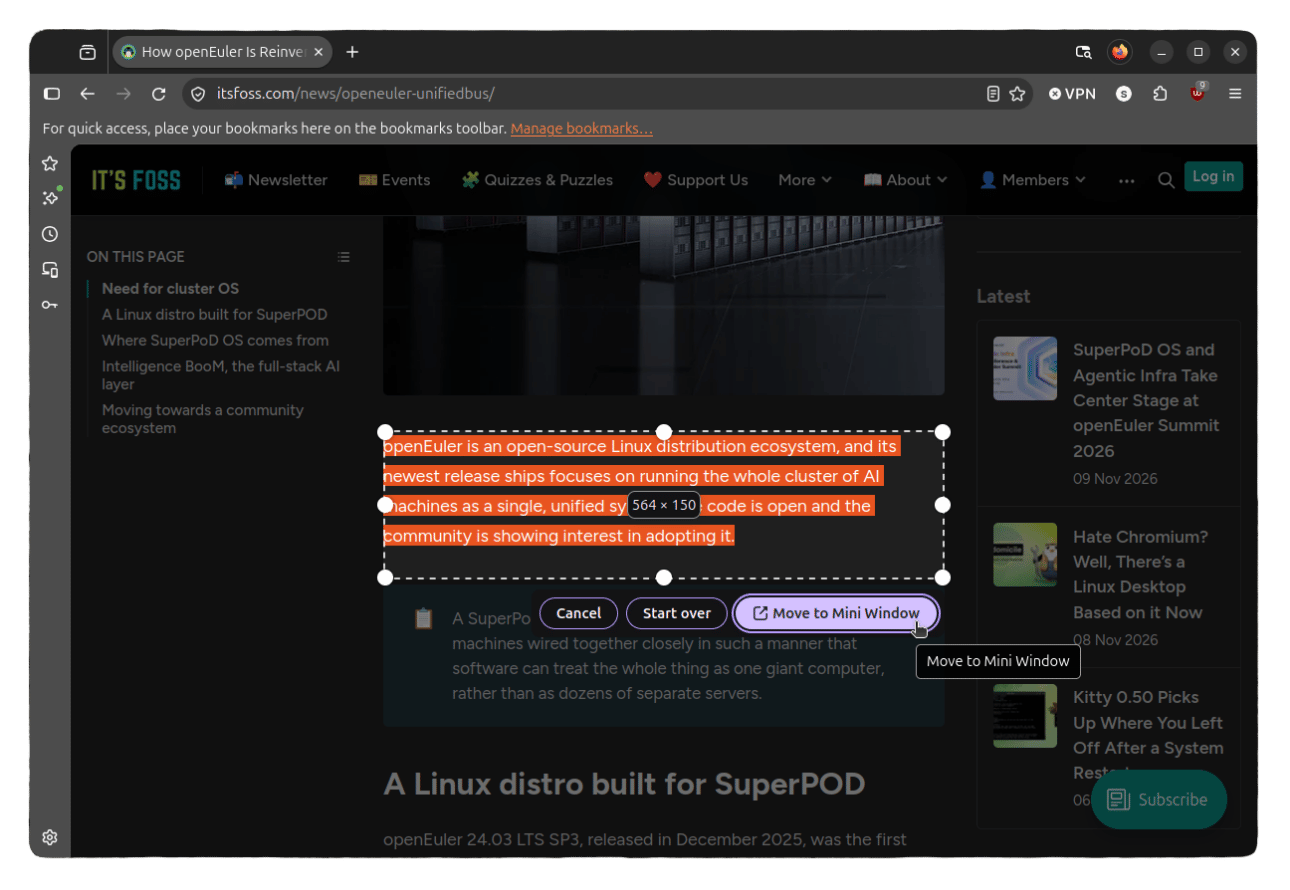
Despite these early developmental quirks, the utility of the feature shines during intensive research sessions. It provides an efficient mechanism for tracking small, fluctuating bits of information—such as reference notes, stock tickers, or documentation snippets—without the need to spawn additional tabs that inevitably clutter the desktop or crowd the main browser window.
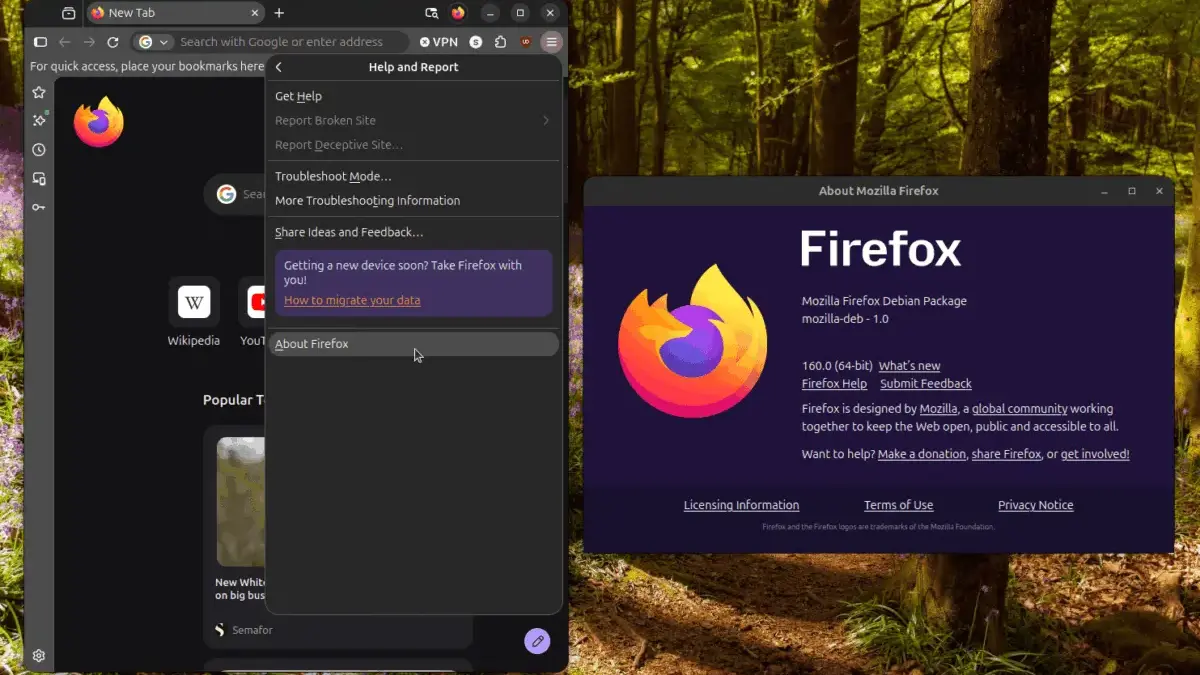
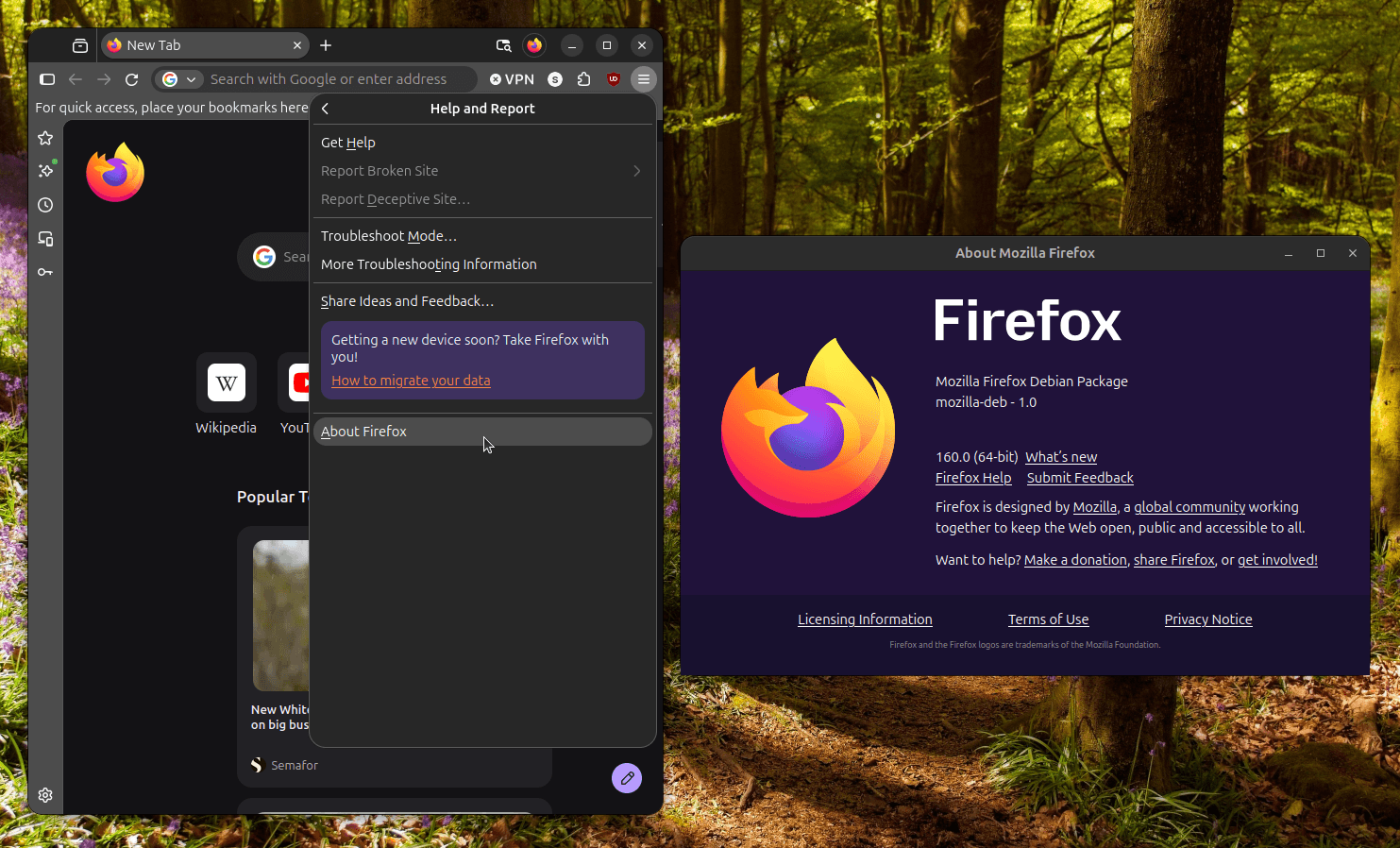
For users eager to evaluate the feature firsthand, access requires running Firefox 160 or a later build. Verification is straightforward: opening the application’s primary menu reveals the "Help and Report" section, where selecting the "About Firefox" prompt opens a dialog box displaying the currently active software version. Those running older iterations can secure the latest updates directly from the official Mozilla web distribution channels or through the official FTP release mirrors.

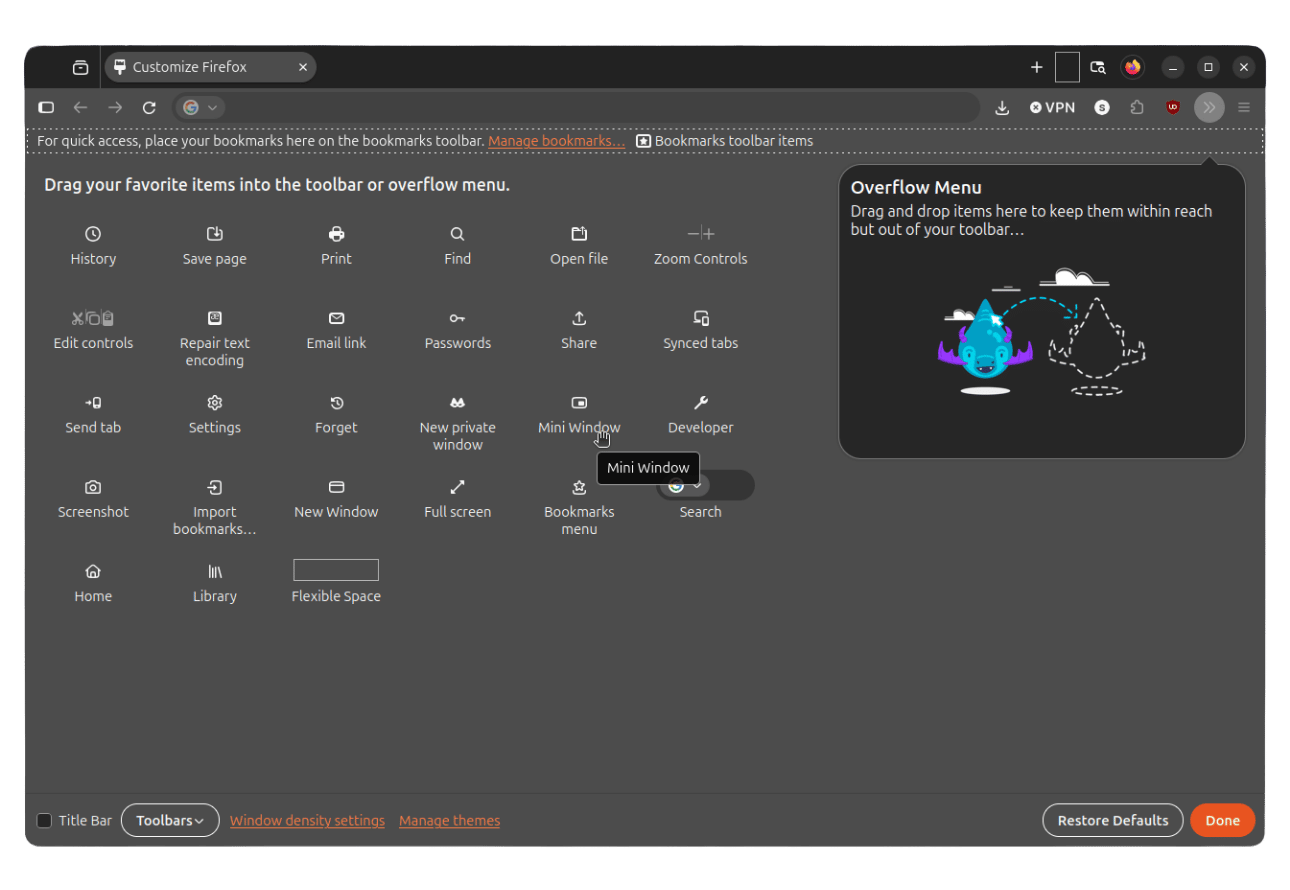
Integrating the capability into daily workflows involves a simple customization process. By accessing the browser’s context menus to open the toolbar customization interface, users can locate the dedicated Mini Window icon and drag it directly onto their primary navigation toolbar. Once locked into place, the feature rests just a single click away, offering an immediate window into Mozilla’s ongoing evolution of browser ergonomics.