The intersection of web technologies and desktop environments has always been a contentious battleground in the open-source community. Mention the Chromium engine within Linux circles, and you are bound to spark vigorous debates regarding resource consumption, the centralization of web standards, and the pervasive influence of Google on open-source ecosystems. Despite these ongoing philosophical divides, developers continue to push the boundaries of how graphical interfaces are constructed, leading to bold and unorthodox experiments.
The latest entry into this experimental landscape is Domicile, an innovative Rust-based Wayland compositor that adopts a radically different approach to desktop architecture. Rather than relying on traditional toolkit rendering or standard window management paradigms, Domicile utilizes a specially patched build of Chromium to draw the entire desktop environment directly as a web page.

Underneath this unconventional surface, traditional applications continue to run natively. However, instead of being handled by standard compositor drawing paths, every individual Wayland window is fed straight into Chromium’s advanced rendering engine. Inside this overarching web page, each application window manifests as a distinct HyperText Markup Language element. Consequently, a native desktop application and an active web page can sit directly side by side, allowing developers and users alike to arrange, style, and manipulate them using standard Cascading Style Sheets.
Domicile: Overview and Architectural Philosophy
To fully understand Domicile, it is vital to recognize what it is not. It is fundamentally distinct from drop-in desktop environments like GNOME or KDE Plasma. Instead of dictating a rigid user interface, Domicile completely abstracts away the panel, the window layout logic, and the visual aesthetic, delegating these responsibilities entirely to a distinct shell. In the context of Domicile, that shell is quite literally a web page that users can author, customize, or replace.

Because the underlying presentation layer relies on CSS, implementing complex window management models—such as dynamic tiling or free-floating layouts—requires only a few lines of styling code. The flexibility of this architecture extends to session management. Users can completely swap out their active desktop shell without needing to close a single running application window, because loading a new shell resets only the state contained within that specific web page. Furthermore, a single shell document can span seamlessly across multiple monitors.
The shells themselves are distributed as standard packages that can be published and shared via npm. Whether an author wishes to build a comprehensive desktop environment, a minimalist status bar, or a standalone application launcher, the package ecosystem handles distribution. Meanwhile, the core Domicile compositor continues to manage essential system-level duties such as the lock screen, system tray icons, background notifications, and screen-sharing protocols, leaving the visual presentation entirely up to the chosen shell.
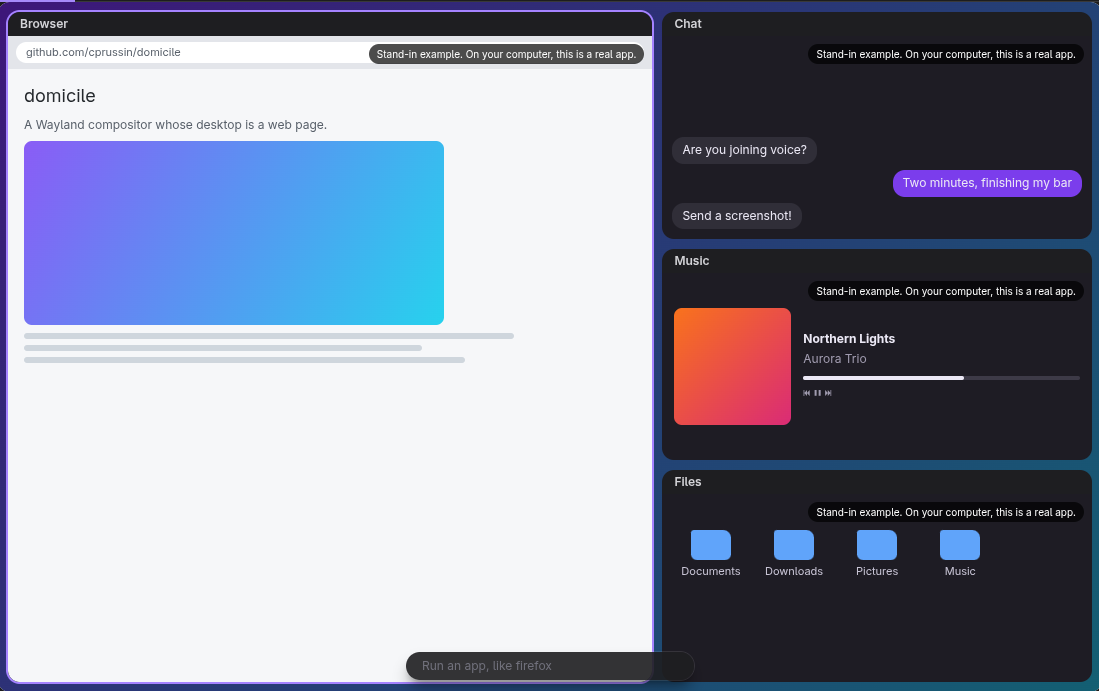
Functionality is further extended through support for Manifest V3 Google Chrome extensions. While these extensions integrate smoothly into the environment, certain add-ons may exhibit behavioral nuances compared to a standard browser window. Compatibility, however, has strict boundaries. Applications must natively support Wayland to execute within the environment. While modern toolkits and frameworks such as Electron, SDL, and Qt application run modes function properly, legacy software restricted solely to the X11 display server will fail to launch. Notably, Domicile omits Xwayland—the compatibility translation layer commonly used to bridge older X11 applications onto modern Wayland desktops.
Distributed under the permissive MIT license, the project incorporates patches to Chromium that adhere to upstream licensing terms. Additionally, prospective users should note that the project incorporates AI-assisted development, a detail that may influence adoption decisions within certain segments of the open-source community.
Manganese, the Default Tiling Shell
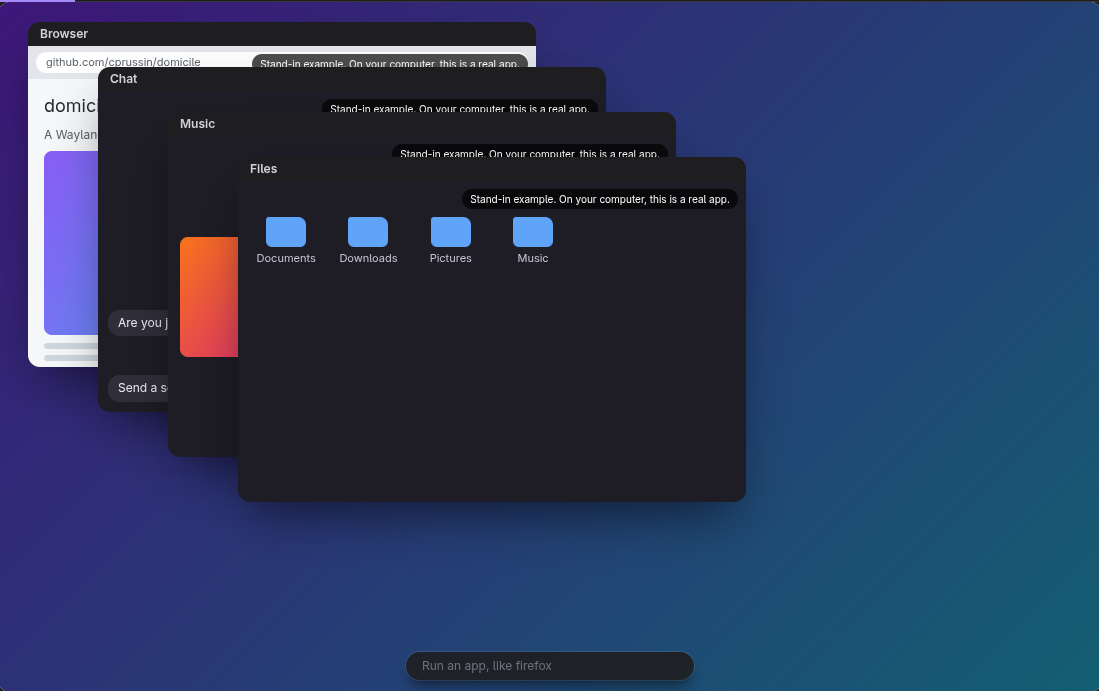
To demonstrate the capabilities of this architecture, the project provides a ready-made default shell known as Manganese. Out of the box, Manganese delivers a fully functional tiling desktop environment without requiring users to write custom web pages or configure complex stylesheets from scratch.
Keybindings within Manganese closely mirror those found in Sway, utilizing the Super modifier key to manage a robust window management feature set. Users receive ten dedicated workspaces alongside support for tabs, window stacking, split divisions, floating windows, and a dedicated scratchpad for hidden tasks.
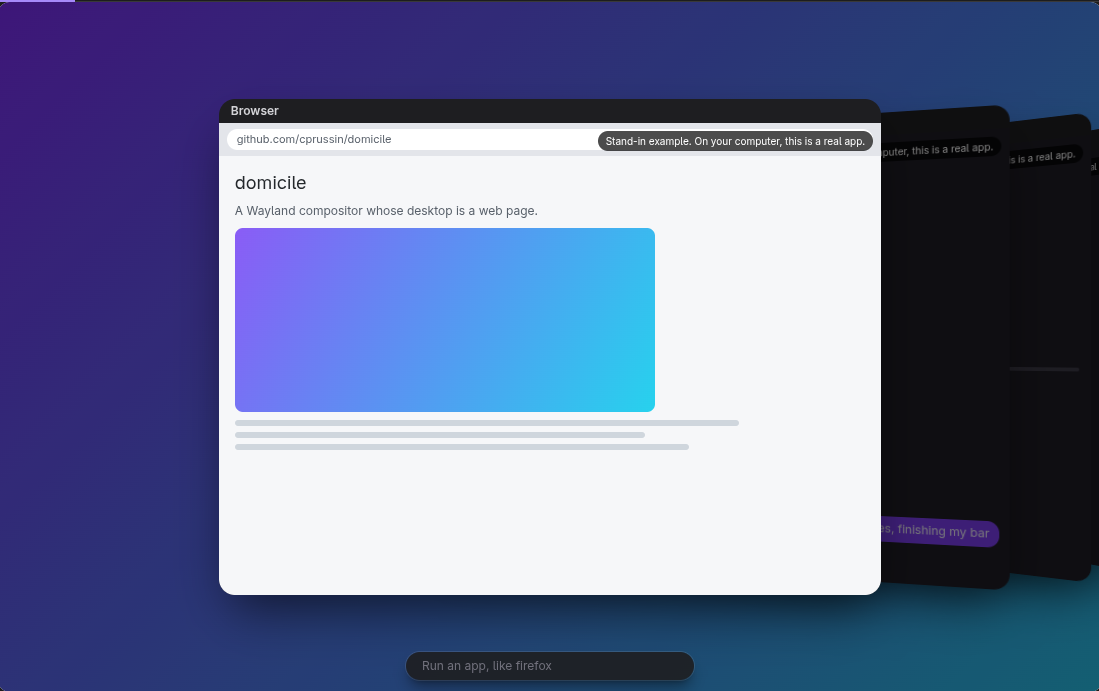
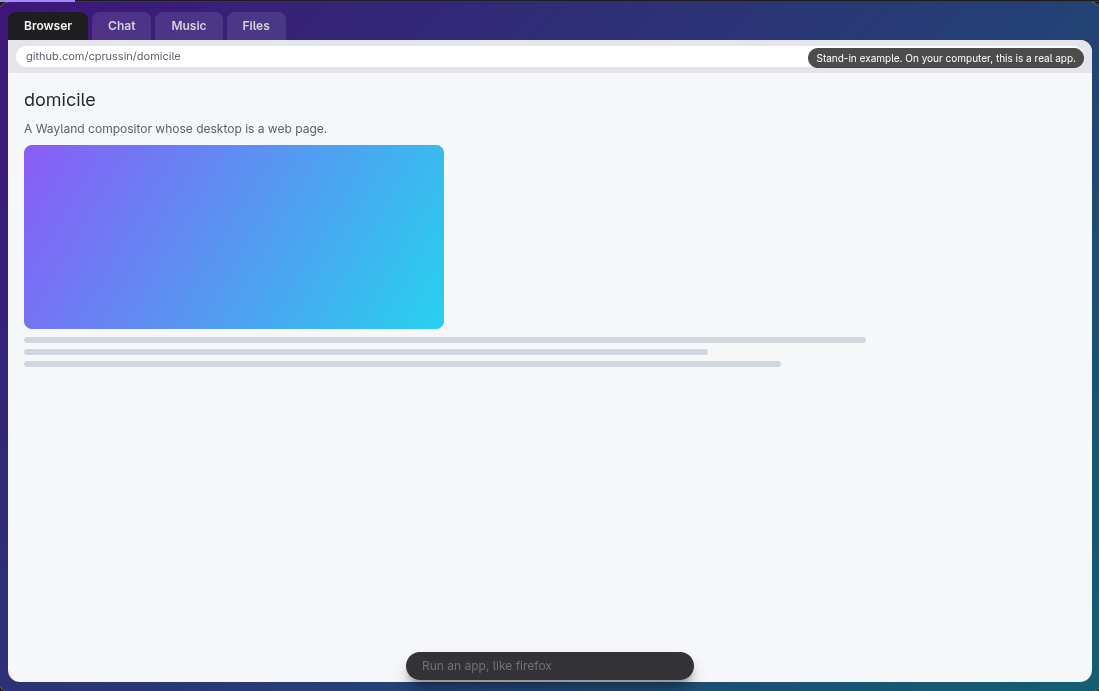
Within Manganese, websites are treated as first-class window citizens, sitting shoulder-to-shoulder with native applications within the same unified layout grid. Features powered by the Chrome Web Store manifest cleanly as interactive buttons situated directly in the top panel. The default shell environment also includes a comprehensive Settings application, clipboard history management, an application launcher, a screenshot utility, a notification system, and an integrated lock screen. Because every component of Manganese is structured as an independent package, users retain the freedom to swap out individual elements—such as replacing the launcher or adding custom bar widgets—while keeping the rest of the desktop session intact.
Getting Started and System Requirements
For developers and enthusiasts looking to evaluate the environment, official packages are available across a wide array of major Linux distributions, including Fedora, openSUSE, Debian, Ubuntu, and Arch Linux. Arch users can also access community builds via the Arch User Repository. Additionally, users leveraging NixOS, or those utilizing the Nix package manager on alternative distributions, can deploy the desktop using the project’s provided flake configuration.
The platform carries specific hardware constraints. Domicile runs exclusively on x86_64 architectures, with the project currently offering no official builds for ARM-based processors.
Deployment relies on a monolithic package distribution that bundles Manganese, the login session manager, the core domicile command-line utility, and the necessary React packages required for building custom shells. Once installed, users configure a simple configuration file pointing toward their preferred shell implementation, terminate their current session, and select Domicile directly from their display manager’s login screen.