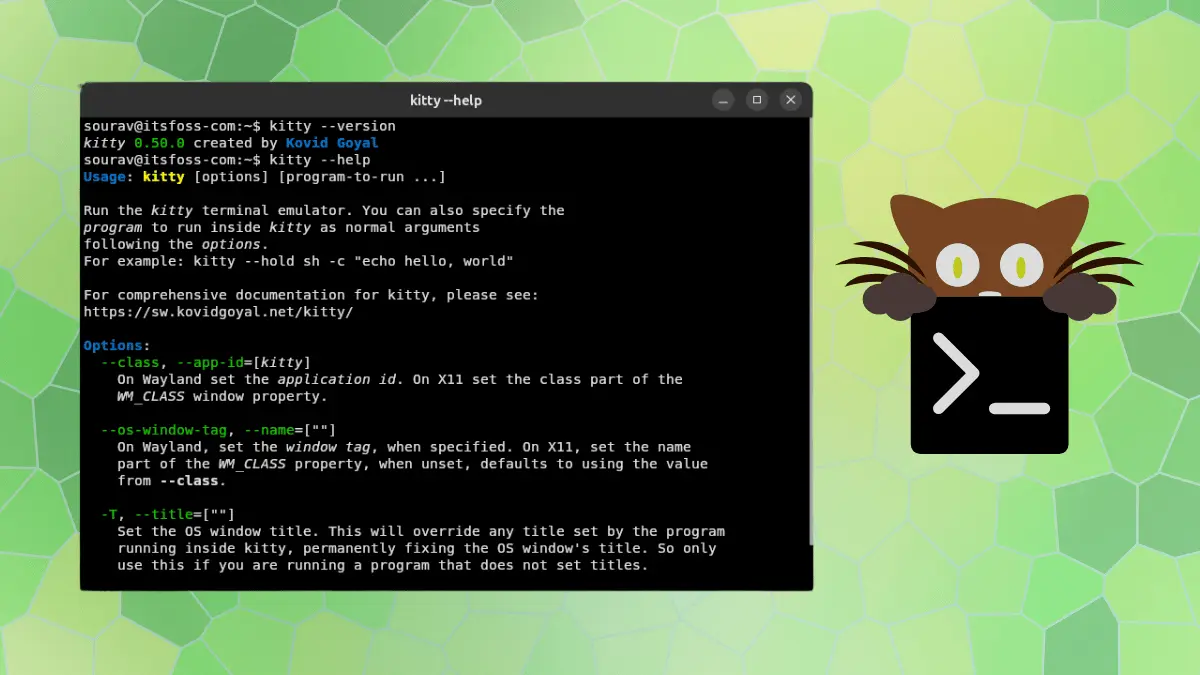
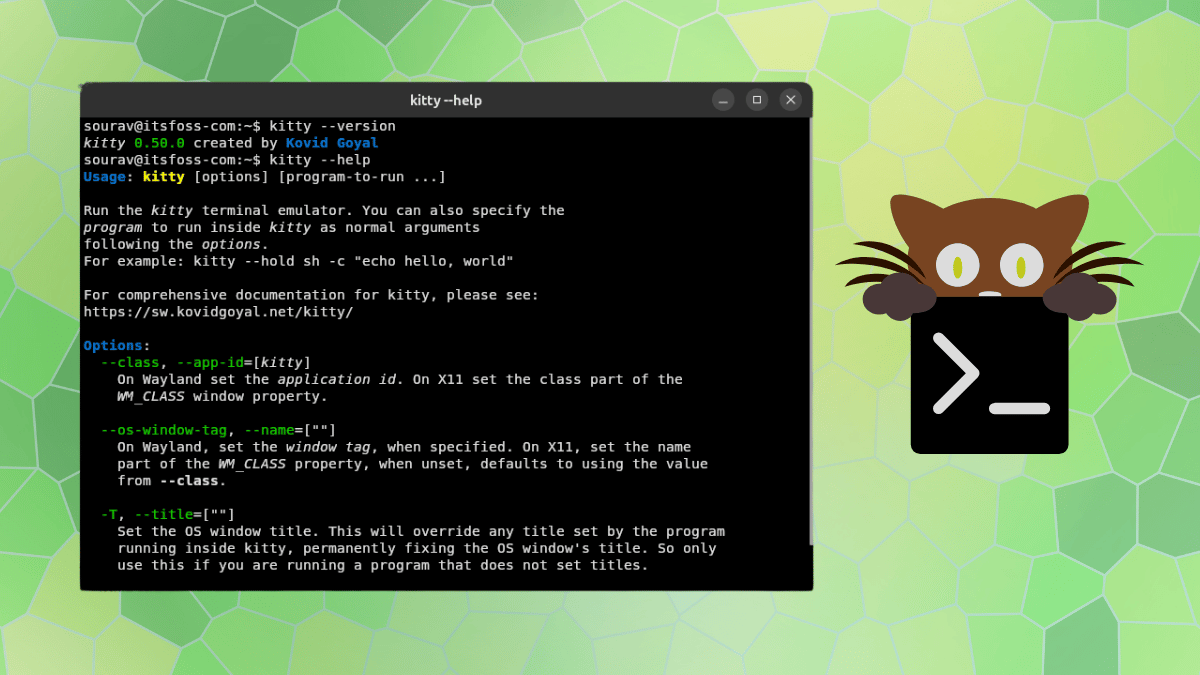
The popular GPU-accelerated terminal emulator kitty has rolled out its latest major update, version 0.50, introducing a robust set of features aimed at improving workflow continuity, visual customization, and desktop integration across Linux and macOS platforms. Developed by Kovid Goyal, kitty relies on OpenGL for rendering and is written in a combination of C, Python, and Go, distinguishing itself as a highly extensible tool capable of organizing complex terminal workspaces into tabs and split windows.
With the release of version 0.50, the terminal emulator addresses one of the most requested quality-of-life improvements for power users: the ability to automatically save and restore open sessions after a system logout or reboot.
Kitty 0.50 Brings Automated Session Restoration and Pinned Window Docks
The standout feature in the 0.50 release is its automated session persistence. When a user session ends, kitty now saves the state of every operating system window, individual tab, and split pane, including their respective scrollback buffers. Upon the next launch, the terminal automatically rebuilds the entire workspace exactly as it was left. Users can enable this functionality simply by adding the restore_session_after_logout configuration parameter into the main kitty.conf file.
Under the hood, implementing this feature required platform-specific engineering. On Linux systems, the session restoration relies on a desktop portal supporting version 3 of the inhibit interface, storing the state locally in an unencrypted format accessible solely to the user. Meanwhile, macOS versions handle the saved state securely by encrypting it with a dedicated cryptographic key stored inside the native system keychain.
In addition to session persistence, version 0.50 introduces docked windows. This new layout capability allows users to pin a specialized window directly to the edge of an existing standard window or tab. Operating outside the normal tiling grid, these docks are specifically designed for persistent interface elements such as system monitors, status bars, or integrated file trees. A window dock moves dynamically alongside its parent window, whereas a tab dock remains anchored in place until the final regular window within that specific tab is closed.
Visual personalization has also received an upgrade through three new cursor trail shaders: cursor-trail-railgun, cursor-trail-torpedo, and cursor-trail-pixiedust. When enabled alongside the existing cursor trail settings, these shaders emit animated particles from the moving cursor, producing a fluid visual effect reminiscent of the animated cursor trails found in applications like Neovide. Furthermore, these shaders can now be triggered dynamically via custom key presses.

For Wayland users, the update brings expanded touchscreen support. Users can now interact with the terminal using standard touch gestures, enabling single taps to register as mouse clicks, horizontal or vertical swipes to handle scrolling, and holding a finger in place followed by a drag motion to highlight and select text. Additionally, window decorations running under GNOME and compatible Wayland compositors have been refined to look entirely native, seamlessly adopting the desktop environment’s designated titlebar font and button layouts.
Beyond user-facing features, version 0.50 includes critical security patches. The update resolves a vulnerability that previously allowed a malicious request to bypass remote control password authentication, alongside addressing several underlying memory safety bugs to enhance overall stability.
Testing the New Features on Linux
Putting the new capabilities to the test within a virtualized environment running Ubuntu 26.10, GNOME 51, and Wayland demonstrates how these additions integrate into daily workflows. Configuring custom window docks via simple key mappings in the configuration file reveals immediate layout adjustments. Assigning a bottom dock to a monitoring command or side panels to resource utilities like top allows the terminal grid to dynamically make room without disrupting the primary workspace. Opening a fresh tab subsequently isolates the active workspace, pushing the docked view to the background until returning to the primary context.
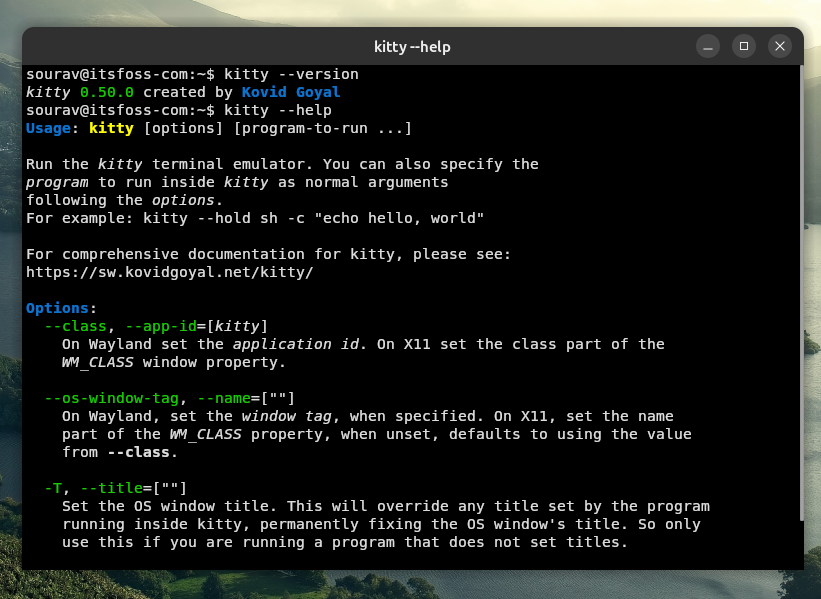
Similarly, enabling the pixiedust cursor shader introduces subtle yet responsive visual feedback across the terminal interface. As the cursor jumps between different panes or text regions, a delicate stream of particles trails behind it, demonstrating the flexibility of kitty’s custom shader engine.
Installation and Availability
Users wishing to adopt the latest version can install or update kitty using the official shell script provided via cURL, which downloads and executes the installer directly. While the software is also packaged within the software repositories of most major Linux distributions, official distribution packages frequently lag behind upstream releases. For those who prefer native package management or custom builds, compiling the terminal emulator directly from source remains a fully supported installation pathway.