
The landscape of AI-assisted software development continues to shift rapidly as tooling matures beyond basic code completion. A key debate in the developer community centers on choosing between two prominent environments: Devin Desktop and Cursor. Both platforms offer sophisticated AI capabilities, yet they approach the organization of developer workflows in fundamentally different ways.
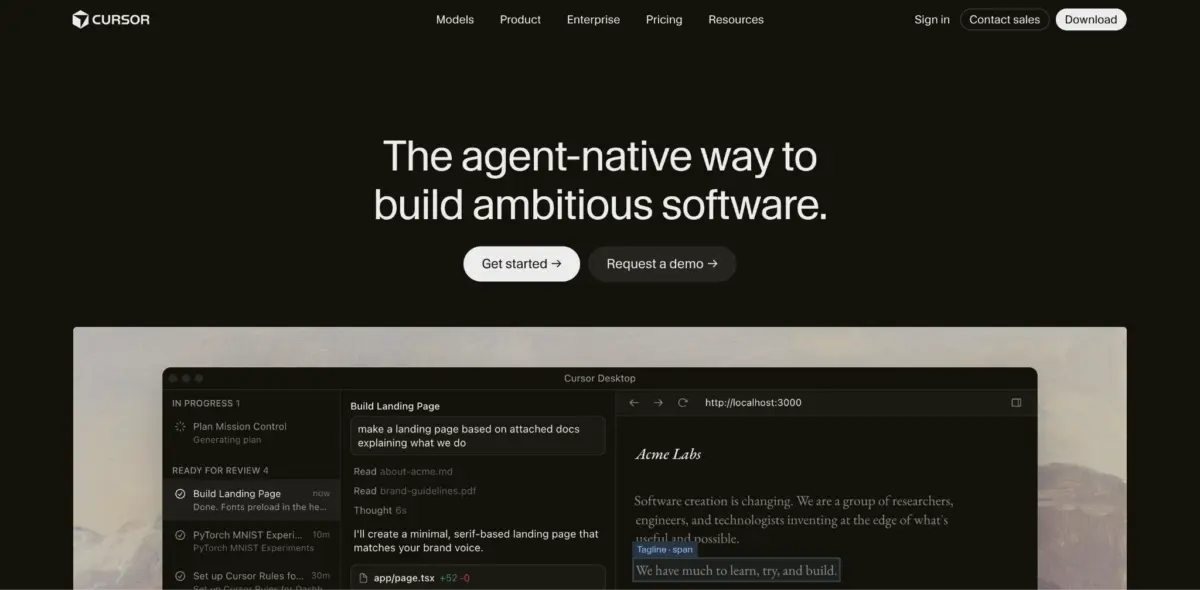
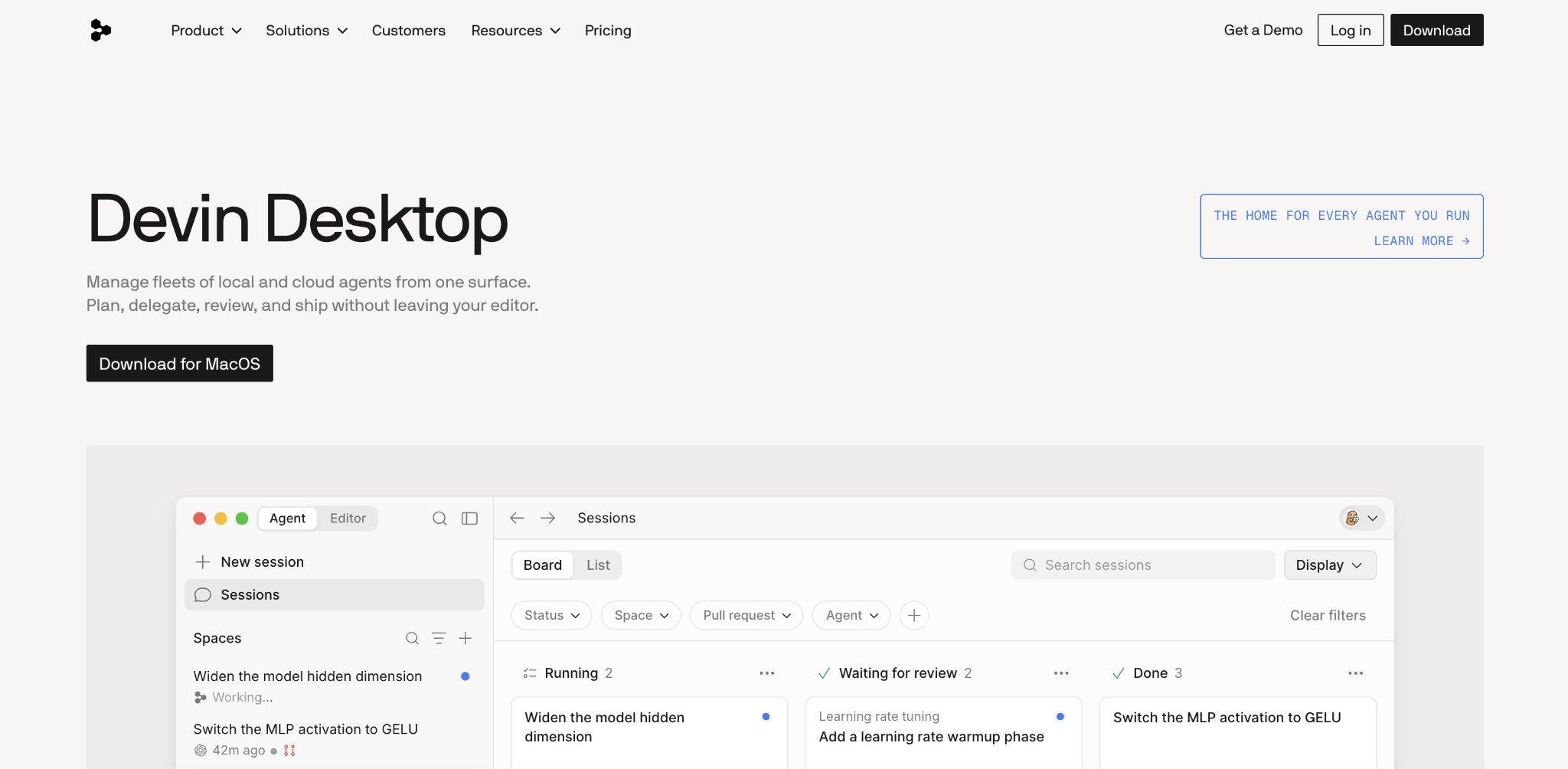
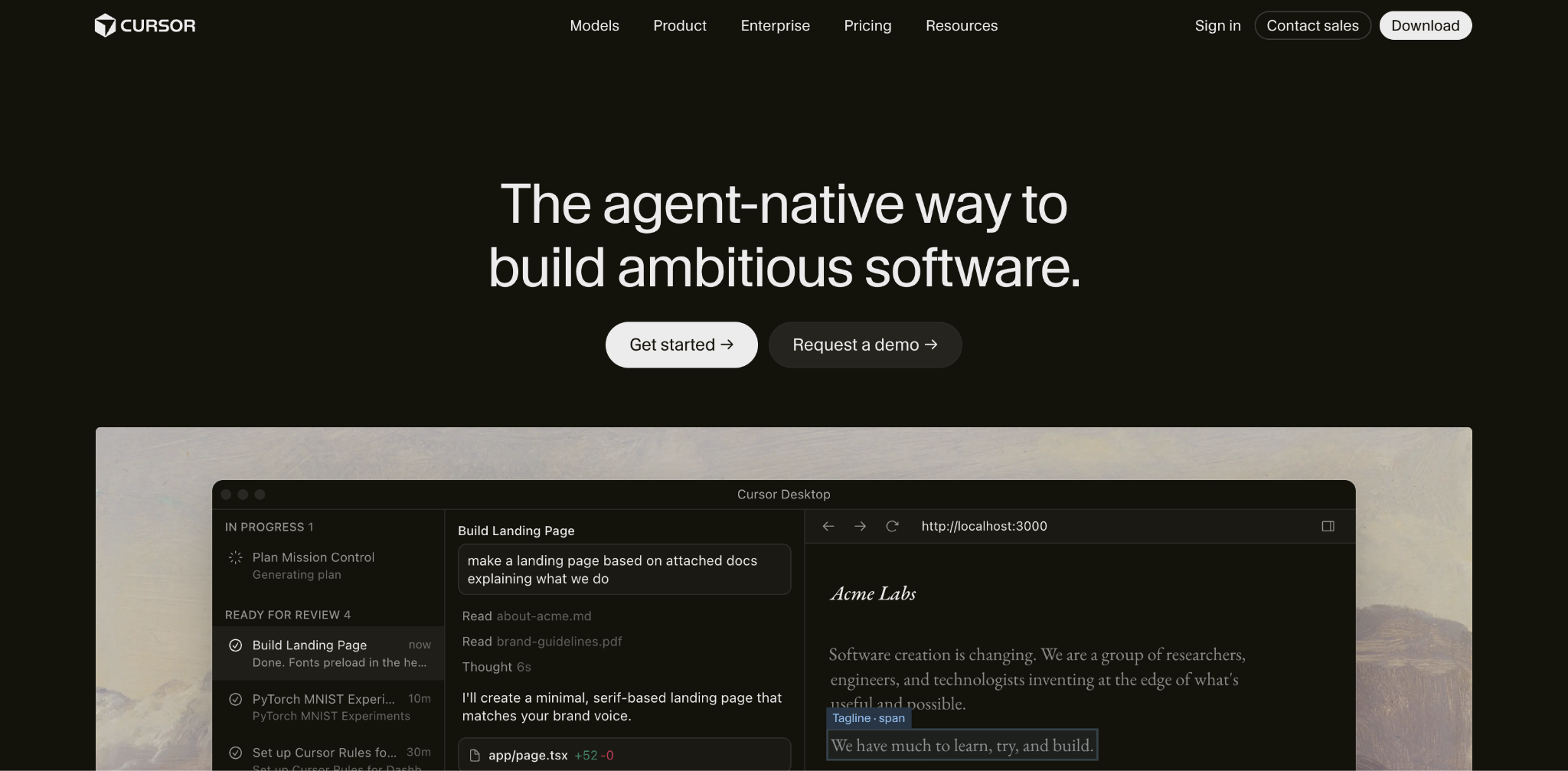
Devin Desktop, which incorporates the evolution of tools previously known under the Windsurf banner following Cognition’s rebranding efforts, centers on an Agent Command Center. This interface is built to coordinate local, cloud, and ACP-compatible agents simultaneously. On the other hand, Cursor focuses on keeping the developer close to the active edit-and-review loop. It features an in-editor agent, Cursor Tab, and optional cloud agents designed to keep coding, reviewing, and correcting close to the standard code editor interface.
Understanding these foundational differences helps teams decide which environment best suits their specific operational needs. Development teams that prioritize supervising multiple agent sessions, sharing context across complex, related tasks, and seamlessly handing off work between local and cloud execution often lean toward Devin Desktop. Conversely, developers who prefer to remain intimately close to each individual code change inside the editor—with explicit model choices, granular review tools, and cloud agents available on demand—tend to favor Cursor.
Advantages and Trade-offs of Devin Desktop
Devin Desktop’s primary strength lies in its ability to keep several distinct agents organized within a single control panel. While many modern AI tools for vibe coding concentrate on managing a single active agent or one isolated editor session at a time, Devin’s Agent Command Center is purpose-built to supervise local, cloud, and ACP-compatible agents collectively.
As part of Cognition’s ecosystem shifts, Devin Local has replaced Cascade as the primary local agent, creating a cohesive experience for developers transitioning from legacy setups. Fast Context and Spaces allow users to investigate codebases, isolate work within specific worktrees, and delegate larger tasks to Devin Cloud without losing track of project momentum.
However, Devin Desktop introduces distinct trade-offs. These include an extra orchestration layer that requires getting used to, a higher team-plan entry minimum compared to competitors, and additional governance responsibilities when integrating external agents into a unified workflow. Organizations must weigh whether the multi-agent orchestration capabilities justify the added complexity and administrative overhead.
Advantages and Trade-offs of Cursor
Cursor approaches AI-assisted coding by emphasizing proximity to the active development workspace. Its primary strength is keeping AI-generated work directly inside the active coding environment. Developers can inspect changes, redirect the agent in real time, and review results without needing to switch between separate application interfaces.
Repository indexing, combined with robust rules, attached context, and flexible model selection, allows Cursor to pull relevant context across a codebase efficiently. Furthermore, Cursor publishes selected model context windows of up to one million tokens, enabling users to include extensive file and conversation histories for complex engineering tasks.
Despite these benefits, Cursor has notable drawbacks. The platform offers less centralized coordination among multiple concurrent agents compared to dedicated command centers. Additionally, reliance on cloud-based features can introduce security considerations, variable usage costs depending on model consumption, and potential extension conflicts within the editor ecosystem.
Evaluating Agent Workflows and Codebase Understanding
When examining how these tools perform in practice, the differences in their design philosophies become stark. Consider a scenario involving a complex migration, such as replacing an outdated payment library across an API, a checkout service, and multiple test suites.
In Devin Desktop, a developer can maintain investigation, implementation, and pull request sessions within a single unified Space while separate agents handle distinct parts of the job. Investigations can happen locally, with work isolated in a worktree before delegating longer tasks to Devin Cloud.
In Cursor, the same migration is managed directly from the active editor. The developer plans the change, inspects each edited file, redirects the agent immediately if it touches unrelated code, and reviews the final output. Background cloud agents handle ongoing tasks, while agent review features allow for post-execution inspection of commits and local changes.
Handling large codebases further highlights these contrasting approaches. Devin Desktop relies heavily on Fast Context to search for relevant files and lines before the primary agent begins execution, supplemented by project rules, skills, and pull requests stored within Spaces. This ensures that context persists across sessions, passing critical requirements—such as backward compatibility constraints for mobile clients—down to later tasks automatically.
Cursor, meanwhile, indexes the repository to retrieve code connected by conceptual purpose rather than exact wording. While its large context windows accommodate extensive file histories, neither tool guarantees perfection on every repository. Developers are generally advised to run representative tasks through both environments to determine which system more reliably surfaces the correct code and adheres to project constraints.
Autocomplete, Model Support, and Cost Efficiency
When evaluating code completion and integrated development environment support, neither tool emerges as an absolute winner. Devin Desktop combines Supercomplete features with a Windsurf-derived IDE while supporting JetBrains integrations. Supercomplete suggests additions and deletions based on nearby code, previous edits, chat history, and terminal activity, while features like Tab to Jump and Tab to Import streamline minor navigation steps.
Cursor offers Cursor Tab for multiline completions and navigation across predicted edit locations. Its desktop marketplace utilizes Open VSX, requiring users to verify compatibility for extensions sourced exclusively from the Microsoft Marketplace. For developers preferring JetBrains, Cursor’s agent can also operate through ACP on paid tiers.
Regarding model and agent support, Cursor provides direct control over the specific AI model handling a task, making it ideal when model-level customization is paramount. Devin Desktop, by contrast, focuses on agent-level control—allowing developers to choose which agent owns a task, whether it executes locally or in the cloud, and how it interacts with systems via Devin Local, Devin Cloud, Codex, Claude Agent, or custom ACP agents.
Pricing structures also influence adoption decisions. For individual developers, both environments offer entry-level plans priced at twenty dollars per month. Divergence occurs at the team level: Cursor Teams typically structures pricing per user, whereas Devin Teams implements a higher monthly minimum plus per-seat charges, with flex seats drawing from shared on-demand credits. Organizations running intensive cloud tasks daily must account for usage-based costs that extend beyond base subscription fees.
Ultimately, choosing between Devin Desktop and Cursor depends on aligning the tool’s core strengths with a team’s specific workflow requirements. Whether prioritizing multi-agent orchestration and centralized context or an intimate, editor-centric review loop, running targeted pilots with representative codebases remains the most reliable method for determining the optimal environment.



Leave a Reply