For decades, learning Linux, DevOps, and fundamental software engineering concepts relied heavily on static resources. Aspiring system administrators and developers typically cut their teeth on dense ebooks, lengthy reference manuals, and pre-recorded video tutorials. While these traditional educational methods remain foundational, the landscape of technical training has undergone a significant evolution toward interactive, browser-based environments.
Setting up local virtual machines, configuring complex lab scenarios, and troubleshooting environment-specific errors can often act as an intimidating barrier to entry for complete beginners. Diving straight into command-line operations without the administrative overhead of managing local infrastructure has become the preferred pathway for modern tech education. This pedagogical shift has driven the popularity of interactive, browser-accessible labs designed to let learners jump straight into practical application.
Enter LabEx, an AI-assisted educational platform specifically engineered around the philosophy of learning-by-doing. Rather than forcing students to construct and maintain their own learning environments, the platform provides immediate access to hands-on labs, interactive flashcards, targeted quizzes, and fully simulated playgrounds. By bridging the gap between theoretical knowledge and practical execution, LabEx aims to make technical education more accessible and engaging for learners at various skill levels.

What Can You Learn at LabEx?
The platform hosts an extensive curriculum covering a wide variety of modern tools, programming languages, and administrative topics. While the catalog spans hundreds of distinct courses and specialized subjects, its primary educational thrust centers on Linux system administration, DevOps practices, and cybersecurity workflows.
For many learners, navigating such a vast catalog can quickly become overwhelming. To counter this, LabEx utilizes the concept of "Skill Trees" to structure educational roadmaps. These trees group multiple related courses under a single cohesive umbrella in a carefully orchestrated, sequential order.
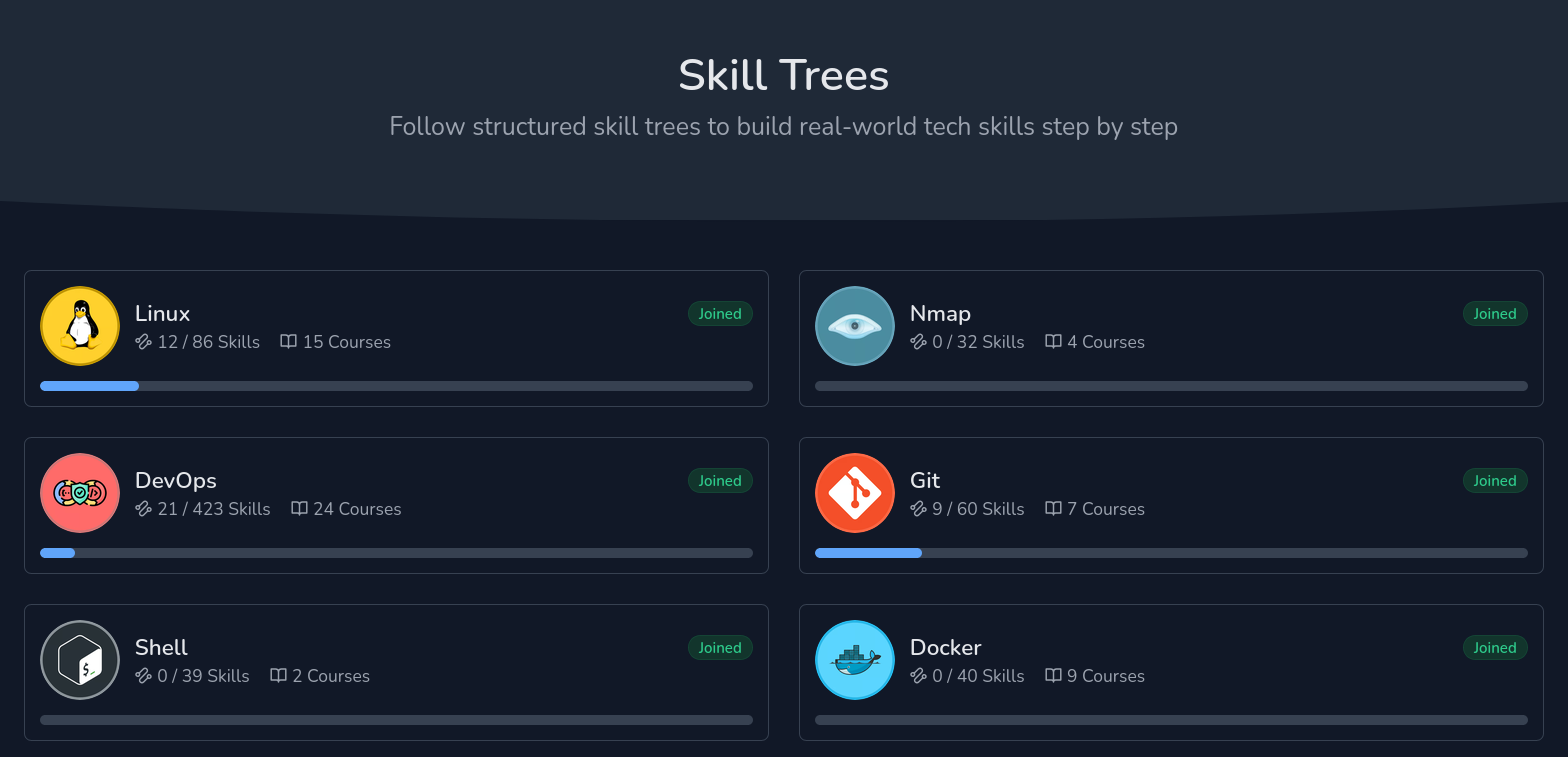
Within each skill tree, courses are broken down into discrete "skills"—representing essential conceptual building blocks. For instance, mastering pipe redirection within a Linux administration course counts as acquiring a specific skill. Courses themselves function as collections of these individual skill chapters, while skill trees unite multiple courses into a comprehensive syllabus. A prime example is the DevOps skill tree, which encompasses 24 distinct courses guiding students smoothly from basic Linux commands all the way through to advanced Kubernetes orchestration.
Diverse Learning Modes and Interactive Tools
Beyond linear course progression, LabEx incorporates several distinct interaction modes to reinforce technical competencies. Project-oriented practice labs allow students to apply their knowledge to specific scenarios, such as searching for precise filenames across a directory structure according to specific operational guidelines.
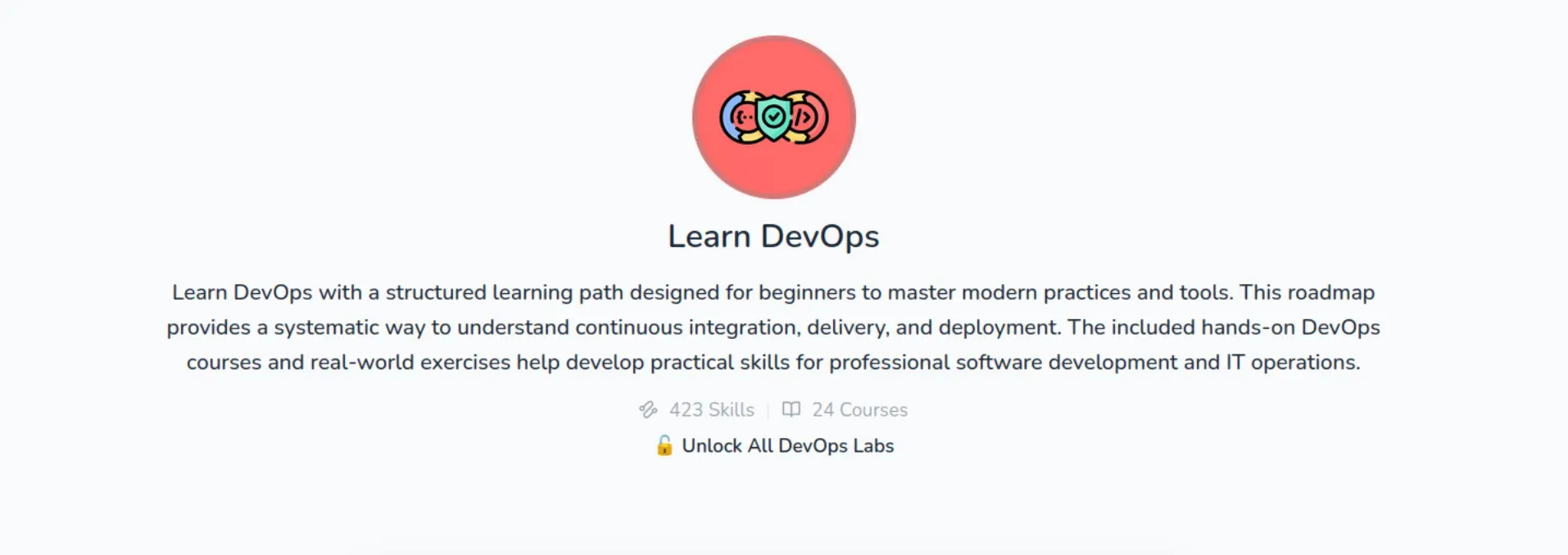
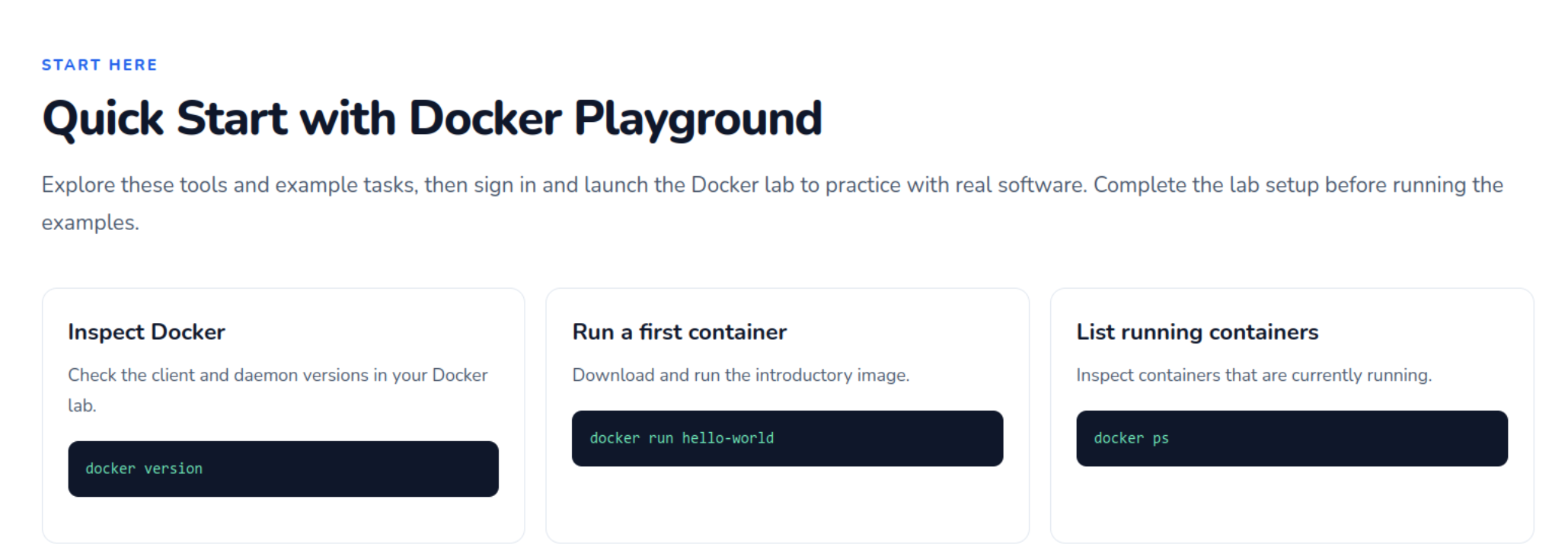
The platform also features dedicated "playgrounds" that launch virtual machines directly within the browser interface. Although the term playground might imply an entirely unstructured environment for open-ended exploration, these virtual machines are closely tied to lesson objectives. While users retain the freedom to enter arbitrary terminal commands, progression to subsequent stages typically requires the successful completion of specific tasks outlined on the page. This design maintains the structure of a guided tutorial while offering the tactile feedback of a live system.
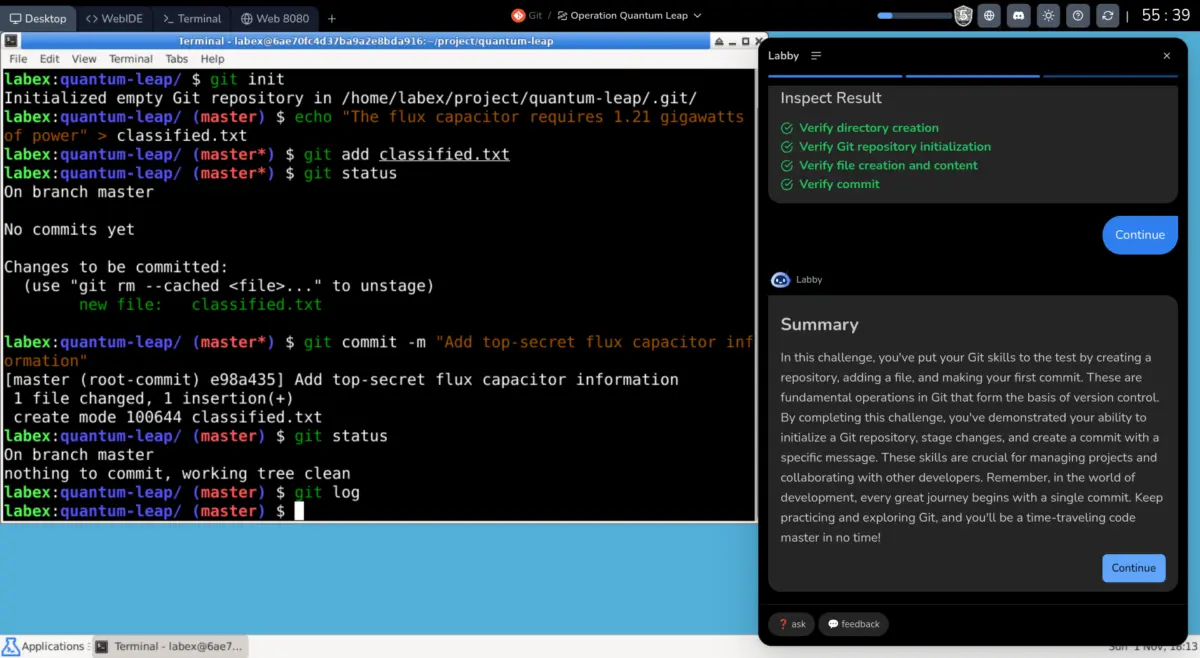
Guiding students through these exercises is "Labby," an integrated AI teaching assistant accessible via the sidebar of active labs and playgrounds. Labby presents supplemental text explanations of current concepts, validates command-line responses in real-time, and answers specific user queries to clear up points of confusion.
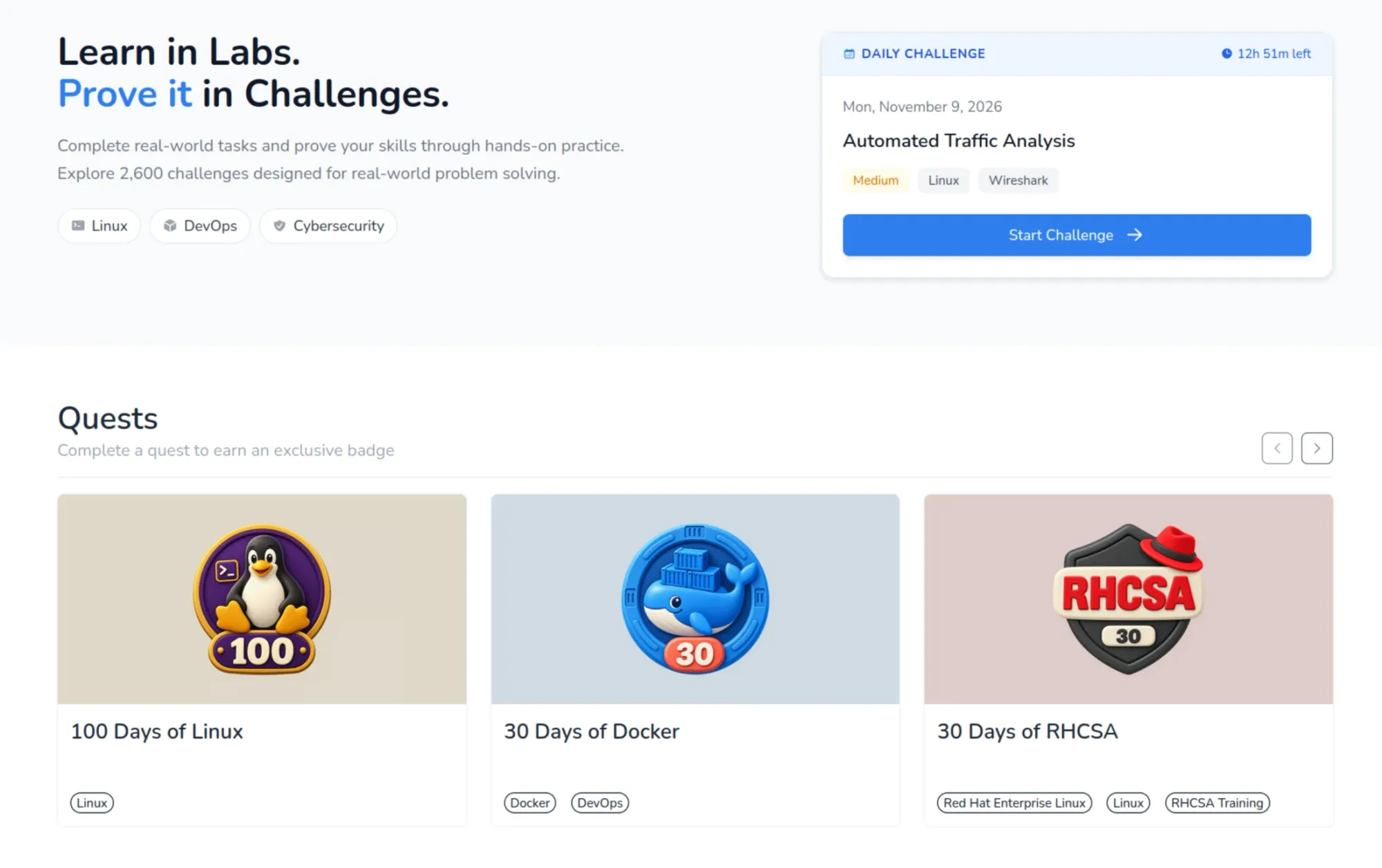
To evaluate accumulated knowledge, the platform offers thousands of standalone challenges distributed across its course catalog. These challenges test specific proficiencies through scenario-based troubleshooting and problem-solving exercises within the virtual machine environment, directly contributing to a user’s overall skill metrics upon successful completion.
Gamification and Progress Tracking
To maintain user motivation and engagement, LabEx incorporates various gamification elements designed to track and reward steady educational progress. The main dashboard highlights weekly activity streaks, milestone achievements measured by skills earned, and a global leaderboard ranking users by their accumulated competencies.
Additionally, the platform utilizes interactive flashcards for concept revision—a proven pedagogical technique for enhancing long-term memory retention. Learners also receive digital badges, such as the "First Lab Conqueror" or "Rising Talent" awards, which provide a sense of achievement similar to video game progression systems.
The User Experience and Technical Requirements
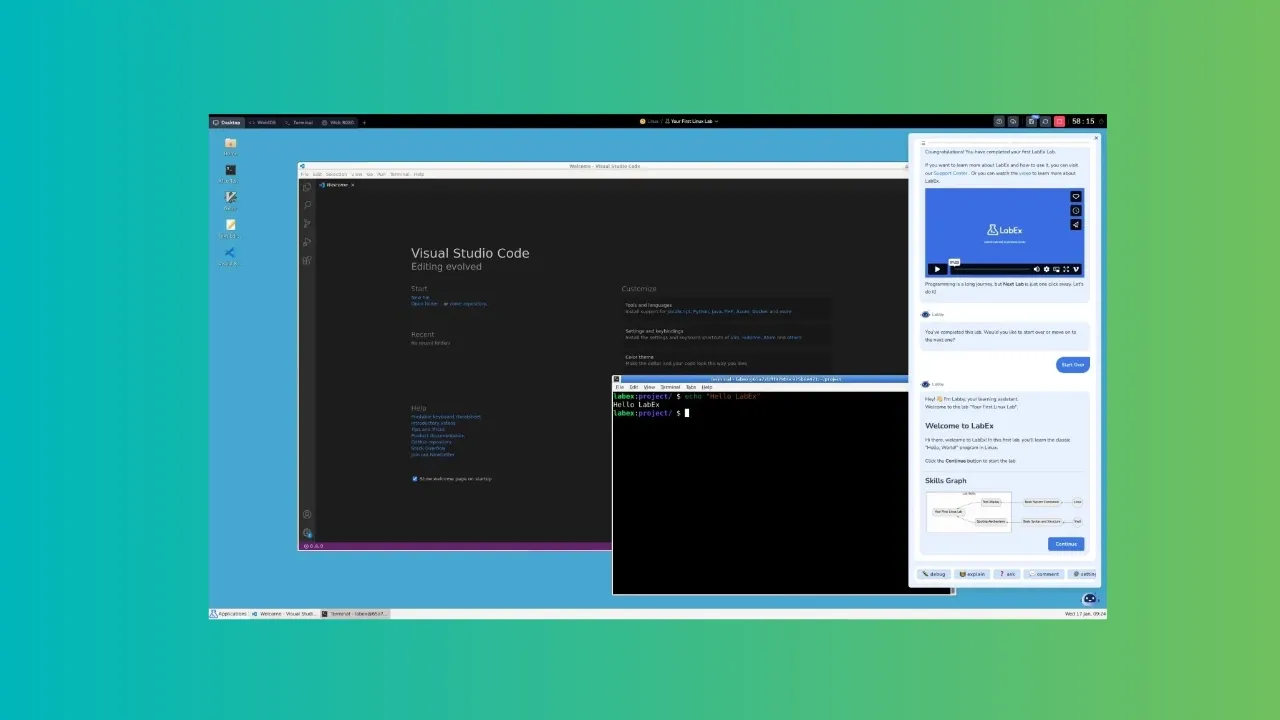
A typical learning session takes place inside a browser-based virtual machine running a streamlined version of Ubuntu with the Xfce desktop environment, alongside specialized configurations for specific topics like Kali Linux. Most operational tasks are executed directly within the command-line interface. Because the computational execution occurs on remote servers, a stable, high-speed internet connection is essential to minimize latency between keystrokes and visual feedback within the virtual desktop.
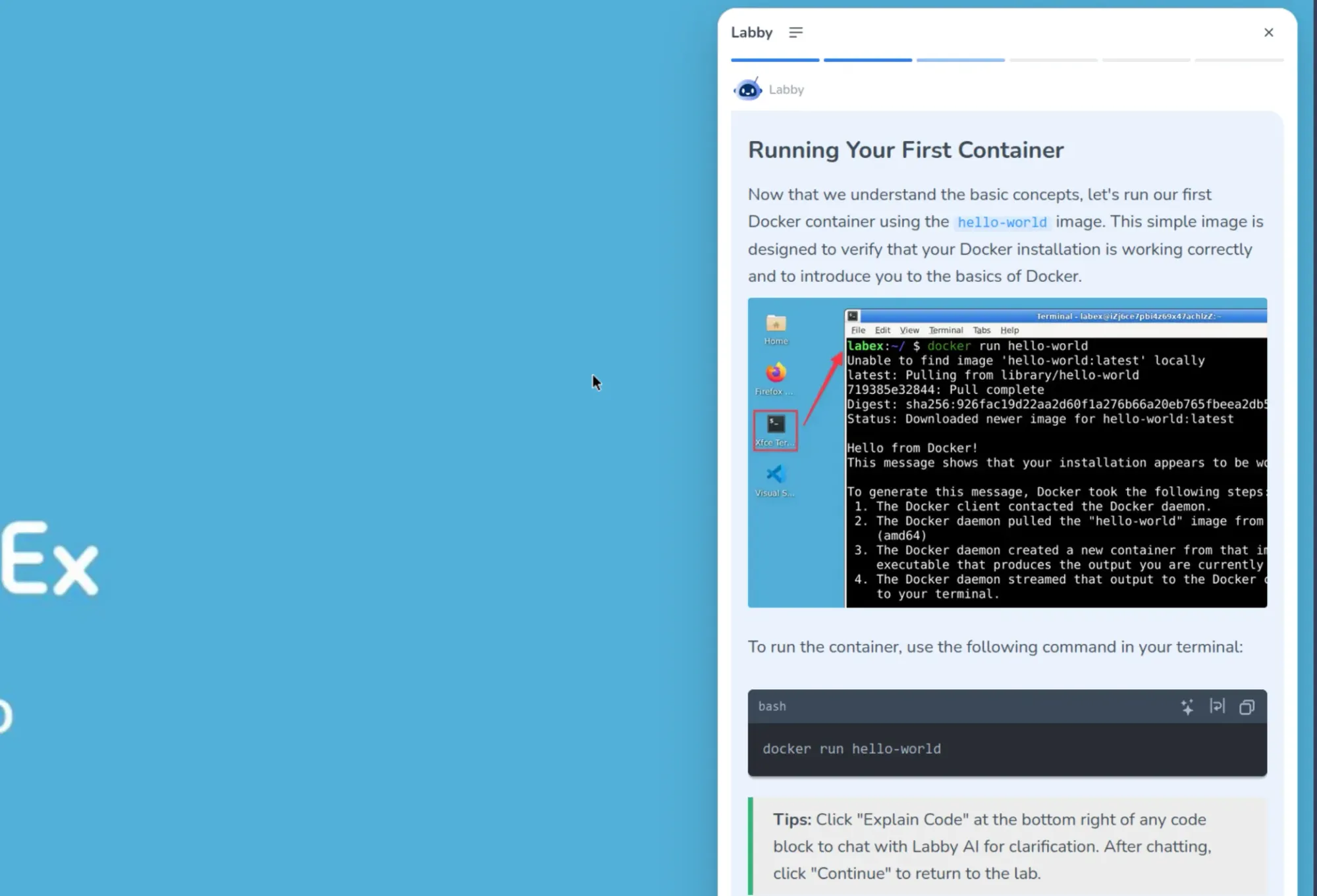
The user interface provides multiple tabs allowing students to switch seamlessly between the desktop view, a web-based integrated development environment, a standalone terminal interface, and a local web services preview tab for testing hosted applications. Guided by the Labby AI assistant, learners are encouraged to immediately execute and verify newly introduced commands, embedding the concepts deeply through repetitive practice.
Accessibility and Subscription Tiers
LabEx operates on a freemium model, offering both complimentary and paid subscription tiers. The free tier provides access to all hands-on labs, capped at a limit of three virtual machine sessions per day. While this restriction prevents heavy daily usage, it provides prospective users with sufficient access to evaluate the platform before committing financially.
Paid subscriptions unlock full, unrestricted access to unlimited virtual machines, project labs, advanced challenges, and official certificates of completion. Current pricing structures feature an annual subscription priced at $99.90, alongside a two-year plan available for $149.
Ultimately, LabEx positions itself as a robust option for beginners seeking a structured, AI-guided entry point into Linux, DevOps, and cybersecurity. While experienced engineers or those accustomed to traditional text-based study may occasionally find the guided assistance overly prescriptive, the platform’s extensive library of practical challenges offers substantial utility for technical practitioners at any level looking to sharpen their skills.