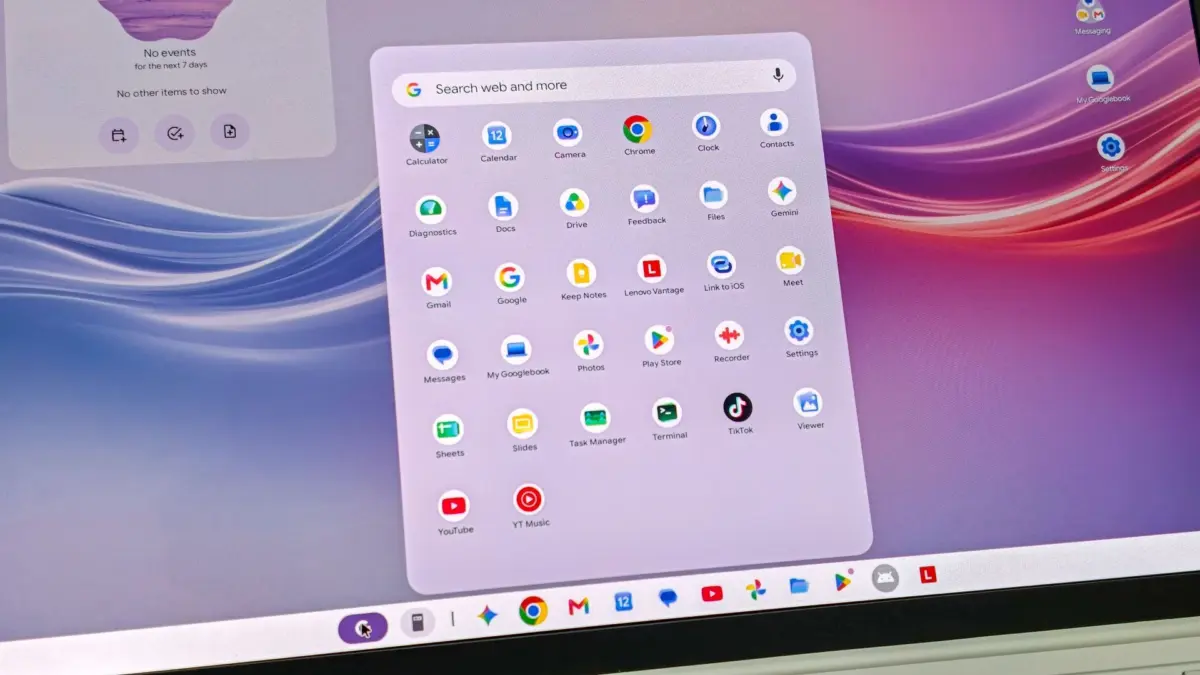
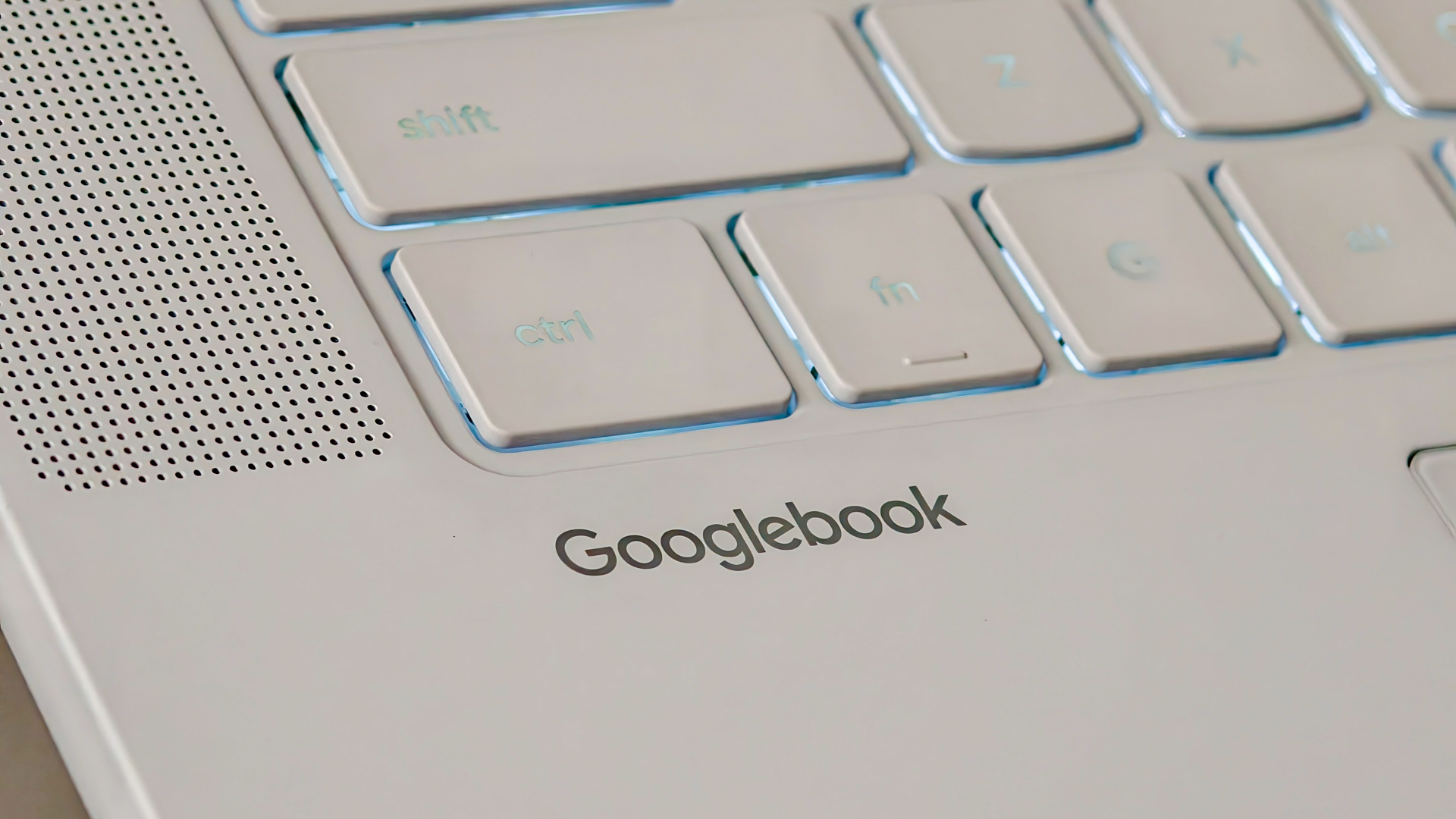
The Lenovo Googlebook 15 presents a classic case of a product that arguably shouldn’t exist. This verdict has nothing to do with the physical hardware, which is just as remarkably premium as its $1,099 price tag implies. Instead, the failure rests entirely on the software side of the equation. Lenovo has successfully paired a stunning 15.3-inch 120Hz OLED display with a robust array of ports, quad Dolby Atmos speakers, and an understated, silk-touch finish, housing everything inside an ultra-light 2.84-pound featherweight body. Google, however, has proven that it still does not fully understand desktop computing by assuming that a modified mobile architecture would seamlessly translate into a viable desktop operating system.
The resulting product is an expensive device that mainstream consumers should avoid. The issue is not isolated to this single laptop model; it extends to the entire family of newly introduced Googlebooks. While Lenovo easily earns top marks for its masterclass in physical engineering and industrial design, Google receives no praise for a software experience that feels thoroughly unfinished.
The $1,099 Price Tag Ruins the Entire Point
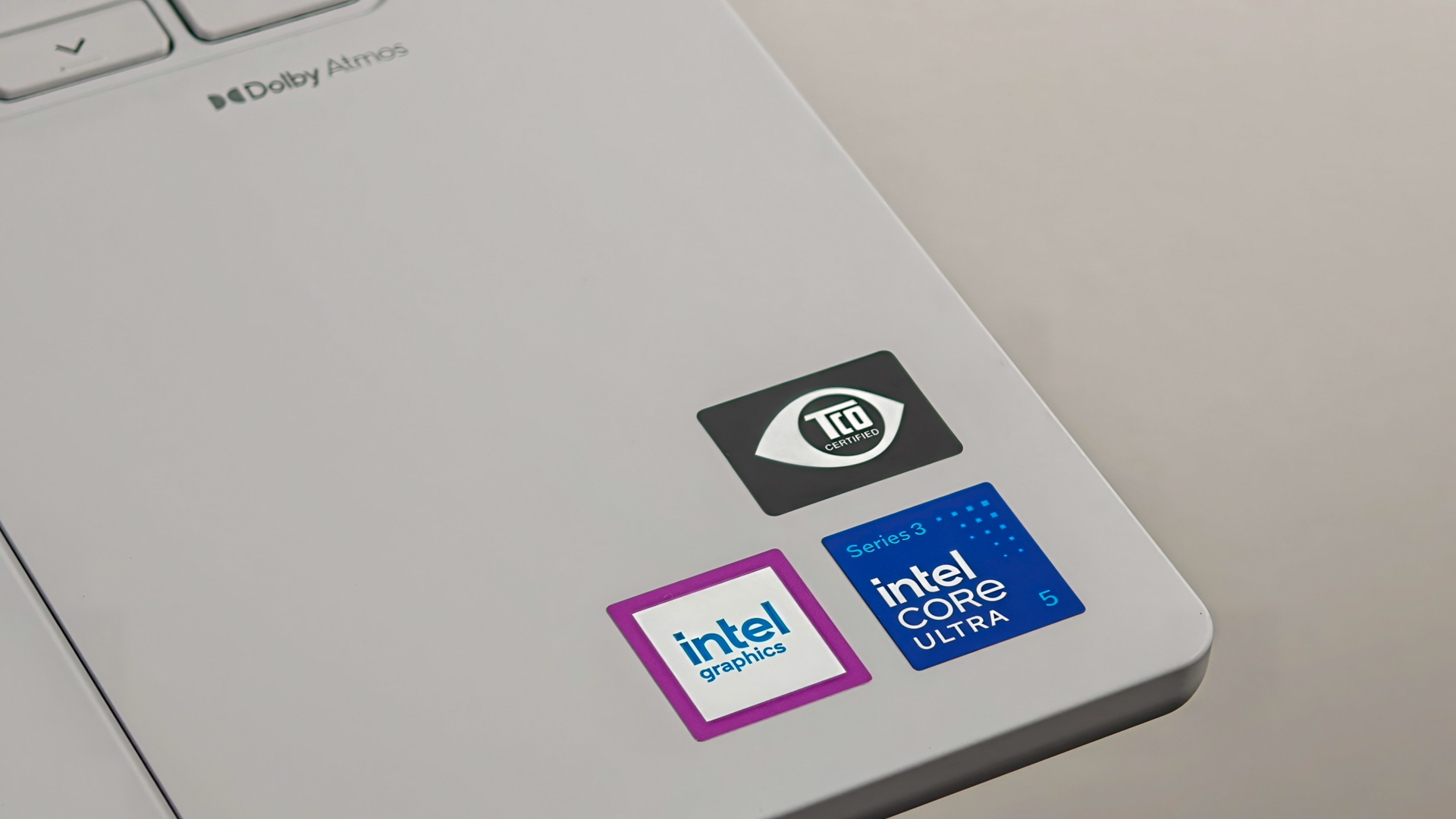
Pricing is where the Lenovo Googlebook 15 and its sibling devices from other major manufacturers immediately trip over themselves. The starting price for a Googlebook from any of the five participating PC makers—Acer, Asus, Dell, HP, and Lenovo—ranges steeply from $899 to $1,299. The base configuration of the Lenovo Googlebook 15 commands $1,099.99, which secures an Intel Core Ultra 5 325 processor, 16GB of LPDDR5X RAM, and 256GB of internal storage. Moving up to the 512GB configuration increases the cost to $1,149.99, while international buyers in Europe face an eye-watering retail price equivalent to roughly €1,379.
At a more modest price point of $500 or $600, consumers are often willing to forgive rough software edges as an acceptable cost of admission for experimental technology. However, once the price tag climbs to $1,100, that margin for forgiveness evaporates completely. That kind of financial commitment places the Googlebook 15 directly into direct competition with Apple’s MacBook Air, Apple’s budget-focused MacBook alternatives, and dozens of highly capable Windows 11 ultrabooks. All of those alternative machines run mature, reliable desktop operating systems backed by decades of professional-grade software support. Microsoft and Apple clearly understand the nuances of building comprehensive desktop platforms, whereas Google’s naivety regarding desktop productivity shines brightly through the shortcomings of Googlebook OS.
Google is essentially asking everyday customers to pay full flagship laptop prices for the privilege of beta-testing a first-generation platform. The system feels barely ready for a free public beta release, let alone a four-figure financial investment. This creates an immediate chicken-and-egg dilemma for the ecosystem: mainstream buyers will not spend over a thousand dollars on a computer that ultimately relies on scaled-up mobile applications, and without a massive, dedicated install base of users, major software developers have zero incentive to build true desktop-class applications for Googlebook OS.
Lenovo Built Hardware That Deserves a Better OS
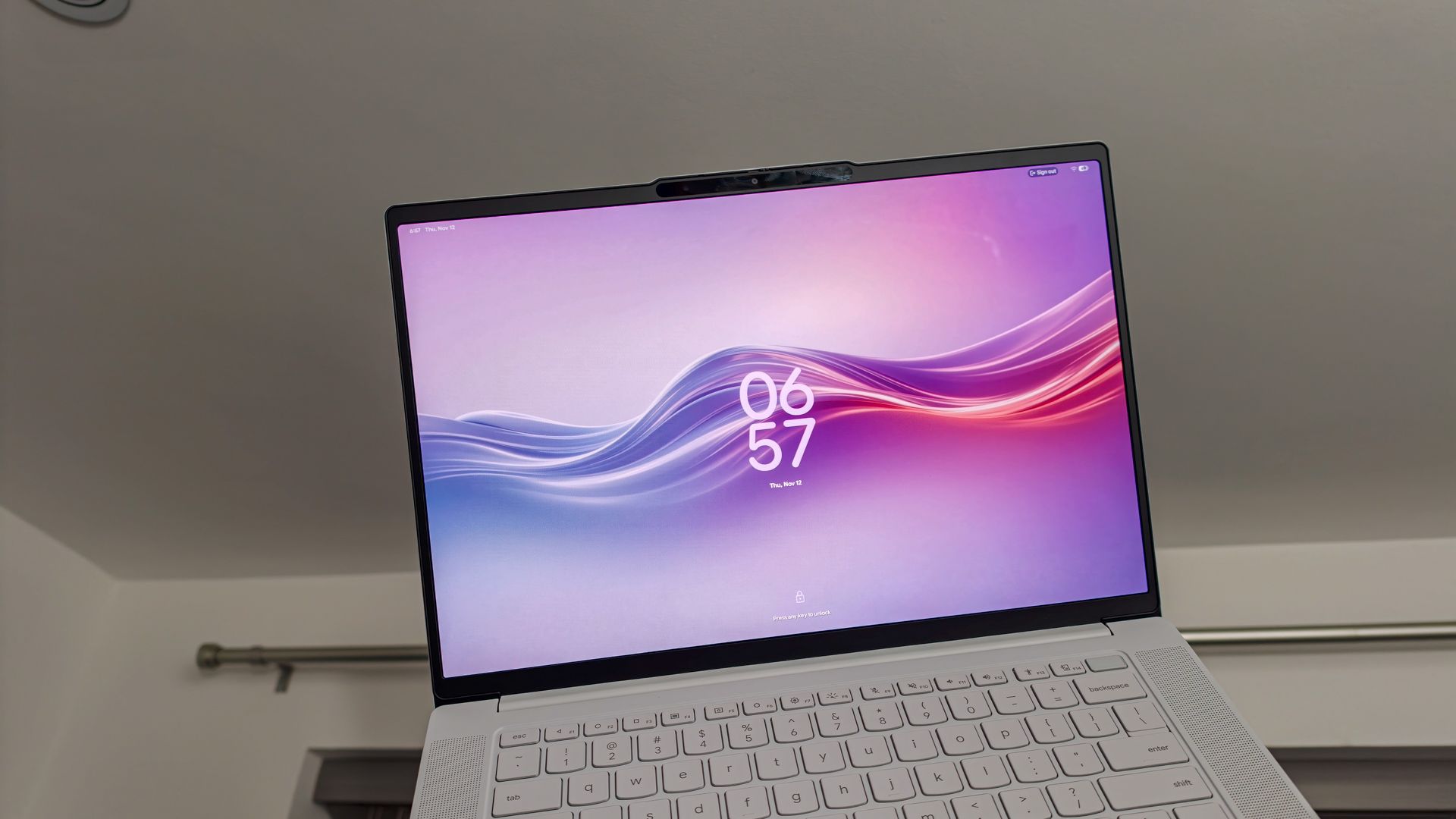
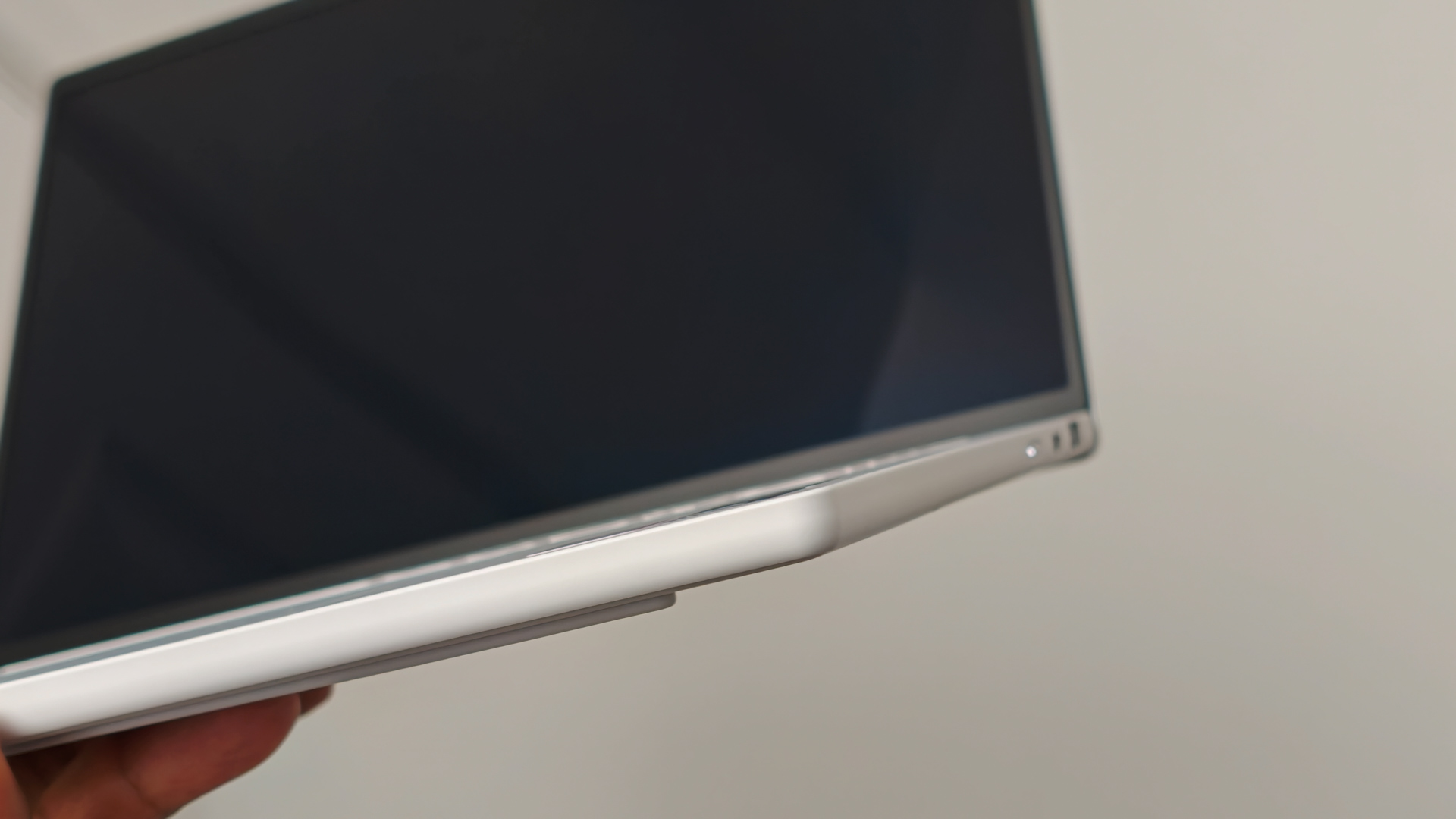
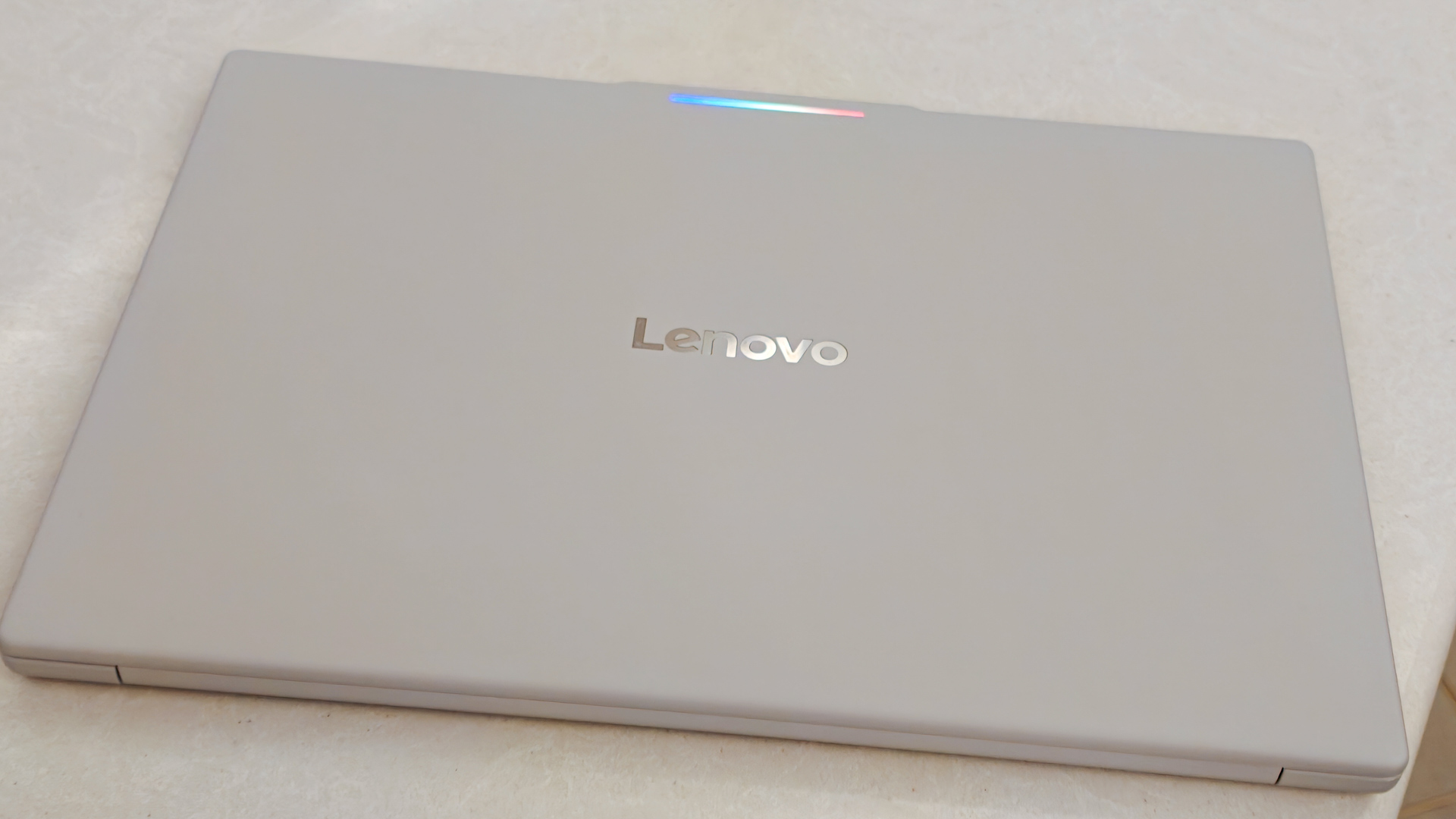
If you strip away Google’s unpolished operating system, Lenovo’s engineering prowess shines brilliantly. Picking up the Lenovo Googlebook 15 for the very first time brings a pleasant surprise, as a 15.3-inch laptop has no logical business feeling this lightweight while retaining such a luxurious feel. Weighing just 2.84 pounds and measuring a mere 0.63 inches thick, the magnesium-aluminum and carbon-fiber chassis actually feels lighter than many smaller-screened professional laptops and sits comfortably in the hand. Lenovo has applied a specialized textured coating to the off-white Cloud Gray chassis, evoking the smooth, unglazed-porcelain sensation of high-end ceramic finishes.
The 15.3-inch 2.8K resolution OLED touchscreen serves as the undeniable star of the show. Text appears razor-sharp, blacks are impeccably deep and inky, and the 120Hz refresh rate keeps scrolling remarkably fluid. It provides an ideal visual canvas for managing two browser windows side by side or kicking back to watch high-dynamic-range video content during travel. Furthermore, Lenovo nailed the port layout by including a fast 40Gbps Thunderbolt 4 port on both sides of the chassis, complemented by a full-size HDMI 2.0 port, a high-speed USB-A port, and a standard headphone jack. The ability to charge the laptop from either side without being forced to carry cumbersome adapters is a design philosophy that every modern manufacturer should emulate.
Biometric security options are equally robust. While some users prefer facial recognition, others strongly favor a traditional fingerprint reader. The Lenovo Googlebook 15 thoughtfully provides both choices, mirroring the versatility found on premium Android smartphones. Another distinct visual flourish is the Glowbar, an exterior LED strip mounted along the lid near the hinge as a deliberate throwback to the historical Chromebook Pixel. When the laptop lid is closed, the strip functions as a convenient battery level indicator and pulses with a Gemini AI gradient during voice assistant sessions. Across a desk or table, it functions as a neat visual cue, though it becomes entirely invisible once the laptop is opened for actual work.
Googlebook OS is a Mobile OS Pretending to be a Desktop
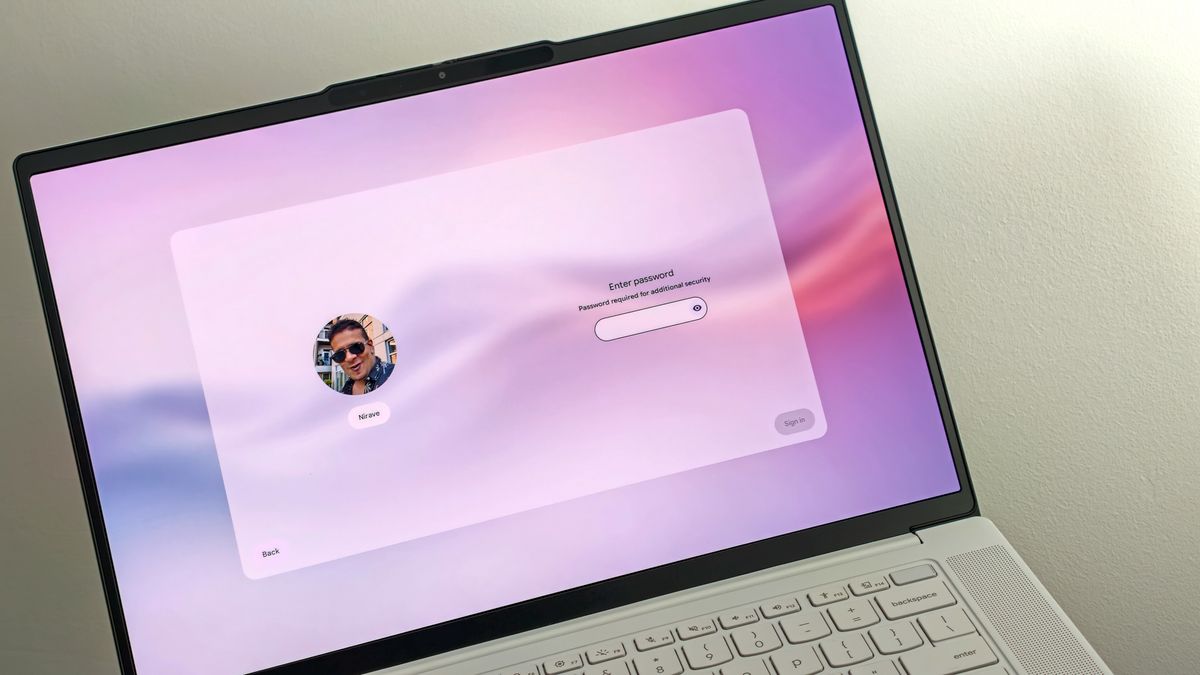
The core problem facing the Lenovo Googlebook 15 is a terminal one: the implementation of Googlebook OS. Built upon a hybrid architecture combining elements of Android and traditional ChromeOS window management, the platform often feels like an AI-generated concept that glosses over crucial operational details. It looks visually appealing at first glance, only to stumble when subjected to genuine multitasking workflows.
This friction is not entirely new to the broader Android ecosystem. The primary complaint regarding Android tablets and foldable devices has consistently been that mobile applications are poorly optimized for larger, more complex form factors. It comes as little surprise, therefore, that these same applications struggle significantly when forced into a traditional desktop environment. The fundamental issue is that Google still treats scaled-up mobile apps as an acceptable substitute for dedicated desktop software.
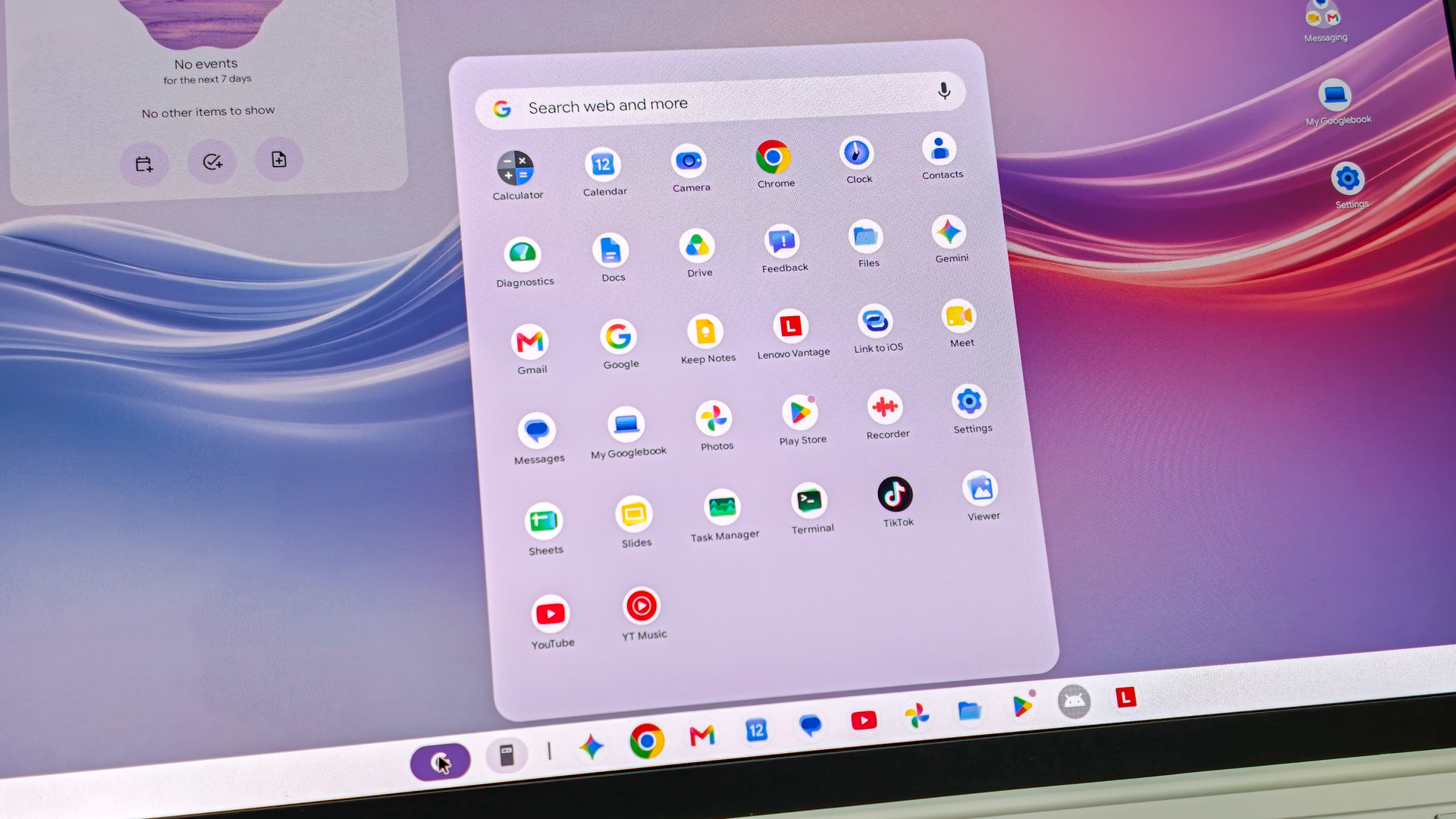
While users can resize Google Play Store apps into floating windows, and while Google heavily promotes specially optimized versions of popular suites like Adobe Photoshop, Lightroom, and Spotify, the reality on the ground often falls short. Most applications still behave like stretched tablet apps rather than true desktop software. Essential desktop muscle memory breaks down frequently: right-click context menus behave inconsistently, click-and-drag gestures occasionally fail to register where intended, and user interface elements often feel overly large and awkward when navigating via a trackpad instead of a human fingertip.
In many instances, running the browser-based web application version of a service proves significantly more reliable than installing its native Android counterpart. This reality forces an uncomfortable question for potential buyers: if web apps are still doing the heavy lifting, what is the exact justification for paying an $1,100 premium over a much more affordable Chromebook Plus?
Beneath the surface, running ARM-compiled Android applications on an x86 Intel Core Ultra 5 processor occasionally triggers minor stutters and software compatibility hiccups. Google itself appeared acutely aware of how rushed this initial launch build was when it pushed an emergency software update shortly after release to patch neural processing unit memory leaks and browser tab bloat, successfully recovering several gigabytes of RAM on 16GB systems. Needing an immediate post-launch rescue patch just to prevent a well-equipped laptop from struggling with its own integrated artificial intelligence overhead speaks volumes about the premature state of Googlebook OS.
To its credit, Google successfully implemented several positive cross-device ecosystem features. For owners of flagship Android phones, the initial setup process links devices seamlessly. Features like application handoff and instant local file access feel effortless, demonstrating that Google possesses the technical capability to eventually build desktop-mobile integrations that rival competitors. Similarly, Gemini AI integrations are occasionally clever, such as voice dictation systems that successfully turn rambling notes into structured checklists, and hover-based contextual tooltips.
However, these redeeming software highlights cannot rescue an operating system that fundamentally lacks genuine desktop depth, nor can they compensate for mediocre battery endurance. Despite housing a sizable 70Wh battery, real-world stamina hovers between six and eight hours of mixed productivity work, accompanied by noticeable overnight standby drain that lags far behind modern Apple Silicon MacBooks and efficient Windows ultrabooks.
For consumers weighing their options, spending over a thousand dollars on the Lenovo Googlebook 15 is difficult to justify. Those who appreciate the physical form factor of a lightweight 15-inch OLED machine are far better served by traditional Windows ultrabooks or an Apple MacBook Air, both of which run mature desktop software without forcing workflow compromises. Meanwhile, users whose workflows exist entirely inside web browsers and cloud-based productivity suites can easily opt for a standard Chromebook Plus at a fraction of the cost.