
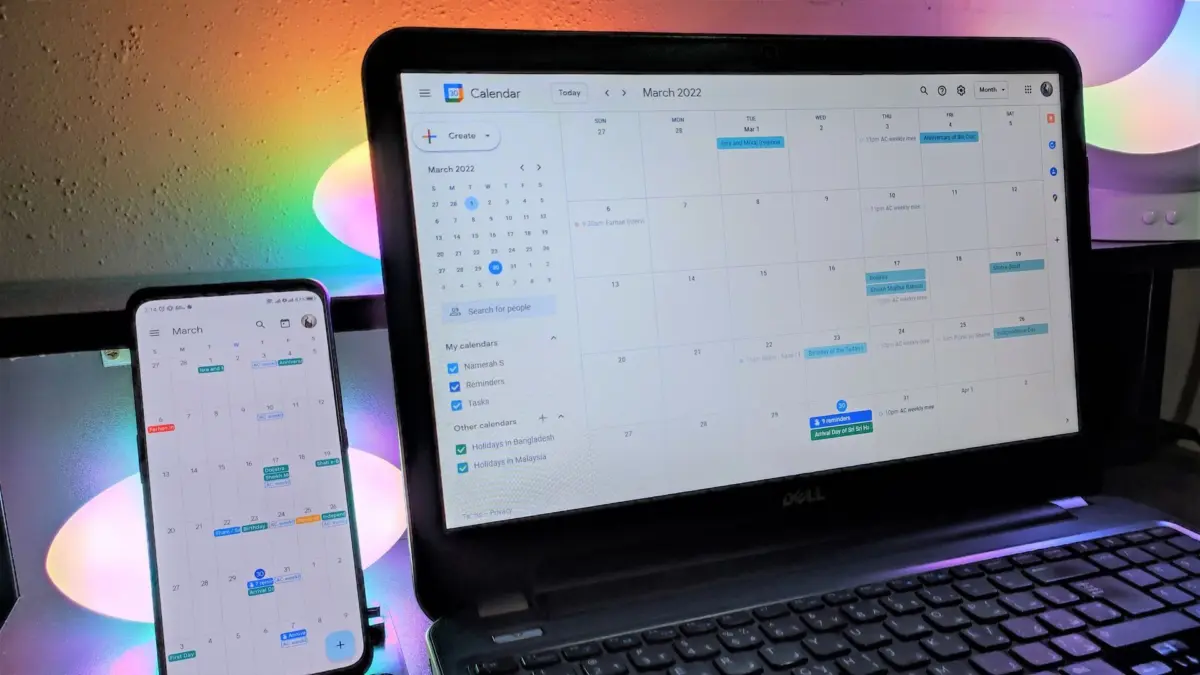
Managing schedules across international boundaries has long been one of the modern workplace’s quietest friction points. For professionals coordinating with colleagues, clients, and partners scattered across different continents, the mental math of converting hours often leads to missed meetings, mistimed calls, and exhausted teams. To alleviate this persistent logistical headache, Google is rolling out a practical upgrade to the web version of Google Calendar that allows users to display up to three time zones simultaneously on their main calendar grid.
Previously, Google Calendar limited users to viewing a primary and a secondary time zone. While this configuration provided adequate support for individuals operating primarily between two distinct locations—such as a remote worker collaborating with a home office across the country—it frequently fell short for more complex organizational structures. In today’s hyper-connected global economy, cross-functional teams routinely involve members spread across multiple major hubs. A single project team might span San Francisco, New York, and Zurich, or London, Tokyo, and Sydney. Under the old two-zone limitation, coordinating schedules involving three or more distinct regions required constant manual calculation or flipping back and forth between secondary views, leaving ample room for scheduling errors.
The introduction of a third time zone directly addresses this complexity by placing an additional reference point right on the primary calendar interface. By displaying three time zones side by side, Google aims to give users an immediate, holistic view of working hours across all key regions involved in their operations. This enhancement applies directly to the Day, Week, and Custom multi-day views on the web, ensuring that the extra reference column integrates seamlessly into how users naturally scan and manage their daily agendas.
Beyond the main calendar grid, the newly supported third time zone is also being integrated into the "Find a Time" scheduling screen. When users create or edit calendar events, the expanded time zone visibility will carry over into the scheduling assistant, making it easier to identify overlapping blocks of time when all participants are actively working. This ensures that the process of proposing a meeting time is just as transparent as viewing the calendar itself, reducing the back-and-forth email chains that usually accompany international scheduling.
To make the expanded view as clean and readable as possible, Google is maintaining support for custom labeling within the feature. Rather than relying solely on standard three-letter time zone abbreviations—which can sometimes be ambiguous or difficult to parse at a glance—users can assign personalized labels to each displayed zone. For instance, instead of standard offsets or overlapping acronyms, a user can label their columns with city identifiers like SFO, NYC, and ZRH. This level of customization ensures that the calendar remains glanceable and tailored to the specific geographical hubs that matter most to the individual user or organization.
The rollout of the three-time-zone view builds upon a smaller, yet similarly impactful, interface update that Google introduced earlier this year. To make configuring time zones less tedious, the company overhauled its underlying time-zone picker, replacing cumbersome scrolling lists with a streamlined search function. Users can now quickly find and set desired time zones simply by typing the name of a city or country, significantly reducing the friction involved in setting up secondary and tertiary references in the first place.
The global rollout of the three-time-zone feature began on September 25, catering to the broad spectrum of Google’s user base. The update is reaching Google Workspace customers, Workspace Individual subscribers, and users with personal Google accounts alike. Depending on an organization’s specific update channel, the timeline for visibility may vary. Accounts configured for Rapid Release channels are designed to receive the feature within fifteen days of the initial rollout, while domains operating on Scheduled Release schedules began receiving access on October 12.
Because the feature integrates directly into user-level preferences, deployment does not require intervention or configuration from corporate IT administrators. Once the update propagates to an individual account, the option to add the third time zone becomes available directly within the calendar’s settings, allowing users to configure the display according to their specific international coordination needs.


Leave a Reply