
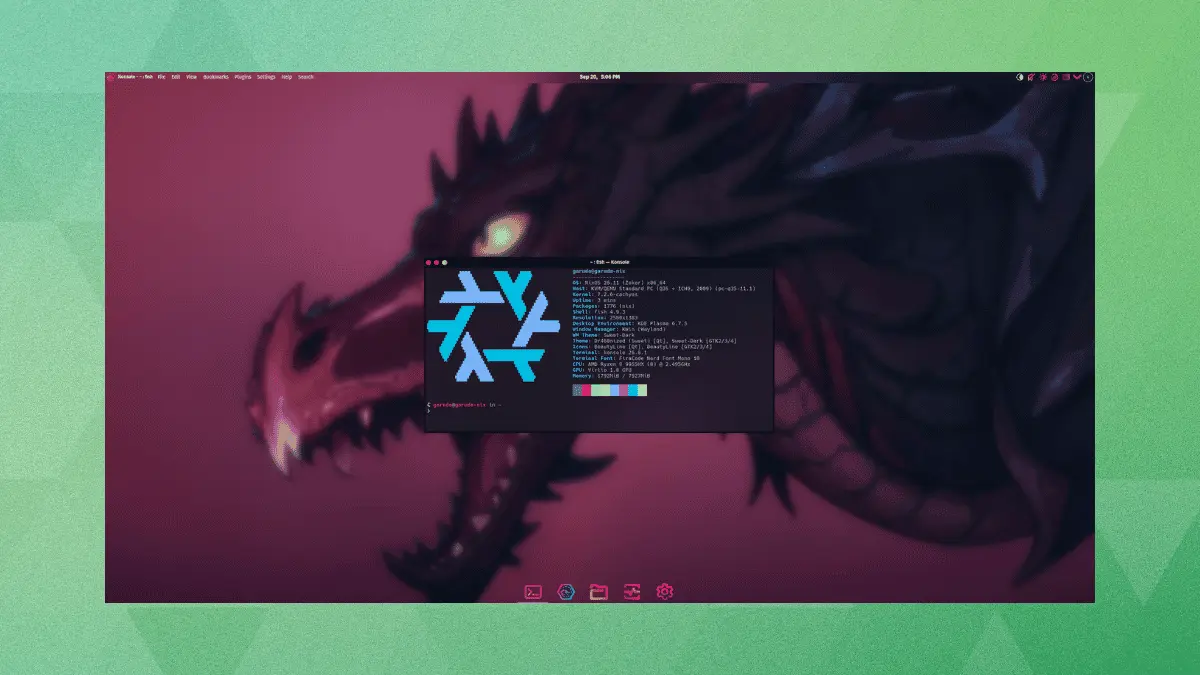
Garuda Linux, the popular performance-oriented rolling-release distribution, is actively guiding its userbase toward the Nix ecosystem. In a significant structural evolution, the project’s maintainers have officially renamed the Garuda Nix Subsystem to simply "Garuda Nix." However, project observers and users will quickly discover that this transition is far more than a superficial cosmetic adjustment. What originally began as a niche side project designed to facilitate dual-booting NixOS alongside a traditional Garuda installation has now matured into a robust, standalone bootable operating system environment with its own dedicated infrastructure.
The core of this new initiative is a comprehensive flake that ships a dedicated ISO image equipped with the familiar Calamares graphical user interface. For more advanced users, maintainers have also included a specialized command-line utility known as install-garuda-nix, which enables streamlined, scripted setups across a wide variety of hardware configurations.
This development does not completely abandon the project’s roots. As a subsystem, the underlying technology previously provided a mechanism to run NixOS concurrently with Garuda on the exact same physical drive. Rather than demanding a separate, dedicated storage partition, the system maintained isolation between the two operating environments through the clever use of BTRFS subvolumes. The new release builds directly upon this technical foundation while vastly expanding its accessibility and utility to a broader audience.
So what does it offer?
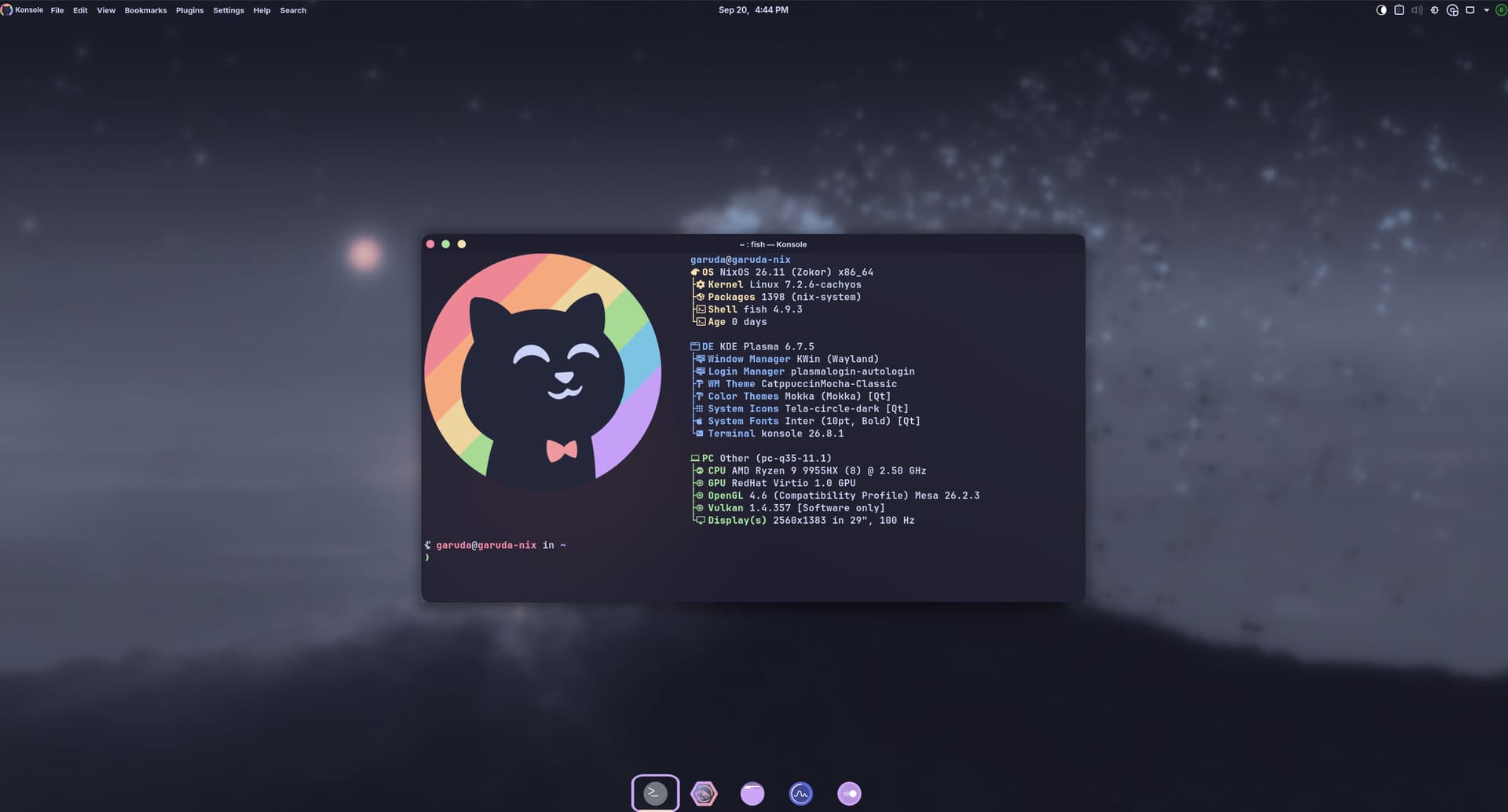
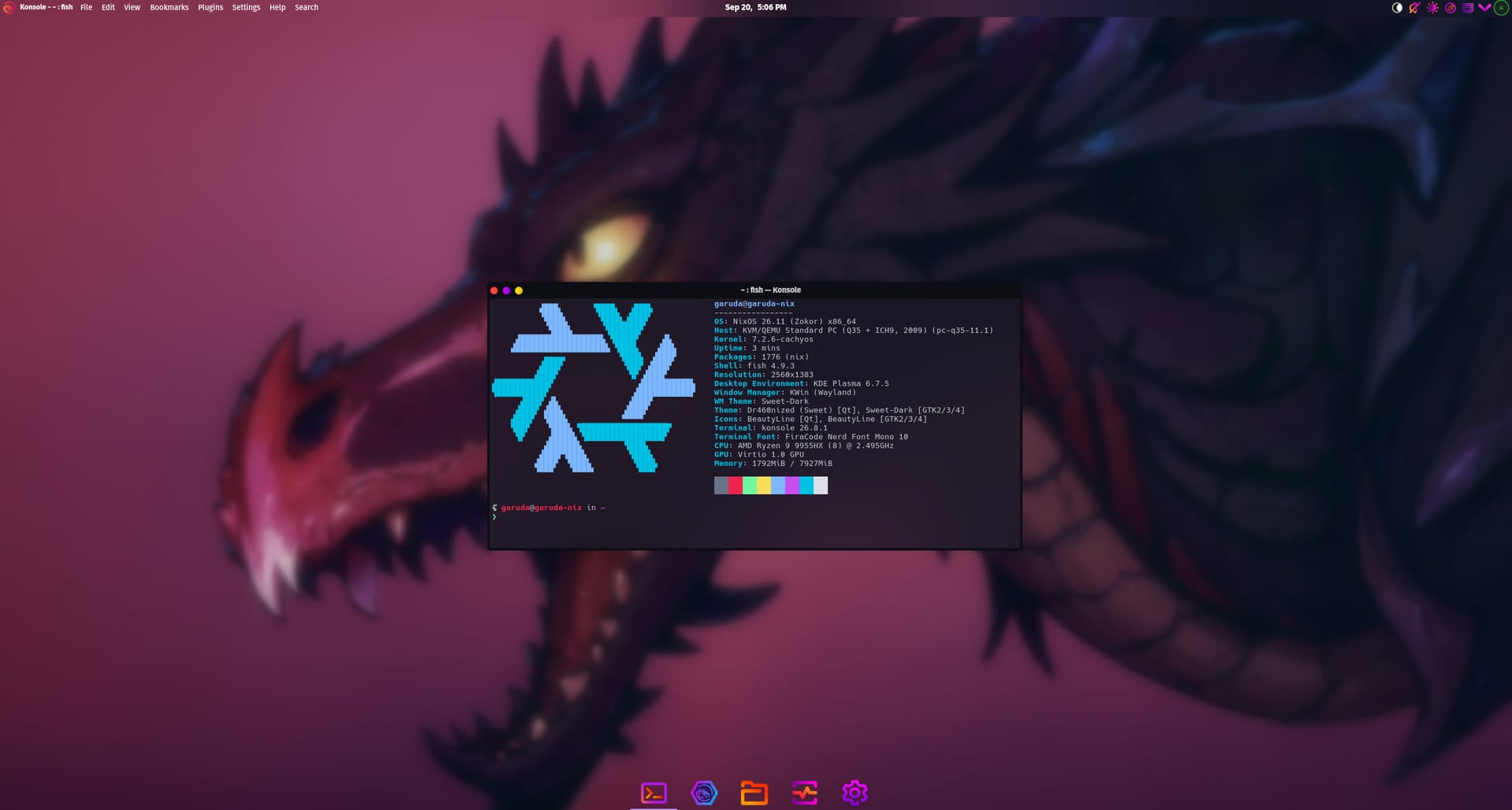
For users who decide to take the plunge and test out the installation media, the experience begins with familiar graphical tools. The Calamares installer manages the bulk of the heavy lifting, prompting users to select between two distinct flagship editions: the visually striking Dr460nized flavor, known for its heavily customized desktop aesthetic, or the sleek and minimalist Mokka edition. During this graphical setup process, users can also readily opt-in to various software packages and enhancements designed to provide superior hardware compatibility, including improved out-of-the-box support for PC gaming platforms and local printing peripherals.

The command-line interface tool, however, is where the project truly demonstrates its technical flexibility. While it covers all the standard prerequisites associated with installing a modern Linux distribution, it also incorporates pre-configured presets tailored for specific use cases. Users can quickly initialize environments optimized for desktop workstations, mobile laptops, dedicated servers, or portable gaming handhelds. Furthermore, the tool supports eight distinct partition layouts spanning both the ext4 and BTRFS filesystems, accommodating both encrypted and unencrypted configurations to suit individual security and performance preferences.
Impermanence, though, remains the real headline feature for advanced users and security-conscious enthusiasts. When this capability is switched on, the root filesystem is automatically wiped clean each time the computer restarts. This clean slate effect is achieved either by performing an automated BTRFS rollback to a pristine, saved system snapshot or by running the root environment directly out of temporary memory via tmpfs on ext4 systems.
Users need not worry about losing their essential account settings, as these automated wipes are carefully engineered not to touch login credentials. Both standard user and root passwords are processed through yescrypt hashing algorithms before being securely written into the generated system configuration files, ensuring they safely persist across system rollbacks.
To maintain basic usability, Garuda Nix also configures a small handful of critical essentials to remain persistent by default. Crucial data such as Wi-Fi network credentials and per-user configuration directories are preserved automatically. Any system file or application state located outside of this tightly curated short list, however, will be ruthlessly purged by the Impermanence mechanism alongside everything else upon the next system reboot unless explicitly declared otherwise within the configuration files.
It’s already live and ready for testing
Both distinct editions of Garuda Nix are available right now as daily ISO builds for adventurous users who want to test the waters. For individuals who are already running a native NixOS installation on their machines, downloading heavy installation media is completely unnecessary. Existing users can bypass the ISO entirely and pull the installer straight from the published project flake using a single nix run command in their terminal.
The underlying flake reference points directly to the same stable branch by default, regardless of which installation method was initially chosen to set up the system. Maintaining and updating the operating system from that point onward requires no exotic procedures; it relies entirely on the standard nixos-rebuild switch command that current NixOS users already know and utilize daily.
On the other hand, users who are completely new to NixOS will need to invest time in learning how the ecosystem operates. Because NixOS relies heavily on declarative configuration, nearly everything in Garuda Nix must be customized and maintained through plain text configuration files rather than traditional graphical settings panels.
This project is not the first time the ambitious developers behind Garuda Linux have undertaken an engineering effort of this magnitude. Their ongoing development of FireDragon, a web browser rewritten entirely from the ground up to deliver a specialized browsing experience tailored to the distribution’s ecosystem, demonstrates a consistent pattern of expanding beyond traditional desktop packaging to offer deeply integrated, custom software solutions for their community.

Leave a Reply