
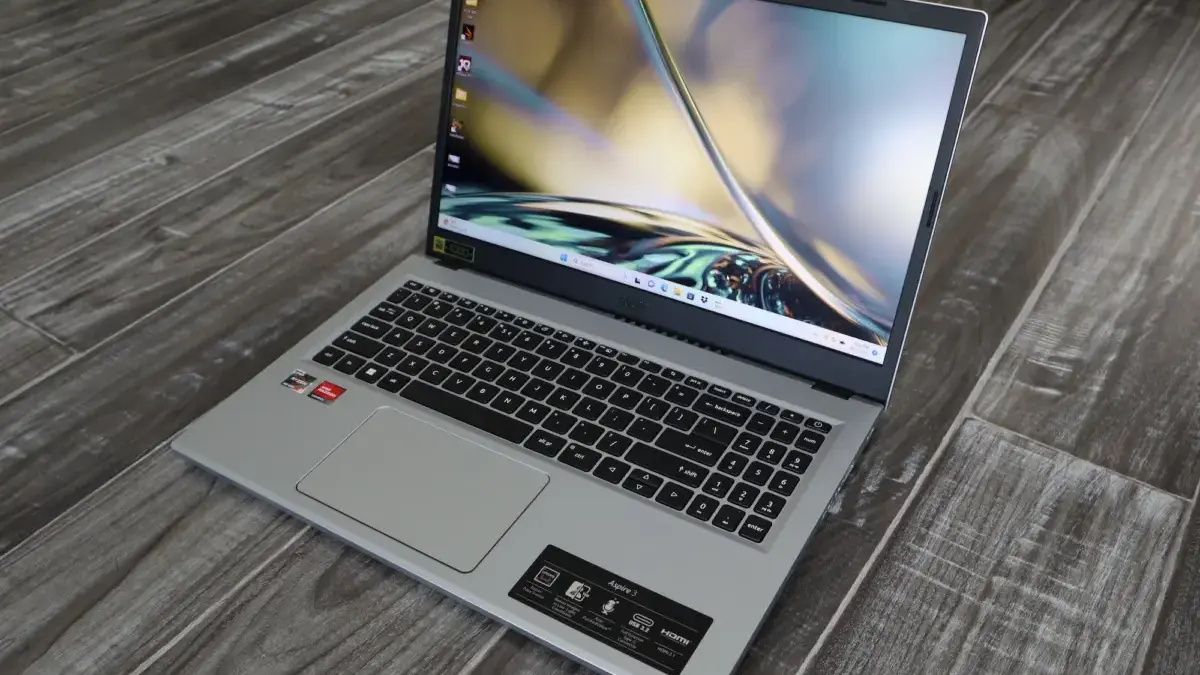
Shooting for a brand-new computer does not automatically mean dropping a thousand dollars or more just to handle everyday computing tasks. According to industry experts who spend their careers testing and evaluating personal computers, finding a reliable machine on a tight budget is entirely possible, provided shoppers spend their money wisely. At lower price points, certain laptops make reasonable compromises to hit a target cost, while others cut far too many corners to be worth consideration.
For the average user navigating the market for an affordable daily driver, experts recommend sticking to a few non-negotiable baseline specifications. A solid budget laptop should feature at least a 1080p display and a minimum of 8 gigabytes of RAM, though stepping up to 16 gigabytes remains a preferable option for anyone who can swing the slightly higher cost. While shoppers should not expect premium features, cutting-edge materials, or heavy-duty gaming performance at lower price points, plenty of models offer exceptional day-to-day performance.
The evaluation process comes down to rigorous testing and real-world standards. Organizations like PCWorld, which has been covering personal computers since 1983 and reviews more than 70 laptops every single year, emphasize the importance of vetting hardware thoroughly. Every recommended machine undergoes a combination of performance benchmarks and strict usability standards to ensure buyers get reliable value regardless of their spending limits.
What to Expect From a Good Budget Laptop
Shopping in the budget tier means looking for the fewest painful compromises rather than hunting for luxury performance. Devices priced under five hundred dollars are generally built to handle web browsing, document editing, video streaming, and email correspondence without lagging.

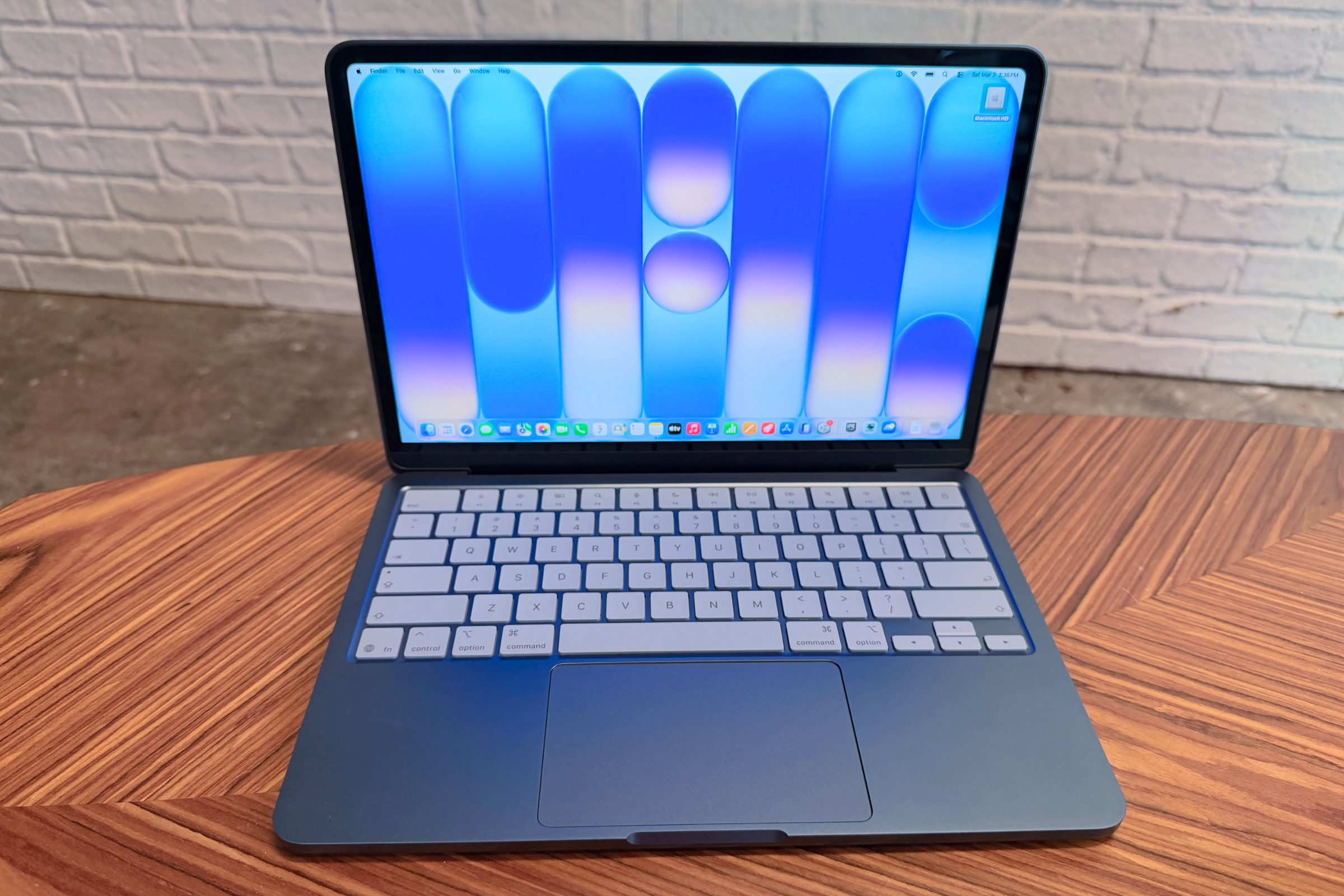
Among the standout options evaluated by testing teams, the MacBook Neo stands out as a premier choice for buyers willing to stretch their budget just a bit past the five-hundred-dollar threshold. Although it edges slightly over the conventional budget limit, reviewers note that the jump in overall quality and performance makes it too good to ignore. The device delivers a full, premium experience featuring an all-aluminum build that rivals much more expensive models. Equipped with an A18 Pro chip, the MacBook Neo handles everyday multitasking smoothly, allowing applications to open quickly and efficiently.
Furthermore, real-world battery life easily clears a full workday on a single charge. The device features a sharp 13-inch Liquid Retina display with a 2408-by-1506 resolution and a brightness level of 500 nits, creating a compelling combination rarely seen at this pricing tier. While users miss out on high-end extras like Thunderbolt connectivity or advanced webcams, the core reliability and build quality offer a distinct advantage over many traditional Windows competitors in the same bracket.
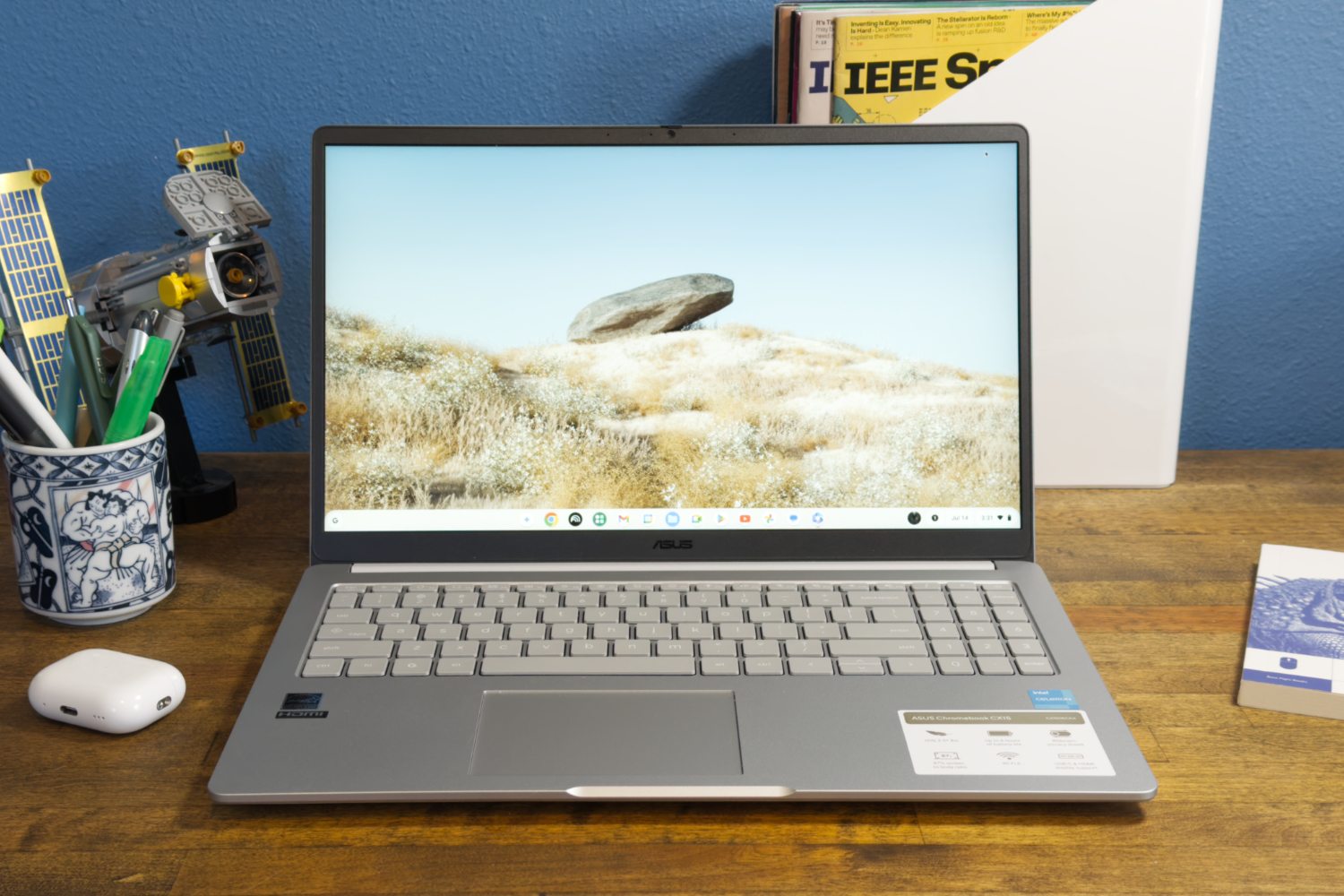
For shoppers strictly adhering to tighter financial limits, alternative options like the Asus Chromebook CX15 serve as practical choices for ultra-low budgets. Designed to handle basic tasks efficiently, this model features a 15.6-inch 1080p screen and a full-sized keyboard that lend it a sturdy feel despite its low cost. Powered by an Intel Celeron processor and 4 gigabytes of RAM, it handles everyday web browsing and media consumption comfortably, complemented by a battery life that stretches past ten hours on a single charge.
Buyers looking for a more robust Chrome OS experience within a reasonable price envelope often turn to the Asus Chromebook Plus CX34. Powered by an Intel Core i5 processor paired with 8 gigabytes of RAM, this model maintains responsive performance even when managing multiple browser tabs simultaneously alongside a video conference. Its lightweight chassis, clean aesthetic, full HD webcam, and crisp 1080p display make it an effective, straightforward tool for users who live primarily inside a web browser.
How Laptops Are Tested and Evaluated
Understanding how these machines earn their recommendations requires looking closely at testing methodologies. Windows laptops typically undergo a rigorous series of benchmarks designed to measure central processing unit capability, graphics performance, battery longevity, and general ergonomics. These tests push the hardware to its limits to establish how well it performs relative to competing models. Chromebooks undergo a parallel battery of web-based performance evaluations tailored to their operating system.
Navigating the budget laptop market ultimately requires balancing personal lifestyle needs against hardware expectations. Traditional laptops running Windows or macOS offer deep software compatibility and offline versatility, while Chromebooks provide streamlined efficiency, strong battery life, and seamless integration with web-based productivity tools. For travelers and mobile professionals, choosing a lightweight machine weighing under three pounds can significantly improve daily comfort.
When comparing operating systems, buyers often weigh the differences between traditional personal computers and Chromebooks. While the term laptop broadly encompasses both categories, Chromebooks operate on Google’s Chrome OS rather than Windows or macOS. They excel in environments where users rely heavily on cloud storage, web applications, and Google Workspace utilities. However, users seeking traditional desktop applications or advanced gaming capabilities will find that standard Windows laptops or specialized cloud-gaming setups better suit their requirements.
While integrated graphics processors have made remarkable strides in recent years—allowing certain modern processors to handle light gaming or media editing at reasonable settings—budget machines are generally not designed for heavy gaming workloads. Users interested in playing modern titles typically need to invest in dedicated hardware or rely on cloud-based streaming services backed by a dependable internet connection.
Ultimately, purchasing a dependable budget laptop is about identifying which features matter most for daily tasks and avoiding machines that compromise on essential specifications like memory and screen clarity.

Leave a Reply