The Fedora Design Team has successfully demonstrated that organizing a virtual conference entirely through open source tools is not only possible, but highly effective. The milestone was achieved during the inaugural Creative Freedom Summit, held virtually from January 17 to 19, 2023. Organizers set out to prove that communities dedicated to open source software can successfully rely on an entirely open technology stack to host professional, engaging, and collaborative digital events.
In the wake of the event, organizers shared both the successes and the operational hurdles of their open source experiment, offering a blueprint for future community-driven gatherings. While proprietary platforms have increasingly dominated the virtual conference landscape since the onset of the COVID-19 pandemic, the summit’s organizers chose a different path, driven by a commitment to the very principles they champion.
What is the Creative Freedom Summit?
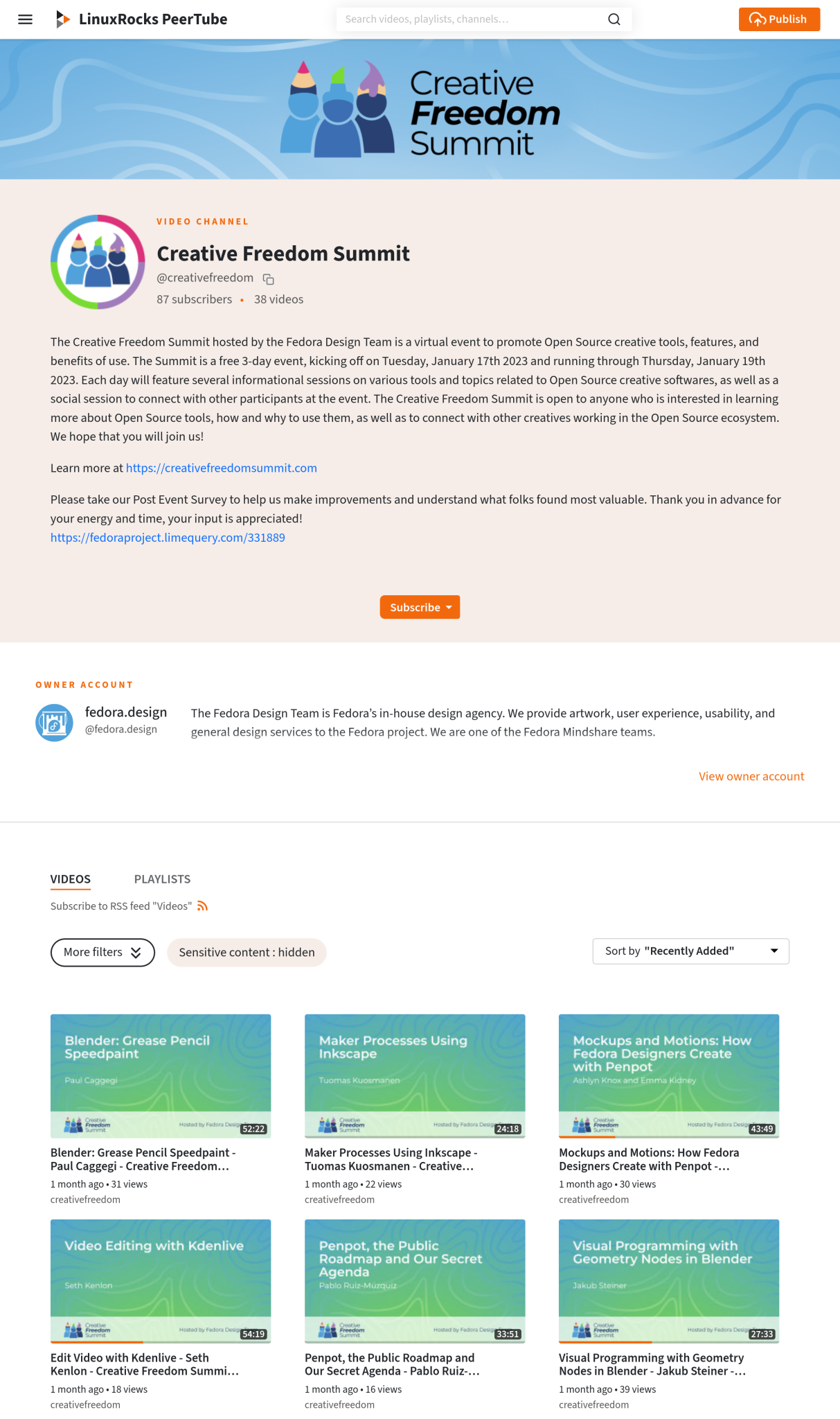
The concept for the Creative Freedom Summit originated with Marie Nordin while she was reviewing talk submissions for Flock, the annual conference for Fedora users and contributors, held in August 2022. Nordin noticed an overwhelming number of submissions focused on design and creativity within the open source ecosystem—far exceeding what the traditional event could possibly accommodate. Recognizing the immense demand for discussions centered on creative work done entirely through open-source tooling, she began to wonder if there was room for a dedicated, specialized event.
Nordin brought the idea to the Fedora Design Team in the fall of 2022, and planning commenced immediately for a January launch. Because it was the first time organizing a brand-new conference of this scale, the team opted to curate the initial lineup by inviting speakers directly, drawing from the pool of previous Flock submissions and their own personal networks of open source creatives. The response was overwhelmingly positive, with nearly every invited speaker accepting. Consequently, the team did not utilize a formal Call for Papers management tool for the inaugural event, a challenge they plan to address ahead of future summits.
The Philosophical Dilemma of Open Source Conferences
Since the initial pandemic lockdowns, the main Fedora Flock conference has relied heavily on Hopin, a commercial, proprietary virtual conference platform. While Hopin is friendly to open source communities and provides a polished, professional conference atmosphere complete with expo halls, dedicated tracks, and built-in moderation tools, it fundamentally lacks an open source foundation. For long-term contributors who have spent decades championing open source software, relying on proprietary infrastructure to host an event celebrating open principles can present an internal conflict.
However, as the scale and complexity of modern online communities grow, maintaining a fully integrated, self-hosted open source conference system has become a formidable engineering challenge. When the Fedora Design Team began planning the Creative Freedom Summit, they faced a complex balancing act. They had zero financial budget for the event, but they possessed a dedicated team of volunteers willing to contribute significant work hours.

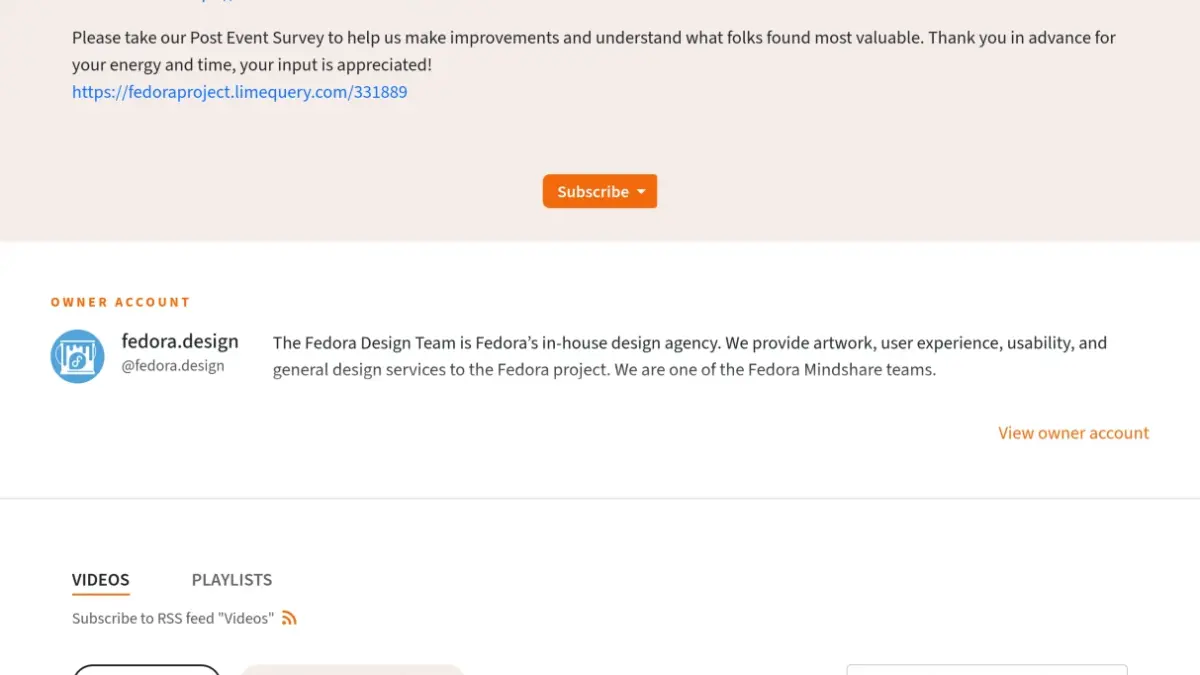
Fortunately, they also had access to established community infrastructure, including a Fedora Matrix server and a hosted WordPress system for the official website. Key organizers brought technical expertise from running weekly, live video calls for the Fedora Design Team using PeerTube. Because the vision for the summit was intentionally informal, low-key, and single-track, the team was comfortable navigating minor technical rough edges in exchange for the opportunity to test a fully open source stack.
Building an Open Source Conference Stack
The technical architecture of the Creative Freedom Summit was divided into distinct live and post-event components. For the live broadcast, the team relied on LinuxRocks PeerTube for livestreaming, Jitsi Meet for the virtual stage and speaker coordination, and Matrix via Element for audience engagement, chat, and backstage communication. Website management was handled through WordPress, while post-event workflows incorporated tools like LimeSurvey, Kdenlive for automated subtitle generation, and GitLab for volunteer video editing coordination.
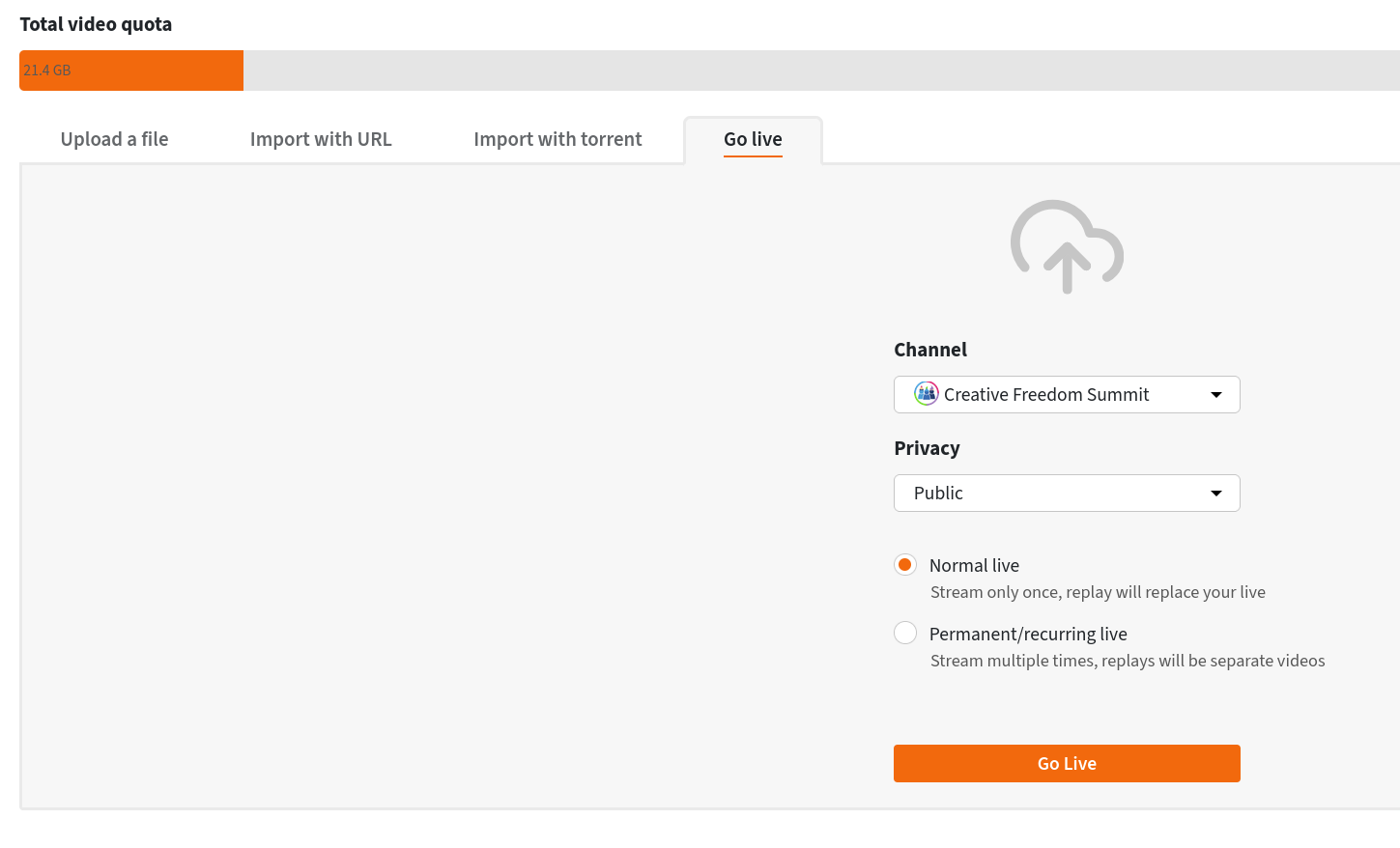
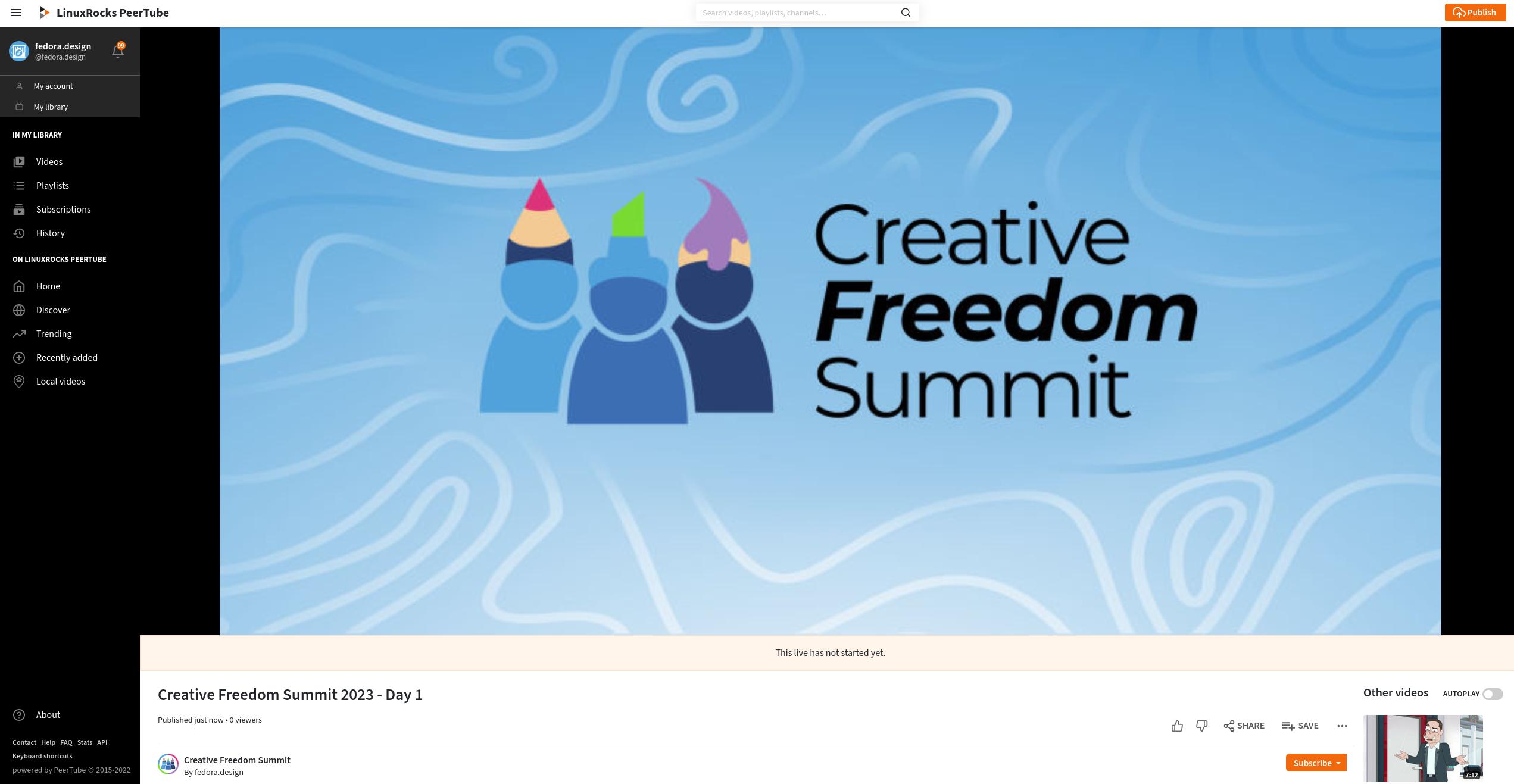
For the livestream, the organizers utilized a PeerTube instance generously hosted by LinuxRocks.online. PeerTube is a free, decentralized video platform integrated into the broader Fediverse. One of the platform’s standout features is its automated replay functionality. Unlike traditional streaming setups that require manual exporting, uploading, and encoding, PeerTube automatically generates a near-instant replay recording on the designated channel the moment a livestream concludes. Attendees frequently praised this capability during the event, as it allowed them to catch up on missed sessions within minutes of their conclusion without any manual intervention from the organizing team.
The integration between Jitsi Meet and PeerTube proved remarkably efficient. Organizers generated a persistent RTMP livestream URL and authorization key in PeerTube, which was then shared among hosts in a common document. When each session began, the host simply pasted the combined stream credentials into Jitsi, initiated the broadcast, and allowed the platform to handle the rest.
Managing the Virtual Stage and Backstage Communication
The live stage of the conference was hosted on Jitsi Meet, an open-source video conferencing platform. Organizers created a secure meeting room with a custom URL shared exclusively with speakers and hosts. To maintain schedule integrity and prevent interruptions, the room was configured with a virtual lobby, allowing speakers to join shortly before their presentations while hosts admitted them seamlessly at the conclusion of the preceding talk.
To coordinate logistics behind the scenes, the team established a dedicated, invite-only "Backstage" chat room using Element. This channel proved invaluable for managing schedule shifts, testing audio and video feeds prior to going live, and quickly reorganizing the timeline when an emergency forced a speaker to reschedule.
For general announcements, daily schedules, and live question-and-answer sessions, organizers embedded a collaborative HackMD document directly into the main Matrix chat room using the platform’s widget system. Attendees could post questions for speakers within the document, allowing hosts to read them aloud during the live Q&A segments. Although the team initially utilized Etherpad widgets, they transitioned to HackMD following minor loading issues reported by some participants.
Centralizing the Attendee Experience
A core strength of the event’s technical design was its centralization. By leveraging the widget capabilities of Matrix through Fedora’s Element server, organizers created a unified conference hub. Participants could watch the live PeerTube stream, consult the schedule and drop questions into the embedded HackMD notes, and converse with fellow attendees in the main chat room—all from a single window.
The website itself, developed by Ryan Gorley using WordPress and hosted on WPengine, served as a clean, single-page informational portal featuring a schedule embedded from sched.org.
Post-Event Workflows and Community Contributions
Following the conclusion of the summit, organizers gathered feedback using LimeSurvey distributed through the chat channels and PeerTube. A significant focus of post-event operations was the video editing pipeline. Because the initial livestreams occasionally combined multiple talks or spanned across multiple files, a group of volunteers rallied from the community to clean up the recordings.
Organizers utilized GitLab epics to manage the video editing workflow, categorizing tasks by skillset and tracking progress with custom labels. Volunteers downloaded raw recordings from the main PeerTube channel, edited them with custom title cards and intro music using open source video editors like Kdenlive, and uploaded the finalized files to a private repository for administrative review. Kdenlive’s built-in speech-to-text functionality was also leveraged to automatically generate subtitles, significantly easing the accessibility workload for the volunteer team.
By successfully orchestrating a multi-day virtual conference entirely on open source infrastructure, the Fedora Design Team has provided a practical roadmap for open source communities seeking to host independent, community-driven digital events without relying on proprietary platforms.