
Publishing online content has long required complex website setups, build processes, or reliance on heavy content management platforms. However, an open source project called Docsify-This is aiming to change that landscape by offering a streamlined way to publish, share, and reuse Markdown content without any preliminary website configuration. Built on top of Docsify.js, the project provides developers, educators, and content creators with an immediate pathway to turn raw text files into responsive web pages, while seamlessly embedding constraint-free Markdown or HTML into various external platforms such as learning management systems.
The core premise of Docsify-This is to remove the traditional barriers associated with web publishing. By leveraging publicly available files stored in Git repositories, the tool allows users to instantly transform any single Markdown file into a standalone, responsive web page complete with a unique, shareable URL. Alternatively, creators can link multiple Markdown files together to form a simple, cohesive website structure. Because the project is fully open source, individuals and organizations can host their own instances under custom domains, effectively eliminating the risk of platform lock-in and granting complete ownership over their published digital assets.

What is Docsify-This?
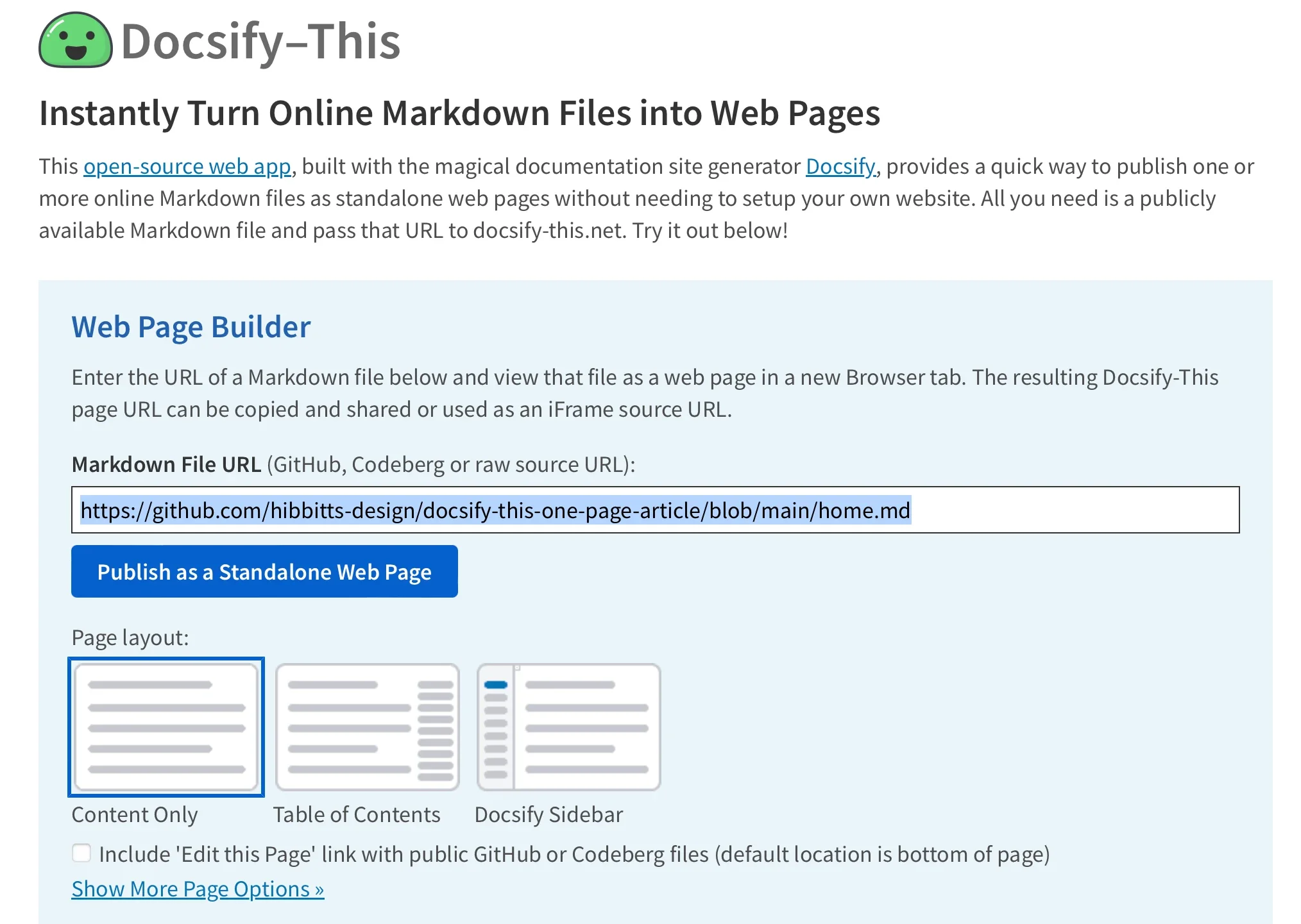
At its technical foundation, Docsify-This operates as a rendering bridge that reads Markdown files from public repositories—most notably GitHub and Codeberg—and converts them dynamically into web pages. For content creators seeking visual customization, the project features a point-and-click Web Page Builder interface accessible directly through its main web portal. Through this interface, users simply paste the URL of a public Markdown file and click a single button to generate their standalone web page. For more advanced workflows, URL parameters can be utilized to pull in files from virtually any Git host, expanding the tool’s flexibility across different development environments.
Beyond basic rendering, Docsify-This supports collaborative authoring workflows. When Markdown files are hosted on platforms like GitHub or Codeberg, the service can automatically append an "Edit this Page" link to each rendered view. This feature empowers readers, students, or co-authors to propose changes directly through version control systems, bridging the gap between static content consumption and active collaboration.
Use the Docsify-This Web Page Builder
The user experience for generating a page begins on the Docsify-This website or a locally hosted instance. Within the designated Web Page Builder section, authors input their repository file URLs to initiate the publishing process. Once processed, the system outputs a clean URL that can be embedded or shared across social networks, messaging apps, or institutional portals.
For instance, a typical base path points directly to a raw GitHub content repository, paired with a specific homepage parameter to load the desired document. This URL-driven architecture means that updating the underlying content requires no redeployment of the rendering engine itself; editing the source file in the repository instantly reflects on the live web page, streamlining content maintenance for fast-paced publishing environments.
Render other files in the same repository
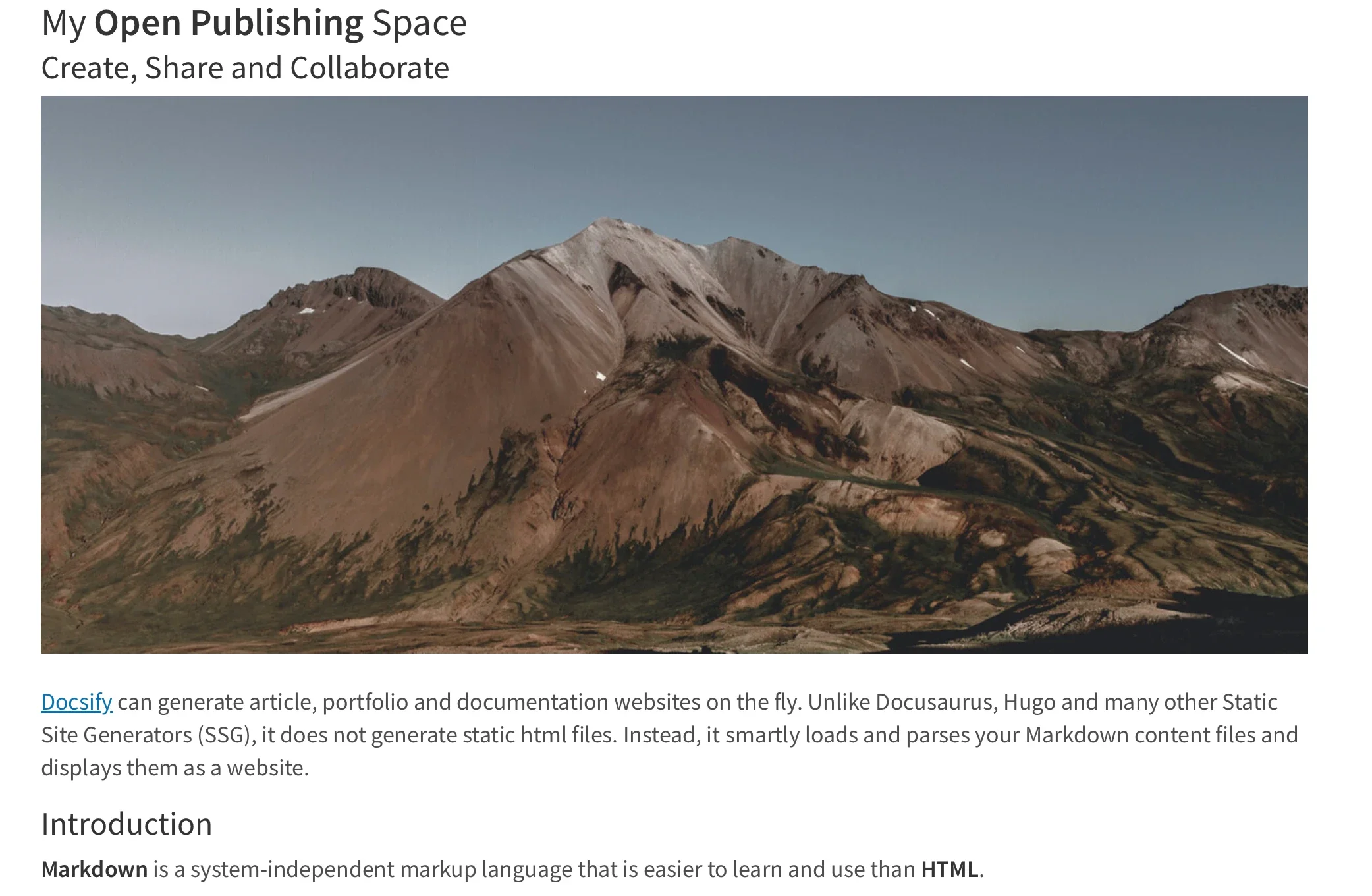
Managing multi-page documentation or course materials is similarly straightforward within the Docsify-This ecosystem. Rather than generating separate configurations for every document, publishers can dynamically render alternate Markdown files residing within the same repository simply by modifying the homepage parameter in the URL string. This capability allows instructors or technical writers to maintain an entire library of documents in a single repository while routing readers to specific chapters, modules, or resource guides by altering a single variable in the access link.
Modify the web page’s appearance
Visual consistency is often a challenge when embedding external content into established platforms, but Docsify-This addresses this concern through flexible styling options. Creators can adjust the visual presentation of their rendered Markdown files using standard URL parameters that map directly to CSS attributes. Common properties such as font family, font size, link color, and line height can be modified on the fly by appending parameters to the page URL, ensuring that the typography aligns with the destination environment.

In addition to global layout parameters, Docsify-This supports a specialized set of Markdown CSS classes designed to enhance interactivity. Authors can transform ordinary text links into styled buttons by appending specific class declarations directly into their Markdown syntax. Furthermore, creators are not limited to pre-defined styles; they can embed custom CSS blocks directly inside their Markdown documents. By defining custom stylesheet rules within the text file, authors can craft unique UI components—such as specialized call-to-action buttons or highlighted alert boxes—that render consistently wherever the Markdown file is displayed.
Include HTML snippets
While Markdown is celebrated for its simplicity and readability, complex document layouts often require advanced structural elements. Docsify-This maintains compatibility with standard Markdown specifications regarding raw HTML inclusion. This compatibility allows publishers to embed layout constructs, such as multi-column containers, directly into their documents. By leveraging standard HTML wrapper elements within a Markdown file, authors can achieve sophisticated page designs without abandoning the lightweight authoring workflow that Markdown provides.

Embed Docsify-This as an iFrame
One of the most powerful deployment vectors for Docsify-This is its native support for iFrame embedding. Because the generated web pages are fully responsive and lightweight, they can be embedded seamlessly within nearly any digital platform, including corporate intranets, blogging engines, and institutional portals. By combining iFrame markup with customized URL parameters—such as adjusting font sizes, hiding default credits, or modifying base paths—administrators can ensure that the embedded content blends harmoniously with the surrounding interface, creating a unified experience for the end user.
Embed Docsify-This with an external URL
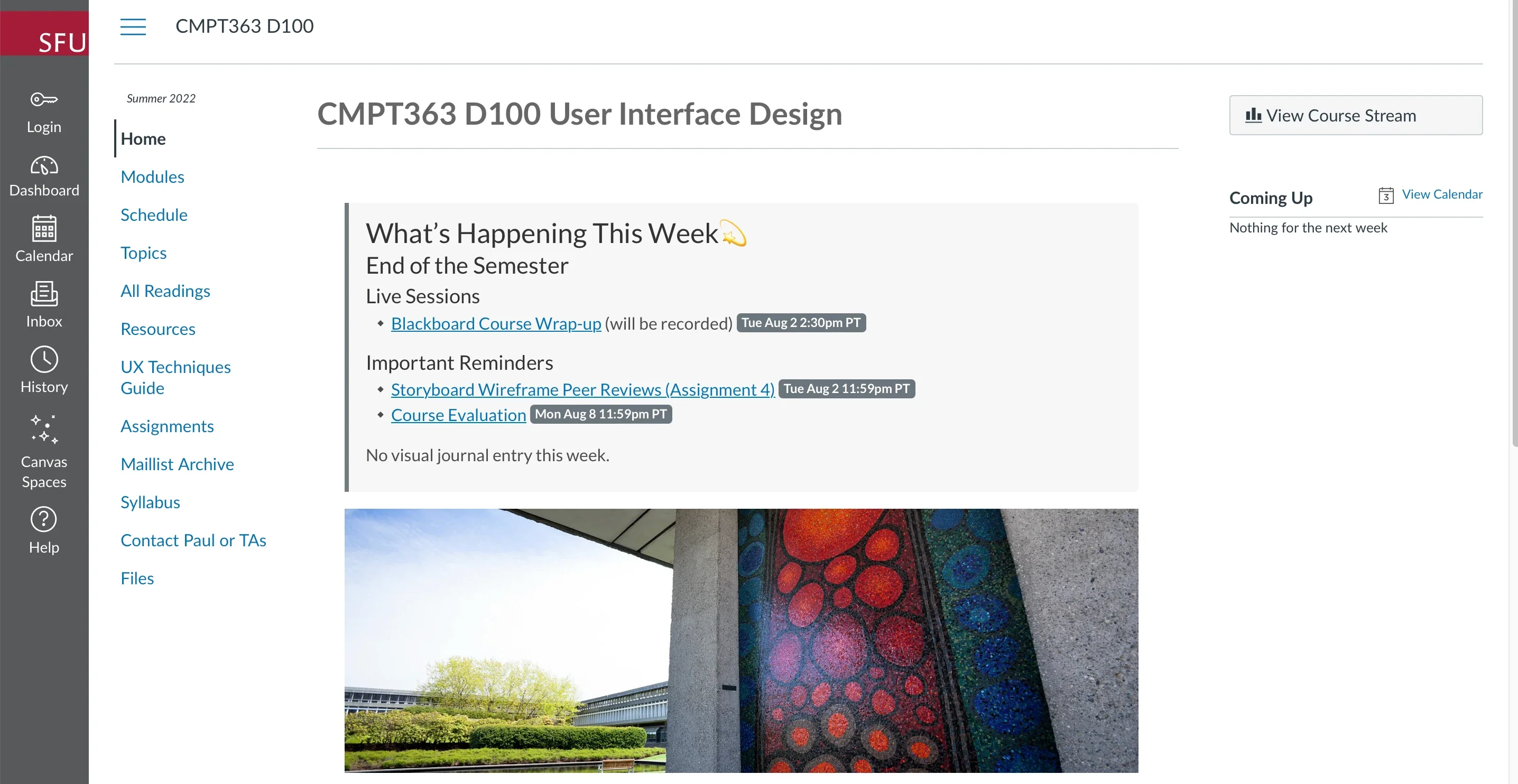
Beyond traditional iFrame usage, certain learning management systems offer native integrations that allow external web pages to be embedded directly into course navigation menus or module views. Platforms like Moodle and Canvas LMS support tools that can load external URLs within the primary application window. For example, educators using Canvas can utilize built-in redirection tools to present Docsify-This rendered course notes, syllabi, or resource lists directly as top-level navigation items. This integration provides students with access to version-controlled, beautifully formatted documents without requiring them to leave the learning environment.
Integrate Docsify-This and Git
To unlock the full collaborative potential of Docsify-This, content creators typically pair the platform with a Git-based version control workflow. Storing documentation in repositories hosted on Codeberg or GitHub enables robust change tracking, history logs, and multi-author contributions. A variety of open source graphical interfaces—including GitHub Desktop, Git-Cola, and SparkleShare—provide intuitive desktop environments for managing these repositories. Additionally, popular code editors and text environments feature deep Git integration, allowing writers to draft, commit, and push updates to their published Markdown documents directly from their development workspace.
Through its combination of simplicity, flexibility, and robust integration capabilities, Docsify-This lowers the barrier to entry for professional web publishing, offering a versatile tool for anyone looking to share Markdown-driven content across the web and educational platforms.



Leave a Reply