The artificial intelligence hardware landscape has evolved at a breakneck pace, culminating in a diverse array of specialized processing units designed to handle everything from local hobbyist experimentation to massive frontier model training. As of October 2026, choosing the right graphics processing unit requires a nuanced understanding of model sizes, memory bandwidth, precision types, and the fundamental differences between consumer-grade hardware and data-center infrastructure.
At the consumer end of the spectrum, cutting-edge cards like NVIDIA’s RTX 5090 have redefined local AI exploration, while workstation-class powerhouses such as the RTX PRO 6000 Blackwell allow researchers to execute massive 70-billion-parameter models on a single card. Meanwhile, the data-center market is dominated by high-performance architecture, where the A100 provides affordable fine-tuning capabilities, the H200 manages high-demand large-model inference, and the B200 anchors the frontier of large-scale training.
Understanding these hardware tiers begins with basic metrics. Video Random Access Memory, commonly known as VRAM, serves as the dedicated memory pool of a GPU and dictates the sheer scale of the AI model a card can physically load. Parameter count, represented by figures like 13B for a 13-billion-parameter model, measures the complexity and overall size of the intelligence network itself. Matching these software demands to the correct hardware requires careful calculation, especially given the distinct measurement metrics used across the industry. Consumer hardware performance is typically rated in AI TOPS utilizing FP4 or FP8 numerical formats—peak theoretical figures that rely on optimization techniques not universally adopted by every model. Conversely, workstation and data-center components are traditionally evaluated in TFLOPS using FP16 precision, meaning direct numerical comparisons between consumer and enterprise specifications are rarely straightforward.
NVIDIA Consumer and Workstation Hardware
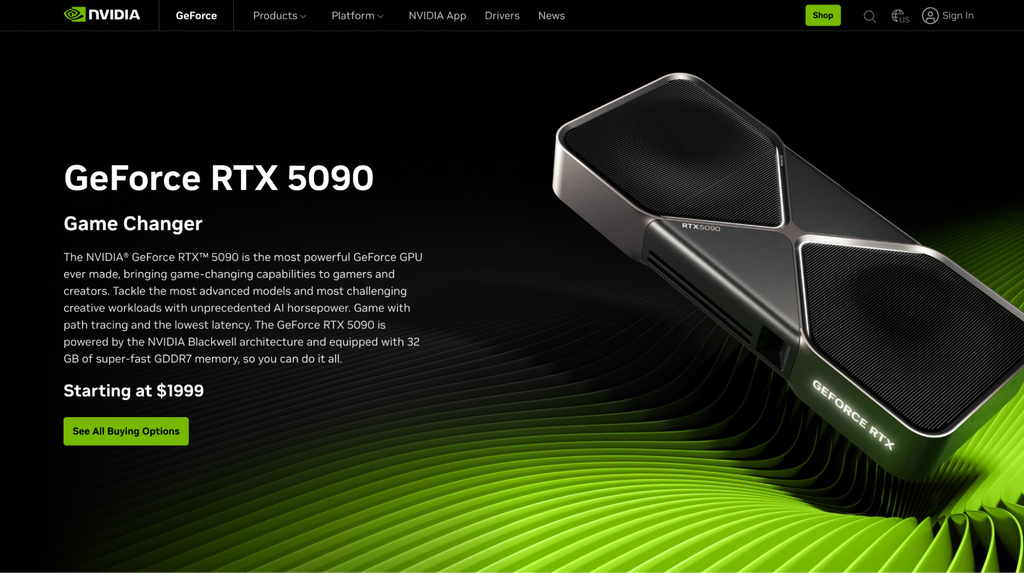
NVIDIA’s consumer lineup continues to push the boundaries of what is possible on a desktop computer. At the pinnacle sits the RTX 5090, the company’s most powerful consumer graphics card. While fundamentally engineered with gamers in mind, NVIDIA has packed this architecture with processing cores dedicated specifically to AI calculations. These dedicated cores dramatically accelerate tasks ranging from local image generation to responsive chatbot interactions, making it the premier choice for enthusiasts and developers who want to experiment with advanced AI workflows on their own hardware without relying on specialized server infrastructure. The RTX 5090 Founders Edition carries a retail price of $1,999, though cloud alternatives like Hostinger GPU hosting provide rental options starting at $0.64 per hour for users seeking to bypass the power supply and cooling upgrades required for a physical desktop installation.
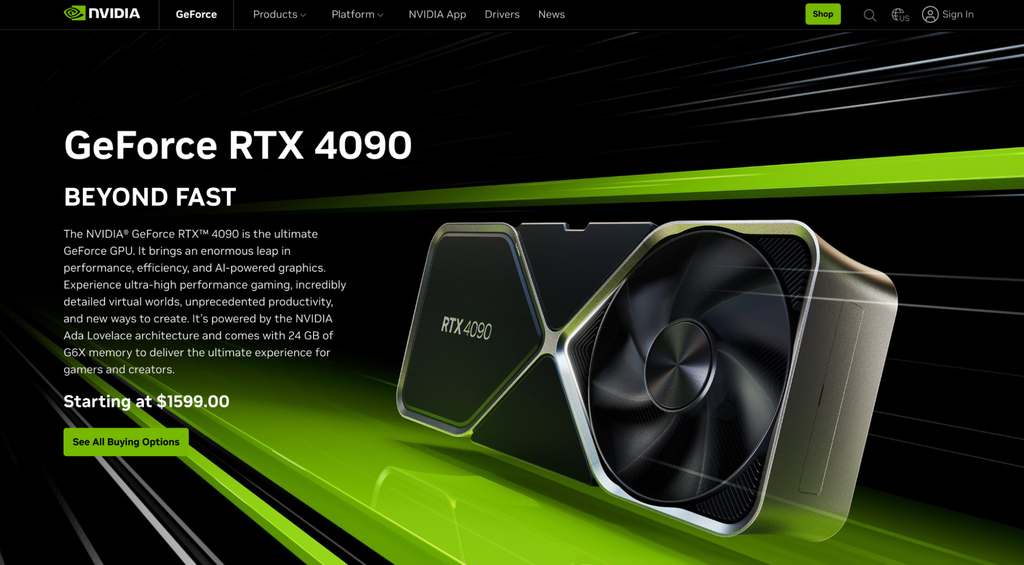
Stepping down slightly, the previous-generation RTX 4090 remains a remarkably capable option for serious local workloads. Built with 16,384 Compute Unified Device Architecture cores alongside dedicated Tensor Cores originally conceived for gaming features like DLSS, the card handles heavy image generation and chatbot processing with ease. Although NVIDIA no longer manufactures the RTX 4090, it remains widely available through secondary retailers and the used market, with cloud rental alternatives available from $0.42 per hour.
For budget-conscious developers, the RTX 5060 Ti 16 GB offers a practical entry point. Featuring a narrower 128-bit bus with 448 GB/s of bandwidth and 16 GB of VRAM, this card can comfortably load uncompressed AI models up to roughly 7 billion parameters, or 13 billion parameters when utilizing compression techniques. Priced at a launch baseline of $429, it functions as an ideal testing ground before committing capital to enterprise-grade machinery.
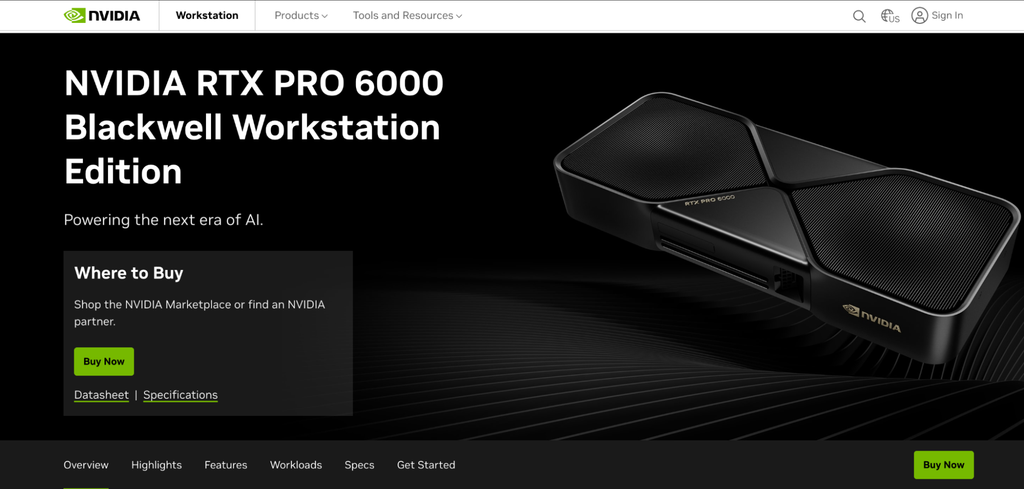
For professionals demanding data-center capabilities within a standard workstation form factor, the NVIDIA RTX PRO 6000 Blackwell bridges the gap. Designed strictly for professional AI and creative workloads rather than gaming, this workstation card plugs directly into a standard PCIe slot, eliminating the need for specialized server chassis. Equipped with a massive 96 GB of VRAM, it enables professionals to run a 70-billion-parameter model on a single card. The hardware is listed directly through NVIDIA marketplaces for $16,000, while server equivalents can be rented through cloud providers starting at $0.65 per hour.
Data-Center and Enterprise Solutions
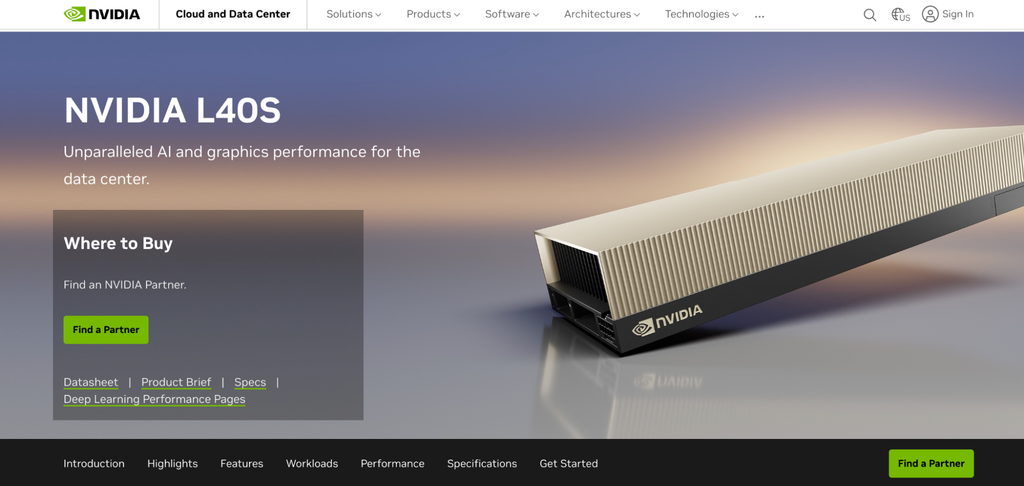
In the enterprise space, multipurpose data-center cards like the NVIDIA L40S offer a versatile middle ground. Engineered to balance AI training and inference alongside traditional graphics rendering and video processing, the L40S delivers 864 GB/s of bandwidth. This ensures rapid image generation and prompt response times, critical factors for customer-facing applications such as corporate website chatbots. Cloud instances for the L40S begin at $0.96 per hour.
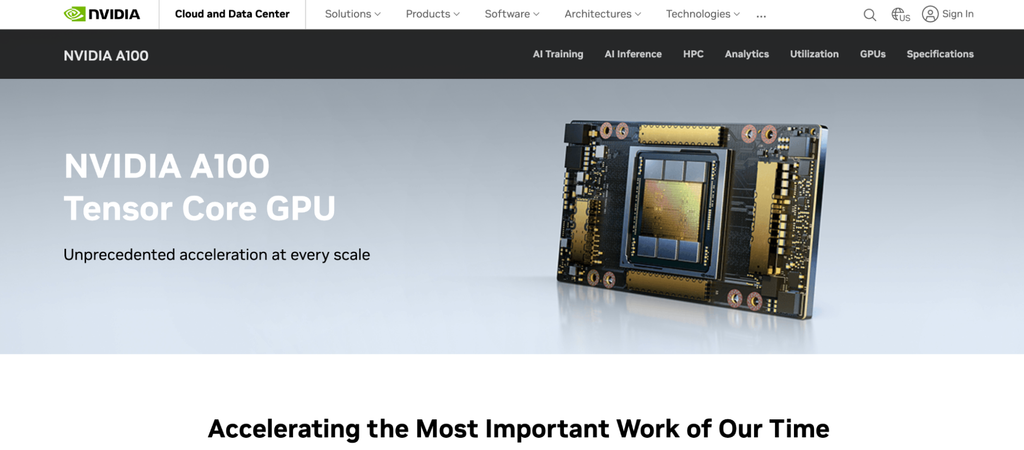
As demands scale toward larger operations, the NVIDIA A100 80 GB remains a staple for affordable fine-tuning. Utilizing High Bandwidth Memory to achieve roughly 1,935 GB/s of bandwidth, the A100 is capable of running multiple smaller AI jobs simultaneously. Although released in 2020 and predating the newer Hopper and Blackwell generations, it maintains a strong presence in the enterprise sector with cloud rentals starting at $1.55 per hour.
For heavy, large-scale training pipelines, the NVIDIA H100 serves as a dependable industry standard. Its SXM variant achieves data transfer speeds of up to 3,350 GB/s, ensuring the processor core remains fully fed during continuous training runs. Its successor, the H200, doubles down on memory capacity with 141 GB of high-speed memory and bandwidth scaling up to 4,800 GB/s. This makes the H200 exceptionally well-suited for serving massive models that require uninterrupted, low-latency generation.
At the absolute frontier of enterprise hardware is the NVIDIA B200. Designed explicitly for training and operating models featuring hundreds of billions or even trillions of parameters, the B200 utilizes a novel, compact mathematical format known as FP4. By relying on smaller numerical representations to optimize memory usage and accelerate math operations, the B200 achieves data movement speeds of up to 8,000 GB/s. Shipping as a dedicated module for multi-GPU server clusters rather than a standalone card, it commands elite pricing, with cloud instances available from $4.50 per hour for shared setups and $7.38 per hour for dedicated, non-shared environments.
Competing directly in this high-end enterprise tier is AMD’s flagship data-center offering, the Instinct MI355X. Built on the CDNA 4 architecture, the MI355X integrates 288 GB of memory and transfers data at up to 8,000 GB/s. When paired with FP4 compression, a single MI355X card can house models containing up to 400 billion parameters. Operating via AMD’s open-source ROCm software platform, the card provides a robust alternative to NVIDIA infrastructure for large-scale training and inference, with cloud rental rates starting around $2.95 per GPU-hour.
Choosing the Right Hardware and Deployment Strategy
Selecting the optimal GPU requires evaluating five primary pillars: VRAM capacity, memory bandwidth, precision support, software ecosystem compatibility, and power consumption. Model size dictates the foundational VRAM floor; a standard 7B model requires roughly 14 GB of VRAM at native precision, but this requirement can shrink to as little as 3.5 GB through 4-bit quantization. Developers must calculate context lengths and batch sizes before committing to any specific purchase.
Workload type also dictates hardware requirements. Training an artificial intelligence model from scratch demands significantly more memory than running inference, as the system must continuously log every adjustment made during the learning process. Techniques such as Low-Rank Adaptation and its memory-efficient counterpart, QLoRA, mitigate these costs by targeting small subsets of model parameters rather than full-scale retraining.
When deciding whether to purchase or rent hardware, users must weigh operational frequency against capital expenditure. Buying a physical card makes economic sense for daily, long-term usage, whereas renting is typically preferred for occasional projects, workloads requiring 80 GB or more of VRAM, or exploratory phases where exact resource requirements remain undefined. For instance, purchasing an RTX 5090 for $1,999 translates to approximately 3,100 hours of cloud rental time. Factoring in electricity costs, supporting components, utilization rates, and eventual resale value helps clarify the exact break-even point for desktop setups. For enterprise-grade hardware like the A100, L40S, or B200, cloud rental remains the most practical path for individuals and smaller organizations due to specialized power, cooling, and infrastructure prerequisites.
Ultimately, maximizing the efficiency of chosen hardware depends heavily on deployment strategy. Advanced serving frameworks like vLLM allow operators to extract greater performance out of existing resources, handling higher request volumes without necessitating immediate hardware expansion. By carefully balancing performance specifications, software compatibility, and deployment models, researchers and developers can successfully navigate the hardware demands of the modern AI landscape.