After five years without a major theme update, the popular web development resource CSS-Tricks has officially rolled out its version 20 theme. Rather than executing a disruptive, ground-up redesign, the site’s development team opted for an iterative rollout designed to modernize the underlying infrastructure while preserving the familiar user experience that developers have relied on for nearly two decades.
The launch of the v20 theme marks a significant milestone for the platform, addressing accumulated technical debt, improving site performance, and introducing long-overdue visual and architectural refinements. While casual visitors might initially notice only subtle differences in the site’s layout, the comprehensive under-the-hood transformation represents a massive housekeeping effort for a digital property that has evolved over 19 years of continuous web development.

Excavating Ghosts and Shedding Technical Debt
One of the most substantial areas of focus during the development of version 20 was the removal of legacy code and unused assets accumulated over nearly two decades of publishing. The development team undertook a thorough excavation of the theme directory to eliminate redundant scripts, outdated plugins, and unused templates.
Among the items purged from the codebase were legacy JavaScript files that handled embedded newsletter versions from an era before the site began self-hosting its posts. Developers also removed old scripts specifically tailored to the Flexbox Guide to handle toggles before modern HTML details elements became standard, alongside outdated jQuery lazy-loader utilities that are now natively handled by WordPress core. Furthermore, scripts dedicated to third-party ad serving were stripped out following the transition to self-hosting advertisements.
These reductions successfully trimmed the overall global compiled JavaScript file from 151.6 KB down to 133.8 KB, reducing the gzipped size from 55.3 KB to 48.1 KB.
In addition to script cleanups, the CSS-Tricks Forum was formally retired and deactivated. Although the forum had been placed in archive mode around 2018, its underlying bbPress plugin and associated database records remained, retaining discussions from over a decade ago that offered little relevance to modern web development. Deactivating the plugin and clearing out the database carved an impressive 400 megabytes from the site’s database while allowing developers to eliminate several custom templates from the theme entirely.
Modernizing Workflows and Enhancing Security
The modernization effort extended directly into the development workflow and platform security. The site upgraded its build processes, moving away from a rigidly maintained, static state toward a cleaner, more efficient operational workflow that eliminates recurring terminal errors and accelerates local deployment.
Security measures also received a comprehensive review. In addition to manual spot-checks and fixes for unescaped custom field calls, the development team utilized artificial intelligence tools to conduct a holistic security audit. By prompting the AI model to cross-reference recent WordPress security release notes against the theme’s architecture, developers were able to identify and patch potential vulnerabilities to ensure better compliance with modern WordPress core security standards. This hybrid approach allowed the front-end team to leverage automated auditing assistance while retaining manual control over implementing the final patches.
Sass Architecture and a Unified Design System
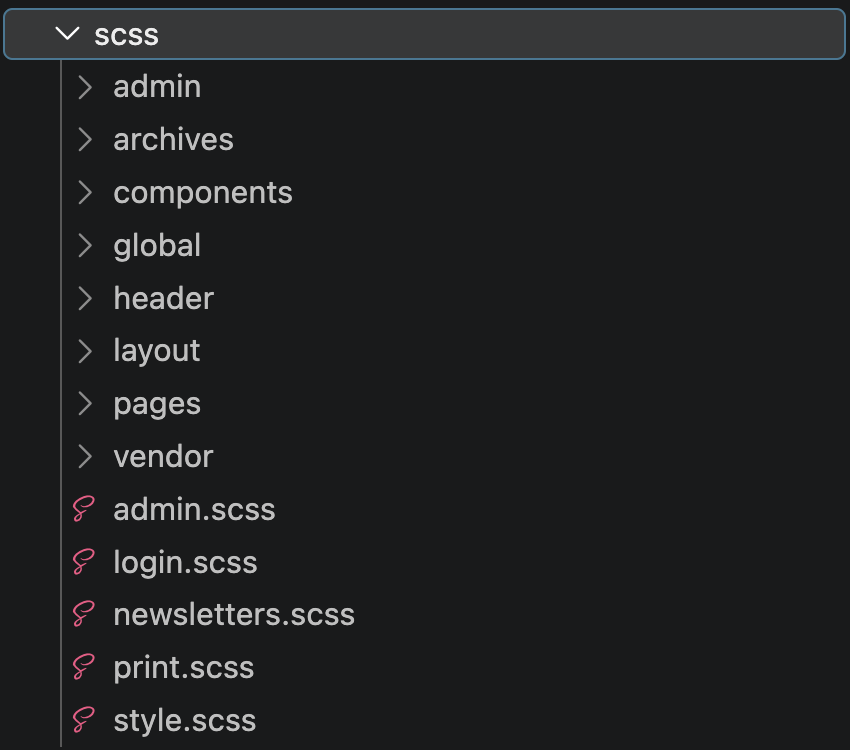
The site’s styling infrastructure underwent a significant restructuring. While retaining the use of Sass for its valuable partial-file organization, the codebase transitioned from a relatively flat file structure to a more organized, modular hierarchy. This reorganization successfully reduced the overall CSS file size from 180 KB down to 169 KB, with gzipped assets dropping from 31.7 KB to 24.6 KB. To achieve optimal performance, form styles were separated into a dedicated stylesheet that loads exclusively on pages where plugins like WooCommerce, Restrict Content Pro, and Gravity Forms are active.
This architectural cleanup enabled the establishment of a cohesive design system across the entire site. By replacing one-off values, magic numbers, and older utilities with semantic design tokens, the development team created a maintainable palette for colors, typography, and spacing. Global link styles were standardized to improve visual consistency and accessibility, ensuring that navigational cues no longer rely solely on color or opacity changes.
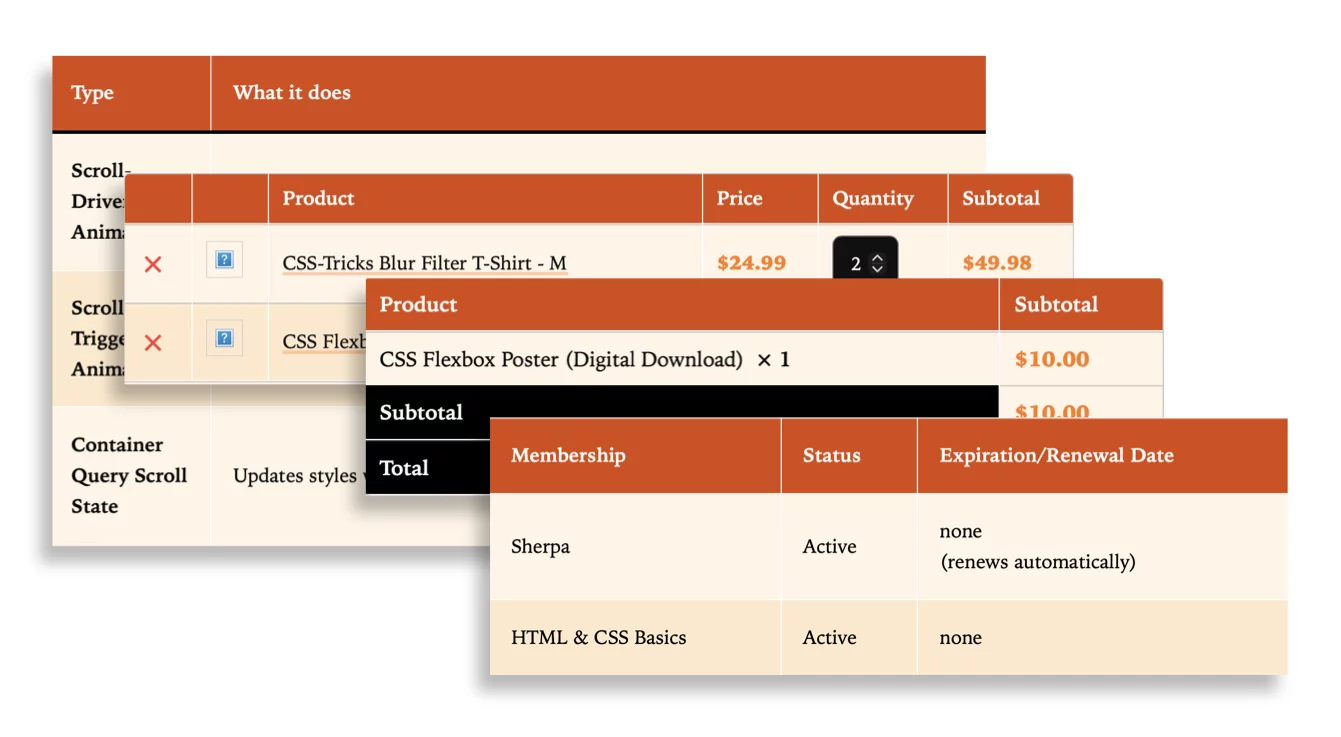
Furthermore, forms and tables from disparate WordPress plugins were successfully reset and harmonized, bringing a consistent visual rhythm to interactive elements across the platform.

A New Theme Toggle and Visual Refinements
Version 20 introduces the site’s first-ever built-in support for multiple color schemes. Given that the platform has historically featured a dark aesthetic alongside white content containers, the new design introduces a creamy light theme that relies on background and component style shifts rather than a complete inversion of the main reading area. Using a unified toggle approach, the theme seamlessly handles system, dark, and light preferences, complete with a view transition animation that slides the newly selected theme smoothly over the previous one.
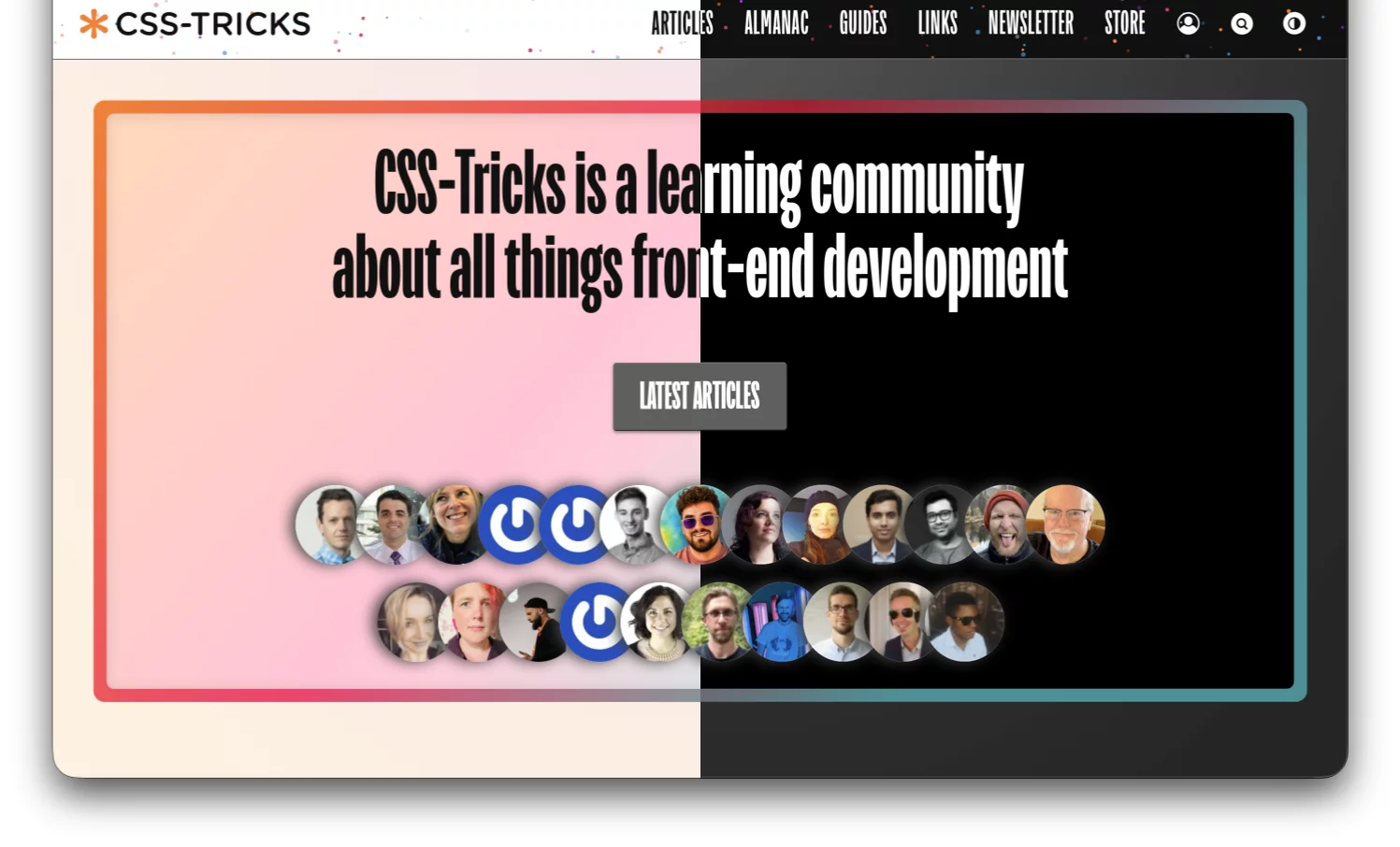
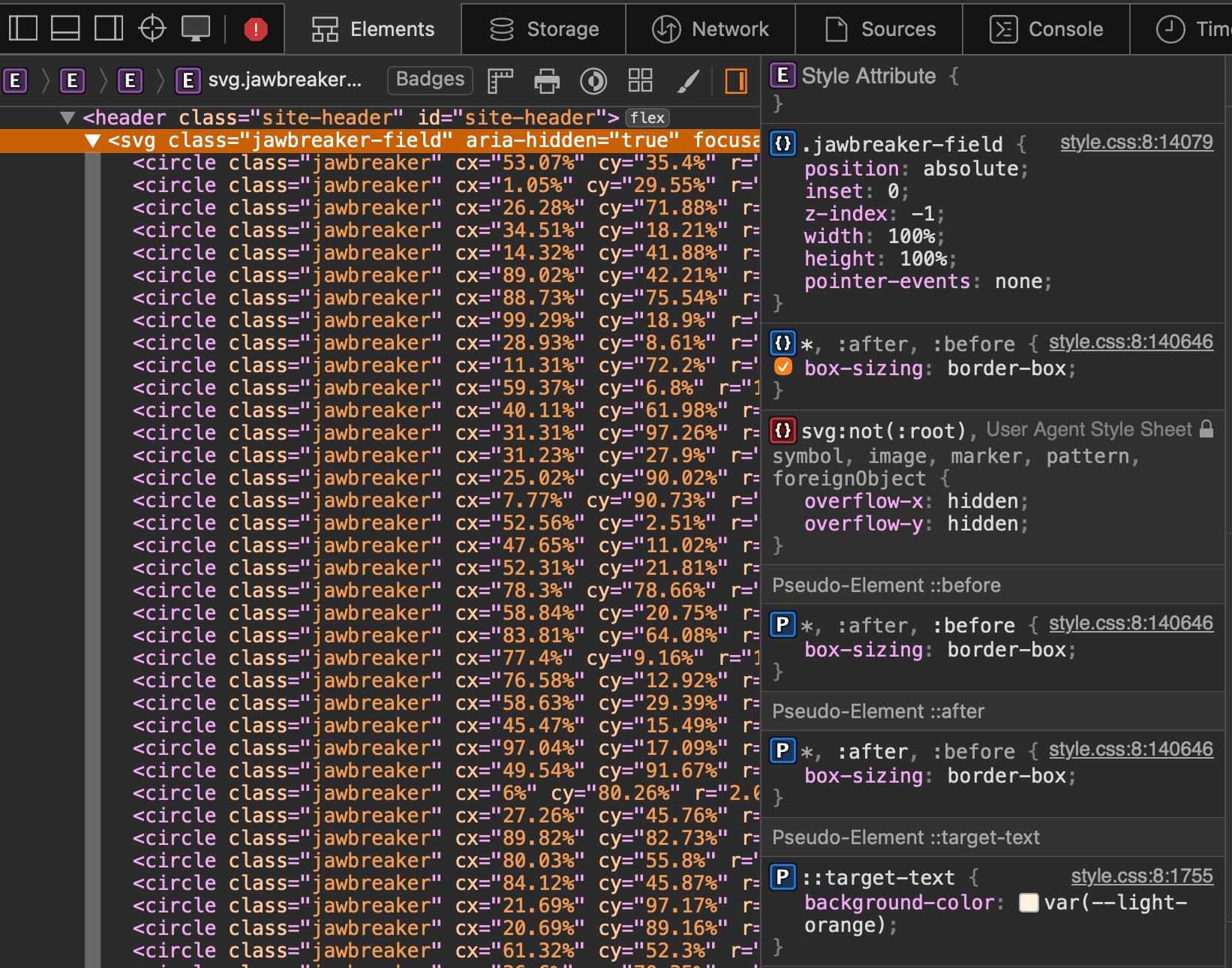
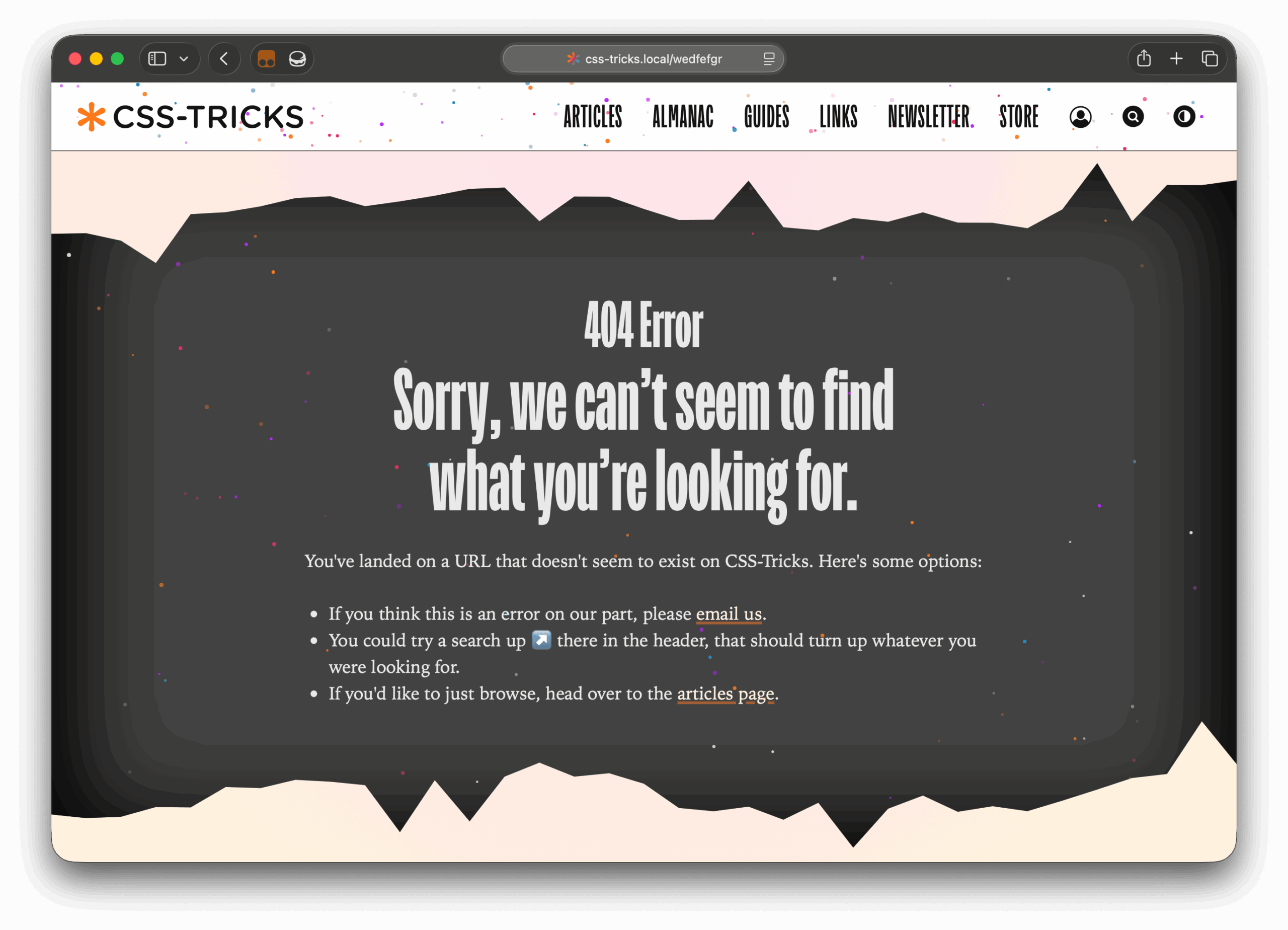
Visual enhancements also appear in the header and footer through a custom SVG-generated dot pattern affectionately dubbed the "Jawbreaker" texture. Rather than relying on static raster images, the background circles are dynamically generated via PHP with randomized sizes and positions, accompanied by subtle CSS animations. This playful motif extends to the site’s updated 404 error page.
Additionally, browser-supported features like CSS shape() and random() functions were leveraged on the homepage to introduce dynamic, organic blob shapes behind author avatar grids, providing interactive visual feedback upon hovering.
Refining Key Content Indexes
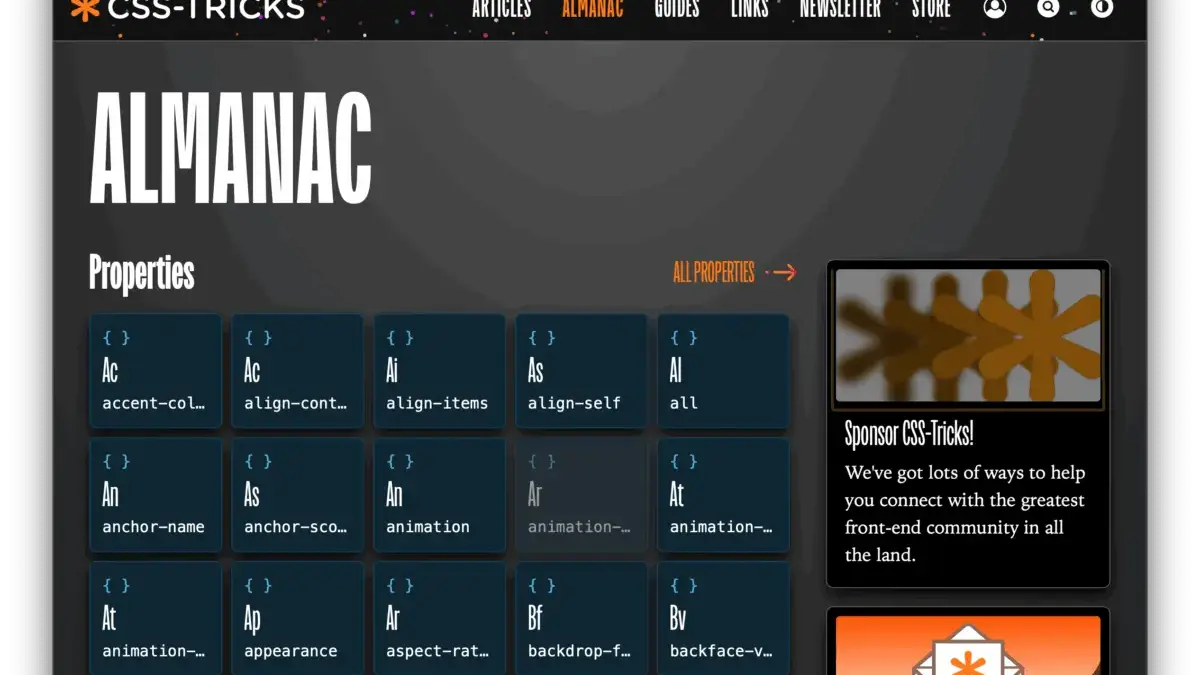
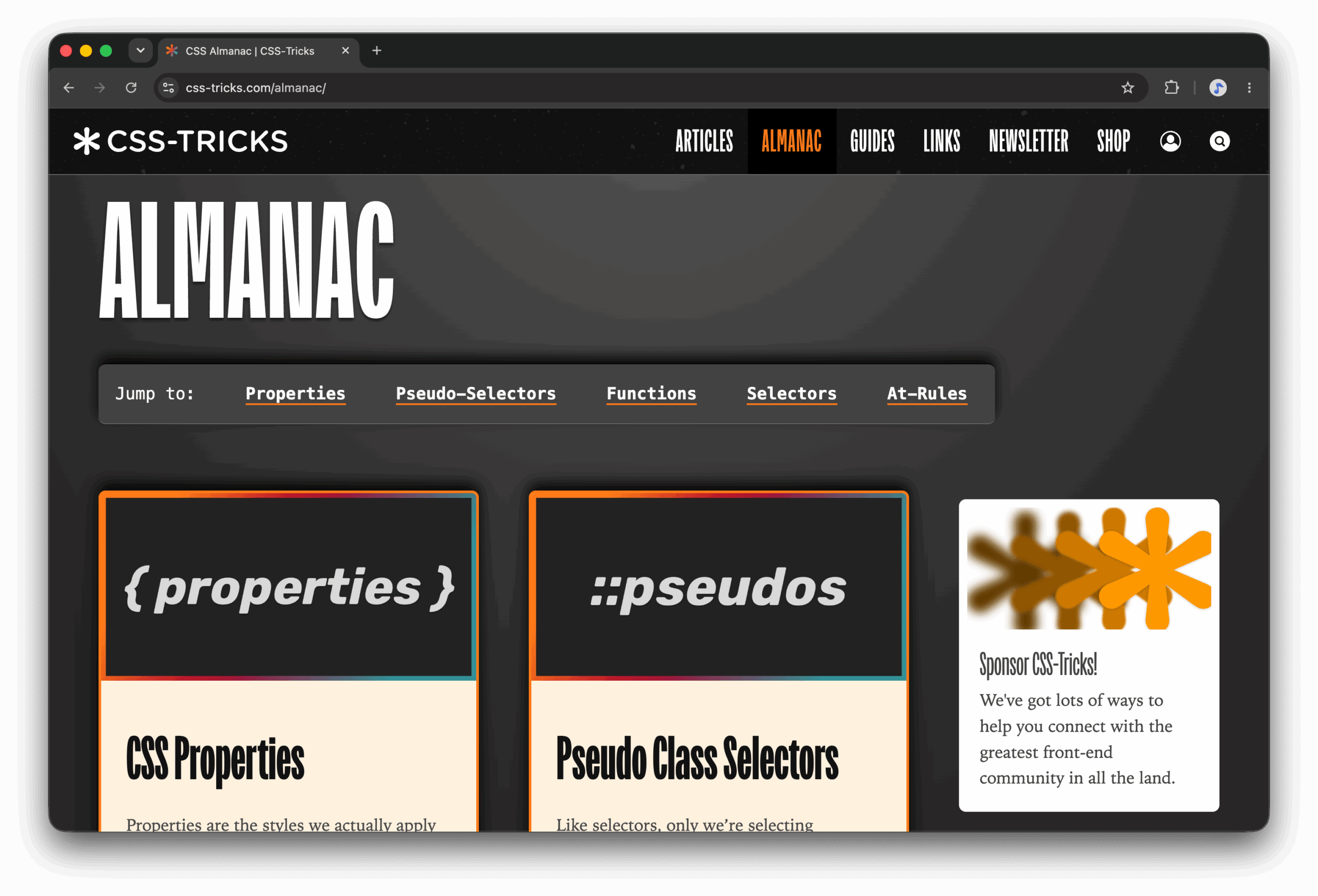
Navigation and content discovery received substantial redesigns across major platform indexes. The Almanac, which catalogs various CSS features and properties, transitioned from a simple grid of clickable cards into a more comprehensive, structured index inspired by periodic table layouts, helping developers quickly locate specific technical resources.
Similarly, the Guides index was overhauled to replace a vertical stack format that previously required extensive scrolling. The updated layout now highlights a featured guide alongside a dedicated widget for newly added or updated resources, followed by a categorized grid of all available guides. Author profile pages were also restructured by shifting sidebars to allow published articles to appear more prominently at the top of the viewport, while WordPress admin editor styles were updated to better reflect front-end typography and text formatting.
Measurable Performance Gains
To evaluate the impact of the redesign, the development team utilized Google Lighthouse audits to compare version 19 and version 20 across key performance and accessibility metrics.
The updated theme demonstrated notable improvements across several categories. Accessibility scores rose from 86 to 91, while Best Practices ratings climbed from 75 to a perfect 100. Search engine optimization scores remained stable around the low nineties.
Core performance metrics also reflected positive adjustments. The Largest Contentful Paint dropped from 8.5 seconds down to 7.2 seconds, and Cumulative Layout Shift was reduced to zero. Most notably, Time to Interactive improved significantly from 8.6 seconds to 4.0 seconds, while total page weight decreased substantially from 2.03 megabytes down to 1.24 megabytes.
While minor bugs and further optimizations remain on the horizon, the launch of version 20 successfully establishes a leaner, faster, and more maintainable foundation for CSS-Tricks as it moves into its next chapter.