For years, the intersection of Apple hardware and alternative operating systems has been a frontier explored primarily by dedicated hardware tinkerers and open-source enthusiasts. Apple’s transition away from Intel processors to its proprietary custom silicon chips represented a monumental leap in performance, energy efficiency, and architectural design. However, it also created a formidable barrier for users wanting to run anything other than macOS natively on their machines. Because Apple tightly controls its ecosystem, breaking free from the traditional macOS environment has required immense reverse engineering and community-driven development.
Despite the inherent challenges of a closed platform, a vibrant ecosystem of developers has steadily worked to bridge the gap between open-source operating systems and Apple’s powerful custom chips. Today, several prominent projects allow users to boot Linux distributions directly onto Apple Silicon hardware rather than relying on resource-intensive virtual machines. These native installations run alongside macOS via dual-boot configurations, offering full access to the underlying hardware capabilities. For those looking to escape proprietary software limitations while maximizing the value of their Apple investment, a diverse selection of six major Linux distributions now offers viable pathways onto M-series hardware.
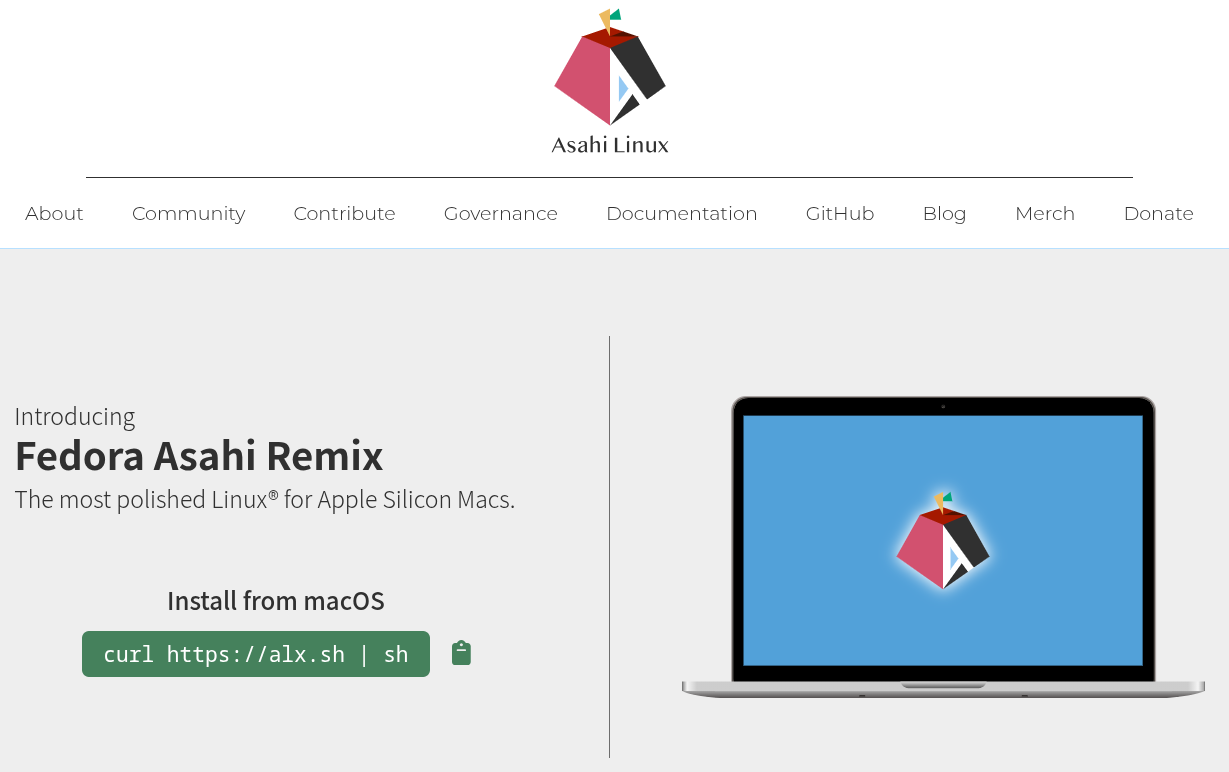
At the forefront of this movement is Fedora Asahi Remix, which serves as the flagship distribution of the broader Asahi Linux project. This project successfully merges standard Fedora Linux with custom-tailored Apple Silicon support. By default, it features the KDE Plasma desktop environment running on Wayland, though alternative images including GNOME, Minimal, and Server configurations are readily available for users with different workflow preferences.

The level of hardware integration achieved by Fedora Asahi Remix on older generations of Apple hardware is remarkably comprehensive. On M1 and M2 generation Mac computers, nearly all essential peripherals function seamlessly out of the box, spanning webcams, integrated microphones, Wi-Fi adapters, and Bluetooth connectivity. Furthermore, the graphics drivers integrated into the project have reached significant milestones, successfully passing official OpenGL 4.6 and Vulkan 1.4 conformance tests.
Support for newer hardware iterations, such as M3-series machines, is actively developing though still considered relatively fresh. Users attempting to run the software on M3 hardware currently encounter certain limitations, such as non-functional sleep states, unavailable HDMI video output on MacBooks, and suboptimal performance in 3D graphics workloads. Meanwhile, high-end configurations like the M3 Ultra Mac Studio remain entirely unsupported. The installation process for Fedora Asahi Remix originates directly from within the macOS environment, where users execute a streamlined script inside the native Terminal application to manage partitioning and setup safely without erasing the host operating system.
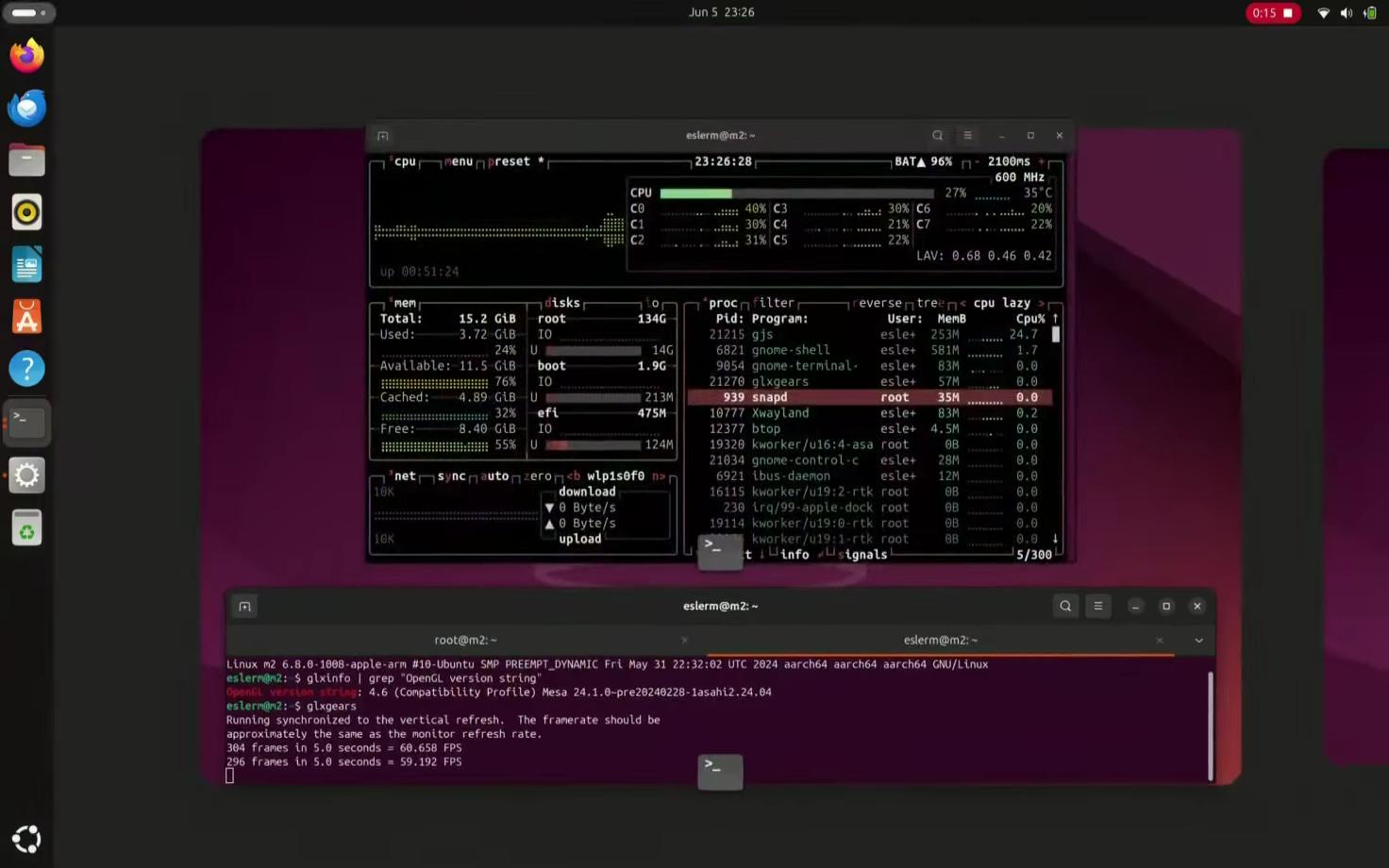
Building upon the foundational work established by the broader Asahi Linux initiative, the community-driven Ubuntu Asahi project brings one of the world’s most popular Linux distributions to Apple Silicon hardware. Aimed squarely at users who are already deeply familiar with the Ubuntu ecosystem, this port delivers official desktop and server images configured specifically for M1 and M2 Macs. The overarching objective of the Ubuntu Asahi project is to match the comprehensive feature set established by Fedora Asahi Remix, though hardware enablement patches typically filter down after first landing in the Fedora-based upstream. Consequently, system updates and cutting-edge hardware support updates for the Ubuntu port generally lag behind by a matter of weeks. The deployment mechanism mirrors its predecessor, utilizing a script executed within the macOS Terminal that intelligently shrinks the existing macOS partition to accommodate the new operating system safely.
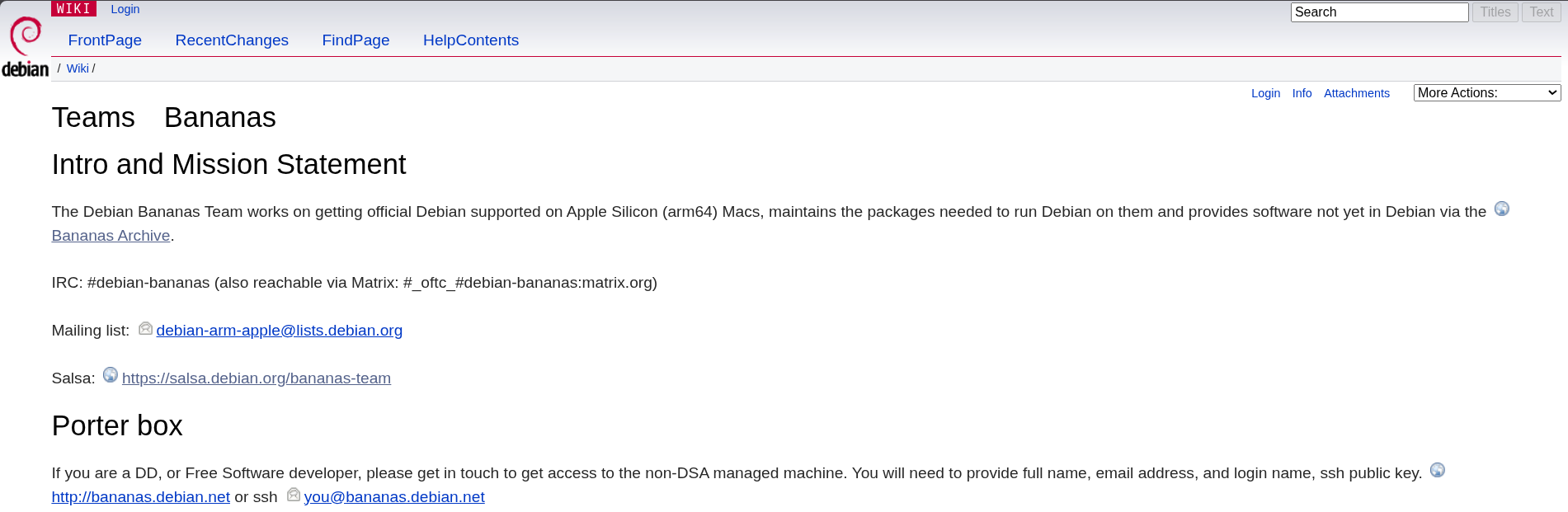
Another significant development in the space is spearheaded by the Bananas Team, which is working to bring Debian to Apple Silicon architecture. Because official Debian support is currently bottlenecked by the Linux kernel—specifically because the requisite Asahi Linux patches have not yet been officially merged upstream—the team bridges this gap by packaging the missing components independently through an unofficial software repository. While the kernel support remains a work in progress, various foundational elements such as the m1n1 bootloader and the complex audio stack have already been integrated into Debian since the Trixie release cycle. The Bananas Team provides installation options supporting GNOME, KDE, or minimal console-only setups through a command-line script initiated from macOS.
For users drawn to declarative system configuration and reproducible environments, NixOS has also found its way onto Apple Silicon via a dedicated community-driven port. This approach allows administrators to define their entire operating system architecture within a single declarative configuration file, rebuilding the environment so that the physical Mac matches the specified parameters precisely. Maintainers of the NixOS Apple Silicon port work closely to keep their versioning aligned with Fedora Asahi Remix, deliberately rejecting modifications that stray too far from the upstream baseline. Hardware support mirrors the overarching progress made by Asahi Linux, though the deployment procedure is notably more hands-on. Users must manually prepare a UEFI environment from within macOS using the Asahi installer utilities, boot a standalone NixOS installer image from an external USB drive, and complete the final configuration steps through the command line.
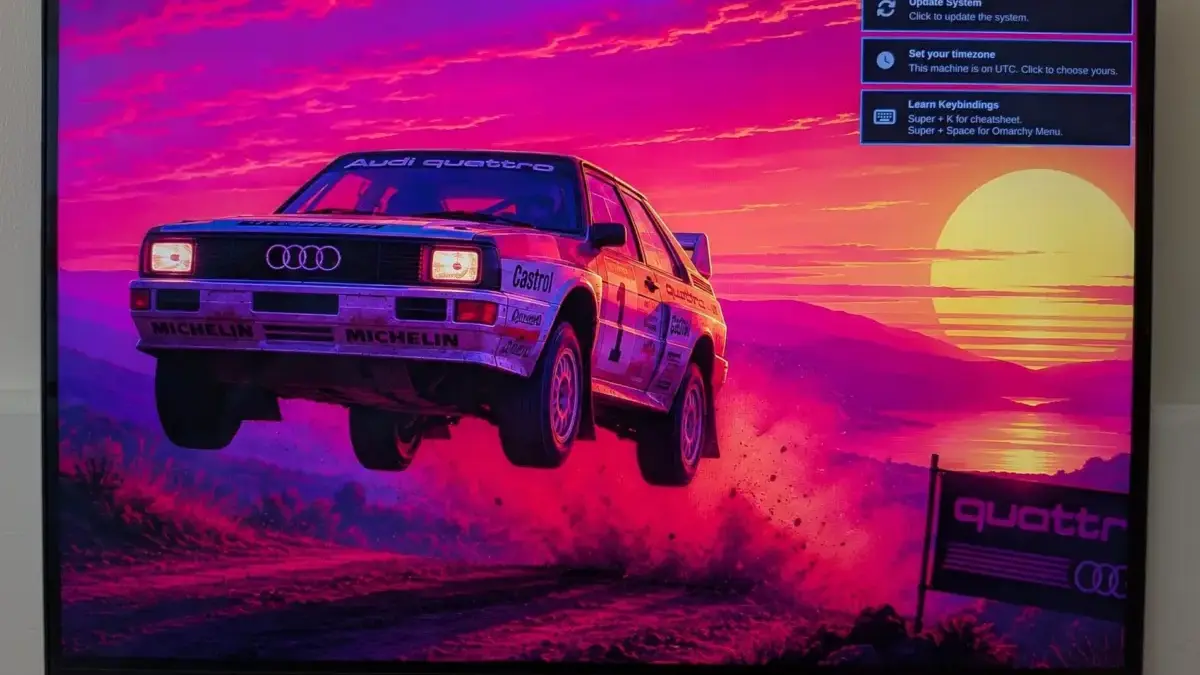
Venturing into alternative desktop paradigms, Omarchy M represents a specialized team dedicated to bringing the Arch-based Hyprland desktop environment to Apple Silicon hardware, while also maintaining focus on legacy Mac models. The initial releases target standard M1 and M2 architectures, alongside their respective Pro and Max variants. The project’s extensive roadmap includes the development of a native installer, complete GPU acceleration, external monitor support over USB-C, Touch ID integration, machine learning extensions through MLX, and full disk encryption capabilities. Hardware enablement for subsequent generations of Apple hardware is planned to run concurrently with these software improvements, featuring a community-built native application designed to streamline the installation process without requiring external USB storage media.
Finally, projects like Gravity Linux demonstrate how the landscape continues to evolve to meet the needs of newer hardware iterations. Designed as a specialized Fedora remix featuring the KDE Plasma desktop on Wayland, Gravity Linux was originally conceived to provide an alternative platform with distinct policies regarding technology implementation, operating primarily on clean-room reverse engineering principles. The initial alpha release of Gravity Linux specifically targets developers using the M4 Mac mini. While the core display controller and graphical processing unit are functional, various peripheral features such as system suspend, USB-C display output, Thunderbolt, and USB4 interfaces remain non-functional, and basic power management tasks like shutting down and rebooting can exhibit occasional instability. Because the project’s long-term goal is to eventually sunset its independent existence once upstream drivers mature sufficiently for mainstream distributions to run natively on newer Macs, users adopting the alpha build must plan for a full re-installation when subsequent beta phases arrive, as an established upgrade path is not yet in place.