
As the web development community transitions into a new season, front-end engineers are greeted with a fresh wave of cutting-edge features, modern methodologies, and thoughtful discussions surrounding the evolution of CSS and HTML. The latest developments highlight a concerted effort to solve long-standing user experience challenges, improve layout capabilities, and introduce powerful new selectors that promise cleaner and more performant stylesheets.
Refining User Experience: The Evolution of Tooltips and Interest Invokers
One of the prominent discussions in recent weeks centers around the mechanics of tooltips. Traditional tooltips can often feel frustratingly sluggish or overly aggressive, popping up accidentally when a user’s cursor merely sweeps across a screen, yet lingering awkwardly when they are no longer wanted. Abhishek Jakhar recently explored this dilemma, outlining why optimal tooltips should feature an initial delay followed by an instant disappearance. This approach prevents accidental triggers while ensuring that the interface responds immediately when the user’s interest has passed. Jakhar demonstrated practical ways to implement this behavior, though observers note that developers must carefully manage hover-able regions to prevent unintentional de-triggering.
Adding a modern perspective to the conversation, Chris Coyier responded with an alternative implementation leveraging interest invokers. This approach relies on two key native CSS properties: interest-delay-start and interest-delay-end. While support for interest invokers is currently limited to Chrome, the technique serves as a prime example of progressive enhancement in action, allowing developers to build for the future while maintaining fallback strategies for other browsers.
The <geolocation> Element and Its Integration Challenges
Progressive enhancement remains a central theme with the introduction of the <geolocation> element. Historically, working with the Geolocation API has proven complex due to the underlying hardware dependencies, including GPS satellites, Wi-Fi networks, and cellular towers, coupled with the user friction involved in modifying permission statuses after the fact.
The new <geolocation> element aims to alleviate many of these workflow complications, though it introduces its own set of nuances, particularly regarding styling restrictions. Because browser support is currently restricted to Chrome, developers are looking at hybrid strategies. By combining the new HTML element with the existing Geolocation API, engineers can safely integrate the feature into production environments today, ensuring broad compatibility while adopting modern platform primitives.

MicroLighter and the Power of the Custom Highlight API
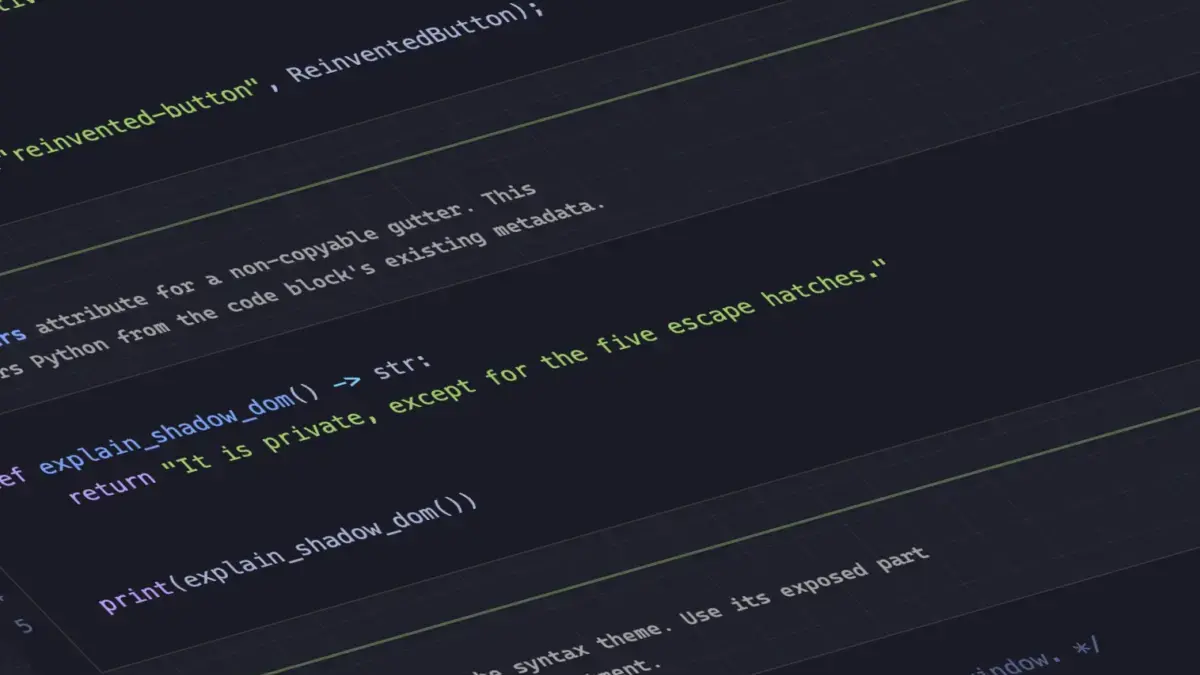
Syntax highlighting is another area experiencing a renaissance thanks to modern browser APIs. Dave Rupert recently introduced MicroLighter, a lightweight syntax highlighter built upon the emerging Custom Highlight API using the ::highlight() function. Alongside the release, Rupert and fellow developer Geoff provided deep dives into how the tool operates, showcasing how modern web standards allow developers to style arbitrary text ranges directly through CSS without injecting an excessive number of traditional DOM elements. This shift promises cleaner markup and improved performance for code-heavy web pages.
Extracting CSS Grid Layout Information Into Custom Properties
Layout manipulation continues to advance, particularly regarding CSS Grid. Temani Afif demonstrated a technique for exposing grid structural information directly into CSS custom properties. By capturing the number of rows and columns alongside the specific x and y coordinates of individual cells, developers gain unprecedented programmatic control over grid layouts.
While this technique currently requires columns to have equal widths, the ongoing evolution of CSS suggests that such constraints may soon loosen. Afif further illustrated the practical applications of this method by utilizing grid coordinate data to calculate hover proximity, opening up creative possibilities for interactive layouts and spatial awareness within grid-based designs.
The Ongoing Debate Over Dark Mode Toggles
User interface preferences remain a topic of lively debate, particularly concerning dark mode toggle design. Lea Verou has advocated for a streamlined two-state approach, while Bramus has made a compelling case for a tri-state model. Meanwhile, alternative perspectives, such as the auto-until-overridden two-state approach highlighted by Vale.Rocks, suggest that intelligent defaults combined with user control offer an optimal balance. These discussions reflect the nuanced considerations required when designing modern user preferences that respect both operating system settings and manual user overrides.
Emerging Selectors and Feature Detection Capabilities
Bramus also introduced the class prefix selector, a straightforward yet powerful proposal designed to target multiple classes efficiently. Although widespread browser support is not yet available, the syntax offers a cleaner and more performant alternative to traditional attribute selectors. Where previous approaches required complex matching strings to identify specific class patterns, the proposed prefix syntax streamlines stylesheet authoring significantly, prompting expectations for rapid consideration and implementation across browser engines.

Further expanding the capabilities of conditional styling, Bramus highlighted the @supports named-feature() function. Currently supported in Chrome, this feature detection mechanism allows developers to query highly specific browser behaviors that were previously undetectable, such as whether a browser correctly respects transforms on anchor-positioned elements. Such additions enhance the overall robustness of the @supports rule, giving developers finer control over progressive enhancement strategies.
Balancing Flexbox Layouts Across Rows and Columns
Rounding out the recent updates to Chrome is the introduction of flex-wrap: balance. Comparable to the popular text-wrap: balance property for typography, this new rule automatically distributes wrapped flex items evenly across rows or columns, preventing awkward layouts where a final row contains only a single stray element. Ahmad Shadeed explored the practical implications of this addition, detailing how developers can utilize flex-wrap: balance to create more aesthetically pleasing and balanced flexible layouts.
As these features move from experimental proposals to implemented browser capabilities, the web development landscape continues to mature, offering developers increasingly sophisticated tools to build robust, performant, and user-friendly digital experiences.

Leave a Reply