
The web development landscape continues to evolve at a rapid pace, with recent weeks bringing forth a wave of innovative proposals, API updates, and clever design patterns for front-end developers. From smarter UI interactions and native HTML elements to powerful new ways of querying layout data, the latest developments highlight an ongoing industry-wide push to make complex user interfaces both simpler to implement and more performant.
Modern Tooltips: Delayed Yet Instant
User interface design often balances the delicate line between helpful context and annoying visual clutter. Addressing a common friction point in web navigation, developer Abhishek Jakhar recently explored why standard tooltips benefit from a deliberate delay followed by an instant disappearance. This approach prevents tooltips from triggering accidentally as a user’s cursor sweeps across a screen, while ensuring that once a user is finished viewing the information, the tooltip vanishes immediately without frustrating lingering effects.
Jakhar detailed implementation strategies for this behavior, though experts note that careful consideration must be given to the hoverable region. If the target area is too small, users can unintentionally de-trigger the tooltip, making a balanced delay structure essential for usability. Building upon this concept, developer Chris Coyier proposed a modern implementation leveraging interest invokers. This approach utilizes two dedicated CSS properties: interest-delay-start and interest-delay-end. While support for interest invokers is currently limited to Chrome, the technique serves as a prime example of progressive enhancement in modern web development.
The <geolocation> Element and Progressive Enhancement
The complexities of the traditional Geolocation API have long challenged developers due to the myriad of underlying hardware dependencies, ranging from GPS satellites and Wi-Fi networks to cellular towers. Managing permission states and handling subsequent changes has historically been a frustrating endeavor. The introduction of the <geolocation> HTML element aims to streamline much of this friction, though it arrives with its own unique set of quirks, including specific styling restrictions.
Because browser support for the new element remains limited primarily to Chrome, developers are looking toward strategies that combine the <geolocation> element with the legacy Geolocation API. This hybrid methodology allows teams to adopt the new markup patterns today while ensuring fallback functionality for unsupported browsers, perfectly embodying the principles of robust progressive enhancement.

MicroLighter and the Power of Custom Highlights
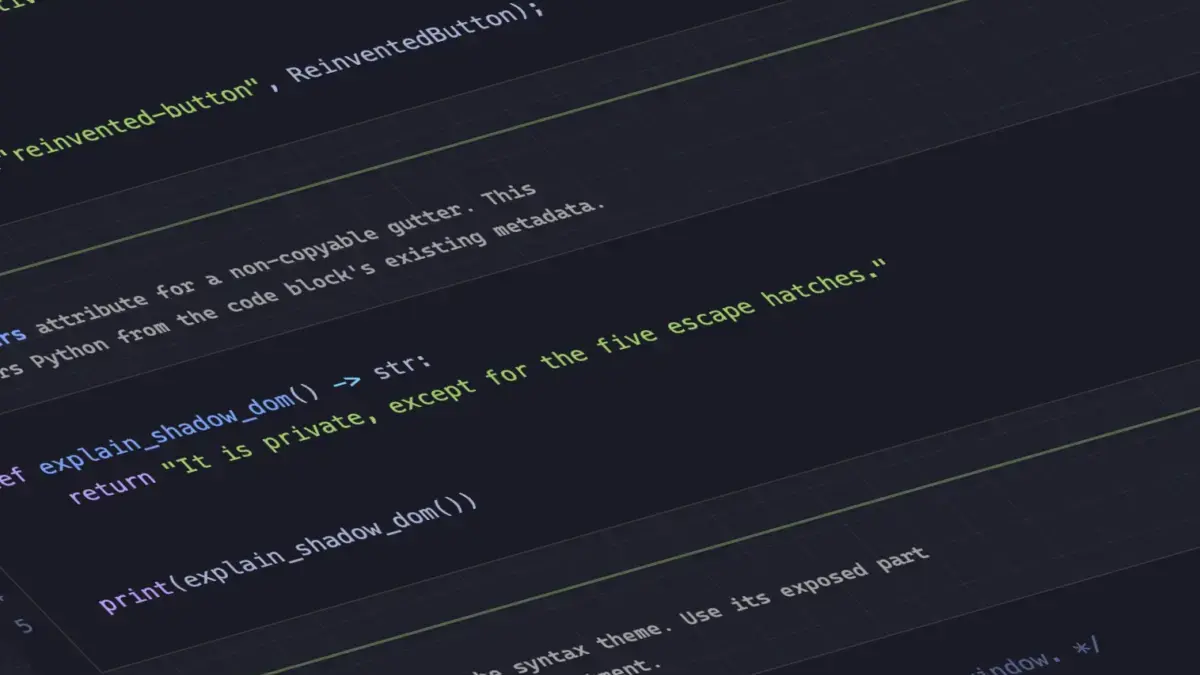
Syntax highlighting on the web has traditionally relied on heavy JavaScript parsers and complex DOM manipulation. However, the emergence of the Custom Highlight API is paving the way for lightweight, high-performance alternatives. Dave Rupert recently introduced MicroLighter, a compact syntax highlighter built directly on top of the ::highlight() CSS feature. By shifting highlighting tasks away from heavy DOM node generation and leveraging browser-native highlight rendering, developers can achieve clean code presentation with minimal overhead. The project has sparked widespread discussion across the developer community regarding the practical applications of highlight-based styling.
Extracting CSS Grid Layout Information into Custom Properties
Layout flexibility took another significant step forward with new demonstrations by Temani Afif regarding CSS grid information. Afif showcased techniques for capturing structural grid details—specifically the total number of rows and columns, alongside the precise x and y coordinate indexes of individual cells—and passing them directly into CSS custom properties.
While this technique currently requires columns of equal width, the continuous evolution of CSS specifications suggests that such constraints may soon loosen. Furthermore, developers have already begun applying these grid-derived custom properties to advanced layout scenarios, such as calculating hover proximity dynamically using modern CSS, opening up creative possibilities for interactive grid systems.
The Great Dark Mode Debate: Two-State or Tri-State?
As dark mode preferences become a universal standard across digital products, architecture debates continue over the ideal implementation of theme toggles. Designer Lea Verou has voiced support for a traditional two-state approach, whereas developer Bramus advocates for a tri-state model that separates system preference from explicit user overrides. Meanwhile, alternative perspectives, such as the auto-until-overridden two-state model highlighted by Vale.Rocks, offer nuanced middle grounds that respect user operating system settings while preserving manual control when needed.
Anticipating the Class Prefix Selector and Named Features
In the realm of selectors and feature detection, Bramus introduced the conceptual class prefix selector, a straightforward proposal designed to target multiple classes efficiently. By allowing syntax such as .something-*, the proposed selector offers a cleaner and significantly more performant alternative to legacy attribute selectors that rely on complex substring matching like [class^="something-"] or [class*="something-"]. Although the proposal lacks current browser support, its simplicity and performance benefits make it a strong candidate for future implementation.

On the feature detection front, Bramus also highlighted the @supports named-feature() function, which is gaining support in Chrome. This function addresses long-standing limitations in feature queries by allowing developers to probe for very specific browser behaviors—such as whether a rendering engine respects transforms within anchor positioning elements—thereby expanding the capabilities of conditional CSS styling.
Balancing Flexbox Layouts
Flexbox has served as the backbone of modern web layouts for years, but managing uneven item wrapping has often required clever workarounds. Addressing this layout challenge, Chrome has introduced support for flex-wrap: balance. Functionally analogous to the popular text-wrap: balance property used for typography, the new flexbox property automatically distributes wrapped items evenly across rows or columns, preventing awkward single-item trailing lines and creating more visually balanced user interfaces.
As autumn approaches, the rapid cadence of web platform updates demonstrates that browser vendors and standards bodies remain deeply committed to refining layout engines, enhancing developer ergonomics, and bringing native solutions to challenges that once required complex scripting.

Leave a Reply