
In an era where digital convenience often comes at the steep cost of personal and corporate data privacy, finding secure ways to manage everyday documents has become increasingly challenging. Millions of internet users rely daily on web-based PDF platforms to split, merge, convert, and edit files without installing dedicated software. However, this common practice introduces significant cybersecurity risks, as users routinely upload sensitive documents to third-party servers with opaque privacy policies and unknown data handling practices.
Law enforcement agencies have repeatedly flagged the hidden dangers lurking behind online file converters. The Federal Bureau of Investigation, for instance, has issued warnings regarding fraudulent web platforms designed to harvest sensitive information, harvest credentials, and deploy malware under the guise of simple document utility services. These malicious or poorly secured tools are capable of scraping uploaded files for personal identifiers, financial data, email addresses, and confidential credentials. Such vulnerabilities render them exceptionally hazardous for handling sensitive enterprise documents, legal records, and proprietary organizational files that should never leave a secure local computing environment.

Enter BentoPDF, an open-source, privacy-focused toolkit designed to mitigate these risks by shifting file processing entirely into the user’s web browser. Created by Indian developer Alam, BentoPDF operates locally using WebAssembly, ensuring that files remain on the user’s local machine rather than being transmitted to an external server. What began as a lightweight internal utility for splitting and merging PDF documents has quickly blossomed into a comprehensive, community-driven project following its public debut on Reddit and subsequent release on GitHub.
The platform eliminates the need for user accounts, registration forms, or intrusive web tracking cookies. Under the hood, BentoPDF leverages powerful open-source libraries to perform complex tasks locally. Its optical character recognition capabilities, for example, are powered by Tesseract.js, a JavaScript port of the robust Tesseract OCR engine. This architecture allows users to execute heavy document processing tasks directly within their preferred web browsers without sacrificing data sovereignty.
Distributed under a dual-licensing model, the core source code of BentoPDF is made available under the GNU Affero General Public License version 3.0, allowing free use and modification for open-source enthusiasts and developers wishing to fork the repository. For commercial entities requiring closed-source deployment, a separate commercial license is offered as a one-time purchase. Alam is also the developer behind two complementary open-source utilities: Hyper Compress, a specialized PDF compression engine, and Kura, a tool dedicated to converting PDFs into archival standards such as PDF/A and PDF/UA.
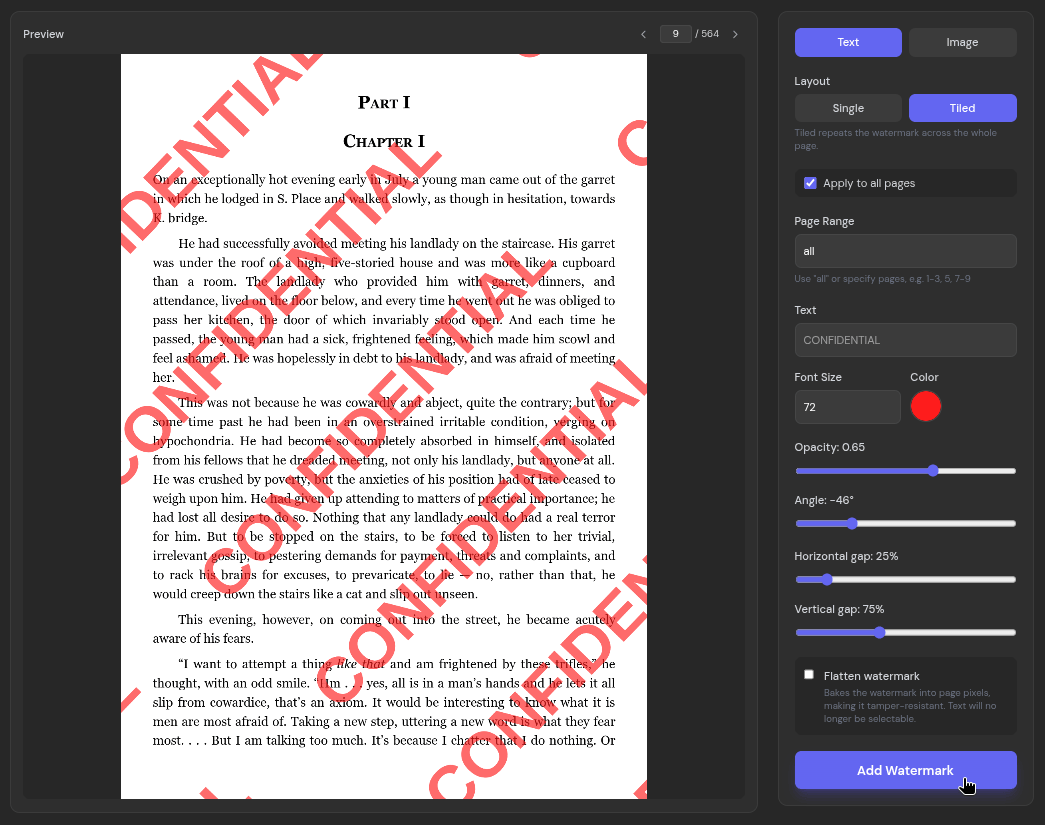
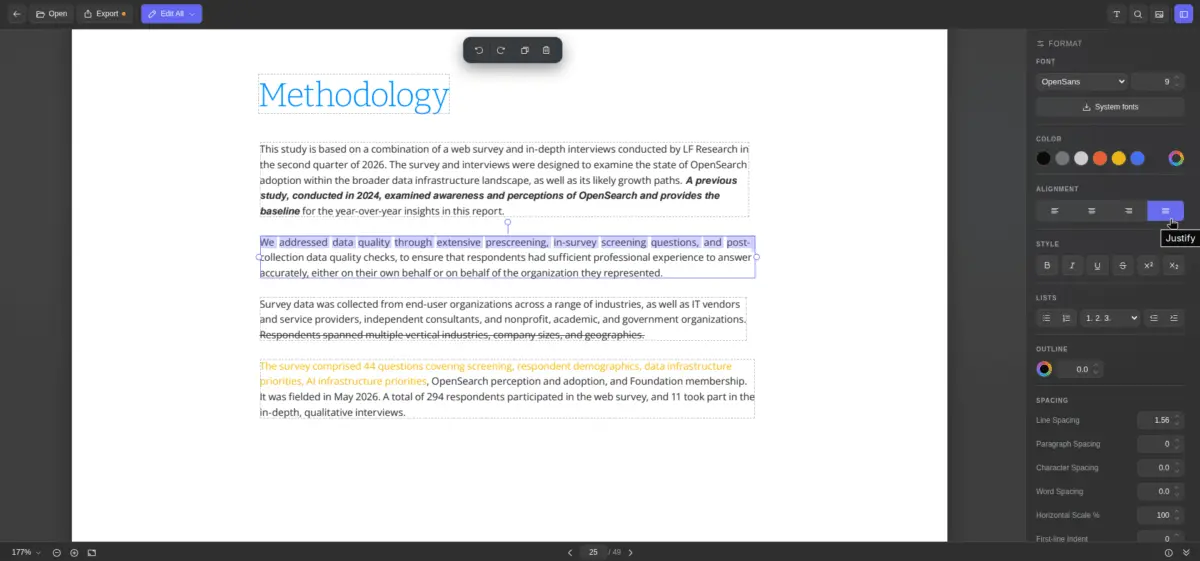
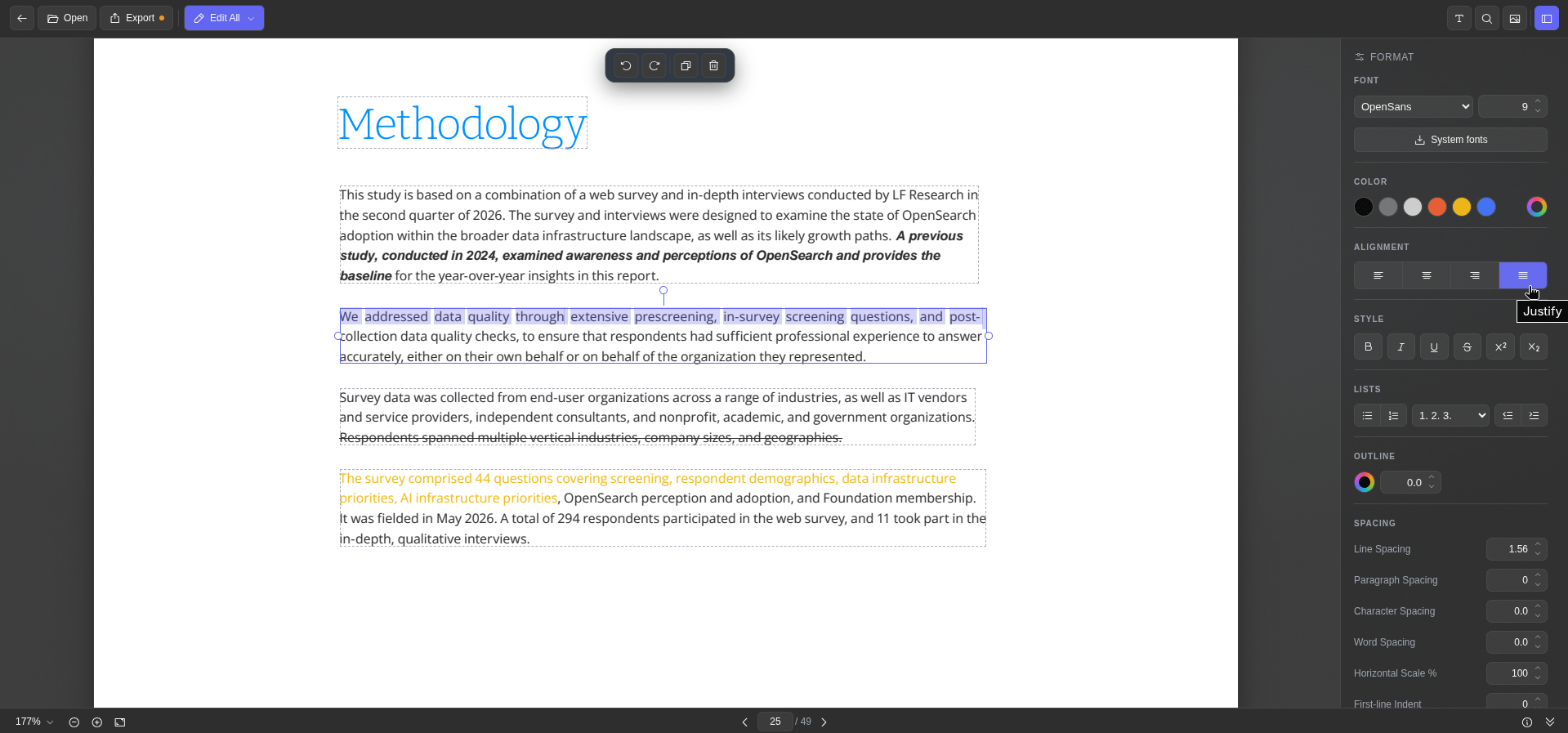
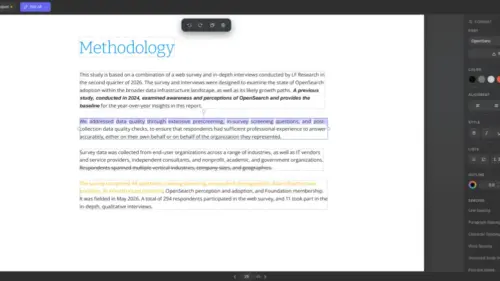
Testing the platform reveals a polished interface capable of handling a broad spectrum of document management tasks. The text editing feature parses documents into distinct blocks outlined with dashed borders, activating a comprehensive formatting sidebar upon selection. Users can modify font styles, text sizes, colors, alignment, and character spacing, alongside standard styling options like bold, italic, underline, and strikethrough. Furthermore, the editor can dynamically pull system fonts directly from an operating system, while a built-in document metadata viewer provides quick insights into file properties before export.
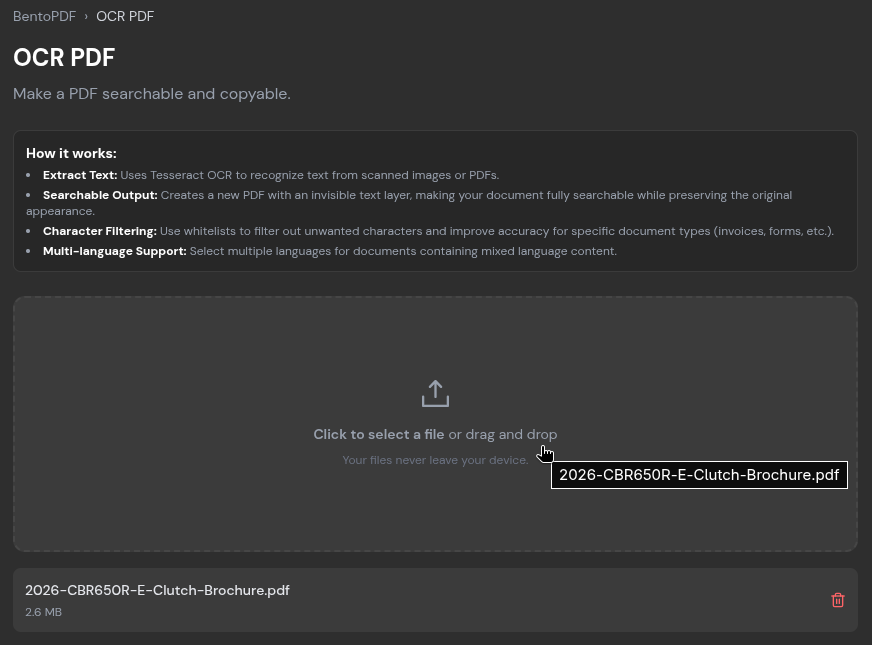
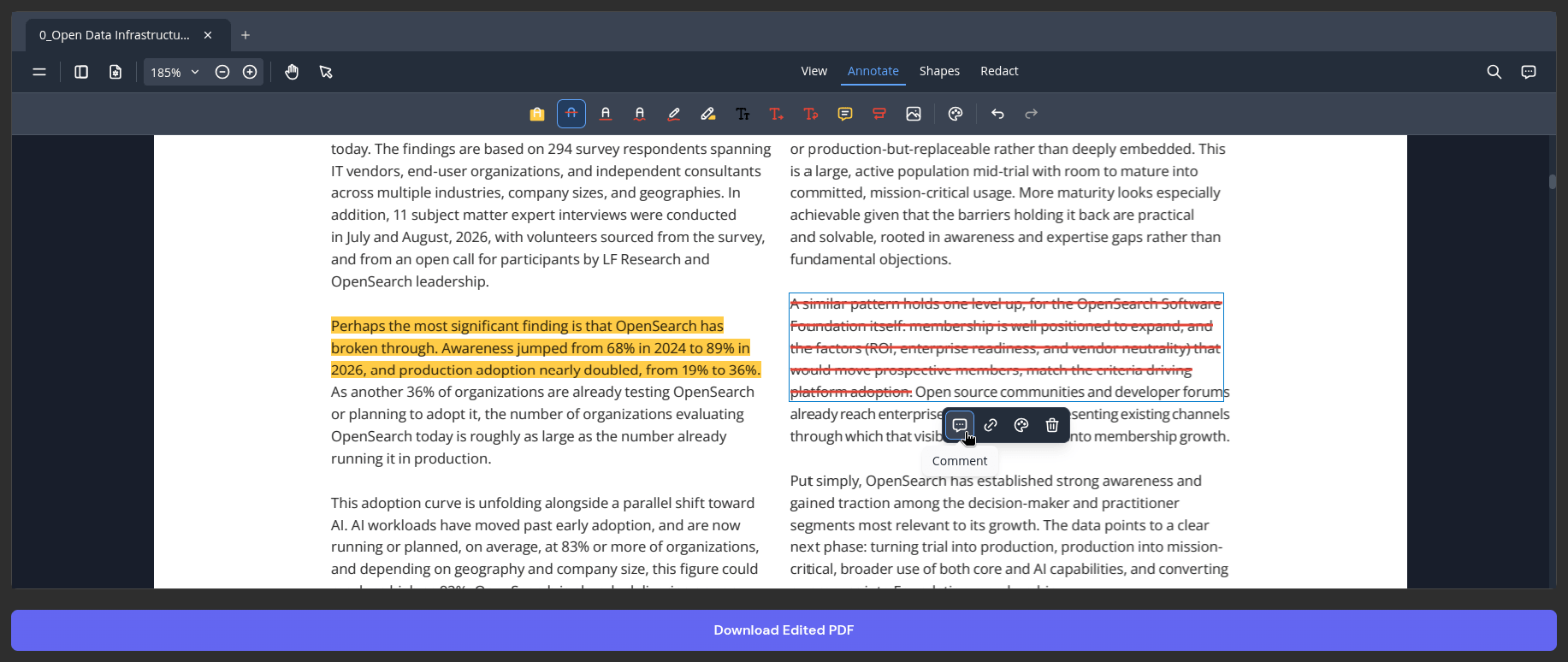
Beyond direct text manipulation, the platform functions effectively as an annotation suite, offering drawing tools, highlighting, text insertion, comment tracking, and strikethrough capabilities. A dedicated watermark utility allows individuals and organizations to stamp documents with custom text or images using single or tiled layouts, complete with granular visibility and positioning controls. Standard keyboard shortcuts for copy, paste, undo, and redo operate seamlessly within the browser environment.
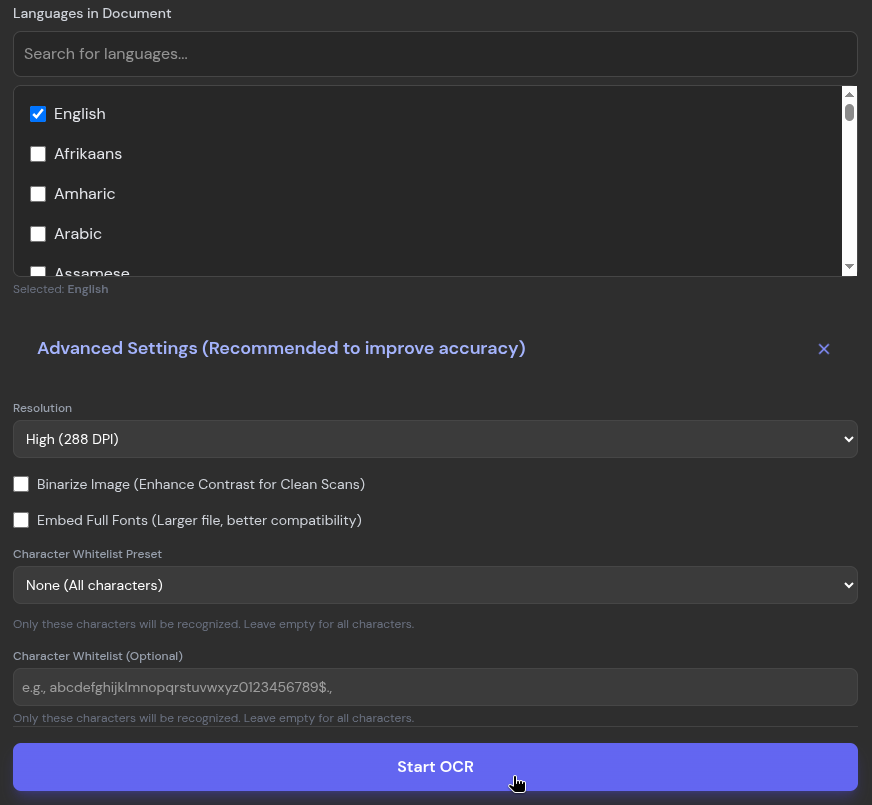
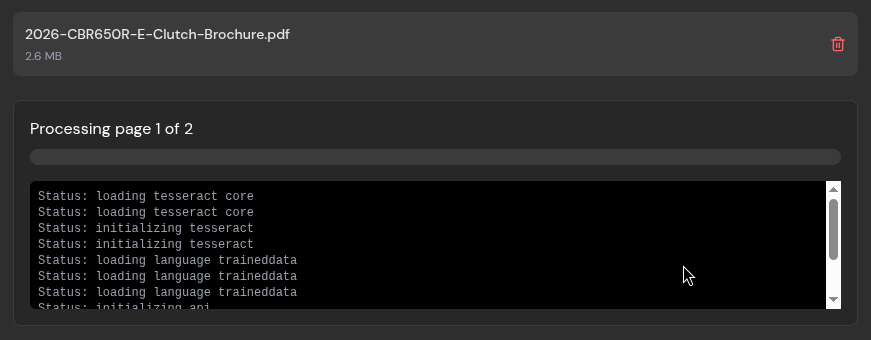
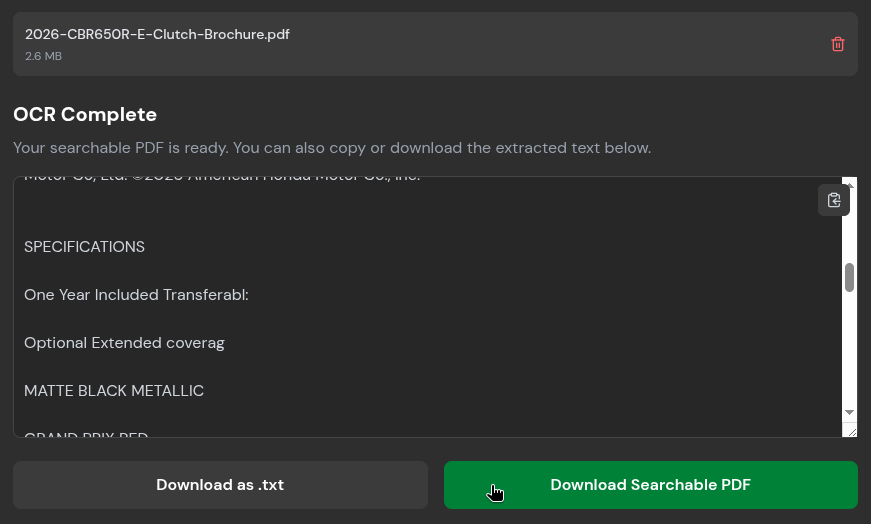
For scanned reports, historical archives, or image-heavy documents that lack selectable text, the platform’s OCR module provides an effective local translation layer. Users can upload image-based PDFs, specify the document languages, and initiate processing locally. While complex documents featuring extremely small typography can occasionally challenge the parsing engine, the resulting text can be readily copied to the clipboard, exported as a plain text file, or saved as a searchable PDF document.
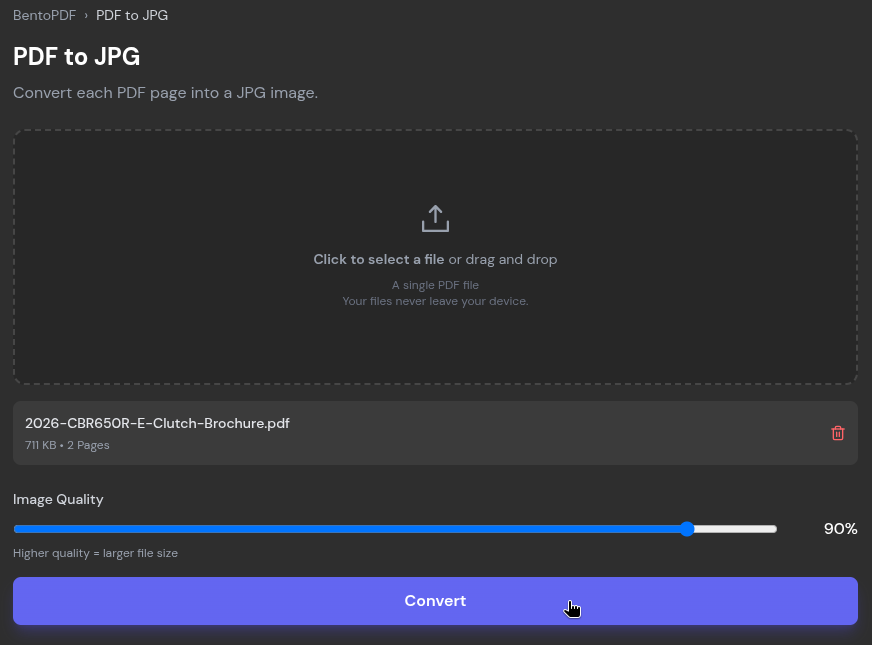
The utility also features an extensive suite of conversion tools designed to bridge various file formats. The PDF-to-image converter transforms multi-page documents into high-resolution JPEGs with adjustable quality sliders, while the reverse function compiles diverse image formats—including PNG, BMP, HEIC, and PSD—into cohesive PDF files. Additional format converters accommodate a wide variety of document types, ranging from Markdown and WebP to EPUB, CSV, and ODP.
Managing file sizes for email transmission remains a common hurdle, given that major email providers routinely cap attachments between 20 and 25 megabytes. BentoPDF addresses this through its compression utility, which provides multiple algorithms and intensity levels ranging from light compression to extreme reduction. Testing on large, multi-page documents demonstrates significant file size reductions while preserving overall legibility, though minor artifacting may appear in compressed images under high magnification.
With more than a hundred distinct tools accessible directly from its primary interface, BentoPDF represents a growing shift toward client-side web utilities that prioritize data security over cloud-dependent convenience. Developers and privacy-conscious users can explore the complete suite or inspect the underlying architecture by visiting the project’s official GitHub repository.

Leave a Reply