
Welcome back to the latest edition of the web development community’s ongoing review of cutting-edge frontend techniques, framework updates, and browser capabilities. As developers transition into a new season, the pace of innovation across modern browsers continues to accelerate, bringing forth novel solutions to perennial layout, interaction, and styling challenges. Over the past couple of weeks, community leaders and engineers have shared breakthrough approaches for improving user experience, streamlining markup, and leveraging emerging web platform APIs. From refined tooltips and syntax highlighters to advanced grid property mapping and dark mode toggles, the frontend landscape is experiencing a wave of practical and experimental enhancements.
Refining User Interactions: Delayed and Instant Tooltips
Interaction design often hinges on micro-details that dictate whether a user interface feels polished or frustrating. Tooltips, in particular, have long been a subject of debate regarding timing and trigger behavior. Abhishek Jakhar recently addressed this issue, breaking down why tooltips should ideally feature an initial delay followed by an instant disappearance. This specific behavior prevents accidental triggers when a user’s cursor sweeps rapidly across a crowded interface, yet ensures that once a tooltip is no longer needed, it vanishes immediately without lingering annoyances.
While Jakhar demonstrated how to implement this pattern using existing methods, experts have noted potential pitfalls, such as hover-able regions that are too small, which can cause tooltips to de-trigger unintentionally. Building upon this conversation, Chris Coyier proposed a modern implementation utilizing native interest invokers. These rely on two key CSS properties: interest-delay-start and interest-delay-end. Although current support for interest invokers is largely limited to Chrome, the technique serves as a prime example of progressive enhancement in action, allowing developers to adopt forward-looking features safely while maintaining robust fallbacks for other browsers.
Navigating the Complexity of the New <geolocation> Element
Progressive enhancement remains a central theme as browser vendors experiment with native HTML elements designed to simplify historically complex web APIs. The Geolocation API has traditionally been difficult to manage due to its reliance on external hardware—including GPS satellites, Wi-Fi networks, and cellular towers—coupled with the often frustrating user experience of altering permission statuses after an initial choice has been made.
To alleviate these friction points, the new <geolocation> HTML element has been introduced, aiming to streamline location requests. However, like many early-stage platform additions, it introduces its own unique quirks, notably strict styling restrictions that developers must navigate. Because support is currently restricted to Chrome, developers are looking at hybrid strategies to bridge the gap. By combining the new <geolocation> element with the traditional Geolocation API, teams can implement the feature today through progressive enhancement, ensuring broader compatibility while preparing for wider browser adoption down the line.

MicroLighter and the Evolution of the Custom Highlight API
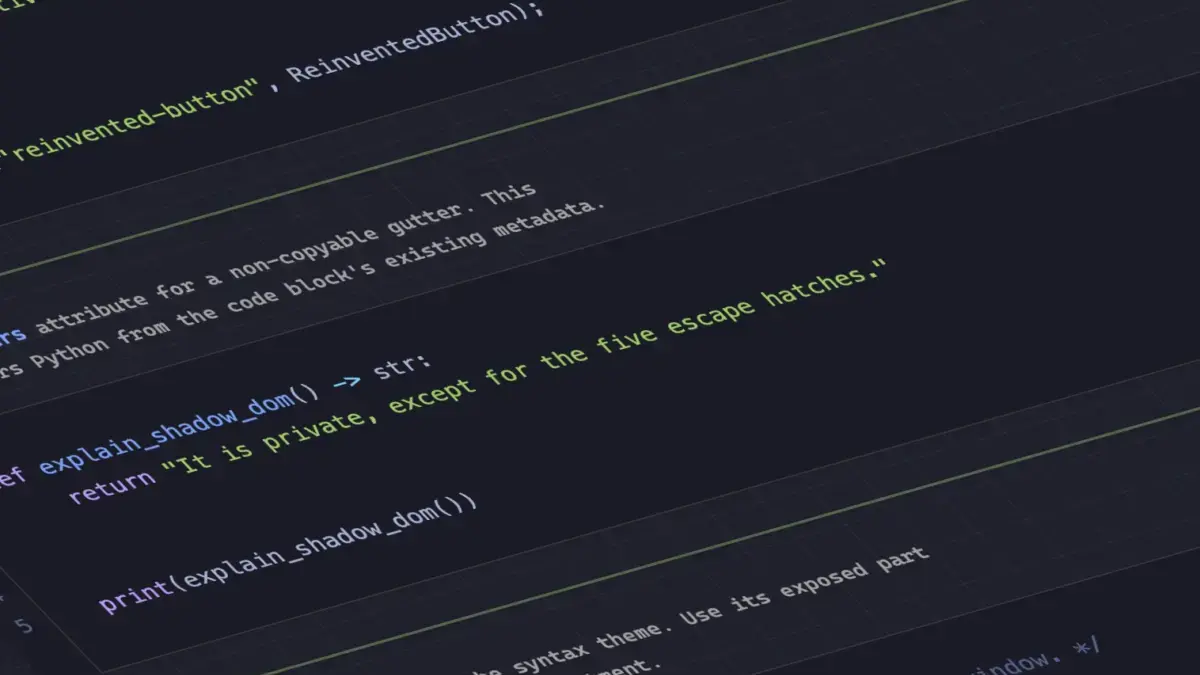
Syntax highlighting is a staple of technical documentation and developer blogs, but traditional implementations often rely on heavy DOM manipulation to wrap individual tokens in spans. Dave Rupert recently introduced MicroLighter, a lightweight syntax highlighter built upon the modern Custom Highlight API and the ::highlight() pseudo-element.
By leveraging native highlighting capabilities rather than mutating the underlying document structure, MicroLighter offers a more performant alternative for styling code blocks on the web. Rupert detailed the construction and implementation of the tool on his blog, while community discussions highlighted its potential to shift how developers approach textual decoration and search result highlighting without sacrificing page performance or increasing JavaScript overhead.
Extracting CSS Grid Information into Custom Properties
Layout engines have become remarkably powerful, yet bridging the gap between layout calculations and styling variables has traditionally required JavaScript intervention. Temani Afif demonstrated a clever technique for extracting CSS grid information directly into CSS custom properties. This method allows developers to capture the exact number of rows and columns, as well as the specific X and Y coordinate indexes of individual grid cells, using pure CSS.
The primary requirement for this approach is that the grid columns must maintain equal widths. Nevertheless, as the CSS specification continues to evolve, the boundaries of what can be calculated and stored in custom properties are expanding rapidly. Afif further illustrated the practical utility of this technique by applying grid coordinate data to determine hover proximity, opening up sophisticated interaction design possibilities that previously demanded complex event listeners and bounding client rectangle calculations.
The Ongoing Debate Over Dark Mode Toggles
As dark mode becomes an expected standard for modern web applications, the debate over how users should control their theme preferences continues to evolve. Opinions are sharply divided on the ideal configuration for theme toggling mechanisms. Lea Verou has advocated for a straightforward two-state toggle, whereas Bramus has made a strong case for a tri-state approach that explicitly separates system preference, light mode, and dark mode.

Alternative perspectives suggest nuanced middle grounds, such as the auto-until-overridden two-state approach described by Vale.Rocks. This philosophy respects the user’s operating system settings by default, allowing the interface to adapt automatically until the user manually intervenes to lock in a specific preference, thereby balancing automated convenience with explicit user control.
Emerging Selectors and Feature Detection Capabilities
Bramus also introduced the class prefix selector, a simple yet powerful addition designed to streamline class-based targeting. Although it lacks browser support at present, the concept addresses a common pain point in modern component styling and design systems. The class prefix selector offers a cleaner, more performant alternative to traditional attribute selectors, which often rely on cumbersome substring matching operators like [class^="..."] or [class*="..."] to achieve similar functionality. Given its straightforward utility, anticipation is high for how browser vendors might prioritize its implementation.
In addition to the class prefix selector, the @supports named-feature() function has emerged in Chrome, expanding the capabilities of conditional styling. This function allows developers to perform granular feature detection for very specific browser behaviors that were previously impossible to query via standard @supports rules—such as verifying whether a browser correctly respects transforms when applying anchor positioning. This enhancement promises to make feature queries more robust and reliable as developers build increasingly complex user interfaces.
Balancing Wrapped Flex Items
Rounding out the recent wave of browser updates and developer discussions is the introduction of flex-wrap: balance in Chrome. Much like text-wrap: balance revolutionized typography by distributing text evenly across multiple lines to prevent awkward orphans and ragged edges, the new flexbox balancing property aims to distribute wrapped flex items more harmoniously across rows or columns. Ahmad Shadeed explored the mechanics of flex-wrap: balance, illustrating how developers can leverage this property to create cleaner, more visually balanced layouts without resorting to manual sizing hacks or complex media queries. As autumn approaches, these platform updates and community insights signal a continuously maturing web ecosystem dedicated to refining both the developer experience and the end-user journey.



Leave a Reply