
For millions of users stepping into the world of open-source computing for the very first time, the GNOME desktop environment remains the definitive gateway. As the default graphical interface for mainstream Linux distributions like Ubuntu and Fedora Workstation, GNOME welcomes newcomers directly into its expansive ecosystem. Even as dynamic tiling window managers such as Hyprland continue to capture the attention of power users and enthusiasts, conventional desktop environments remain the steadfast daily driver for the vast majority of the Linux community.
Continuing its tradition of regular, feature-rich iterations, the GNOME project has officially announced the release of GNOME 51. This latest major update introduces a broad spectrum of improvements designed to streamline the user experience. From a more resilient and better-behaving shell and a striking new default wallpaper to a comprehensive suite of updated pre-installed applications, GNOME 51 represents a significant polish of the desktop stack.
A Refined Shell
Much of what makes an operating system feel cohesive happens beneath the conscious awareness of the user. The GNOME Shell is the invisible architecture that powers the top bar, the activities overview, the application grid, notification centers, the lock screen, and the fluid animations that guide windows between multiple workspaces. In GNOME 51, developers have focused heavily on smoothing out the rough edges that occasionally disrupt this workflow.
Among the most practical quality-of-life additions is the persistence of monitor brightness settings. Users will no longer find their display preferences reset across reboots or login sessions, ensuring a consistent visual experience from the moment the desktop loads. Screenshot capabilities have also been expanded; the framing tool now allows users to drag their selection all the way to the absolute edges of their monitor, eliminating frustrating dead zones where capture boundaries previously halted just short of the screen perimeter.

Accessibility has also seen meaningful attention, highlighted by a complete rework of screen reader navigation within the application grid. Furthermore, developers have squashed several lingering annoyances that have persisted in previous iterations. A pesky bug involving minimized windows incorrectly interacting with alternative workspaces has been resolved, alongside a fix for broken German date formats that previously disrupted localization. The autorun prompt, which appears when external USB drives are connected to the system, has similarly been improved to offer a more seamless interaction.
GDM and Mutter Tweaks
Beneath the shell layer lie two foundational components of the GNOME ecosystem: GDM (GNOME Display Manager) and Mutter. GDM manages the login screen and initiates user sessions upon successful authentication, while Mutter serves as the window manager and Wayland compositor responsible for rendering windows, calculating their placement on the screen, and handling input devices.
GDM introduces a new configuration option for fallback sessions. This mechanism designates a default session for accounts that have never logged in before or when a user’s preferred session fails to initialize properly, offering system administrators greater control over default deployments. Security has also been tightened by closing a potential autologin bypass. Previously, a compromised greeter could request automatic login for any local user account—a vulnerability that has now been entirely neutralized.
Within Mutter, support for legacy NVIDIA drivers has been officially deprecated and removed, aligning the compositor more closely with modern graphics stacks. Users operating high-dynamic-range (HDR) displays will notice a substantial visual improvement, as standard-dynamic-range (SDR) content no longer appears desaturated or discolored. Window management receives several vital repairs as well; edge-tiled windows now properly scale to fullscreen, and maximized windows can be transferred effortlessly between multiple monitors using keyboard shortcuts alone.
Mutter has also resolved an issue where multiple monitors were incorrectly reported as the primary display simultaneously. For privacy and convenience during remote assistance, the mouse cursor now automatically conceals itself while an active input capture session is running, such as those initiated by remote desktop software.
The App Upgrades
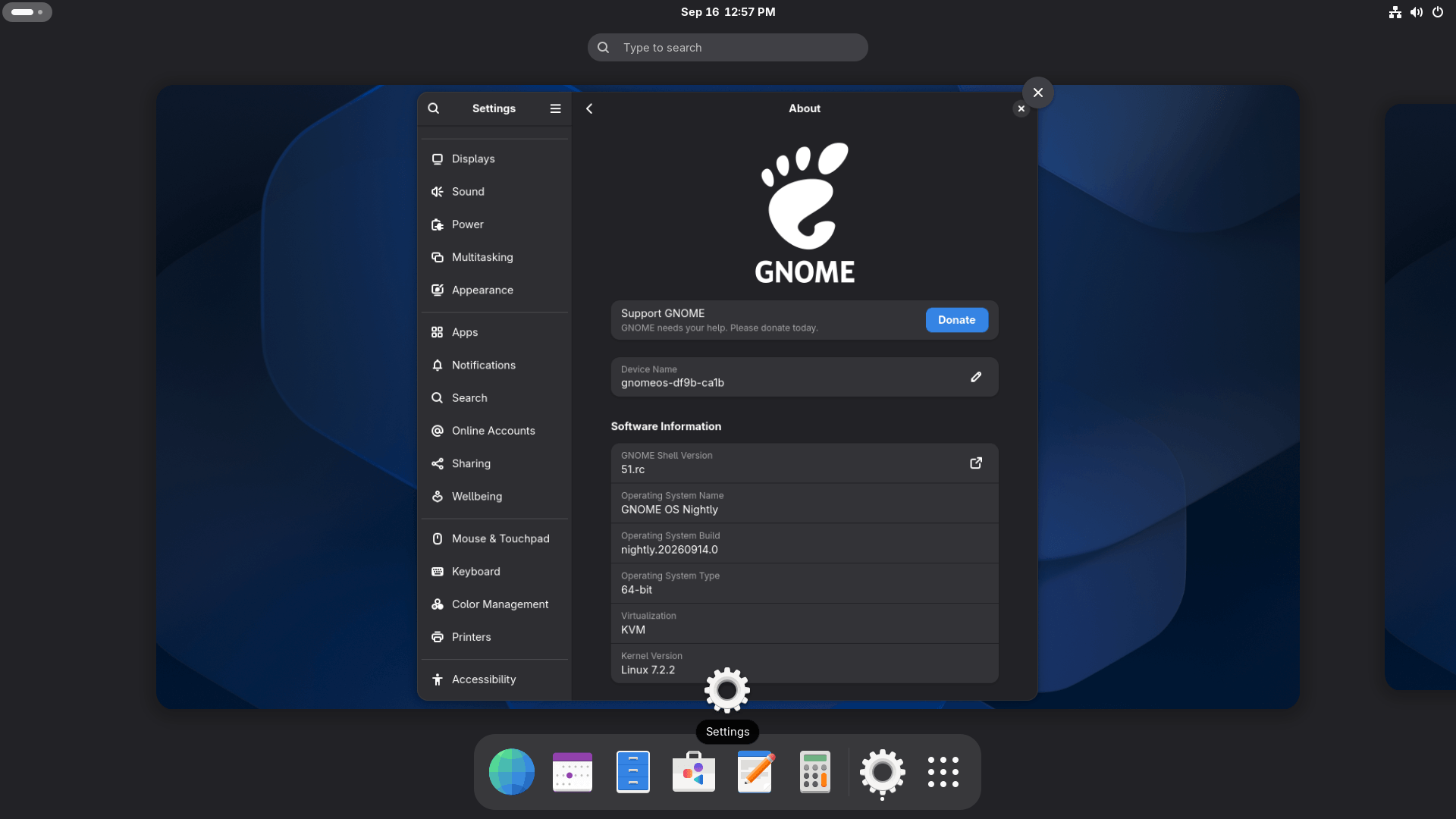
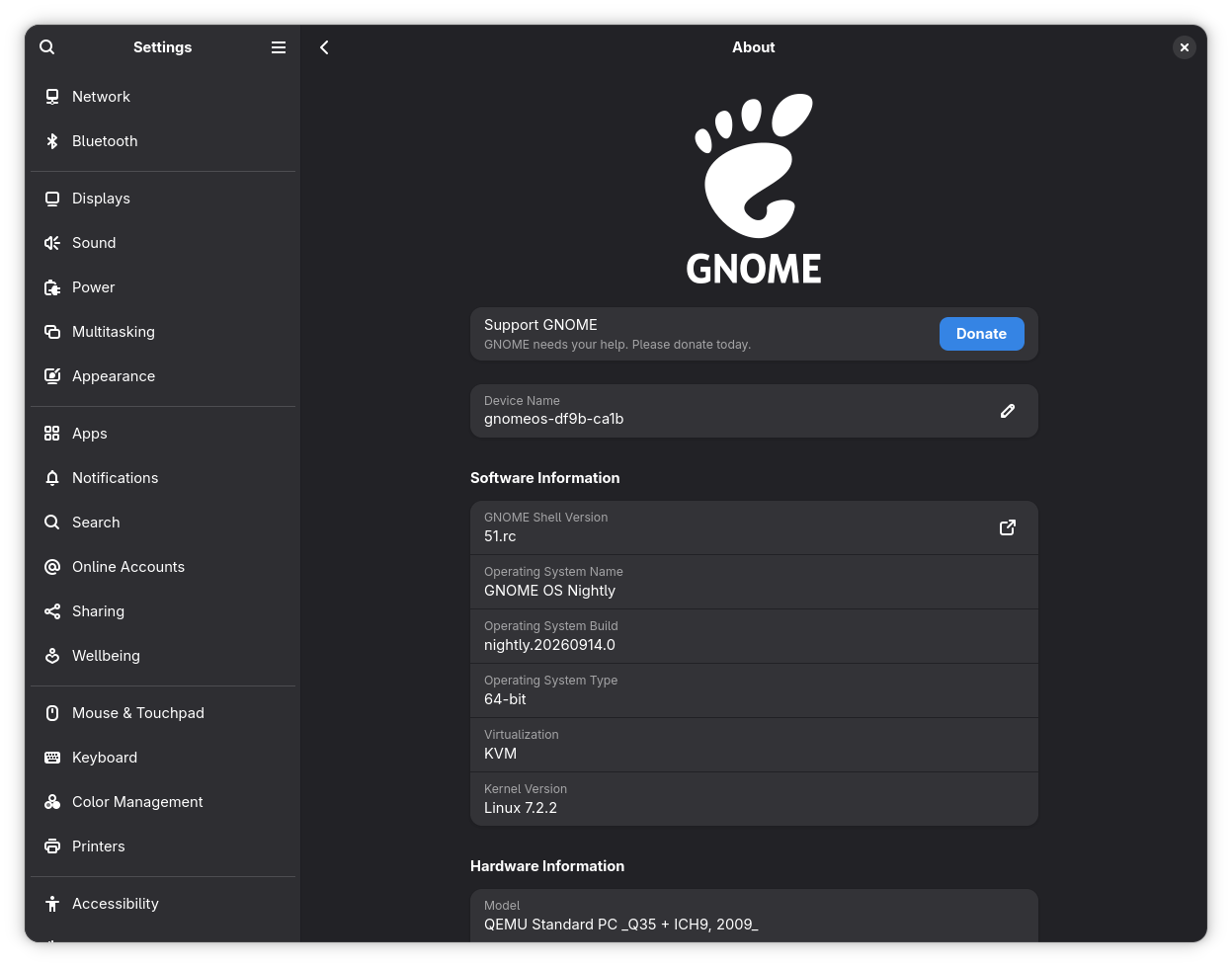
GNOME’s suite of bundled native applications has received sweeping updates aimed at modernizing functionality and improving daily usability. The Settings application has expanded its Network page to include DNS domain search options, incorporated various translation updates, and streamlined Wi-Fi sharing through an integrated GNOME QR code widget. The About page in Settings has also been cleaned up significantly, removing the redundant "Windowing System" field while expanding the software and hardware information groups to provide immediate access to vital system specifications without requiring a separate menu.
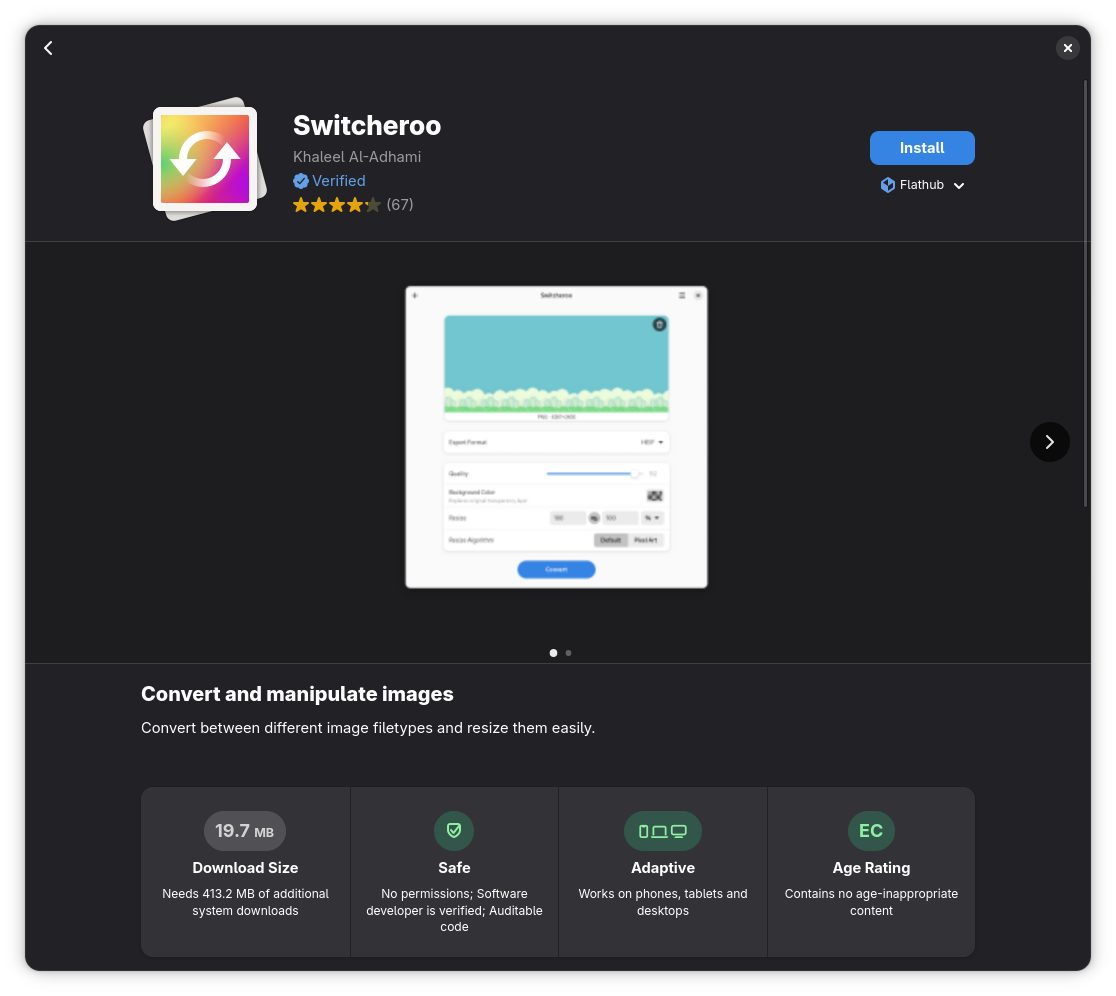
The Software center now provides proactive warnings before users attempt to install applications that have reached their end-of-life status. Its Flatpak permission list has been broadened to offer more granular control, and application ratings now utilize a revised measurement approach to present a more accurate representation of average user scores.
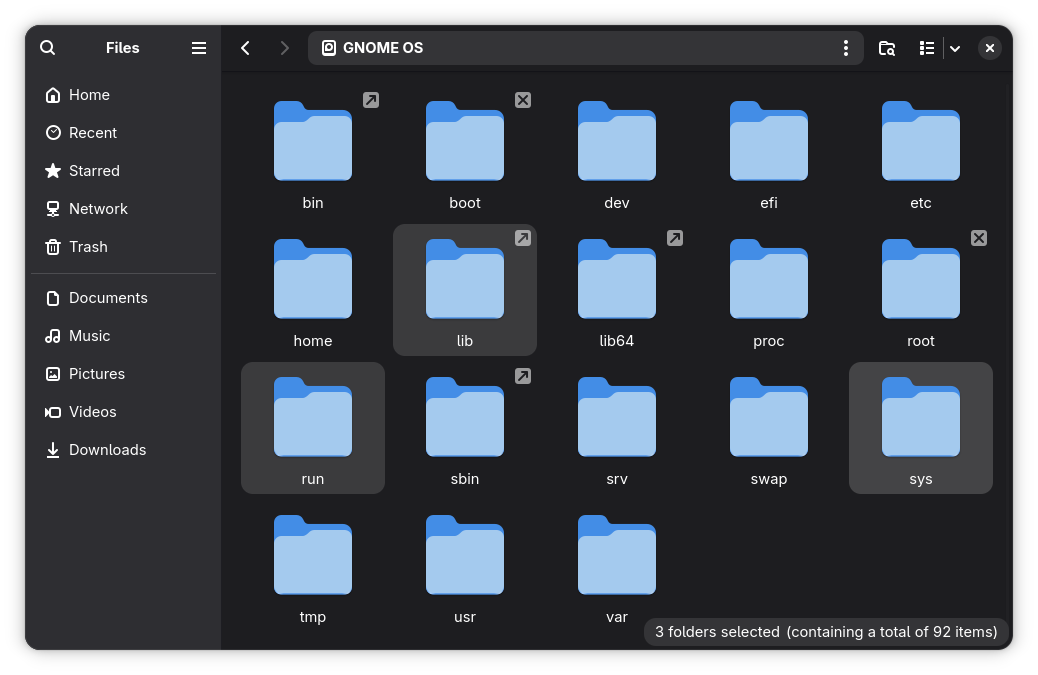
Files, the default GNOME file manager known as Nautilus, introduces a helpful count badge that appears dynamically when dragging multiple items across directories. Copied files now remain selected immediately after a copy operation finishes, streamlining batch management. Additionally, file locations opened from external applications automatically launch in a new tab, and the built-in file previewer has gained support for direct renaming and trashing operations. Users can invoke this previewer instantly by selecting any file or folder and pressing the spacebar, revealing a quick visual preview alongside essential metadata.
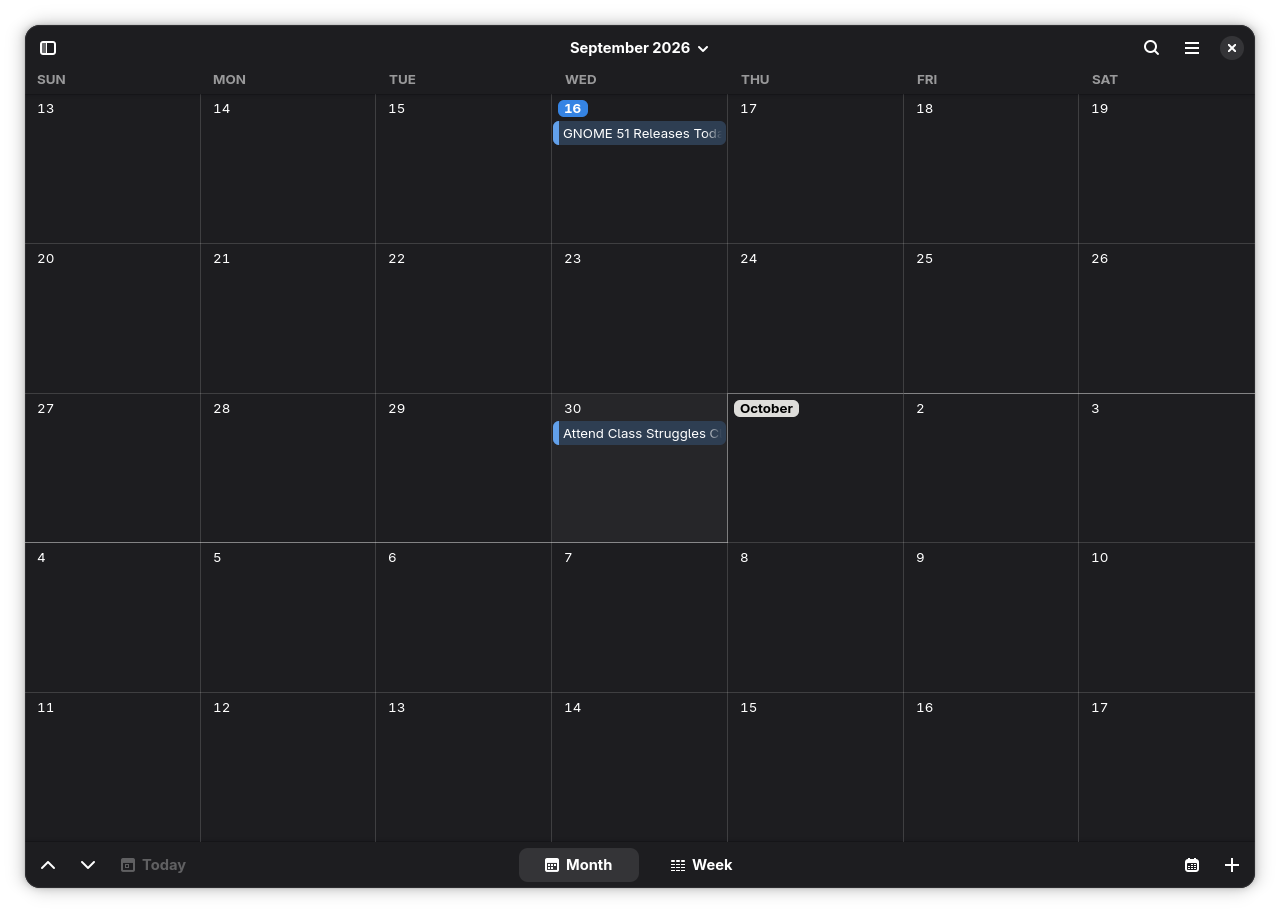
The Calendar application underwent a massive architectural overhaul under the hood and is now built upon GListModel. This transition powers the week, month, and agenda views, as well as the underlying objects driving event timelines. Locations within Calendar now open natively in the Maps application via standard URIs, and the application’s About dialog features a status indicator displaying whether the software is running within a secure Flatpak sandbox.
Maps itself introduces a robust offline mapping tool, enabling users to download regional cartographic data for use without an active internet connection. By navigating to a specific geographic area and accessing the preferences menu via the top-right hamburger menu, users can easily add and manage offline downloads. Meanwhile, Web, the default Epiphany-based browser, has received critical stability patches that resolve crashes previously triggered by deleting the default search engine or accessing the preferences menu.
Getting Started with GNOME 51
As with previous cycles, the rollout schedule for GNOME 51 depends heavily on the distribution model chosen by the end user. Those utilizing rolling release distributions such as Arch Linux, CachyOS, and EndeavourOS will be among the first to experience the new desktop environment as soon as package maintainers push the updates to their respective software repositories.
Users of fixed-release mainstream distributions, such as Ubuntu and Fedora, will receive GNOME 51 as part of upcoming operating system updates, including Ubuntu 26.10 and Fedora 45. For developers, testers, and enthusiasts eager to explore the new features immediately without altering their primary installation, GNOME OS remains available as the project’s dedicated testbed operating system, capable of running within a virtual machine or on dedicated spare hardware.
Leave a Reply