
Managing a modern homelab often brings unexpected social friction, particularly when household members or guests try to interact with deeply integrated smart home ecosystems. For many enthusiasts running platforms like Home Assistant, household automation heavily relies on companion apps installed on personal smartphones. While tech-savvy operators navigate these interfaces effortlessly, family members without dedicated app access or visitors unfamiliar with the setup frequently find themselves locked out of basic home controls.
Reaching for a phone is rarely convenient, and handing a personal device over to guests introduces privacy and usability concerns. While alternative solutions like dedicated voice preview devices exist, their utility often plummets when disconnected from cloud infrastructure. Seeking a localized, physical interface that could bridge this accessibility gap, homelab operator and tech writer recently put the Elecrow CrowPanel Advanced 10.1-inch ESP32-P4 HMI AI Display to the test. Designed as a large-format touchscreen development board running on powerful dual-core silicon, the hardware presented a compelling avenue for building a centralized, common-area dashboard.
Understanding the Hardware Architecture
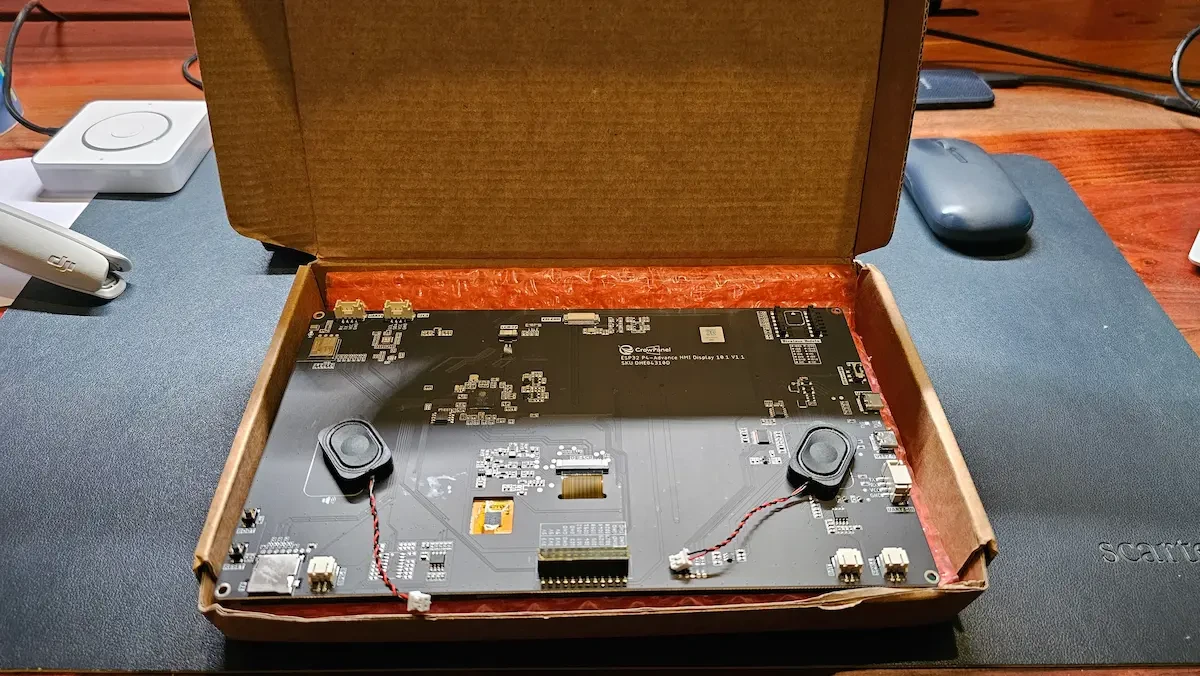
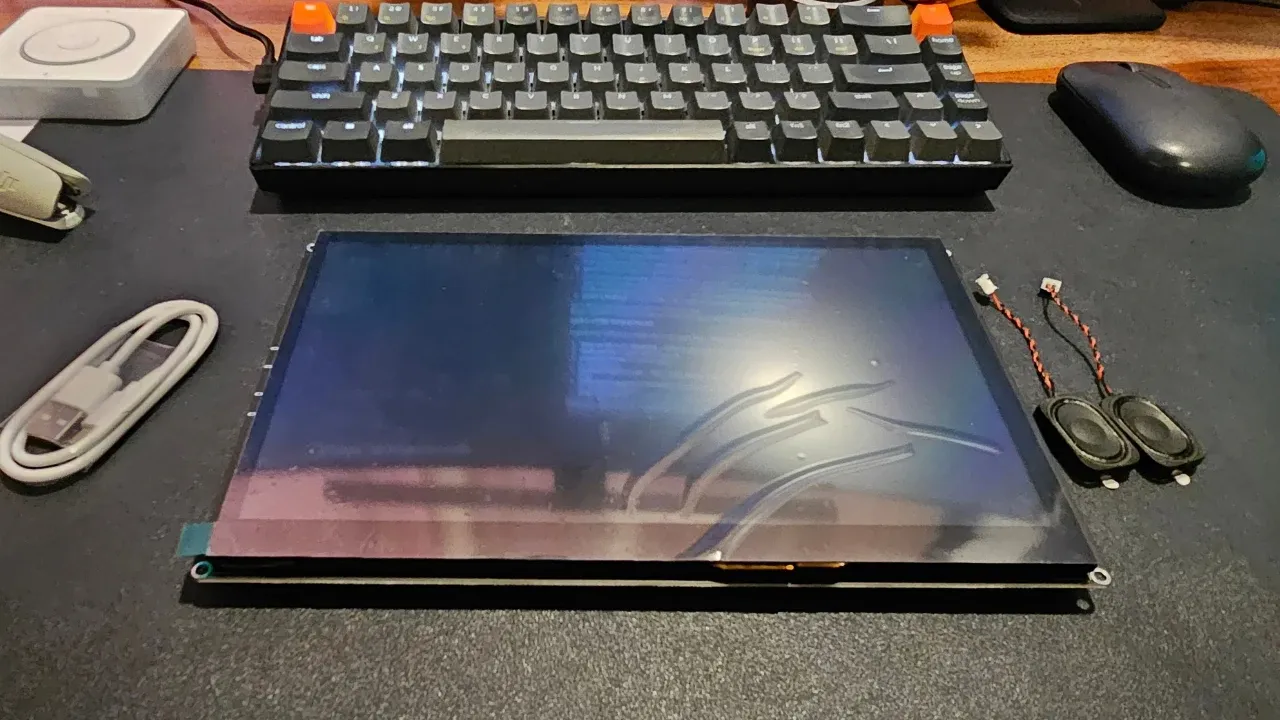
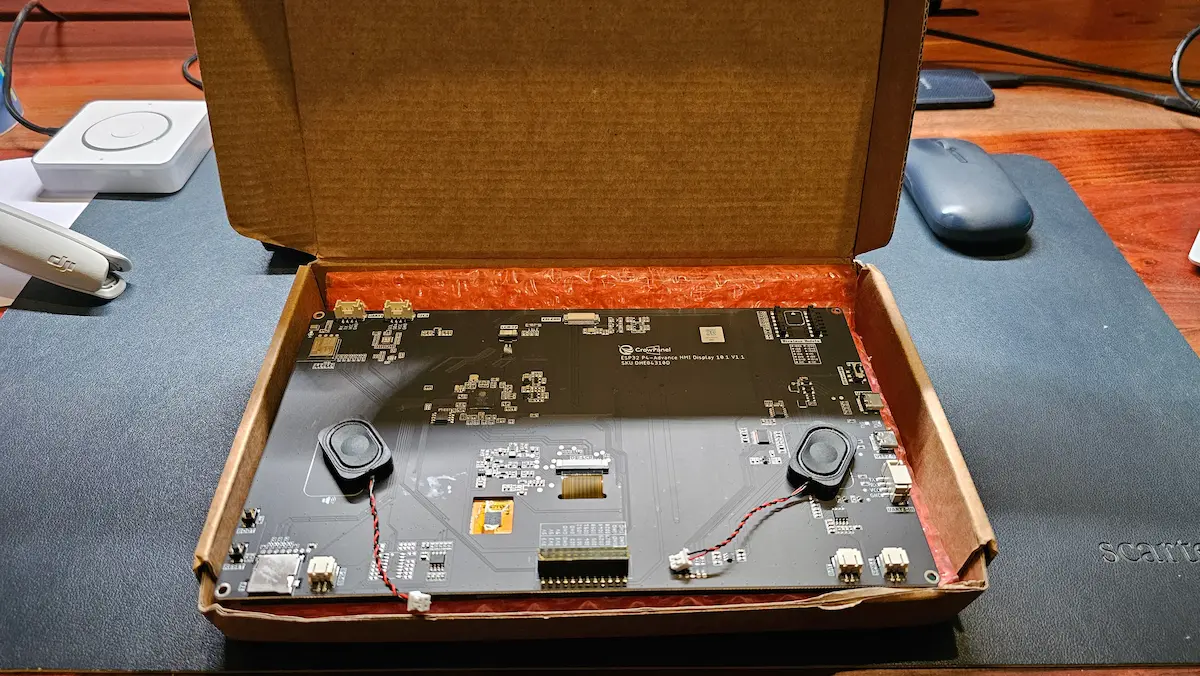
Priced at around $60, the Elecrow CrowPanel Advanced features a robust internal specification sheet centered around an ESP32-P4 system-on-chip utilizing a dual-core RISC-V architecture. Wireless connectivity is handled via an accompanying ESP32-C6 co-processor, providing support for WiFi 6 and Bluetooth 5. Visual output is delivered through a 10.1-inch IPS touchscreen boasting a 1024×600 resolution and a MIPI-DSI interface, paired with a capacitive touch panel driven by a GT911 controller.
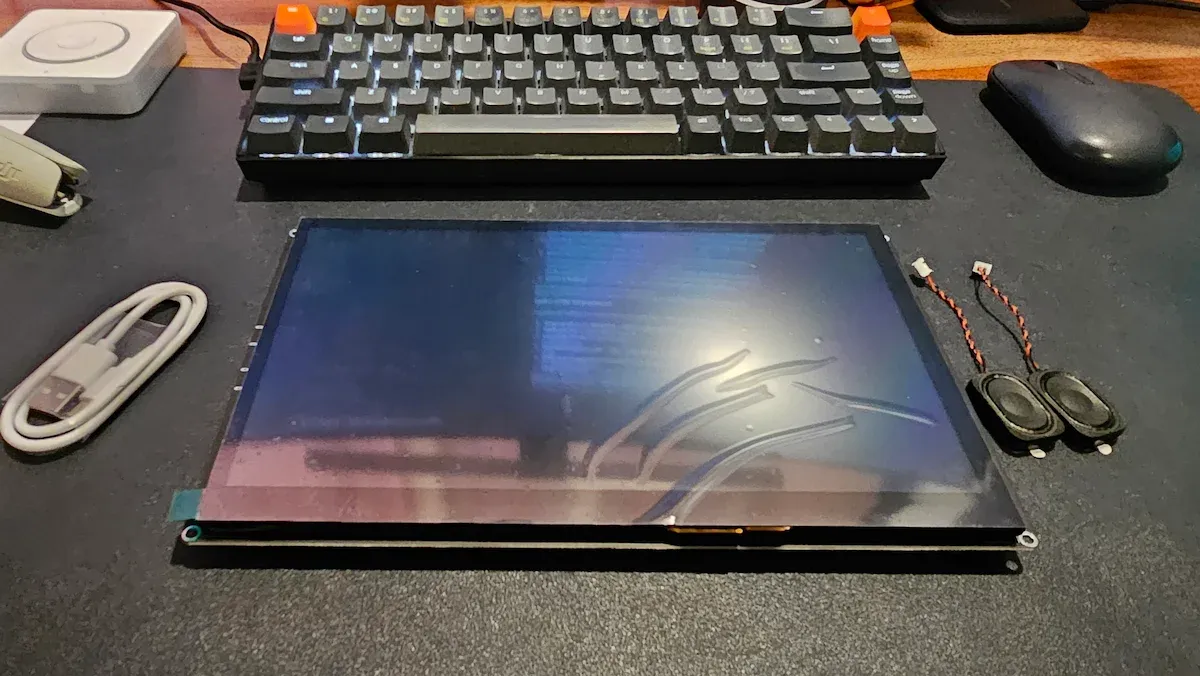
For memory and storage, the board packs 16MB of flash memory alongside 32MB of PSRAM. Audio capabilities are supported by an onboard microphone and a dedicated speaker output connector, opening avenues for voice integration. Furthermore, the hardware includes a camera connector, a battery connector for untethered operation, and exposed I2C, UART, and GPIO headers for expanding functionality with external sensors or microcontrollers.

Although supplied with a complementary camera module in the review package, the device remains fundamentally a developer board rather than an out-of-the-box smart home appliance. It requires hands-on configuration and firmware flashing, making it an ideal project for makers and homelab enthusiasts rather than consumers seeking a plug-and-play wall panel.
Configuring the Display for Home Assistant
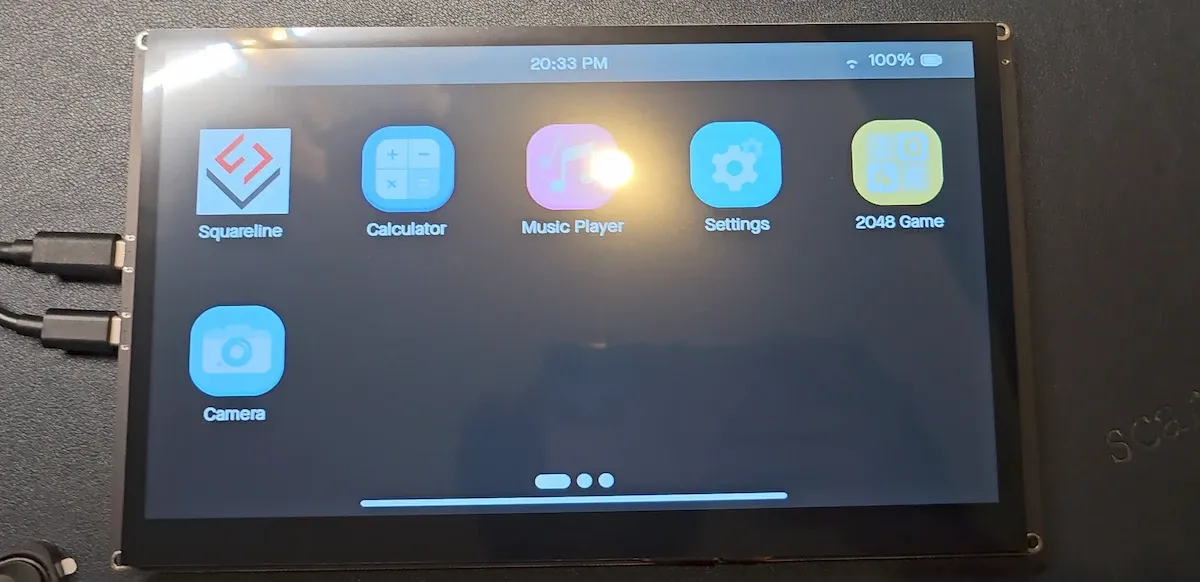
Out of the box, the CrowPanel runs Elecrow’s proprietary demo firmware, which serves primarily to verify screen functionality, touch responsiveness, and basic connectivity. While sufficient for initial hardware testing, the stock software lacks persistent configuration memory, resetting Wi-Fi credentials upon reboot.
To transform the hardware into a functional Home Assistant control panel, the reviewer bypassed the default software in favor of a custom ESPHome firmware implementation. ESPHome communicates directly with Home Assistant over its native API, eliminating complex supervisor add-on requirements—a crucial advantage for containerized homelab environments running on alternative operating systems like ZimaOS.
Initial deployment presented minor hurdles, particularly establishing stable Wi-Fi connectivity. Because the primary ESP32-P4 lacks an integrated radio, it relies entirely on the internal SDIO link to the secondary ESP32-C6 co-processor. Variations in hardware revisions meant that reference configurations required manual adjustment to resolve data line ordering before stable booting could be achieved.
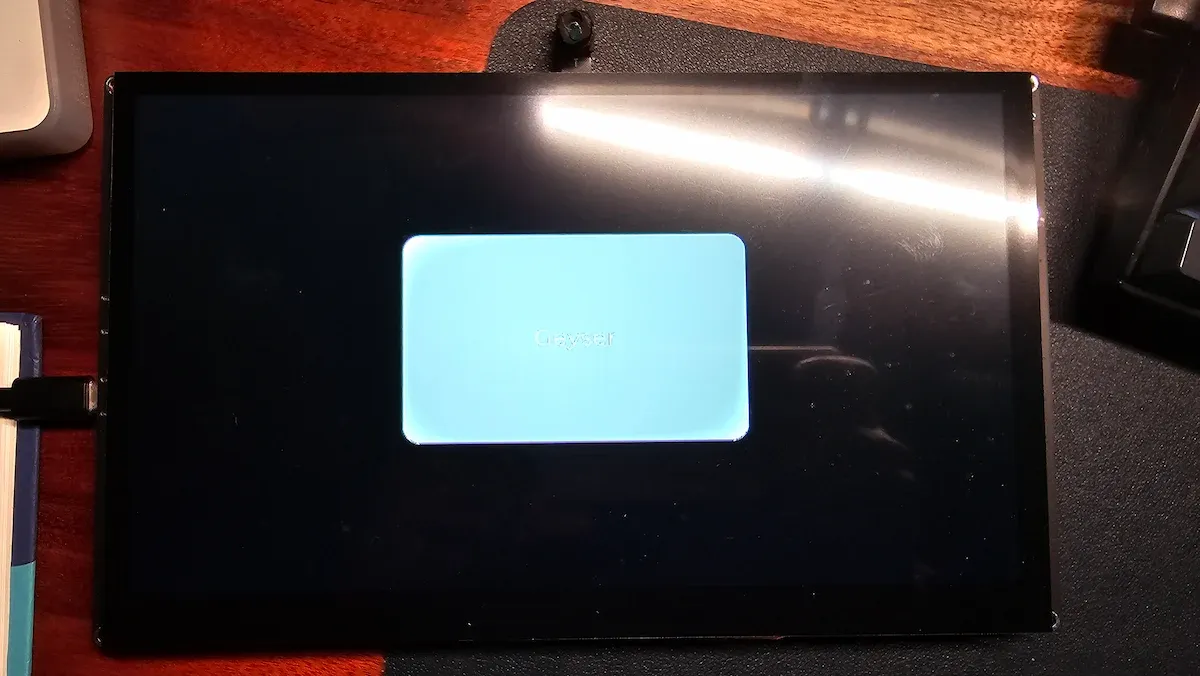
Once configured, the system reliably maintained network connections across reboots. Initial functional testing involved mapping a single onscreen button to a physical geyser switch in Home Assistant. Toggling the interface successfully triggered the remote hardware, while state changes initiated through the mobile companion app updated the display in real-time, confirming bidirectional synchronization. For building more complex visual interfaces without manual LVGL coding, tools like SquareLine Vision offer streamlined layout generation.
Evaluating Everyday Usability and Expandability
In daily operation, the 10.1-inch IPS display performs adequately as an entry-level panel. While it lacks the high pixel density and contrast ratios of modern mobile flagships, its brightness and viewing angles are more than sufficient for a stationary wall-mounted dashboard displaying control toggles and status indicators. Touch registration remains responsive, ensuring reliable input without requiring repeated taps.
Beyond basic touch control, the hardware’s auxiliary ports offer significant room for expansion. The combination of onboard microphones and speaker connectors allows the panel to function simultaneously as a visual dashboard and a voice satellite for Home Assistant’s local voice assistant capabilities. Meanwhile, the inclusion of a battery connector provides portability and resilience against sudden power outages.
The exposed GPIO, I2C, and UART headers extend the board’s utility far beyond simple home automation interfaces, catering to industrial monitoring, warehouse automation, and complex homelab sensor arrays. Additionally, while the optional 2.0-megapixel camera module supports integrated edge AI capabilities via the ESP32-C6 co-processor, developers may choose to leverage the hardware purely as an interface while delegating heavy vision processing tasks to more powerful backend servers on the local network.
Ultimately, the Elecrow CrowPanel Advanced occupies a specialized niche within the maker community. For individuals comfortable with firmware compilation, ESPHome configuration, and hardware tinkering, the device provides an affordable, highly customizable platform for expanding smart home accessibility. However, for users seeking instant installation without technical troubleshooting, the development board requires a level of hands-on engagement that remains strictly tailored to enthusiasts.

Leave a Reply