
The Fedora Design Team has proved that running a virtual conference entirely on open source tools is not only possible, but remarkably effective. By hosting the inaugural Creative Freedom Summit in January 2023, organizers navigated the complex intersection of community-driven events and proprietary platform reliance, establishing a working blueprint for future open-source gatherings.
The event emerged from a surplus of enthusiasm within the open-source design community. Following a review of talk submissions for Flock, the annual conference for Fedora users and contributors held in August 2022, organizer Marie Nordin noticed an overwhelming number of proposals focused on design and creativity. Far more submissions arrived than the event could accommodate, prompting Nordin to wonder if a dedicated space was needed for creatives who rely on open-source tools to produce their work.
Bringing the proposal to the Fedora Design Team in the fall of 2022, planning commenced quickly for a three-day event held from January 17 to 19, 2023. Because it was the first iteration of the conference, organizers relied on invited speakers drawn from previous Flock submissions and personal networks across the open-source creative ecosystem. Nearly every invited speaker accepted, filling the schedule entirely and eliminating the need for an open-source Call for Papers management tool for the inaugural event. Organizers noted that managing submissions for future summits will require new infrastructure as the event evolves.
Navigating the Proprietary Versus Open Dilemma
Since the onset of the COVID-19 pandemic, the Fedora Project’s flagship Flock conference has utilized Hopin, a proprietary online platform that accommodates open-source communities well. While Hopin provides a polished conference atmosphere complete with virtual expo halls, multiple tracks, hallway chats, and moderation tools, it remains proprietary software. For long-term open-source contributors who have spent decades championing software freedom, relying on a closed-source infrastructure to host an open-source event presents a philosophical contradiction.
However, as communities and virtual events scale in complexity, building and maintaining an integrated, reliable open-source conference system presents significant engineering hurdles. Organizers must weigh numerous practical factors, including budget constraints, volunteer availability, existing infrastructure, technical expertise, and tolerance for potential technical glitches.
For the Creative Freedom Summit, the organizing team operated with zero financial budget, relying instead on dedicated volunteer hours. They leveraged existing Fedora infrastructure, including the Fedora Matrix server and a hosted WordPress system for the website. Team members possessed the technical capability required to run live video calls using PeerTube, having previously managed weekly Fedora Design Team video streams. Embracing a low-key, single-track, and informal format allowed the team to accept minor technical rough edges while pursuing their passion for an entirely open-source tech stack.

Building an Open-Source Conference Stack
The technical architecture of the Creative Freedom Summit relied on a carefully curated collection of open-source tools for both live streaming and post-event management. For live components, the team utilized PeerTube for broadcasting the livestream, Jitsi Meet for the virtual stage and speaker green room, Element and the Matrix protocol for back-stage coordination and attendee chat, and a collaborative HackMD document for schedules, announcements, and live question-and-answer sessions. Post-event workflows incorporated LimeSurvey for attendee feedback, GitLab for organizing volunteer video editing efforts, Kdenlive for video refinement and subtitle generation, and a shared private PeerTube account for secure media handoffs.
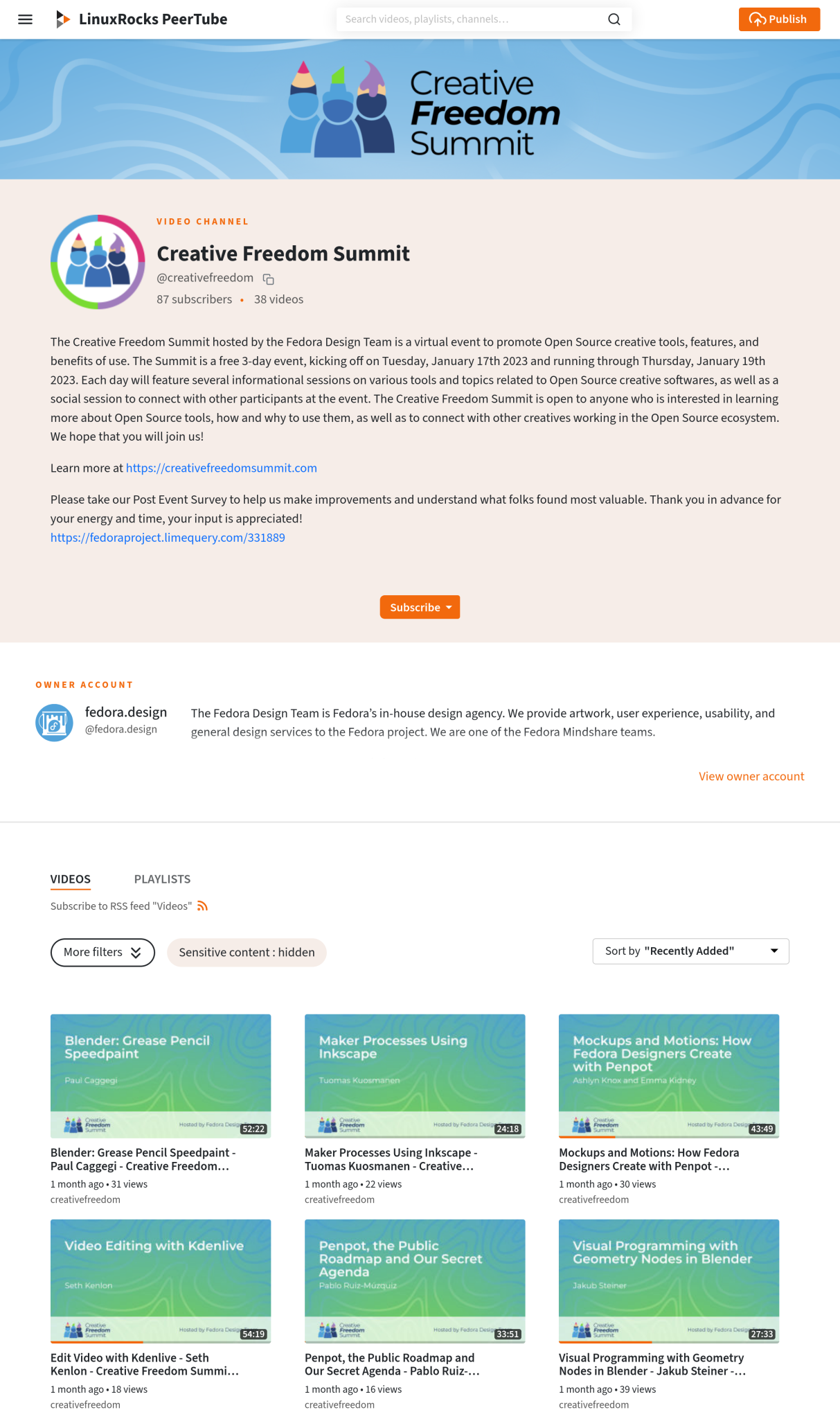
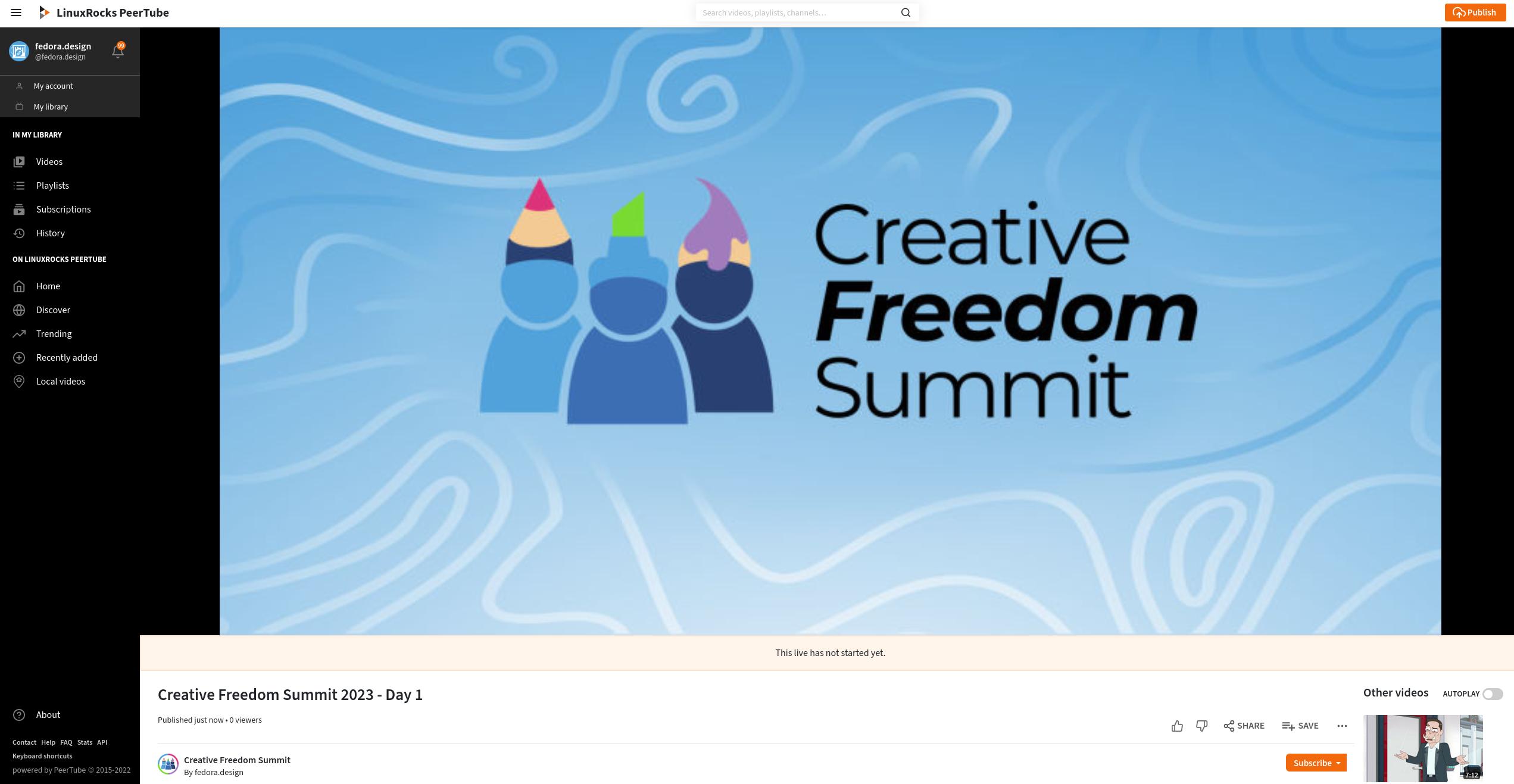
The livestreaming setup relied heavily on the LinuxRocks PeerTube platform, generously hosted by LinuxRocks.online. PeerTube is a free, decentralized video platform integrated into the Fediverse. One of its standout features is automated instant replay recording. As soon as a livestream concludes, PeerTube automatically generates a replay recording and publishes it directly to the host channel without requiring manual intervention, file uploads, or coordination from the organizing team. Attendees frequently praised this feature during the event, as missed sessions became available for viewing within minutes of a talk’s conclusion.
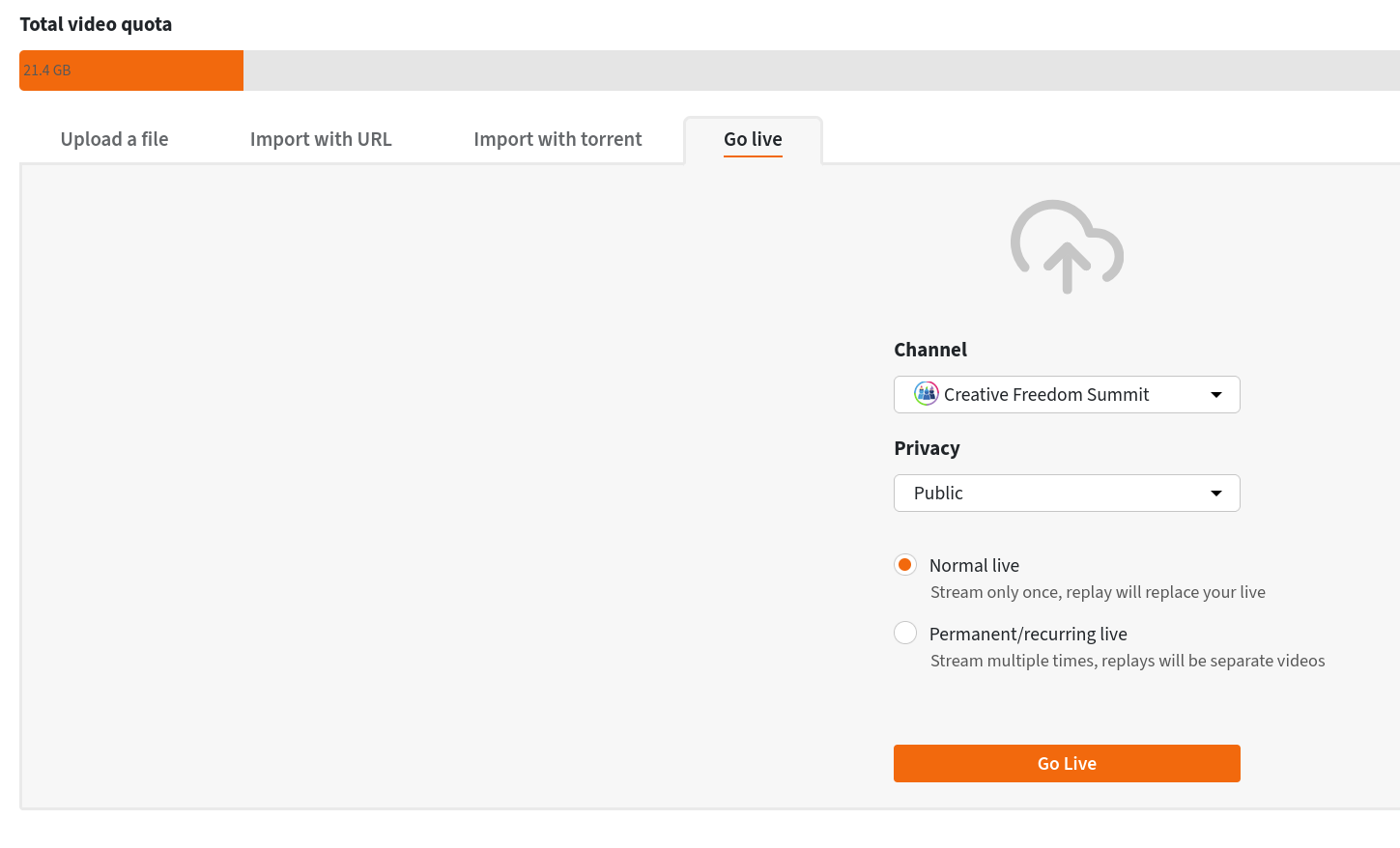
The workflow involved generating a reusable livestream URL and authorization key in PeerTube, which was shared among rotating hosts in a common document. Rather than generating new credentials for every individual session—a process that would have introduced heavy administrative overhead—hosts reused the same livestream endpoint throughout the event.
For the virtual stage where speakers delivered presentations and shared screens, organizers used Jitsi Meet. Meeting rooms were secured with a lobby configuration, allowing speakers to enter a virtual green room minutes before their presentation without interrupting the ongoing session. Hosts admitted speakers individually once the previous talk wrapped up. While moderators experienced minor issues with persistence if they left the room entirely, keeping a primary host computer active in the room for the duration of the conference successfully maintained stability.
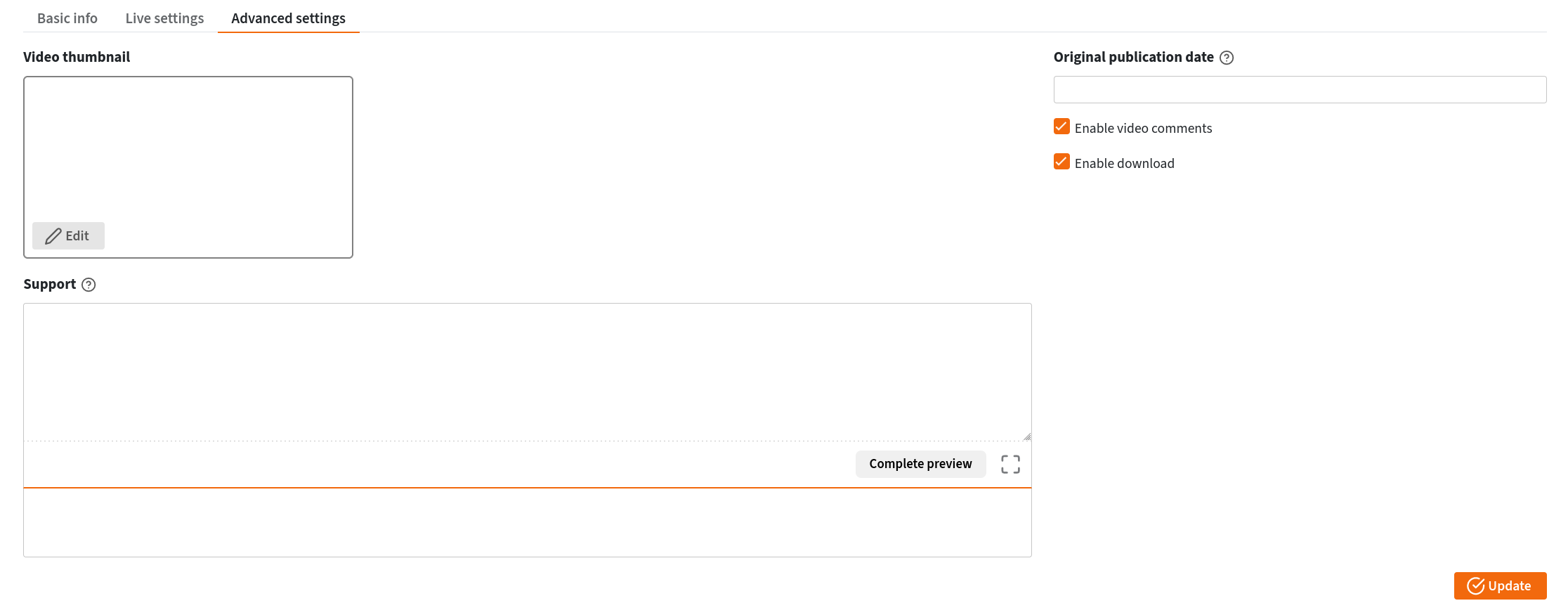
The Jitsi stage was connected directly to PeerTube via built-in RTMP streaming capabilities. Organizers discovered valuable operational lessons during the live broadcasts, noting that turning the Jitsi stream off between individual talks produced clean, single-session raw video files. During the first day, continuous streaming resulted in multi-talk video files, complicating the instant-replay experience for attendees seeking specific presentations. Organizers also addressed minor audio feedback loops caused by unmuted browser tabs or active Matrix clients, emphasizing the importance of rigorous pre-event testing for multi-platform broadcasting.
Centralizing the Attendee Experience Through Matrix and Element
To create a cohesive virtual venue, the team utilized Fedora’s Element server running on the Matrix protocol. The platform’s robust widget system allowed organizers to embed external websites directly into the chat interface, transforming the chat room into a centralized conference hub.
Within the primary Element window, attendees could watch the embedded PeerTube livestream in the upper section while participating in active text discussions below. An embedded HackMD document provided real-time access to daily schedules, general announcements, and a dedicated space for collecting audience questions during talks, which hosts subsequently read aloud to speakers. Although initial widget loading issues prompted a swift migration from Etherpad to HackMD, the embedded document approach kept attendees informed and engaged without requiring them to navigate away from the chat environment.
The website itself, developed by Ryan Gorley using WordPress and hosted on WPengine, served as a clean, single-page landing destination featuring an embedded schedule from sched.org.
Post-Event Workflows and Community Collaboration
Following the conclusion of the summit, organizers gathered feedback using the open-source survey tool LimeSurvey. The post-event review process heavily influenced ongoing discussions for future summits, particularly regarding accessibility and video production.
While live captioning was not natively integrated into the initial technical stack, participant feedback highlighted its importance for future events. Organizers identified potential open-source solutions for upcoming summits, noting that tools like Kdenlive include built-in speech-to-text features capable of automatically generating and placing subtitles into video recordings. Fedora Design Team member Kyle Conway subsequently produced comprehensive documentation and video tutorials detailing how to implement automated subtitles using Kdenlive and GitLab.
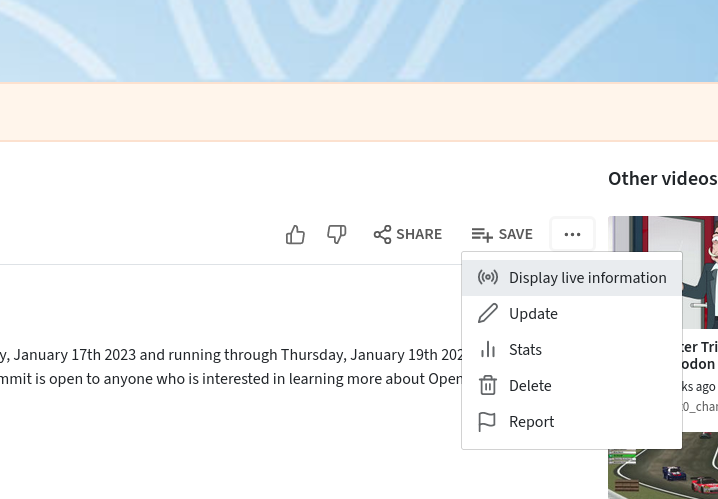
Video editing and cleanup relied entirely on a collaborative volunteer effort coordinated through a GitLab epic. Volunteers downloaded raw, unedited recordings directly from the PeerTube channel, refined the footage with title cards, intro and outro music, and reassembled split files. Edited videos were then uploaded to a private PeerTube account for administrative review before being published to the main channel.
The success of the Creative Freedom Summit demonstrates that open-source communities can successfully execute complex, multi-day virtual events using entirely decentralized and open tooling. Organizers continue to refine their processes through regular meetings and community outreach, inviting feedback and participation for future iterations via their dedicated Matrix channel.


Leave a Reply