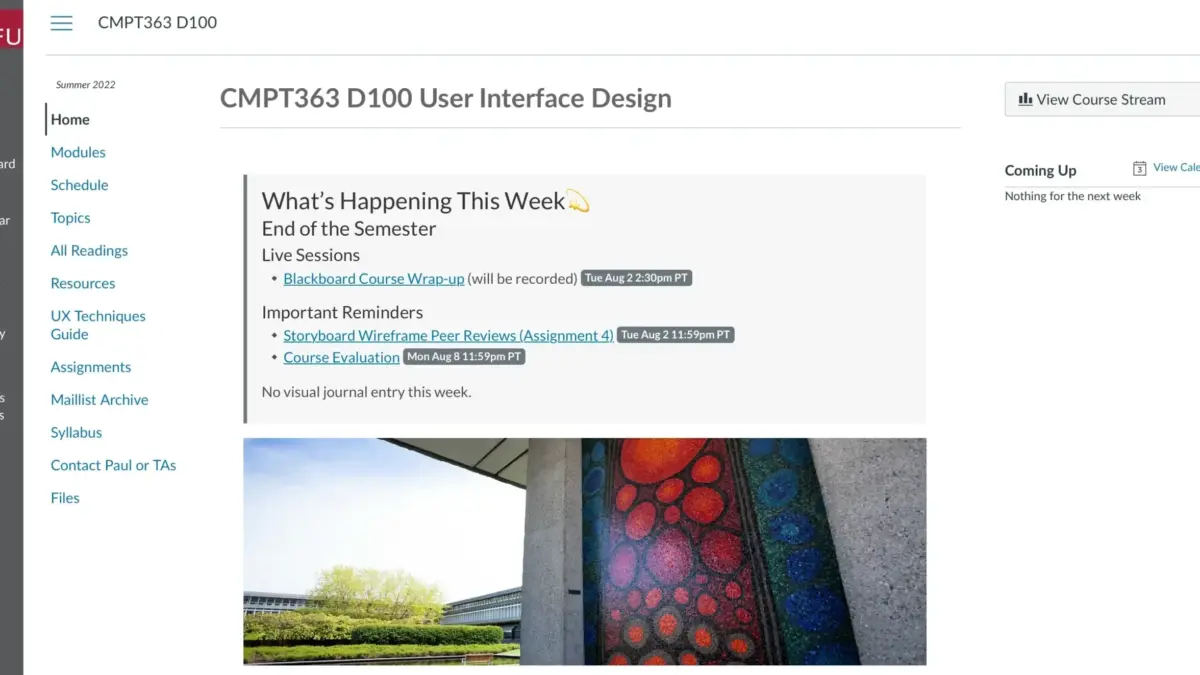
For years, Markdown has remained a favorite among developers, technical writers, and content creators for its lightweight, distraction-free writing environment and plain-text portability. However, turning a collection of Markdown files into an accessible online presence usually requires setting up a static site generator, configuring build processes, or wrestling with complex hosting environments. A new open-source project aims to eliminate that friction entirely, offering a streamlined approach to publishing, sharing, and embedding Markdown content across the web without any pre-build requirements.
The project, known as Docsify-This and built on top of the popular Docsify.js framework, provides an immediate pathway to convert publicly available Markdown files into responsive, standalone web pages. By bypassing traditional website setup procedures, the tool allows individuals and organizations to deploy content rapidly, whether they are building a simple multi-page resource site, updating a content management system, or pushing instructional materials into a learning management system. Because the project is open source, users can host their own instances under custom domains, effectively insulating themselves against platform lock-in while maintaining total control over their data and presentation.
What is Docsify-This?
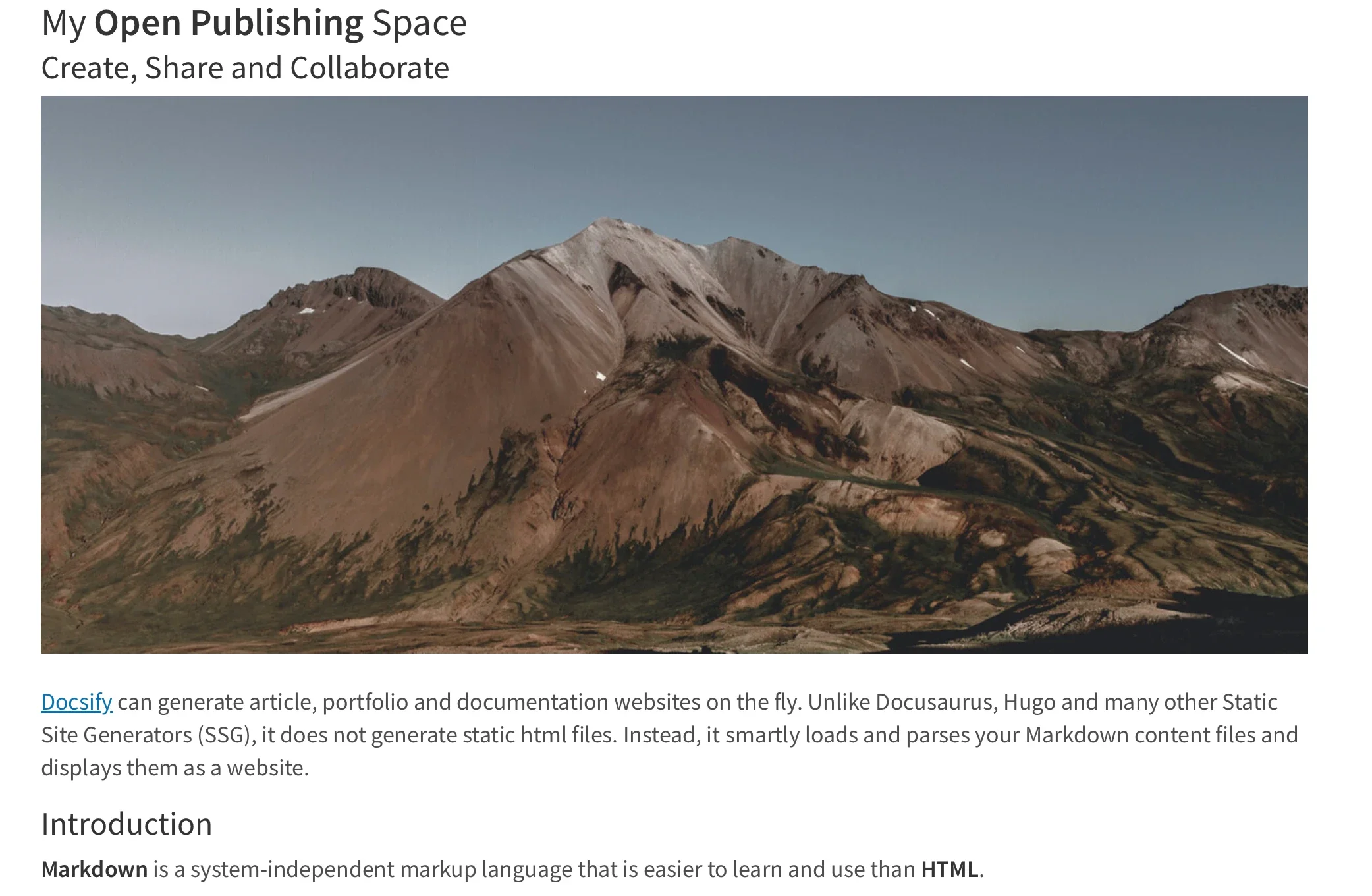
At its core, Docsify-This serves as a bridge between raw plain-text files stored in popular Git repositories and polished, responsive web presentation. When creators point the tool toward a publicly accessible Markdown file hosted on platforms like GitHub or Codeberg, Docsify-This instantly renders the document as a standalone web page complete with a unique, shareable URL. For multi-page projects, creators can link several files together to form a cohesive, lightweight website structure without ever touching a server configuration file.

Designers and content managers looking to tailor the visual aesthetic of their rendered pages are not restricted to default templates. The platform includes a point-and-click Web Page Builder interface, as well as a flexible system of URL parameters that allow for real-time visual adjustments. Furthermore, projects hosted on GitHub or Codeberg can automatically generate an "Edit this Page" link for every document, fostering a collaborative authoring environment where contributors can suggest and implement updates directly through version control workflows.
Use the Docsify-This Web Page Builder
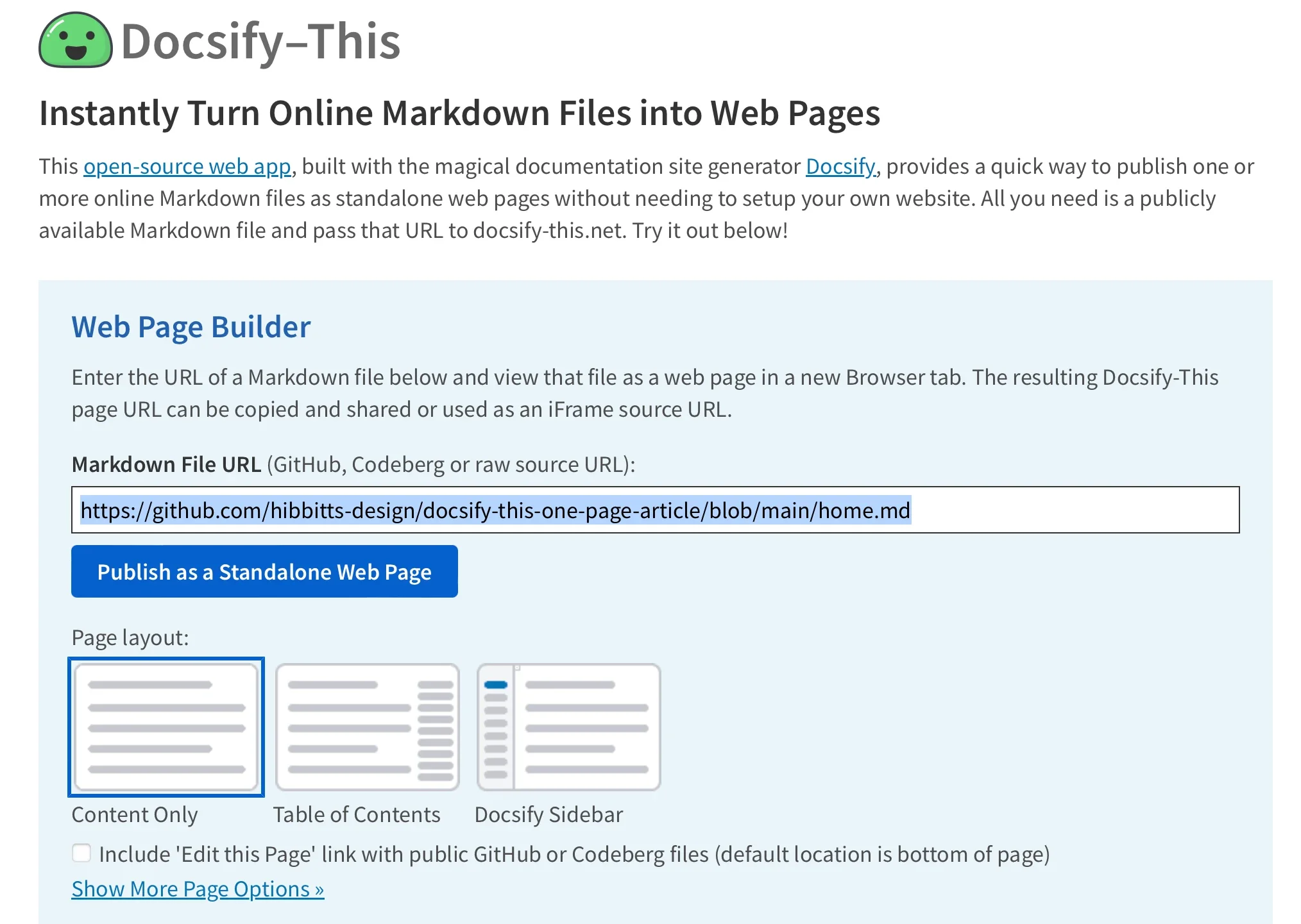
Getting started with the platform requires minimal technical overhead. Users can navigate directly to the official Docsify-This website or access a locally hosted instance to utilize the Web Page Builder interface. Within the builder section, an author simply pastes the URL of a public Markdown file from a supported Git host and clicks a button to publish the document as a live, standalone web page.
While the web interface natively supports public repositories on GitHub and Codeberg, developers can integrate other Git hosting services by utilizing advanced Docsify-This URL parameters. Once published, the resulting web page URL can be easily copied and distributed across emails, chat applications, or social platforms. This makes the tool particularly attractive for educators, open-source maintainers, and corporate teams who need to distribute frequently updated documentation quickly and reliably.
Render other files in the same repository
Maintaining large collections of documents becomes significantly easier through the platform’s URL parameter architecture. Instead of generating entirely new publishing pipelines for updates or supplementary pages, administrators can render different Markdown files located within the exact same repository by directly editing the "homepage" parameter in the web address.
This dynamic routing capability means that a single base repository can power an extensive array of distinct web pages simply by swapping out target file names in the URL string. Content updates made to the source repository are reflected immediately upon page refresh, streamlining the editorial workflow and ensuring that readers always access the most current version of a document.
Modify the web page’s appearance
Visual customization is a central feature of the platform, enabling publishers to align rendered Markdown files with specific branding guidelines or institutional styles. By appending standard CSS attributes directly to the Docsify-This URL as parameters—such as font-family, font-size, link-color, and line-height—administrators can alter the typography and layout of a page without modifying the underlying source files.
Beyond global styling parameters, Docsify-This supports a specialized set of Markdown CSS classes that bring interactive and visual elements to plain text. For instance, authors can transform a standard hyperlink into a styled button by applying a specific class tag directly within the Markdown syntax.
For advanced styling needs, creators are not limited to pre-packaged classes. They can define entirely custom CSS stylesheets directly inside their Markdown files using standard style tags. This flexibility allows for the creation of bespoke user interfaces, specialized callout boxes, and unique typographic treatments that render cleanly inside the Docsify-This environment.
Include HTML snippets
While Markdown is prized for its simplicity, certain layout requirements demand the structural flexibility of HTML. Docsify-This preserves standard Markdown capabilities regarding HTML embedding, allowing authors to incorporate layout snippets—such as multi-column grid structures—directly into their documents. This capability enables creators to design sophisticated page layouts and organize complex information architectures without abandoning their preferred plain-source writing habits.

Embed Docsify-This as an iFrame
One of the most powerful use cases for the platform is its capacity for seamless embedding. Because Docsify-This pages are fully responsive and easily styled via URL parameters, they can be embedded into virtually any third-party platform using standard HTML iFrame elements.
This embedding capability is especially valuable for organizations managing multiple digital properties, corporate intranets, or educational portals. Administrators can embed live, up-to-date documentation directly into external dashboards or platform interfaces, ensuring that users do not have to navigate away to find critical resources. URL parameters can even be configured to hide interface credits and adjust typography scaling so that the embedded content blends natively into the host platform’s visual design.
Embed Docsify-This with an external URL
In addition to iFrame integration, many modern learning management systems and institutional platforms allow administrators to link external web pages directly into navigational menus or course structures. Platforms such as Moodle and Canvas support tool integrations that make external linking straightforward.

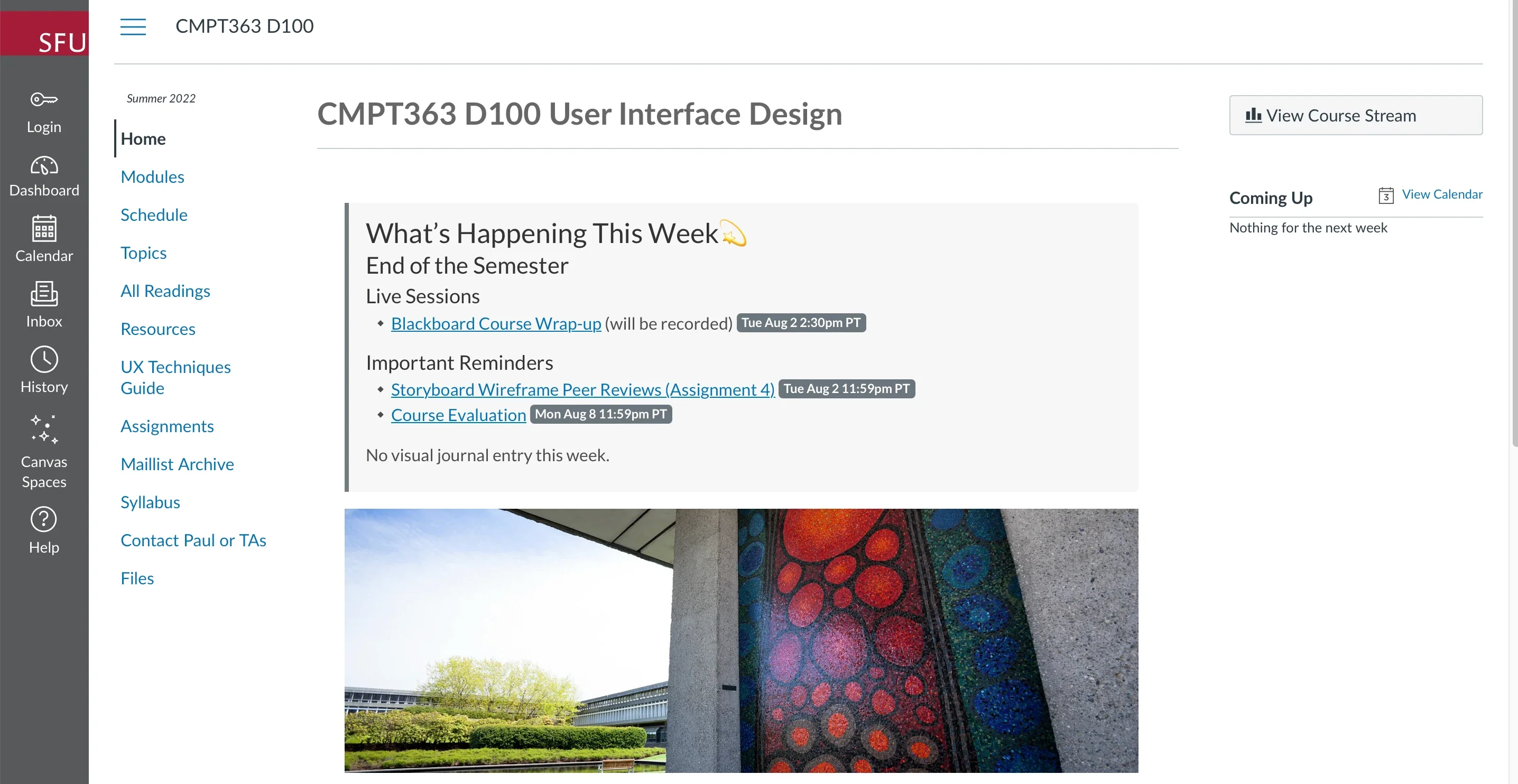
For example, educators using Canvas can leverage built-in utilities like the Redirect Tool to surface Docsify-This pages right inside a student’s course navigation menu. By passing customized URL parameters that handle font styling, base paths, and edit links, instructors can deliver dynamically updated course materials, syllabi, and resource lists that live in version-controlled repositories while appearing native to the learning environment.
Integrate Docsify-This and Git
The underlying architecture of Docsify-This is deeply intertwined with modern version control workflows. To unlock the full collaborative potential of the platform—including version tracking, issue management, and the optional "Edit this Page" authoring links—content should be stored in Git repositories hosted on services like Codeberg or GitHub.
Writers and technical documentarians do not need to rely solely on command-line interfaces to manage these repositories. A robust ecosystem of open-source graphical Git clients is available to simplify version control tasks, including GitHub Desktop, Git-Cola, and SparkleShare. Additionally, popular extensible text editors like VSCode and Pulsar Edit feature comprehensive, built-in Git integrations that allow creators to write, commit, and push content updates without ever leaving their editing environment.
Conclusion
The convergence of lightweight Markdown authoring and flexible web publishing has unlocked new efficiencies for developers, educators, and content creators alike. By removing the traditional barriers of website setup, static site generation, and rigid platform constraints, Docsify-This provides a practical, open-source solution for publishing and embedding living documents anywhere on the web.