The modern desktop workstation is a canvas for multitasking, and for many power users, the eternal debate over hardware comes down to a fundamental choice: multiple physical displays versus a single, expansive ultra-wide screen. Recently, the temptation of streamlining a workstation reached a new peak with the arrival of massive, high-resolution panels boasting pixel counts that rival traditional multi-monitor arrays. Yet, as many desk jockeys and productivity veterans discover, raw pixel math rarely tells the whole story of daily workflow utility.
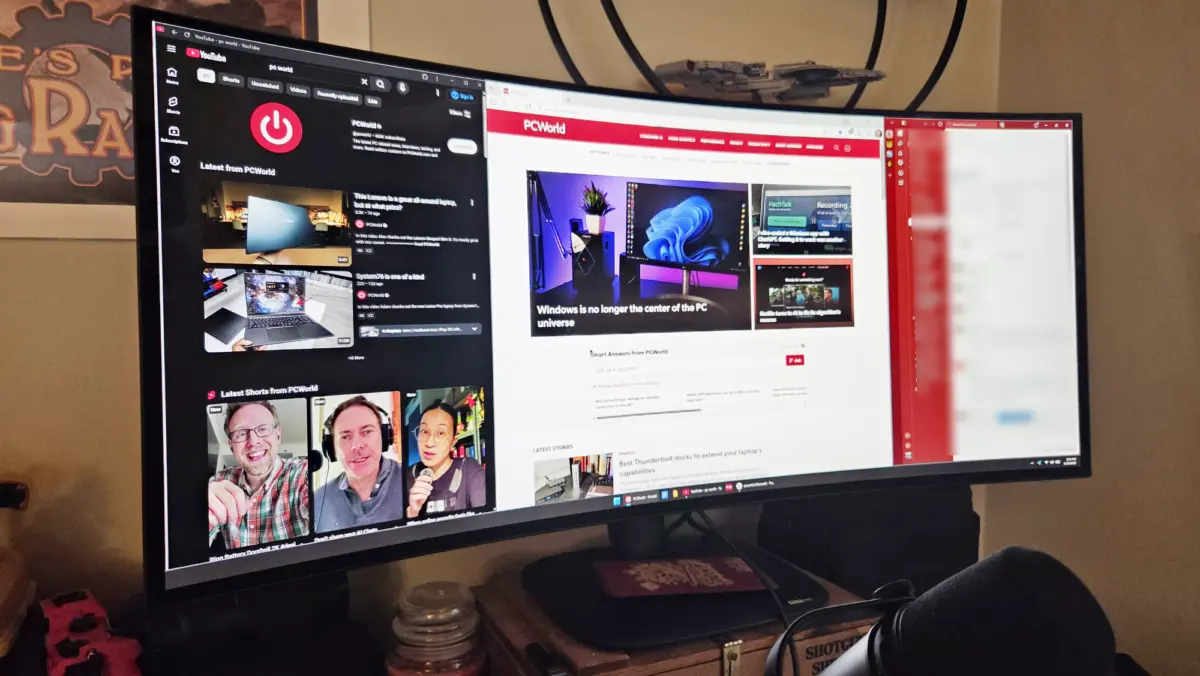
For hardware reviewers and long-time desk warriors, putting cutting-edge gear through real-world paces often yields surprising friction. A recent hands-on test with the Alienware AW3926QW—a massive 39-inch, 5K/2K OLED gaming monitor—highlighted the exact gap between digital specifications and practical workspace ergonomics. Boasting a resolution of 5120 by 2160 pixels, the display packs nearly the exact same amount of digital canvas space as a traditional triple-monitor desktop configuration. Drawn in by the promise of a cleaner desk, fewer cables, and a gorgeous organic light-emitting diode panel, a week-long experiment was launched to see if a single screen could entirely replace a long-standing multi-display setup.
The verdict at the end of the week was straightforward: the experiment failed. That is not an indictment of the hardware itself, which delivers stunning visual fidelity. Rather, it underscores a deeper truth about hardware adoption—pure pixels, even on a large, high-end display, do not automatically translate to actual productivity utility.
Pixels Aren’t the Whole Picture
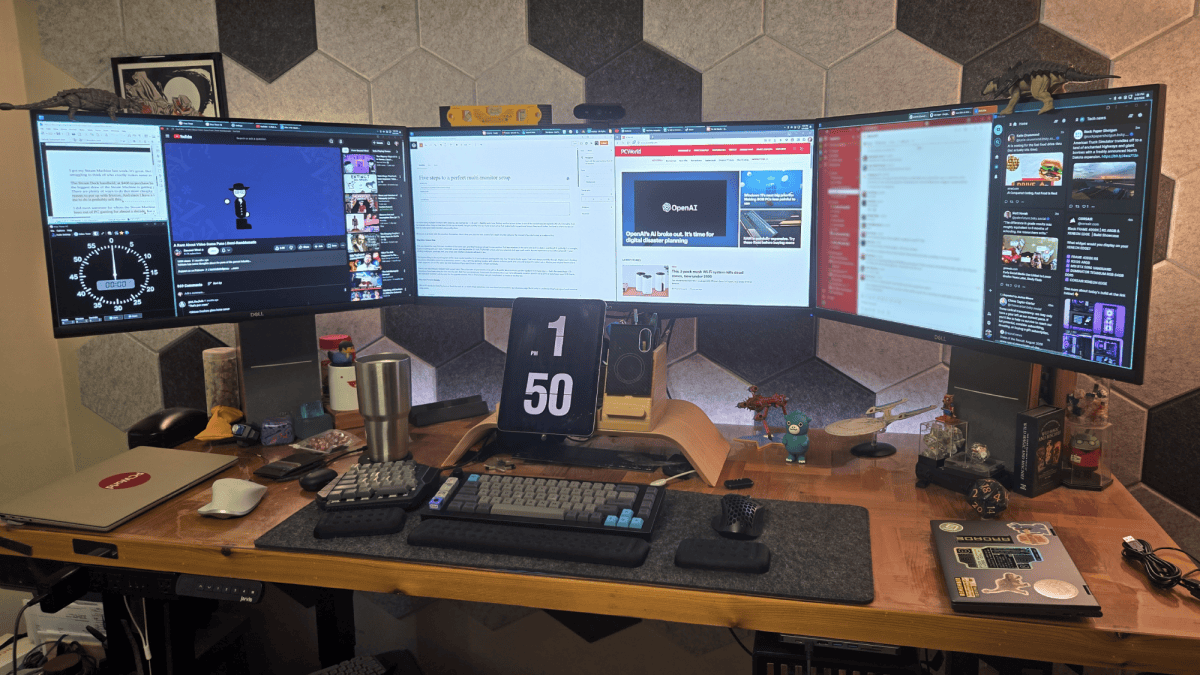
To understand why a massive single screen can stumble where a multi-monitor setup thrives, it helps to examine the habits formed over decades of computing. Habitual multi-monitor users often develop specific spatial workflows out of necessity and comfort. For instance, maintaining a triple-monitor setup for twenty years creates a deeply ingrained muscle memory regarding where windows live and how information is categorized.

A typical configuration might pair a 34-inch 1440p ultrawide as a primary central monitor, flanked by two 27-inch 1440p monitors on either side. In such an environment, specific zones serve distinct purposes. A focused writing window occupies the primary center-left, while relevant source material sits on the primary right. Secondary peripherals, communication apps like Slack, and social media feeds are neatly compartmentalized on the rightmost monitor. Meanwhile, secondary source materials, video windows, or smaller desktop tools—such as a standing desk timer—reside comfortably on the left.
While this layout is flexible and dynamic, shifting dramatically when the system is fired up for gaming, the overarching architecture relies on a horizontal line of sight with highly categorized, physically separated zones.
Transitioning to the Alienware AW3926QW required fundamental adjustments. A quick calculation on a napkin confirms the digital equivalence: a 5120-by-2160 pixel array amounts to approximately 11.06 million pixels, closely matching a QHD-QHD-ultrawide-QHD array’s 12.3 million pixels. However, the physical geometry differs significantly. The single large panel is narrower and taller than a sprawling three-screen horizontal layout.
Furthermore, absolute physical size and pixel density play massive roles in user comfort. The 5K2K resolution packed into a 39-inch form factor yields a pixel density of roughly 142 pixels per inch, compared to the more forgiving 110 pixels per inch found on standard 1440p displays. Finding the right text scaling and window dimensions is crucial for long-term comfort, and adapting to the Alienware required shrinking the workspace down to a single central primary zone flanked by two much narrower side zones, or abandoning the three-window approach entirely in favor of side-by-side apps.
This structural shift severely hampered daytime productivity workflows, even if it proved delightful during casual web browsing or immersive gaming sessions. The core issue boiled down to spatial orientation: the user required expansive horizontal breathing room and found it difficult to leverage the extra vertical screen real estate effectively, given a workflow traditionally built around easily scrollable text columns and static video windows.
While extended adaptation time or the addition of a secondary monitor might eventually bridge the gap, the panel failed as a standalone, direct replacement for a multi-monitor rig. None of this diminishes the monitor’s baseline quality. For entertainment, the display is nothing short of jaw-dropping. Modern OLED panels handle text much more comfortably than older generations, and firing up games like Star Wars Galactic Racer showcases the incredible color reproduction, contrast, and response times that make high-end OLED panels the gold standard for gaming enthusiasts.
For users seeking top-tier visuals at a grand scale, a 39-inch form factor represents about as large as a single gaming screen can usefully stretch across a standard desktop environment without requiring excessive head movement. Other workflows with different organizational demands might adapt seamlessly. For this particular writing and multitasking pipeline, however, it simply could not stand alone.
Can I Go Even Bigger?
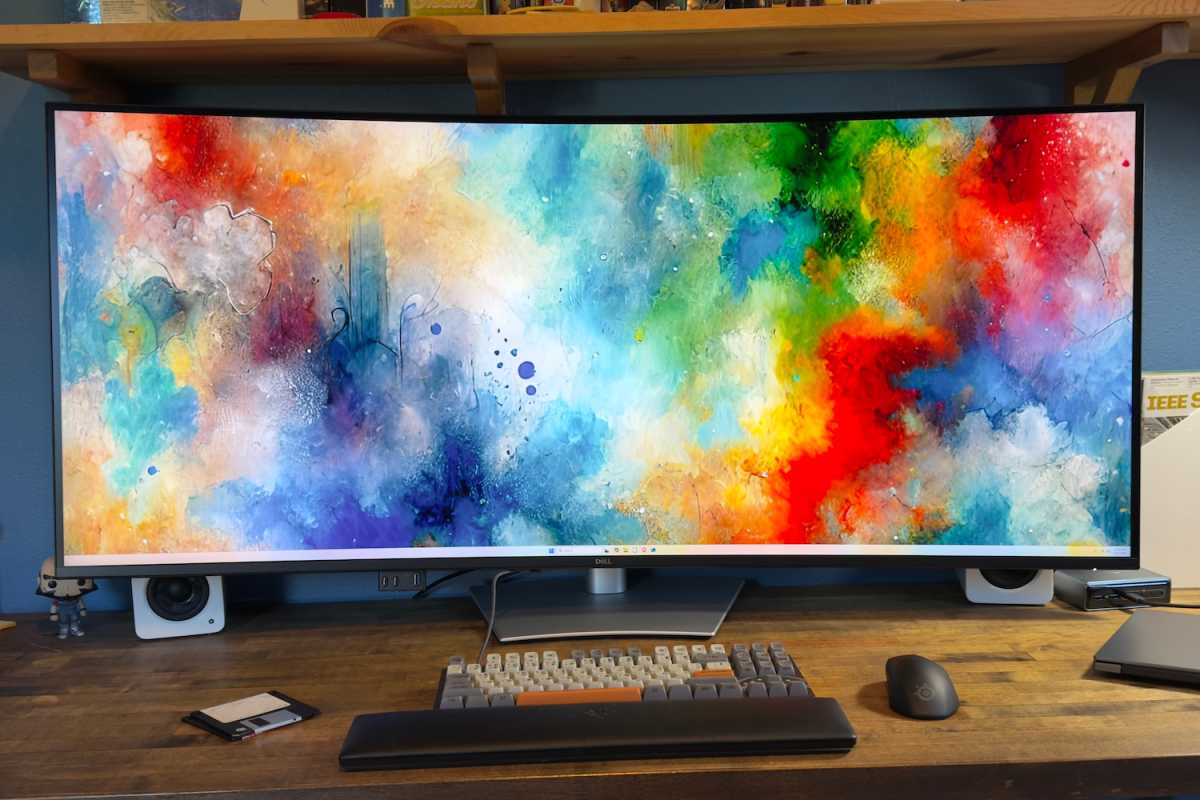
The logical question following such an experiment is whether an even larger single monitor could shoulder the burden. The market certainly offers alternatives designed to bridge the gap. Dell manufactures a massive 52-inch Ultrasharp monitor engineered for heavy multitasking. Featuring a "6K" resolution of 6144 by 2560 pixels and a smooth 120Hz IPS panel, it targets professional productivity rather than hardcore gaming. Yet, realizing that excessive vertical pixel space often goes underutilized in traditional writing workflows makes an ultra-tall 6K display less than ideal.

Another prominent contender is Samsung’s colossal 57-inch Odyssey Neo G9. Offering a double-4K resolution of 7680 by 2160 pixels, it mirrors the physical width of a wide triple-monitor array at roughly 54.9 inches, trimming horizontal resolution slightly while expanding vertical space.
While the physical footprint of such a wide screen might accommodate traditional multi-window habits, technological compromises remain a hurdle. Samsung’s massive display relies on a vertical alignment (VA) panel rather than fast IPS or modern OLED technology. For professionals who split their time between writing and color-critical photo editing, VA panels often fall short of the precise color accuracy required.
Many hardware enthusiasts have spent years waiting for manufacturers to introduce an OLED panel matching that specific ultra-wide size and resolution, recognizing it as perhaps the only product class capable of tempting a die-hard multi-monitor user into a single-screen setup. At the same time, personal budgets receive a quiet reprieve from the absence of such options; a gaming-grade OLED at that scale would easily command a price tag stretching toward $2,500 or $3,000, placing it in a similar financial tier as Dell’s ultra-premium professional hubs.
Even if an ideal panel matching those exact dimensions and OLED specifications were to materialize, psychological and financial factors would still give a daily user pause. Staring at an unbroken, panoramic sheet of glass spanning the entire field of vision for eight to twelve hours a day introduces a different kind of operational anxiety.
All My Monitor Eggs in One Basket
Beyond the cognitive and spatial advantages of physical multi-screen layouts, a triple-monitor setup offers a distinct layer of financial and operational security. Hardware components degrade or fail over time, and distributing risk across multiple independent devices changes the calculus of desk maintenance.
For instance, utilizing budget-friendly side monitors purchased years ago at modest price points means that a dying panel is a minor inconvenience rather than a workspace catastrophe. If a side monitor begins to fail, it can be swapped out independently without replacing the entire visual array. Conversely, investing heavily in a single, ultra-expensive OLED panel concentrates all workspace dependency into one vulnerable point of failure.
Experimenting with high-end, second-hand OLEDs often carries inherent risks, such as rapid panel burn-in, which can necessitate sudden replacements. Falling back on an affordable backup display while retaining a modular setup cushions the financial blow of hardware failure. Consolidating an entire workstation into a single flagship display costing thousands of dollars transforms a routine hardware glitch into a major investment risk, especially for heavy users logging grueling daily hours.
Ultimately, evaluating workspace hardware requires looking beyond raw technical capabilities to analyze how tools are actually used in practice. Understanding personal workflow habits, spatial preferences, and risk management ensures that future hardware investments enhance productivity rather than disrupting it.