
As smartphone cameras continue to evolve and capture increasingly higher-resolution photos and detailed videos, users are reaping the benefits of superior digital memories. However, this photographic progress carries a hidden drawback for personal computing. The files generated by modern mobile devices are growing larger by the day, occupying substantial space when transferred to desktop computers or laptops. For many users, this digital accumulation quickly transforms into a frustrating bottleneck, especially as computer storage capacities have failed to keep pace with the exponential growth of file sizes.
While solid-state drives and hard drives remain essential components of any modern PC, many computers continue to ship with relatively modest storage capacities. When high-definition video clips, burst-mode photographs, and massive document archives are regularly imported from phones—often automatically via cloud backups, synchronization services, and cross-platform apps—storage limits are tested faster than ever before.
One of the most efficient, yet frequently overlooked, methods for clawing back valuable hard drive space involves tracking down and eliminating redundant files. Across any given computer, it is remarkably common to find multiple copies of the exact same document, photograph, or video scattered throughout different directories. These duplicates frequently materialize without the user’s direct knowledge, generated automatically by overlapping backup systems, manual copy-pasting over the years, or separate downloads of the same software packages and media files.

While manually auditing a multi-terabyte hard drive for identical files represents an impossibly tedious and time-consuming chore, specialized software can perform the heavy lifting in a matter of minutes. Utilities designed specifically for this purpose scan deep within computer directories to identify exact file matches based on content rather than simply relying on file names. Among the most widely recognized utilities for this task is CCleaner, a long-standing application that includes a dedicated Duplicate Finder feature capable of streamlining the cleanup process without requiring manual directory searching.
Understanding CCleaner and Its Ecosystem
CCleaner has maintained a prominent position in the personal computer software landscape for more than twenty years, accumulating millions of users globally. Designed primarily as a system optimization and maintenance utility, the program offers a suite of features aimed at clearing out temporary files, managing startup applications, and improving overall system responsiveness. Among its various capabilities, the duplicate file detection tool stands out as one of the most practically beneficial components for everyday users facing storage constraints.
The software operates under a freemium business model. This economic framework allows users to access basic cleaning and scanning functions at no cost, while reserving advanced automation and real-time monitoring features for a paid tier known as CCleaner Professional. For individuals whose primary objective is simply to locate and clear out redundant copies of files, the free version provides all the necessary functionality without requiring any financial commitment.
At the same time, navigating the free version of CCleaner requires a degree of caution regarding its promotional tactics. The software manufacturer employs aggressive marketing strategies within the free application interface, frequently presenting urgent alerts regarding system performance or security status. In practice, these dramatic warnings are typically designed to encourage users to purchase the paid subscription service. Users can safely disregard these promotional notifications and concentrate entirely on utilizing the built-in tools for identifying and removing duplicate content.
Acquisition and Initial Setup
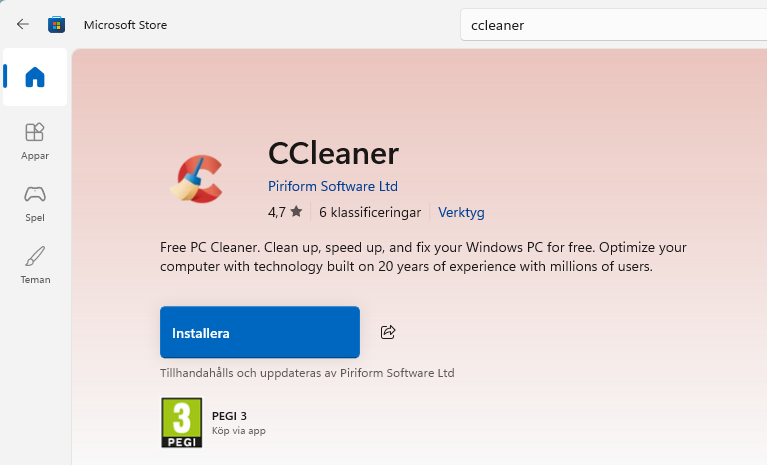
Getting started with the duplicate detection process begins with acquiring the software. Users can obtain CCleaner directly through the Microsoft Store by searching for the application name within the operating system’s built-in search field, clicking the installation prompt, and accepting standard deployment permissions. Alternatively, individuals who prefer a traditional standalone installer can navigate to the official website and select the free download option.
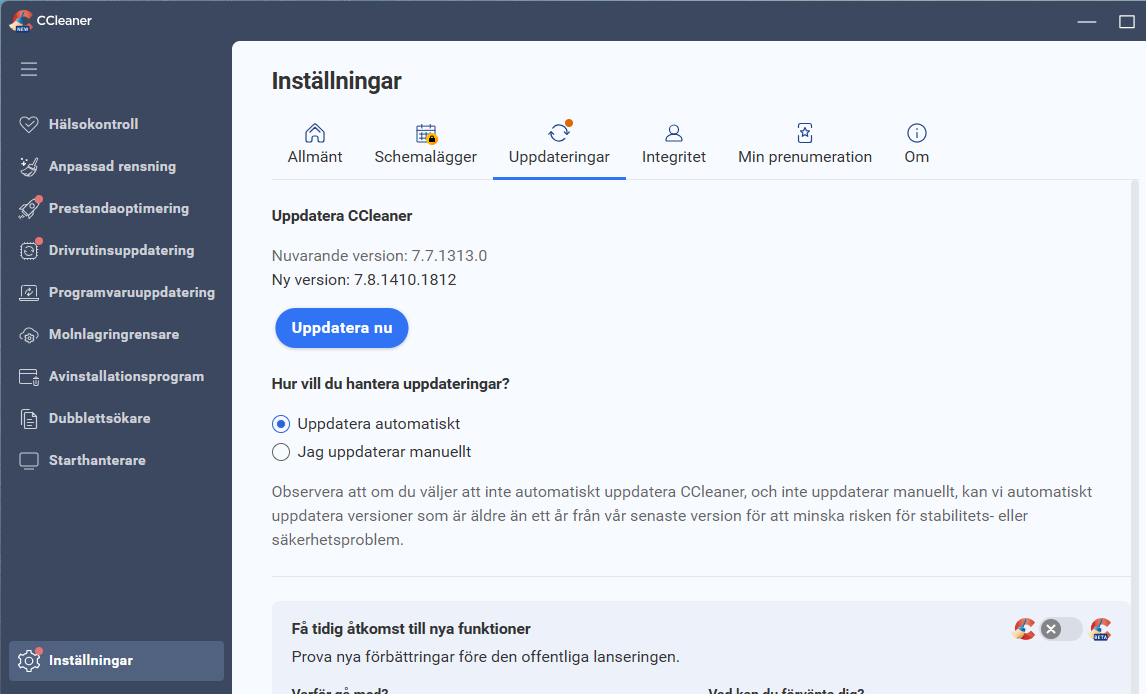
For existing users who may be running older iterations of the software, ensuring compatibility with current features often requires performing a manual software update. Modern versions of the utility incorporate refined scanning algorithms and updated user interfaces that streamline the process of locating redundant data. Users can check for available updates directly from the application interface through the settings menu or the dedicated update check option typically located near the bottom of the main dashboard.
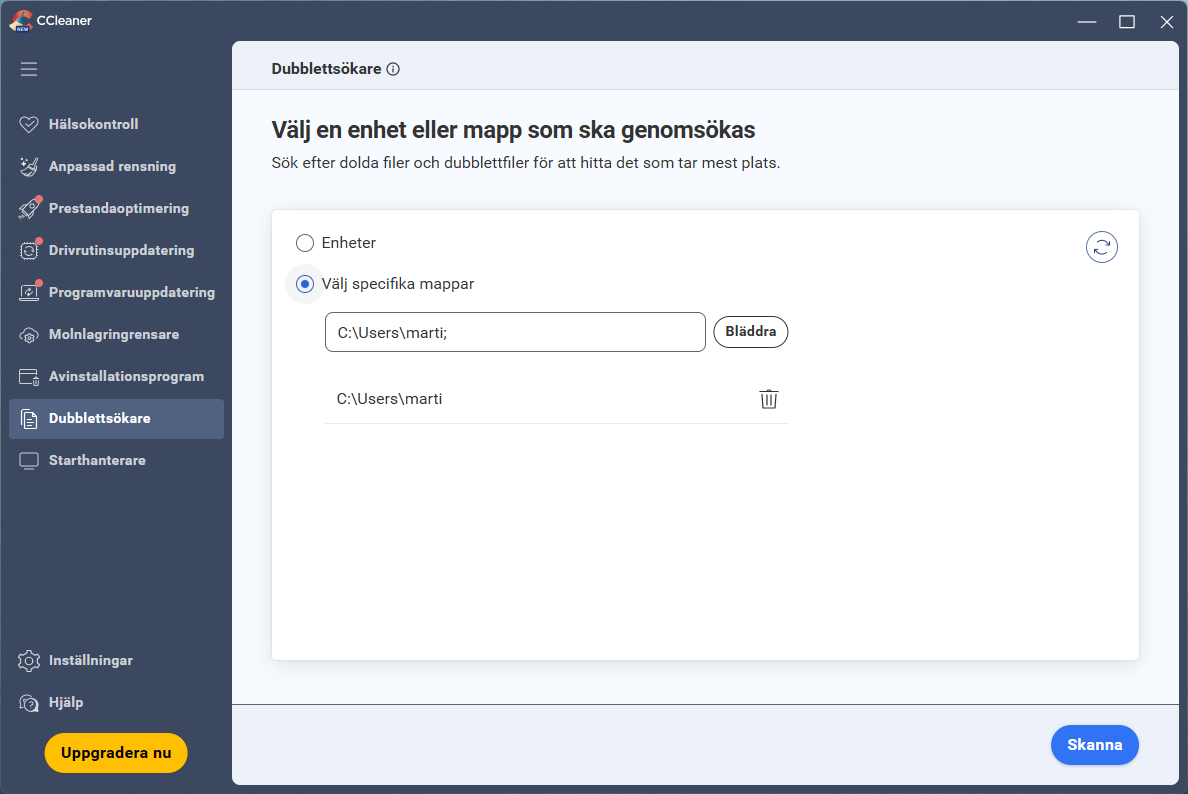
Once the application is running, initiating a scan for redundant files is a straightforward procedure. Navigating to the dedicated duplicate detection section within the application menu opens a primary control panel where users can launch the search process immediately.
Scanning and Managing Redundant Files
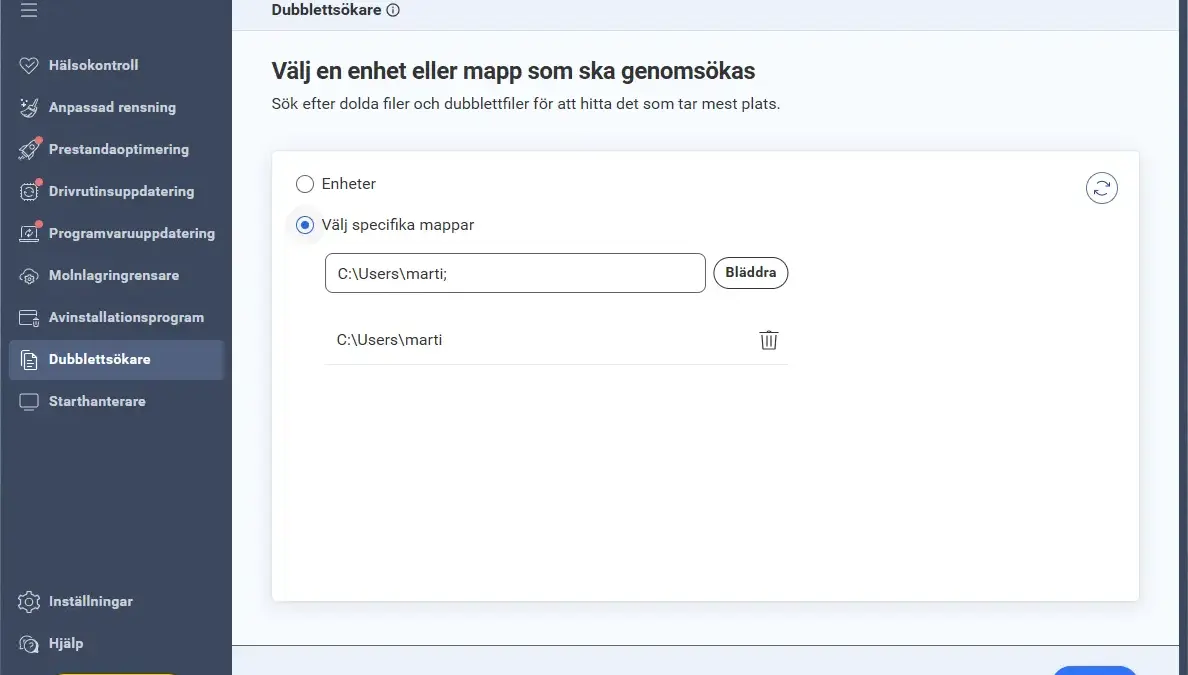
The software provides flexible configuration options regarding where the search takes place. Users can elect to scan an entire computer by selecting specific hard drives from the system directory, or narrow the scope by targeting designated folders—such as a personal documents directory or a media download folder—thereby reducing the time required to complete the analysis.
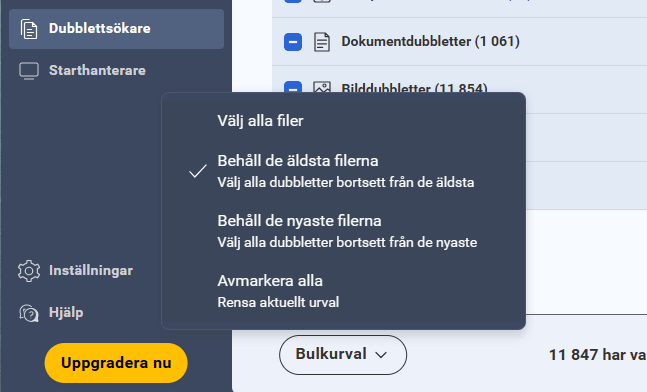
Upon initiating the scan, the application evaluates the selected directories and compiles a comprehensive inventory of matching files, organizing the results logically by file type. To handle large quantities of redundant data efficiently, the software includes bulk selection capabilities. Users can choose automated parameters, such as instructing the program to preserve the oldest iterations of a file while flagging subsequent copies for removal, or conversely, retaining the most recent version while discarding older duplicates.
Because automated bulk deletion can occasionally remove files that a user intended to keep, the software also supports granular, manual oversight. Users can easily deselect the automated choices and review individual file pairs, examining specific details such as file size, creation dates, and exact directory paths before making a final decision.
To assist with verification, the interface provides detailed file information through a contextual menu, complete with direct links to the folder where each specific file resides on the storage drive. Once files have been marked for removal, users can choose to send them safely to the system recycling bin, allowing for potential recovery if an error is made, or execute a permanent deletion for files where recovery is unnecessary.
Advanced Alternatives for Power Users
While the built-in duplicate detection tools found in popular system cleaners offer an accessible, streamlined experience suitable for general users, more advanced scenarios sometimes demand specialized utilities equipped with deeper analytical capabilities. For individuals managing extensive digital archives, complex directory structures, or multi-drive network setups, alternative freeware options provide a higher degree of customization.
One such alternative frequently utilized by advanced PC owners is AllDup, a specialized application designed specifically for identifying and managing identical files across extensive storage systems. Unlike streamlined consumer cleaners, AllDup features a robust array of search parameters and customizable criteria, allowing users to fine-tune how matches are determined based on file attributes, modification timestamps, and checksum comparisons.
While these advanced alternatives offer powerful capabilities for handling massive volumes of data, their interfaces and deep configuration options can prove intimidating for inexperienced operators. Installing and configuring such tools typically involves navigating dedicated developer websites, downloading standalone installation packages, and working through detailed preference menus to configure the search parameters precisely.
Ultimately, whether utilizing a straightforward consumer utility or a heavy-duty file management tool, addressing the accumulation of redundant data offers a practical solution to modern storage constraints. By taking advantage of automated scanning tools rather than attempting manual searches across complex directory trees, computer users can quickly reclaim significant portions of their hard drive capacity, mitigating the space pressures introduced by high-resolution mobile photography and modern digital media workflows.

Leave a Reply