
In our increasingly multi-platform world, Portable Document Format files have established themselves as an indispensable component of daily digital communication. Whether in corporate offices, academic institutions, or creative studios, users across the globe rely on the convenient PDF format to view, secure, and share documents seamlessly across various devices, operating systems, and software programs.
While basic tasks such as simple viewing, scrolling, and adding brief comments can easily be accomplished using standard free software, professionals and everyday users alike frequently encounter scenarios requiring a broader, more sophisticated range of tools. When the objective shifts from merely reading a file to making structural edits, reorganizing complex elements, converting file types, or collaborating with teams to implement widespread changes, standard free readers quickly fall short. In cases such as these, users are far better served by investing in a full-featured, dedicated PDF editor.

The modern software market offers a diverse array of PDF solutions tailored to varying operational needs and financial budgets. At the apex of this market stands Adobe Acrobat Pro, widely recognized as the industry standard for PDF creation and manipulation. Adobe has earned its formidable reputation honestly through an exceptional, comprehensive feature set and unmatched overall utility. However, premier professional software often commands a steep price, prompting businesses and individual users to explore a thriving market of capable third-party alternatives.
Evaluating the Top Contenders in PDF Editing
To help users navigate this crowded software landscape, technology evaluators with decades of testing experience have assessed the leading PDF editing tools available today. This evaluation process prioritizes real-world usability, performance reliability, and genuine value, ensuring that recommendations meet the practical demands of modern digital workflows.
Adobe Acrobat Pro: The Industry Standard
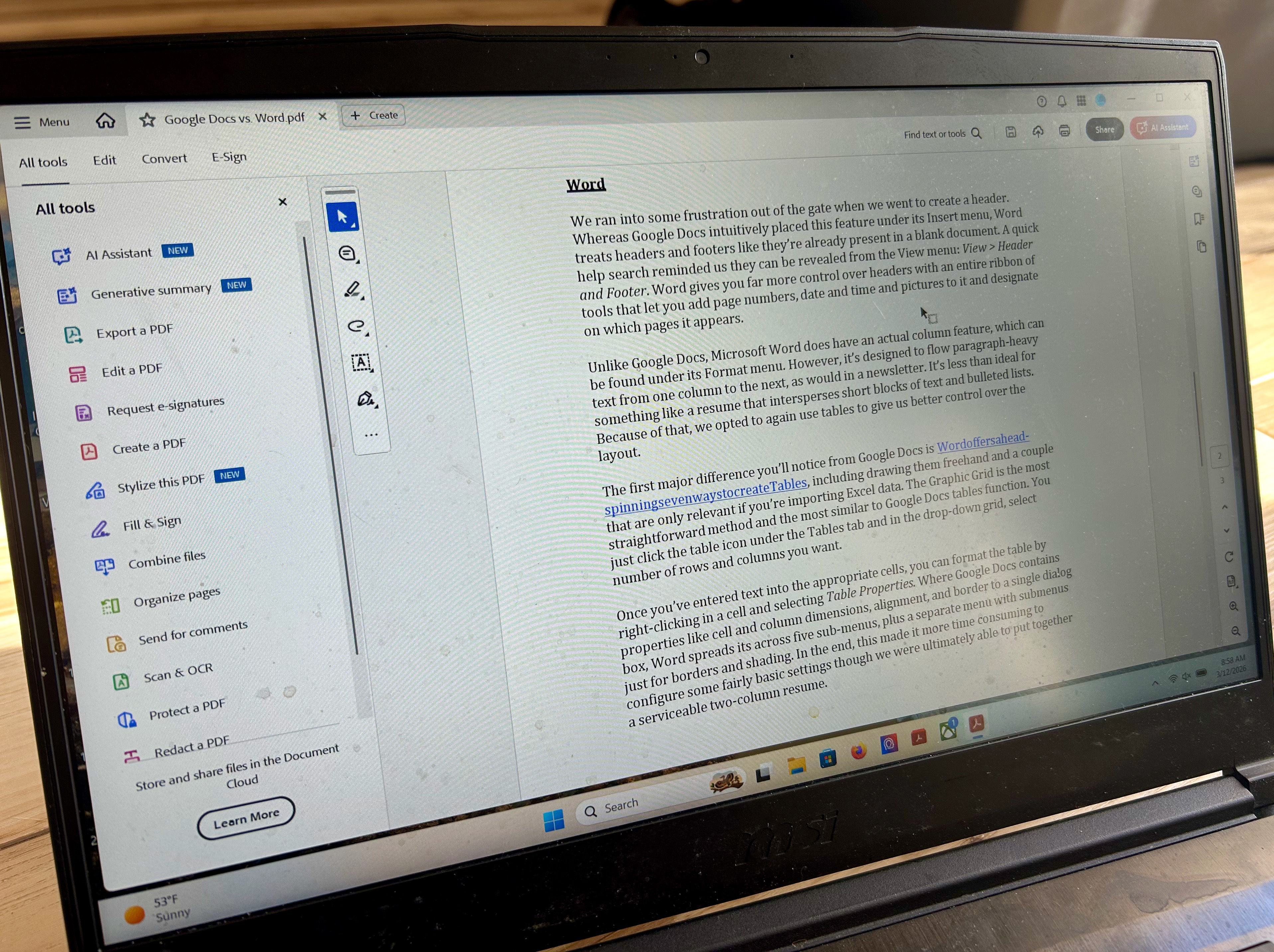
Adobe Acrobat Pro remains the benchmark against which all other PDF editors are judged. Its robust combination of creation, editing, reviewing, and advanced security features continues to define the category. Recent interface redesigns have significantly streamlined navigation, making it much easier for users to access the application’s powerful toolset without getting lost in nested menus.
Beyond traditional document editing, Acrobat Pro integrates advanced technological solutions, including an AI assistant designed to boost productivity. For professionals handling massive volumes of documentation, the AI’s ability to quickly summarize complex texts, answer specific queries, and extract key details can yield substantial time savings. While available as a subscription service that requires an ongoing financial commitment, Acrobat Pro remains the definitive choice for enterprises and power users who demand uncompromising performance.
Nitro PDF: A Capable and Cost-Effective Runner-Up
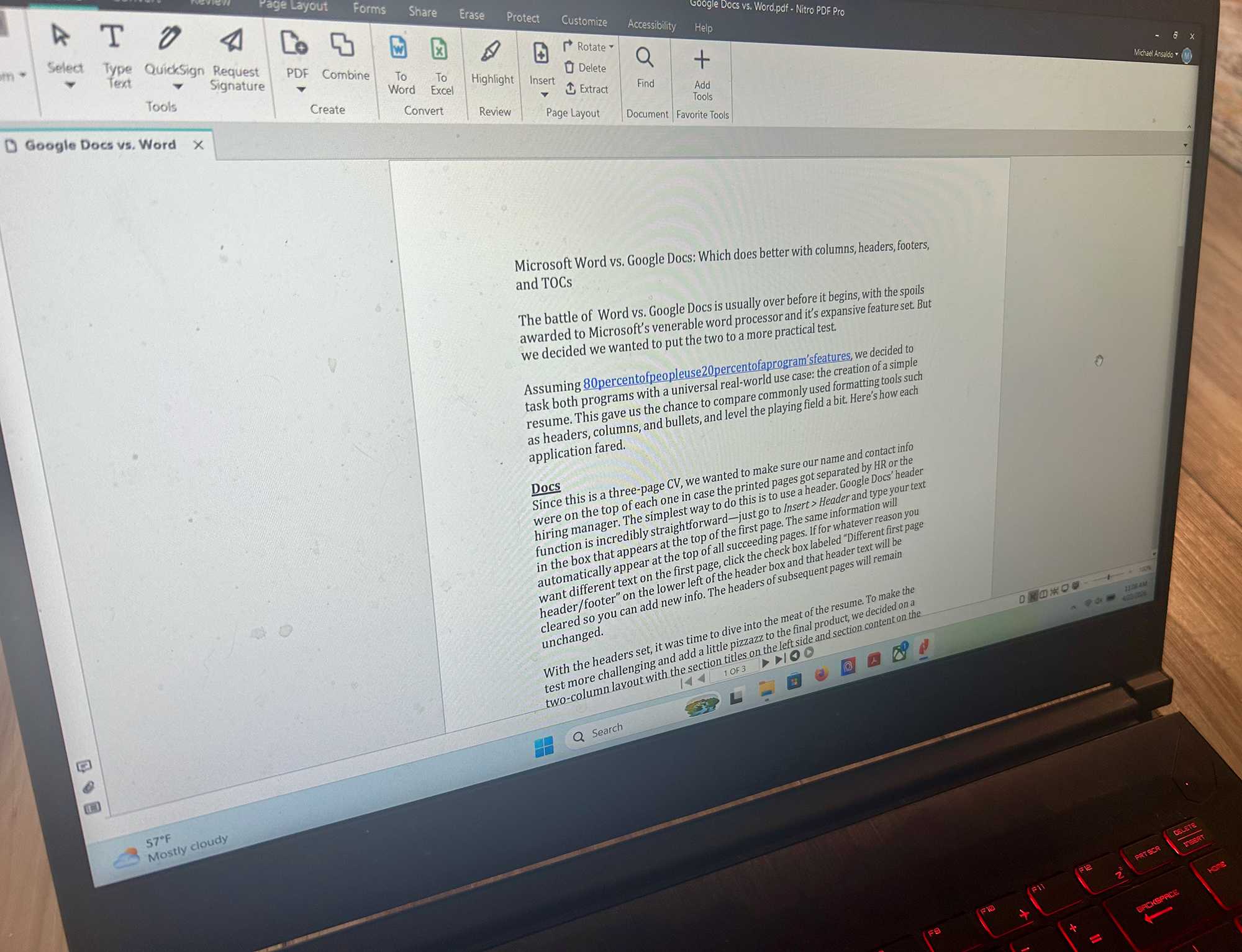
For users seeking an enterprise-grade feature set without paying Adobe’s premium prices, Nitro PDF presents a compelling alternative. Nitro PDF matches many of Acrobat’s core capabilities at a more modest cost, offering comprehensive content editing, review and markup tools, form-filling and electronic signing, and robust security permissions.
The software utilizes a familiar Microsoft Office-style ribbon interface, allowing users to transition into new workflows with minimal friction. Nitro PDF also incorporates judicious AI assistance for document summarization and content querying, while offering flexible licensing structures and trial options that allow prospective buyers to thoroughly test its capabilities before making a financial commitment.
EaseUS PDF Editor: Exceptional Value for Budget-Conscious Users
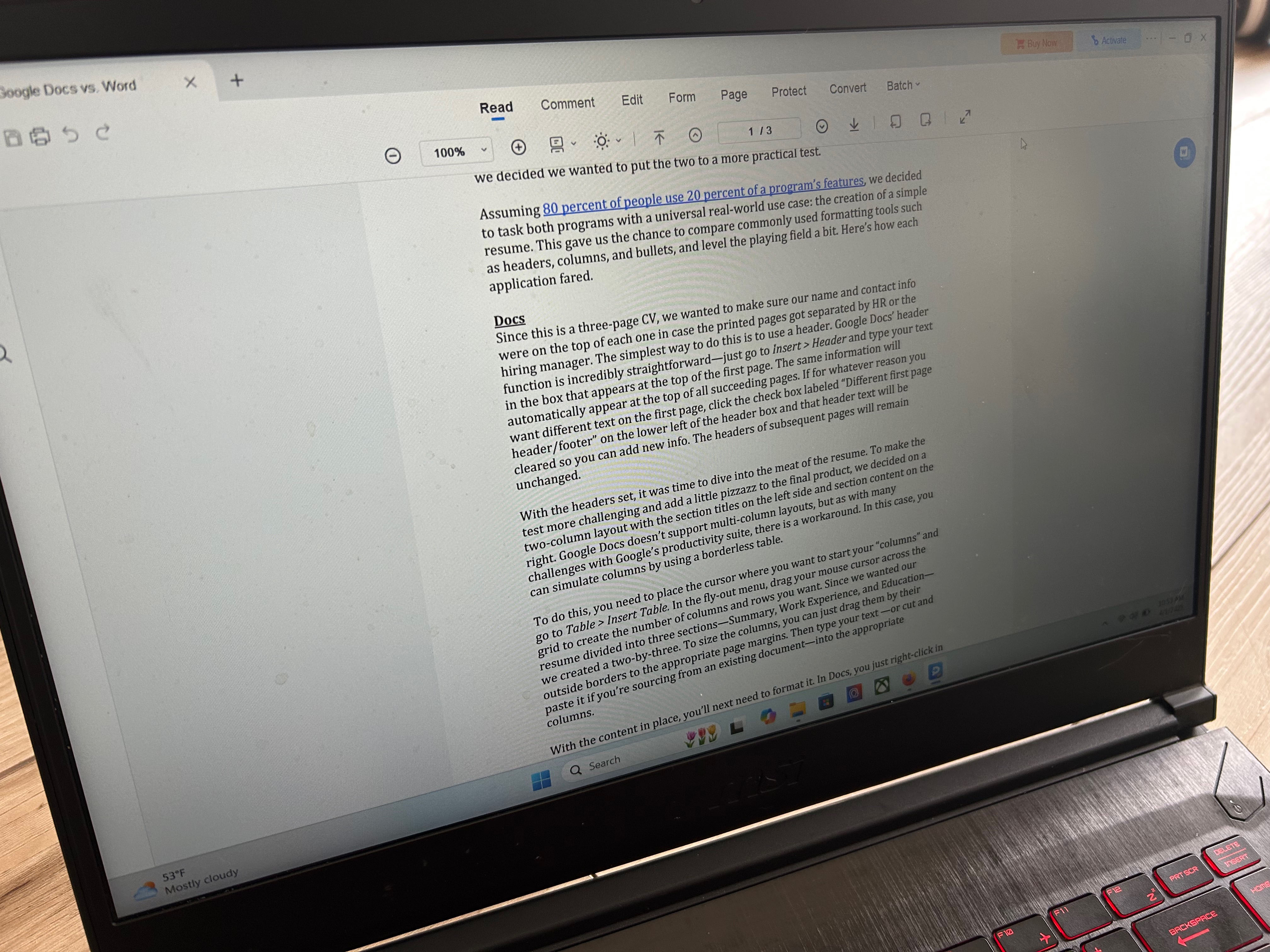
Users who require reliable PDF management without the elaborate overhead of enterprise software often turn to lightweight solutions. EaseUS PDF Editor provides all the essential tools for managing, converting, and protecting PDF files without complex, hard-to-understand features.
While its toolset covers standard document management needs, EaseUS stands out primarily through its aggressive and flexible pricing models, which include affordable monthly, annual, and lifetime licensing options. This positions it as an ideal solution for individuals and small businesses that regularly edit documents but wish to avoid expensive recurring software subscriptions.
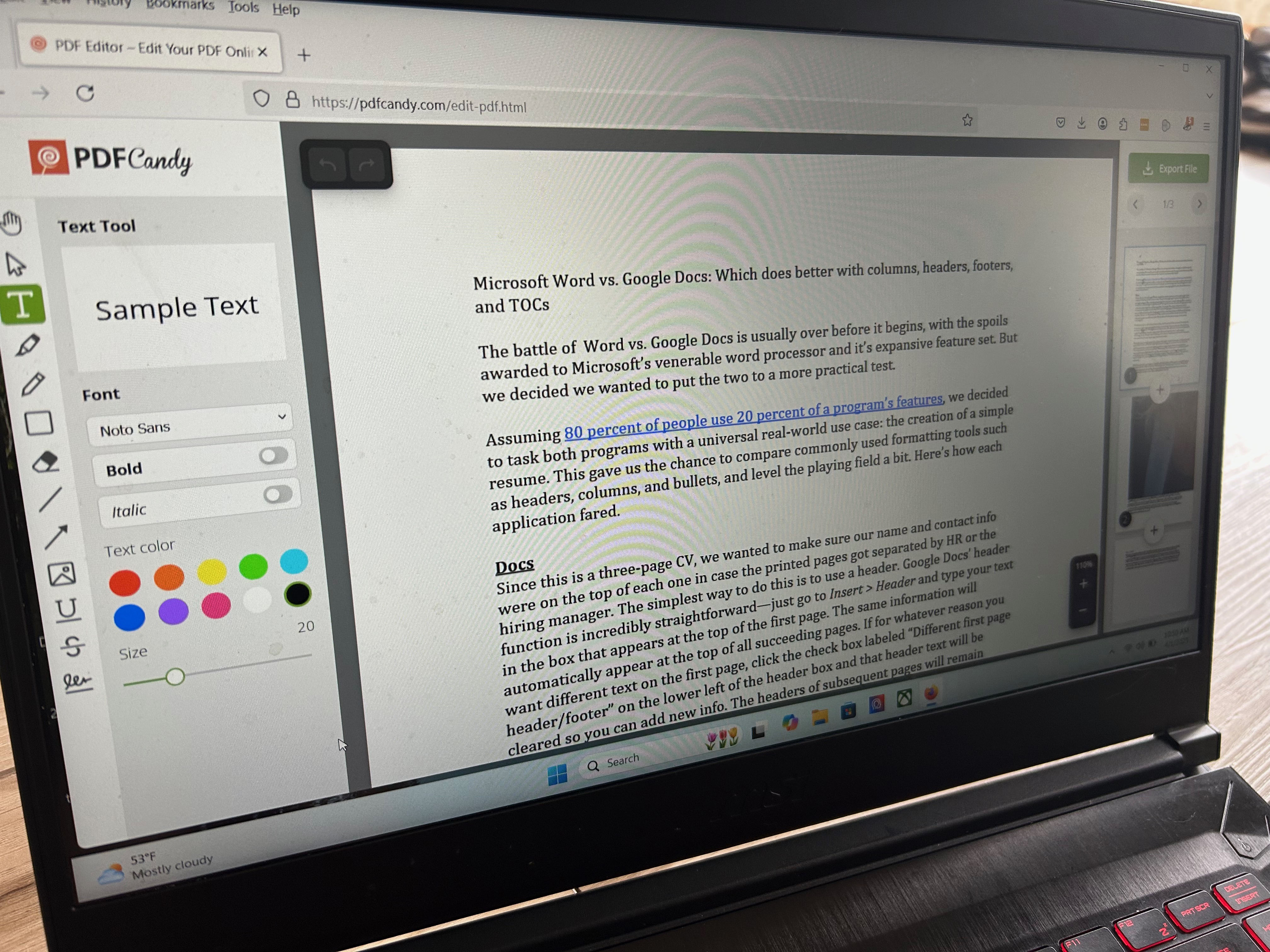
PDF Candy: Versatile Functionality at No Cost
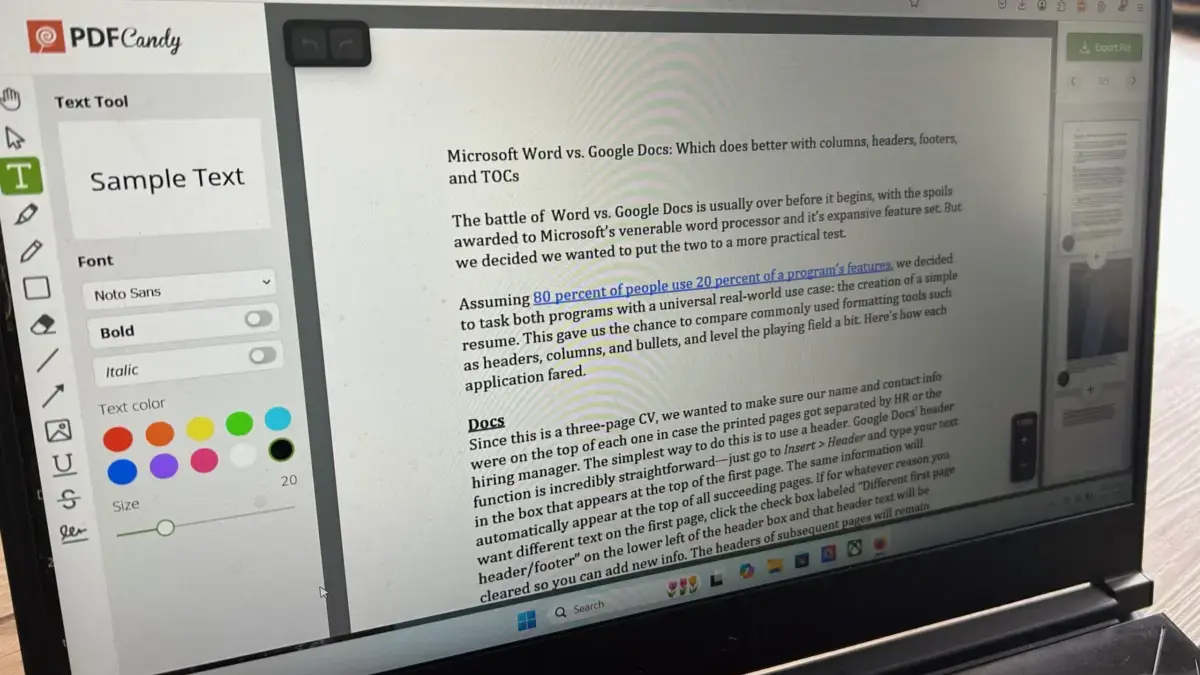
Finding a completely free PDF editor that does not sacrifice essential functionality can be challenging, but PDF Candy delivers a surprisingly deep suite of tools without a mandatory price tag. The platform supports extensive file conversion options, scanning capabilities, and optical character recognition, making it a powerful resource for users with occasional document editing needs.
While the free tier operates with certain operational limits—such as restricting users to a single task per hour—and features a somewhat disjointed interface layout, it offers a functional gateway for light users who need robust tools without financial investment.
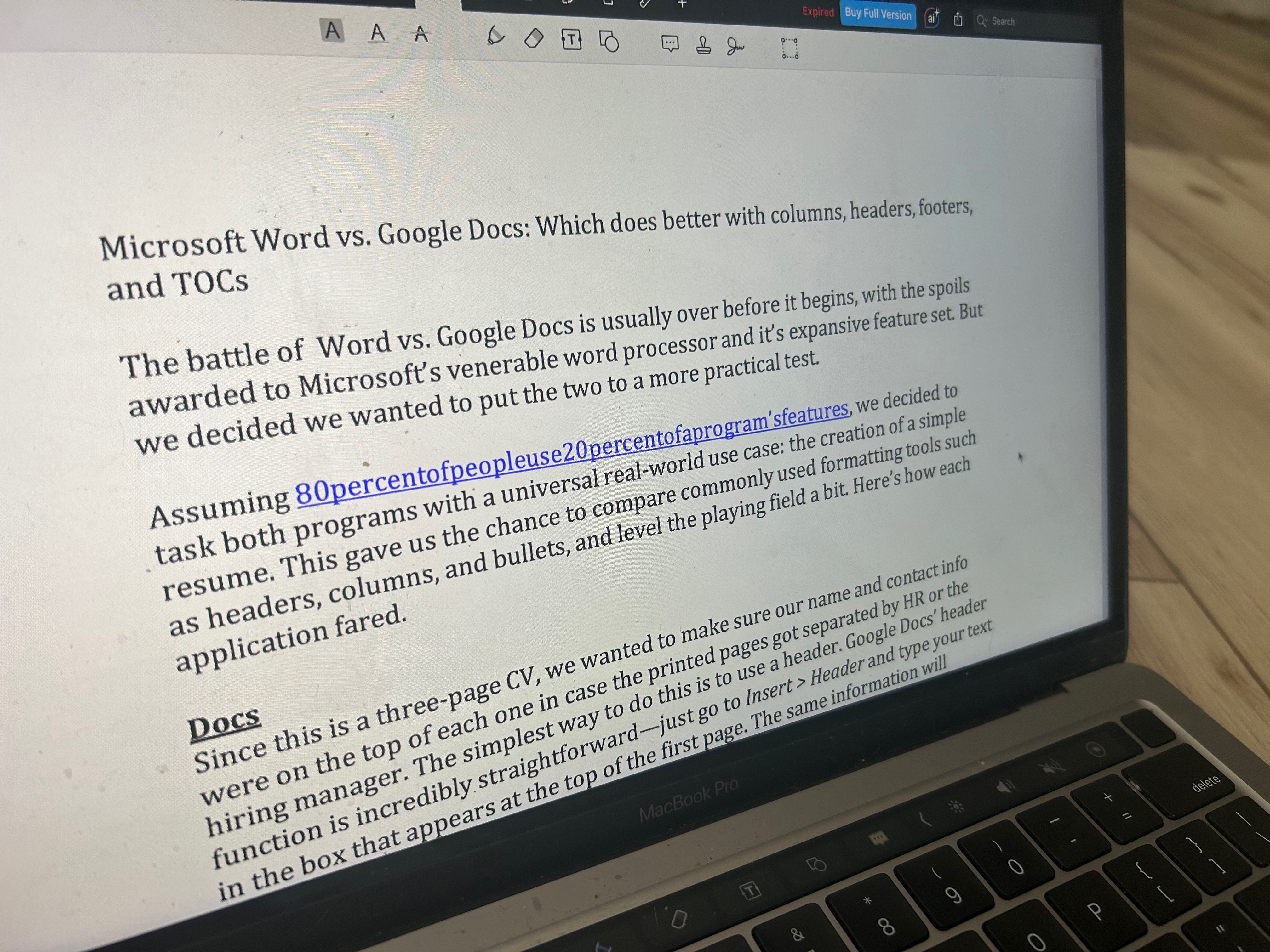
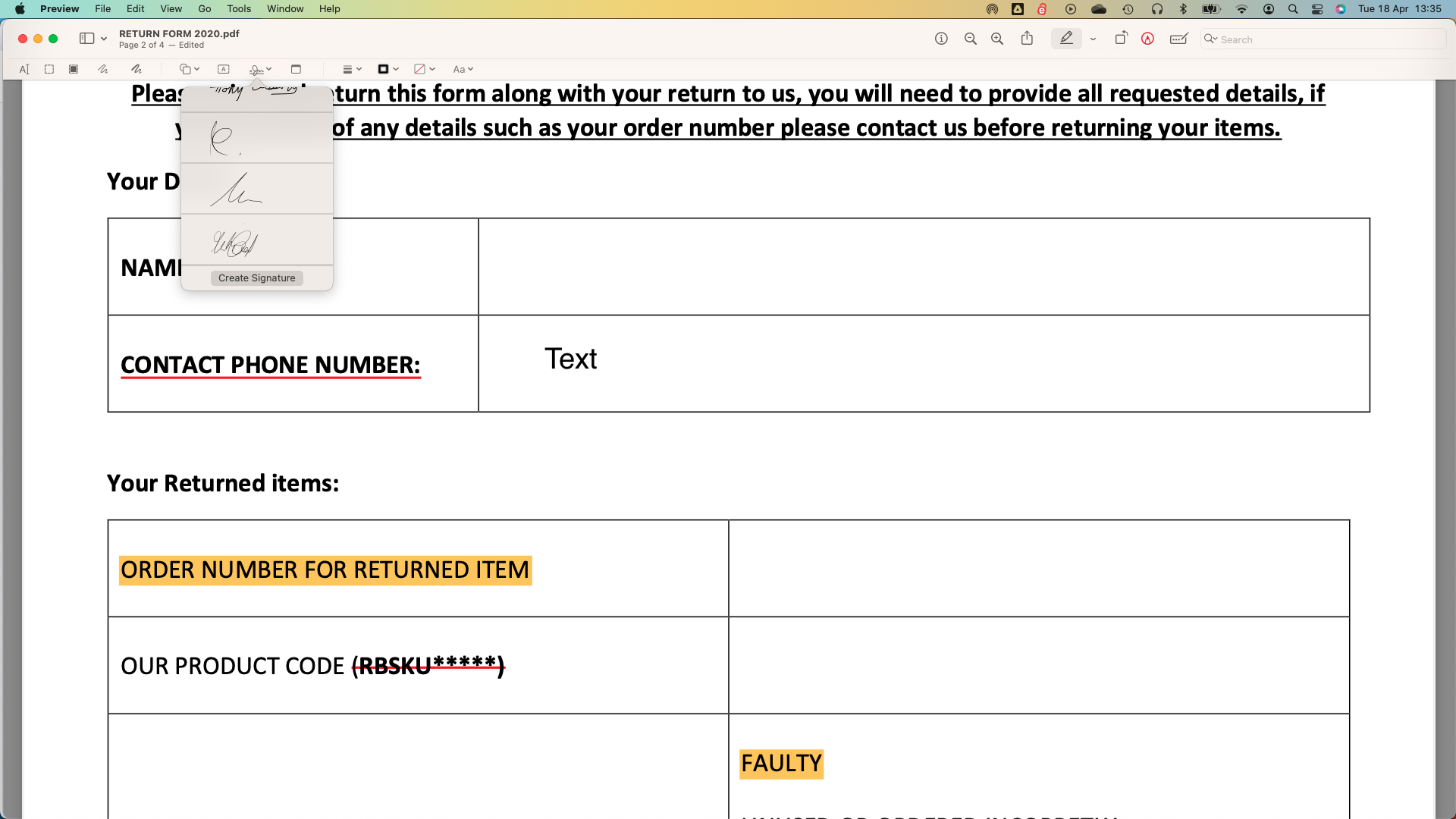
PDF Expert and Apple Preview: Tailoring Solutions for Mac Users
Operating within specific hardware ecosystems often dictates software selection. For users embedded in the Apple ecosystem, PDF Expert offers a streamlined interface optimized for macOS, iPadOS, and iOS devices. Because native mobile operating systems historically lack deep, built-in PDF editing tools, PDF Expert fills that gap with page management, format conversion, and an integrated AI chat assistant.
Alternatively, Mac users who require only standard markup, encryption, and permission management can often rely entirely on Apple Preview. Built directly into macOS, Preview provides a capable array of PDF tools at no additional cost, serving as a convenient solution for routine personal and professional tasks.
pdfFiller: The Browser-Based Solution
For users who prefer to operate entirely within a web browser without installing heavy desktop applications, browser-based platforms like pdfFiller offer comprehensive document management. Providing tools for editing, securing, sharing, and storing files through a clean web interface, pdfFiller mimics the responsiveness of desktop software while supporting extensive cloud collaboration and legal document libraries. Flexible subscription tiers ensure that users can select only the features necessary for their specific workflows.
Understanding the Essentials of PDF Technology
Understanding the fundamental differences between file formats and core editor capabilities is essential for selecting the right software. While PDF documents are universally utilized for viewing, sharing, and printing across different operating systems, word processing formats like Microsoft Word are specifically engineered for active text editing and iterative composition. Although most modern PDF editors allow users to convert files between formats, maintaining complex visual layouts, tables, and hyperlinks during conversion requires sophisticated software engines.
Furthermore, document security remains a primary concern for modern organizations. Effective PDF management software incorporates multi-layered security protocols, including password encryption, granular access permissions, and content redaction tools that permanently obscure sensitive information. By aligning specific workflow requirements—whether simple annotation, extensive content modification, or advanced document security—with the appropriate software solution, users can significantly enhance their digital productivity.



Leave a Reply