

Mozilla has officially rolled out Firefox 157, bringing with it a sweeping visual overhaul known as "Nova." This new design language modernizes the popular open-source web browser, bringing it firmly into alignment with contemporary web design standards that prioritize clean, minimal user experiences and softer, pill-shaped interfaces.

The journey toward this release has been closely watched by the tech community. The Nova redesign first came to light roughly six months ago when internal design mockups unexpectedly leaked online before any official announcement from Mozilla. The premature leak forced the organization to play catch-up a few months later, releasing a detailed technical blog post that outlined how the development team was approaching such a massive structural and visual transition. As it turned out, shifting the browser’s foundational look required significantly more behind-the-scenes engineering work than the initial concept art implied.

When those early internal design files circulated in March, they showcased a radical departure from any previous Firefox build. The original mockups proposed pulling the tab bar, toolbar, and address bar into a single floating island positioned at the top of the window, leaving a noticeable gap between the browser chrome and the web page below. Furthermore, web content itself was slated to sit inside a rounded container lifted away from the traditional screen edges rather than extending all the way to the borders.
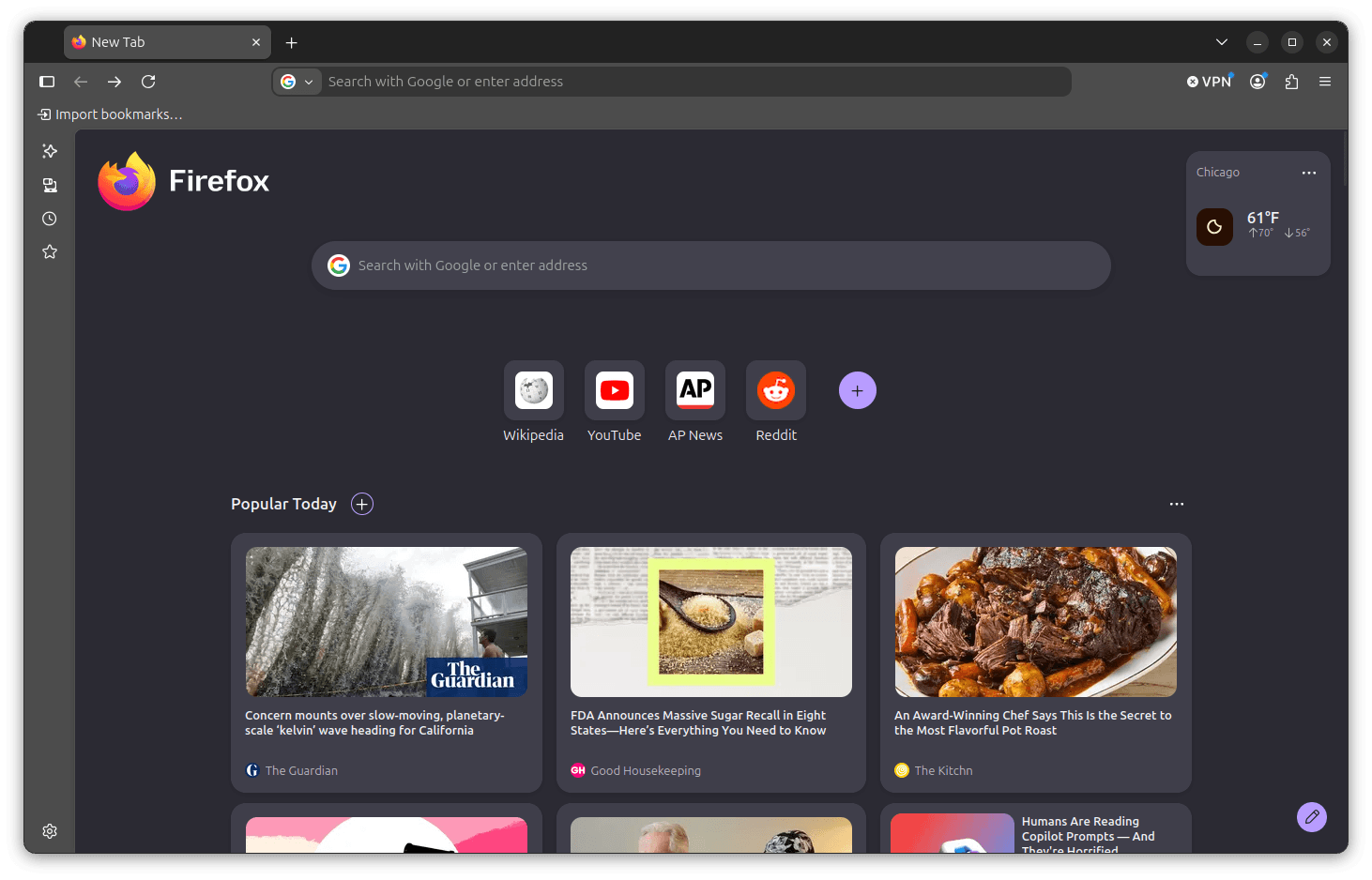
However, neither of those more dramatic layout concepts made it into the final production release. Instead, what users find in Firefox 157 is a much more refined and practical evolution. The tabs, dropdown menus, and address bar are noticeably rounder, complemented by a subtle gradient on the active tab that introduces a welcome touch of warmth to the overall user interface.
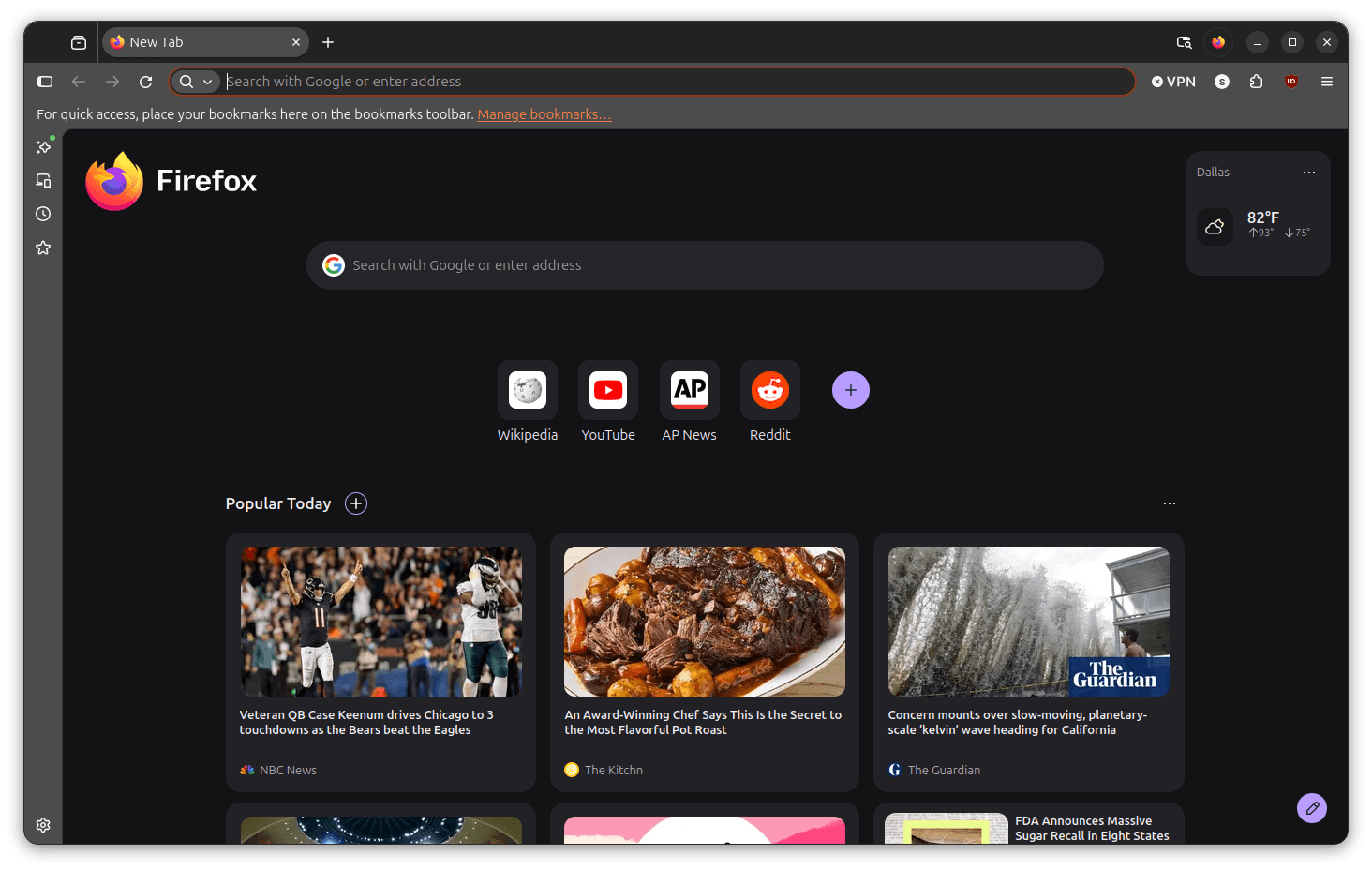
For users transitioning between different applications, the aesthetic update bridges a noticeable gap. Prior to this update, Firefox retained a relatively flat and traditional visual identity that felt increasingly stark when compared alongside competing browsers like Google Chrome or Vivaldi. Both of those major competitors had already embraced a modern, pill-shaped design philosophy that resonated strongly with contemporary design trends.

Testing the new version side-by-side reveals where the development team focused its primary efforts. Opening a new browser tab immediately highlights the rounder tab bar and softened address bar corners, giving the entire workspace a high degree of polish. Loading web pages feels cleaner as well; the slimmer footprint of the refreshed interface leaves more functional screen real estate available for website content, while the toolbar features fewer intrusive dividing lines between individual navigation elements.

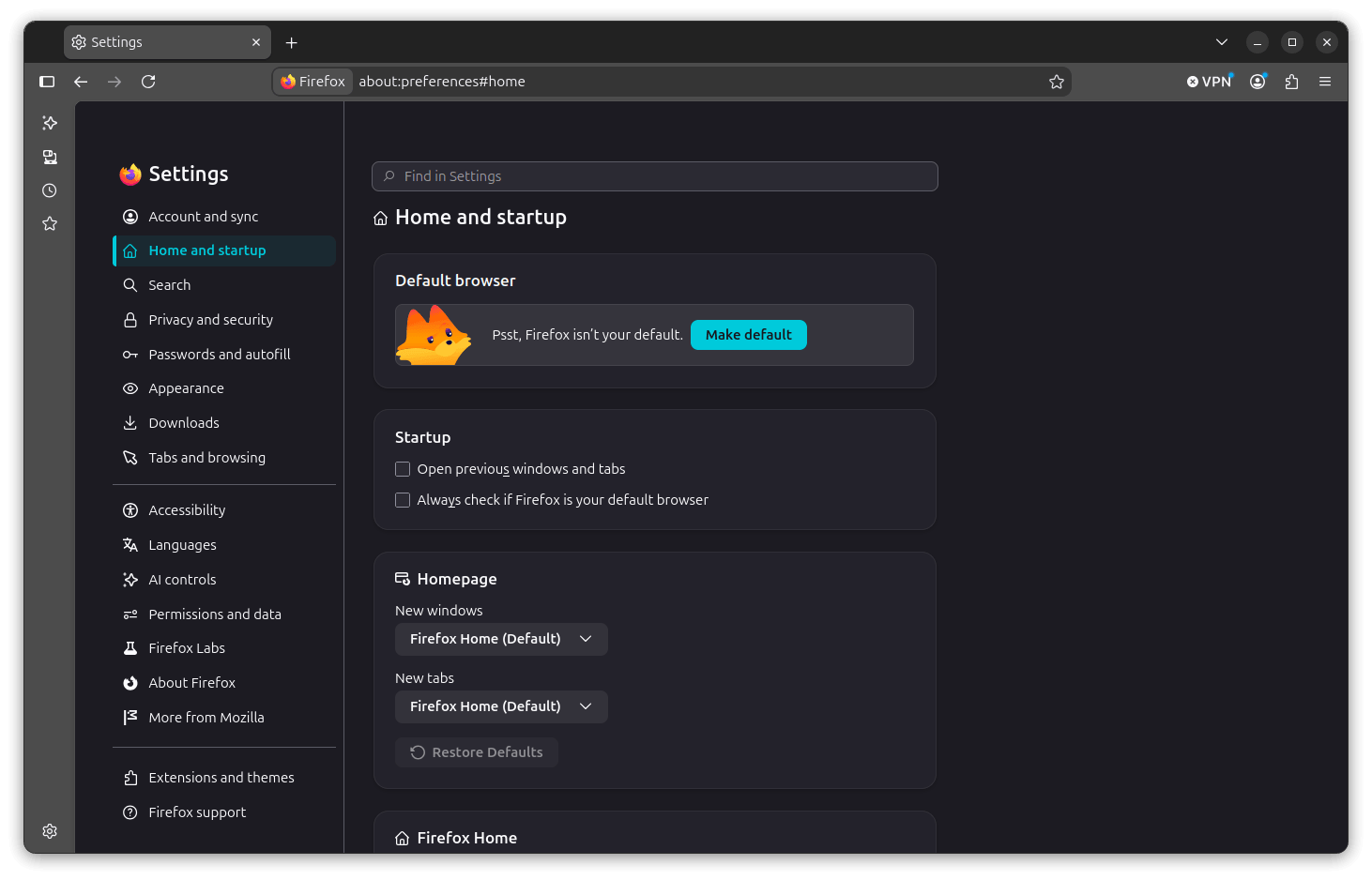
The internal settings menu has also undergone a comprehensive visual refresh. While previous versions presented the sidebar as a relatively compact list accompanied by straightforward content panels, Firefox 157 houses those panels inside neatly rounded cards. This structural change gives each settings category significantly more visual breathing room and improves overall legibility across the options menu.
Alongside the visual refinements, Firefox 157 introduces notable functional improvements, particularly regarding tab management. The built-in Tab Groups feature has matured considerably since its initial introduction in Firefox 138. When tab groups first launched, they appeared as colored, labeled strips across the tab bar, and management capabilities were largely restricted to basic naming and collapsing actions. While functional, that early implementation felt somewhat experimental.
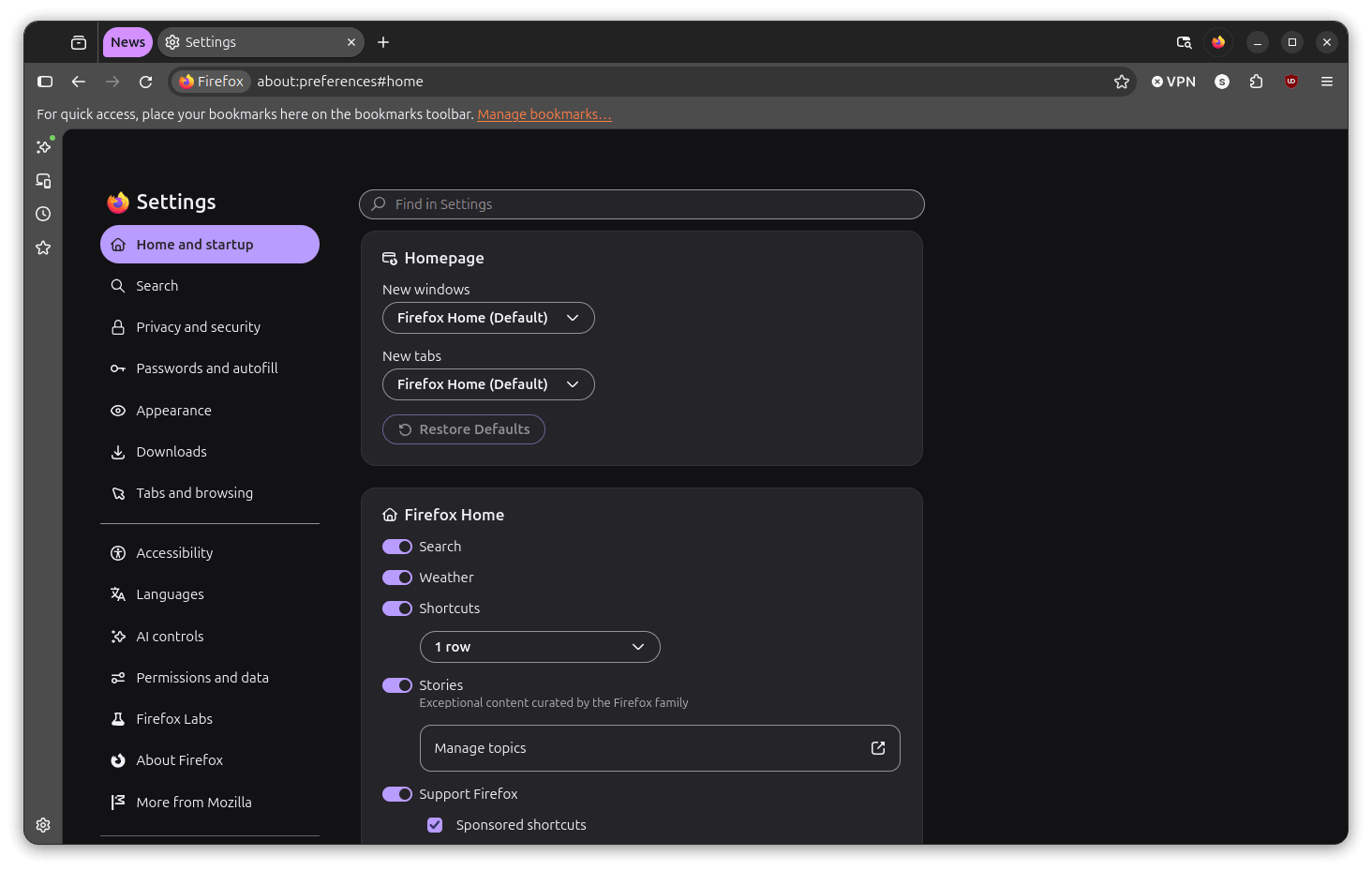
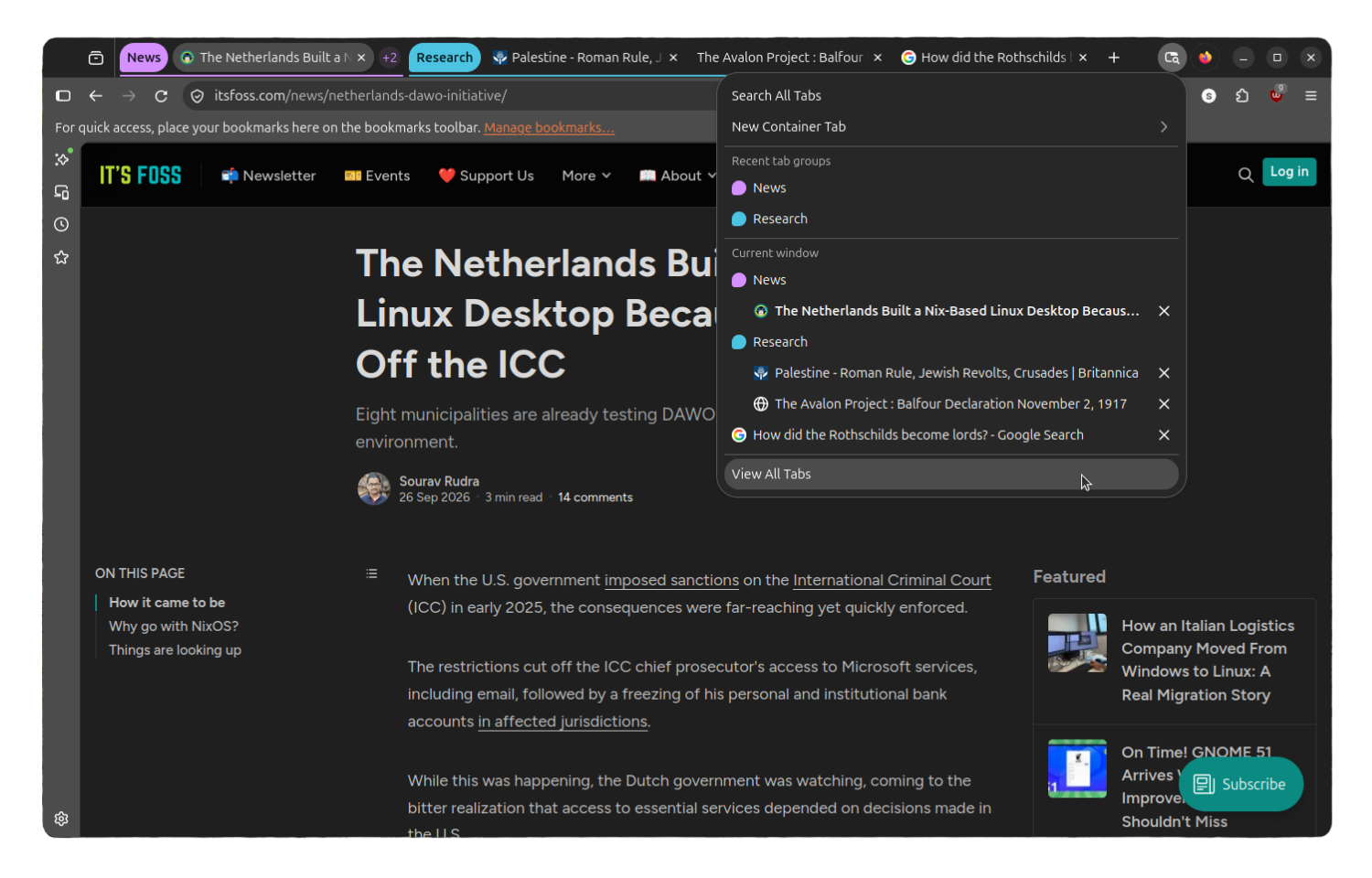
In the Nova update, tab groups integrate much more naturally into the tab bar. Switching between distinct groups or collapsing them out of the way feels smooth, responsive, and far more intuitive for daily multitasking. Additionally, the "List all tabs" button has been redesigned with a fresh icon and a new visual style that ties seamlessly into the overarching pill-shaped aesthetic, allowing users to view every open tab across all active groups from a single unified menu.
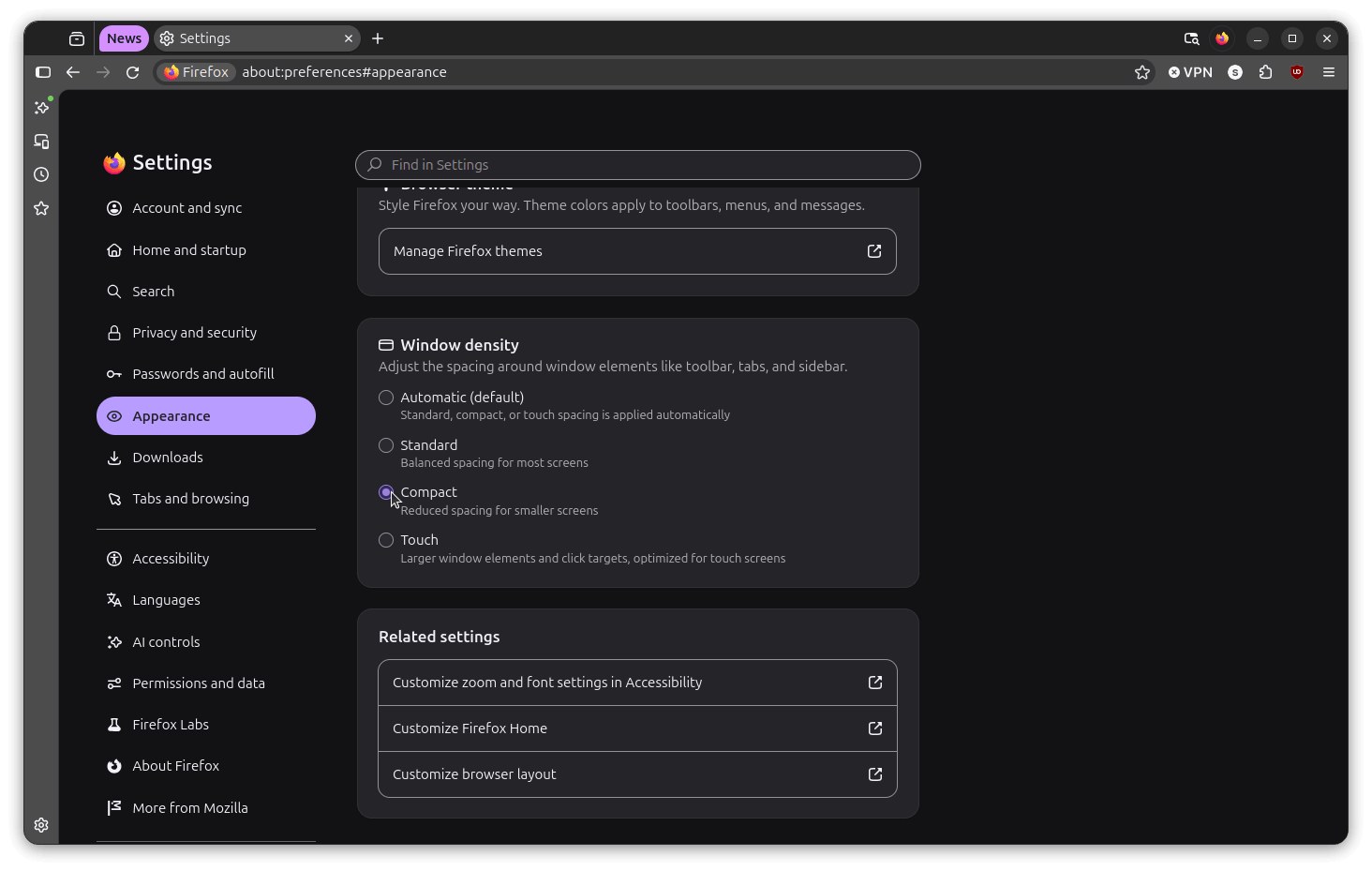
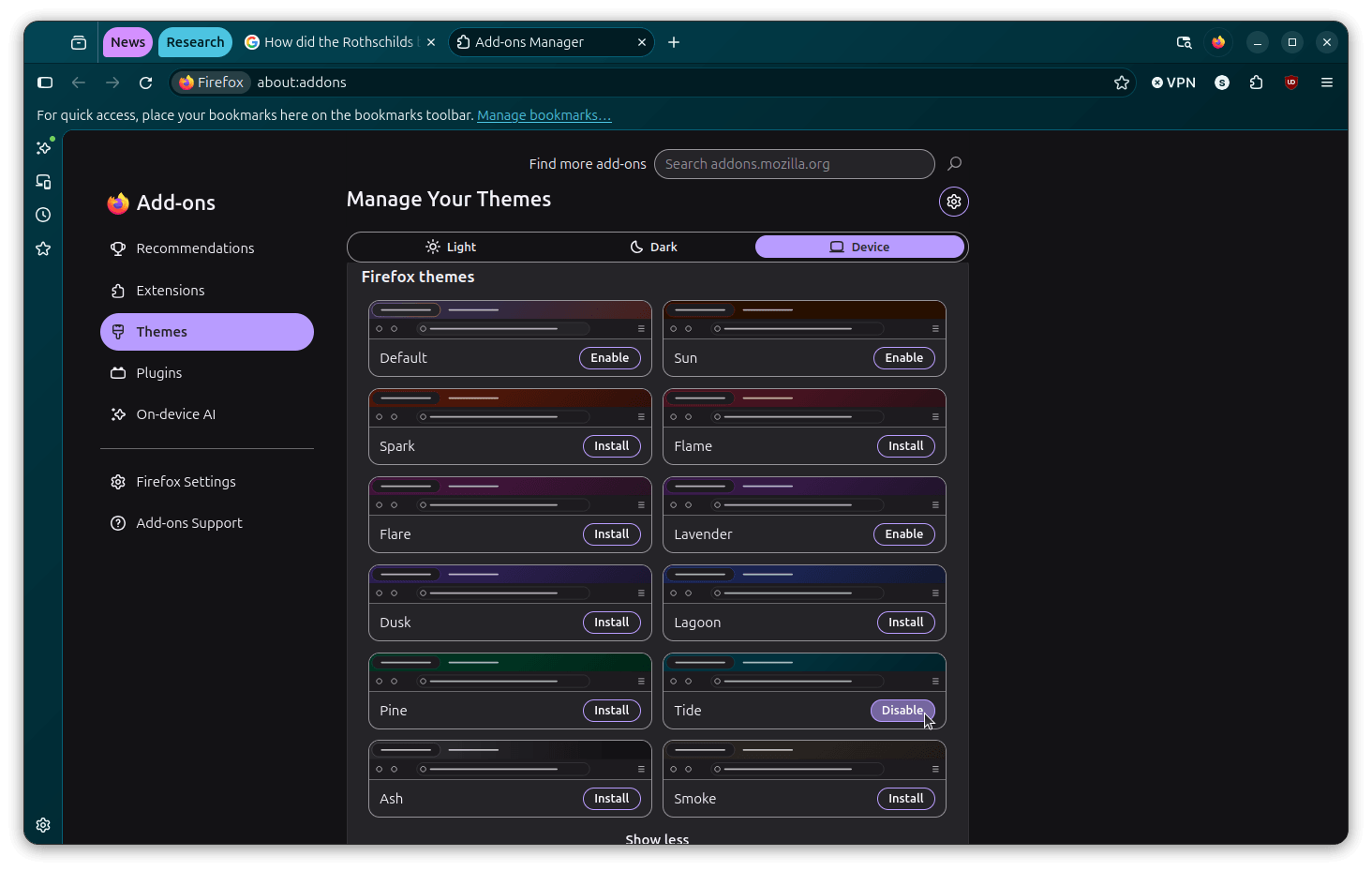
The update also restores a much-requested feature that was stripped away back in 2021: compact density mode. Users can now re-enable compact mode directly through the settings panel under the window density selector, sitting alongside the existing automatic, standard, and touch options. The release is further rounded out by a collection of new themes available through the add-on manager, as well as a new window switcher button positioned in the top-right corner, enabling users to seamlessly toggle between traditional browsing modes and AI-powered smart window features.
For users who prefer the traditional look of the browser and wish to bypass the Nova redesign, Mozilla has included a straightforward preference toggle. By navigating to the internal configuration page and modifying a specific preference flag, users can easily revert the interface to its previous visual state.
Firefox 157 is now rolling out widely. Existing users on mainstream Linux distributions such as Ubuntu and Fedora will typically receive the update automatically as part of routine system maintenance, while new installation packages remain readily available through official channels and distribution repositories.



Leave a Reply